-
-
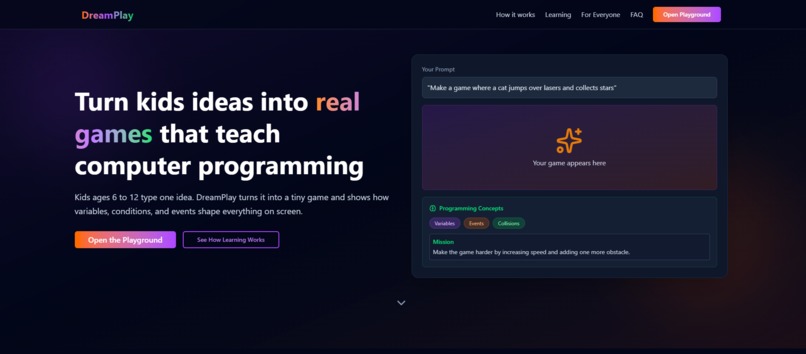
Landing Page
-
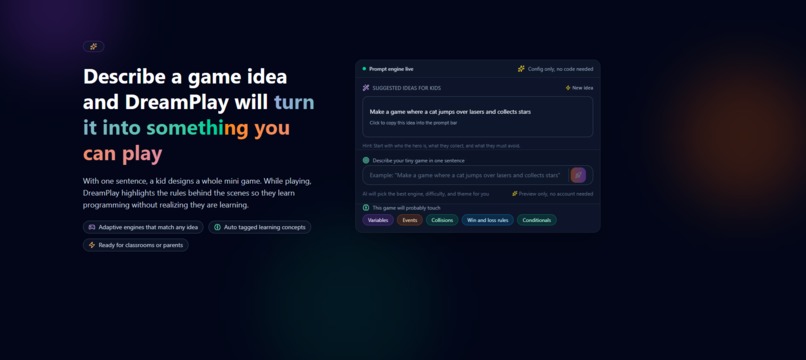
Chat Page
-
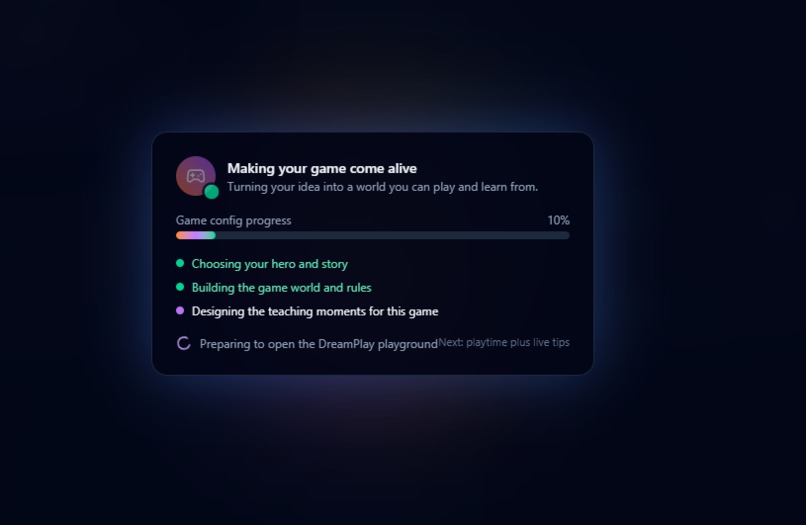
Generation Page
-
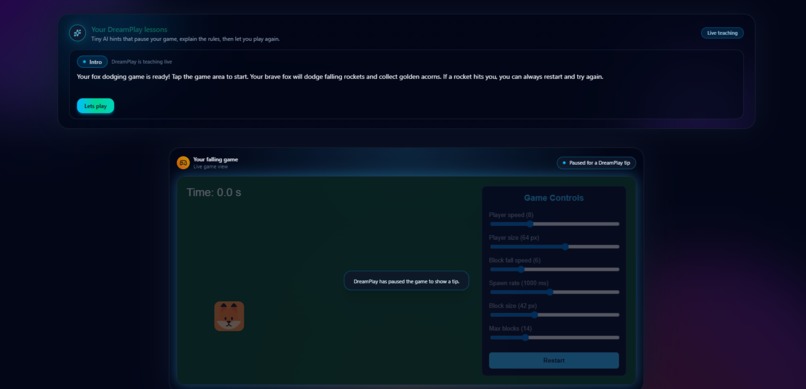
Playground Page
-
Playground Page
Inspiration
DreamPlay was inspired by a simple observation. Kids are surrounded by generative AI that can create stories, images, songs, and code. Yet when a child wants to make something digital themselves, they are stuck between tools that feel too basic or tools that feel too overwhelming. Scratch feels like a toy, real code feels impossible, and nothing creates instant feedback from their imagination.
When I read about the idea of a chat-based app studio for kids, something clicked. I wanted to build a smaller, more playful version focused specifically on games. DreamPlay became my attempt to give kids a place where their creativity turns directly into something they can play, learn from, and be proud of.
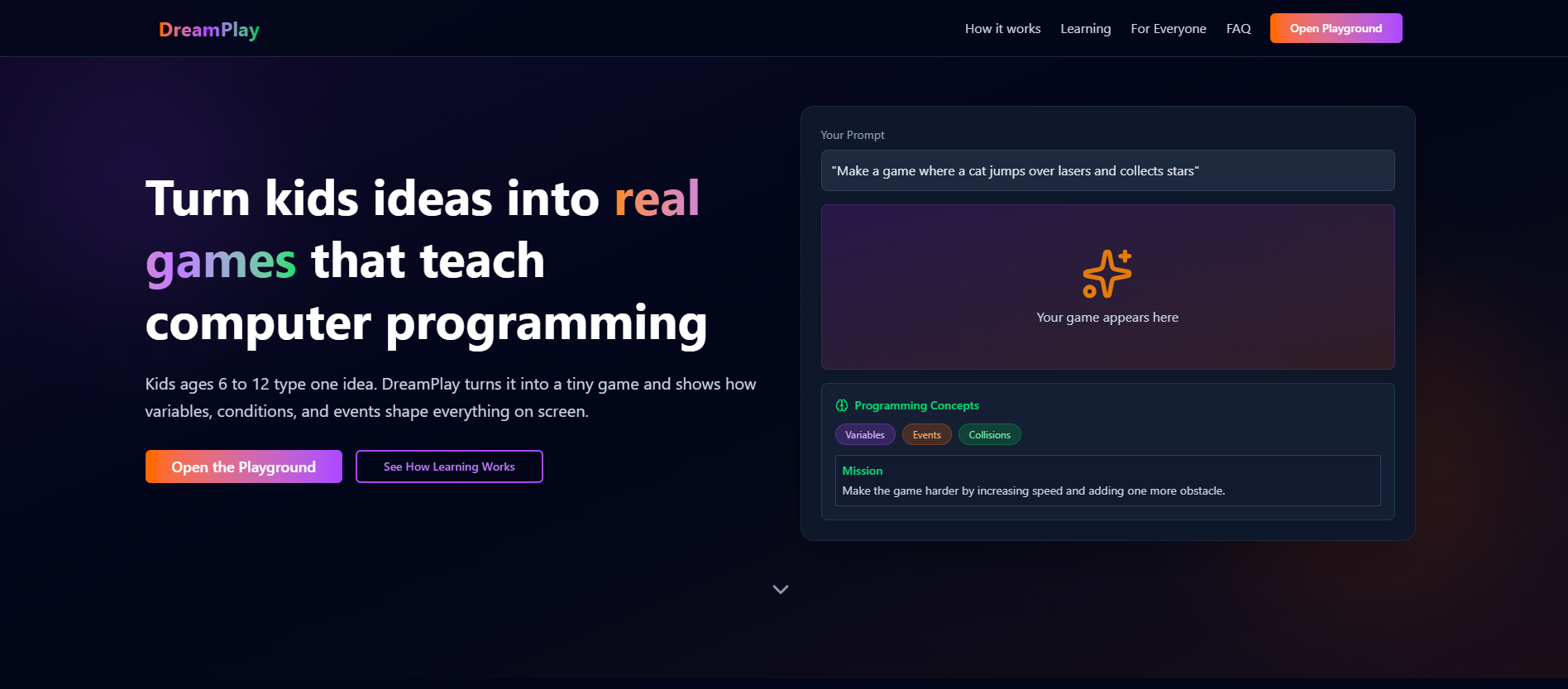
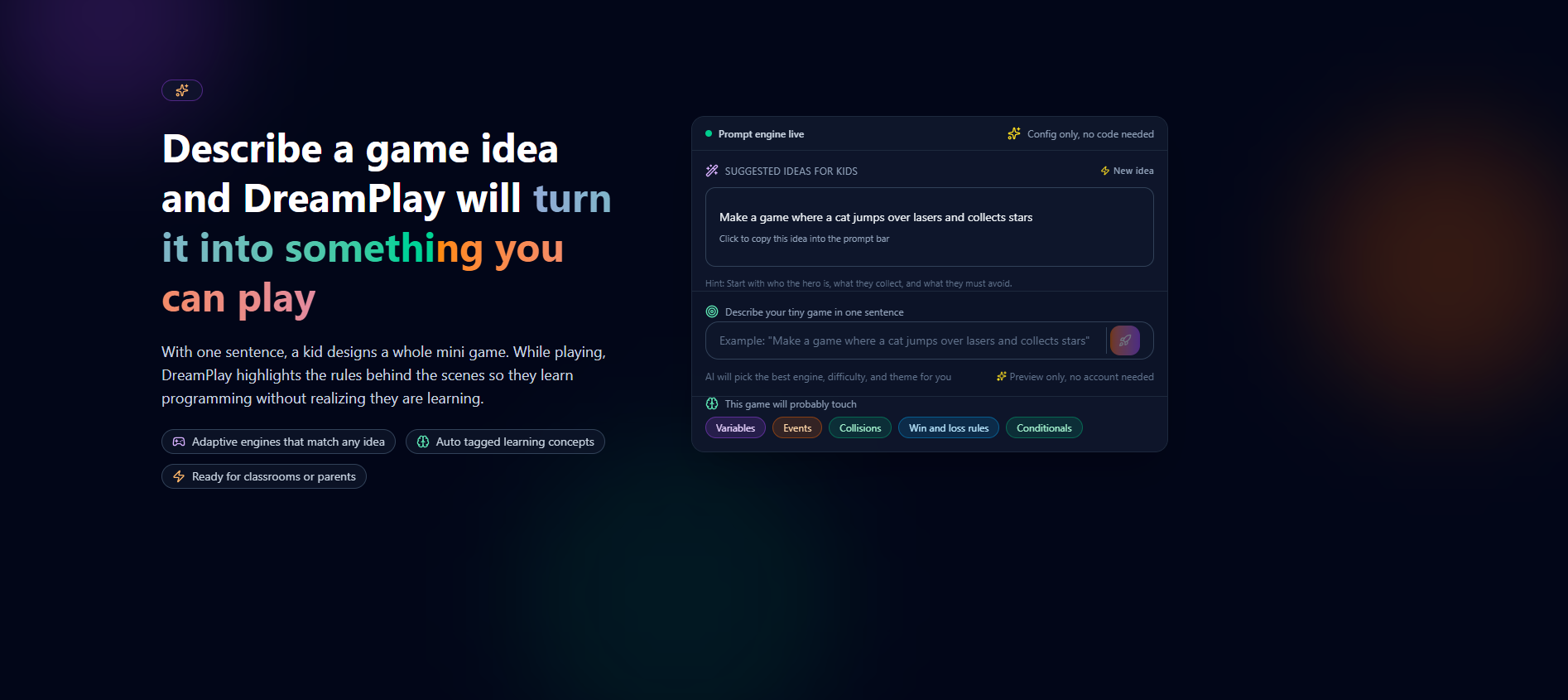
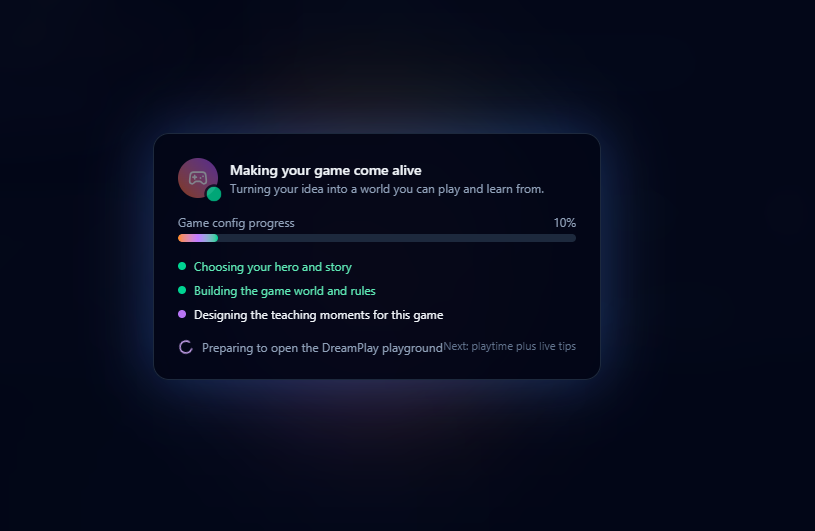
DreamPlay turns a child’s single sentence into a tiny game they can immediately try. They describe an idea like: make a game where a fox dodges rockets and collects acorns. DreamPlay uses AI to interpret the idea, select the suitable engine type for the gameplay, generate a config, and produce a playable version completely in the browser.
What it does
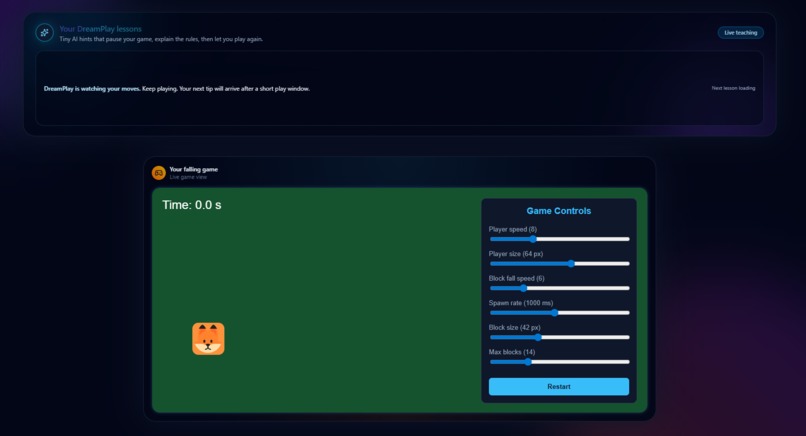
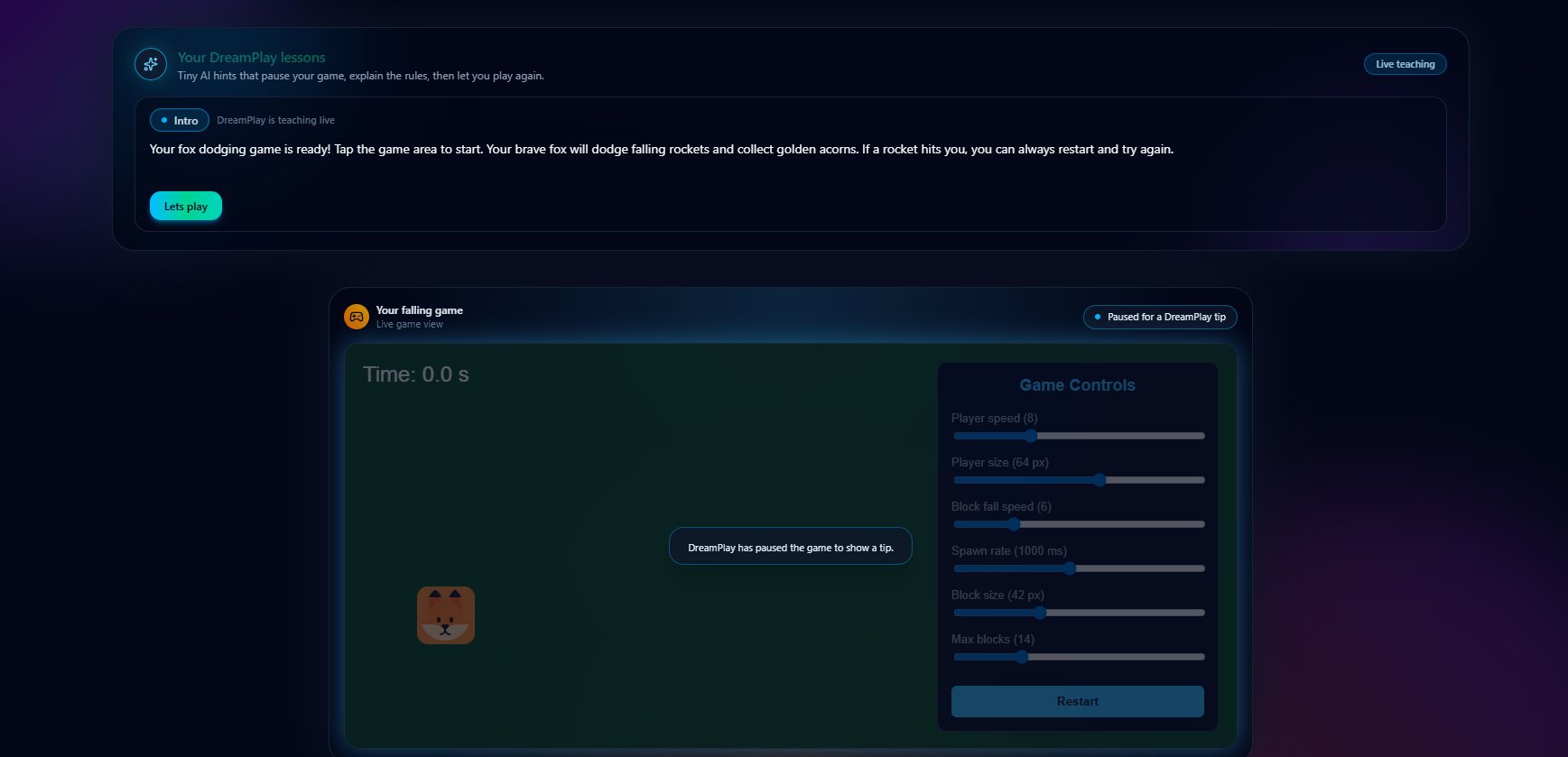
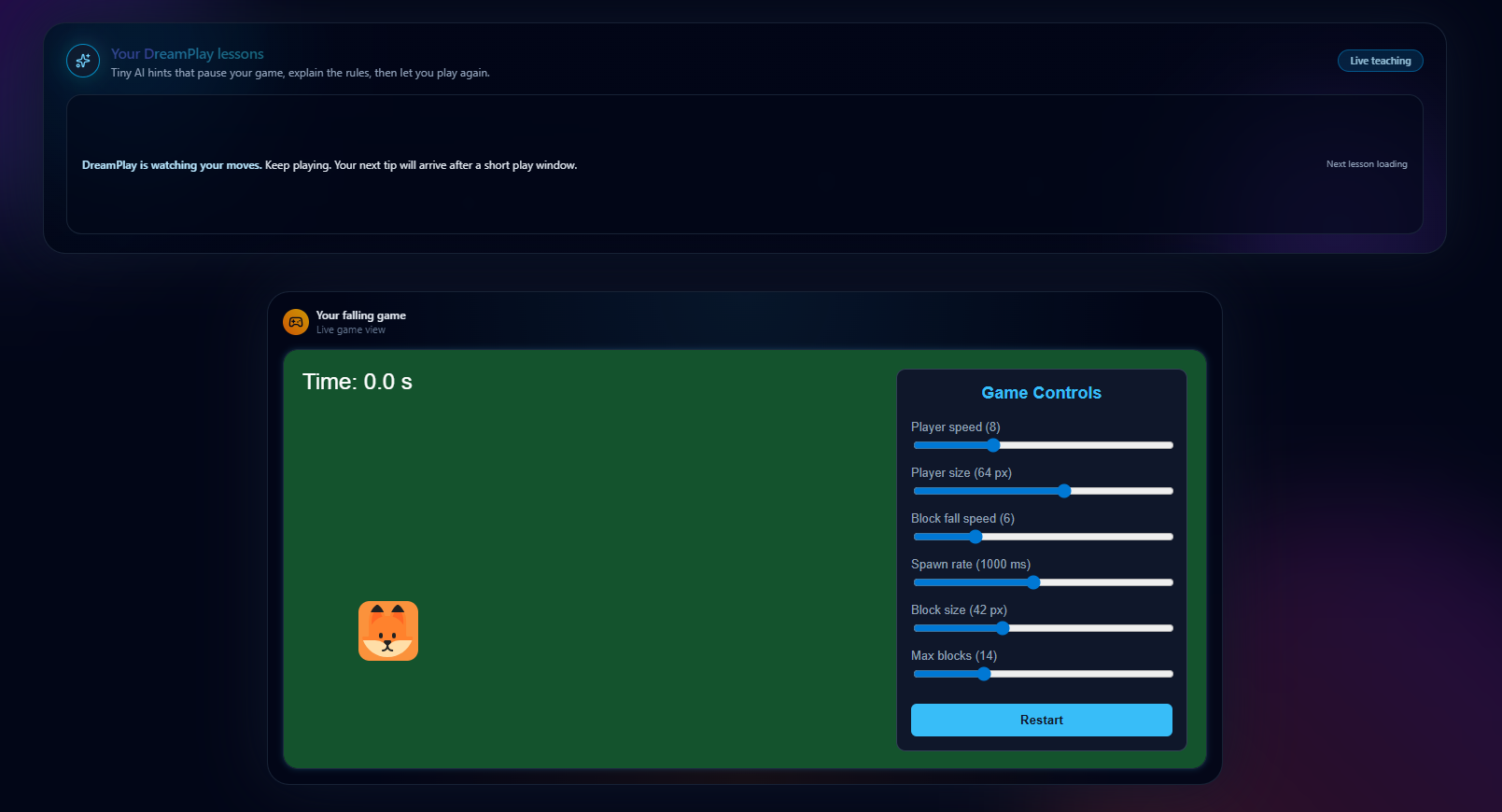
DreamPlay interprets a kid’s simple idea, picks the right gameplay pattern, generates the rules, assigns art, and produces a playable game instantly. While the child plays, DreamPlay pauses at the right moments to explain what is happening. It teaches concepts like speed, collisions, spawn rate, movement, variables, and rules in simple language that feels natural. Kids adjust sliders and see the game react right away, which reinforces the core idea of programming: change a value, see a result.
How I built it
DreamPlay is a full stack system built entirely with Next.js on both the frontend and backend.
The frontend handles the landing page, the prompt flow, the live game playground, sliders, UI animations, and timed lessons.
The backend uses Next.js server functions to call the Anthropic API. The AI interprets the idea, chooses the gameplay pattern, generates rules, and produces the lesson sequence.
A custom browser based game engine renders every game in real time with physics, collisions, spawning, win rules, loss rules, and dynamic updates. The engine is completely config based, so AI outputs only numbers and settings, never code. This keeps everything stable and predictable.
TailwindCSS powers the UI with a clean, calm visual style that supports learning. Kids never see code but they still learn how code behaves.
Challenges I ran into
Mapping kid ideas to the correct gameplay logic was difficult because kids describe things in very open ended ways. The system had to figure out whether an idea meant dodging, collecting, timing, or movement.
Keeping gameplay stable even when AI suggestions were chaotic required strong constraints on all config ranges. Designing educational pause moments that were short and accurate took many attempts.
Running everything inside the browser without using external game engines meant building a lightweight engine from scratch. Balancing fun gameplay with a structured teaching flow also took a lot of testing.
Accomplishments that I am proud of
I am proud that DreamPlay can turn a child’s imagination into something they can immediately play and learn from. It teaches real logic ideas without ever showing code and it maintains a stable experience no matter what idea the kid types. I am also proud of building a full custom engine in the browser during a short hackathon timeline.
What I learned
DreamPlay taught me how to merge real time game systems with AI generated logic. I learned how to build a config based engine that reacts instantly to changes, how to guide AI outputs into safe and predictable behavior, and how to design learning moments that feel natural. It pushed me to think like a game designer and an educator at the same time.
What's next for DreamPlay
I plan to let kids save their games, share them, and build collections. I also want to add more lesson types, more gameplay patterns, and possibly multiplayer templates. The long term goal is to make DreamPlay a gentle introduction to computational thinking for young creators everywhere.
Built With
- anthropicapi
- javascript
- next.js
- react
- tailwindcss
- typescript


Log in or sign up for Devpost to join the conversation.