-
-
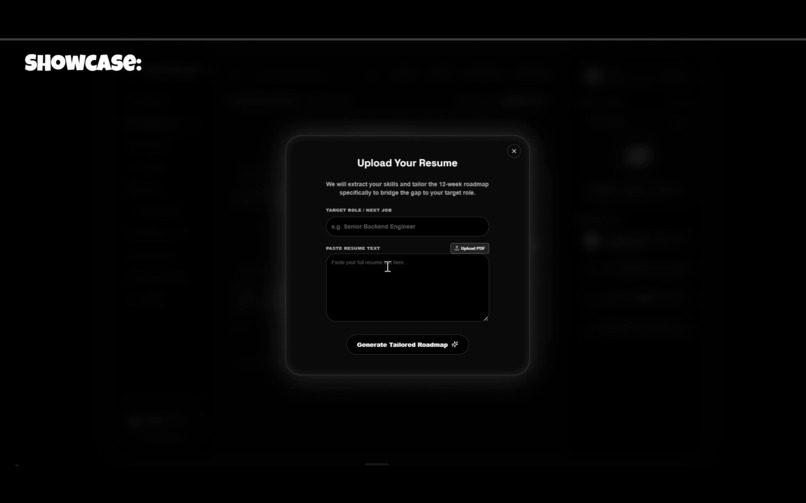
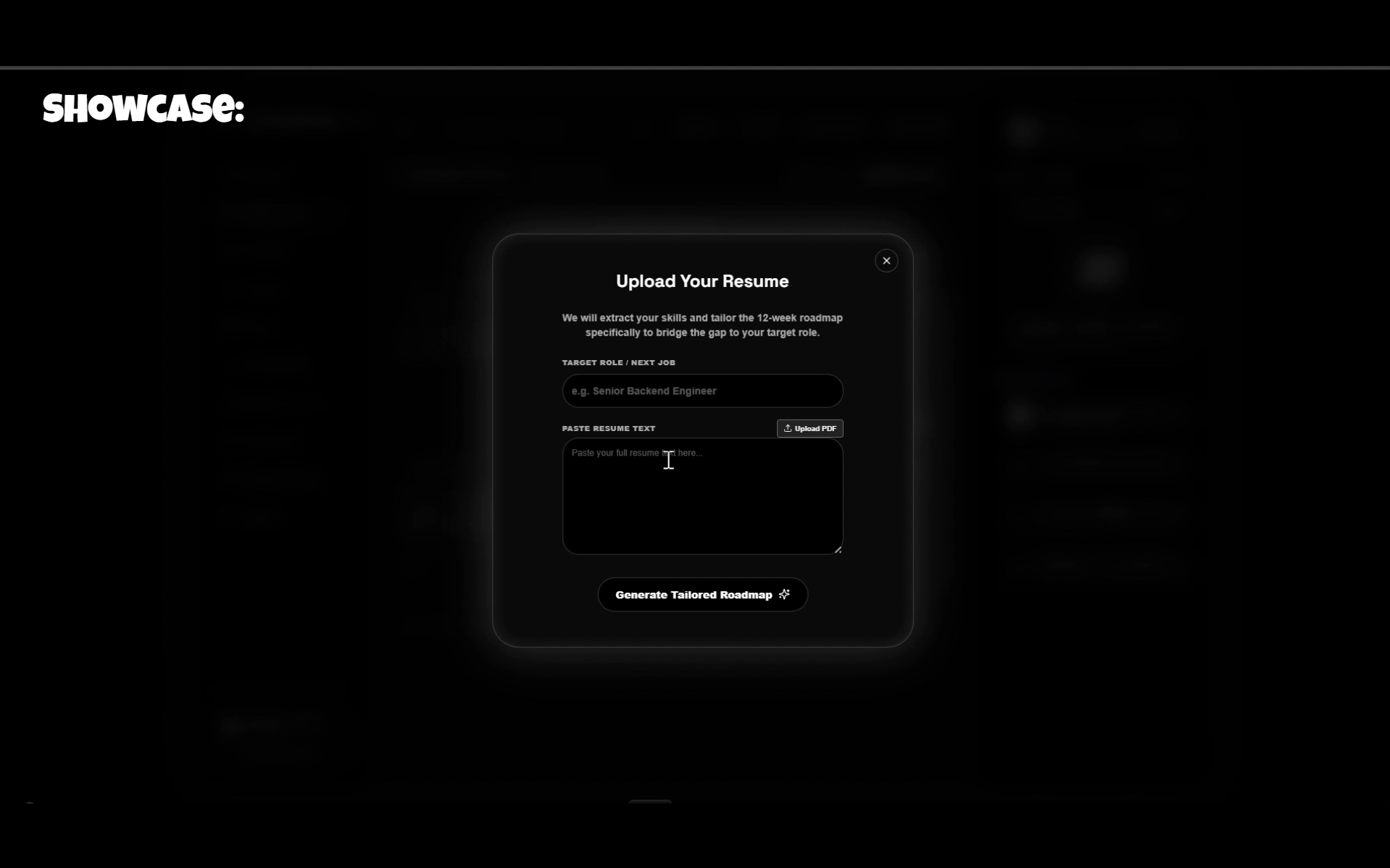
For Career Switchers with Resume
-
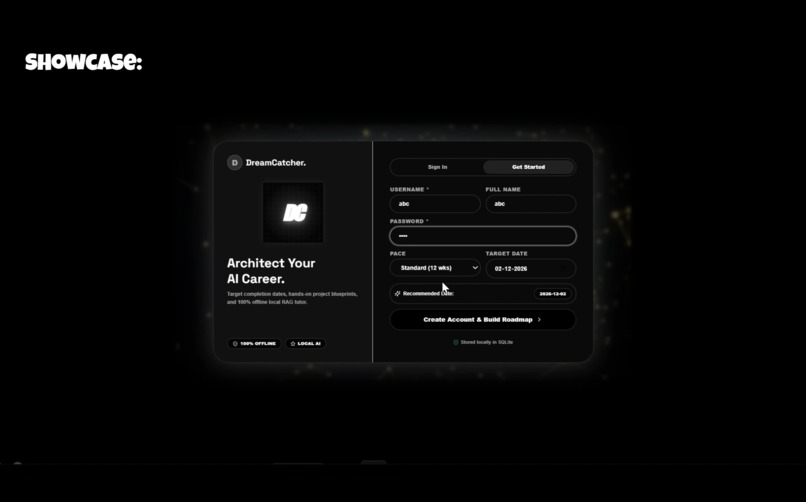
Login / Sign up Page
-
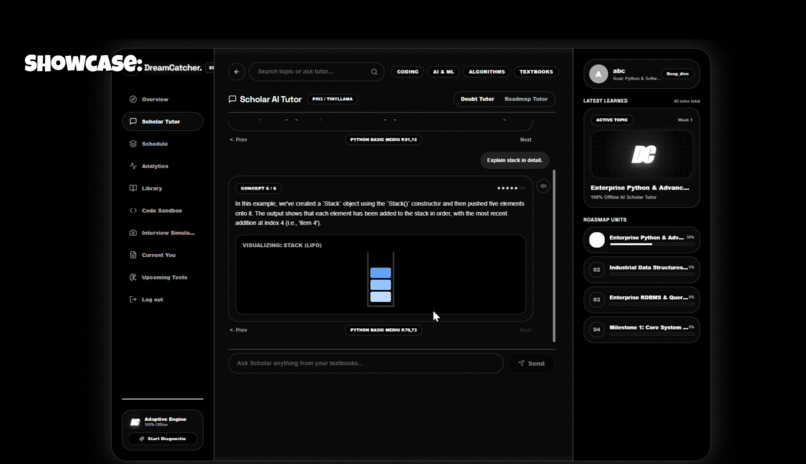
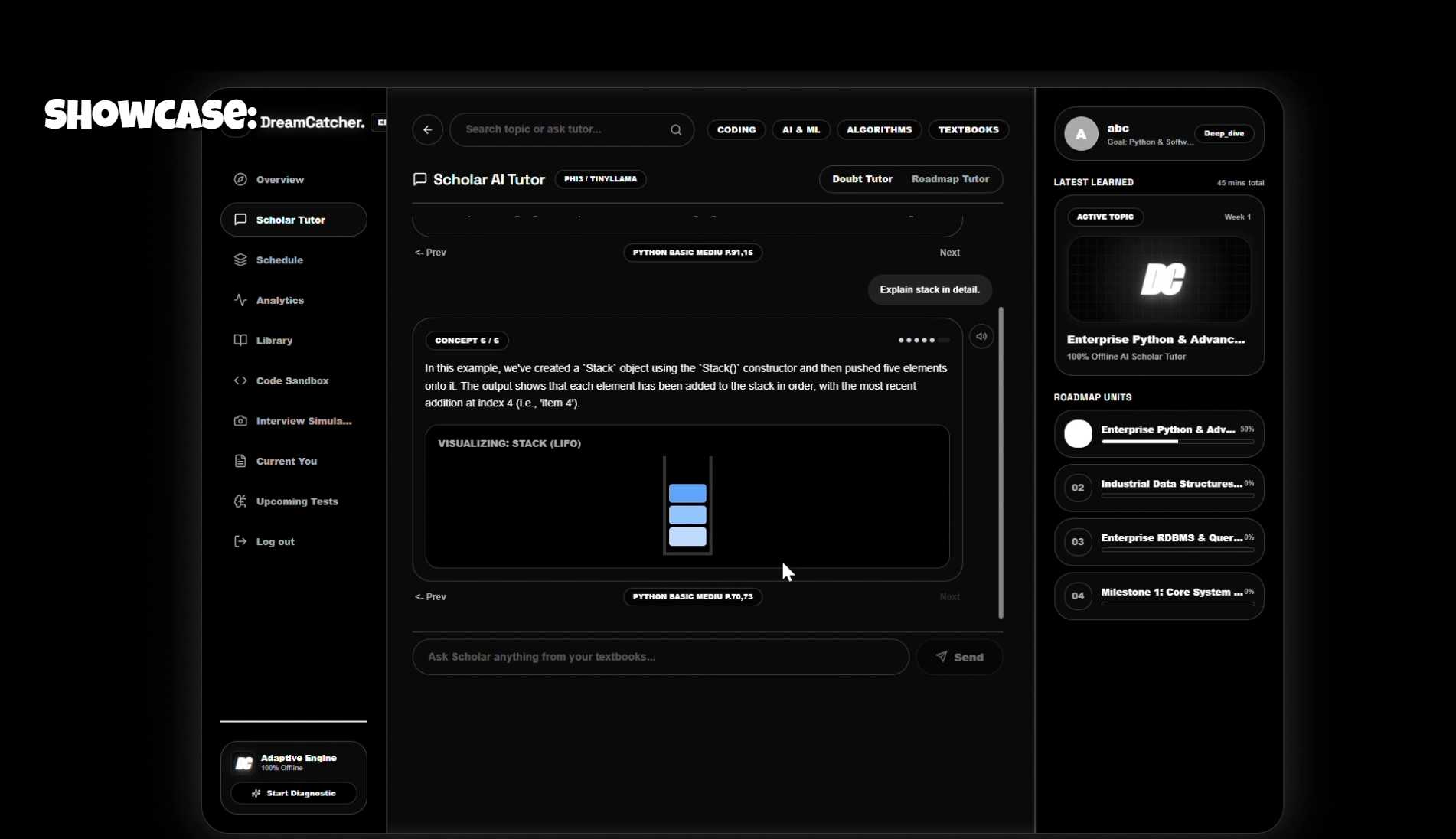
Offline & Explained with animation
-
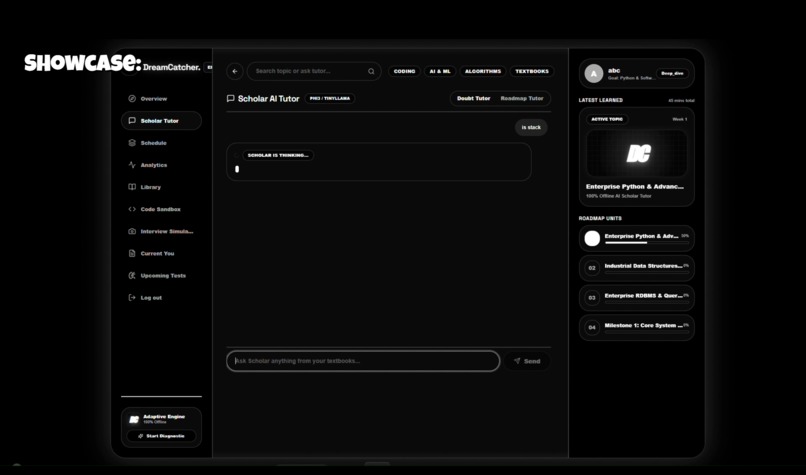
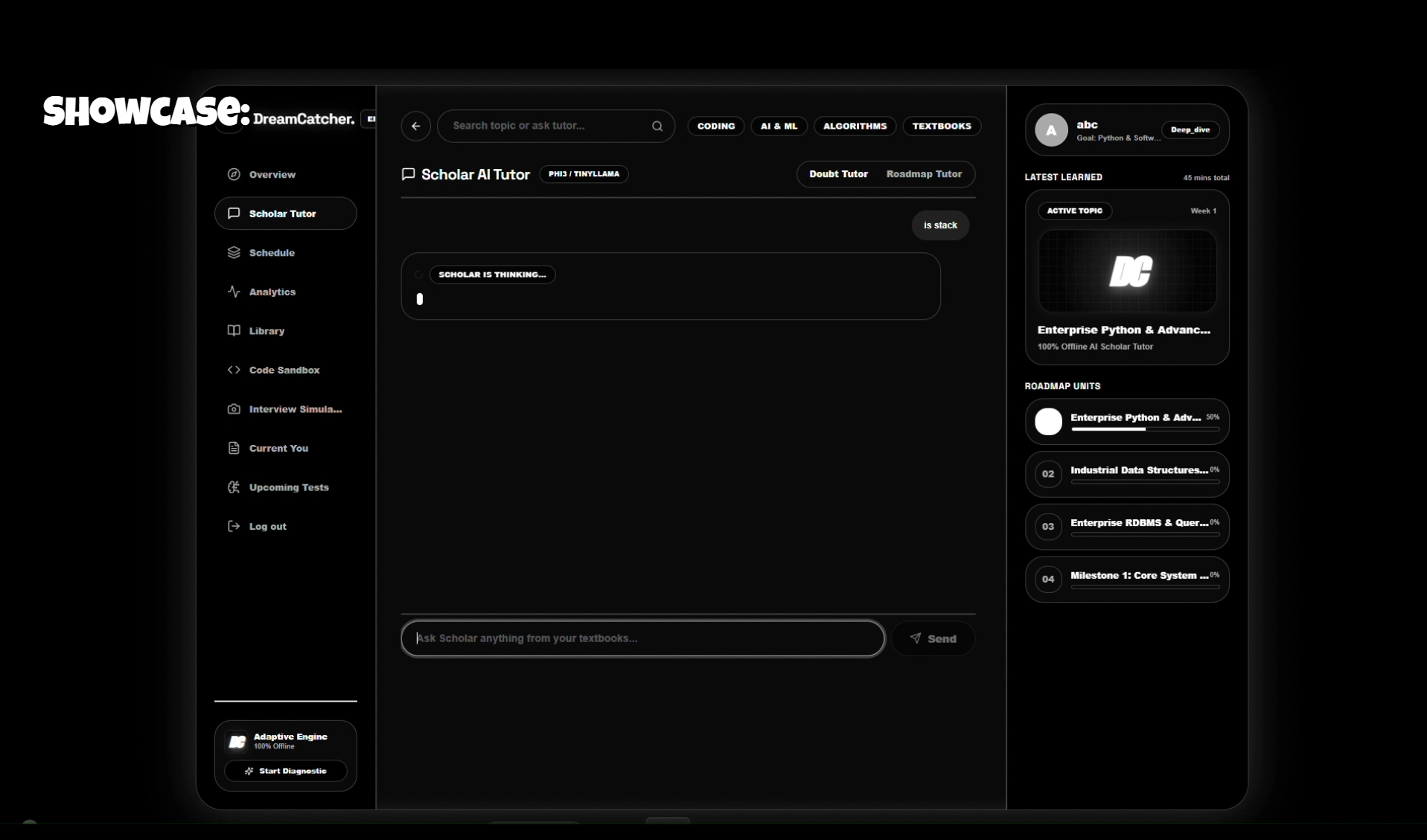
AI Tutor
-
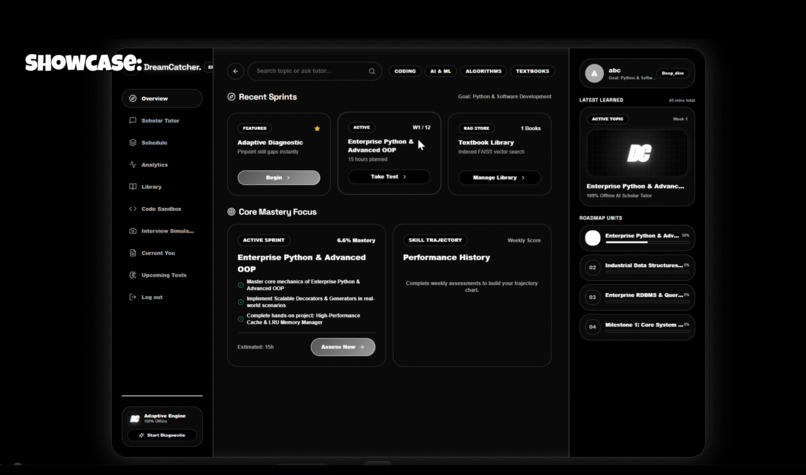
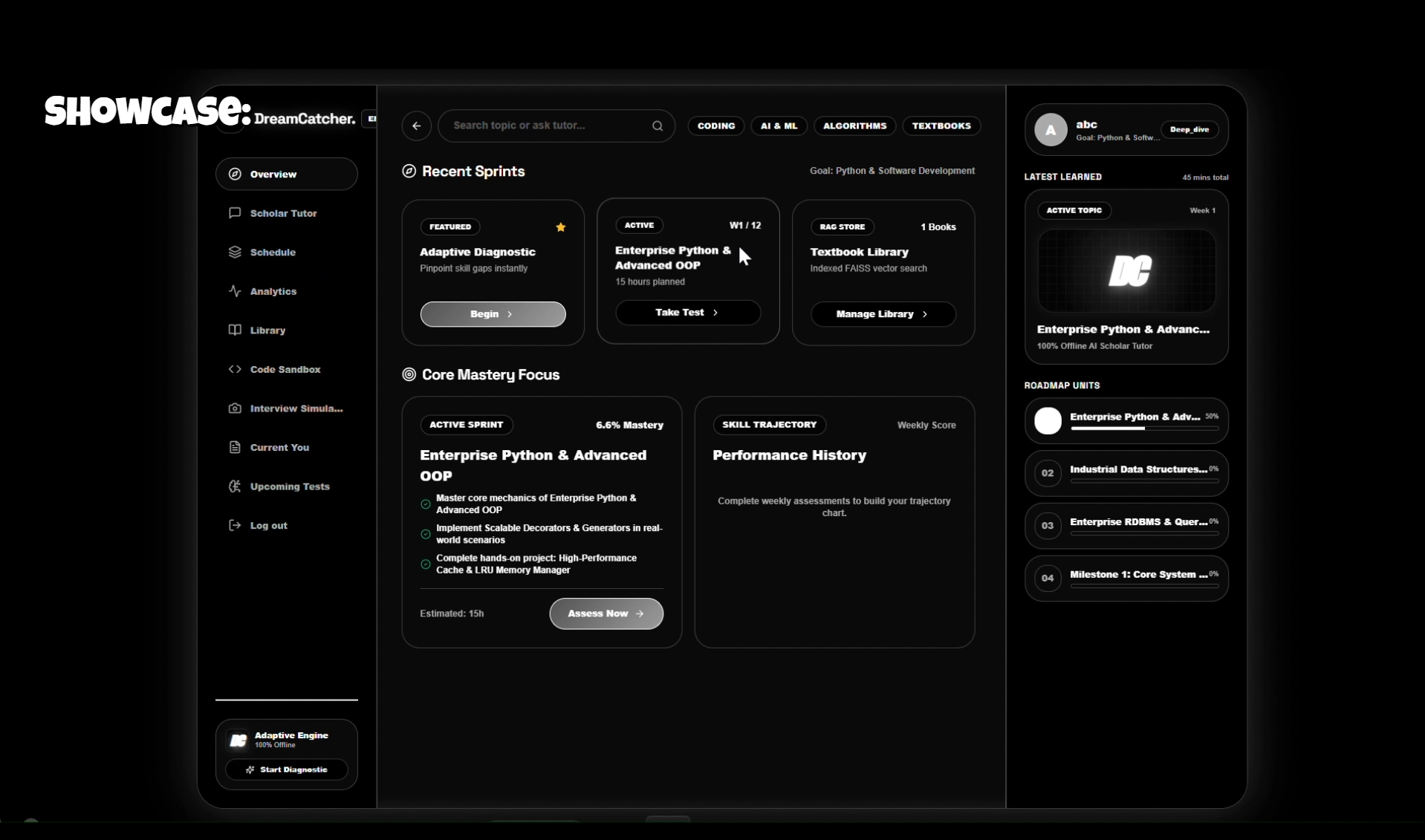
Dashboard
-
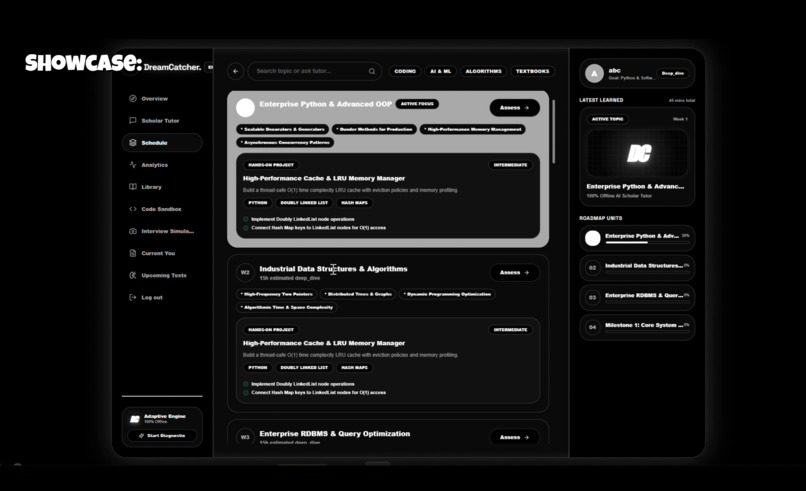
Roadmap
-
Name Of the Project
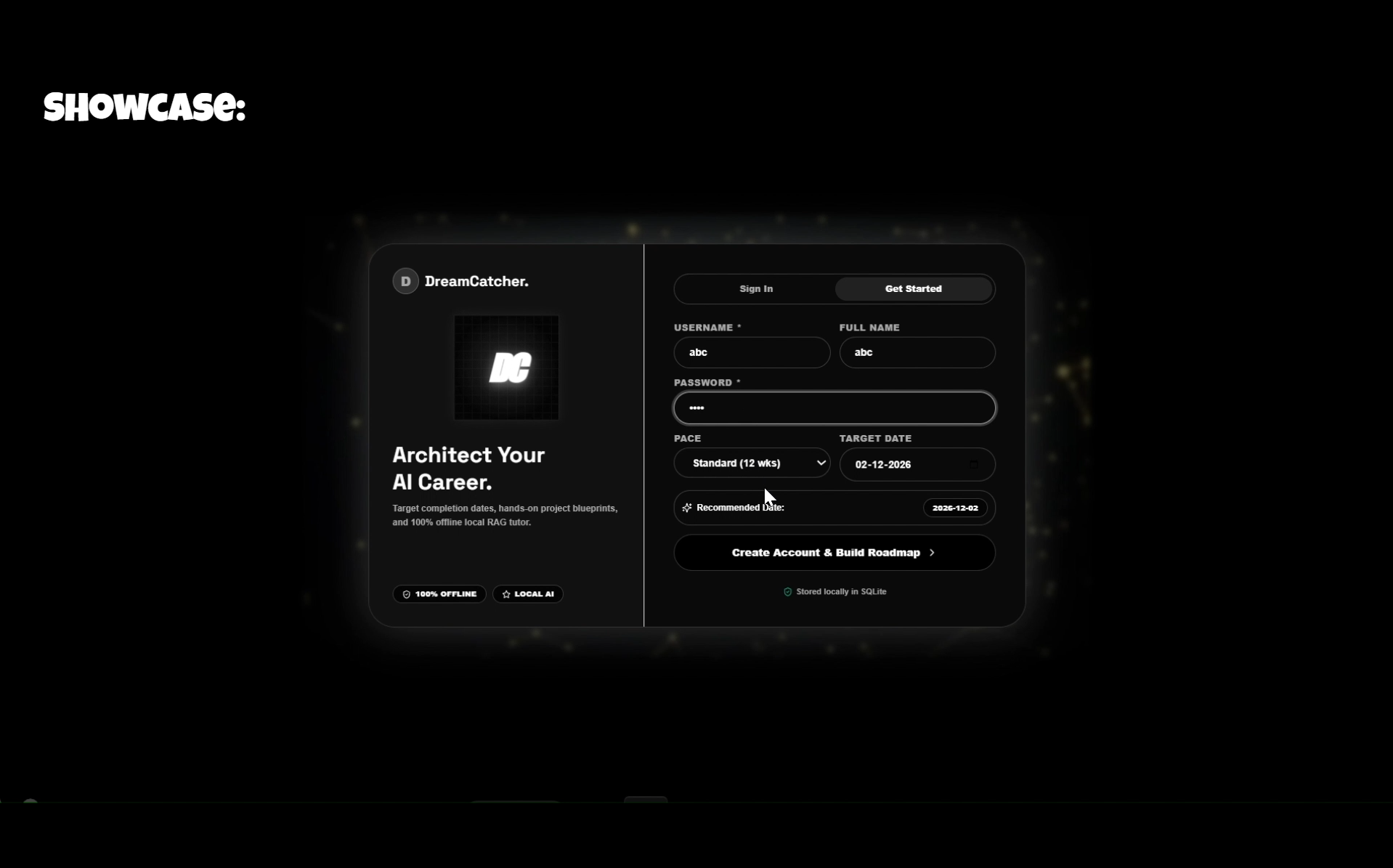
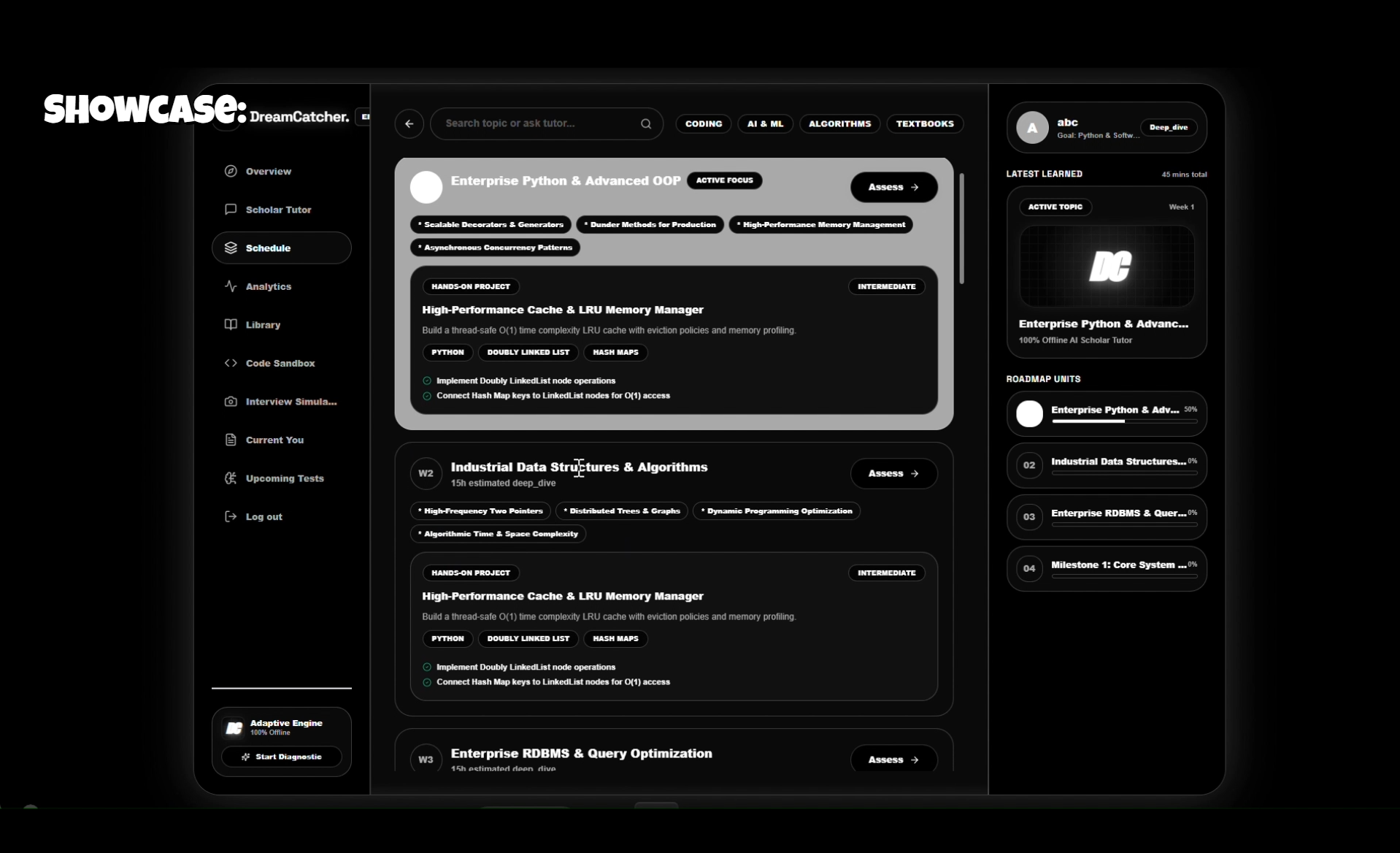
DreamCatcher — Adaptive Mastery Engine
100% Offline, Self-Hosted Career Mastery Platform
DreamCatcher uses local AI (Ollama) to diagnose skills, create adaptive roadmaps, and teach from your own textbooks — with zero cloud dependencies.
Architecture
┌─────────────────────────────────────────────────────────────┐
│                    DREAMCATCHER                              │
├─────────────────────────────────────────────────────────────┤
│  FRONTEND (Next.js 14)          BACKEND (FastAPI)           │
│  ├─ Dashboard                   ├─ /diagnostic               │
│  ├─ Diagnostic Modal            ├─ /generate-roadmap         │
│  ├─ Roadmap Timeline            ├─ /tutor (RAG)              │
│  ├─ AI Tutor Chat               ├─ /assessment/*             │
│  └─ Assessment UI               ├─ /stats                    │
│                                 ├─ /upload                   │
│                                 └─ /health                   │
├─────────────────────────────────────────────────────────────┤
│  MULTI-AGENT ORCHESTRATION                                   │
│  ├─ 🤖 Strategist (Phi-3)    → Diagnostics & Roadmaps       │
│  ├─ 📚 Scholar (TinyLlama)   → RAG-powered Tutoring         │
│  └─ 📝 Proctor (Phi-3)       → Assessments & Retention      │
├─────────────────────────────────────────────────────────────┤
│  LOCAL INFRASTRUCTURE                                        │
│  ├─ Ollama (localhost:11434)  → Phi-3 + TinyLlama           │
│  ├─ FAISS (CPU)               → Vector search               │
│  ├─ SQLite                    → User data & state           │
│  └─ Sentence-Transformers     → Local embeddings            │
└─────────────────────────────────────────────────────────────┘
Project Structure
dreamcatcher/
├── backend/
│   ├── main.py              # FastAPI routes & API
│   ├── agents.py            # 3-agent orchestration (Strategist, Scholar, Proctor)
│   ├── rag_engine.py        # FAISS + PyMuPDF + Sentence Transformers
│   ├── database.py          # SQLite models & helpers
│   ├── requirements.txt     # Python dependencies
│   └── uploads/             # PDF textbooks storage
│
├── frontend/
│   ├── app/
│   │   ├── layout.tsx       # Root layout
│   │   ├── page.tsx         # Main entry
│   │   └── globals.css      # Tailwind + custom styles
│   ├── components/
│   │   ├── Dashboard.tsx    # Mastery gauge, trajectory chart, roadmap
│   │   ├── DiagnosticModal.tsx  # 15-question adaptive test
│   │   └── AssessmentModal.tsx  # Weekly 10-question assessment
│   ├── package.json
│   ├── tailwind.config.js
│   └── tsconfig.json
Quick Start (VS Code)
Prerequisites
- Python 3.10+
- Node.js 18+
- Ollama installed locally → ollama.com
Step 1: Pull LLMs via Ollama
Ensure your Ollama app is open and running in the background. Open a terminal and pull the required models:
ollama pull phi3:latest
ollama pull tinyllama:latest
Step 2: Open Project in VS Code
- Open VS Code.
- Go to
File > Open Folderand select thedreamcatcherfolder. - Open a split terminal (
Ctrl + ~orTerminal > New Terminal, then click the split icon+).
Step 3: Start the Backend (Terminal 1)
In the first terminal tab, navigate to the backend, activate the environment, and start the API:
cd backend
.\venv\Scripts\Activate
python -m uvicorn main:app --host 0.0.0.0 --port 8000 --reload
The backend will run on http://localhost:8000.
Step 4: Start the Frontend (Terminal 2)
In the second terminal tab, navigate to the frontend and start the Next.js app:
cd frontend
npm run dev
The frontend will run on http://localhost:3000.
Step 5: Open the App
Navigate to http://localhost:3000 in your browser. Since both servers are running in dev mode (--reload and run dev), any code changes you make in VS Code will update live in the browser!
📡 API Endpoints
| Endpoint | Method | Description |
|---|---|---|
/ |
GET | API status |
/health |
GET | Ollama + RAG health check |
/diagnostic |
POST | Generate 15-question MCQ test |
/diagnostic/submit |
POST | Submit answers, get analysis |
/generate-roadmap |
POST | Create 12-week adaptive roadmap |
/roadmap |
GET | Retrieve current roadmap |
/tutor |
POST | Ask the Scholar (RAG + TinyLlama) |
/tutor/stream |
POST | Stream Scholar explanations in chunks |
/upload |
POST | Upload PDF for RAG ingestion |
/rag/status |
GET | Vector store statistics |
/rag/reindex |
POST | Rebuild FAISS index |
/assessment/generate |
POST | Generate weekly 10-Q assessment |
/assessment/submit |
POST | Submit & update mastery metrics |
/stats |
GET | Dashboard data (success probability, trajectory) |
/stats/detailed |
GET | Extended dashboard stats |
/chat/history |
GET | Tutor chat history |
New Features
1. Industrial Learning Roadmaps
The Adaptive Engine generates senior-level, enterprise-ready roadmaps. Milestones focus heavily on real-world engineering concepts like Kubernetes, CI/CD (GitHub Actions, Terraform), Microservices (gRPC, API Gateways), and Distributed Systems (Redis, Kafka).
2. Native Visual AI Tutor
Ask the AI Scholar Tutor to explain complex concepts visually using the @animation command! By typing a query like @animation stack What is a stack?, the Tutor will stream a detailed text explanation alongside a beautiful, purely CSS-driven React animation. Currently supported animations: stack, loop, and array.
100% Offline Guarantee
- No OpenAI API calls
- No Google Cloud dependencies
- No CDN links (all dependencies local)
- ✅ Ollama runs locally
- ✅ FAISS vector search on CPU
- ✅ Sentence Transformers offline
- ✅ SQLite local database
Built with 💙 for offline-first, privacy-respecting AI education.
Built With
- batchfile
- css
- html
- javascript
- node.js
- ollama
- python
- rag
- typescript
