-
-
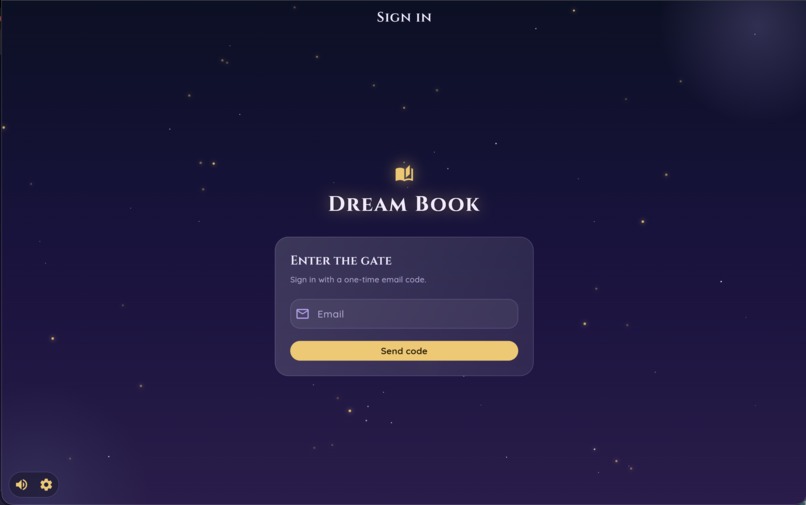
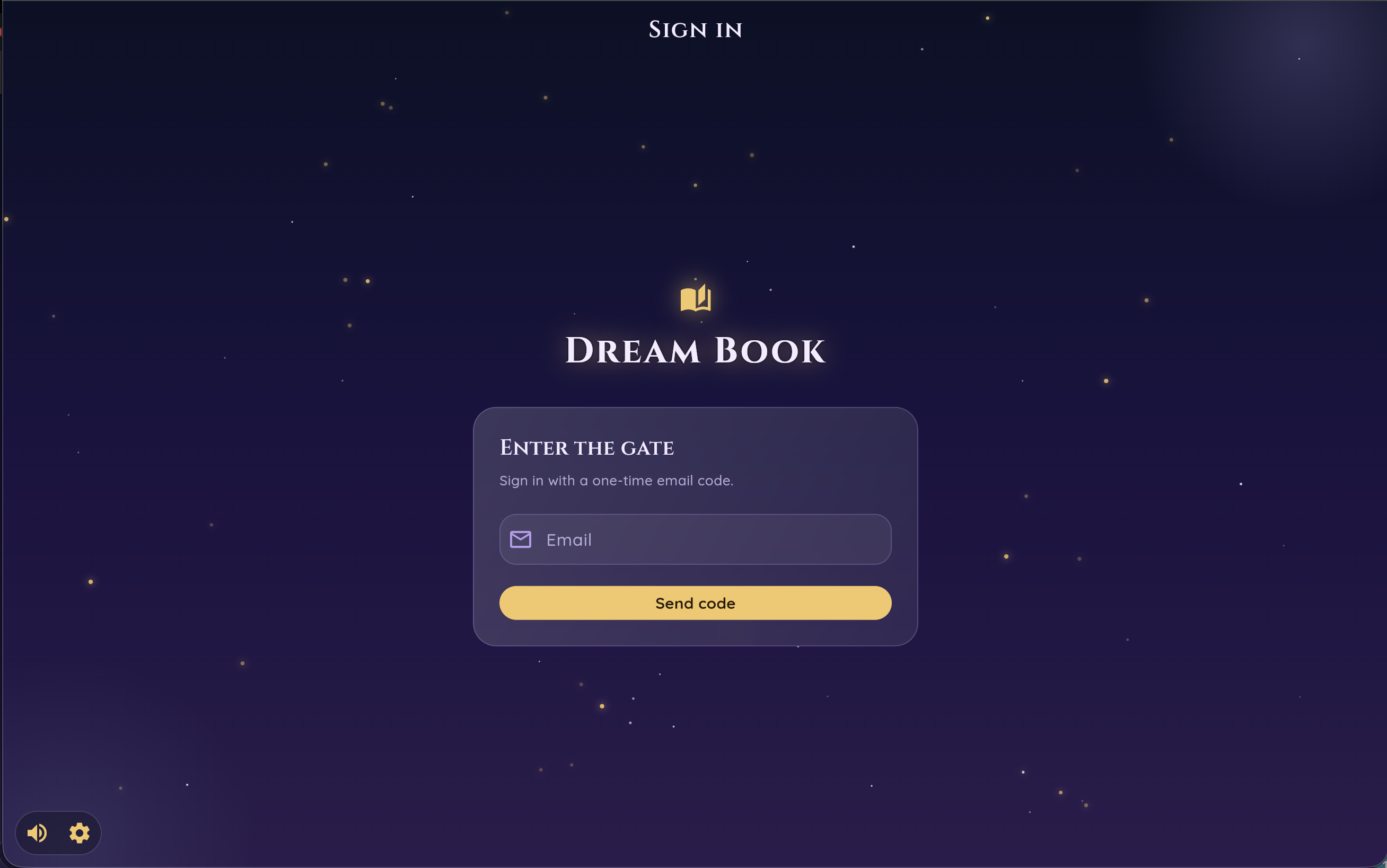
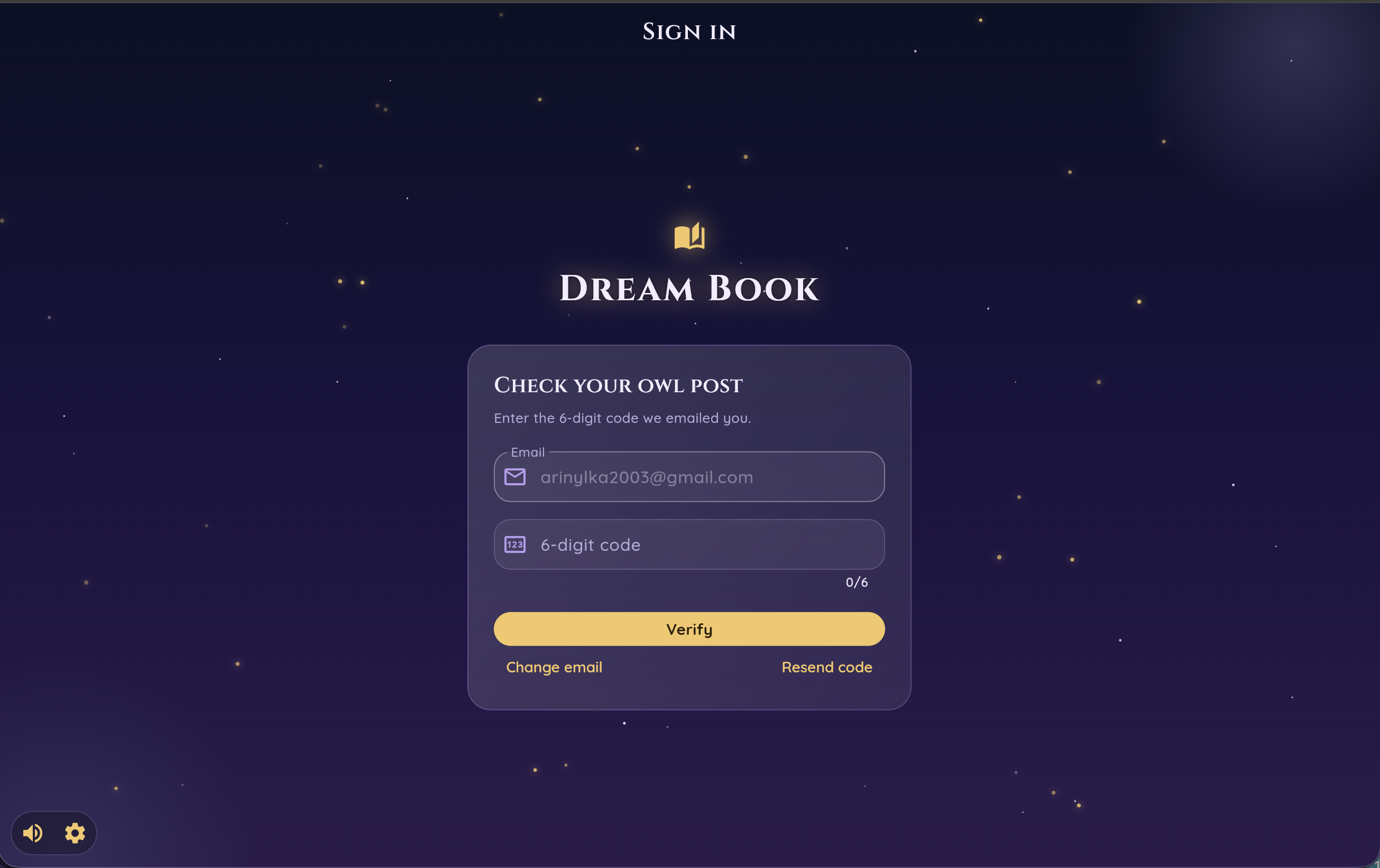
Write your email and get the code
-
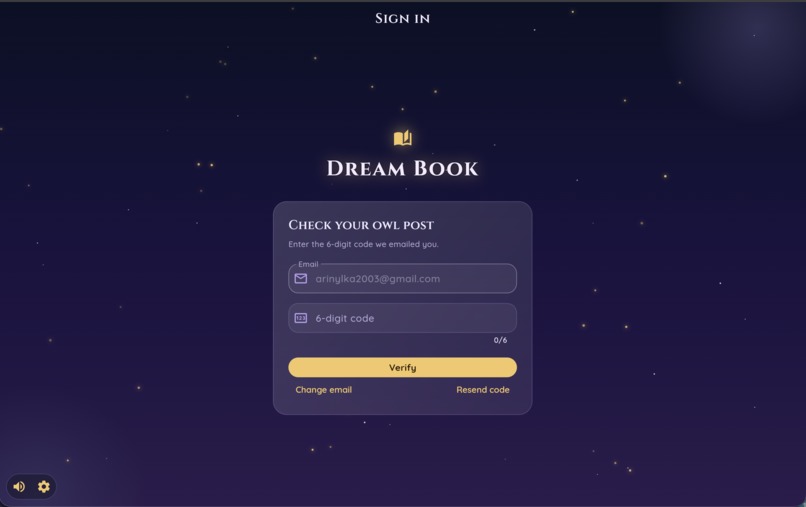
Write your email and get the code
-
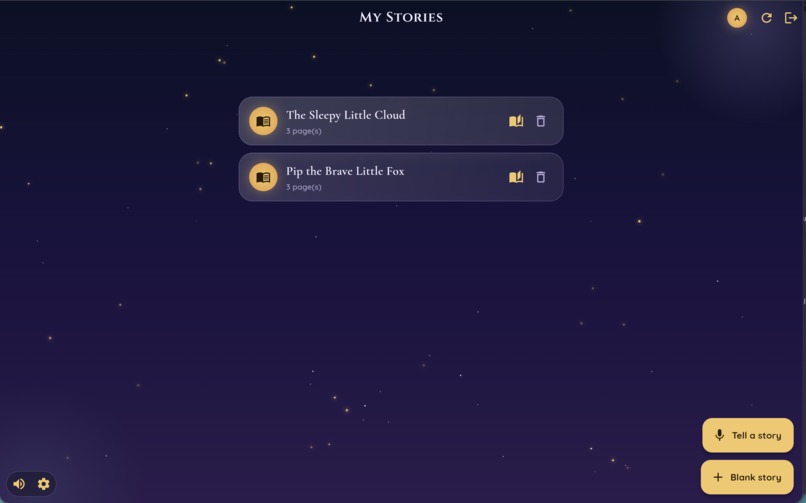
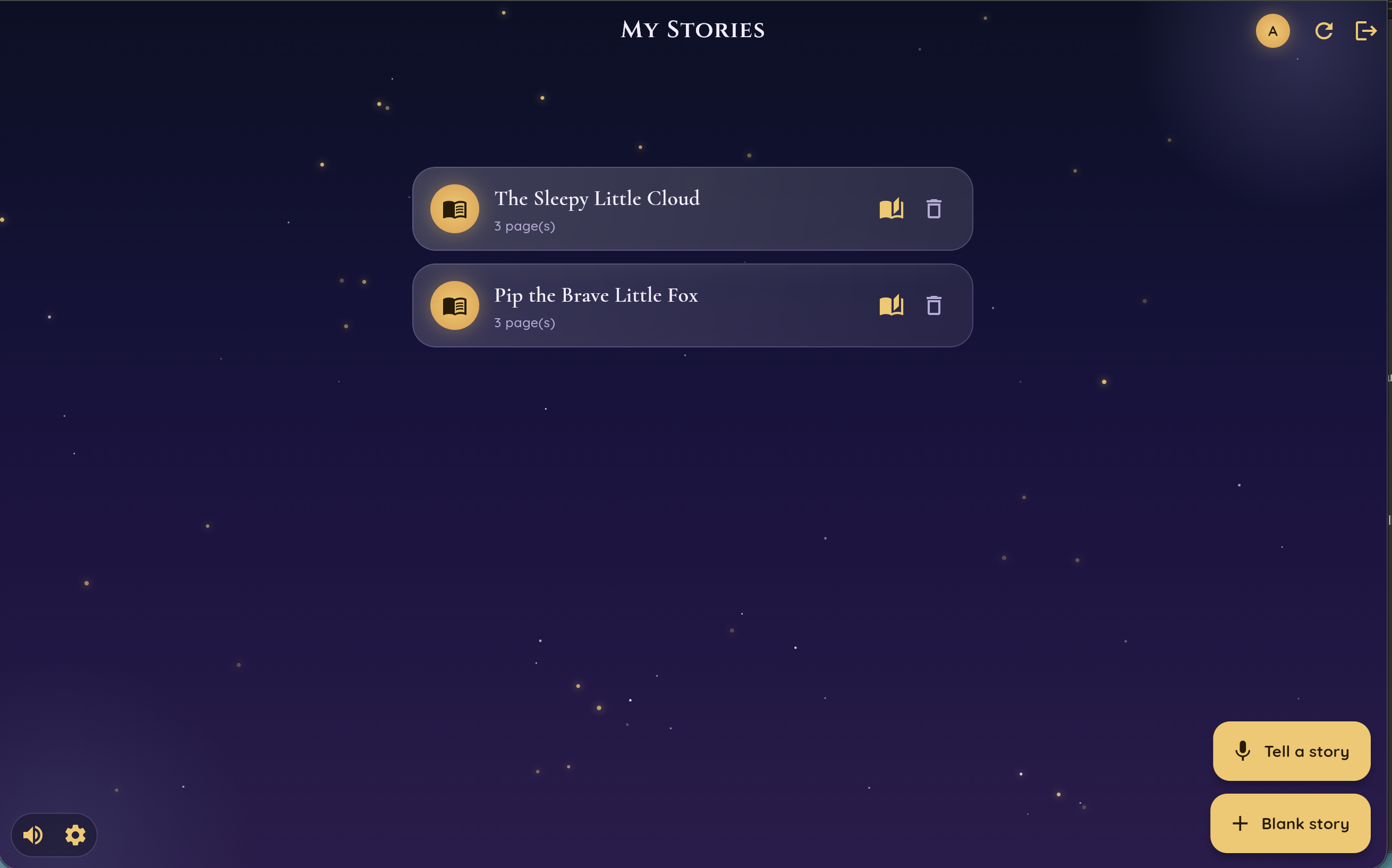
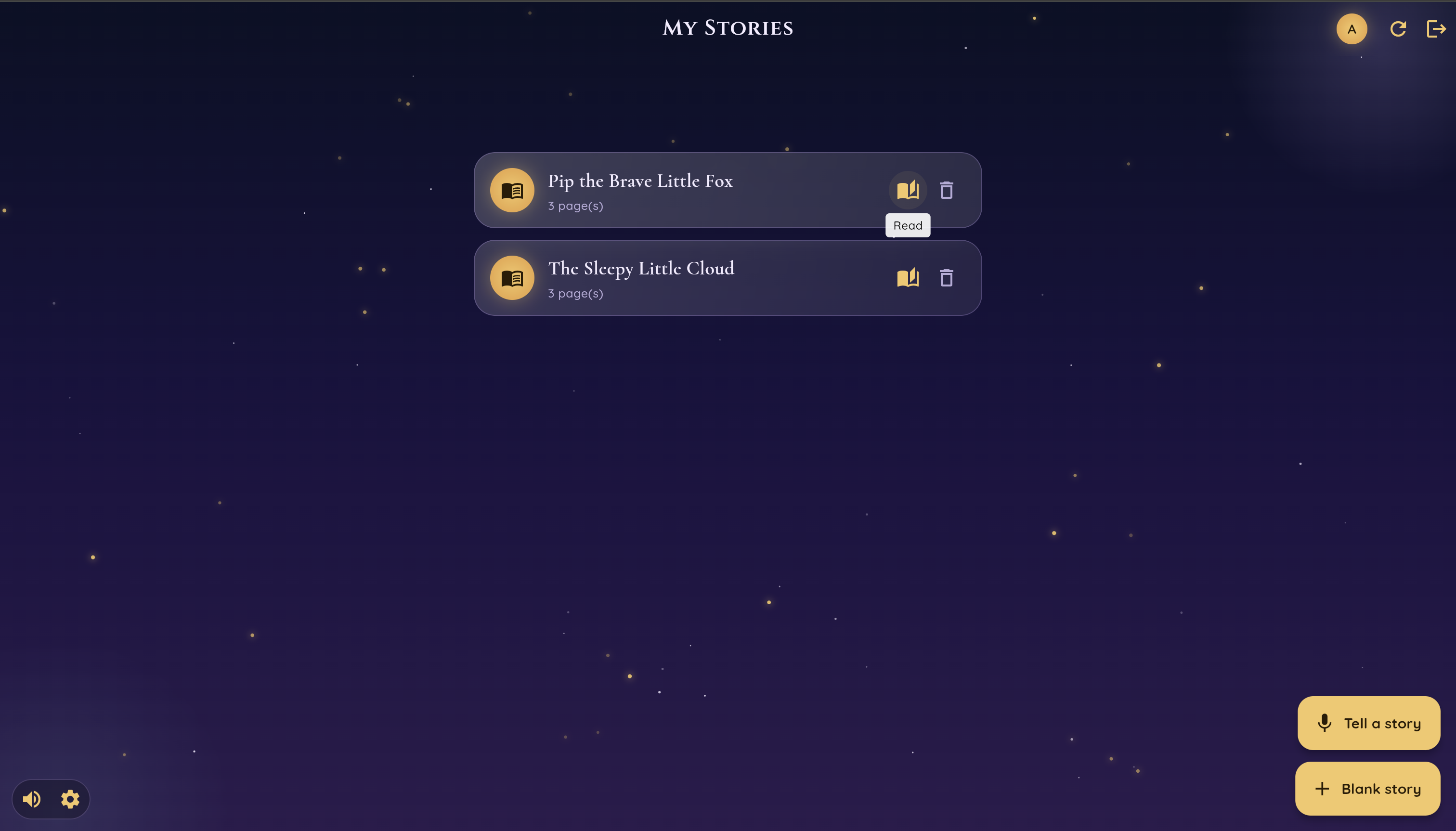
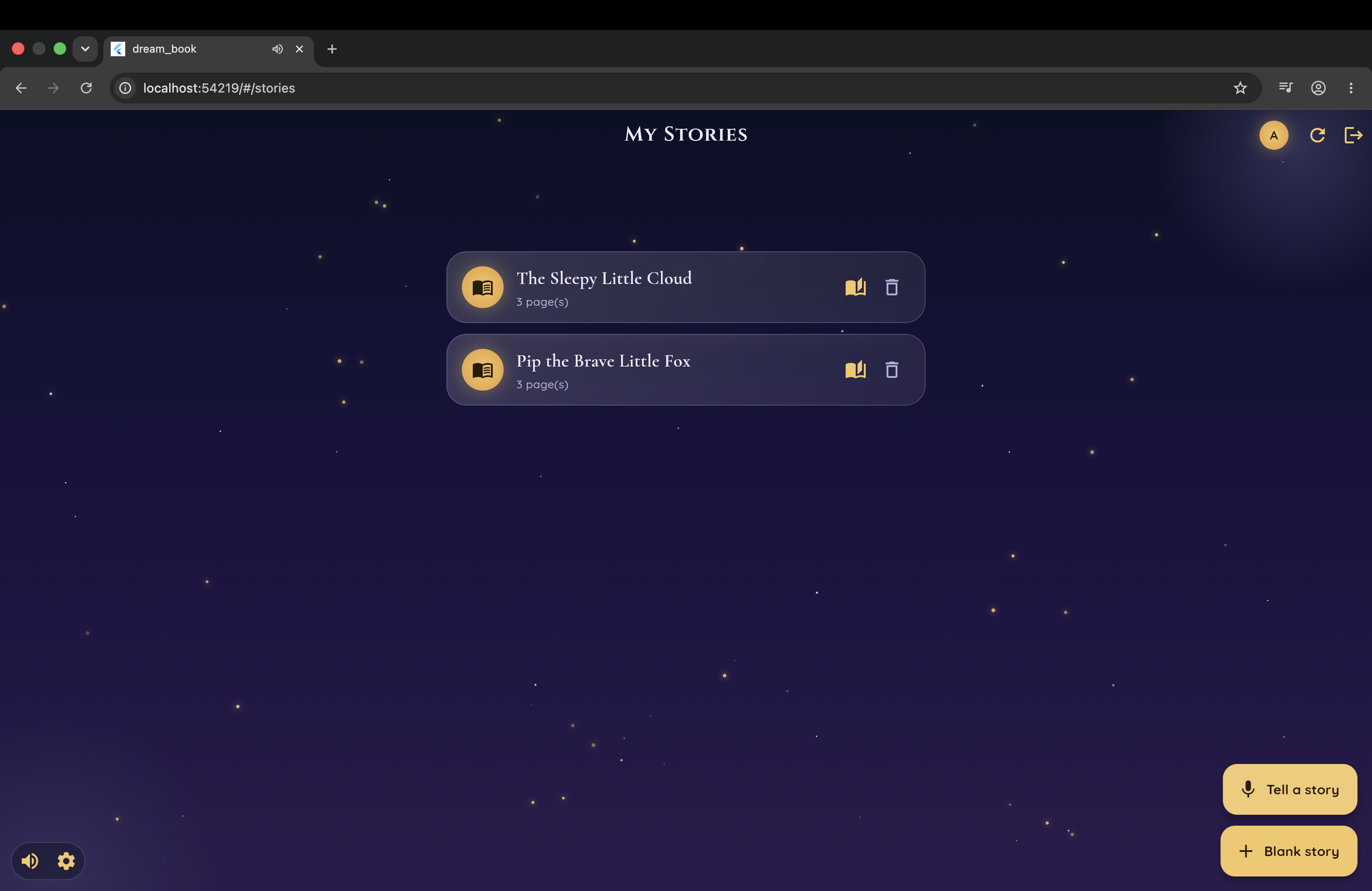
Main page
-
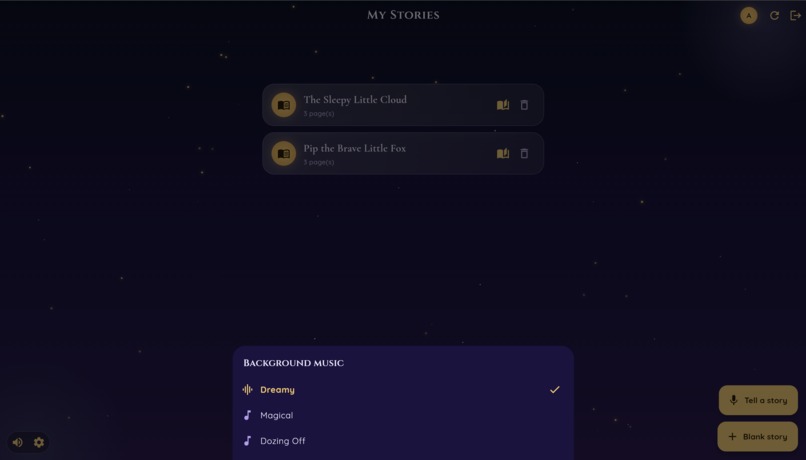
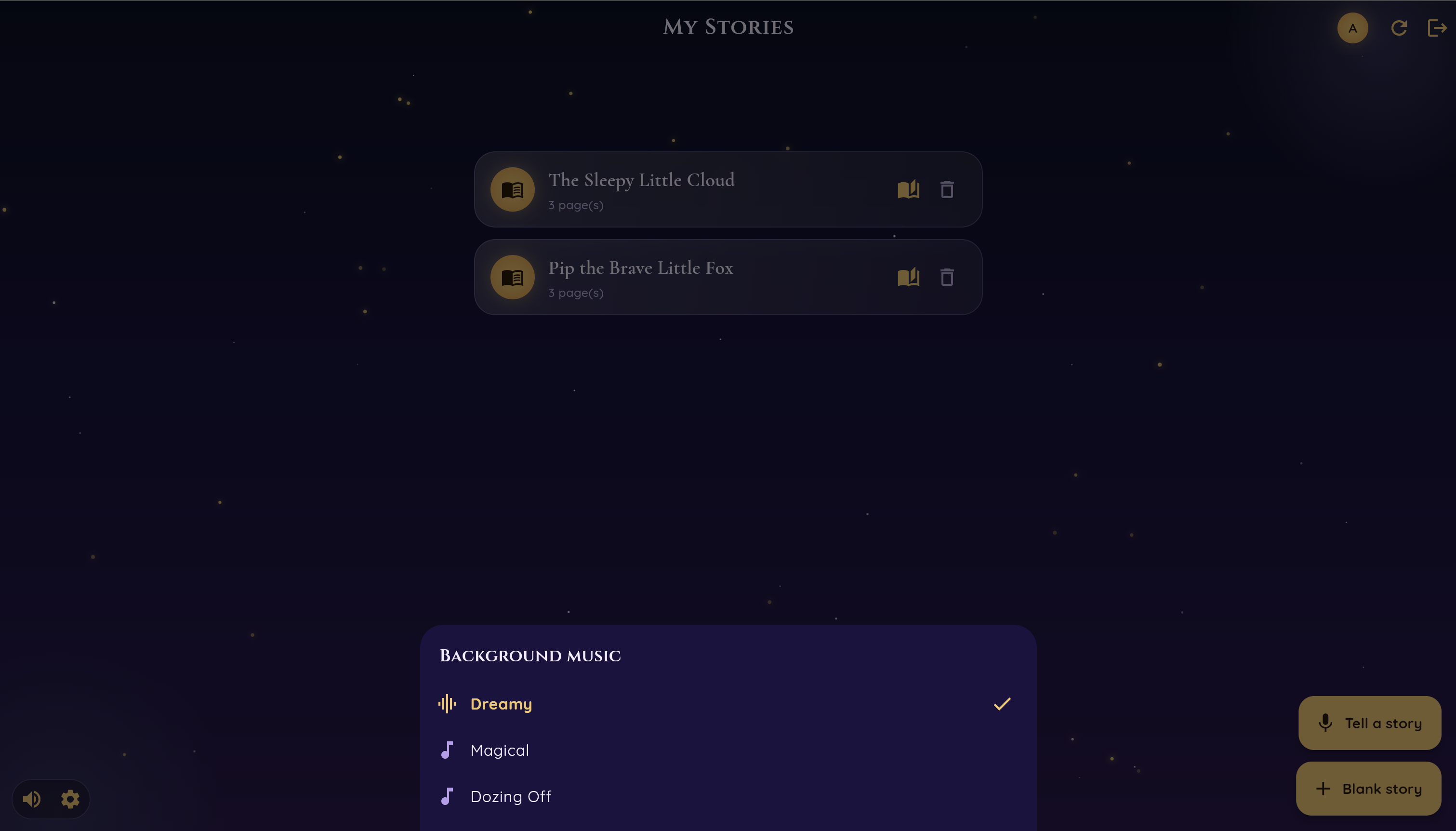
You can change or mute background music
-
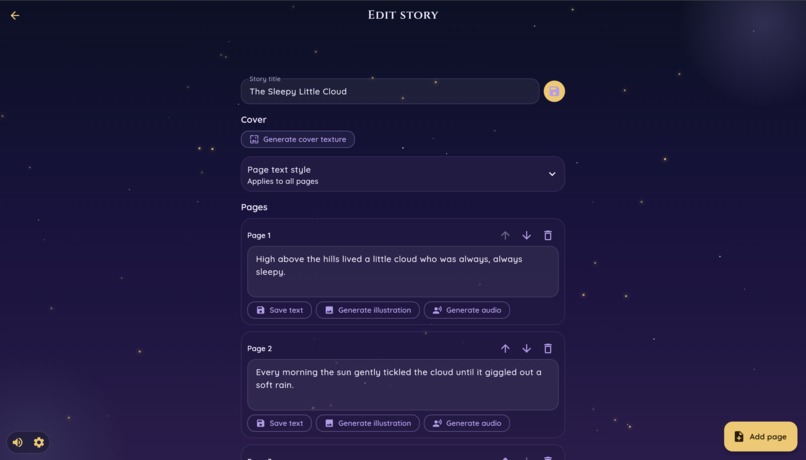
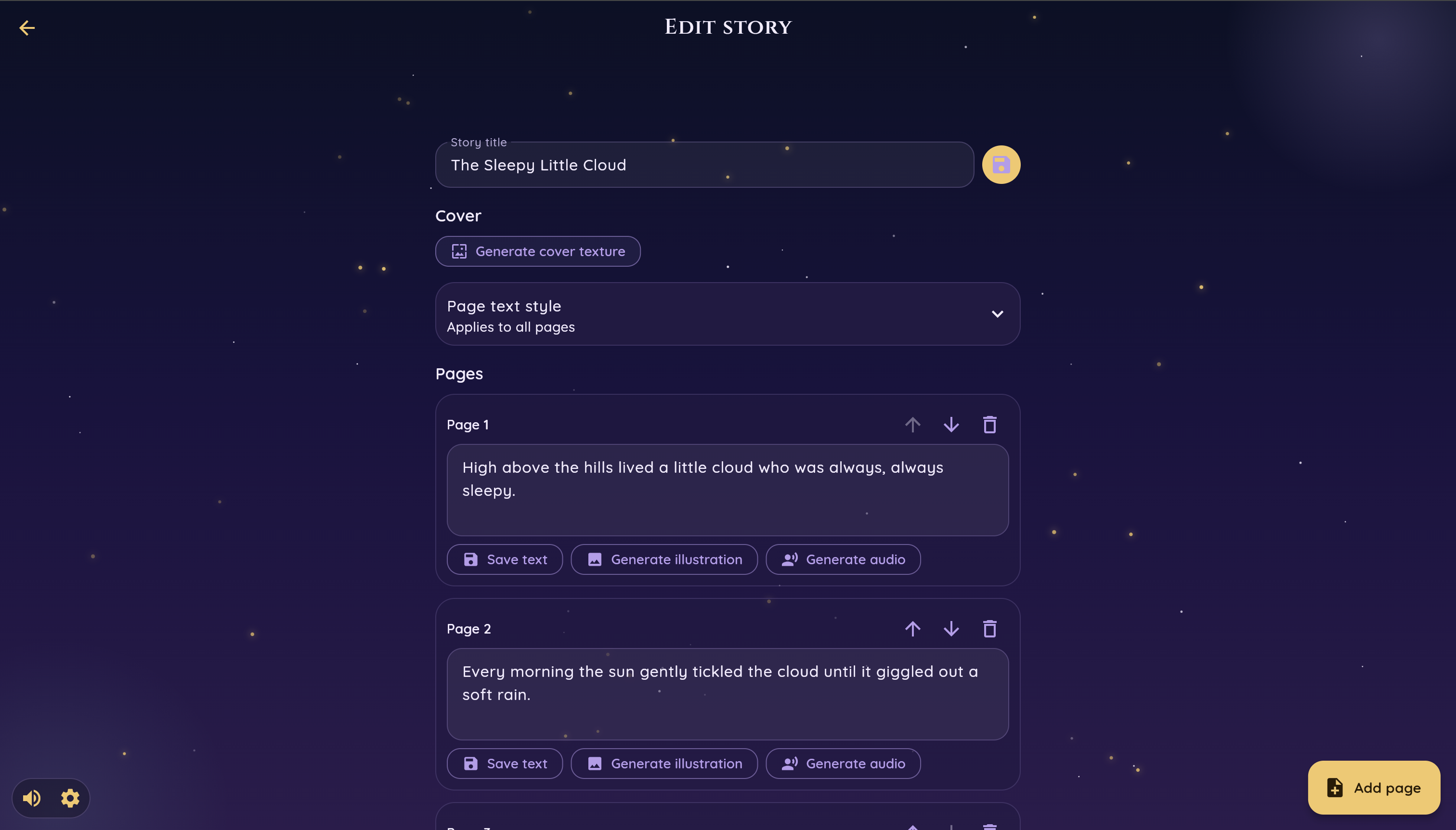
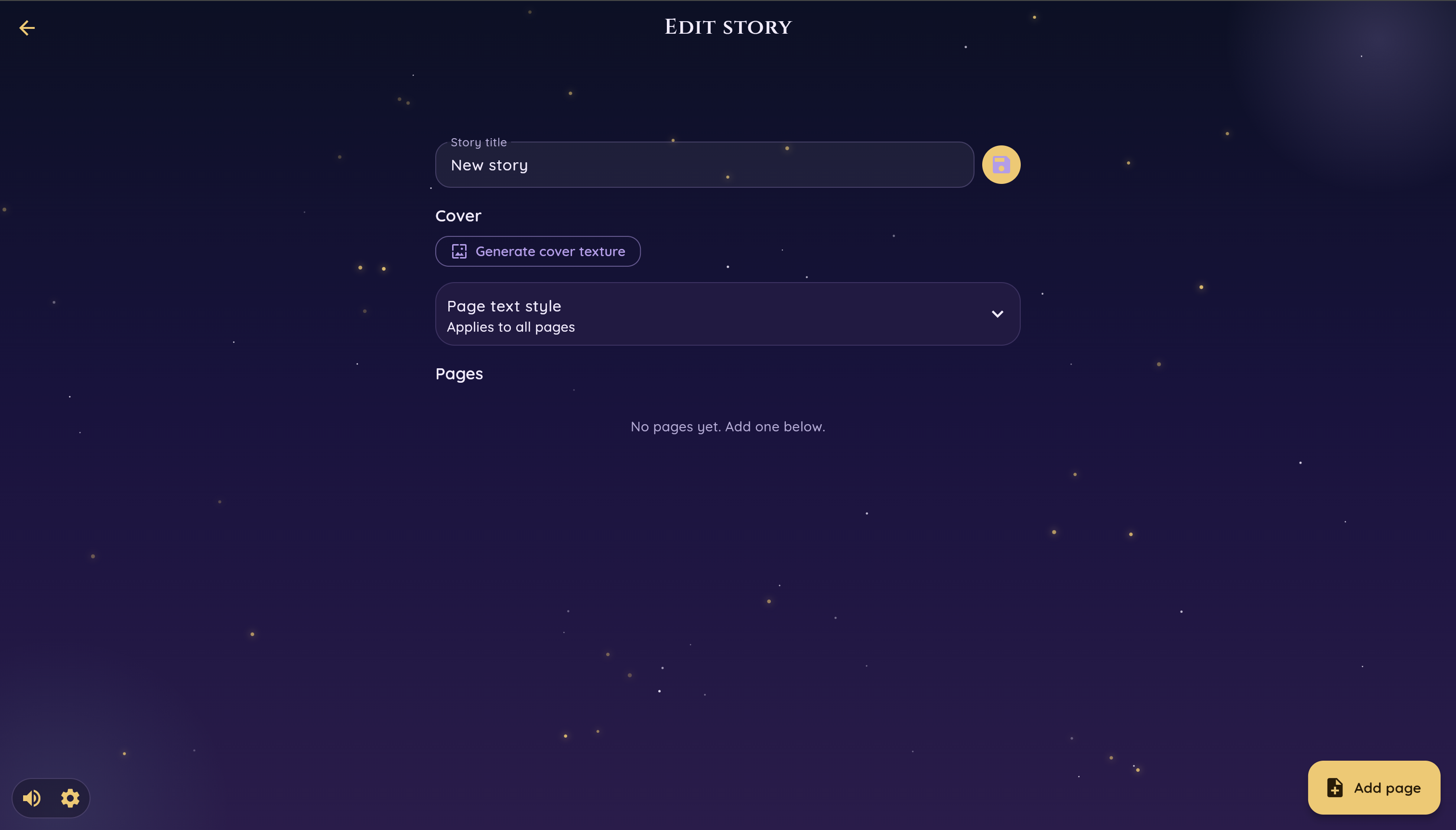
Edit story page
-
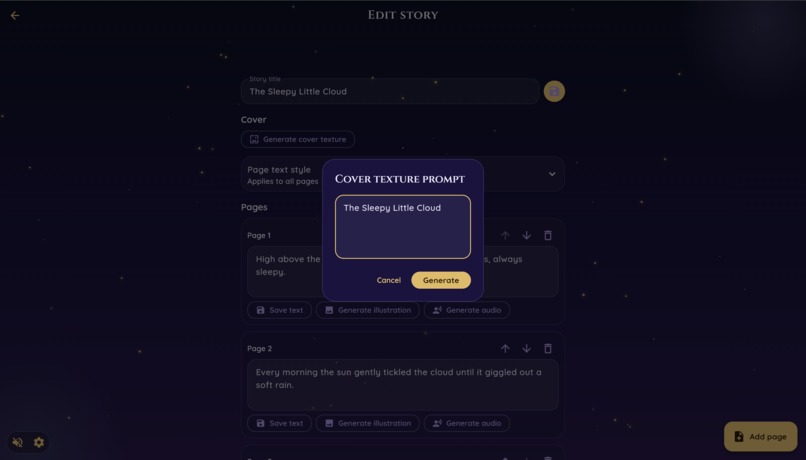
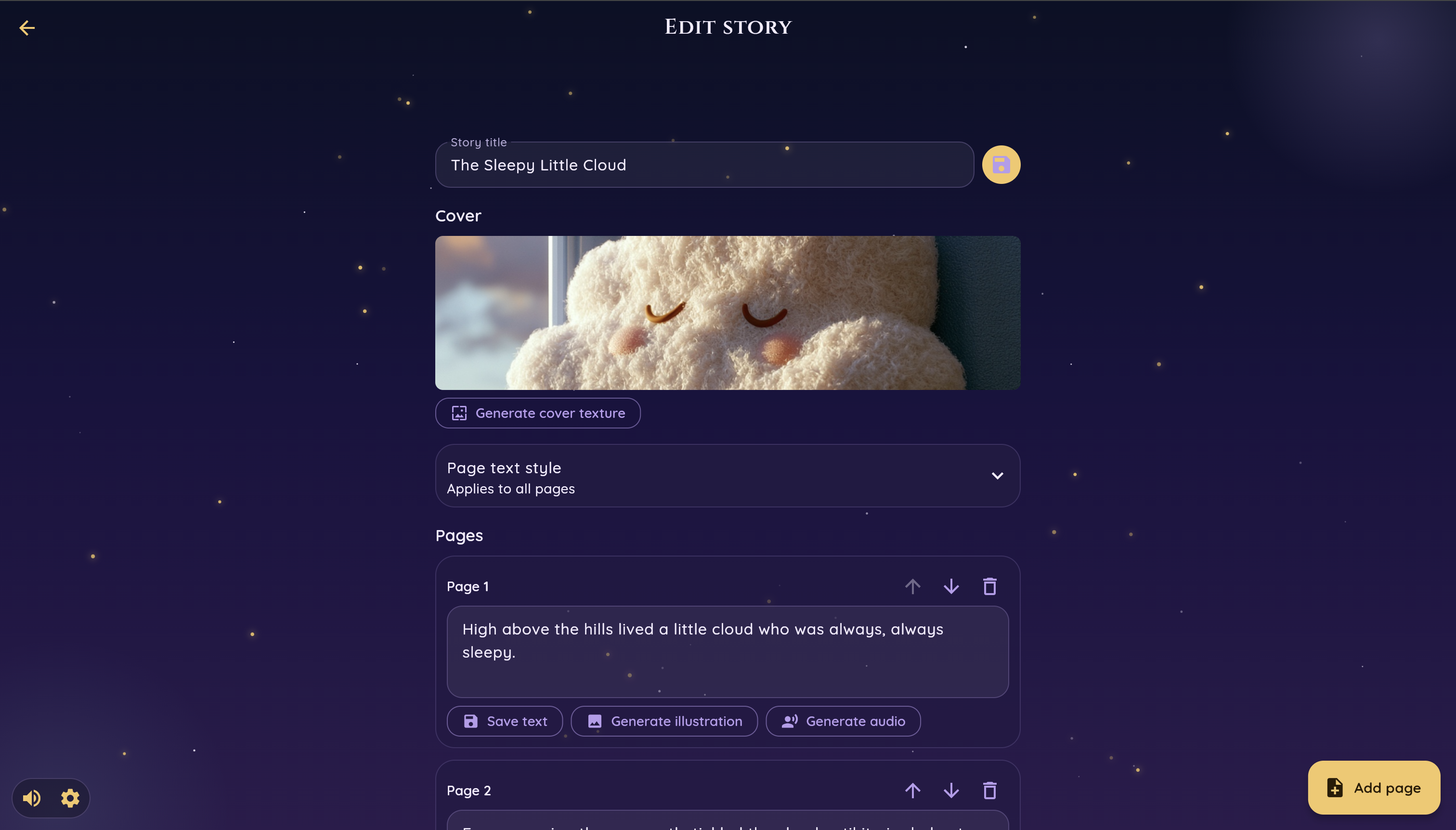
Write the title for your story
-
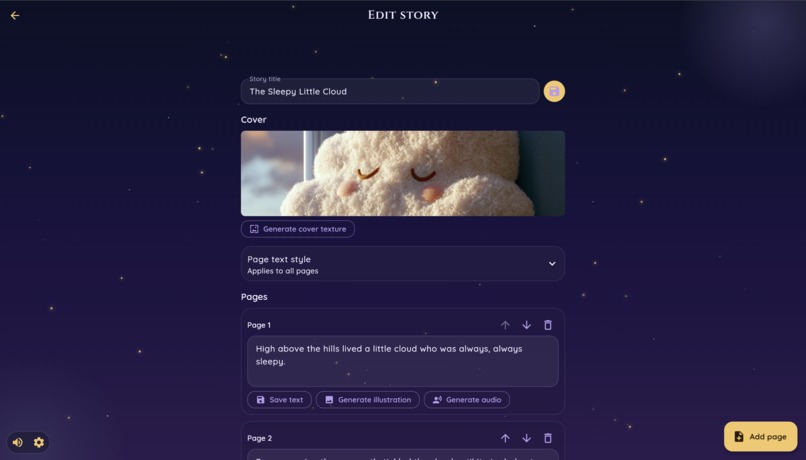
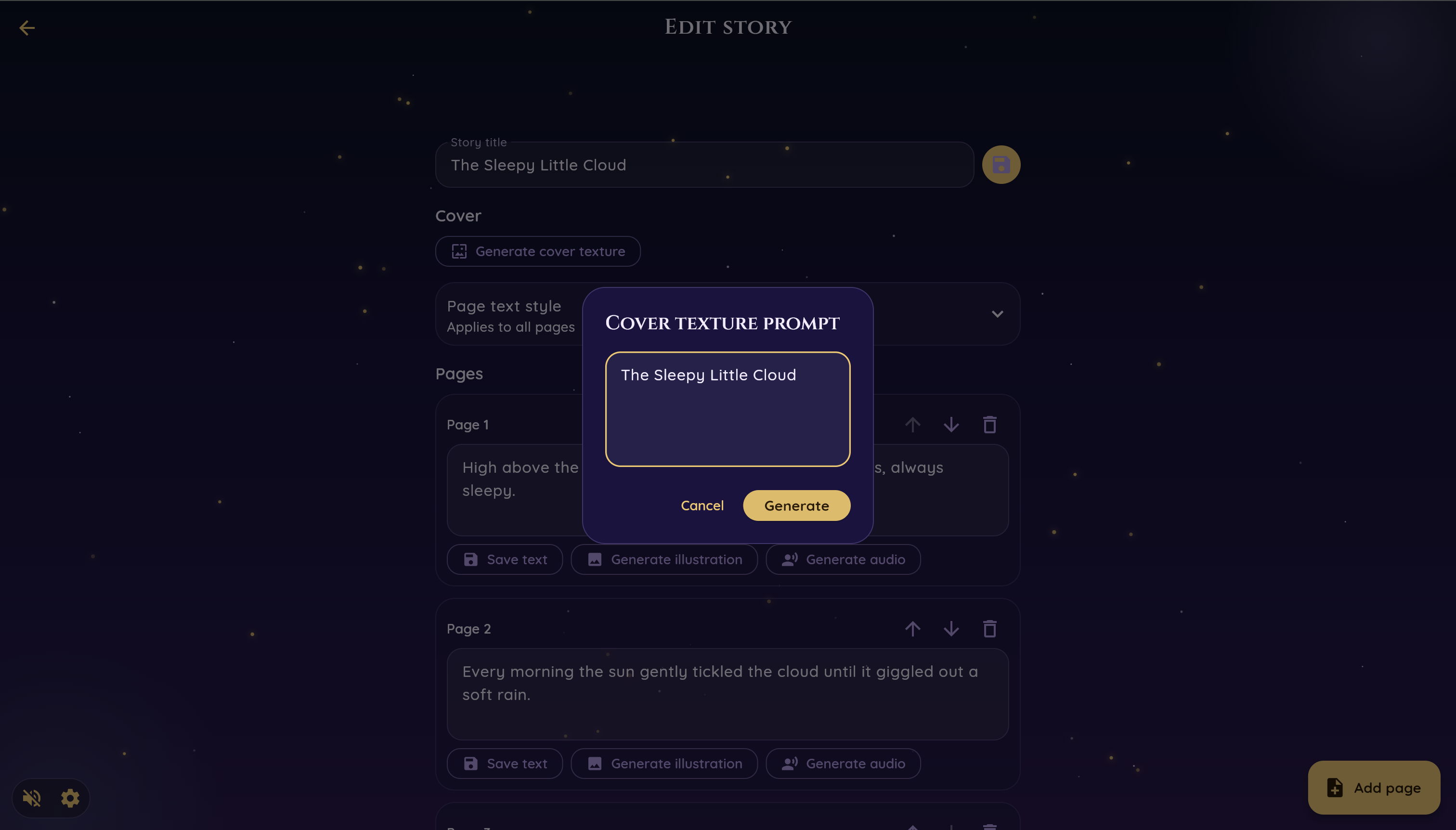
And generate cover texture
-
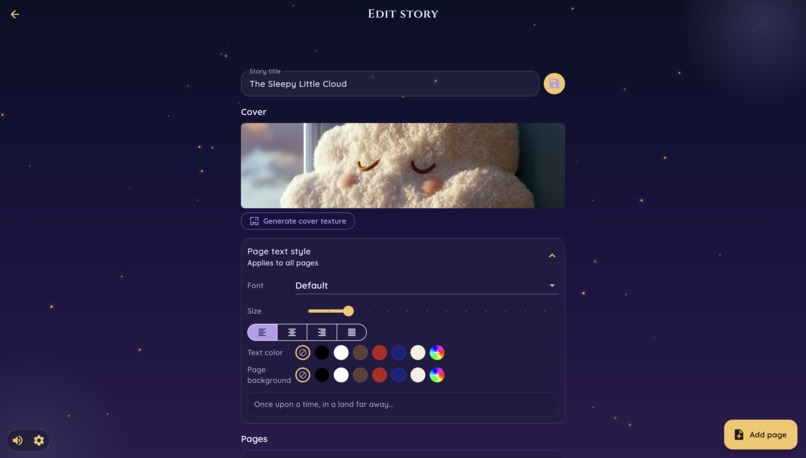
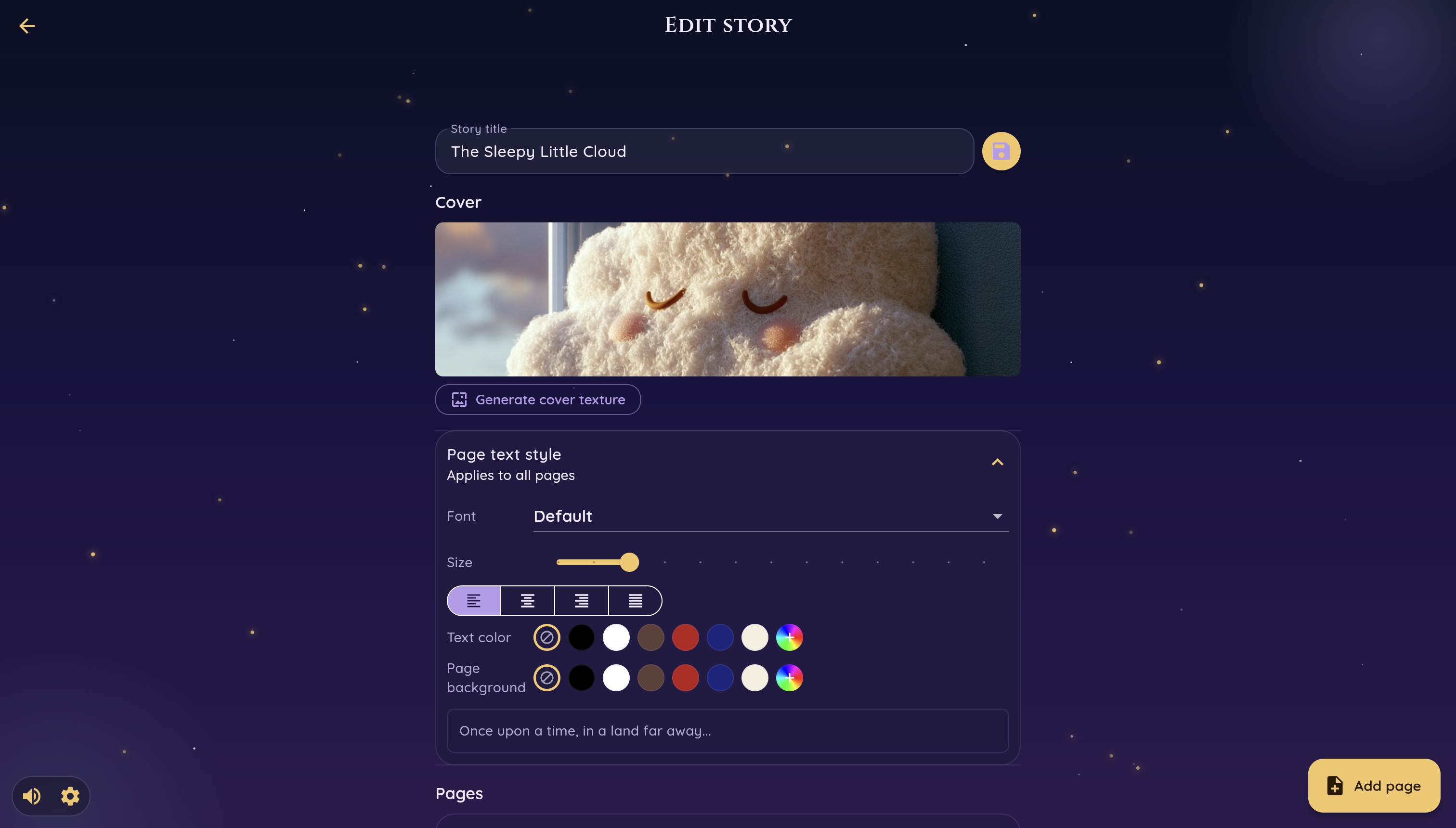
You can control visual settings of the book
-
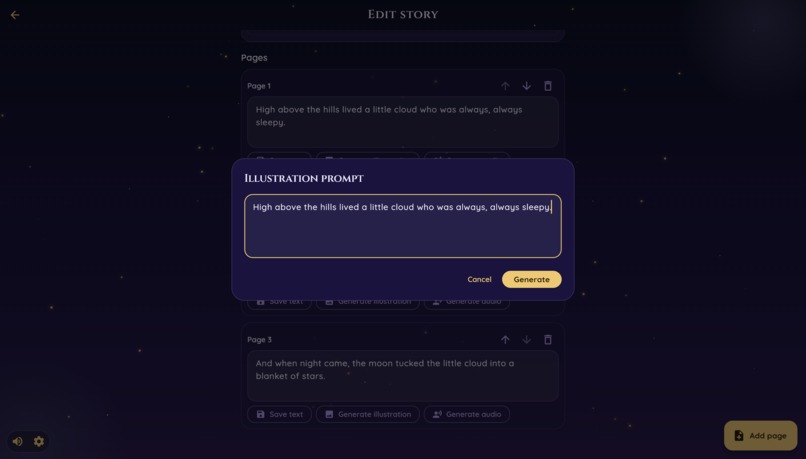
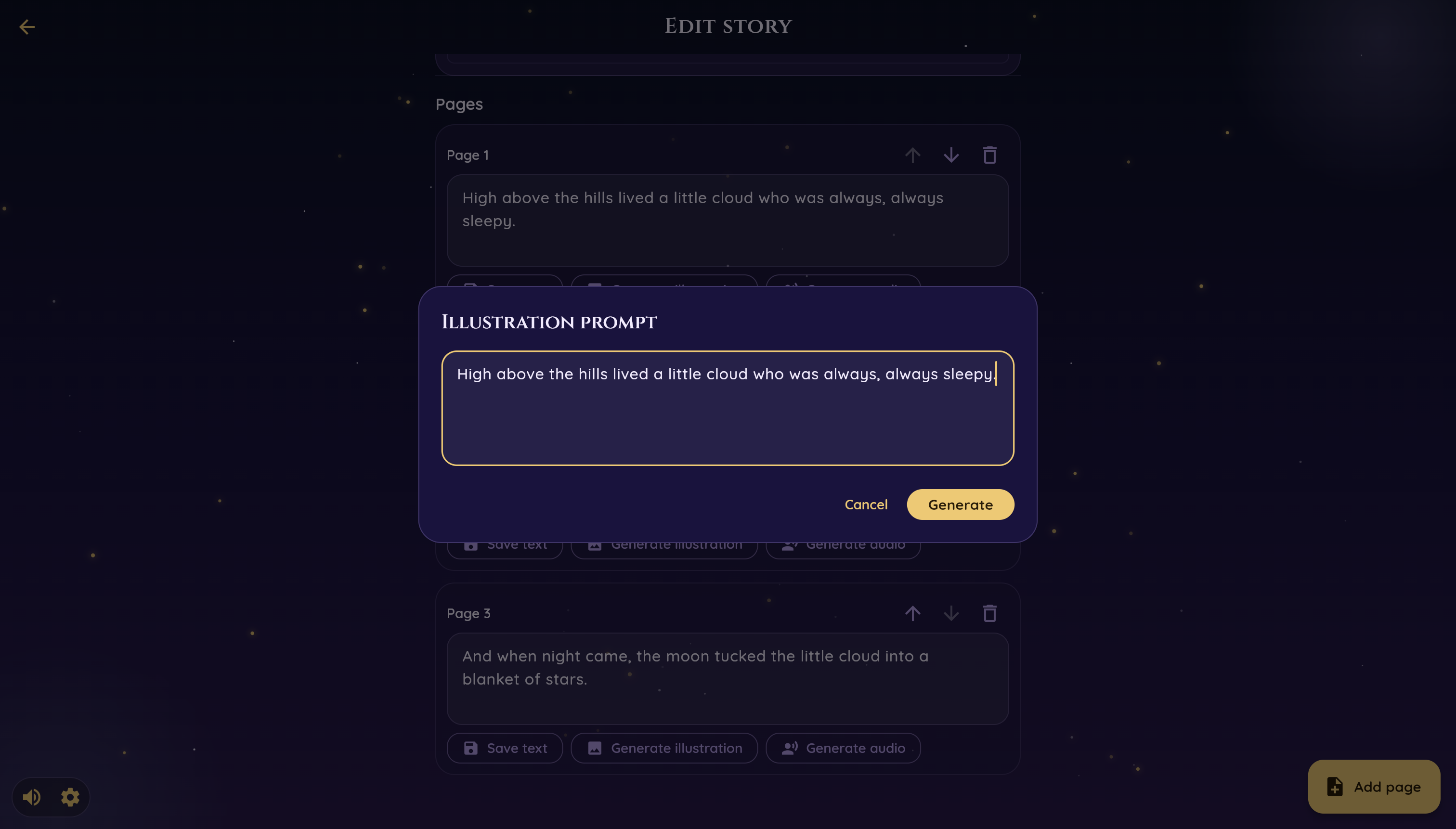
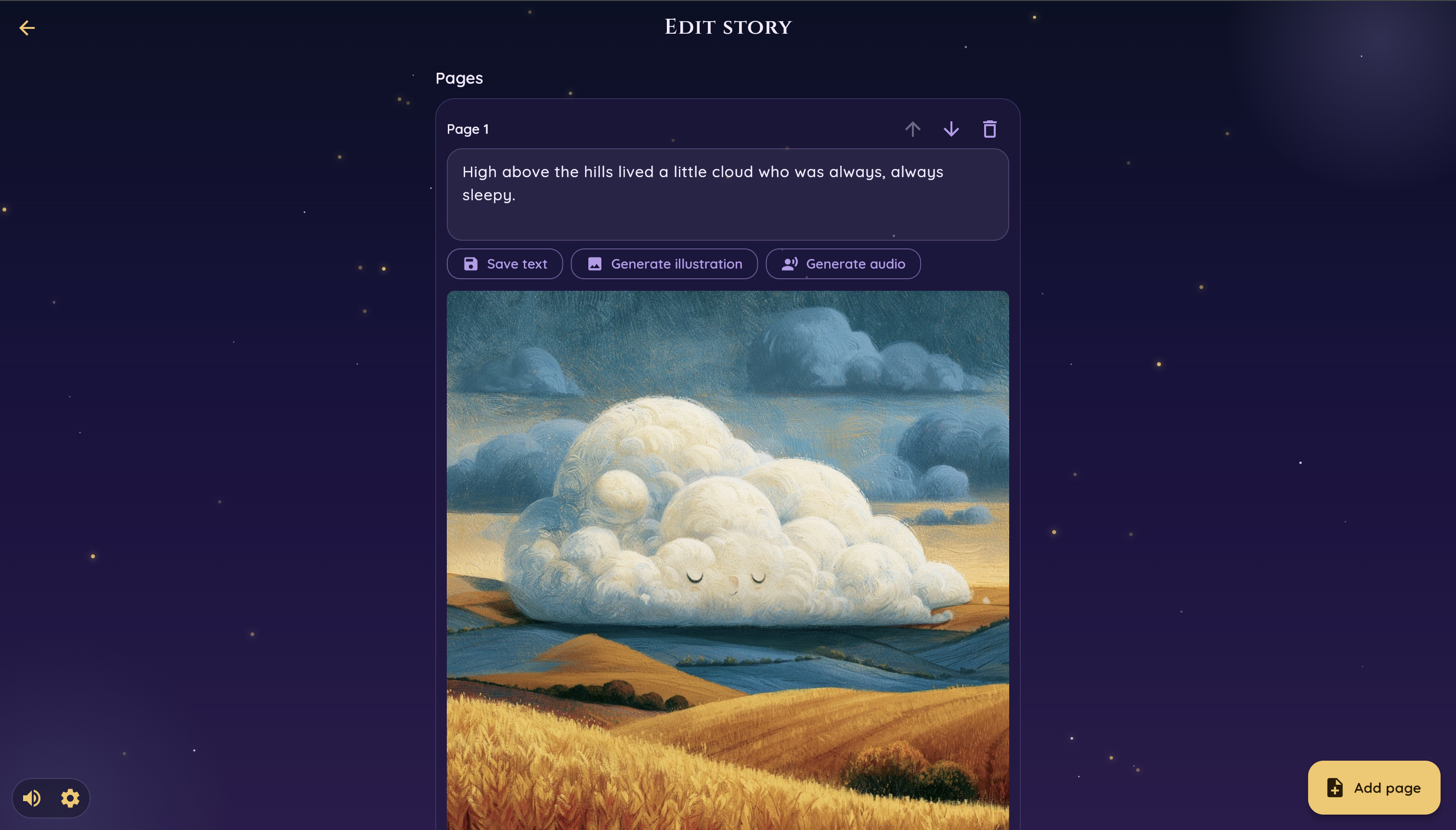
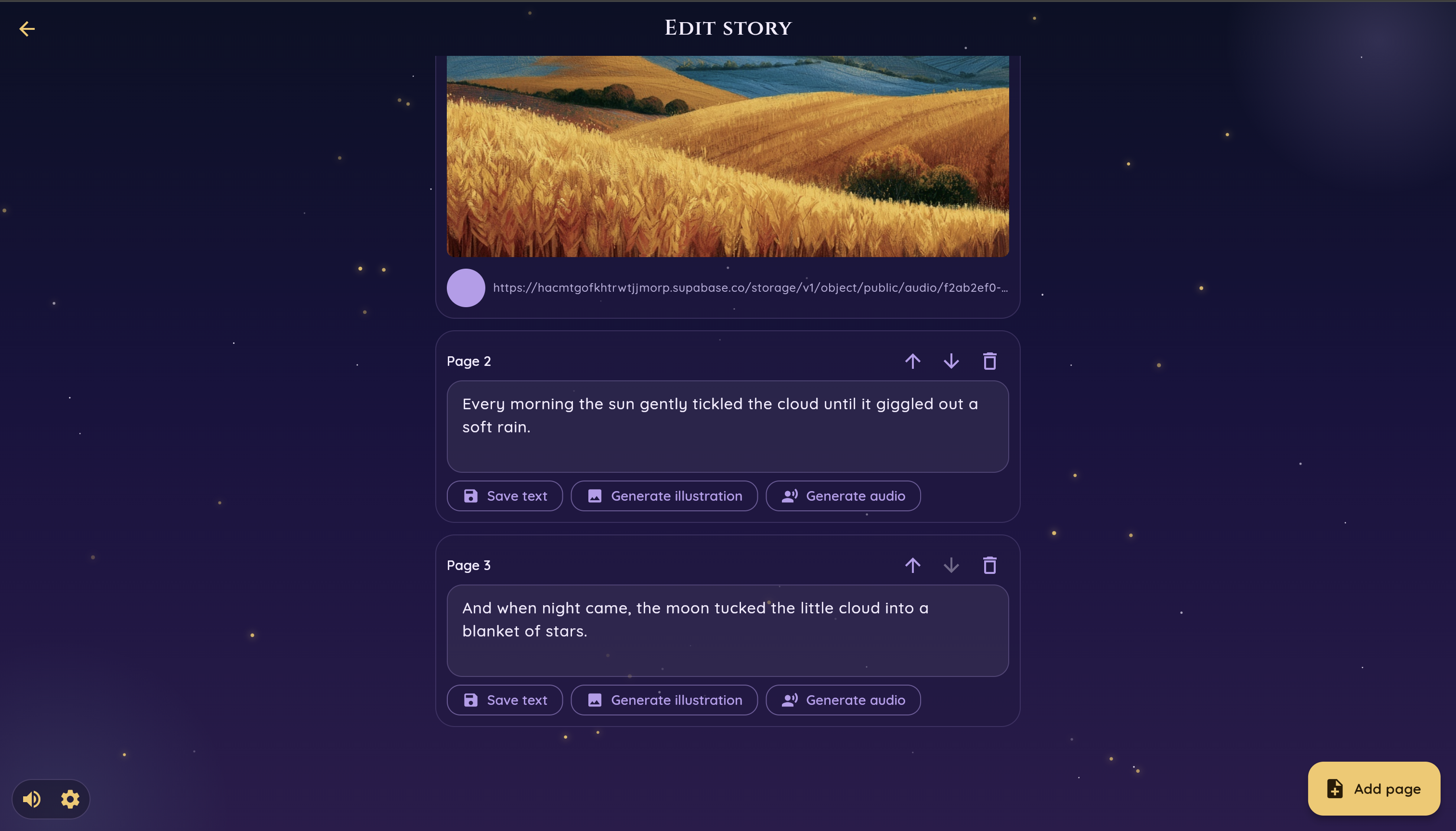
Fill each page with your ideas
-
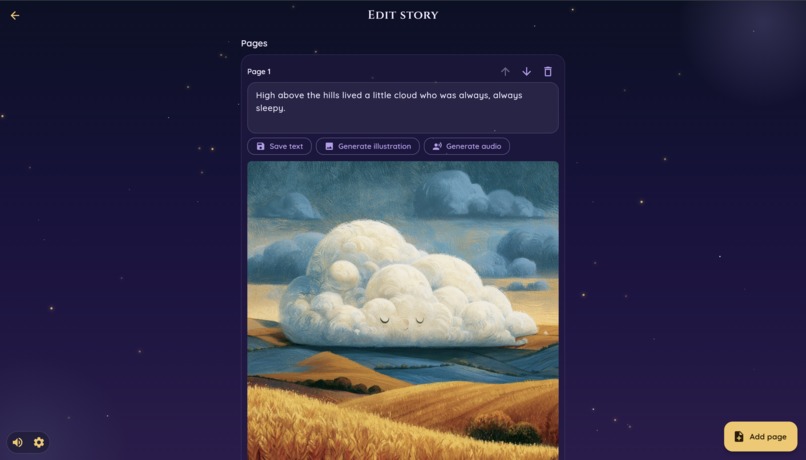
Beautiful pictures will be generated
-
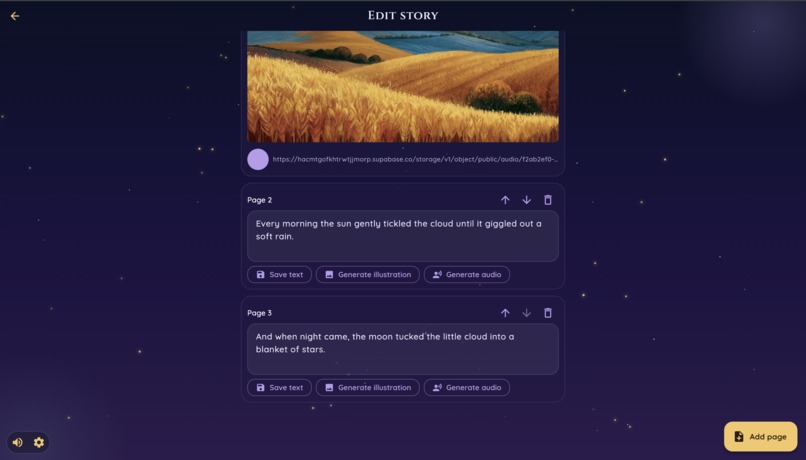
Customize each page and generate audio
-
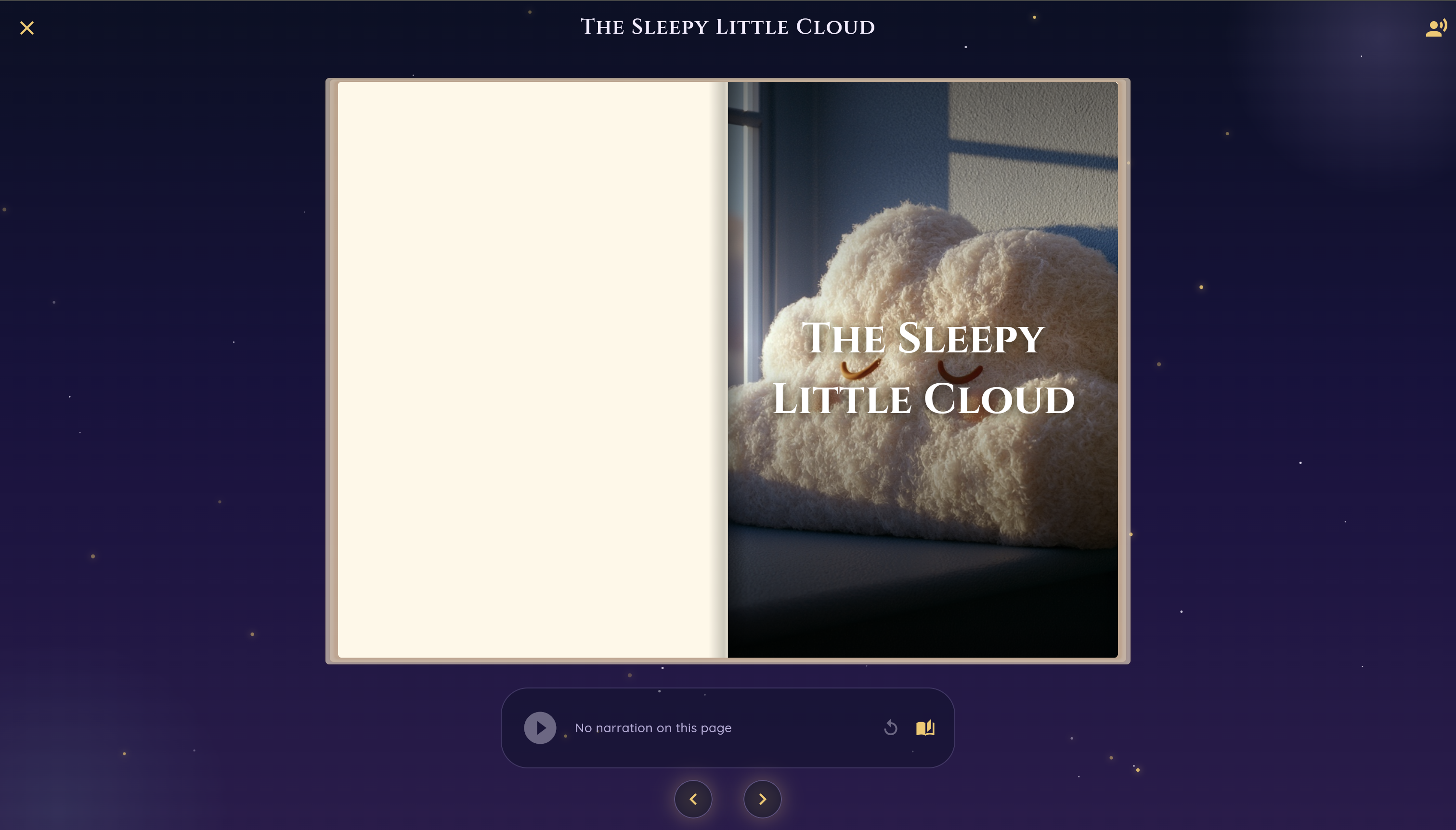
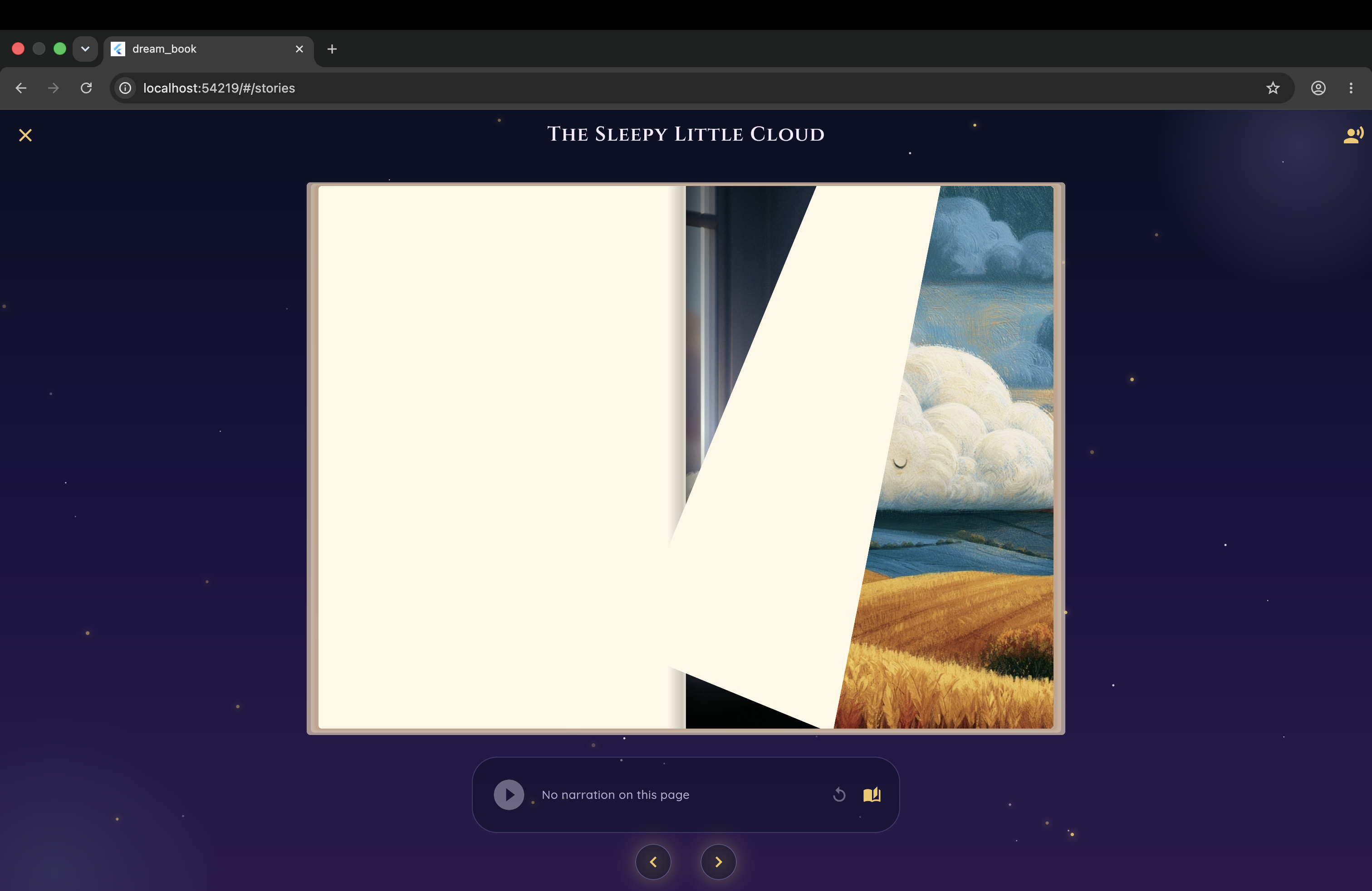
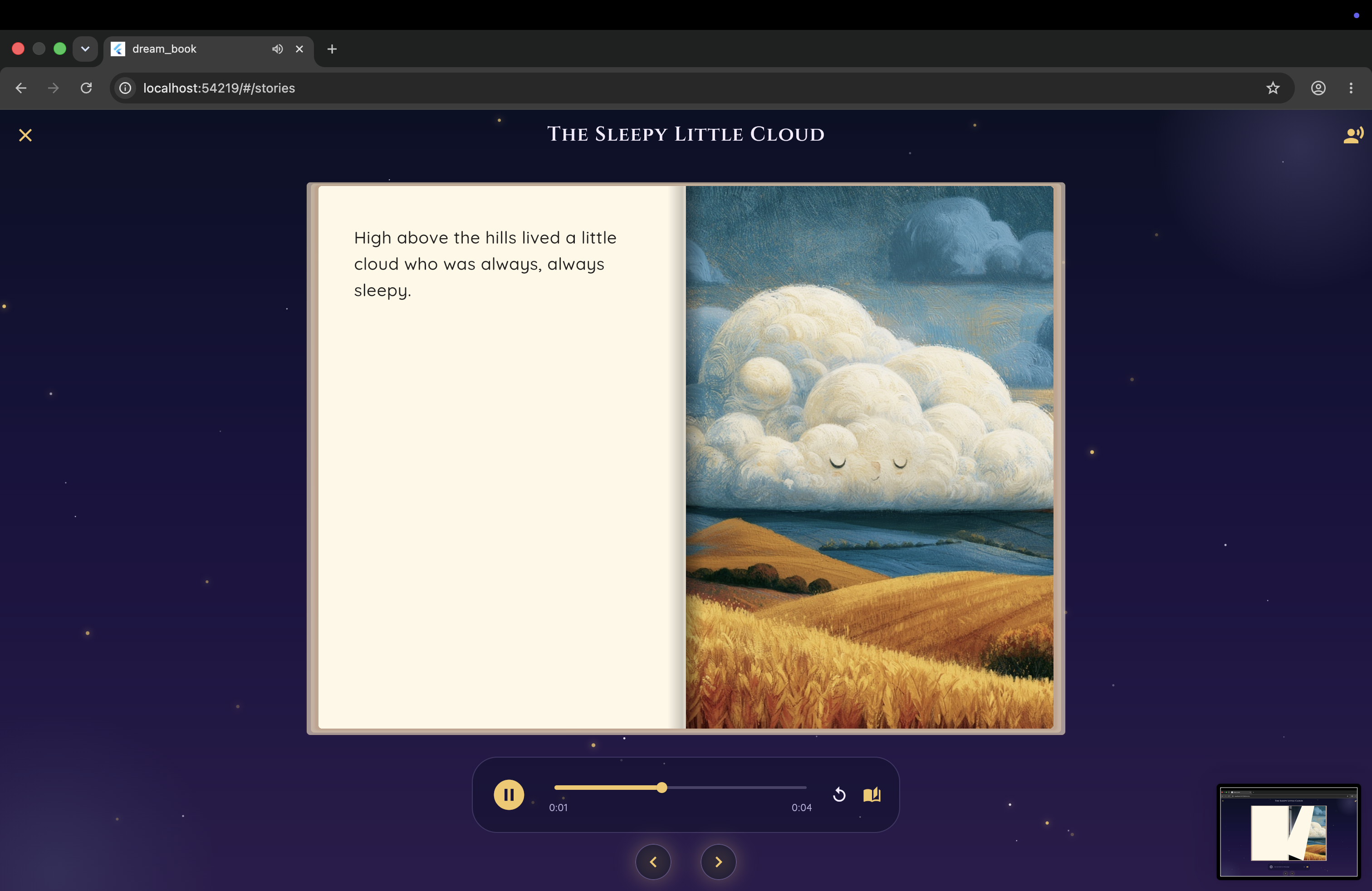
Read the book
-
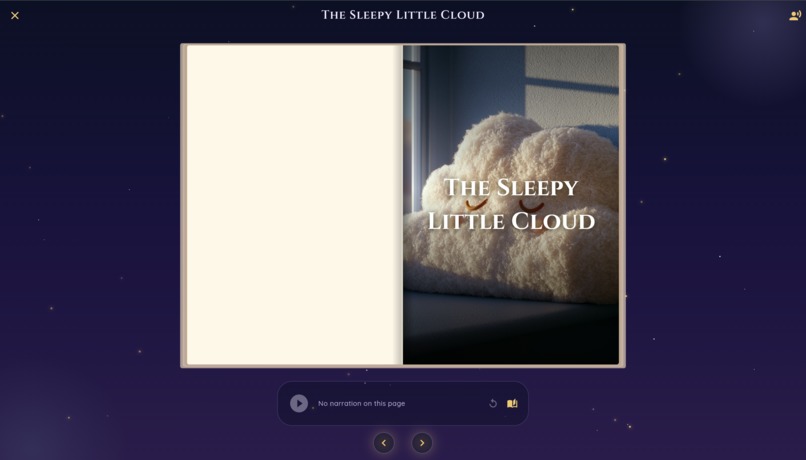
First page of your book
-
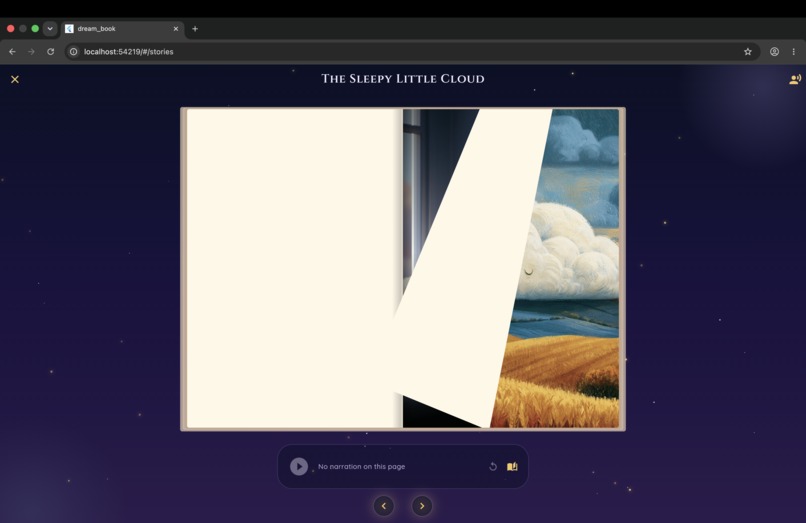
Flip the page
-
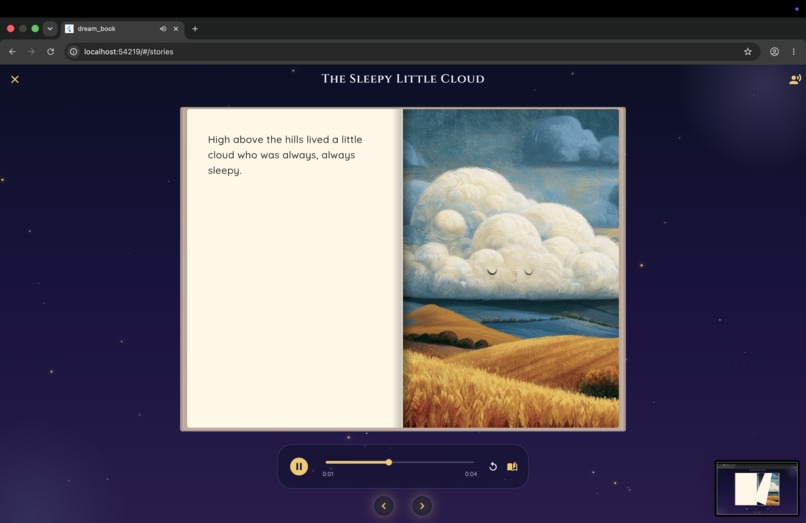
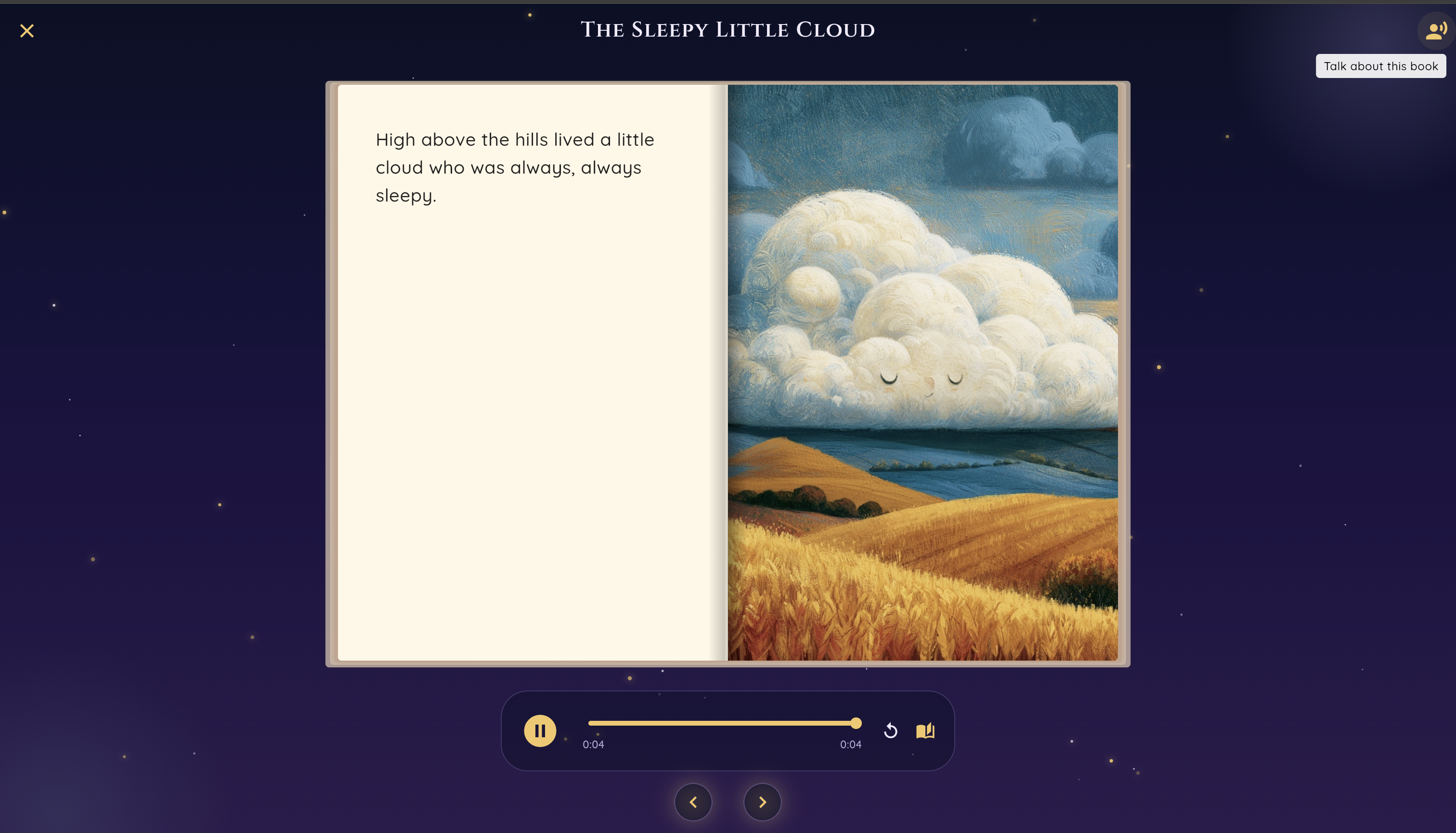
Enjoy your audio story
-
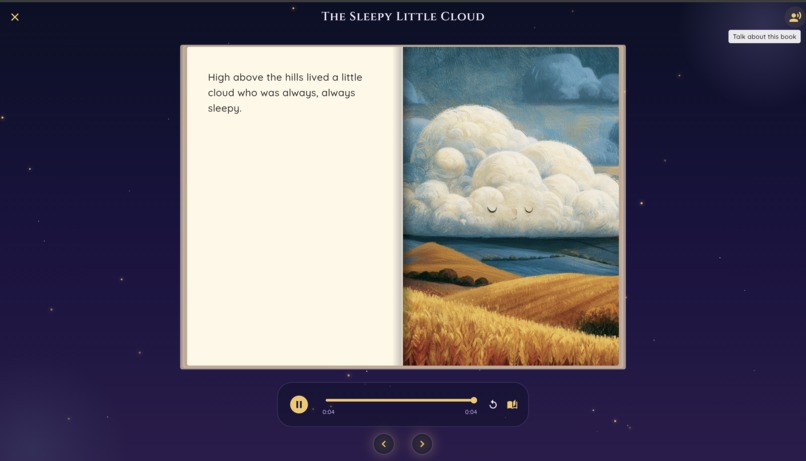
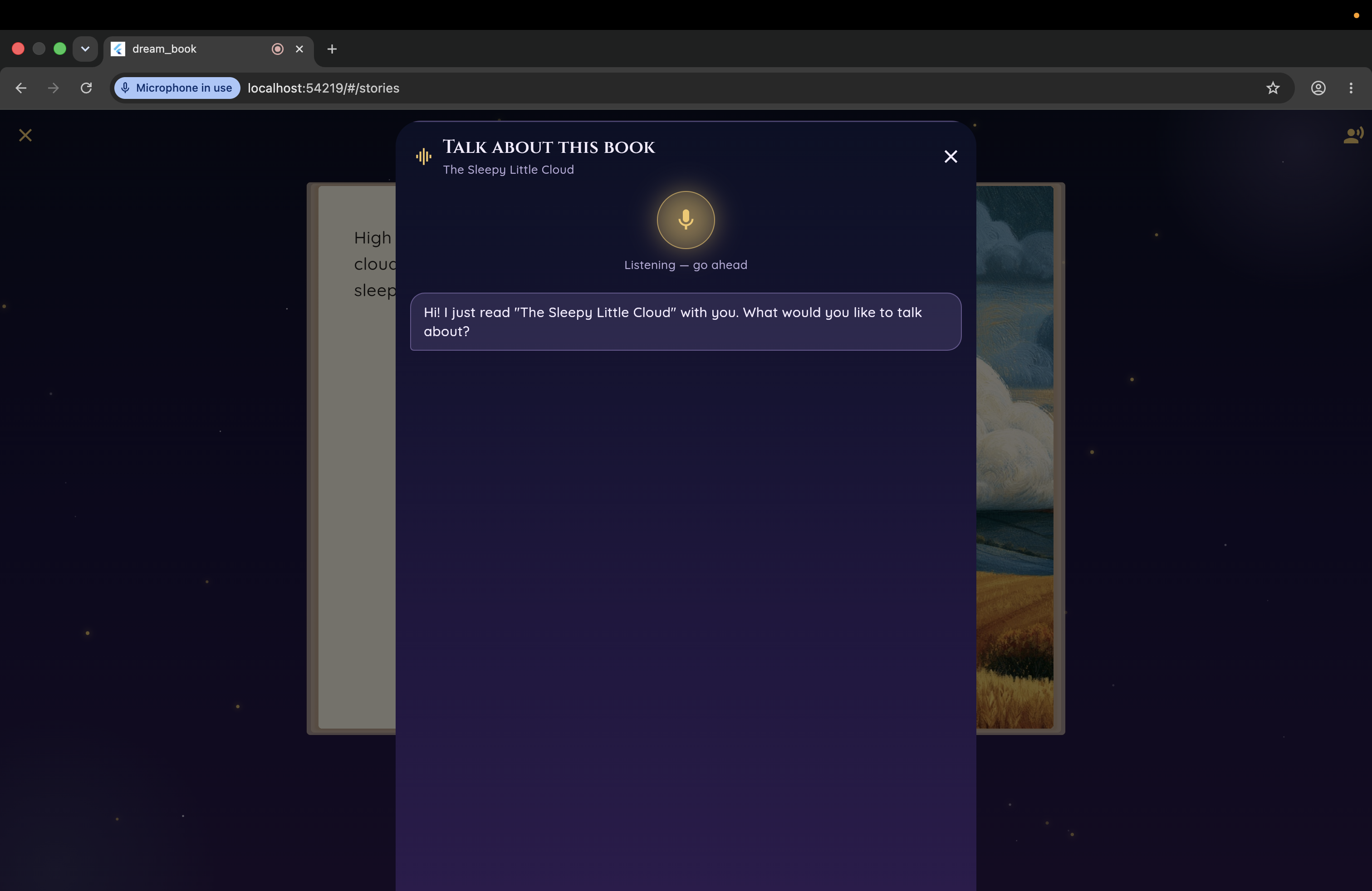
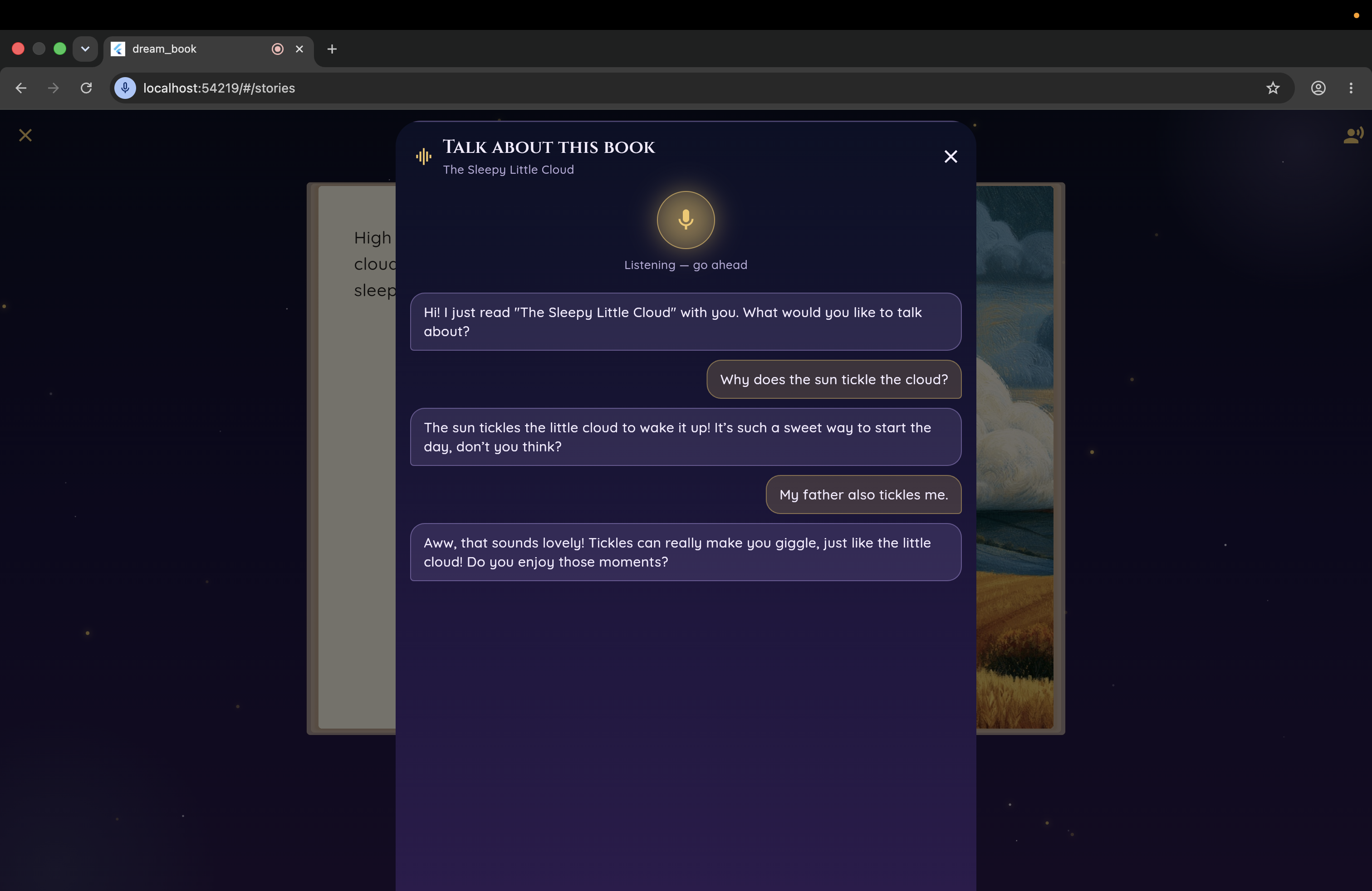
User can talk with the book using voice
-
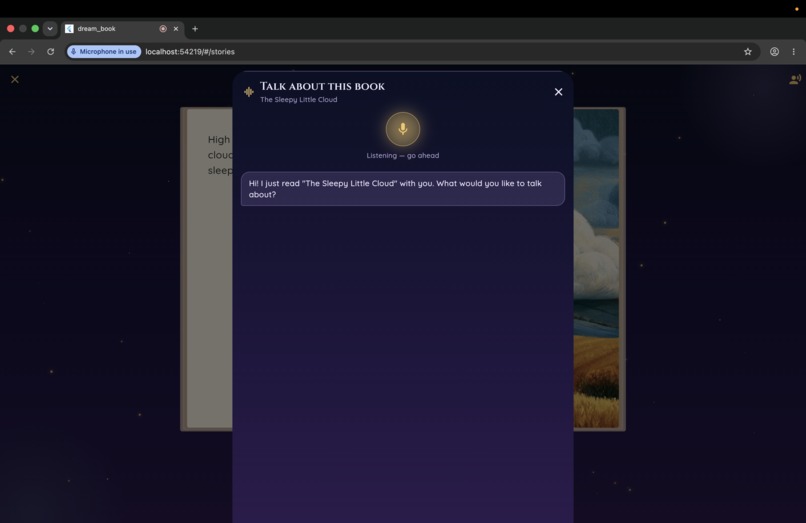
Talk with your book
-
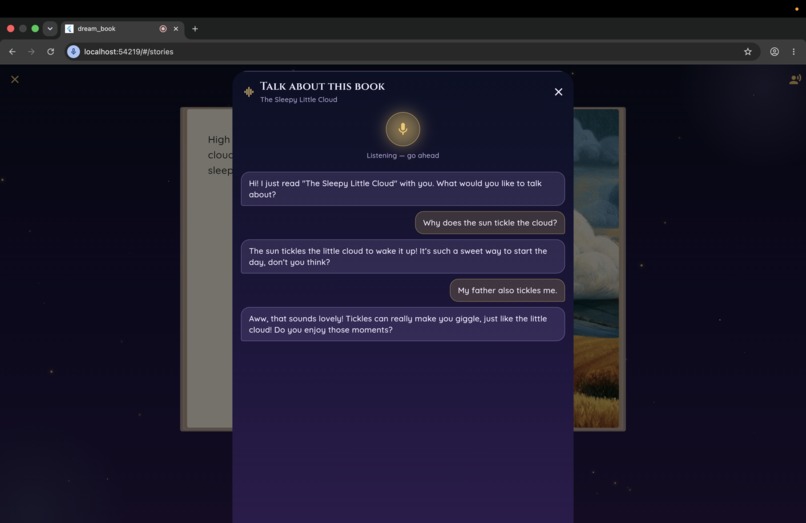
Discuss everything you want
-
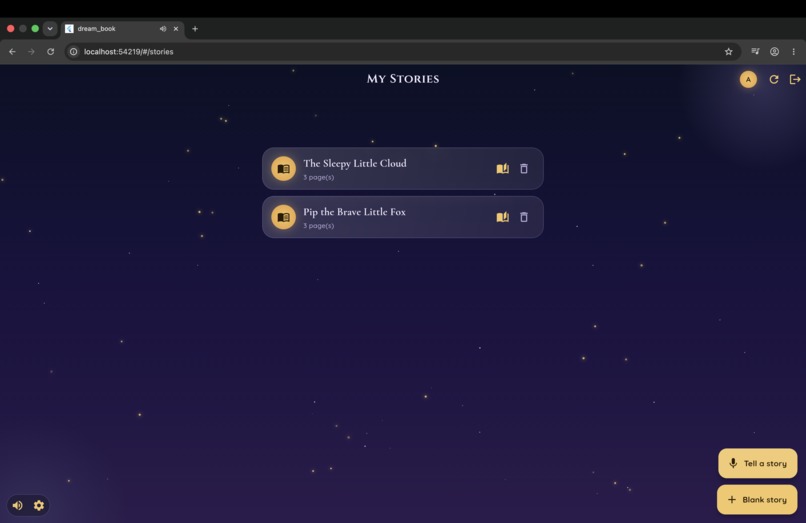
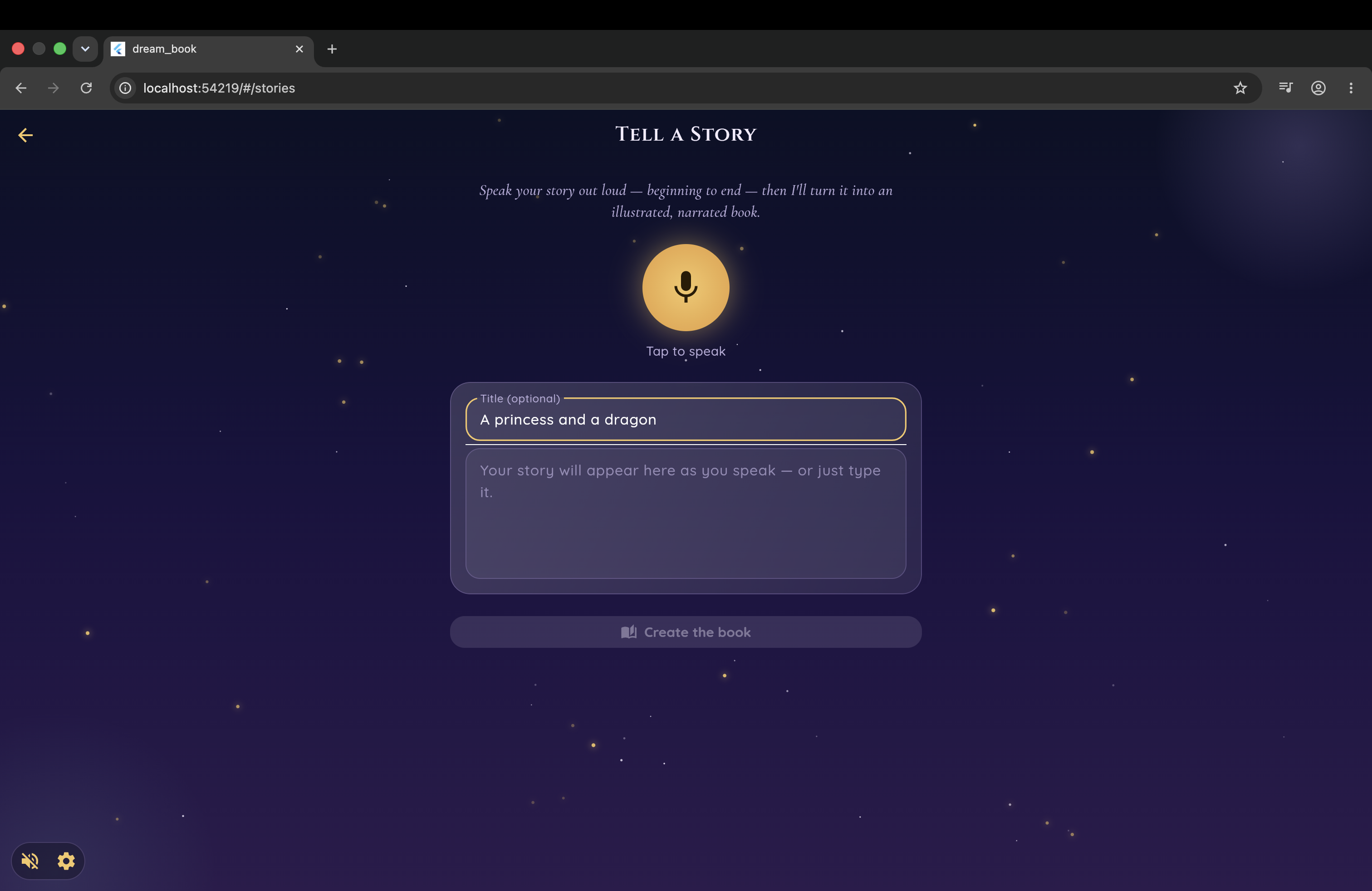
Create your own story with your voice
-
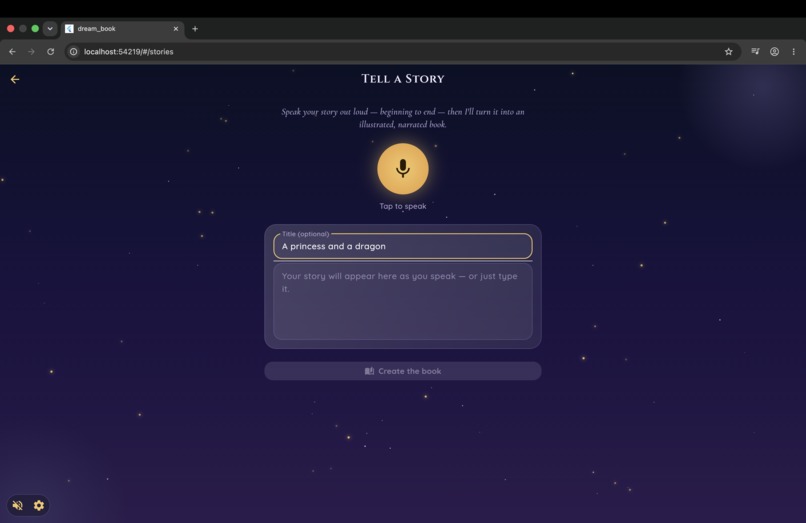
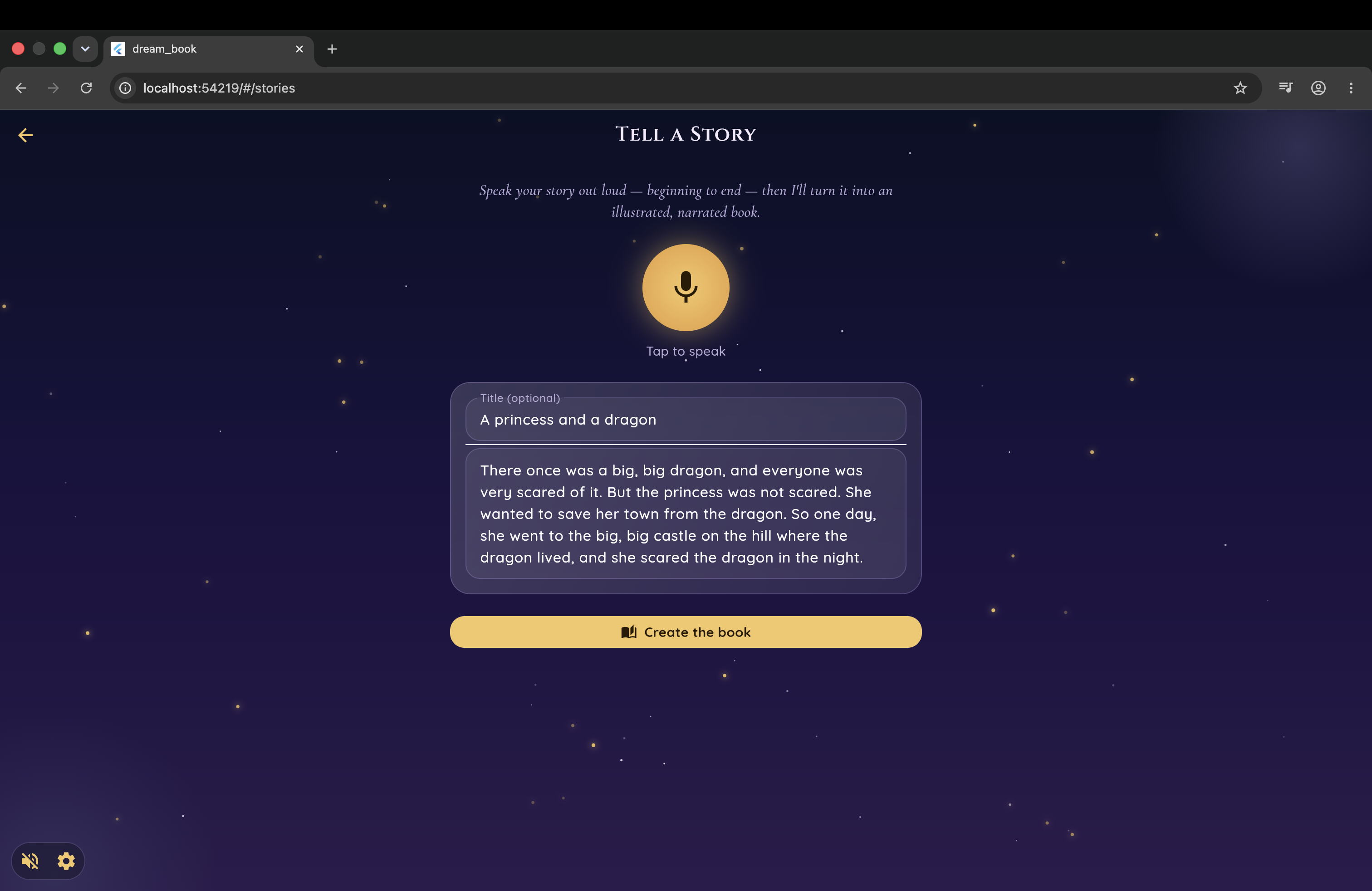
Come up with a title
-
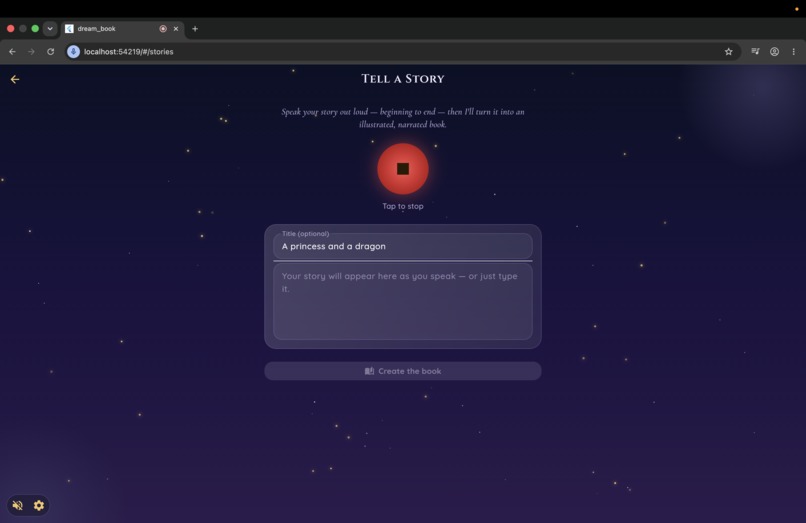
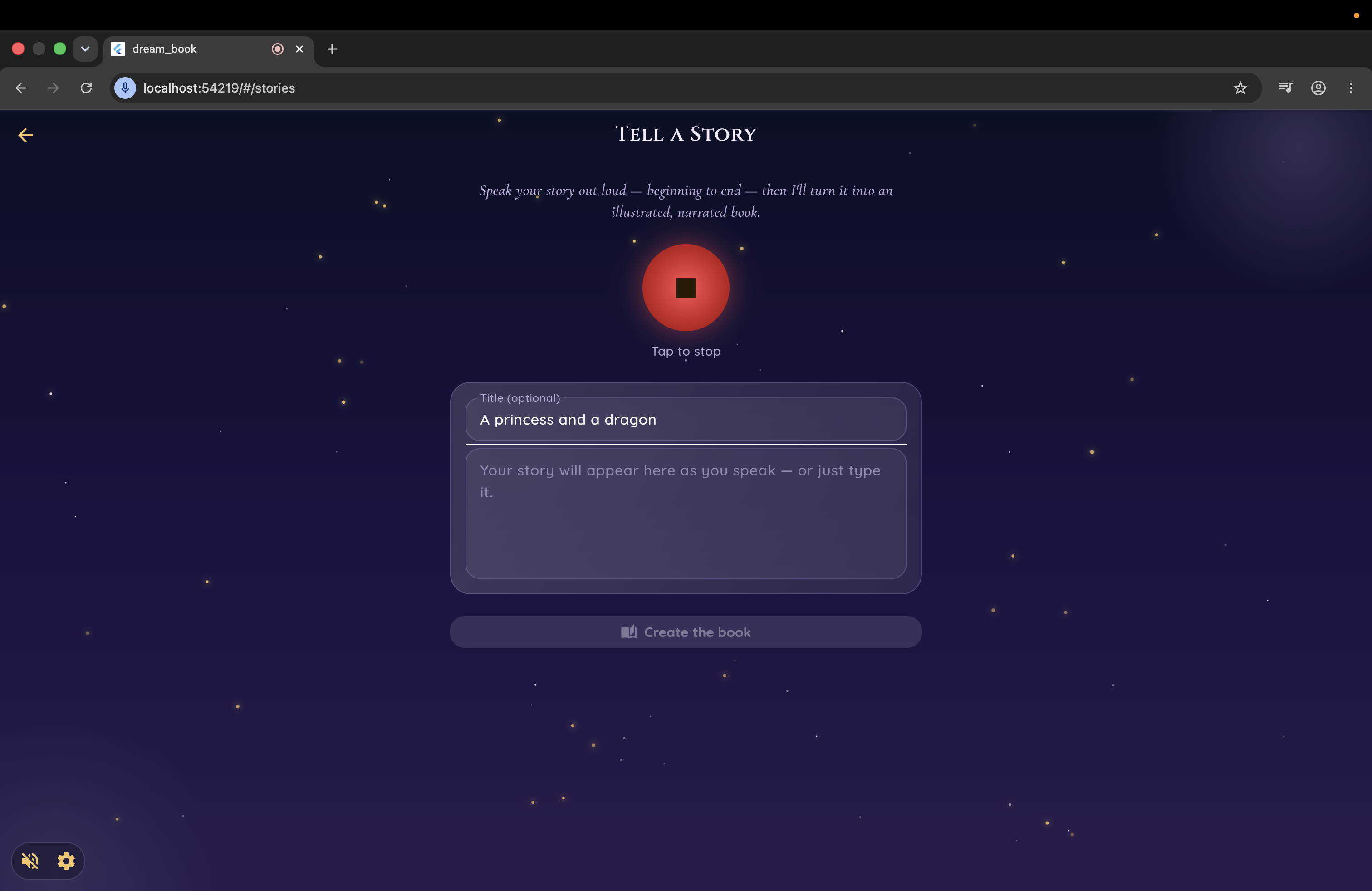
Tell your story
-
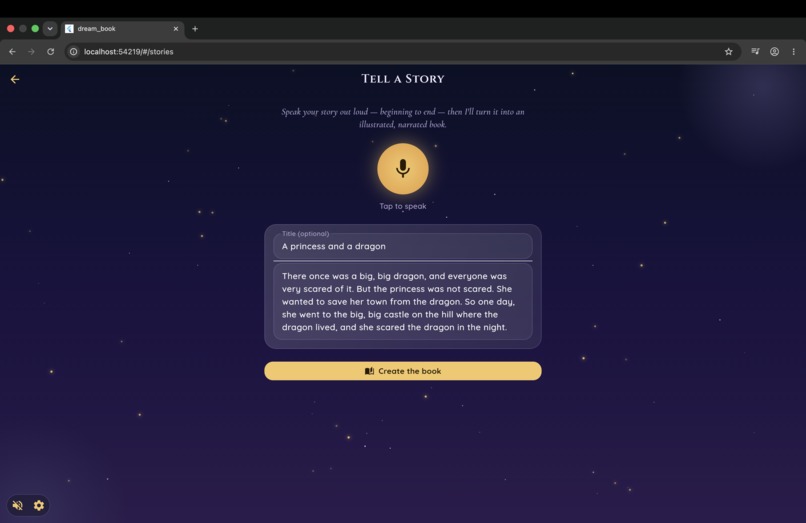
Your voice will be turned into text. Create your book then
-
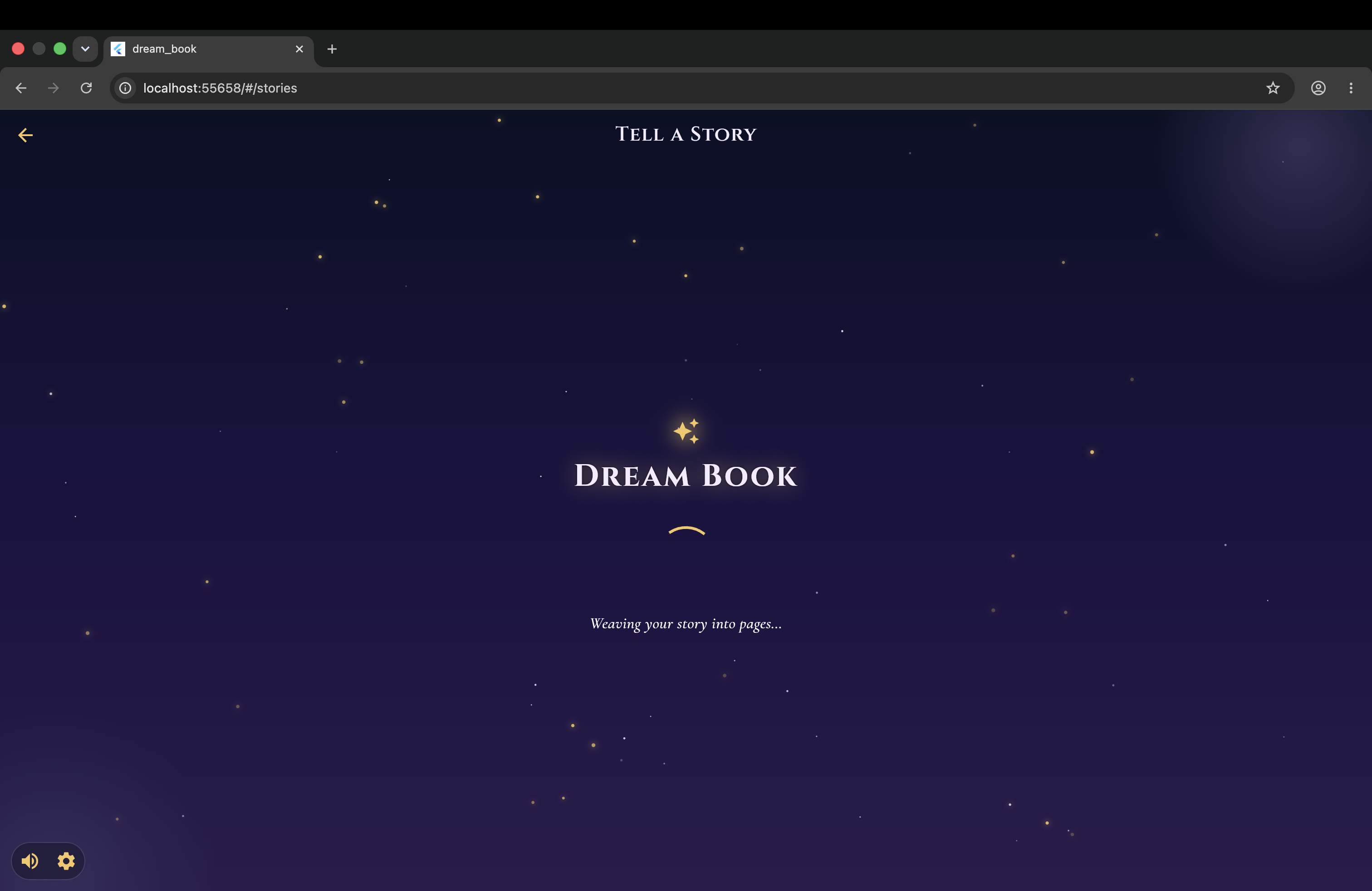
Your book is generating
-
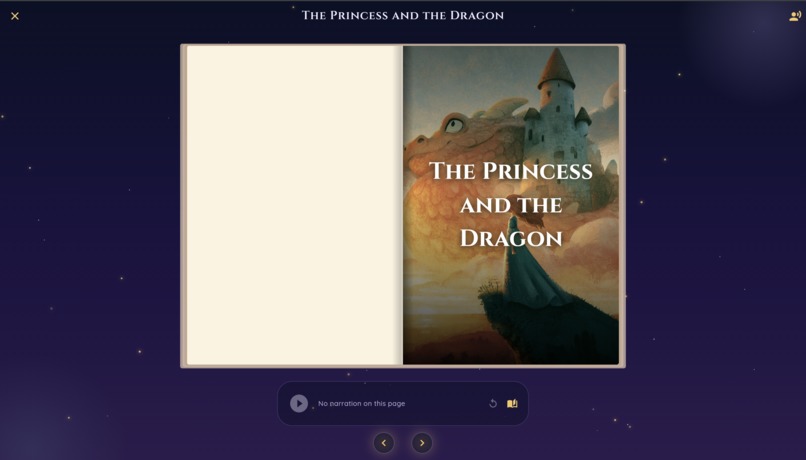
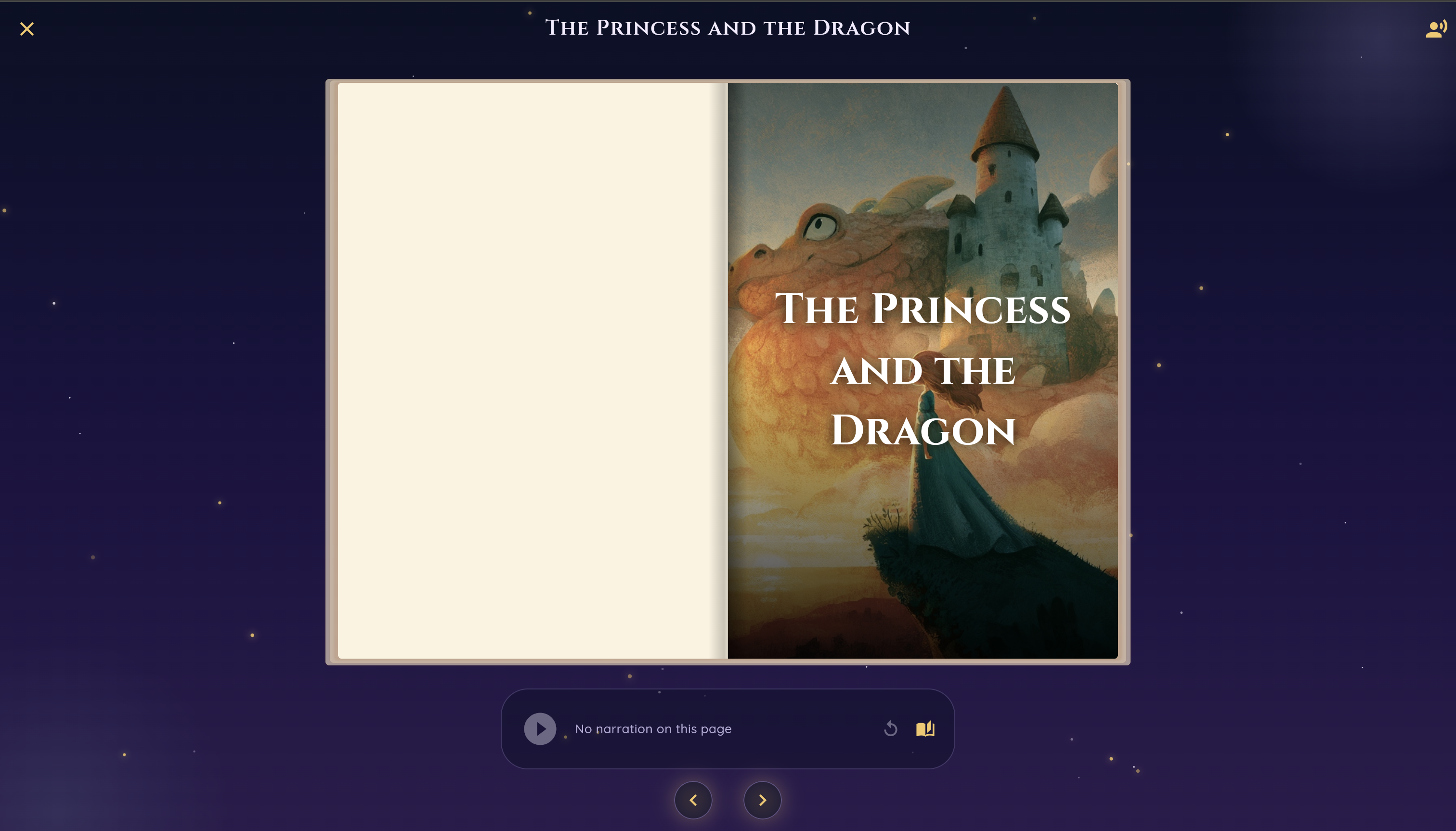
Enjoy your own story and ask the book your questions
-
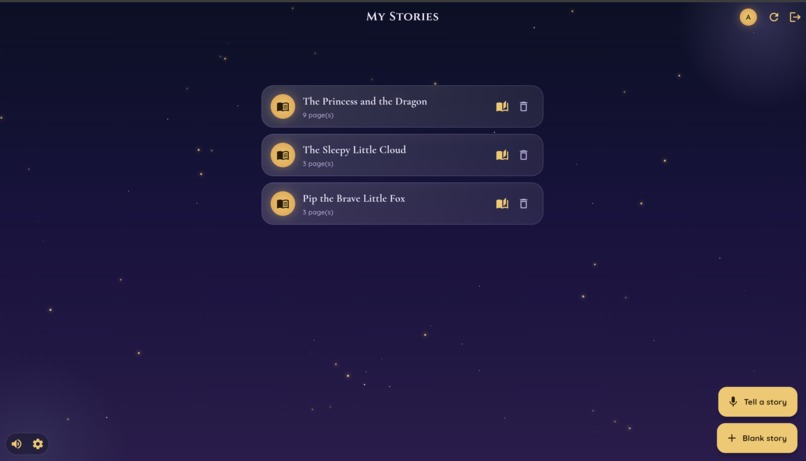
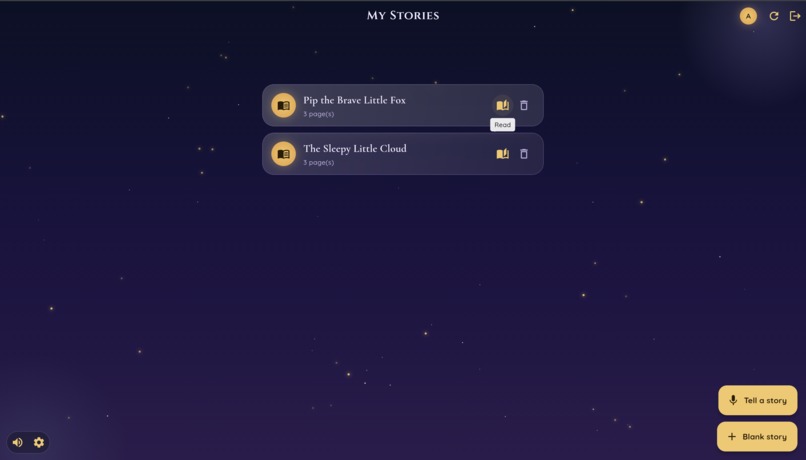
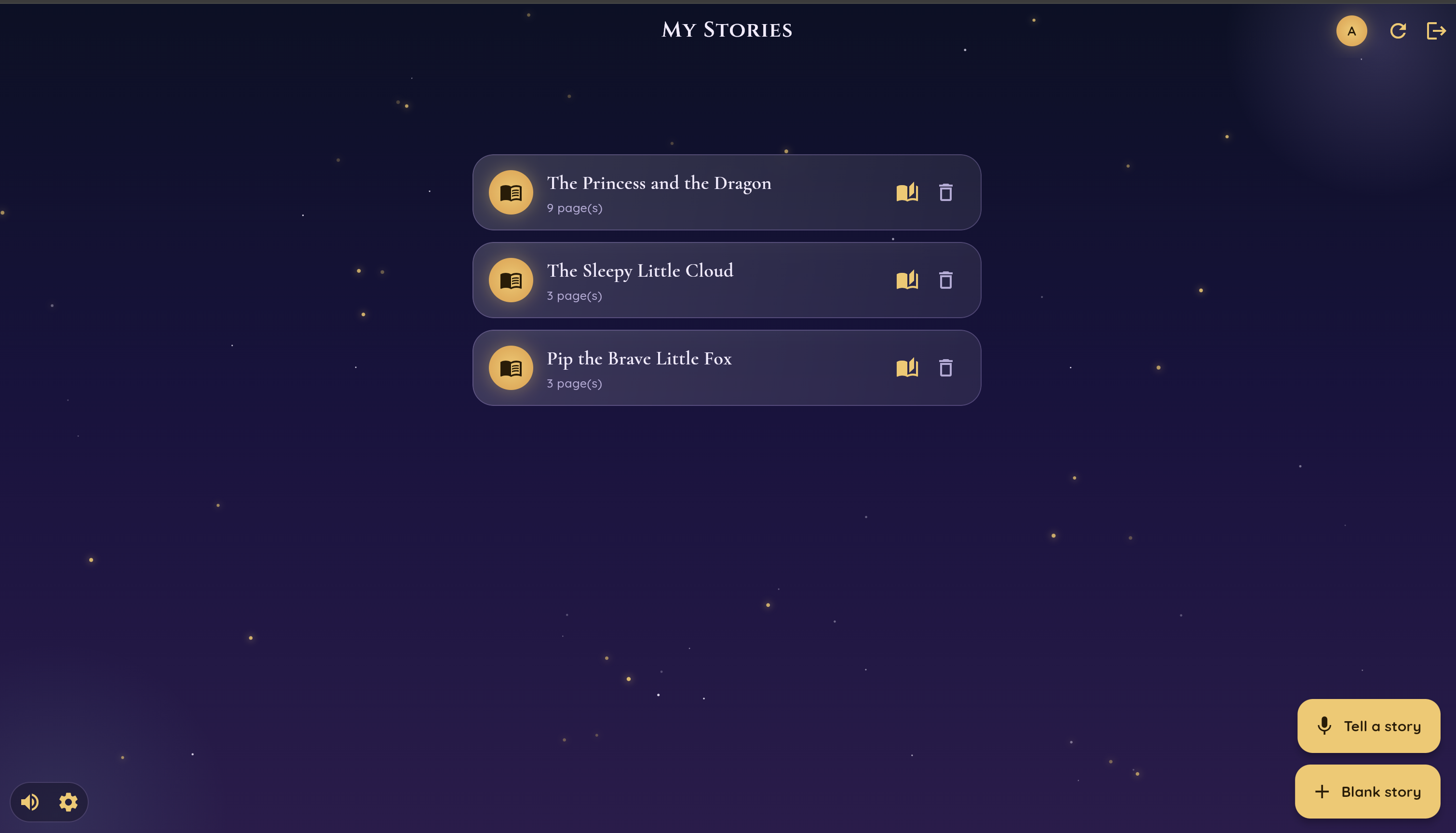
Your story will be saved on the main page
-
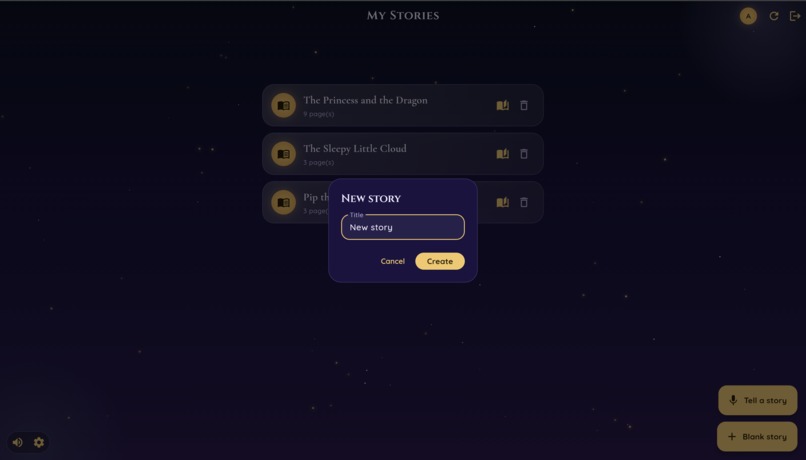
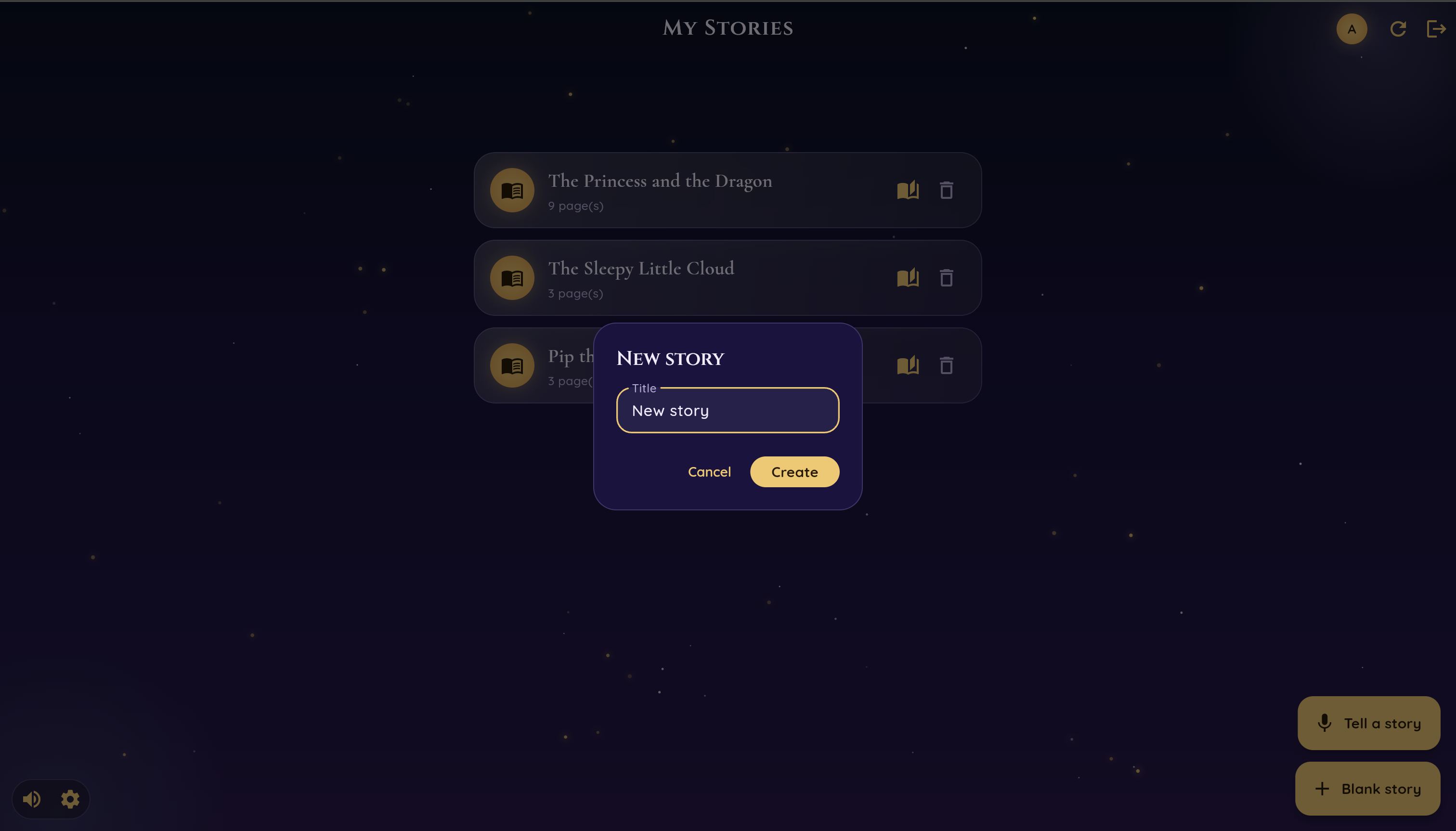
Click on 'Blank story' to create a new story manually from scratch
-
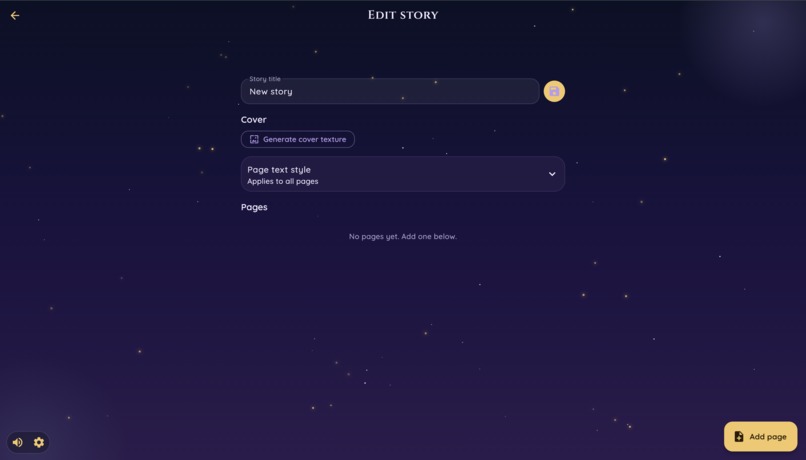
Create a new story manually from scratch
Inspiration
Dream Book started from a very personal place. We are a married couple, and we often talk about our future, family, and how we would want to raise children one day. One thing we kept coming back to was storytelling: the small bedtime stories parents make up, the magical books children remember, and the feeling of reading something together before sleep.
That became the inspiration for Dream Book.
We wanted to build an experience that could be interesting for both adults and children. For adults, it should feel like an easy creative tool: just speak your idea, and the app helps turn it into something beautiful. For children, it should feel magical: the story becomes a real book, with illustrations, page turns, narration, and the ability to talk back to the book.
Our goal was not just to generate text. We wanted to create a small "wow" moment — the feeling that your own voice can become a real illustrated storybook.
What it does
Dream Book is a voice-first AI storybook. The user tells a story out loud, and the app turns it into an illustrated, narrated book.
The experience begins with Deepgram. Instead of typing a prompt, the user speaks naturally, the way someone would tell a bedtime story. Deepgram transcribes that voice input, and the app shows the transcript back as editable text. This review step is important because the user stays in control before generation begins. Once the user is happy with the transcript, they tap Create book.
From there, Dream Book improves the spoken story, turns it into a warm children’s story, splits it into page-level content, generates illustrations, creates narration audio, and opens the result as an interactive book.
The user can flip through the book, play the narration for each spread, and experience it like a real read-aloud picture book. We also added a voice conversation mode powered by Deepgram, where the user can talk with the book after reading. They can ask questions about the story, discuss the characters, or keep engaging with the world they created.
This makes voice part of the entire experience: the story starts with voice, becomes a book, and then continues as a spoken conversation with that book.
How we built it
We started by building Dream Book in Flutter because we wanted a highly customized interface and liked the idea of supporting both mobile apps and the web from one codebase. Since the product is very visual, we knew we would need a lot of custom UI: page layouts, storybook styling, animations, audio controls, and a polished reading experience.
However, we ran into challenges with several dependencies we needed for rendering the book experience. Some packages did not behave the way we needed, especially for the kind of animated book interface we imagined. We also explored Rive because we hoped to use ready-made interactive book animations, but we could not find anything that fit the product well enough.
That pushed us to rethink the implementation. In the end, we moved to a custom web implementation built from scratch. This gave us more control over the book UI, the page layout, the playback controls, and the overall visual experience. Claude helped us rewrite and reuse a lot of the frontend logic, and we were still able to keep our existing backend architecture.
The core pipeline works like this:
- The user speaks a story idea.
- Deepgram transcribes the voice into text.
- The user reviews and edits the transcript.
- The backend improves the story and splits it into page-level content.
- Each page gets its own text, illustration prompt, generated image, and narration audio.
- The frontend displays the result as an interactive book.
- The user can later talk with the book using voice.
For the backend, we used Supabase. We used it for authentication, storing user profiles, story data, generated page content, audio, and illustrations.
Deepgram was central to the project. It powered the voice input that starts the story and the voice interaction that lets users talk with the book afterward. We wanted voice to be more than a feature — it had to be the main way the user creates and experiences the product. Deepgram let us make the first step feel natural: instead of filling out a form or typing a prompt, the user can simply tell a story out loud. We then show that transcript back as editable text, so the user stays in control before generation begins. Later, Deepgram also powers the “talk with the book” experience, where the user can ask questions about the story by voice and continue interacting with the world they created.
For image generation, we used Midjourney through an MCP server provided by the Midjourney team. This was one of the most interesting parts of the project because Midjourney does not provide a traditional public image generation API. We had to understand how the MCP server worked and how to connect it to our backend so images could be generated automatically for users.
We also integrated Sentry across the whole stack: our Deno backend, the original Flutter app, and the final Svelte web app. This was especially useful as we switched from Flutter to Svelte during the hackathon, because it helped us make sure the core product flow did not silently break during the rewrite. Sentry let us track frontend errors, backend issues, cloud function failures, slow endpoints, and problems with external services like Deepgram and Midjourney. With so many moving pieces - voice input, story generation, image generation, narration, storage, and playback - Sentry helped us keep the experience reliable across systems. Our sentry org: https://ai-hack-2026.sentry.io/
Challenges we ran into
One of the biggest challenges was making Dream Book feel like a real book, not just another AI text generator. A normal AI app can stop at generating a story, but we wanted the output to feel polished and magical. That meant thinking about page layout, pacing, illustrations, narration, audio controls, and the feeling of flipping through a storybook.
Another major challenge was changing our frontend direction. We originally planned to use Flutter, but the dependencies and rendering limitations made it difficult to achieve the exact book experience we wanted. Switching to a custom web implementation was not easy, especially during a hackathon, but it gave us much more control over the final experience.
Midjourney integration was also challenging. Since there was no standard API flow, we had to learn how to use the MCP server and connect it into our backend generation pipeline. We needed image generation to feel automatic from the user's perspective, even though the underlying integration required a lot of experimentation.
We also had to coordinate many AI and media steps into one smooth flow: speech transcription, transcript editing, story rewriting, page splitting, image generation, narration generation, storage, and frontend playback. If any one part failed, the whole book could feel broken. A lot of our work went into making that pipeline reliable enough that a user could simply speak, wait, and receive a complete book.
Accomplishments that we're proud of
We are proud that Dream Book feels like more than a prompt-to-output generator. The user does not just type something and receive text. They speak a story, review it, watch it become a book, listen to narration, flip through pages, and then continue the conversation by voice.
We are also proud of the full multimodal pipeline we built during the hackathon. Dream Book combines voice recognition, story generation, page-based structuring, image generation, narration, storage, monitoring, and an interactive reader interface.
The voice conversation mode is another part we are proud of. It makes the book feel more alive. Instead of ending when the story is generated, the experience continues: the user can ask about the story, talk about the characters, and interact with the world they created.
Most of all, we are proud that the product feels warm and human. It started from a personal idea about future bedtime stories, and it became something real that people can use, read, hear, and talk to.
What we learned
We learned that voice changes the emotional feel of an AI product. Typing a prompt feels like using a tool, but speaking a story feels much more personal. It makes the user feel like they are performing, imagining, and creating in a natural way.
We also learned how important structure is when building with generative AI. Instead of asking the model for one long story, we had to design the output as a book: title, pages, page text, image prompts, narration, and conversation context. That structure made it possible to turn AI output into an actual product experience.
Another big lesson was that the "last mile" of AI products is often not the model itself, but the orchestration around it. The hard part was not only generating text or images. It was making all the pieces work together: voice input, editable transcripts, page-based story generation, illustrations, audio, storage, monitoring, and a polished reader interface.
We also learned that sometimes changing direction is the right technical decision. Moving away from our initial Flutter plan was difficult, but it helped us build a better experience for this specific project.
What's next for Dream Book
Next, we want to make Dream Book more interactive and more personalized.
We would like users to be able to reshape the story while reading it, using voice commands like "make the ending happier," "add a dragon," or "continue the story." We also want to add more personalization, such as choosing the child's name, age, favorite animals, preferred story tone, and reading level.
Another important next step is stronger safety and moderation. Since Dream Book can be used for children's stories, we want to add automated content moderation, better age controls, and parent settings.
We also want to improve the reading experience with richer animations, smoother page turning, character voices, and a bedtime mode that slowly makes the narration softer and the visuals calmer.
Longer term, Dream Book could become a library of personal family stories: books created from a parent's voice, saved forever, and reread by children as part of their bedtime routine.
Built With
- claude
- deepgram
- deno
- flutter
- midjourney
- react
- sentry
- supabase
- svelte
- typescript


Log in or sign up for Devpost to join the conversation.