-
-
Sketchee Icon
-
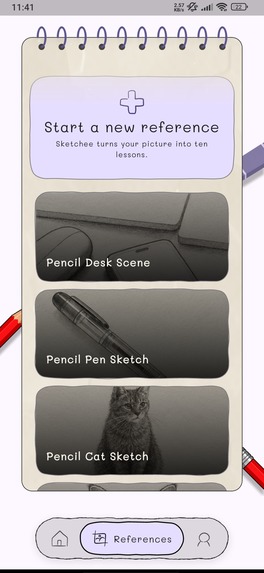
references.
-
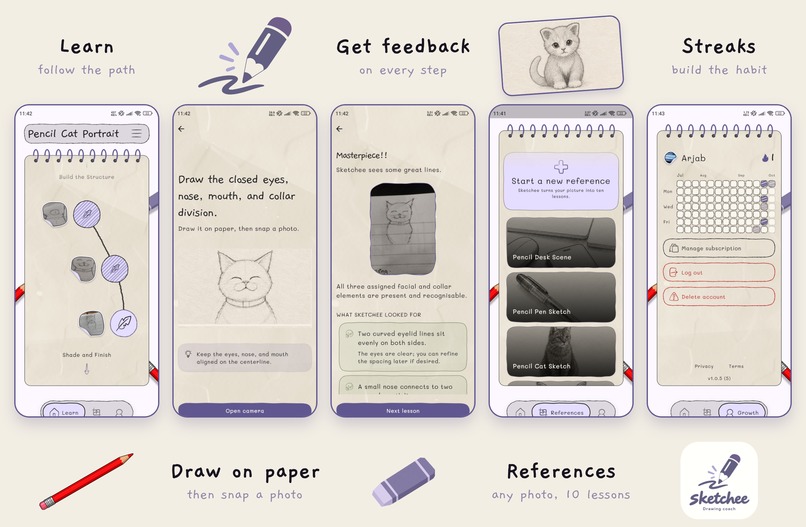
overview
-
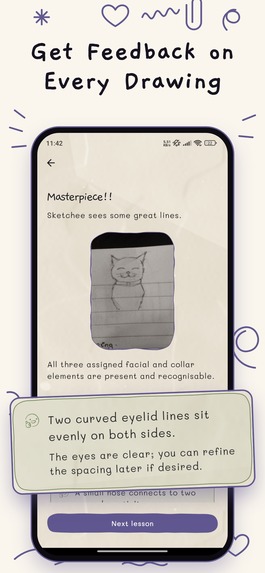
review
-
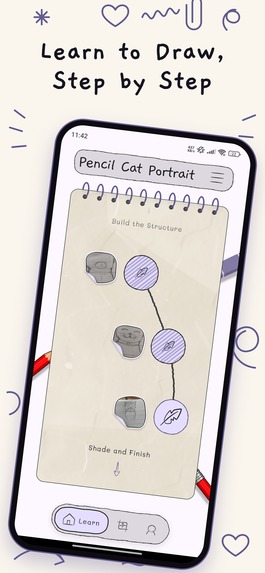
learn
-
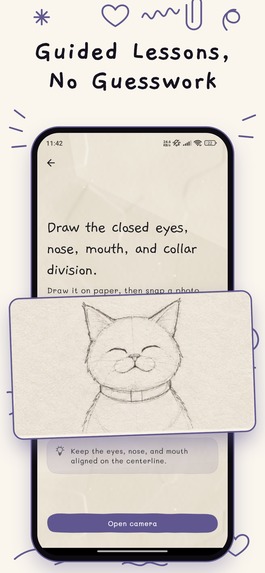
lesson_task
-
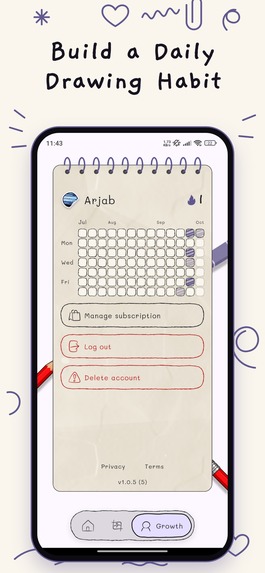
grow
Inspiration
One day, one of us tried drawing a cat with the help of a YouTube tutorial, but by the end it looked nothing like the one in the video. That's how Sketchee was born.
You can use YouTube to go through a lot of how to draw tutorials but often your drawing and the one in the video look vastly different. Your mistakes stack on top of each other and your drawing deviates a lot. So we built Sketchee where your drawing goes through review at each step.
What it does
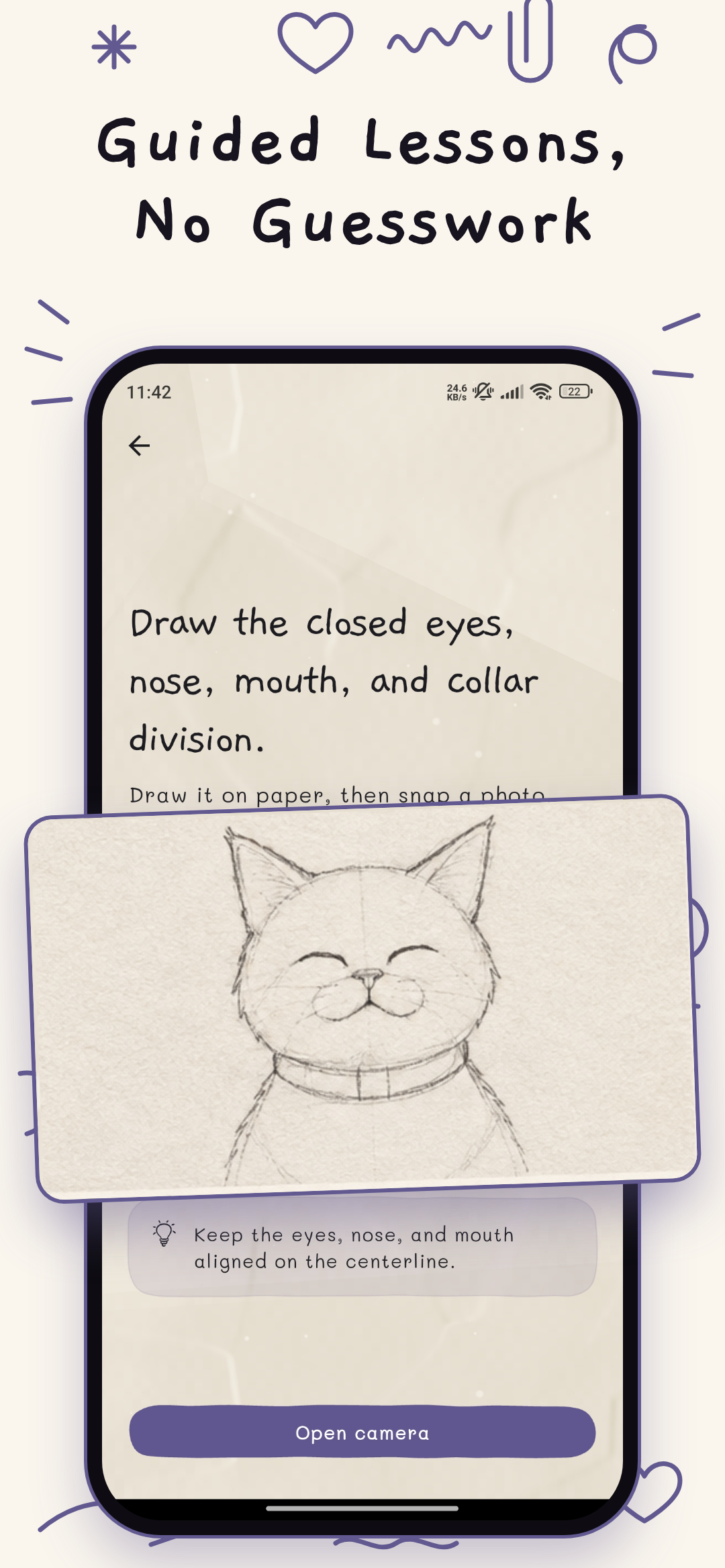
Sketchee is a learn to draw app that actually looks at your drawing, tells you what is right, what is wrong and what you need to fix before the next step. It is currently available on the Play Store, and the iOS version is in App Store review.
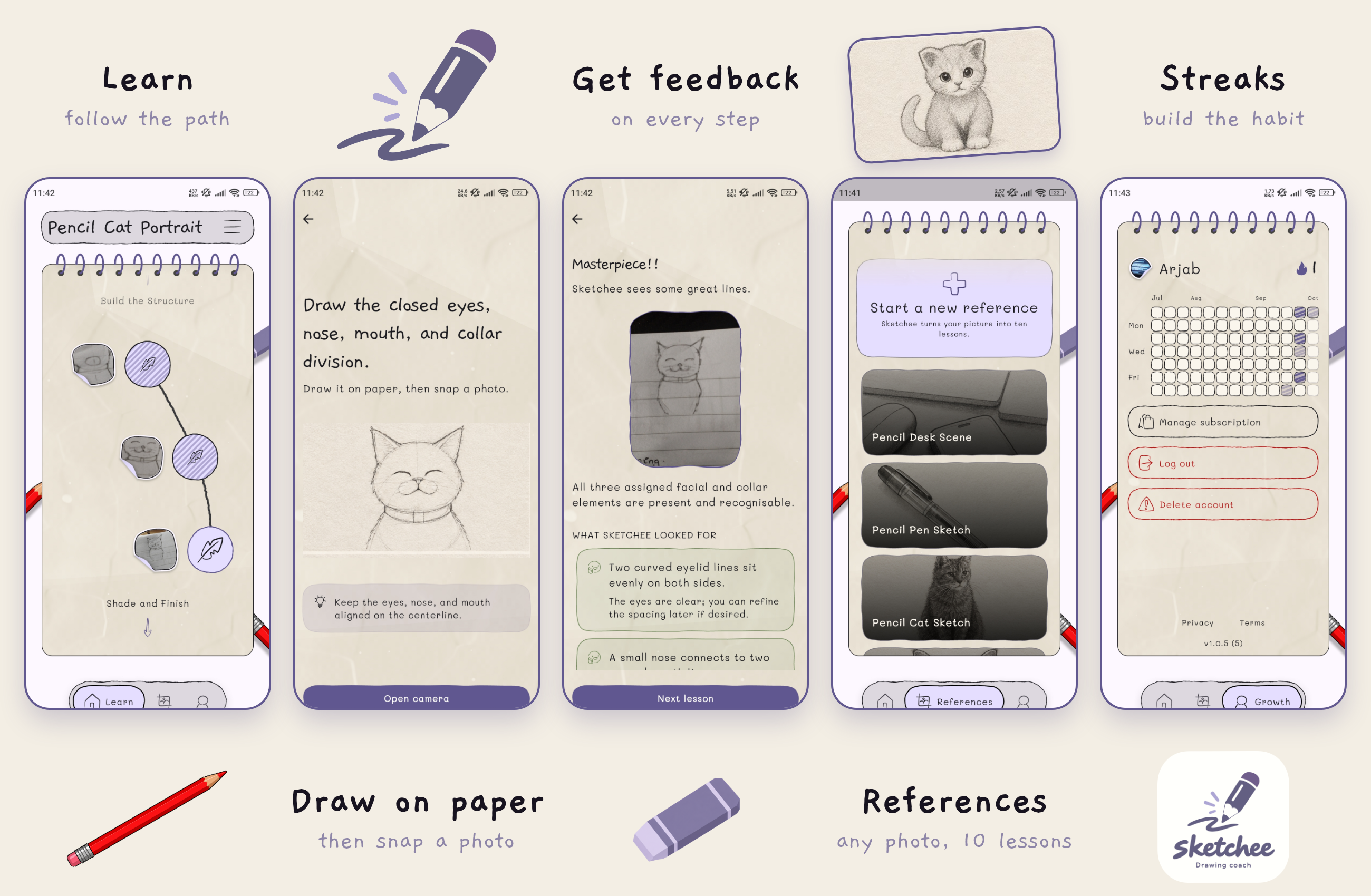
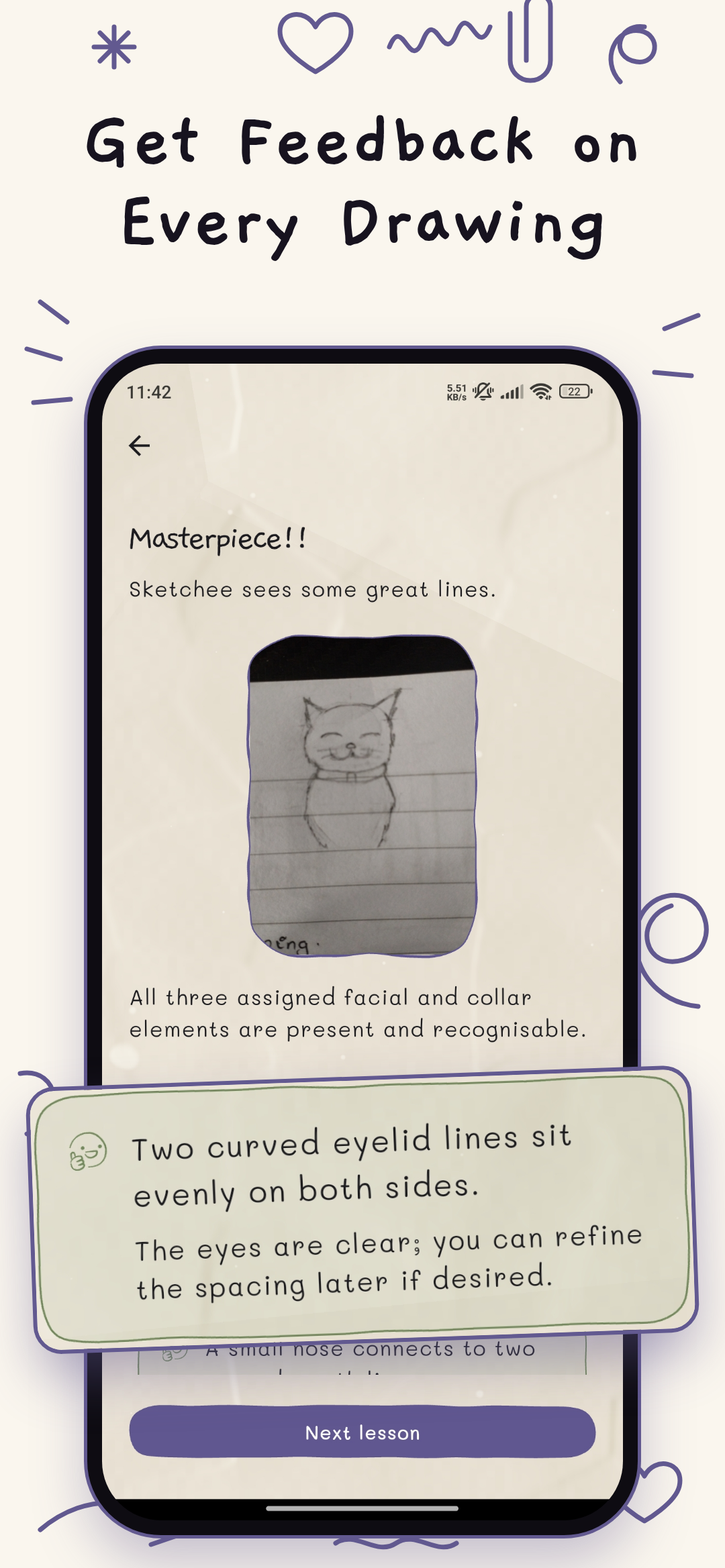
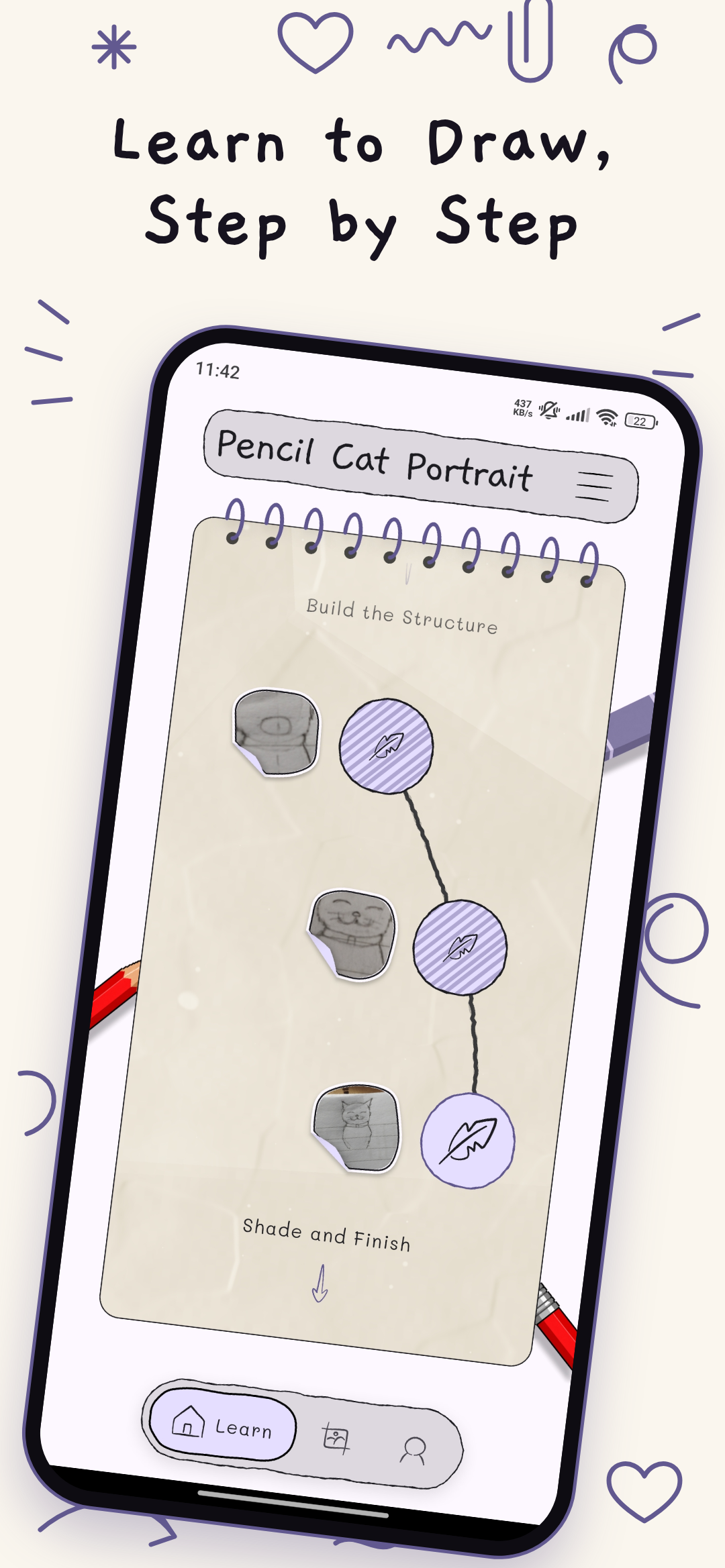
The core loop of Sketchee is draw on paper -> snap a picture -> review. You practice with a real pencil on real paper instead of a screen. Each lesson has 2-3 criteria, and the review marks each one as pass or fail with short feedback. It grades like a beginner's teacher: wobbly lines won't fail you, a missing or misplaced part will.
- Courses: 8 built-in courses with 160 lessons, from Drawing Foundations to Faces and Portraits, that take you from the very beginning of drawing.
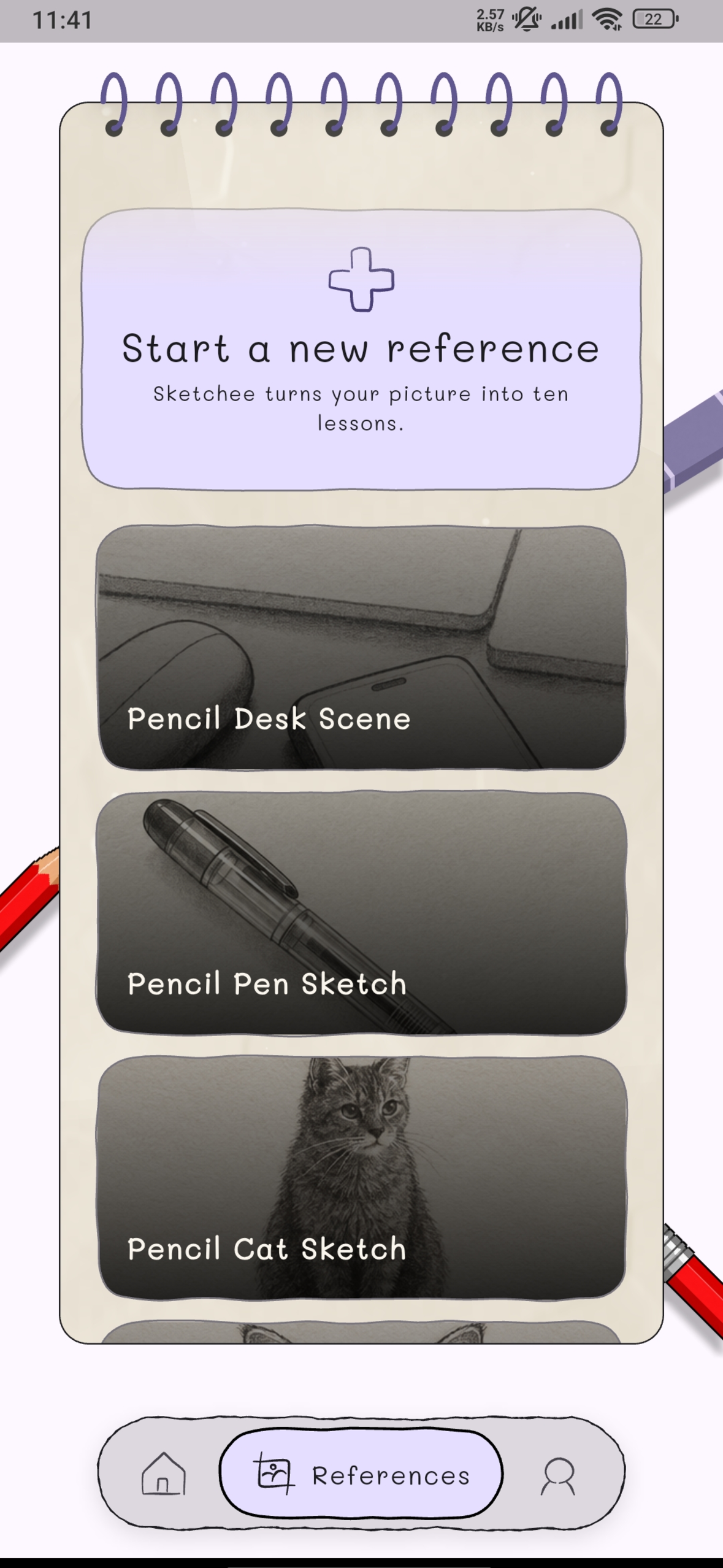
- References: Point your camera at anything and you'll get 10 lessons that go from basic shapes to the final details. You get a notification when your lessons are ready.
- Photo cleanup: When you snap your drawing, Sketchee finds the paper and crops to your pencil marks, even in uneven lighting.
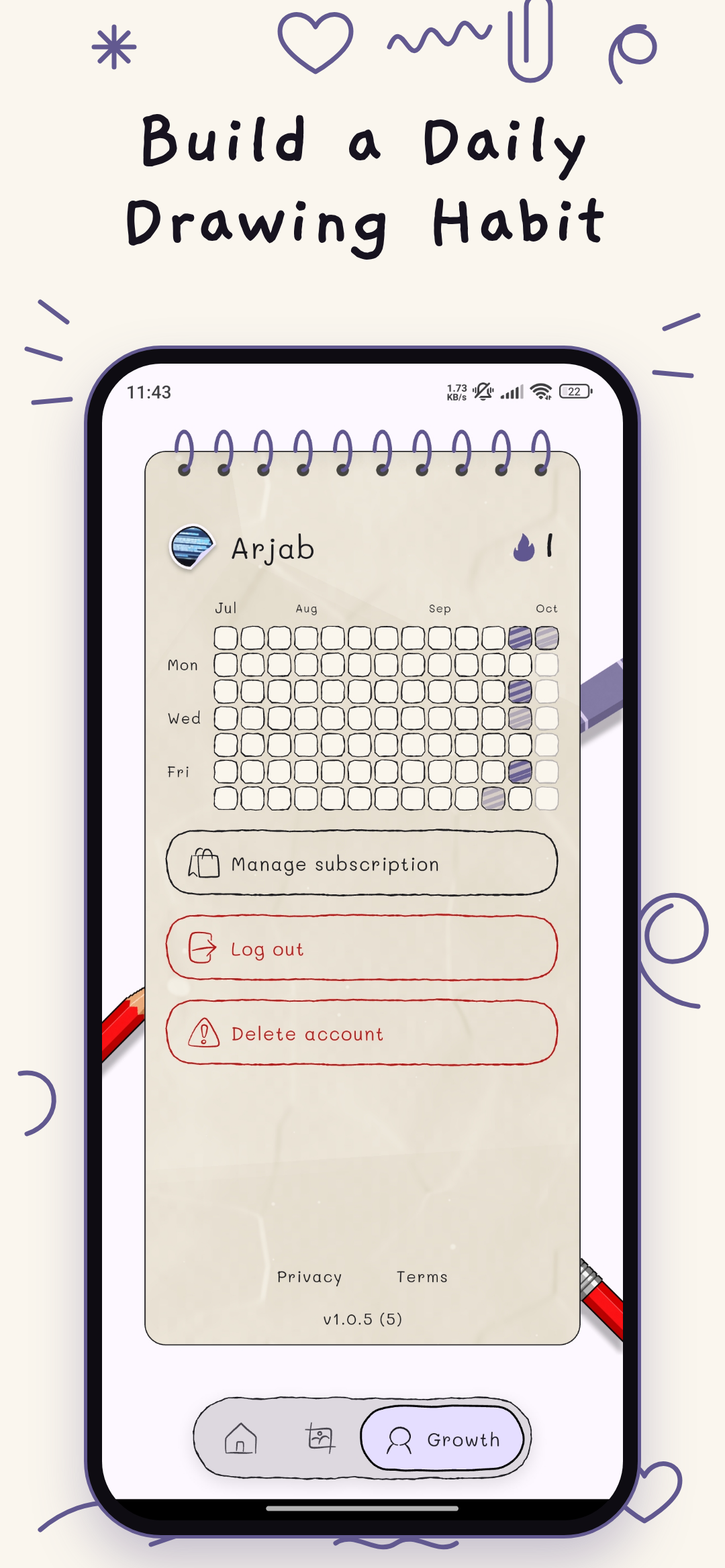
- Streaks: Keeps track of your consistency, and you get a nudge through OneSignal when you're about to lose your streak.
- Try before you pay: During onboarding you draw an avatar and get a free review, so you see how Sketchee works first.
- Hand drawn look: The whole app looks like it was drawn by hand, with paper texture, pencil borders and wobbly lines.
Every review is an AI call that costs us money, so Sketchee has a hard paywall, built with RevenueCat Paywalls.
How we built it
- Flutter with riverpod for state management and go router for navigation.
- Custom Paint for drawing the UI of the app and glsl fragment shader for the paper texture background along with in-house packages for sketchbook and the lesson path.
- Pigeon for type-safe communication with native code, image processing with ML Kit on Android and Apple's Vision and Core Image on iOS. It finds the paper, straightens it on ios, then crops it based on the pencil marks.
- Firebase for backend with firebase auth, firestore, storage and cloud functions written in Typescript.
- For reviews, a cloud function sends the photo and the lesson's criteria to an OpenAI vision model, which returns pass or fail with feedback for each criterion.
- For references, a cloud function starts a job and cloud tasks runs it in the background. An OpenAI image model draws the 10 step sheet, and the AI writes each lesson's instructions and criteria.
- Revenuecat with
purchases_flutterfor monetization - OneSignal for retention. Segment the user based on last draw time and a journey sends them notifications. Push notifications for reference generation completions.
- Firebase analytics and crashlytics for analytics.
Challenges we ran into
We wanted new users to try a review for free during onboarding. Every review costs us an AI call so it needed guardrails. The free review is limited per account and per device. Those limits live on the server where the app can't touch them. Getting the UI to feel hand drawn took a lot of back and forth the sketchbook and its page-flip animation. Neither of us had written code before so building the photo cleanup twice in Swift for iOS and Kotlin for Android was all new to us. Reference generation was tricky because AI never draws the thing twice. To keep it on track the AI first plans the 10 steps then draws all of them on one sheet so the style stays consistent and the lesson text follows the plan than whatever the image happened to show. Finally at one point we had accounts nobody could sign in to because there was a gap between signing up and creating the users profile. We fixed it by creating the profile during onboarding while the user is still anonymous so signing up links their account.
Accomplishments that we're proud of
- The UI. It looks like the one we envisioned and every piece of it was drawn from scratch.
- Shipping. Sketchee is live on the Play Store with real users drawing on paper.
- Coming up with our app. We have been developing apps for a while. Coming up with one and figuring out its whole aesthetic was a first for us. We don't know if we did the job but it was the best we could do.
- The sheet system. Of generating a separate image for each lesson a reference generates a single image with all 10 steps in a 5 x 2 grid. That is one image call of ten and the style stays the same across every step.
- Marketing for the first time. We started a TikTok and Instagram for Sketchee planned the shots edited a reel and posted it. The reach was low. We're proud we did it.
What we learned
- Distribution beats building. Building the app was the part we knew; getting people to see it is the part.
- Build first optimize later. A working version in users hands teaches you more than an one on your laptop.
- Push for production fast. A lot of our problems only showed up once the app was live.
What's next for Sketchee: Learn to Draw
- Launching on the App Store once review is done.
- Daily challenges built from each users mistakes so practice targets what they actually get wrong.
- Progress, through your avatar. Of an XP system you redraw your onboarding avatar after a set of lessons and compare it with your first one to see how far you've come.

Log in or sign up for Devpost to join the conversation.