-
-
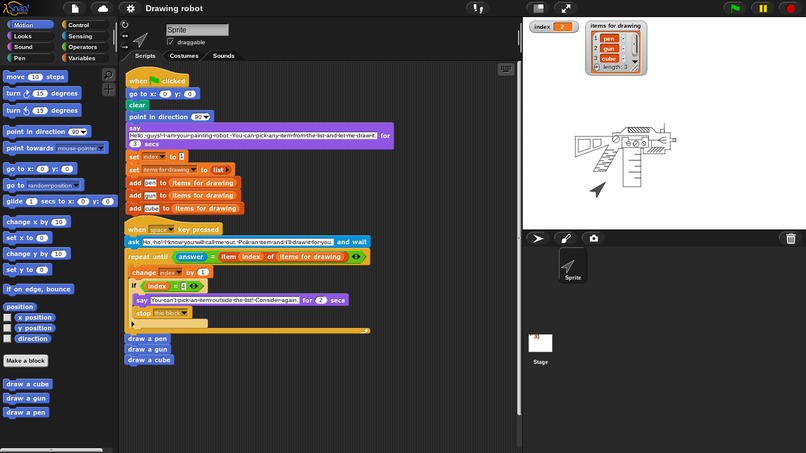
A sample result of drawing a gun
Inspiration
When kids are learning coding, they may feel bored of repeating coding segments and lose passion for coding. So I built this visual project to interact with them and show the fancy side of the art of coding.
What it does
It mainly draws the item that the user picks in a list. A difference from other programs is that I make the program behave like a human by creating some questions and interactions in a nice tone.
How I built it
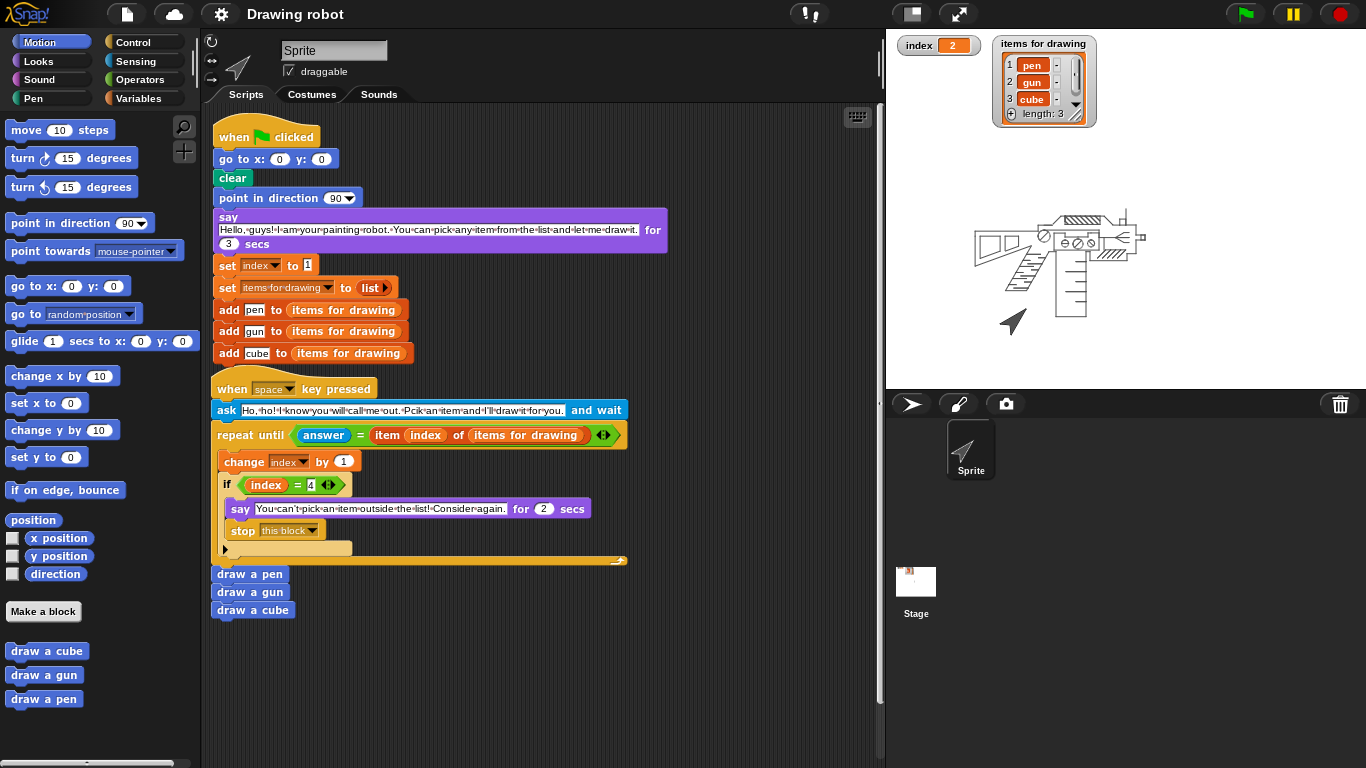
First, I decided to use the 3 elements of coding (sequencing, selection, and iteration) in my project. The basic structure is the robot's statements, drawing code, and an ending statement. The main order represents sequencing. Then, I designed the opening statement of the robot to say hello to the user to be more fancy and real. Next, I add a list showing 3 drawing choices for the user to pick. At this time, the robot will also ask for the drawing item. After the user types in their choice, the robot will match up the user's choice and the item in the list. Then, it will run the drawing code of the corresponding object. I also designed the code to reject the user if their choice is not on the list. The robot will explain and say "Please try again". After the drawing codes end, the robot will say "Here you go" and provide other choices for the next round as an ending statement.
Challenges I ran into
The greatest challenge I faced was testing the drawing code. With code like penup(), pendown(), forward(), and rotate(), I have to imagine the route of the pointer in order to get the right shape. However, the distance for some irregular shapes is hard to predict. The degree of some angles, is also hard to determine. To make my shape seem more real, I will also add some decorations. And this increases more work since after drawing the decorating shapes, the pen should return through its route and continue to draw the main structure. Most codes didn't run as I expect after the first edition. Even if the length and the angle have only a little error, it won't produce the correct shape. What's more, every prior step affects the following behavior. If a shape wasn't correct and didn't stop at the right point. The next shape will also be ruined. So this program requires a large amount of testing and coordination among different codes.
Accomplishments that I'm proud of
I am most proud of the success of the drawing part in my project. With hundreds of steps and countless testing, the program finally produces the exact shape I expect. All 3 shapes seem very real, especially the second item, a gun. The program shows the cool and fancy side of coding art. I believe this project will bring younger passionate coders and encourage them on the way of learning to program.
What I learned
This program largely boosts my confidence when facing failure. There are no programs which can become perfect in just one try. All achievements and awards require a lot of effort day by day. And the way we reach success is by learning, testing, and editing. The experience of this program teaches me to be resilient when failure happens. Furthermore, writing and trying codes out is much more useful and beneficial than just imagining.
What's next for Drawing Robot
To improve the user's experience, I will add more choices into the item list to make the outcome more varied and fun. I may also add some funny random elements to make my robot more real like a human. The scenario will be more fun. This can also increase the interactions between the user and the program.
Built With
- snap!

Log in or sign up for Devpost to join the conversation.