Inspiration
Designers and developers often need quick, lightweight tools to create simple vector graphics without opening heavy software like Illustrator or Figma. We wanted a browser-based SVG editor that provides precise control over shapes, styles, and layers in an intuitive, code-friendly way. The goal was to combine a visual canvas with a property inspector and node tree, making it useful for both rapid prototyping and learning SVG.
What it does
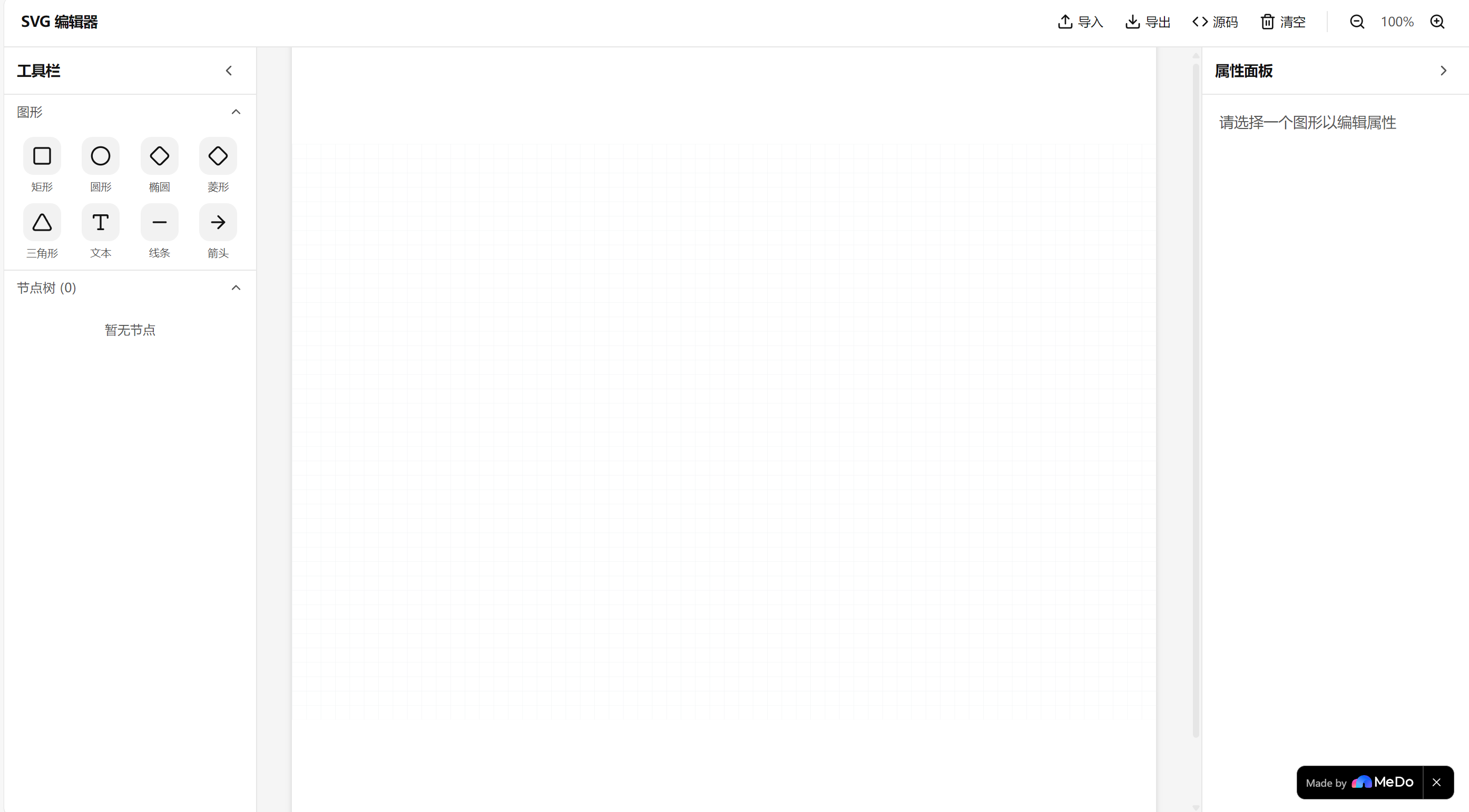
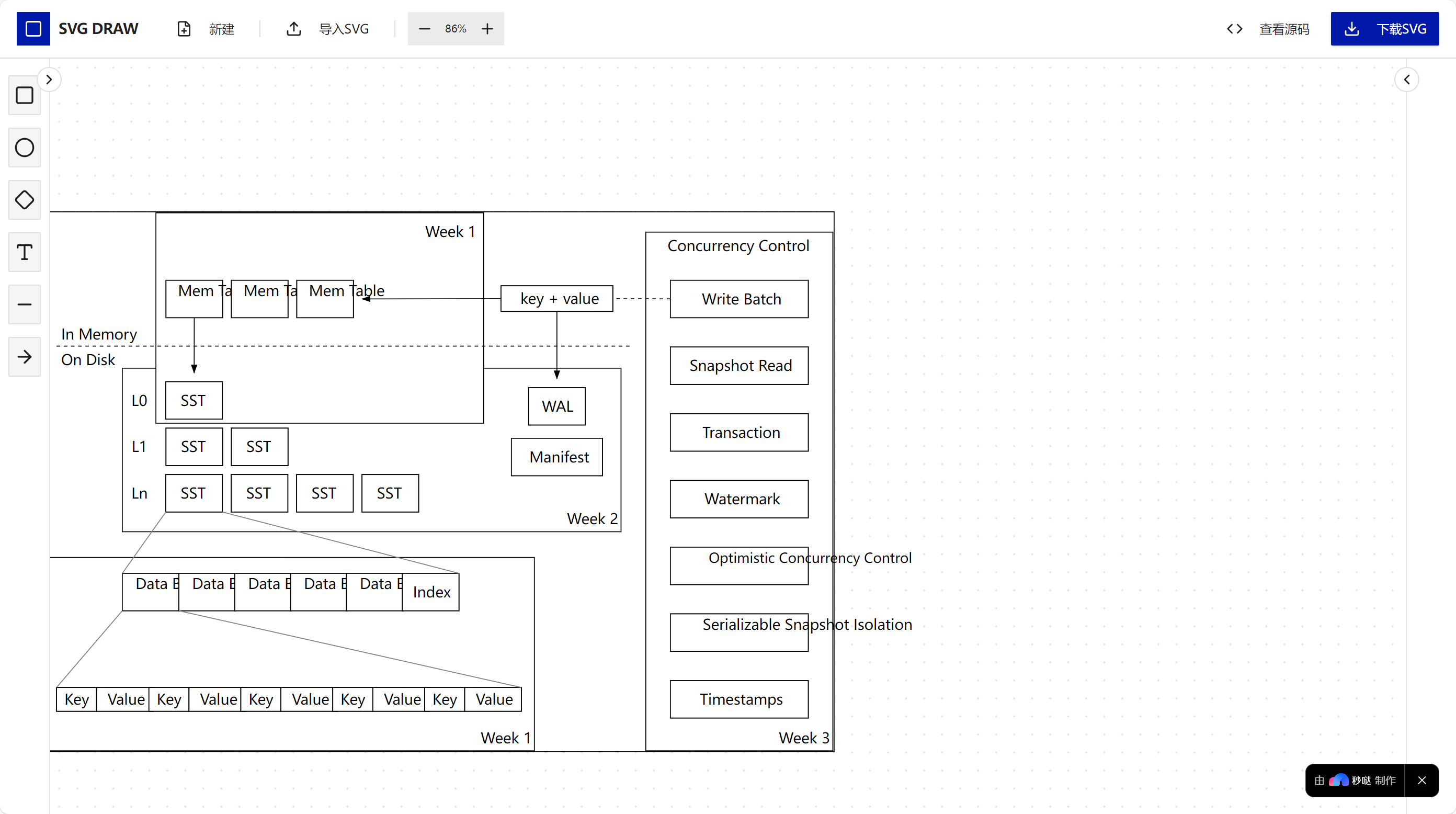
draw-svg is a web-based SVG editor that lets users:
Add basic shapes (rectangle, circle, ellipse, diamond, triangle), lines, arrows, and text
Edit element properties visually: position (X, Y), size (width, height), rotation
Customize styling in real-time: fill color, stroke color, stroke width, dashed patterns, line caps, and opacity
Manage all elements in a hierarchical node tree with unique IDs
Export clean SVG markup ready for production
How we built it
We used vanilla HTML, CSS, and JavaScript with direct SVG DOM manipulation. The canvas is an interactive SVG element where shapes are created and transformed. The node tree and property panel are synchronized with the SVG elements via a shared state object. The UI is custom-built with CSS Grid and Flexbox for a responsive layout. No external libraries for the core SVG engine—keeps it lightweight and dependency-free.
Challenges we ran into
Coordinate system precision – Mapping between screen coordinates and SVG user units during drag/resize operations required careful handling of viewBox and transformations.
Real-time style sync – Keeping the chosen element’s properties panel always in sync with canvas edits (like direct manipulation) without performance lag.
Dashed stroke & line caps – SVG dasharray and stroke-linecap rendering can be inconsistent; we had to fine-tune the UI to reflect actual rendered output.
Node tree selection – Implementing reverse lookup from canvas clicks to the correct node in the tree while handling overlapping shapes.
Accomplishments that we're proud of
A fully functional WYSIWYG SVG editor with no external dependencies
Clean and minimal interface that still offers precise numeric control
Smooth integration between visual editing and the property panel/node tree
Generating valid, human-readable SVG code that can be directly used in web projects
What we learned
Deepened understanding of the SVG specification, especially stroke styling, transformations, and the viewBox coordinate system
Techniques for efficient DOM event delegation and state management in vanilla JavaScript
How to design a UI that serves both beginners (click-to-add) and power users (exact numeric inputs)
The importance of immediate visual feedback when building creative tools
What's next for draw-svg
More shapes & path editing – Add freehand drawing, bezier curves, and boolean operations
Layer system – Reorder elements with drag-and-drop in the node tree and visibility toggles
Export options – PNG download, copy-to-clipboard, and direct integration with CMS platforms
Undo/Redo – Full history stack for non-destructive editing
Collaboration – Real-time multi-user editing using WebSockets
Built With
- axios/ky
- javascript-(es-modules)-frameworks/libraries:-react-18
- languages:-typescript-(5.9)
- motion
- radix-ui-(30+-components)
- react-hook-form-+-zod
- react-router-v7
- recharts
- tailwind-css-3

Log in or sign up for Devpost to join the conversation.