-
-
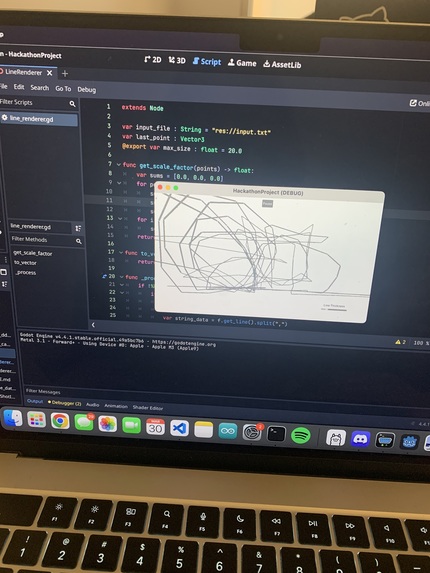
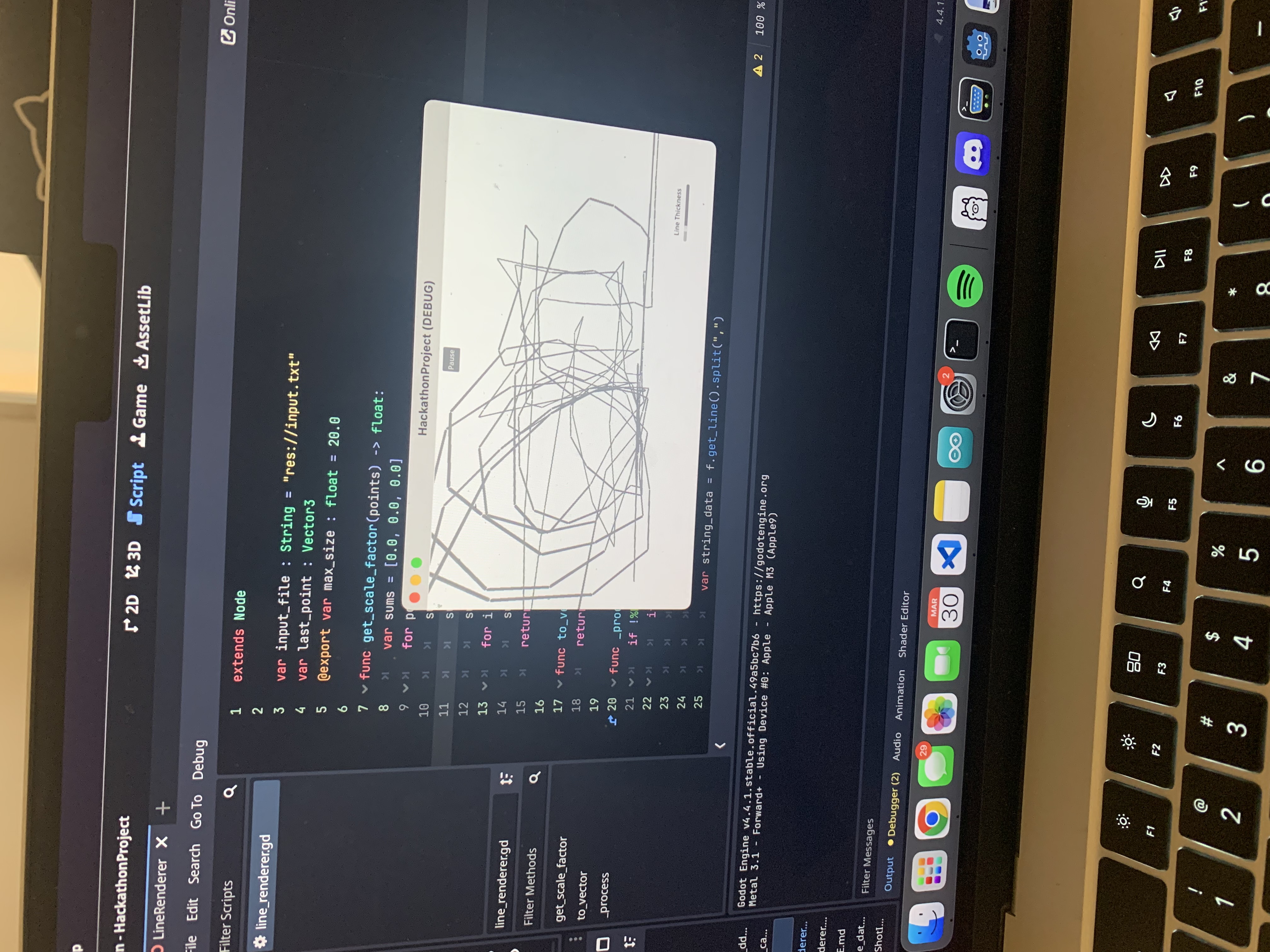
An example of a rendered sketch with our DoodleSpace pen.
-
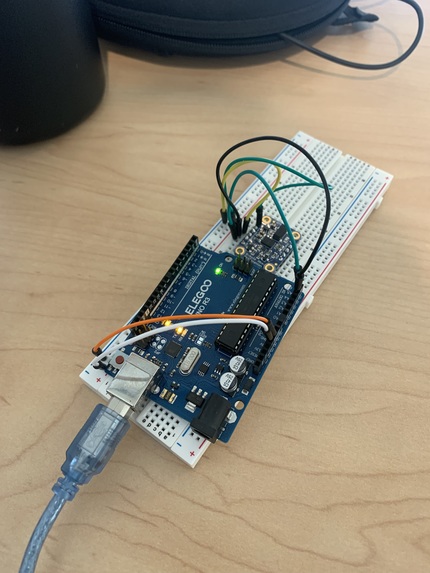
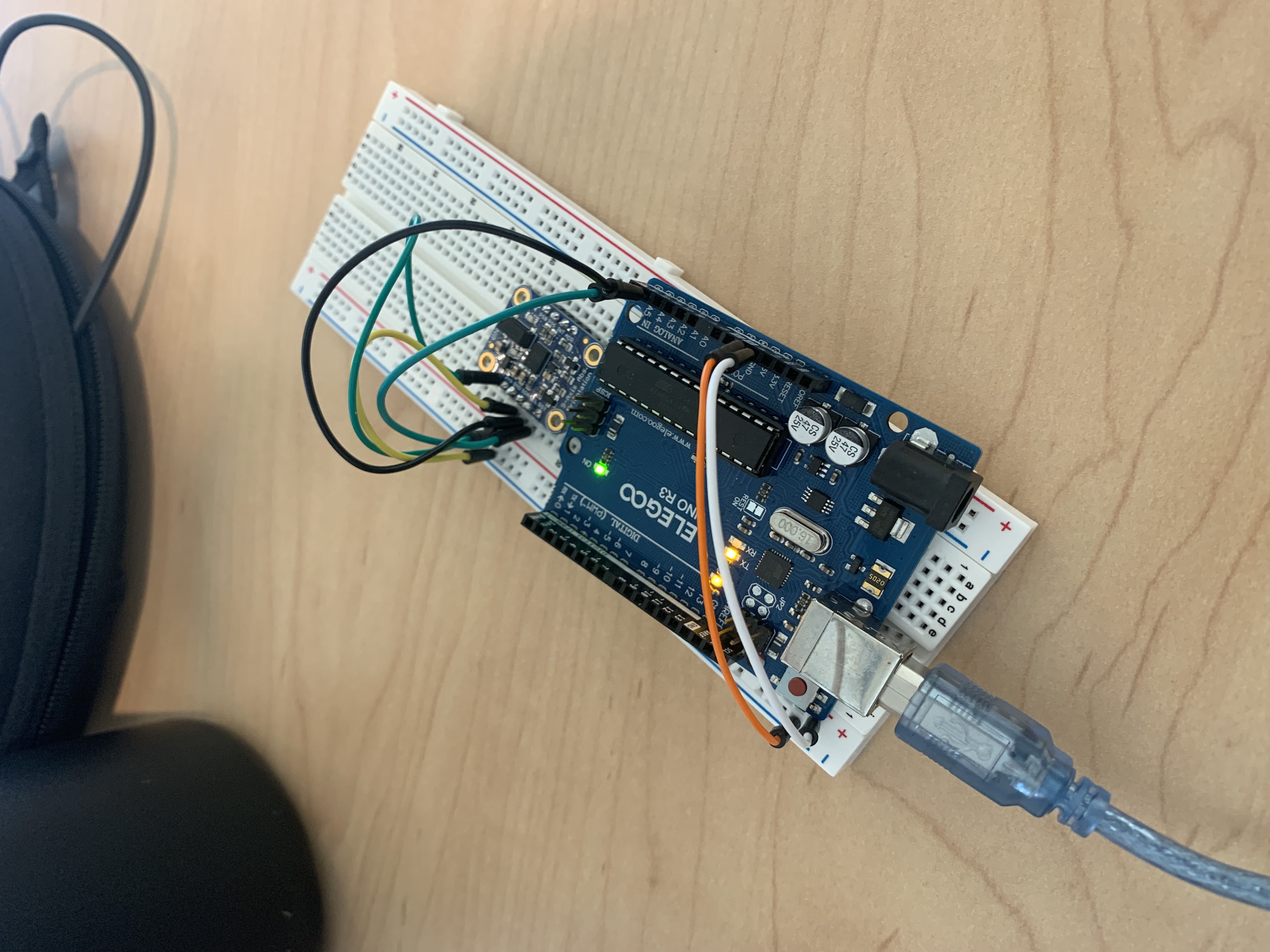
Setup of Arduino microcontroller and IMU motion sensor.
Inspiration
We were inspired by Google's Quick, Draw and the onset of more powerful captioning models to extend the original application in the 3rd dimension.
What it does
DoodleSpace uses Arduino hardware to allow the user to exercise their creativity without being constrained by the limits of their screen. The user holds our Doodle space pen and is free to draw in the air, while our project will then record and store the hand movement data with a Python data pipeline. The data is then transformed into 3D vectors that are rendered with the game engine Godot. The user can rotate the rendering of the art in 3D space and zoom in/out. Finally, the rendered image is passed to Ollama to provide the art piece with a caption of what it resembles.
How we built it
Our pipeline had three specific checkpoints:
- Using an Arduino UNO board and Adafruit IMU motion sensor, we read in the motion data and convert it to 3D points. These points are then written to the machine's serial monitor and read by the CoolTerm app that is able to write serial monitor data to a text file. The point data is then cleaned and sent to Godot.
- Godot reads in this text file and connects each point into rendered lines. The user can also move around their drawing and view it from all angles.
- As they continue to draw, Ollama will continue update the rendering display with captions that it presumes to be the most relevant to the current sketches and perspective of the user. The rendered lines also erase over time, allowing the user to draw on an ever expanding canvas.
Challenges we ran into
There is no official Arduino software that is offered to write Arduino output data into an outside file (i.e. a .txt file). We were forced to look for other avenues and were able to tinker around with CoolTerm and expand its functionality so that we could control how and when we saved the data with a Python script.
Another challenge we ran into was rendering the number of lines that were needing to be drawn. This forced us to look for creative ways to prune data and optimize our pipeline to render only the most relevant points (like when the user was really drawing!)
Accomplishments that we are proud of
- Making a 3D drawing software capable of rendering large amounts of data.
- Transforming Arduino data into a live render on a digital screen.
What we learned
- How to better handle the live streaming of Arduino data in a way where we have become more capable at quickly identifying and cleaning unnecessary data
- It is difficult to handle system delays caused by passing data between various pieces of hardware and software, but it is extremely rewarding to try and debug the pipeline
- That it is fun to draw in 3D!!
What's next for DoodleSpace
We would love to be able to encase our Arduino in a pen-shaped piece of hardware, and implement wireless communication between our controller and our computer so that we can free up more space for the user to move around.

Log in or sign up for Devpost to join the conversation.