-
-
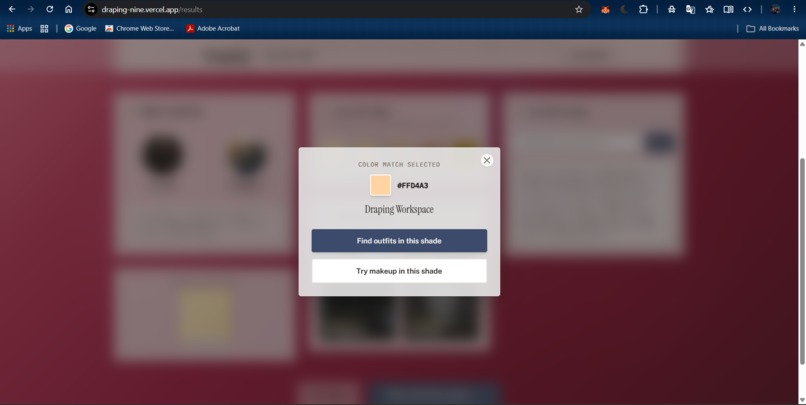
cloth and make up try on
-
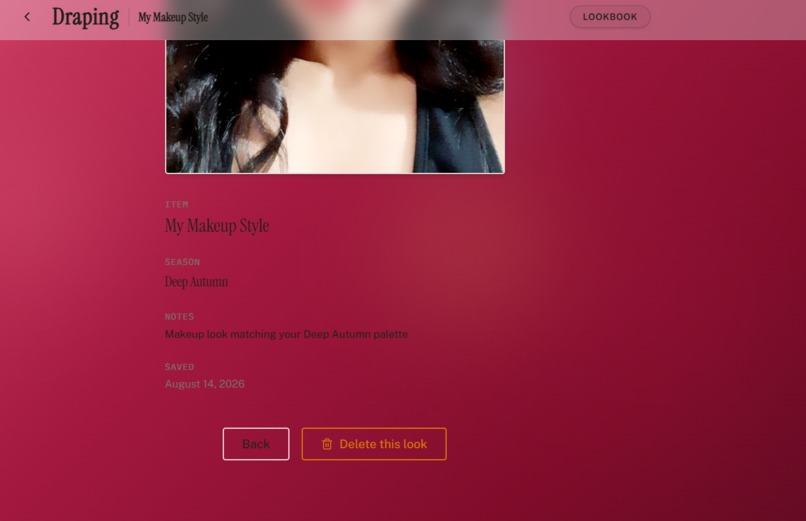
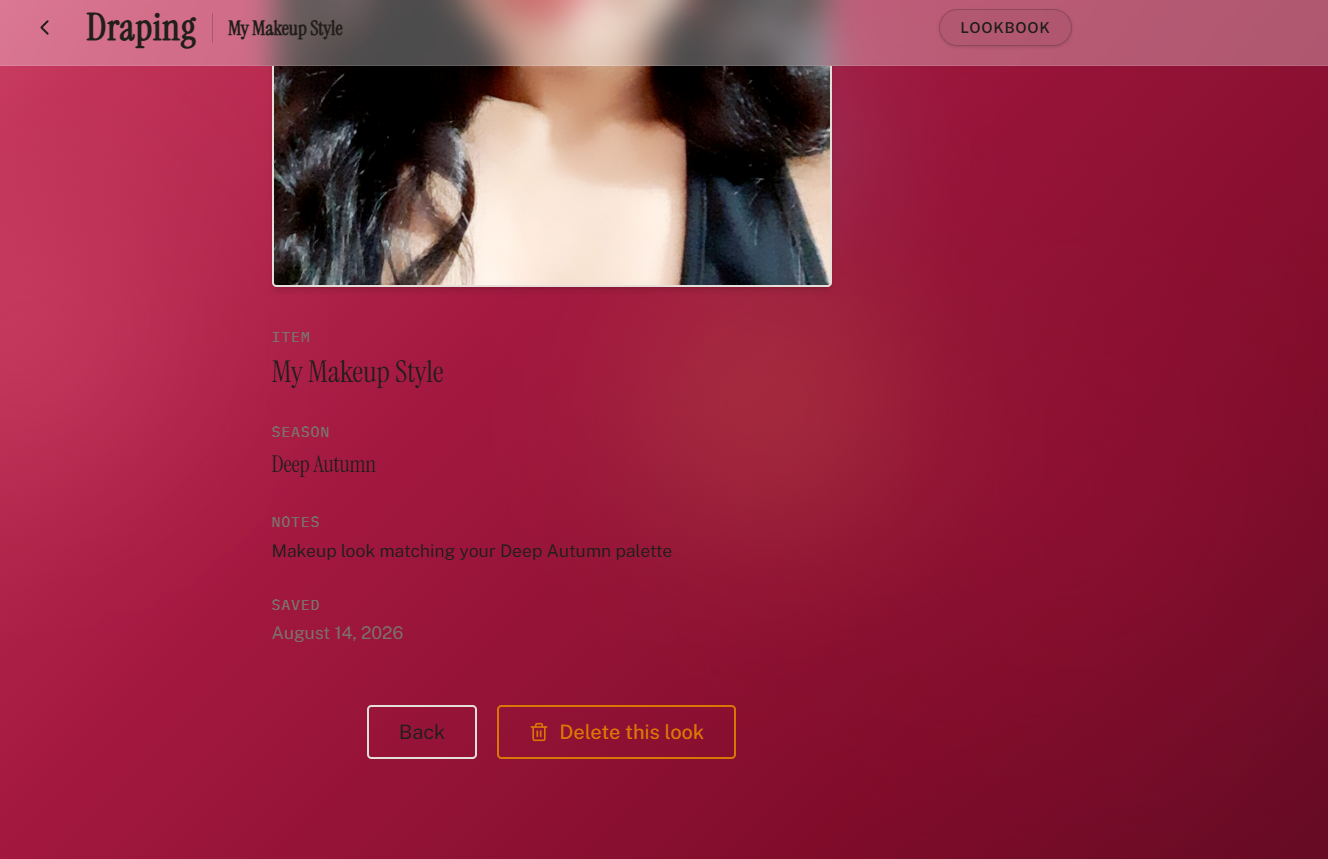
look book
-
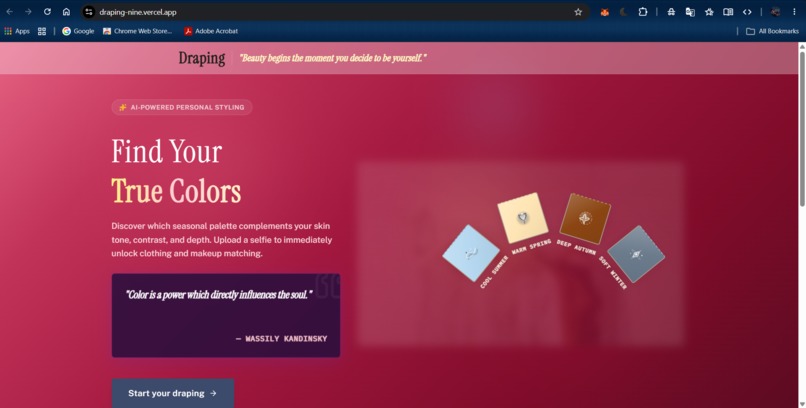
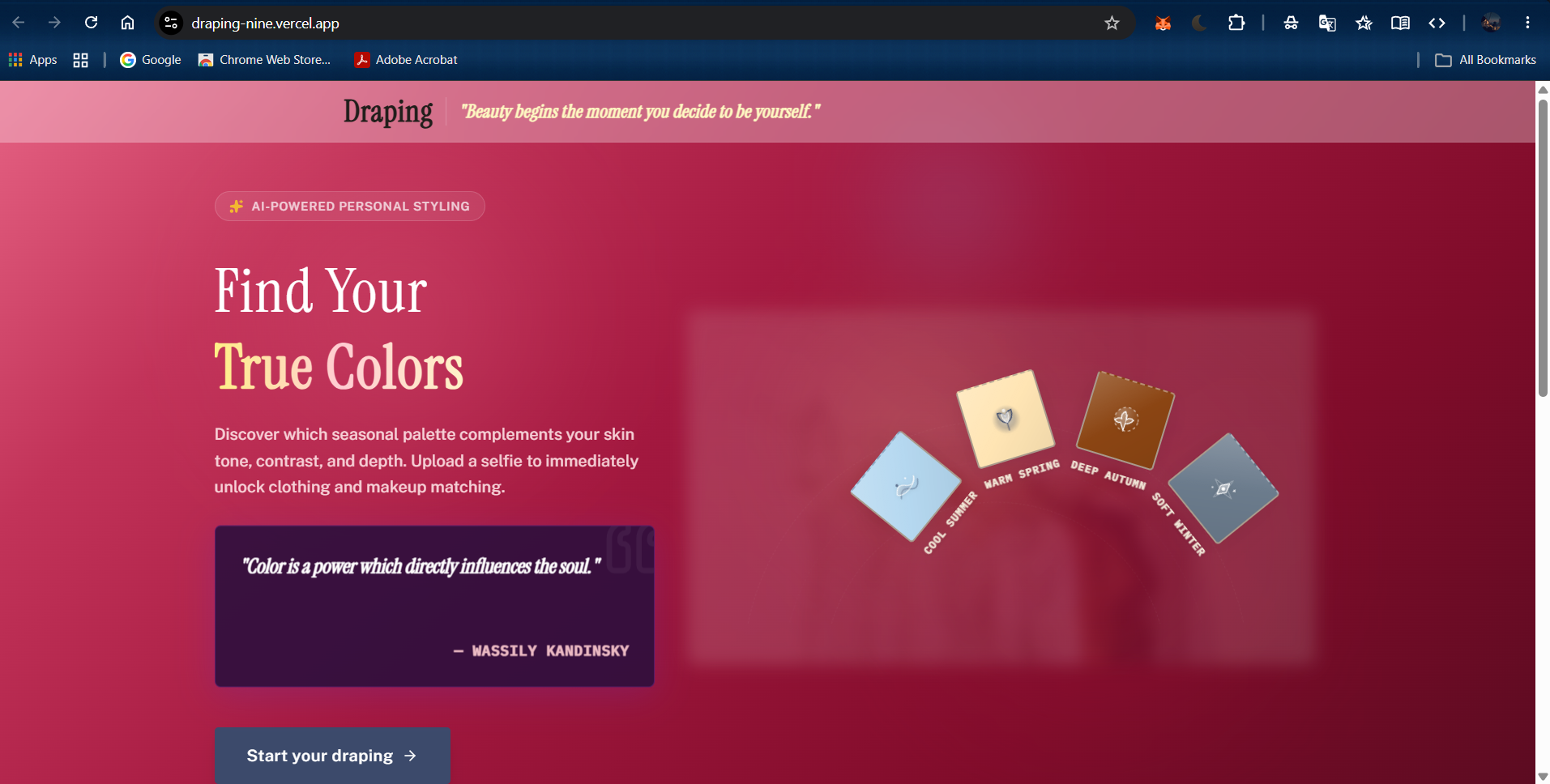
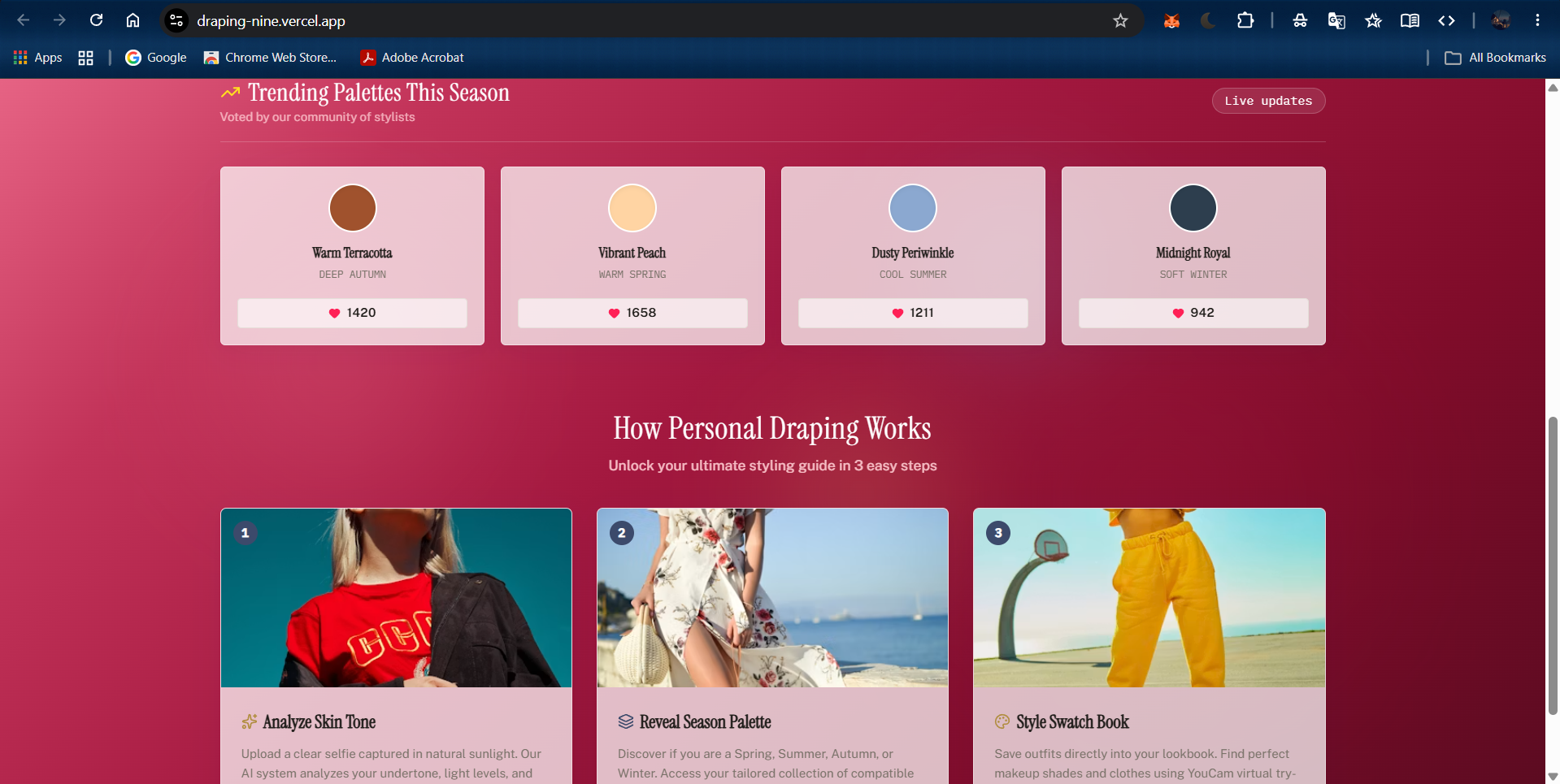
homepage
-
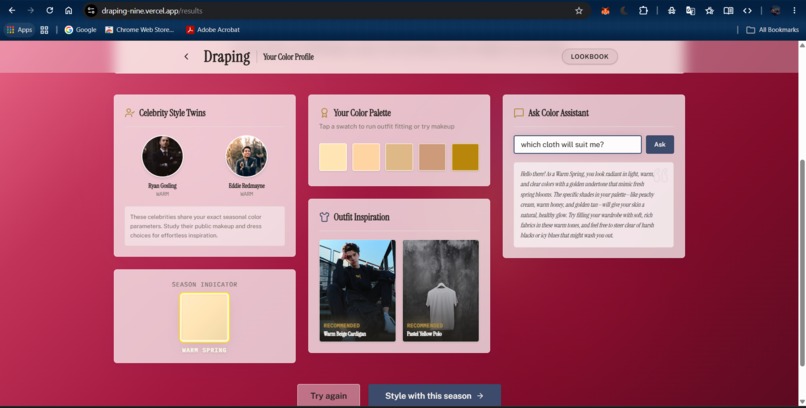
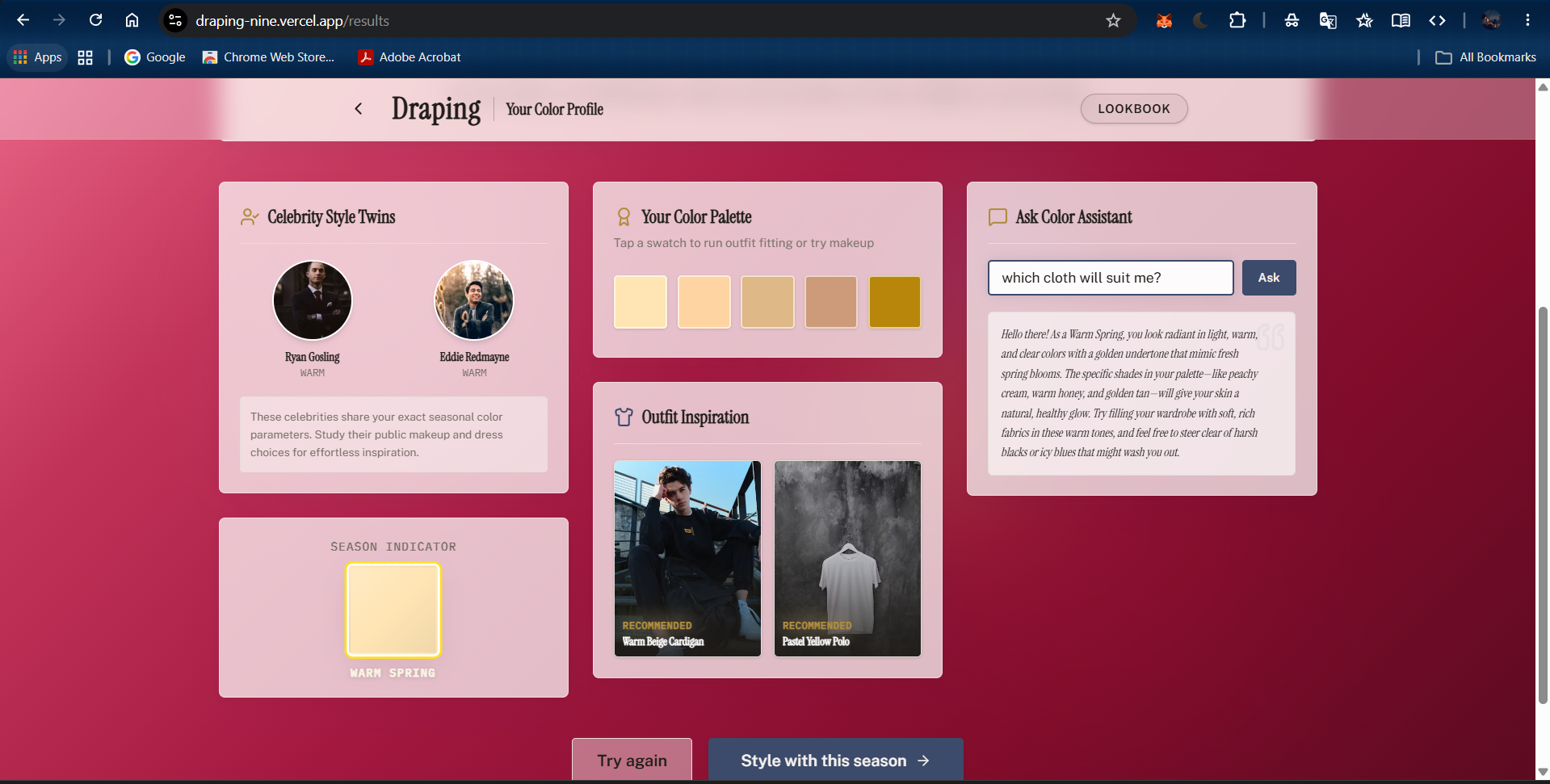
celebrity twin and cloth recommendation
-
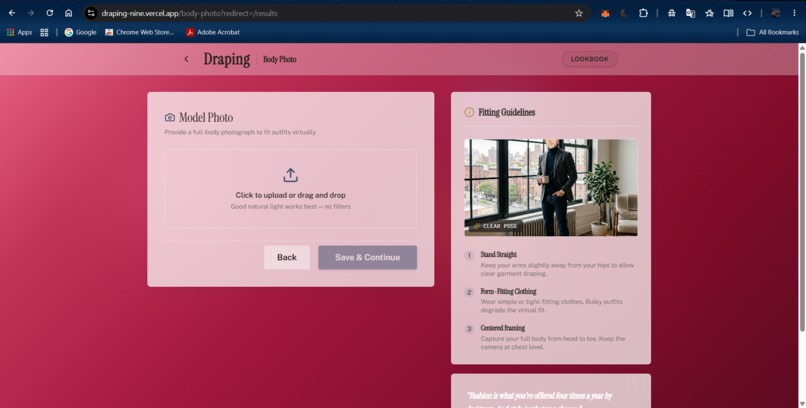
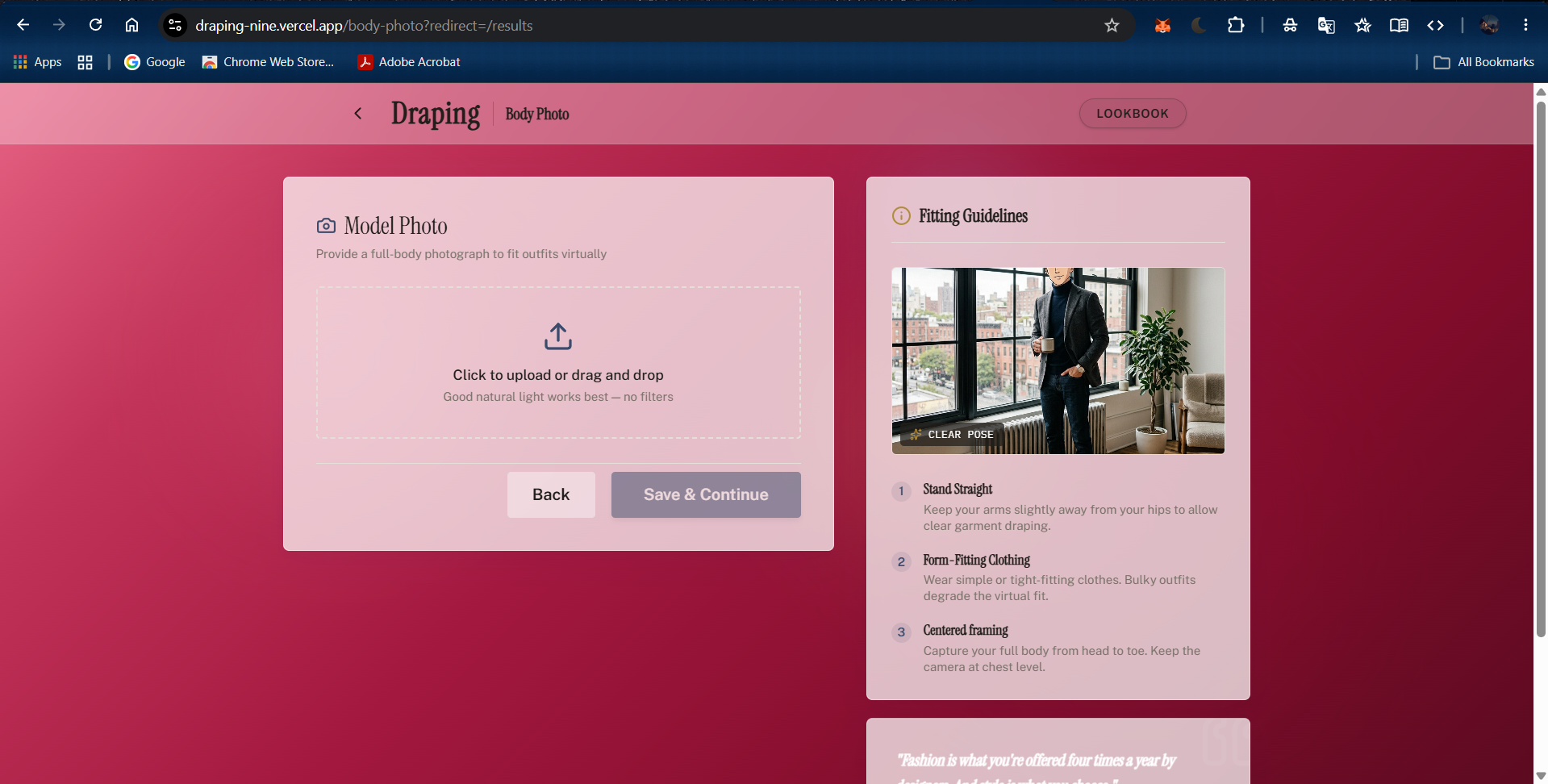
body analysis
-
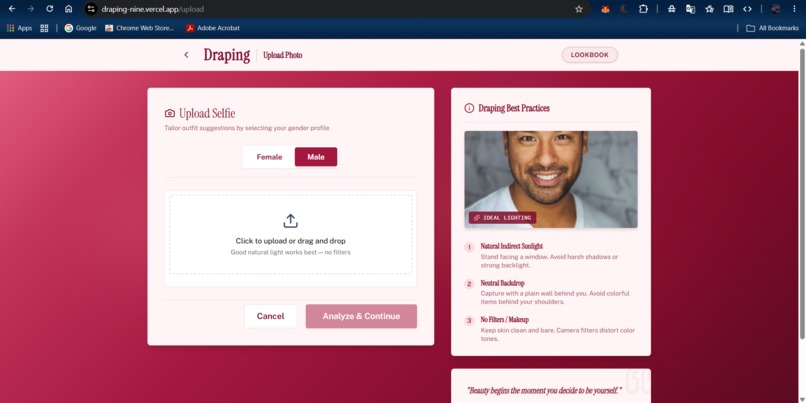
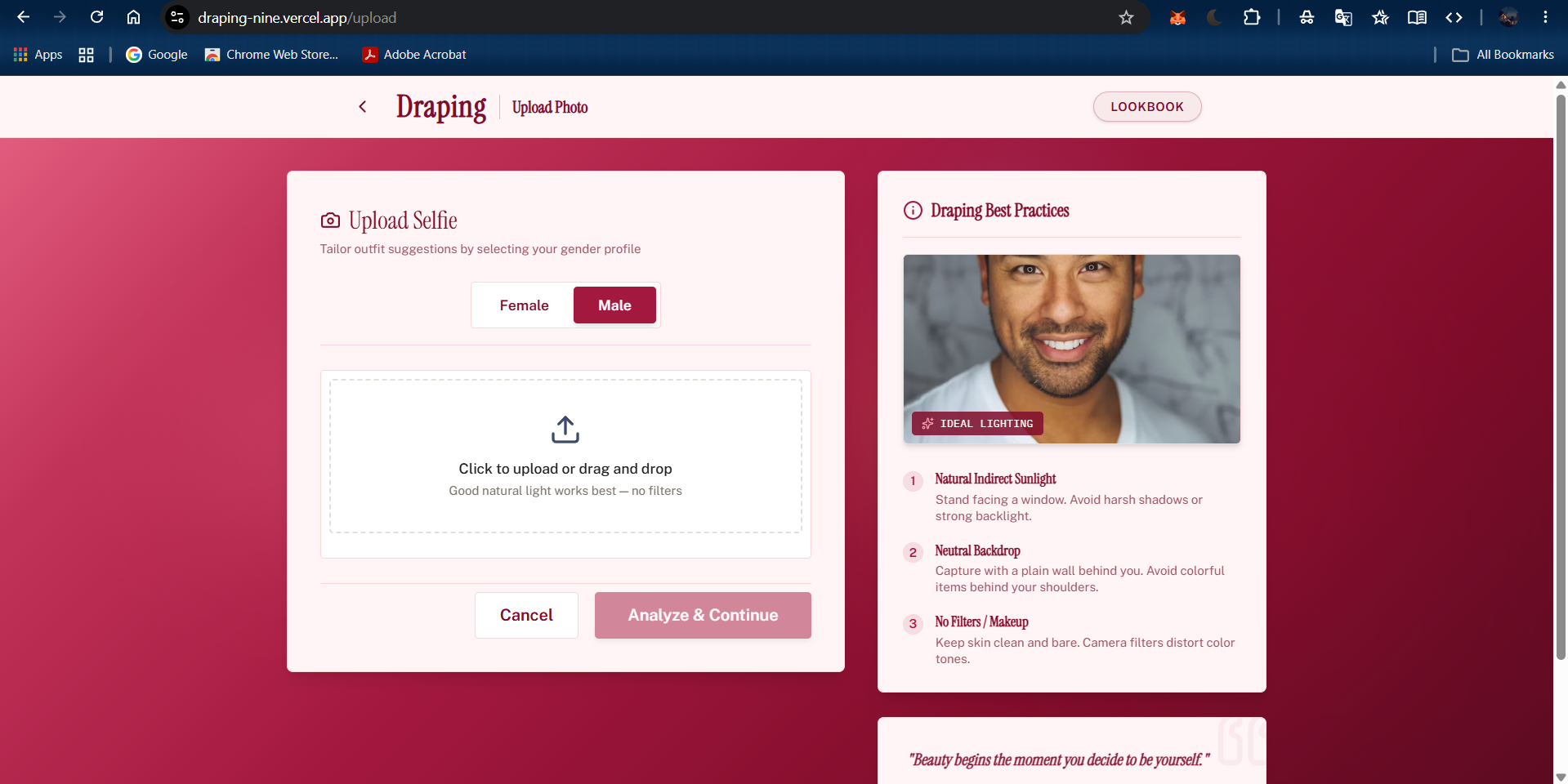
face analysis
-
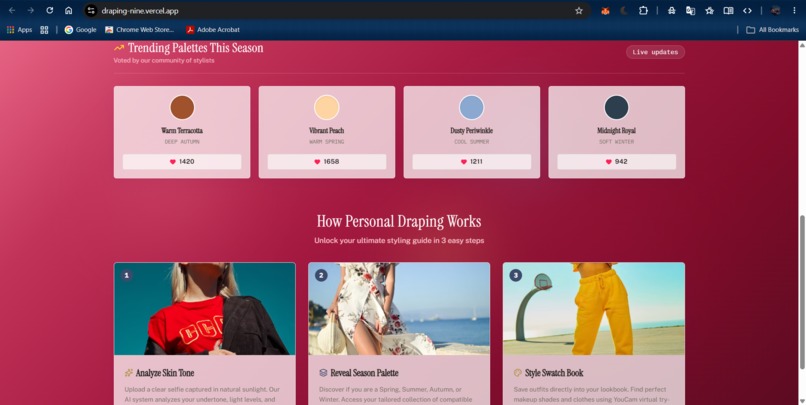
footer
-
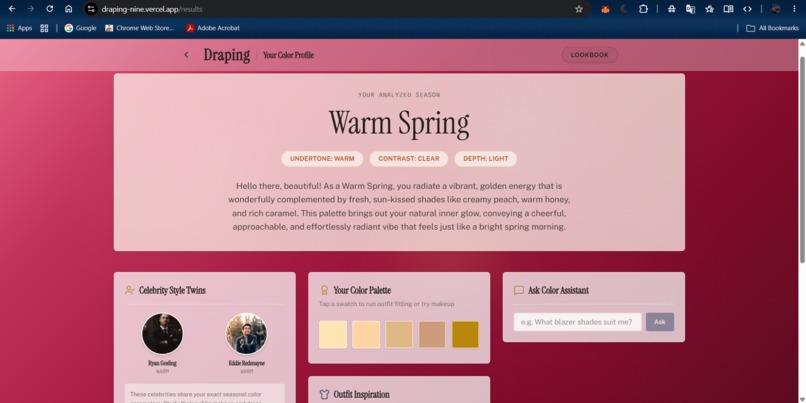
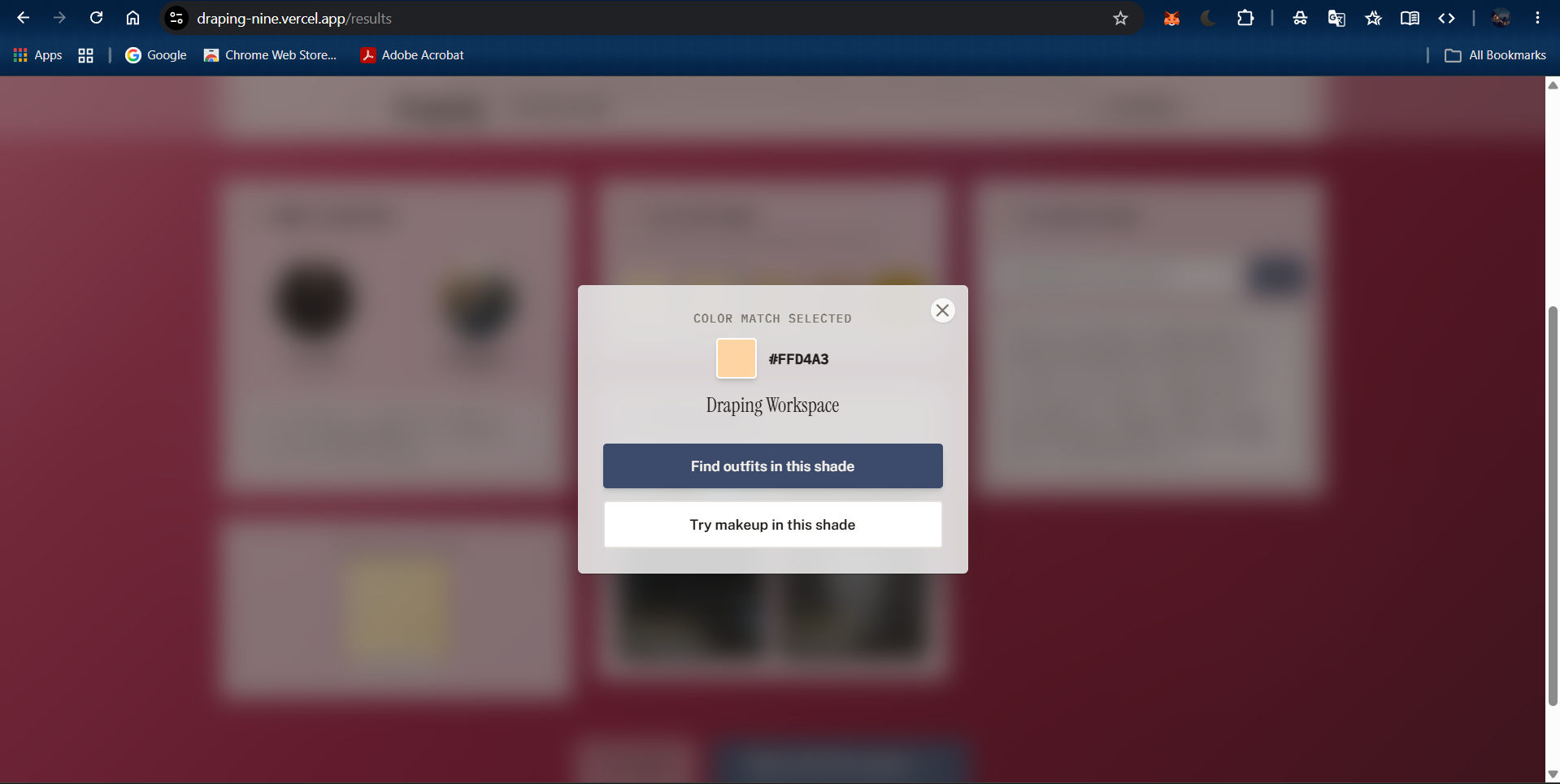
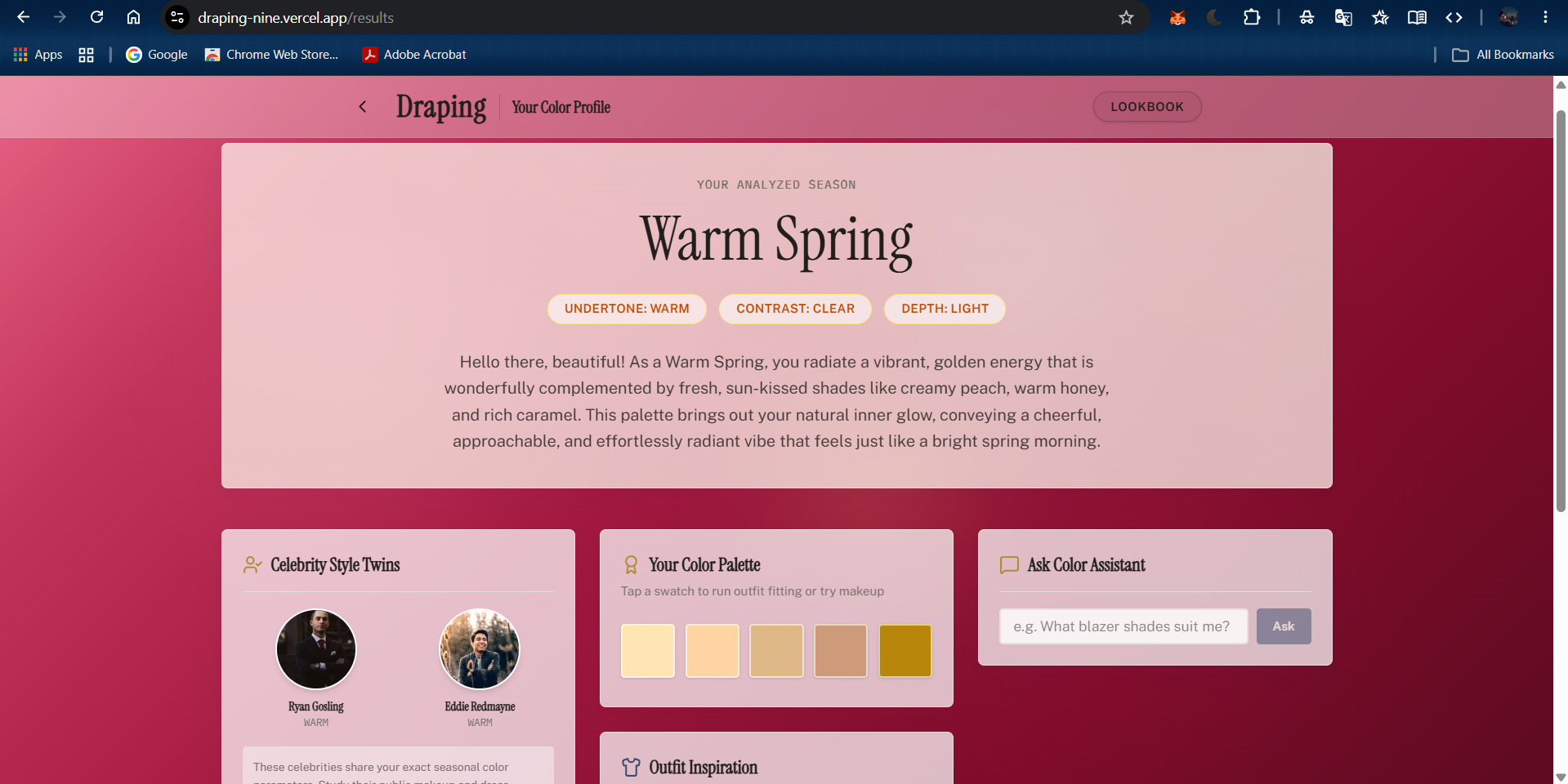
personal season analysis results
-
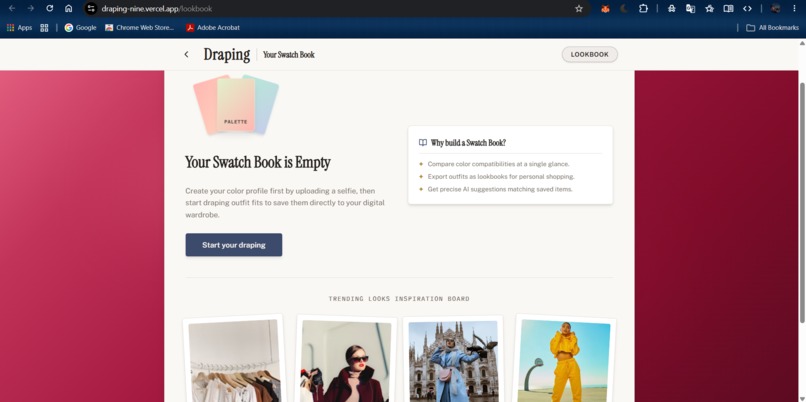
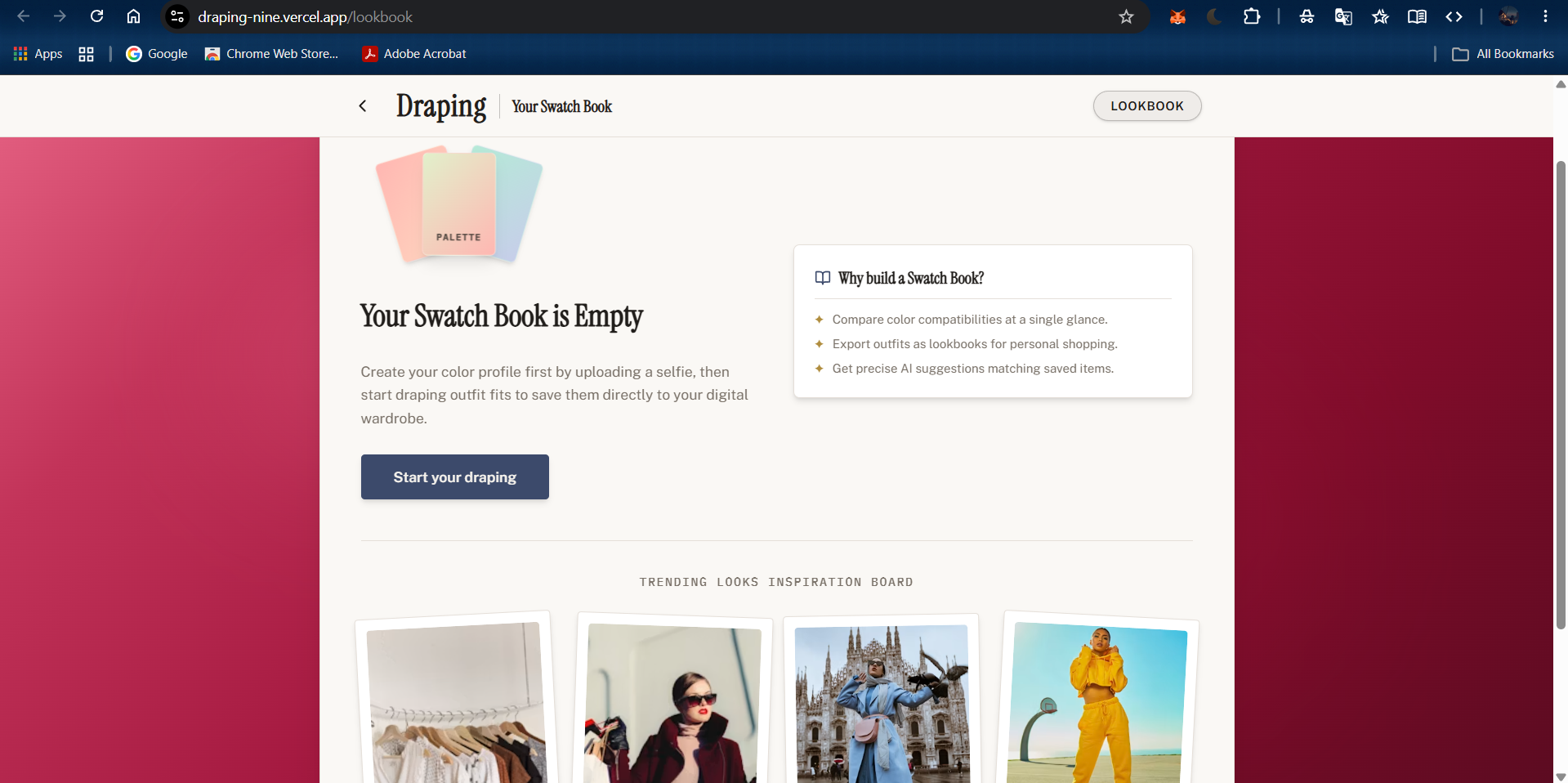
lookbook
Inspiration
I've always been curious about the Korean 퍼스널 컬러 (personal color) consultations — that whole ritual where a colorist holds different fabric swatches under your chin and you watch your skin either come alive or turn dull under a color you thought was your favorite. It's such a simple idea but it says so much: the right colors aren't about what's trendy, they're about what actually makes you glow. I've been learning Korean for a while now and this culture bit stuck with me, but the actual consultation is expensive and hard to access if you're not in Korea. When I saw the YouCam API Skin AI & Apparel VTO Hackathon, it felt like the perfect excuse to bring that draping experience online — accessible from a selfie instead of a salon chair.
What it does
Draping takes a single selfie and turns it into a full personal color profile:
- It analyzes your skin tone and sorts you into one of four seasonal color types — Warm Spring, Cool Summer, Deep Autumn, or Soft Winter.
- Alongside your palette, it also gives you a 16-metric skin health snapshot — acne, radiance, texture, and more.
- You can chat with a built-in color consultant (powered by Gemini) and ask things like "what lipstick shade actually suits me?"
- It searches for real clothing in your season's colors, or you can upload a garment photo of your own.
- Then it renders that outfit on you using YouCam's Clothes Virtual Try-On, so you can actually see it before buying anything.
- Every look you like gets saved permanently to your own swatch book/lookbook.
How we built it
The frontend is Next.js, React, and Tailwind. For the AI side, I used the YouCam API (Perfect Corp) for skin analysis and virtual try-on, and Google Gemini for the season classification from the photo, the Q&A consultant, and refining search queries. Product search runs through SerpAPI hitting Google Shopping, images live in Cloudinary, and the lookbook data is stored in Firebase Firestore.
One detail that shaped a lot of the architecture: YouCam's result images expire after about 2 hours. So the moment a user wants to save a look, it has to get pulled off YouCam's servers and archived to Cloudinary before it disappears — otherwise the "permanent" swatch book wouldn't actually be permanent.
Challenges we ran into
Getting the season classification to feel trustworthy was harder than I expected — skin tone under different lighting can throw the model off, so I had to lean on Gemini's vision reasoning carefully rather than just a simple color-matching heuristic. The other big one was that 2-hour expiry window on YouCam images — I didn't catch that early on, and had a moment of panic when saved looks in testing just started 404ing. Building the archive-before-expiry pipeline fixed it, but it meant rethinking how "saving a look" actually worked under the hood.
Accomplishments that we're proud of
Getting the whole pipeline — selfie → skin analysis → season → shoppable outfit → try-on → saved lookbook — to actually work end to end, solo, in hackathon time. I'm also proud that it doesn't stop at "here's your season" like most personal color tools do. It connects that insight to something you can actually act on: shop for it and see it on yourself before spending anything.
What we learned
I got a lot more comfortable chaining multiple AI APIs together (YouCam + Gemini) and handling their quirks — especially working around a hard data-expiry constraint I didn't design for from day one. I also learned how much a good frontend can make or break how "magical" an AI result feels; the analysis is only half the experience, presenting it well is the other half.
What's next for Draping
I'd like to add outfit history tracking so the app learns your preferences over time, expand beyond the four seasons into more nuanced sub-types, and eventually support video-based draping so users can see color changes in real time instead of a static photo.
Built With
- cloudinary
- firebase
- firestore
- gemini
- next.js
- react
- serpapi
- tailwind
- typescript

Log in or sign up for Devpost to join the conversation.