Inspiration
The inspiration for DragonPointer came from a desire to make user interactions on websites more engaging and visually appealing. Watching nature documentaries, particularly the graceful motion of dragons and other creatures, sparked the idea of replicating their elegance digitally. We wanted to blend creativity with technology, transforming the mundane cursor movement into a mesmerizing visual journey.
What it Does
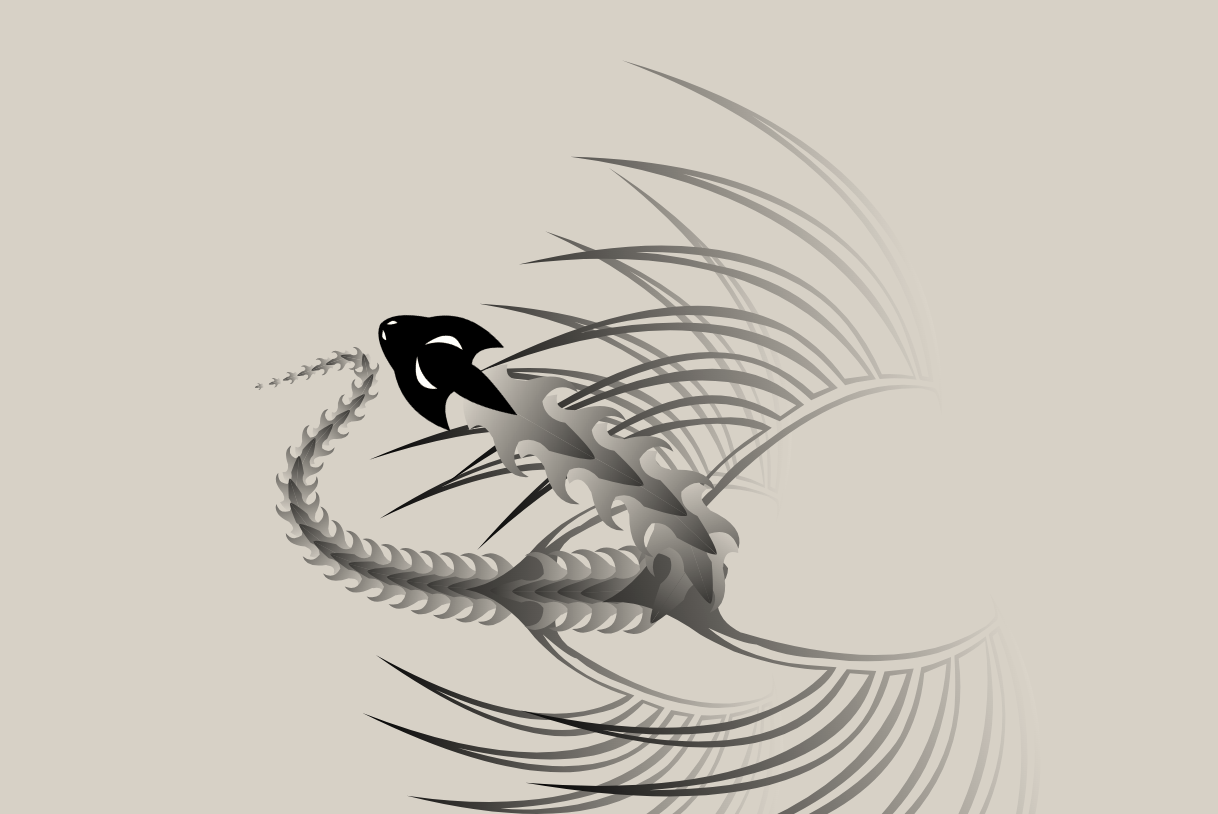
DragonPointer elevates the standard cursor by turning it into a dynamic, interactive dragon animation. As users move their cursor, an animated dragon follows, with fluid motion and responsive behavior. The dragon’s body segments trail gracefully, creating an immersive and playful experience. It’s designed to captivate users and add a layer of fun and interactivity to websites, games, or presentations.
How We Built It
- Conceptual Design: We envisioned the dragon as a series of SVG segments that follow the cursor in real-time. Each segment adjusts its position, rotation, and scaling to create a lifelike trailing effect.
- Technologies Used: The project was built using HTML, CSS, and JavaScript for seamless integration into web interfaces. SVG was employed to design the dragon’s structure and animations.
- Dynamic Motion: Using trigonometric calculations, each segment’s movement was programmed to mimic a natural, flowing motion. The JavaScript
requestAnimationFrameAPI ensured smooth animations. - Optimization: Extensive debugging and testing were done to make the animation lightweight and responsive on various devices and browsers.
Challenges We Ran Into
- Laggy Animations: Initially, the dragon’s motion was jerky, and the segments didn’t align naturally. We addressed this by implementing smoothing algorithms and adjusting the delay between segment movements.
- Browser Compatibility: Different browsers handled SVG rendering inconsistently. We had to experiment with various filters and attributes to ensure uniform performance.
- Performance Issues: The real-time calculations for segment positions caused frame drops on some devices. We optimized by minimizing redundant computations and simplifying SVG paths.
Accomplishments That We’re Proud Of
- Successfully creating a fluid, visually stunning animation that performs seamlessly across devices.
- Designing an intuitive and easy-to-integrate feature that can be adapted for diverse use cases, from interactive websites to gamified experiences.
- Combining artistic creativity with technical problem-solving to create an innovative project.
What We Learned
Through DragonPointer, we gained deep insights into:
- The potential of SVG graphics for creative web design.
- Advanced animation techniques using JavaScript and trigonometry.
- The importance of optimization for real-time, performance-heavy applications.
- How subtle design changes can drastically improve user interaction and satisfaction.
What’s Next for DragonPointer: Dynamic Cursor Animation for Websites
- Customizability: Allowing users to customize the dragon’s appearance, including colors, shapes, and motion patterns.
- Expanded Use Cases: Adapting the technology for educational tools, interactive storytelling, and gaming interfaces.
- Integration Features: Adding compatibility with popular web frameworks like React, Angular, and Vue for broader adoption.
- Enhanced Performance: Further refining animations for ultra-smooth experiences, even on low-end devices.
- AI-Driven Interactivity: Incorporating AI to make the dragon “react” to user behaviors, such as avoiding obstacles or performing tricks.
DragonPointer is not just an animation—it’s a step toward creating interactive digital experiences that inspire wonder and engagement.


Log in or sign up for Devpost to join the conversation.