-
-

Logo
-
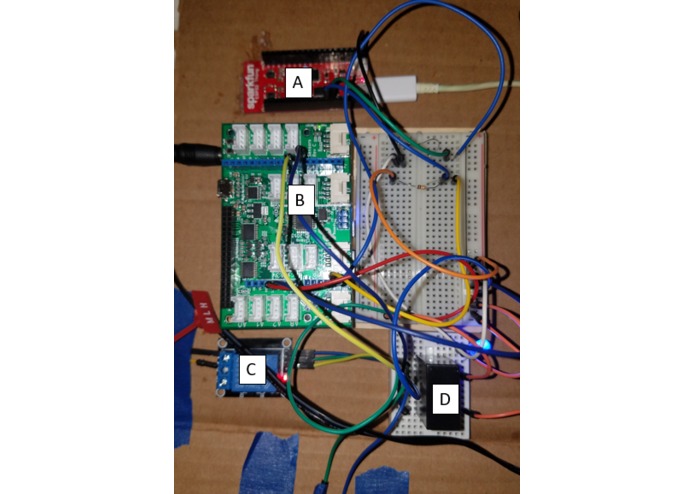
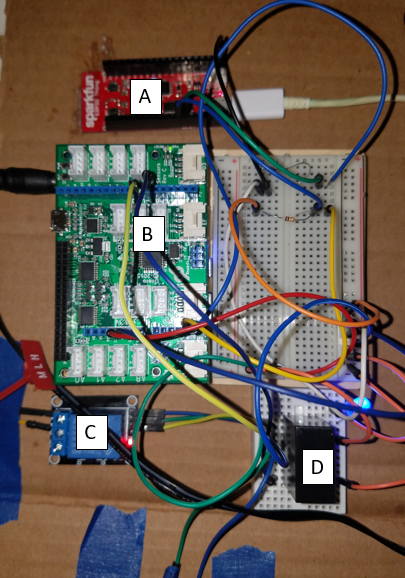
A: Sparkfun ESP32 Thing B:Dragonboard 410c + mezzanine board C+D: relay
-
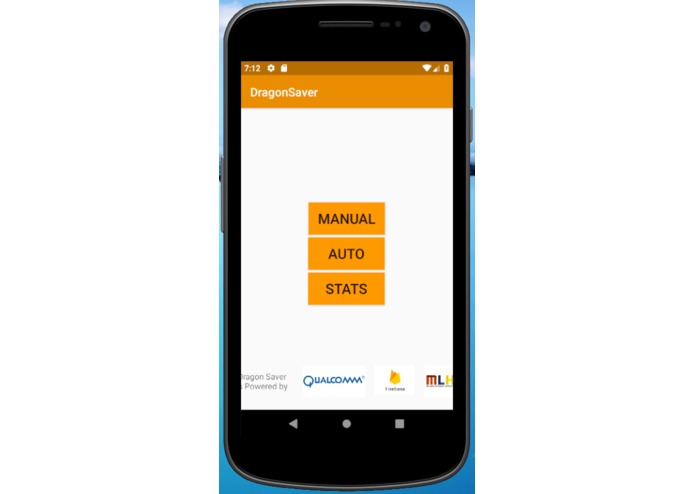
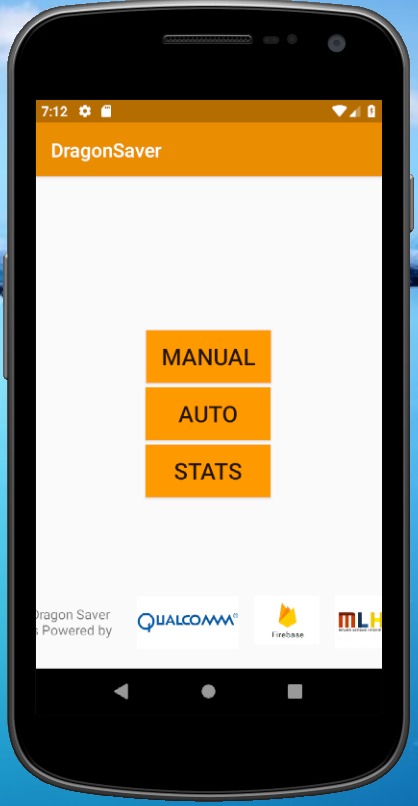
Main page
-
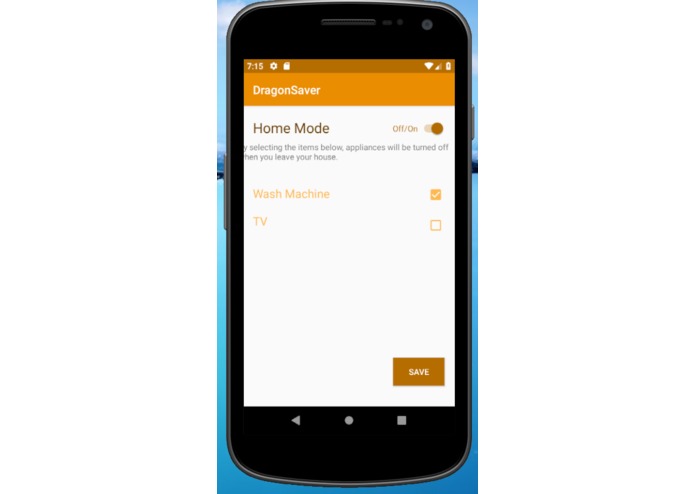
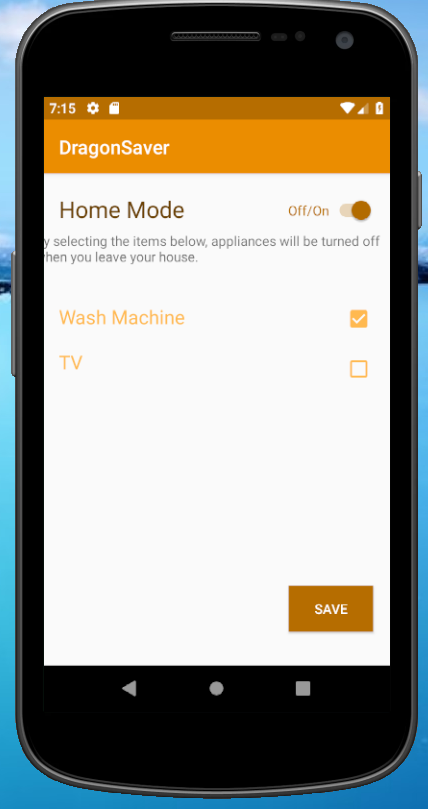
Home Mode
-
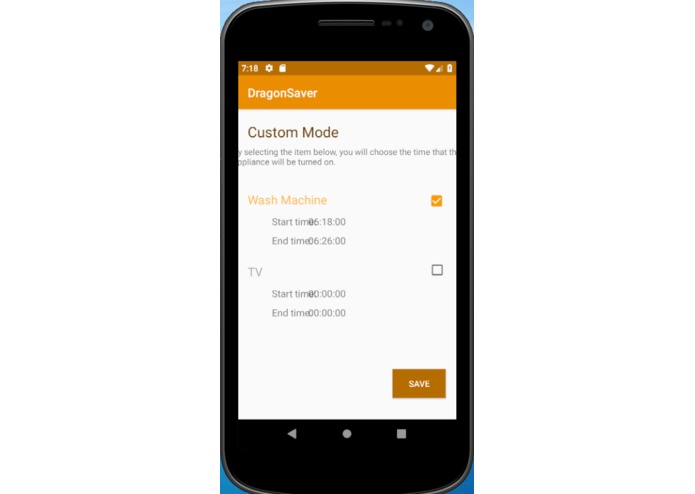
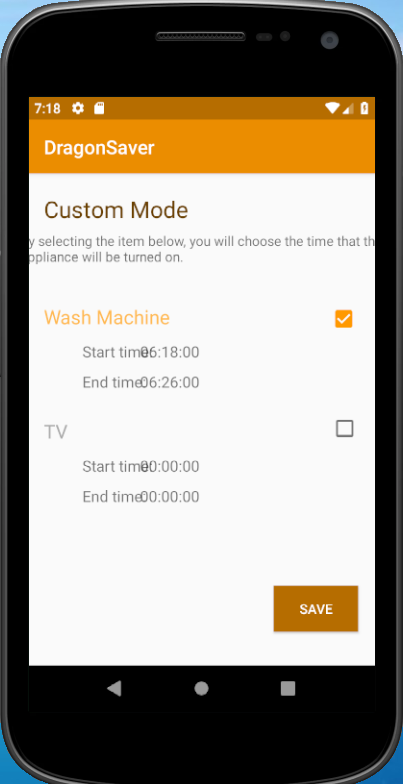
Custom Mode
-
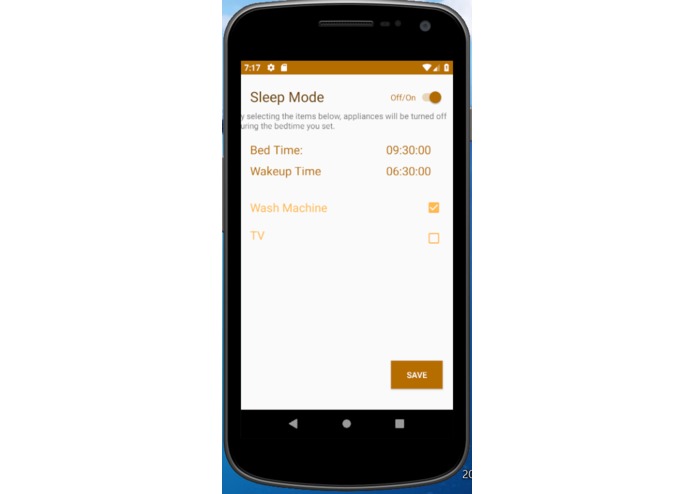
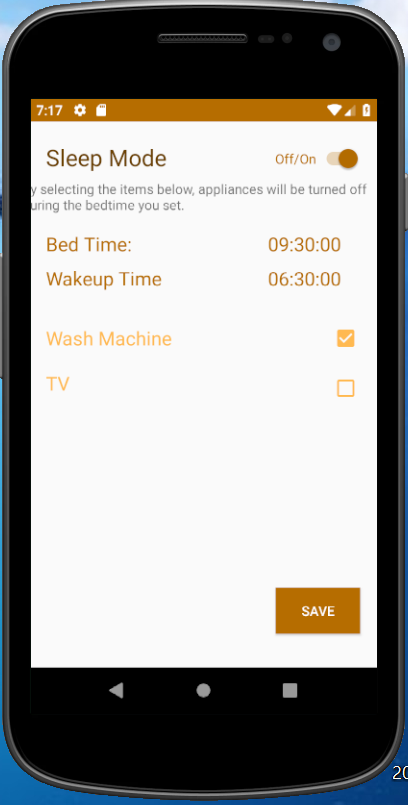
Sleep Mode
-
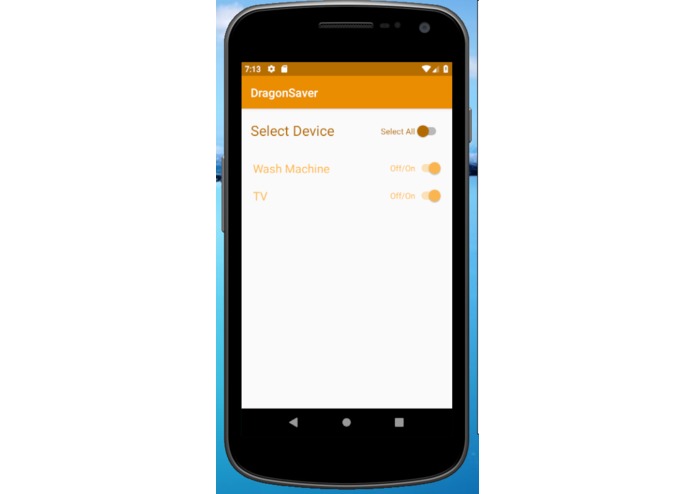
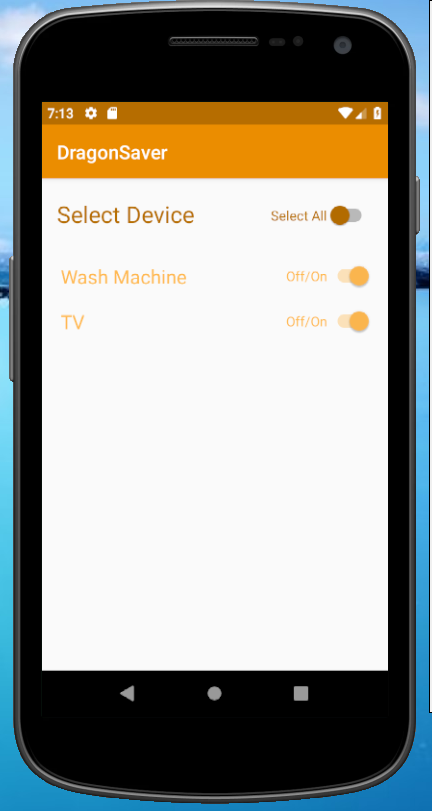
Manual Mode

Inspiration
About Phantom energy: When equipment and appliances are turned off, they often continue to draw electricity from the outlet at a slightly lower rate, this is called the standby power. Many American are not aware of this situation or it is EXTREMELY inconvenient to unplug the appliance every time after use. About 5%-10% electricity used are loss to phantom electricity and such loss has left a significant impact on the U.S. economy and environment. The U.S. loses about 45 TWh/year and $5.4 billion per year and it increases CO₂ emission by 27 MT/year. More information here. In a standard 8 hour work day, there is 8 hours of work, 8 hours of sleep, and 8 hours of recreation. This means that only 1/3 of the time these house appliances will be fully active. We seek to help people save power by avoiding unnecessary phantom Energy.
What it does
There is multiple modes for the user to choose from: Manual Mode, Sleep Mode, Home Mode, and Custom Mode. All these modes will be applicable in an android app, where the user can change the settings for each mode.
Manual Mode: The user can choose individual appliance to turn on and off.
Sleep Mode:The user can set bed time and which appliance will be turned off during that time.
Home Mode: The user can set home location and choose what will be turned off when they leave the home parameter.
Custom Mode: Similar to a parent control mode, where the user can control at what time an individual appliance will be turned on.
How we built it
Software: The android app was built through android studio Hardware: The Sparkfun ESP32 Thing will read the data, containing the id and the status(on/off) of the appliance, from the Firebase. The ESP32 will then interpret these data and send digital(3.3V) digital to the corresponding appliance pins on the Dragonboard 410c and the mezzanine board. The Dragonboard constantly monitor changes in the target status of the appliances through these pins and send digital(5v) signal to a relay that toggles the appliance on or off to meet the target status.
Challenges we ran into
1.Having the Dragonboard run code on start up
2.Connecting android to firebase to ESP32 to Dragon Board
- Stripping, wire stripping
4.Configuring the mezzanine board
5.Getting the google maps API to work
6.Setting the timer for timed modes
Accomplishments that we're proud of
The logo
controlling house appliance from android app
time selection
What we learned
Dragonboard 410c more terminal code and linux configuration more android studio time selection and timer in android studio
What's next for Dragon Saver
simpler design: each relay could be controlled with a wireless module and a 5v power supply, that will eliminate the need for long entangled wires
Built With
- android
- android-studio
- arduino
- dragonboard
- esp32-thing
- firebase
- google-cloud
- mezzanine-board


Log in or sign up for Devpost to join the conversation.