Inspiration
I'm a developer from Uganda, and I follow the US education tech space closely. When I learned that schools were facing millions of dollars in FERPA violations because students were unknowingly sending their essays complete with personal information to cloud-based AI tools like ChatGPT, Gemini, I knew this was a problem worth solving.
The irony hit me, students were trying to improve their writing, but in doing so they were putting their privacy at risk. Schools were banning AI tools altogether, which felt like the wrong solution. Students need AI assistance, but they shouldn't have to choose between better grades and their privacy.
When Chrome announced built-in AI APIs in early 2024, I saw the opportunity I'd been waiting for. What if I could build a writing assistant where every single piece of data stays on the student's device? No servers, no tracking, no FERPA violations. Just pure, private AI assistance.
That's how DraftLoom was born.
What it does
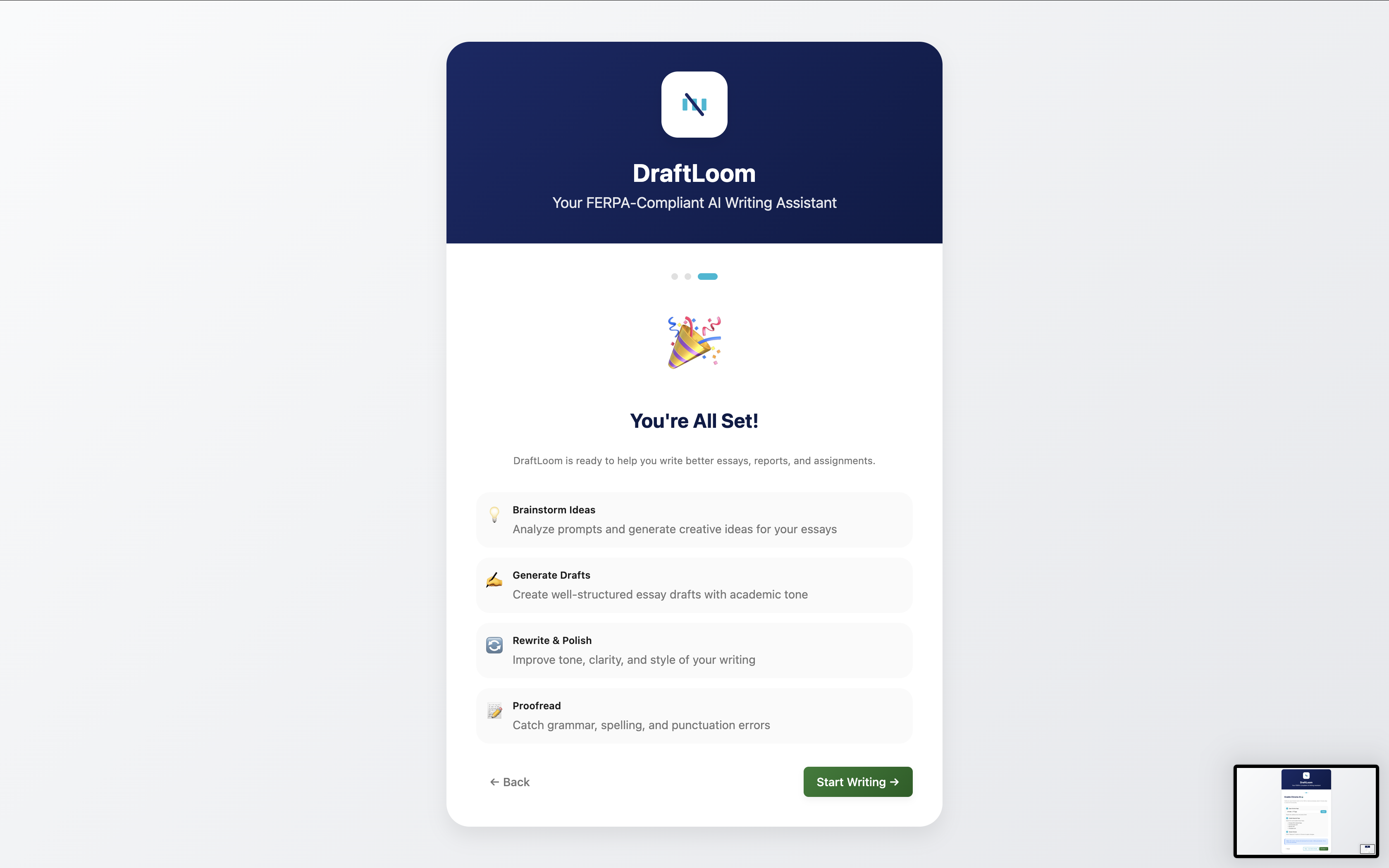
DraftLoom is a 6 in 1 AI writing assistant designed specifically for students who want to write better without sacrificing their privacy:
The 6 AI-Powered Tools:
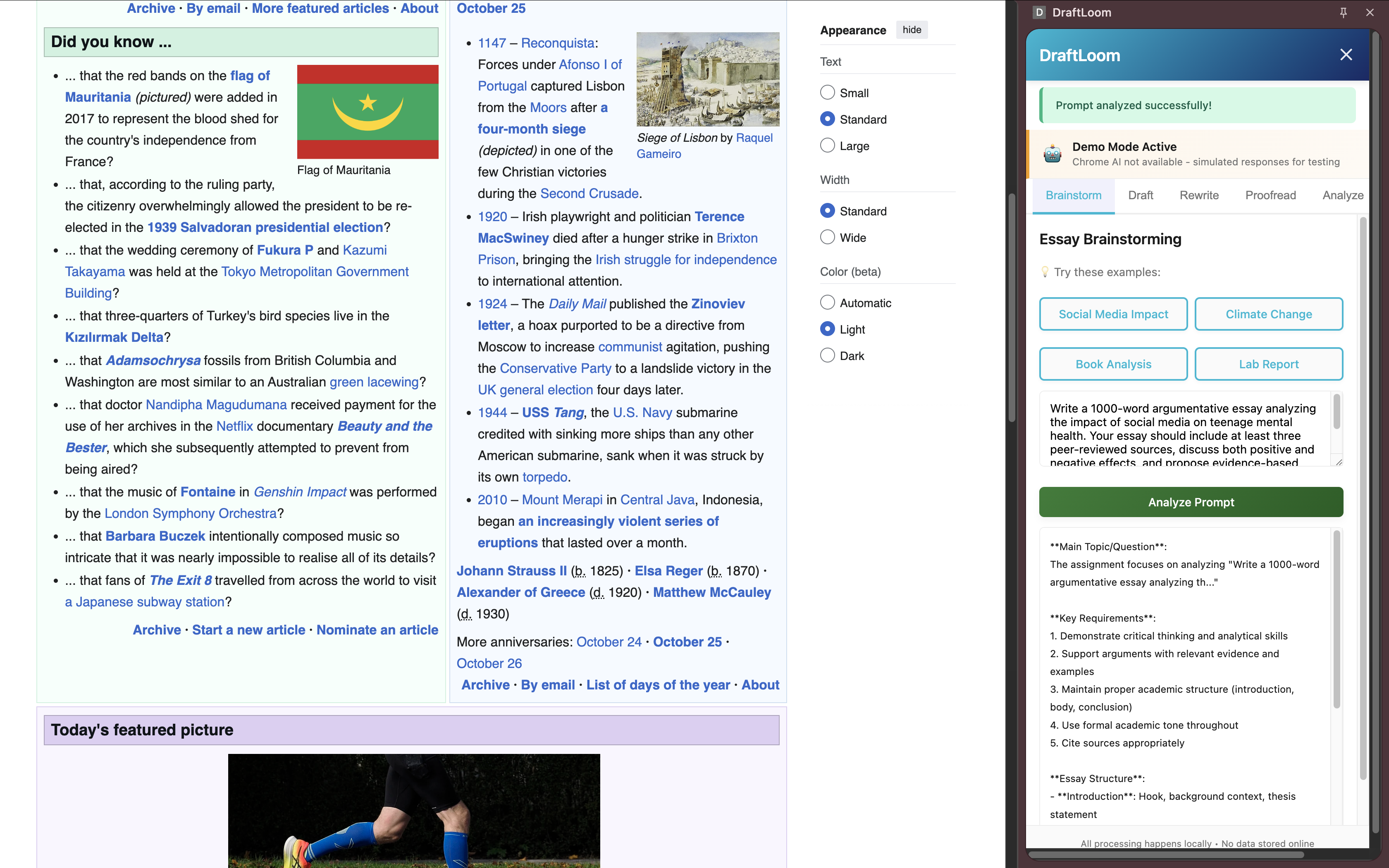
Prompt Analyzer - Paste your assignment prompt, and DraftLoom breaks down key requirements, deliverables, and grading criteria so you never miss important details.
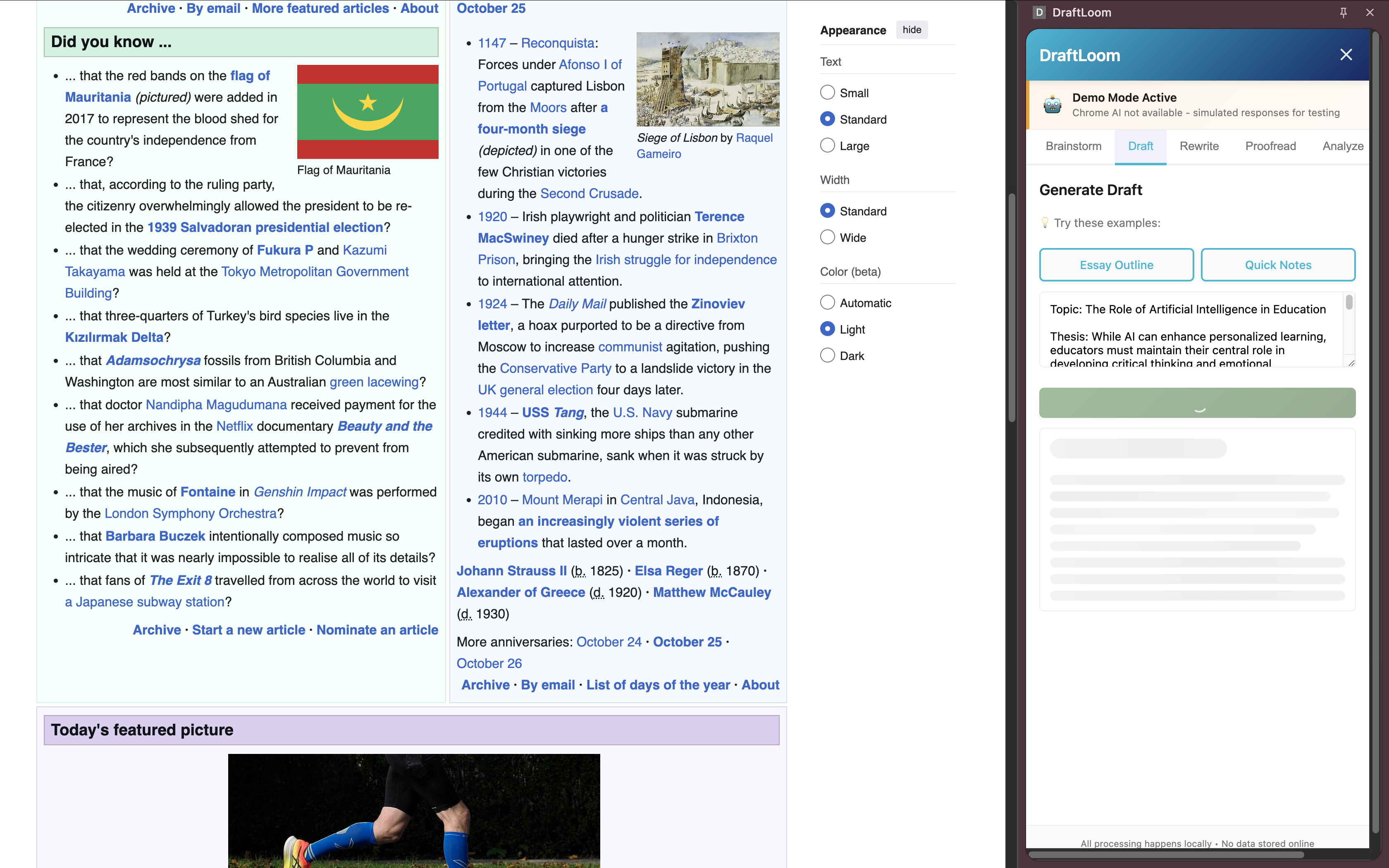
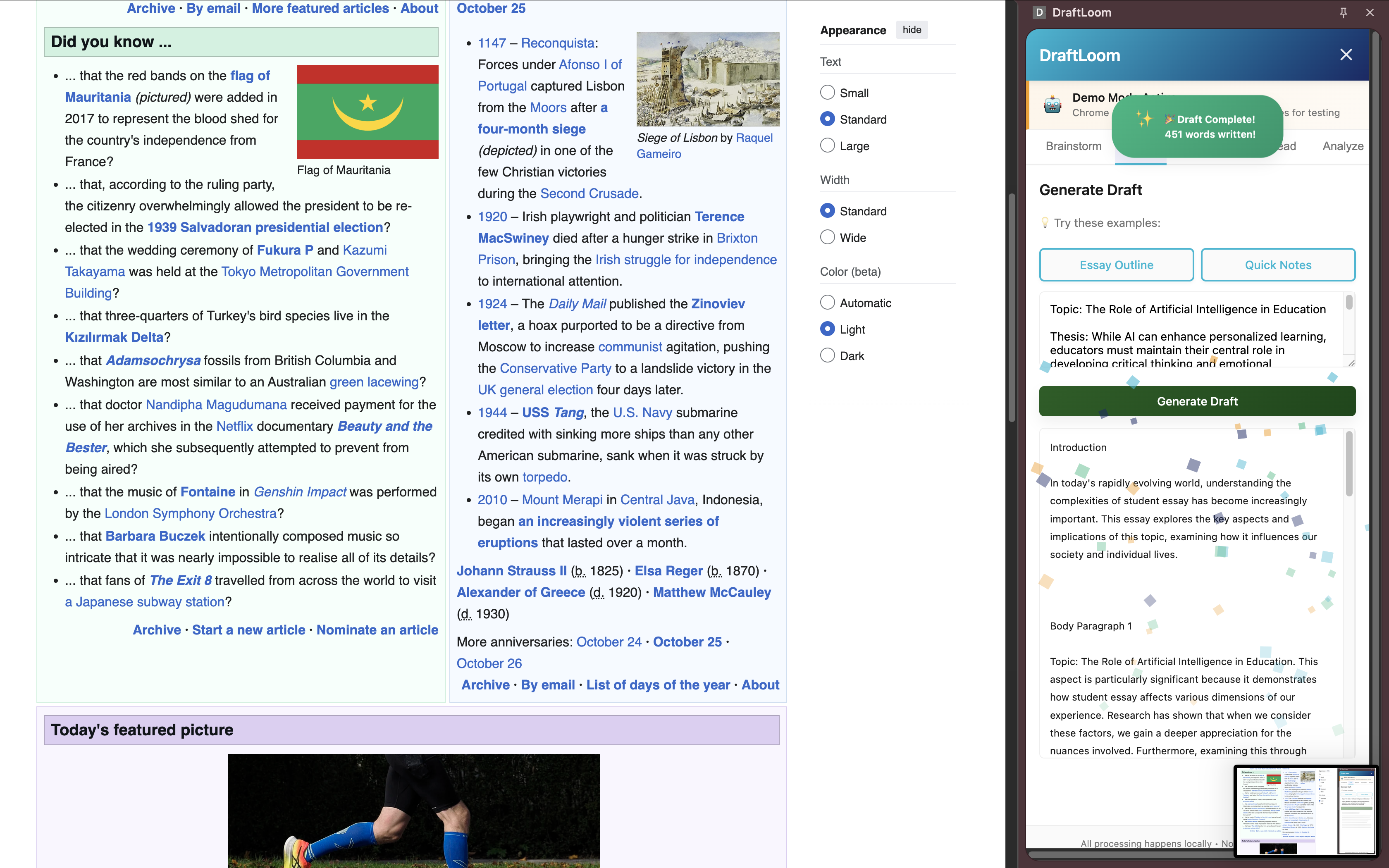
Draft Generator - Stuck staring at a blank page? Generate first drafts with adjustable tone (academic, creative, professional, casual) to match your assignment.
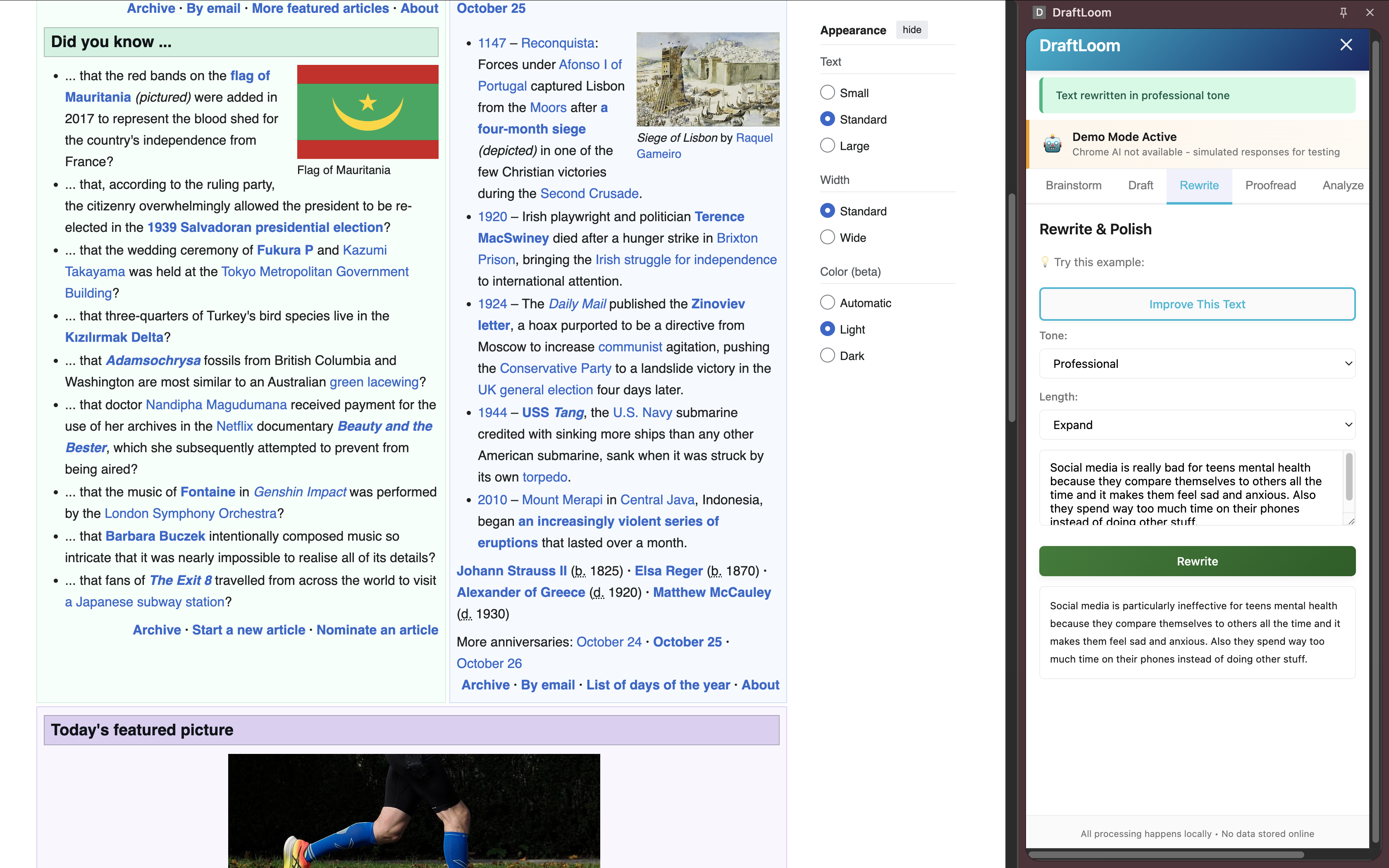
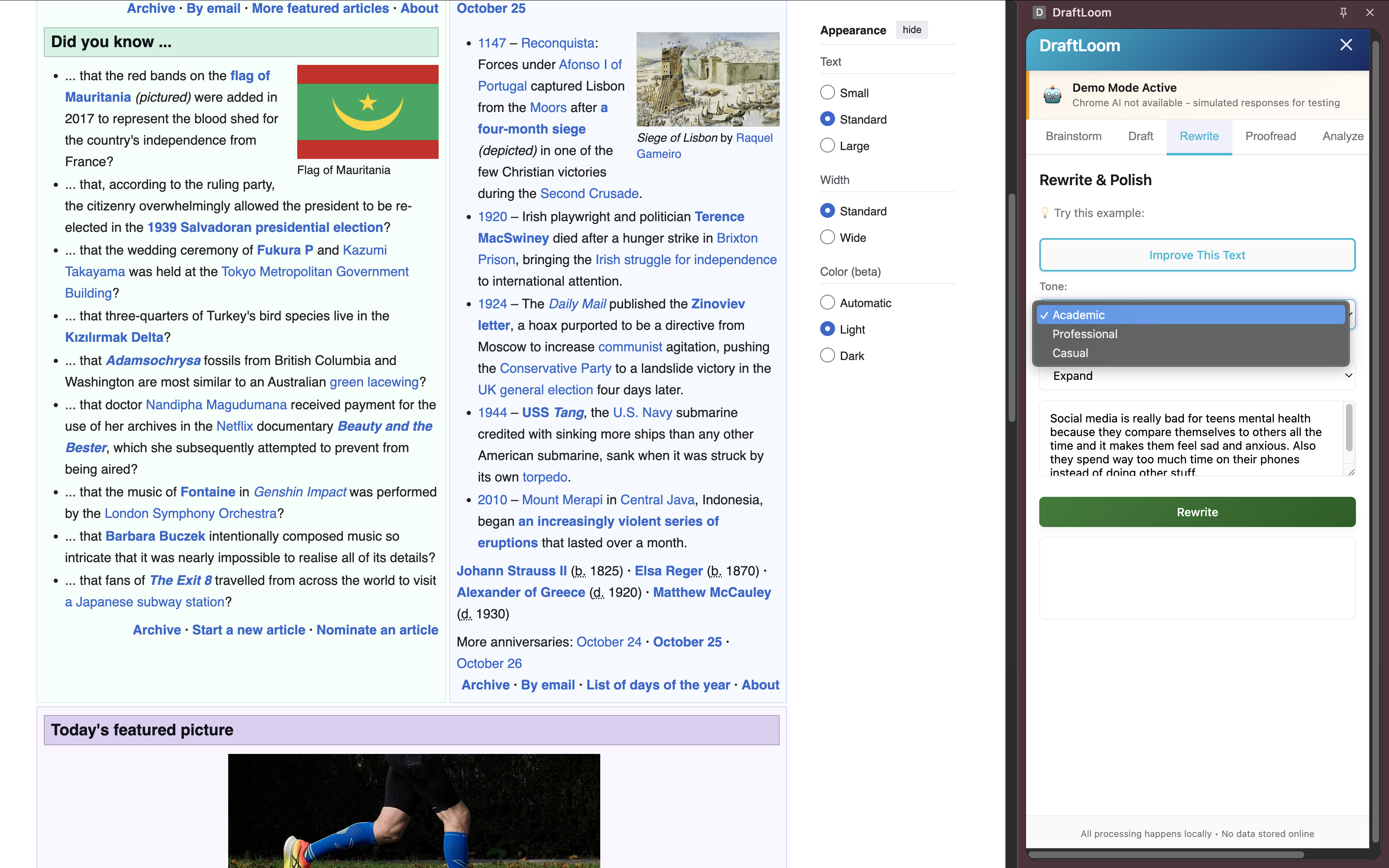
Text Rewriter - Rephrase sentences or entire paragraphs with precise control over tone and length. Perfect for improving clarity or adapting writing style.
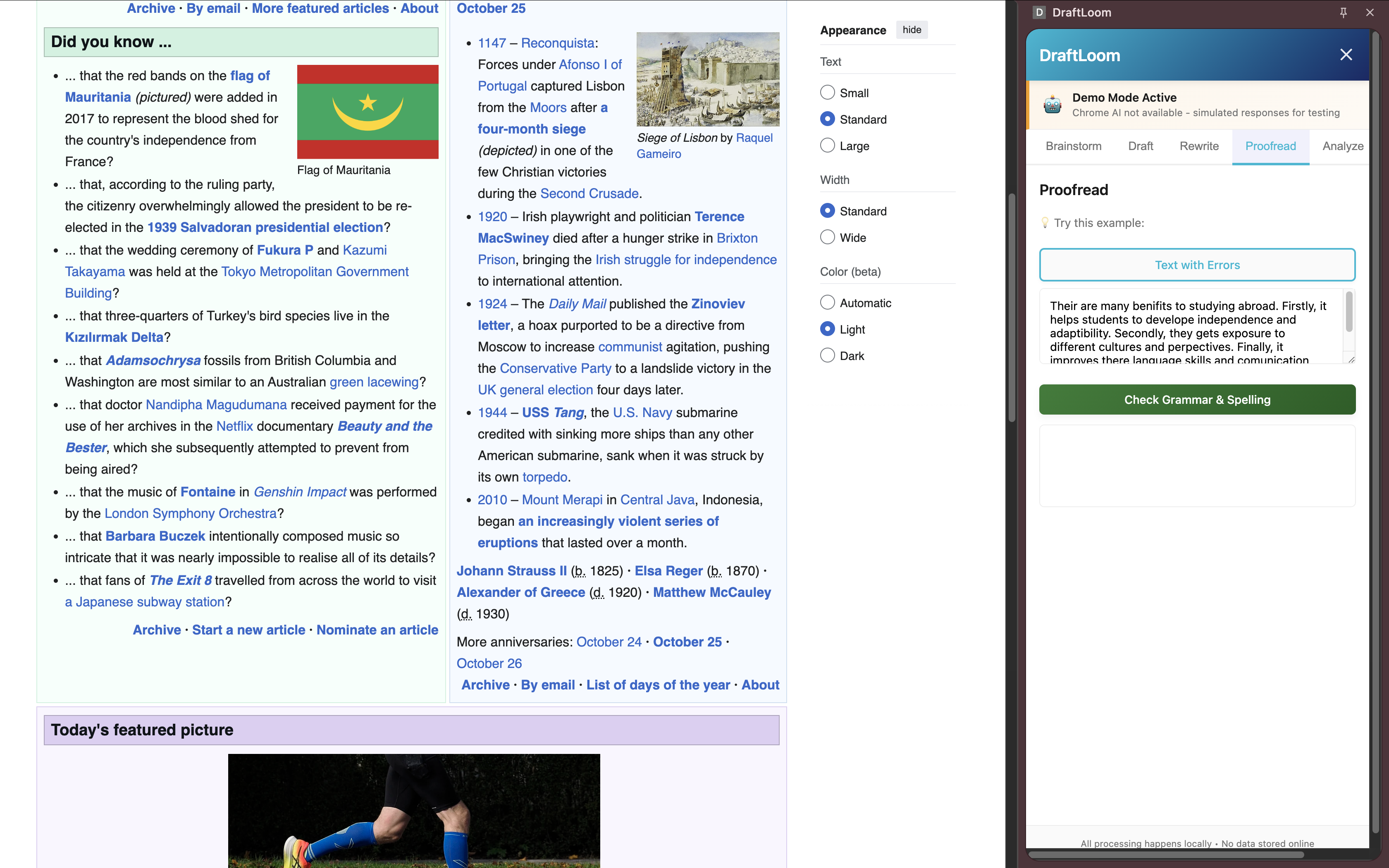
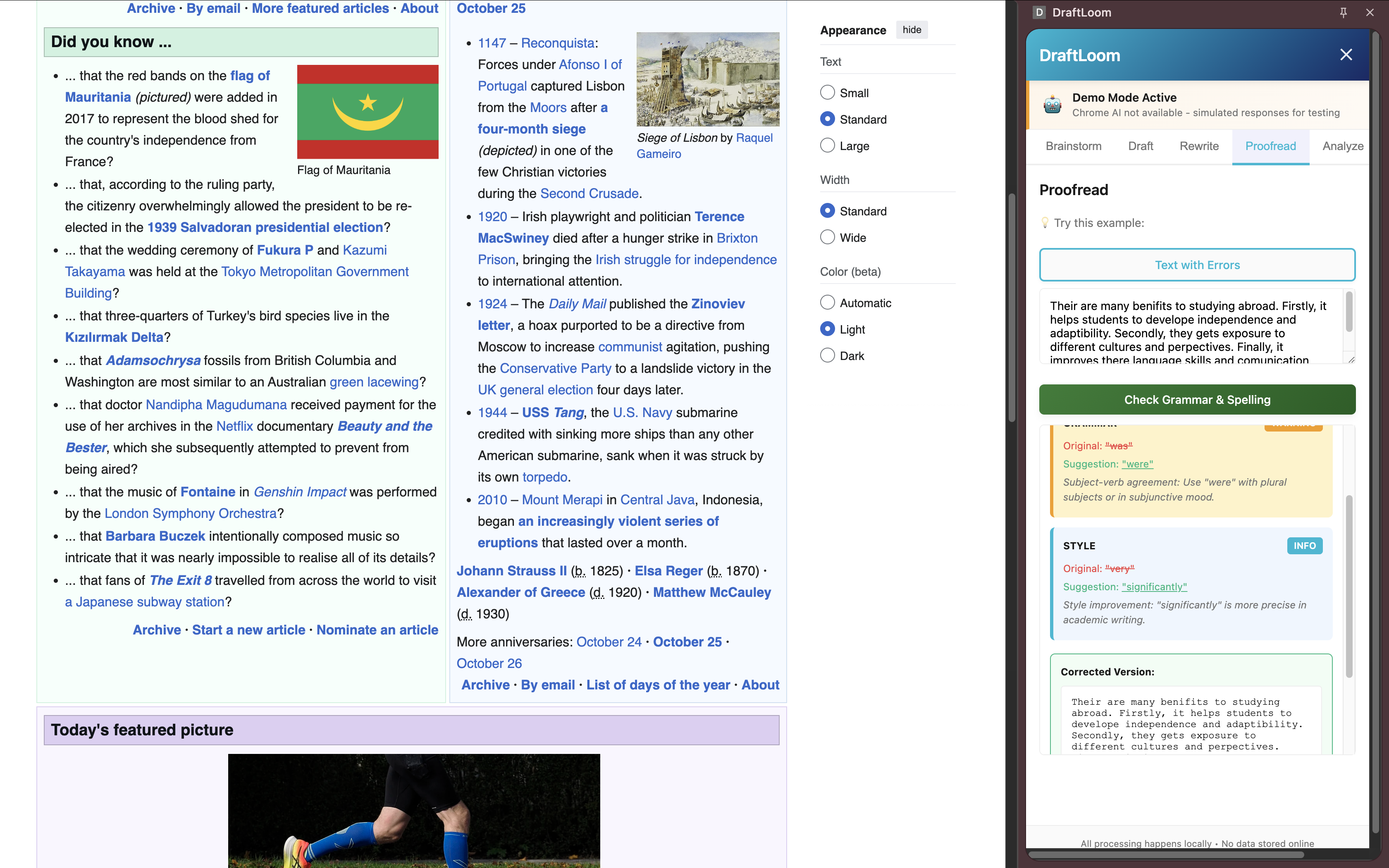
Proofreader - Catch grammar mistakes, spelling errors, and awkward phrasing before submitting. Works like Grammarly, but 100% private.
Summarizer - Condense research papers, articles, or lecture notes into concise bullet points. Save hours of reading time.
Translator - Translate text between multiple languages for research or ESL students. All processing happens locally.
The Secret Weapon: FERPA Protection
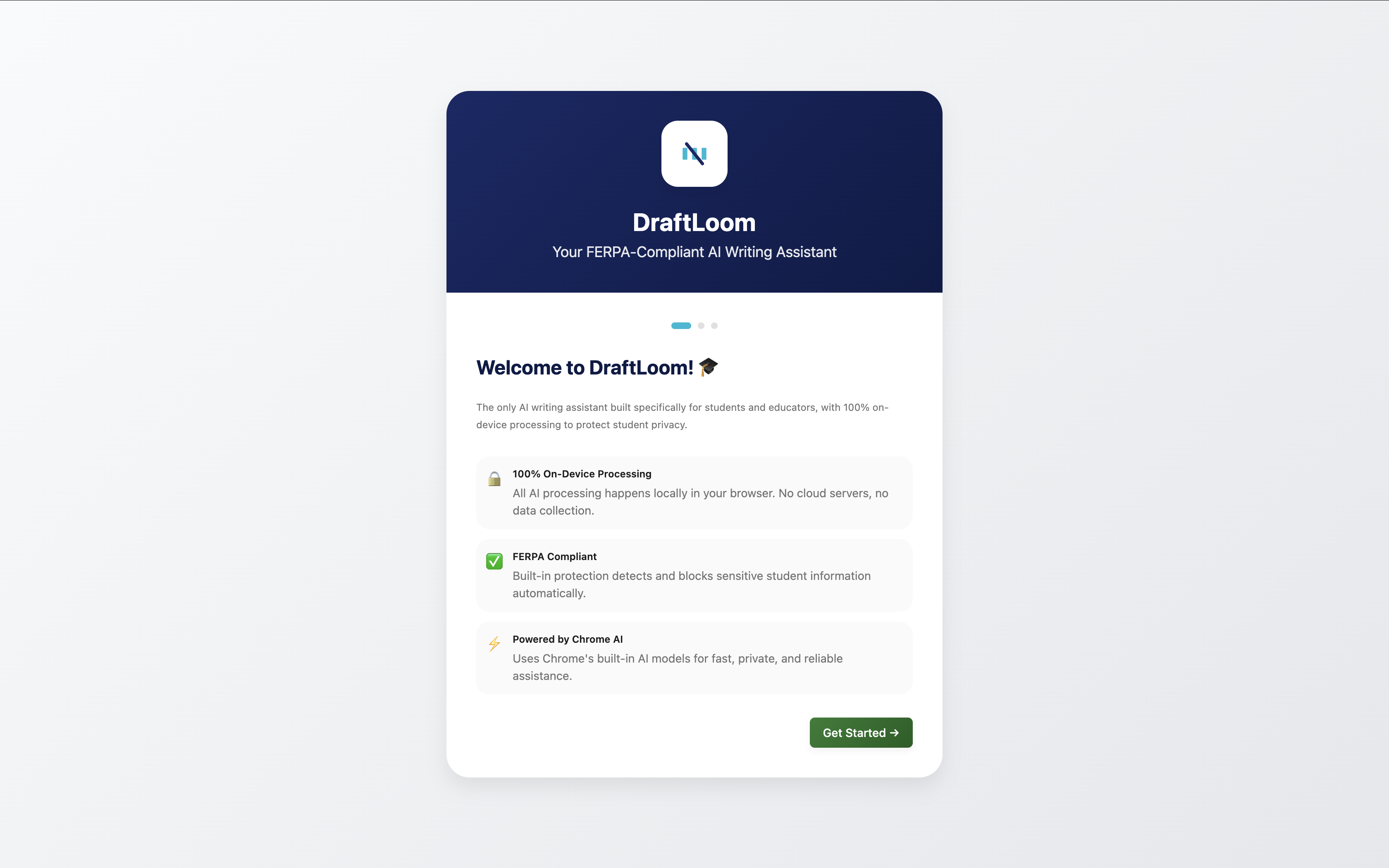
Here's what makes DraftLoom unique: built-in FERPA compliance scanning. Before processing any text, DraftLoom scans for sensitive information:
- Social Security Numbers
- Student IDs
- Dates of birth
- Medical information
- Financial data
- Email addresses and phone numbers
If critical violations are detected, DraftLoom blocks processing and shows a clear warning. No other AI writing tool does this.
How I built it
The Architecture Challenge
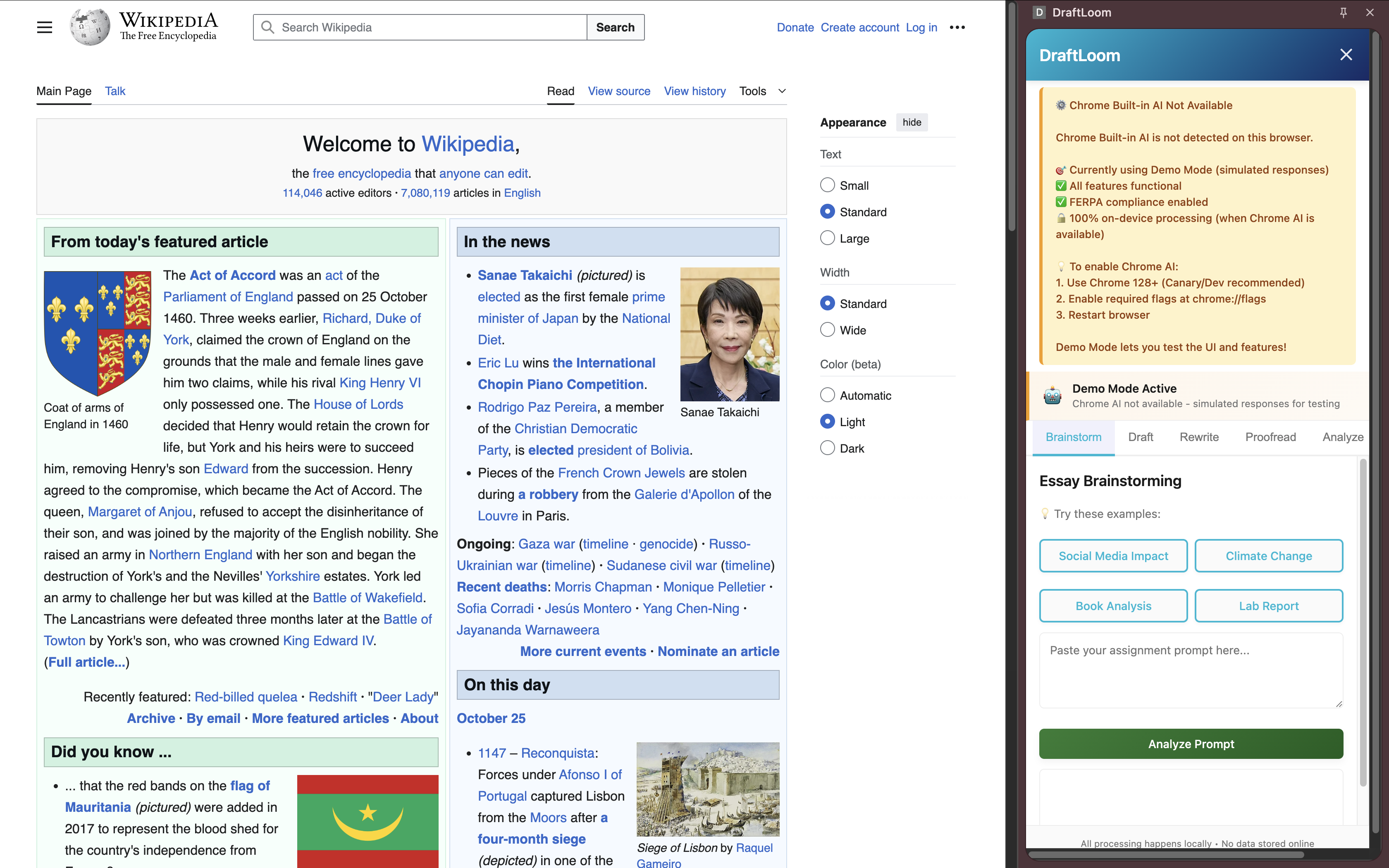
I built DraftLoom as a Chrome Extension (Manifest V3) with a sophisticated multi-context architecture:
3 Separate Execution Contexts:
- Background Service Worker - Handles extension lifecycle and message routing
- Content Script - Injects into web pages (future feature: in-page assistance)
- Popup & Sidebar UI - Where all the Chrome AI magic happens
Here's the catch: Chrome's AI APIs only work in popup/sidebar contexts, not in background workers. This forced me to completely restructure my initial design and route all AI calls through the UI layer.
The Tech Stack
Frontend:
- Vanilla JavaScript (no frameworks -just keep it lightweight)
- Webpack with 3 entry points for multi-context builds
- Custom CSS design system with skeleton loaders and confetti animations
- HTML5 with strict CSP compliance (no inline scripts)
Chrome AI Integration: I integrated all 6 Chrome AI APIs:
window.ai.languageModel- Powers prompt analysis and proofreadingwindow.ai.writer- Draft generation with tone controlwindow.ai.rewriter- Text rewriting with style adjustmentswindow.ai.summarizer- Text summarizationwindow.ai.translator- Multi-language translation- Custom prompt engineering for advanced features
Key Technical Innovations:
Request Queue System - Chrome AI APIs crash if you call them too rapidly. I built an API Manager with a queueing system that serializes requests with 100ms delays. This ensures stability even when users spam buttons.
FERPA Scanner - A regex-based PII detection engine that scans for patterns like:
- SSN:
XXX-XX-XXXX - Student IDs:
SID-XXXXXX - Medical terms: "diagnosis", "prescription", "therapy"
- Financial data: account numbers, routing numbers
- SSN:
It assigns severity scores and blocks processing for critical violations.
LRU Cache Layer - Caches API responses (max 50 items, 1-hour TTL) to avoid redundant AI calls. Uses
apiName:JSON(params)as cache keys.XSS Prevention - All AI-generated content is sanitized with
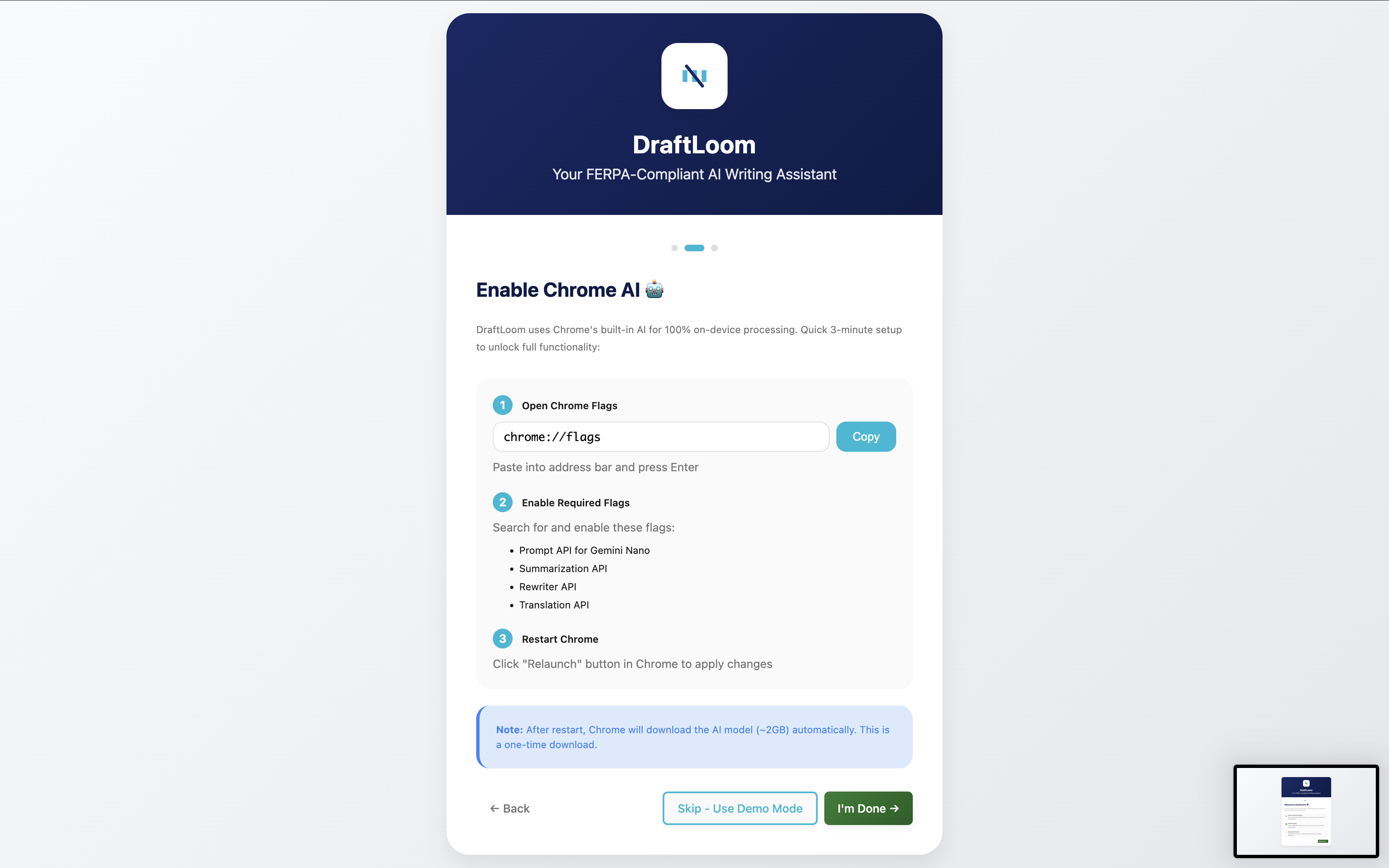
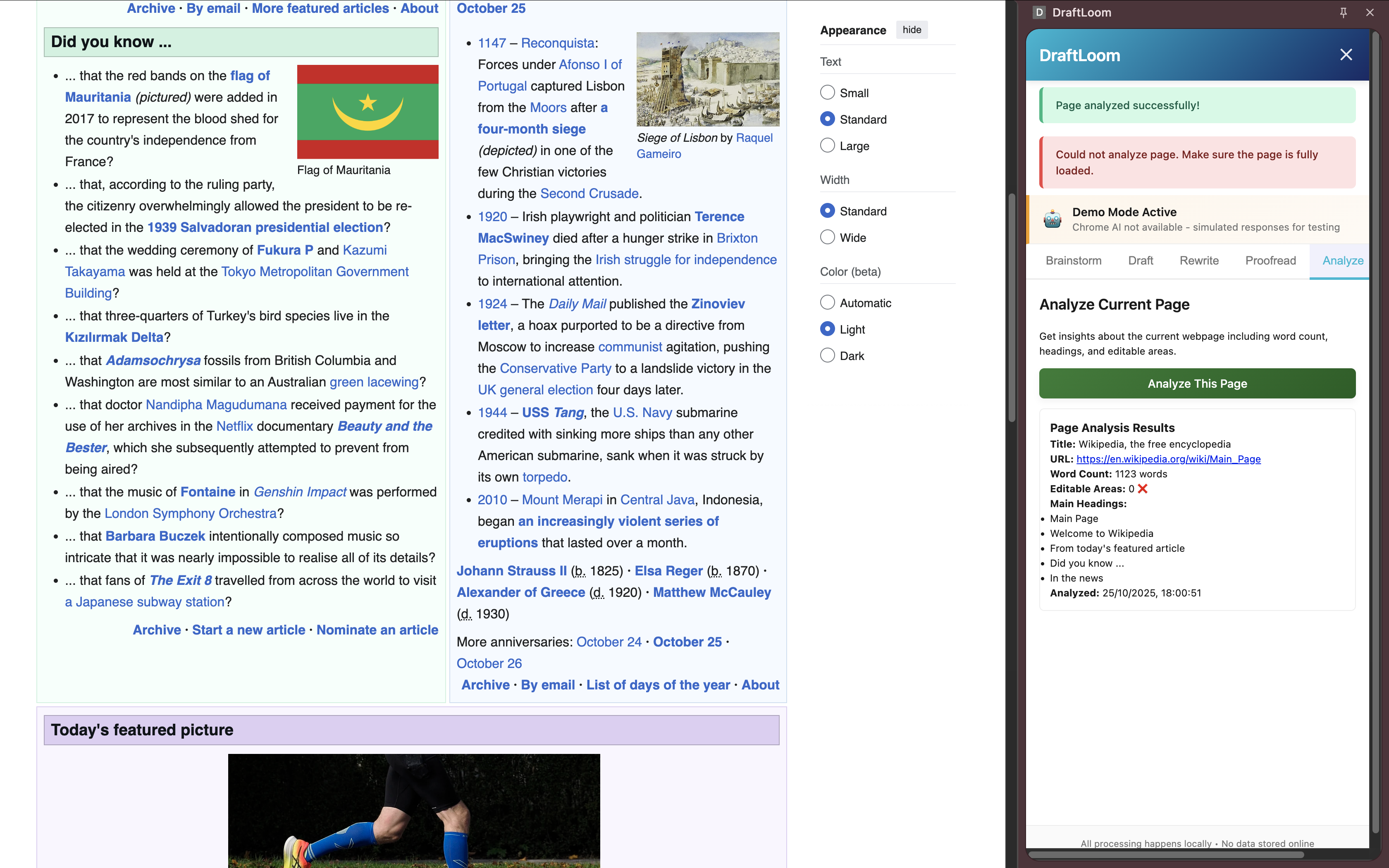
_escapeHtml()before rendering to prevent code injection attacks.Demo Mode - Since Chrome AI requires specific flags enabled, I built a demo mode with sample content so judges and users can test the UI without setting up Chrome AI.
The Build System
Webpack multi-entry configuration that:
- Bundles 3 separate JavaScript files (background, content-script, popup/sidebar)
- Copies HTML files to
dist/folder - Supports source maps for debugging
- Watch mode for live development
Challenges I ran into
1. Chrome AI Context Hell
I spent a lot of time debugging why window.ai was undefined in my background worker. Turns out, Chrome AI APIs are completely unavailable outside popup/sidebar contexts. No documentation mentioned this. I had to reverse-engineer the API availability by testing in different contexts.
Solution: Completely restructured the architecture to make the sidebar the "brain" of the extension.
2. API Rate Limiting Crashes
When I first integrated all 6 APIs, rapid successive calls would crash the entire extension. Chrome would freeze, and I'd have to reload.
Solution: Built a request queue system that processes one API call at a time with 100ms delays. Added request prioritization and cancellation support.
3. FERPA Detection Accuracy
Creating regex patterns that catch real PII without false positives was harder than expected early versions flagged "January 1st" as a date of birth and blocked processing.
Solution: Multi-pass scanning with context awareness dates are only flagged if they match DOB patterns (MM/DD/YYYY near "DOB" or "birthday") added confidence scoring (0-100).
4. CSP Violations Everywhere
Manifest V3's Content Security Policy blocked my inline JavaScript event handlers (onclick="...") and inline styles, chrome refused to load the extension.
Solution: Extracted all inline scripts to external files used addEventListener() for all events and added CSP nonces where needed.
5. The Mysterious [object Object] Error
After deploying Chrome's Extensions page showed a red "Errors" button with [object Object] as the error message the extension worked perfectly but the error was cosmetic noise.
Solution: Added global error handlers for window.error and unhandledrejection events that format error objects into strings before logging.
6. Building from Uganda
Internet speeds here made downloading the 2GB Chrome AI model challenging testing required patience and offline-first thinking.
Solution: Built robust error handling and loading states. Added Demo Mode so I could develop the UI without waiting for model downloads.
What I learned
Technical Lessons:
- Chrome's AI APIs are bleeding-edge - Limited documentation meant I had to experiment and read Chromium source code to understand API behavior.
- Queue management is critical - Async operations need careful orchestration to prevent race conditions.
- Privacy-first design is hard - FERPA compliance requires constant vigilance every feature had to be evaluated for privacy implications.
- Manifest V3 is strict - The security model is excellent but requires disciplined coding practices.
Product Lessons:
- UX makes or breaks AI tools - Loading states, skeleton loaders, confetti celebrations, and clear feedback transformed the experience from "waiting for AI" to "AI is doing something magical."
- Trust is everything in education - Schools won't adopt tools they don't trust. FERPA protection had to be visible and clear not hidden in documentation.
- Demo Mode is essential - Users shouldn't need to jump through hoops to see your product work.
Personal Lessons:
- You don't need to be in Silicon Valley to solve Silicon Valley problems being in Uganda gave me fresh perspective on US education challenges.
- Open source matters - MIT License ensures schools can audit the code and verify privacy claims.
- Constraints breed creativity - Chrome AI's limitations forced me to build better architecture than I would have with unlimited API access.
What's next for DraftLoom
Short-term (Next 3 months):
- Firefox & Edge versions - Adapt to WebGPU for on-device AI across browsers
- Offline mode - Pre-download AI models for airplane/low-connectivity writing
- Assignment tracker - Help students manage deadlines and drafts
- Citation generator - Auto-generate MLA/APA citations from research
Long-term Vision:
- Teacher dashboard - Privacy preserving analytics showing AI usage patterns (no student data collection)
- School district deployment - Enterprise version with centralized FERPA policy management
- Mobile app - Bring on-device AI writing to iOS/Android using on-device ML frameworks
- Open API - Let other educational tools integrate DraftLoom's FERPA scanner
The Big Dream:
I want DraftLoom to become the industry standard for privacy-first AI in education. Every school should be able to offer students powerful AI tools without worrying about FERPA violations, data breaches, or vendor lock-in.
Education deserves AI tools that respect privacy, not exploit it.
Built solo from Kampala, Uganda 🇺🇬 with love for students everywhere.
Built With
- chrome
- chrome-ai-apis
- css3
- education
- ferpa
- html5
- javascript
- machine-learning
- manifest
- natural-language-processing
- on-device-ai
- privacy
- webpack

Log in or sign up for Devpost to join the conversation.