-
-
Title
-
End
Draftsmith (powered by Excalidraw)
Live: https://nice-field-0f080db0f.7.azurestaticapps.net
Inspiration
Every architecture conversation we've had starts on a whiteboard and ends with someone taking a photo of it. If you actually want to keep the diagram, somebody has to sit down and redraw it, and that's the point where you stop thinking about the system and start nudging boxes around to fit one extra service in.
We'd already tried the usual escapes. Mermaid and similar tools hand you a rendered picture; change one word and the layout reshuffles under you, and you can't just grab a box and move it. Image models produce something diagram-shaped that can't be edited at all. Agents that drive a canvas by clicking are guessing coordinates off screenshots, and the results look like it.
Two things made us think this was worth a weekend.
The first is that Excalidraw already stores the right thing. A scene is real data: elements, and arrows that stay bound to the shapes they connect. If an agent could write that scene directly, you'd get a diagram you can keep working in instead of a picture of one.
The second is WebMCP. Normally the backend owns the tool list and one bespoke agent loop calls it. WebMCP flips that around: the page declares what it can do, and any agent the browser trusts can discover and call those tools. We wanted to see whether that actually holds up on something hard, and a canvas is about as hard as it gets - it's stateful, it's spatial, and it's basically opaque to an agent that can only click.
Somewhere in there we also decided that a diagram handed over with no commentary isn't much use. So the agent should be able to explain what it drew, not just draw it.
What it does
Draftsmith is Excalidraw with an agent living inside it.
Describe a system, get a diagram. "Draw a 3-tier architecture with a load balancer, two app servers and a database" comes back laid out in one turn: ranked into tiers, ordered to reduce arrow crossings, with long arrows routed around whatever sits between their endpoints. Arrows use Excalidraw's native binding, so they snap to shape edges and follow the boxes when you drag them. Nothing about it is an export - you can keep editing by hand, or keep asking.
Talk to it while it draws. Voice mode runs hands-free over a single socket. It listens continuously, answers out loud, asks follow-up questions when your request is vague, and pushes back if the design looks off. You can talk over it to cut it off. When a question needs actual thought ("40M events a day, Postgres is melting - shard, CQRS, or a queue?") it says "let me think about that for a second" out loud and hands that one turn to a stronger model, rather than running the whole conversation slowly for the handful of turns that need it.
Point at things. Select shapes on the canvas and they show up as pills above the composer, the same way you'd select code before asking your editor about it. "Make this blue" restyles that box and nothing else. "Connect these" binds them in the order listed. No guessing from labels.
Ask to be taught. "Walk me through this" starts a spoken walkthrough with a Tutor cursor tracing the canvas, moving to each element as it's explained and panning off-screen ones into view. The finished lesson goes into the chat history, so a follow-up like "why is there a load balancer?" already has it as context. Teaching is a tool rather than a UI mode, which means "draw a 3-tier architecture and then explain it to me" draws it, binds it and teaches it in a single turn.
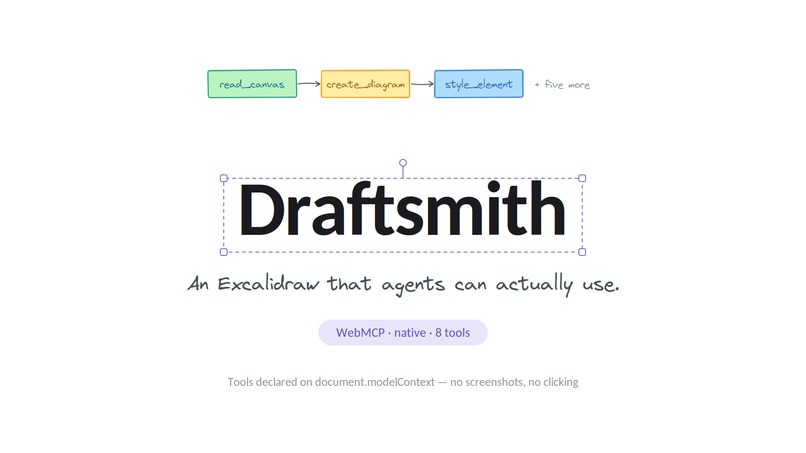
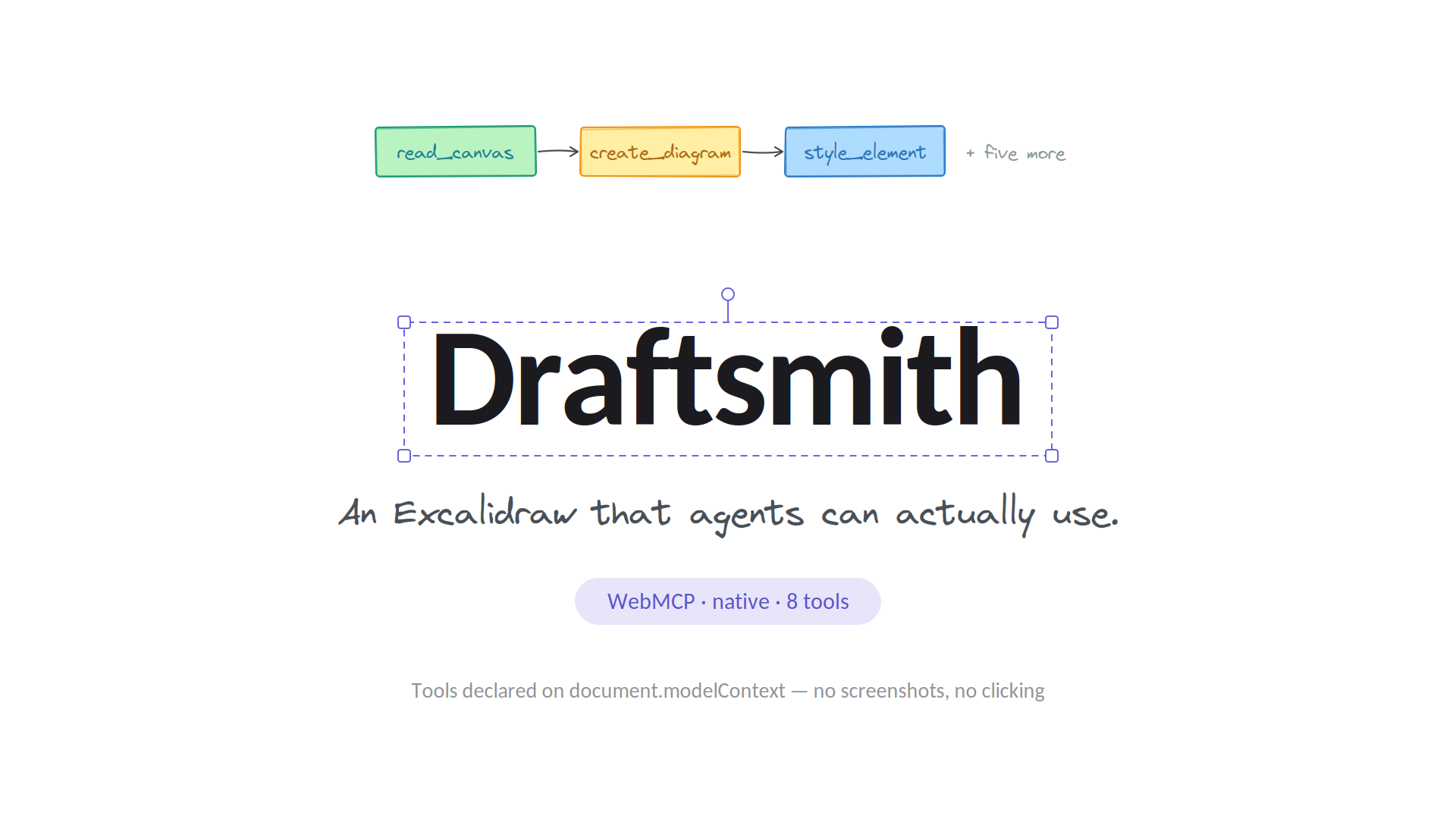
The canvas is a WebMCP tool provider. Eight tools (get_scene, create_diagram, add_shape, add_text, bind_arrow, set_style, remove_element, teach_diagram) are declared to the browser, so an agent that knows nothing about our code can still drive the canvas. The panel header shows WebMCP · native · 8 tools or · shim ·, and clicking the badge opens the live manifest. That was partly so we could debug it without devtools, and partly so a demo can't quietly imply native support it doesn't have.
How we built it
It's a fork of Excalidraw with the agent added, but we didn't vendor upstream. setup.sh clones a pinned Excalidraw commit and copies our files in. The repo stays at roughly the 6k lines that are actually ours, and our diff stays readable.
The browser owns the tool definitions. app/ai-agent/webmcp/descriptors.ts is the only source of truth for the tool surface, and it lives in the browser because that's where WebMCP expects it - the page is the provider, so the declarations belong next to the code that runs them. The backend gets the list with every request. It carries its own copy, but that's a clearly labelled fallback for clients too old to send one.
Our own agents are WebMCP clients. The sidebar and the voice agent both go through callTool exactly like a third party would. This was deliberate. If we'd registered the tools and then kept calling the canvas directly, the published path would have been exercised by nobody and would have rotted within days. As it stands, if the WebMCP surface breaks, the product breaks with it, and we find out immediately.
The model does semantics, code does geometry. create_diagram takes an entire graph, and app/ai-agent/layout.ts runs a layered (Sugiyama) pipeline over it: break cycles, assign layers, insert dummy nodes so a long edge reserves a corridor in each layer it crosses, order within layers to cut crossings, then assign coordinates. Those dummy corridors turn into real bend points on the arrow, and since Excalidraw keeps bend points on a bound arrow, the routing survives without losing the bindings.
Spatial invariants live in the tool layer. add_shape finds a non-overlapping position before it creates anything, searching outward on a grid, and reports back where the box actually ended up. Colour is assigned per layer instead of per box, so a tier comes out consistent without the model having to think about it. House style - rounded corners, hachure fill, label colour matched to the border - is set in code, so it holds regardless of what the model asks for.
Voice is one socket, speech to speech. Mic audio goes up; spoken audio and tool calls come back down, over the Azure OpenAI Realtime API. One model hears audio and replies with both audio and function calls on the same stream, so there's no STT → LLM → TTS chain to keep in sync. The server proxies the socket instead of minting a client token. That keeps the key out of the browser, and because only the server sends session.update, a tampered client can't swap the instructions or widen the tool list. It can talk and listen, and that's it.
The lesson is data, not prose. The scene goes to the backend, which runs a teaching prompt with one forced tool call that returns { intro, segments: [{ elementIds, narration }], closing }. Since every chunk of narration names the elements it's about, the frontend can point the cursor at exactly those elements for exactly as long as that chunk is playing. We treat the output as untrusted: schema-checked, then every element id verified against the real scene, with invented ids dropped and a lesson about nothing real rejected outright. Narration uses the browser's own speechSynthesis, so it needs no key and no audio leaves the machine. The tracing cursor isn't custom drawing either - "Tutor" is a synthetic entry in Excalidraw's collaborators map, the same code that renders a teammate's pointer, so it pans and zooms with the scene for free.
No server-side session state. Each POST /api/chat is one model turn. It returns either final text or the tool calls to run; the browser runs them against the live editor and posts again. The server is a pure function of the history it's given, so it restarts cleanly, scales without stickiness, and holds the only copy of the credentials. Azure OpenAI and Anthropic sit behind one interface and are selectable per request.
It's deployed as two halves on Azure, because they need different things. The editor is a static bundle on Static Web Apps. The backend has to hold a WebSocket open for the length of a voice session, which rules out serverless.
Challenges we ran into
Arrows went straight through the boxes. The bindings were fine - correct element ids on both ends - but the geometry wasn't, and it took a while to see why. Excalidraw derives an arrow's fixedPoint from the endpoint you seed it with: [(px - box.x) / box.width, …]. Seed an arrow centre to centre and you've recorded [0.5, 0.5], which literally means "anchor at the centre of this shape." Seeding between the two outlines gives you bottom-centre and top-centre instead. While fixing that we hit a second one: Excalidraw computes default points as element.width || 100, so a perfectly vertical arrow has width 0, which is falsy, and silently picks up a 100px horizontal kink. Both are covered by tests now, and those tests assert on actual geometry rather than on a binding object existing, which is what let the original bug through.
Placing boxes one at a time can't work, and prompting can't fix it. This was the most useful thing we got wrong. We spent real hours hardening the system prompt before we accepted the problem was structural. At the moment a box gets positioned, the edges it will eventually carry don't exist yet, so there's nothing to lay it out against. Arrows cut across boxes forever. We went and looked at what the Excalidraw MCP ecosystem does, and everyone who gets this right solves it the same way: Mermaid hands the graph to dagre, the MCP servers use Sugiyama or grandalf. So we stopped tuning prose and wrote the layout engine. Two details did most of the work, and both showed up as failing tests rather than as insights: arrows have to be routed rather than drawn straight (widening the corridors doesn't help, only routing does), and the anchor axis has to be pinned to the layout direction, or a widely spaced parent and child will anchor on their sides and the arrow runs horizontally through every sibling in between.
A prompt can't hold an invariant. The model issues a whole batch of add_shape calls in one turn, so it never sees any of them before it picks coordinates. Asking it to collision-check a thirty-element canvas is asking it to do the thing it's worst at. Moving collision resolution into the tool made it hold at any scale, deterministically.
The platform API isn't what the explainer says. We found both of these by reading strings in Chrome 152 rather than the proposal. It's document.modelContext, not navigator.modelContext (Chrome even has an error message that names the right path). And there's no provideContext - Chrome exposes registerTool(tool, {signal}), one call per tool, async, where withdrawing a tool means aborting the signal rather than calling some unregisterTool. We check both locations and handle both shapes, and there's a spec-shaped shim for browsers without the API, so there's one code path either way and a native implementation arriving later can just take over.
Voice turned out to be a system, not a feature. The realtime agent raced response.create against itself and talked over its own turns. An open session also bills for streamed audio whether or not anyone's speaking, so a tab left open on a forgotten canvas quietly runs up a bill - it now hangs up after 60 seconds of nothing at all happening, where speaking, replying and running a tool all reset the clock. And the thing that actually separates a live agent from a turn-based one is barge-in, not audio quality.
Browser speech has three behaviours that bite. Voices load asynchronously, so your first getVoices() comes back empty. Long utterances get silently truncated after about 15 seconds unless you ping resume(). And cancel() surfaces as an interrupted error, even though it's us stopping it on purpose. On top of that, an utterance has no knowable duration up front, so the cursor is paced by a words-per-minute estimate and cut short the moment speech actually ends. That keeps it in step even when the estimate is off.
One end-to-end test against a live model was flaky - about one failure in six runs, where "a cache next to the database" ended up in a new row below it. Two things fixed it: temperature: 0, since layout is rule-following rather than creative, and rewriting the wording rules in the system prompt from suggestions into hard rules.
And one pure-frontend fight. The sidebar resize works by overriding the same CSS variable the editor uses to reserve canvas space, so the panel and canvas reflow together. But React owns the inline style on that container and clobbers it on the next render, so the override has to be written as a stylesheet rule instead.
What we're proud of
A test that proves the WebMCP claim rather than asserting it. aiExternalAgent.test.tsx plays the part of a third-party agent and reaches the canvas only through the page's model context. No tool-layer import, no excalidrawAPI, no knowledge that Excalidraw is involved. It discovers its vocabulary from the manifest, builds a diagram, reads ids back with get_scene to edit what it drew, and gets a clear answer when it asks for something impossible. If you only look at one file, look at that one.
We're our own first client. Sidebar, voice agent, external agents - everything goes through the published surface, so it gets exercised on every interaction instead of sitting next to the real code path.
Diagrams that look like someone cared. Routed arrows that don't cross boxes, guaranteed non-overlap, colour by tier so you can follow a flow without reading every label, and Excalidraw's hand-drawn character kept intact rather than flattened into default styling.
A voice agent that explains its own latency. A single realtime response can carry audio and a tool call together, so "let me think this through" and the escalation happen in the same turn. It's a small thing, but a narrated pause feels like a conversation and a silent one feels like a hang.
Teaching composes with drawing. The tutor is a tool in the same registry as everything else, so the model decides when to teach from ordinary language and can teach in the same turn it draws. There's no keyword matching anywhere in the UI.
It's deployed, tested and MIT-licensed. Ten test files, including deterministic ones that mount a real Excalidraw and assert on real geometry, plus a live end-to-end run of the demo scenario that skips itself when the backend is down. The security boundaries are written down, including the rule that the tutor gets exactly one tool and mutates nothing - element labels reach the prompt unescaped, and giving the tutor a side effect would turn a harmless quirk into an actual vulnerability.
What we learned
Split the work by what each side is good at. The model owns semantics: what the boxes are, what connects to what, what to say about them. Code owns geometry, invariants and spatial reasoning. Every tool that produces decent diagrams draws the line in the same place, and every hour we spent trying to move it into the prompt was wasted.
Invariants belong in code. "Don't overlap" in a prompt is a suggestion the model can't even check. "Don't overlap" as a tool that resolves position before creating anything is a guarantee.
Declare capabilities where they execute. Keeping tool definitions in the browser, next to the functions they describe, removed the entire class of bug where a schema and its implementation drift apart. Having the backend hold a labelled fallback rather than an authoritative copy mattered for the same reason.
Ship the integration path you're advertising, on your own product. If we'd registered the WebMCP tools and kept calling the canvas directly, the surface would have broken within a week and we'd never have noticed.
Read the implementation, not the explainer. Both of our WebMCP surprises came from reading what the browser actually shipped. On a spec this young, the proposal is a plan and the binary is what's true.
Test the outcome, not the shape of the data. A test asserting "a binding object exists" passed cheerfully while arrows skewered every box on the canvas.
Latency is part of the product. Where the model has to be slow, say so out loud. Where it doesn't, don't make the whole session pay for the few turns that do.
What's next
- More of the canvas as tools. Freehand, images, grouping and multi-select, fonts and stroke styles, explicit undo/redo. Each one widens what an agent can do here without changing the architecture.
- Real third-party clients. The whole point of a declared tool surface is that we're not the only caller. Next is getting browser-native agents and other WebMCP clients driving this canvas, and treating the manifest as a stable public contract instead of an internal detail.
- Review, not just drawing. "What's wrong with this architecture?" - critique that annotates the canvas itself, flagging the single point of failure, marking the missing queue, circling the service doing three jobs.
- Import and export. Point it at a Mermaid file, an OpenAPI spec, a Terraform plan or a repo and get a diagram. Push the diagram back out as code so it can live in version control.
- Finish the tutor. Interrupt it by voice, pause and resume per segment, and let it teach during a live collaboration session, which is where a spoken walkthrough would be most useful and is currently out of scope.
- Multiplayer. The agent as a real participant in an Excalidraw collab room, drawing while a team watches and talks over it. The Tutor cursor already borrows that machinery, so making the agent a first-class collaborator is the obvious next step.
- Production hardening. Auth and persistence beyond local storage, and a paid App Service plan to get rid of the ~13 second cold start the free tier costs us on the first request.
Built With
- azure-static-web-apps
- excalidraw
- model-context-protocol
- openai-realtime-api
- react
- typescript
- web-speech
- webmcp

Log in or sign up for Devpost to join the conversation.