-
-
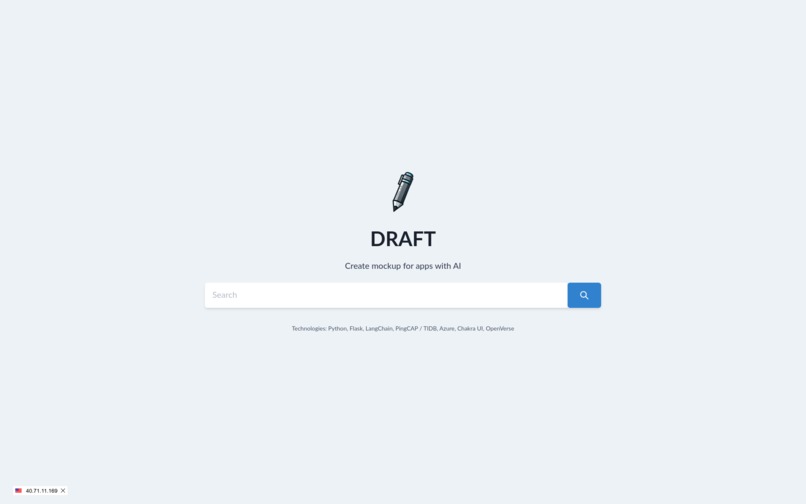
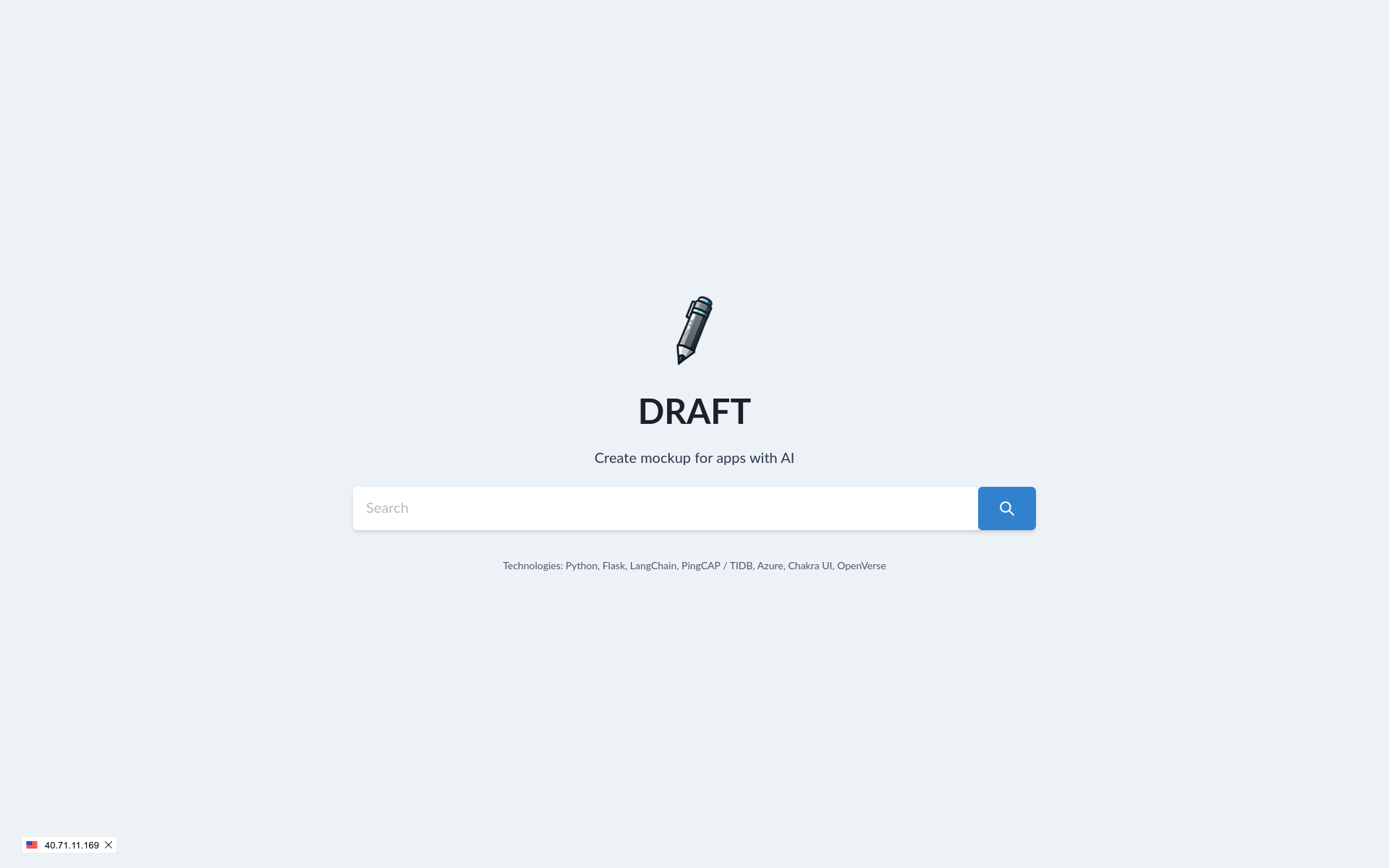
Homepage
-
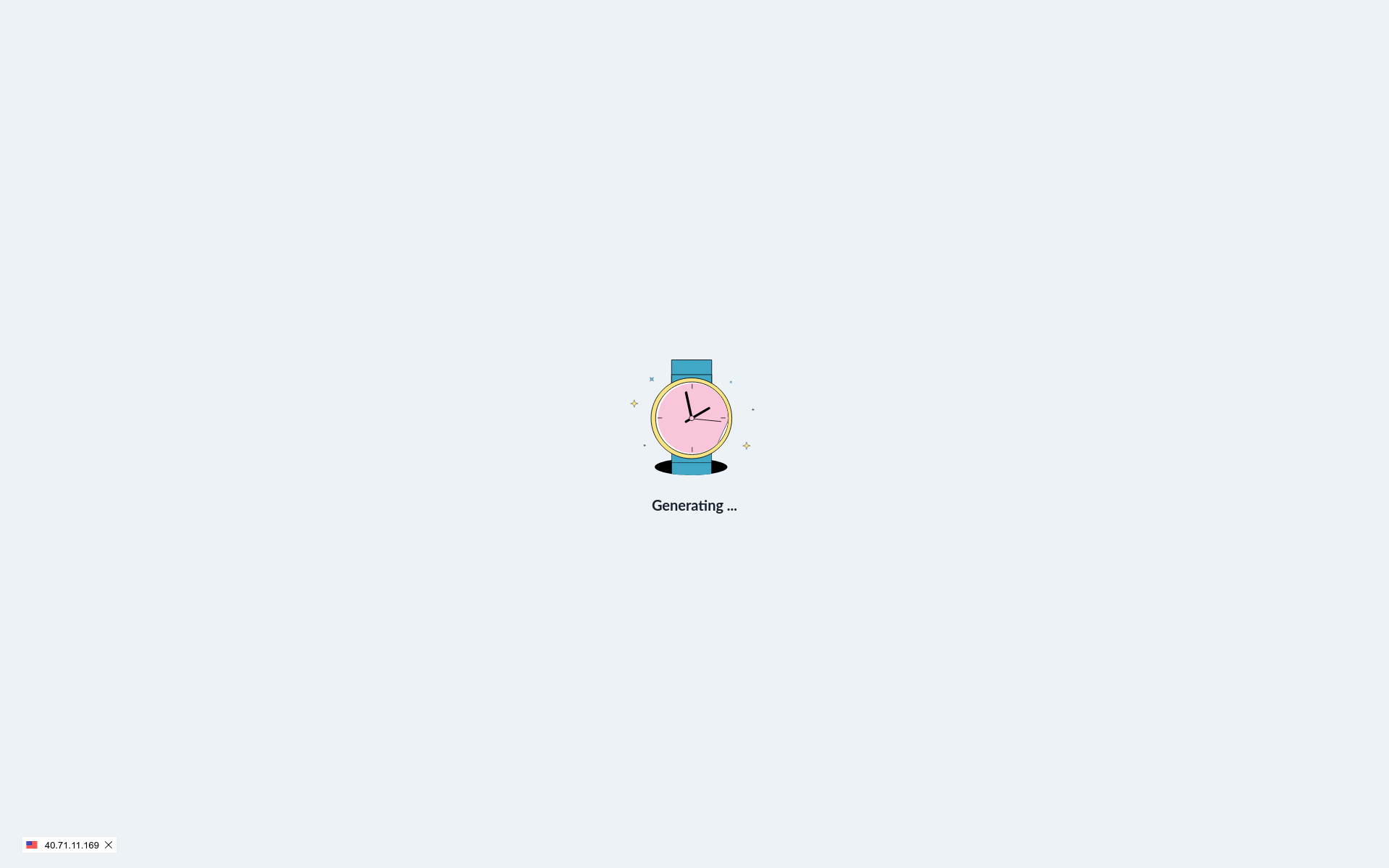
Animation while it loads
-
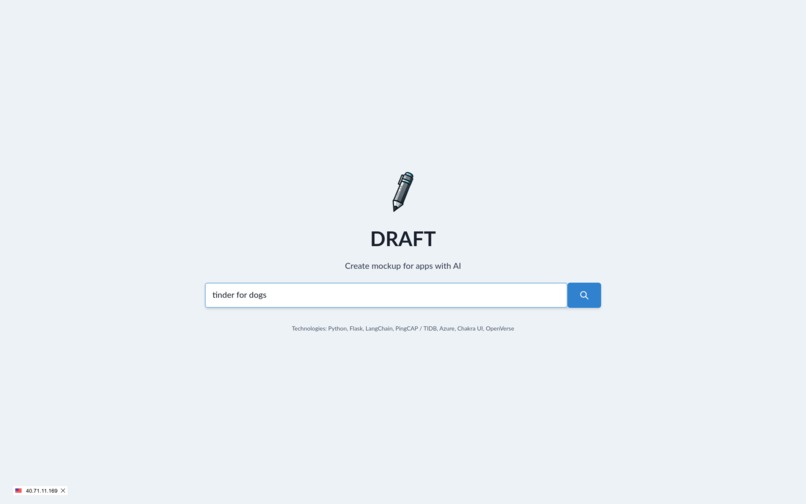
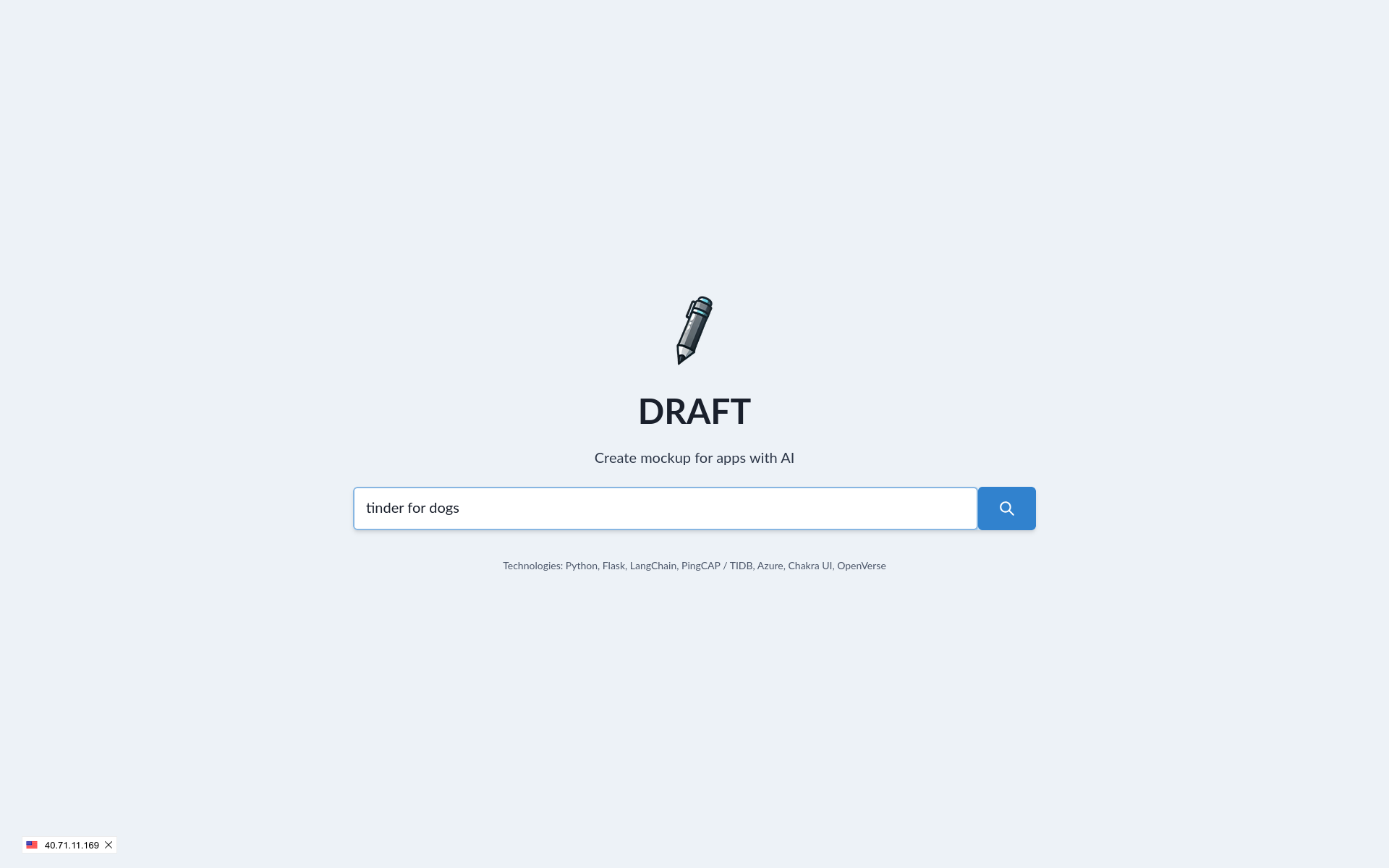
Search with prompt to generate UI
-
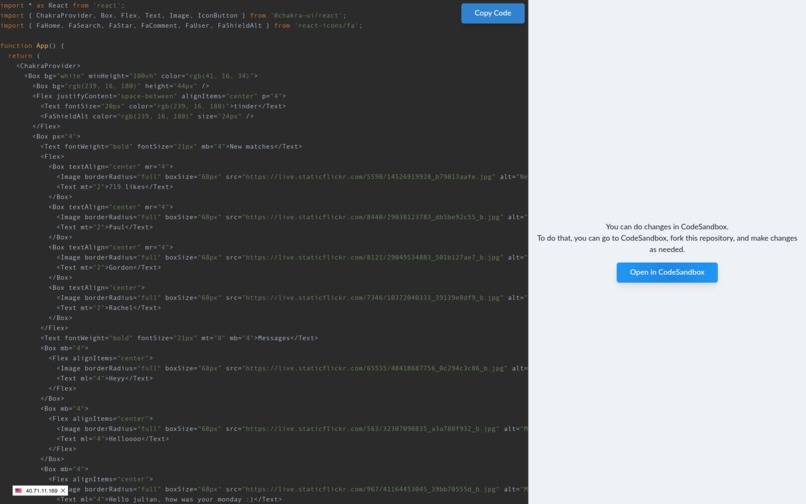
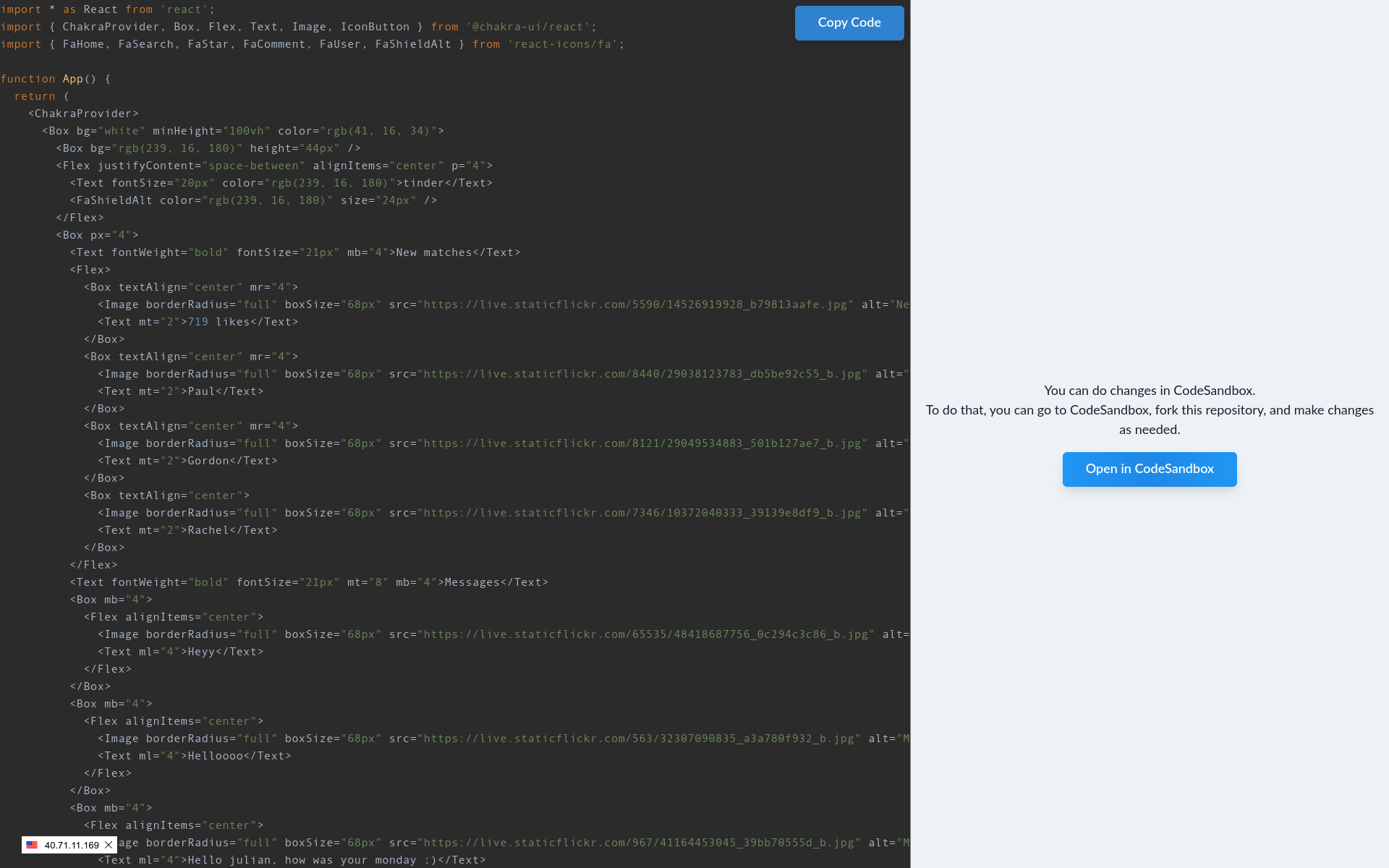
HTML generated code
-
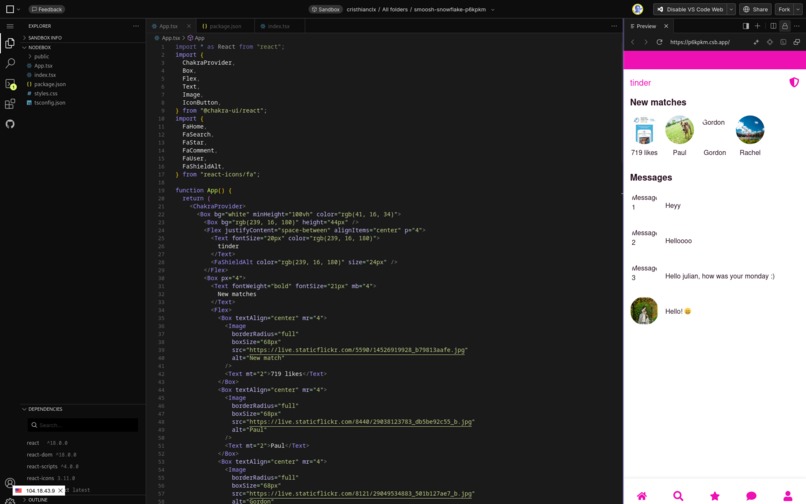
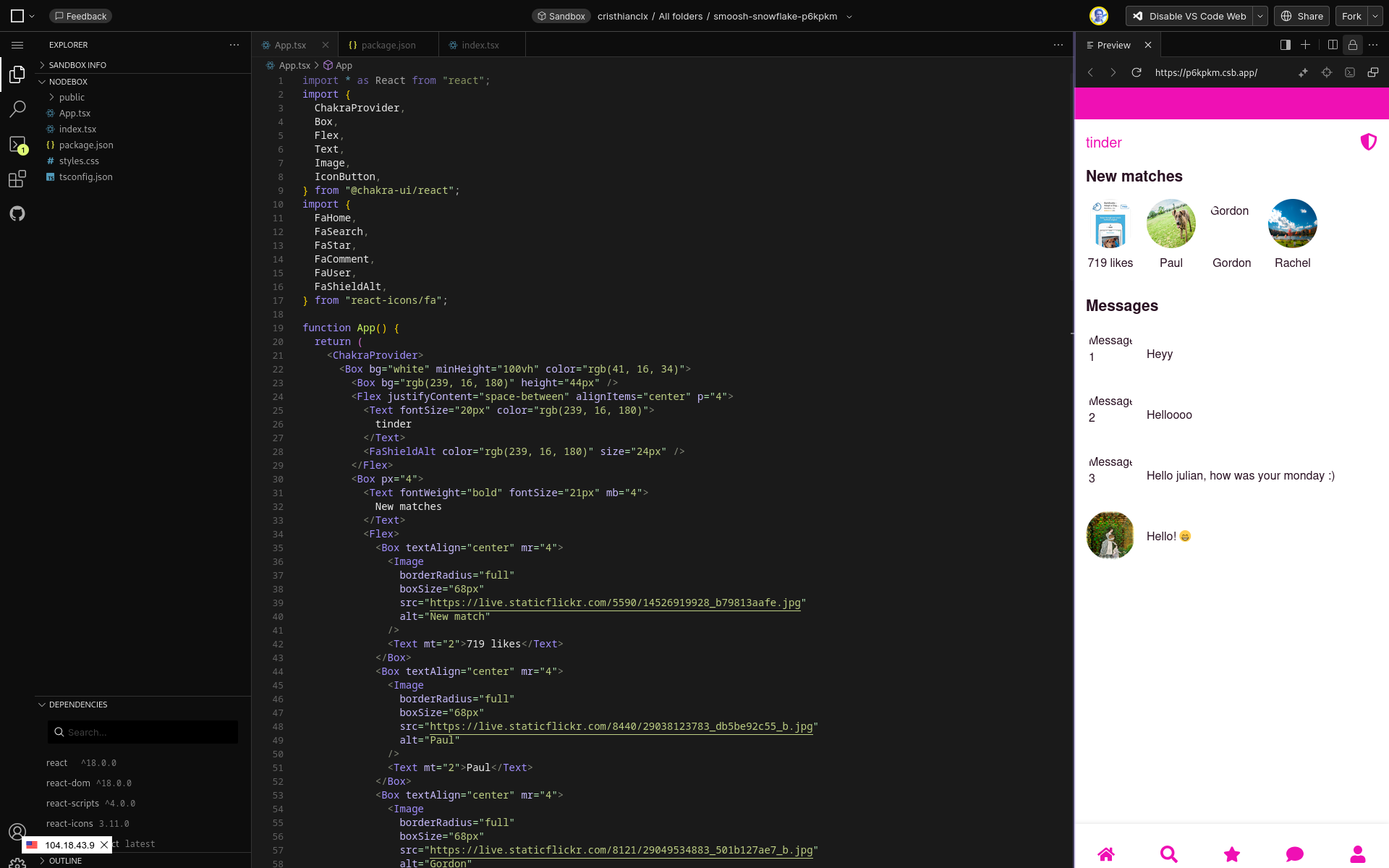
HTML into a codesandbox account
REAL DEMO
REAL DEMO IS HERE (please have patience with this, it's hosted in serverless azure so it can be a little slower), if you want to test you can also take my code and deploy in your machine.
Inspiration
As developer, I waste some time trying to generate some basic app to have an idea about what to build, I wanted to create a prompt-to-UI generative tool that any person (designer, developer) can use. I think AI will aument my productivity and as a developer that lacks of design skills, this is a good tool to help me in my job. Main goal is to build more than basic pages, is to help person to focus on creative process to improve these designs. During this hackathon, I created a basic version that create one pages for webapps.
What it does
I developed a simple webpage (chakra-ui), that connects to a backend (python, flask, langchain, openai, tidb vector, azure functions), and allows you to create simple design (code that you can put into a codesandbox.io sample and you can see how it will look. AI generative can helps us to create beautiful designs only taking a prompt as an input. TiDB is handling main part about vector searches.
How we built it
Tech stack about TiDB is two tables. Tables are:
- screens: I have screenshots from some apps, I generated descriptions for those and sended with embedding vectors, I use this as reference to create structure for my final design.
- searches: I have searches done by user, and if something that you search is near to a past search, I send that again.
For backend, I used Flask to handle API queries, it's connected to TiDB database vector, using langchain to communicate with openai, and to add a better experience for final mockup I used openverse api to get images.
For frontend, I used chakra-ui (react) to generate webpage.
For infrastructure, I used terraform with TiDB provider and azure provider, to deploy as an azure function connected to TiDB database.
How it works
It's a simple process, that do a semantic search on screens table, and based on that try to generate a json structure for final design, after that I take this json structure, and after doing a query to openverse we try to get some images so mockup is not going to be too simple, taking these inputs we generate a chakra-ui code that we show you, final step is that you take this and go to a platform where you can test like codesandbox and test if that works well for you.
Challenges we ran into
To have table screens with data, I needed to get screenshots app and generate good descriptions (I used openai) (script is in code).
Accomplishments that we're proud of
- One of the most remarkable achievements is that I have a good interface and API that can generate simple web apps.
- I was able to fill screens table with 1823 registers, also connect TiDB with Flask in a good way and run migrations without issues.
What we learned
- I got some lessons about implementing all sides about this application using serverless azure + TiDB.
- TiDB serverless is good, fast and easy to use.
- There is a terraform module for TiDB, that is good, it helped me to use without issues.
What's next for DRAFT
- Improve responses and fine tune with chakra-ui components, some it fails because llm doesn't know too well about chakra-ui.
- Improve UI/UX.
- Generate a client like codesandbox so we can see how code looks after creation.
- Test with more cases.
- Add more data.

Log in or sign up for Devpost to join the conversation.