-
-
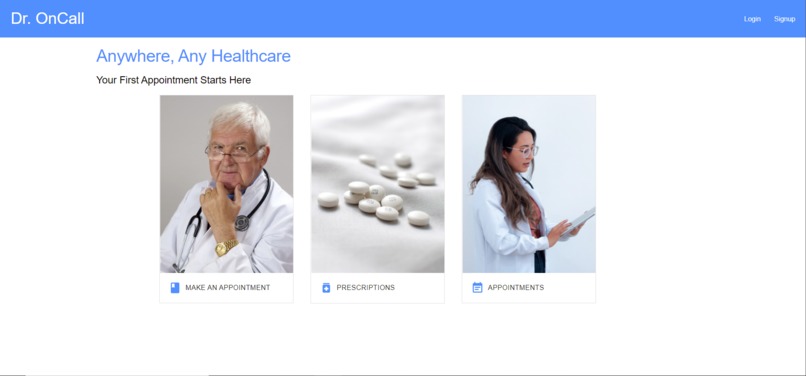
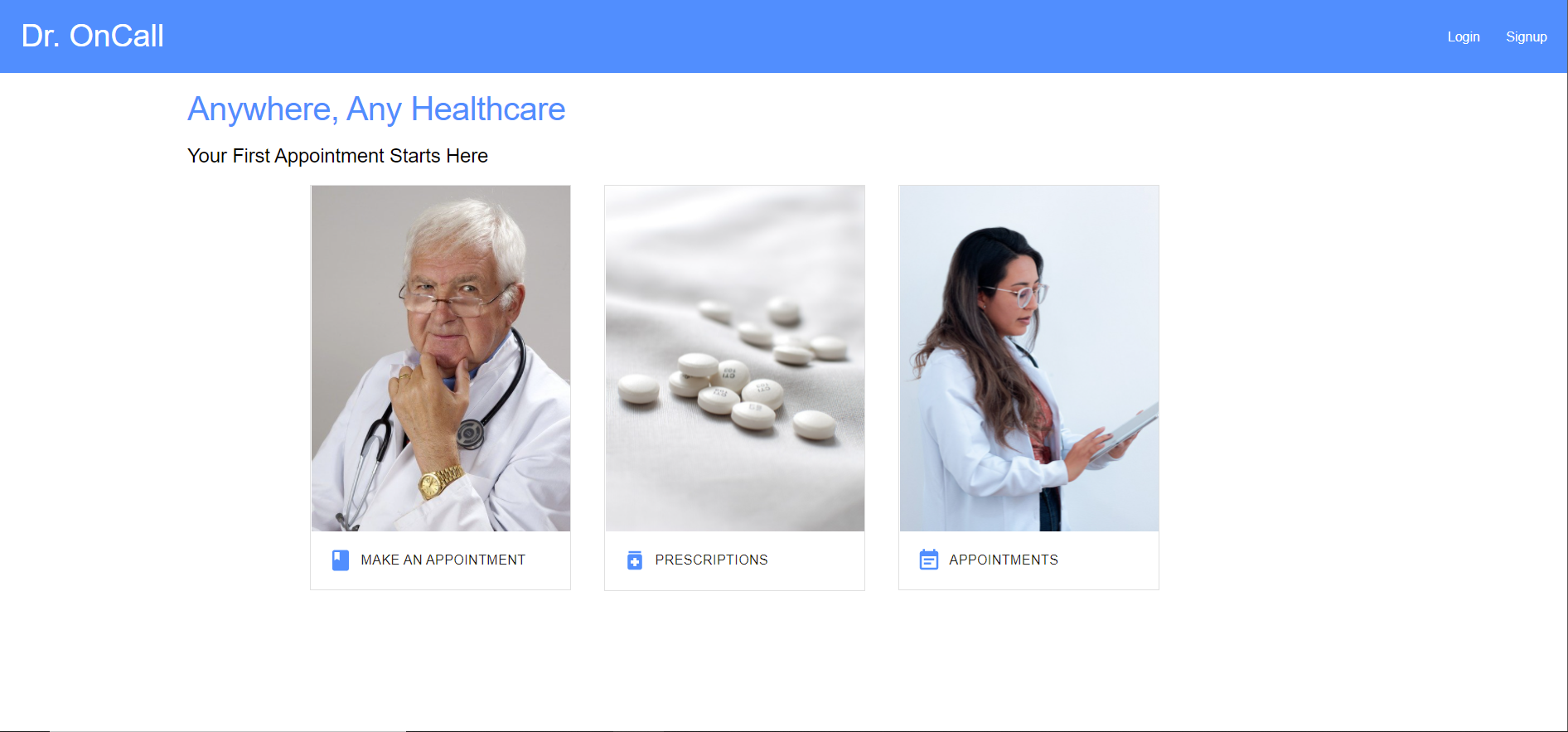
Home
-
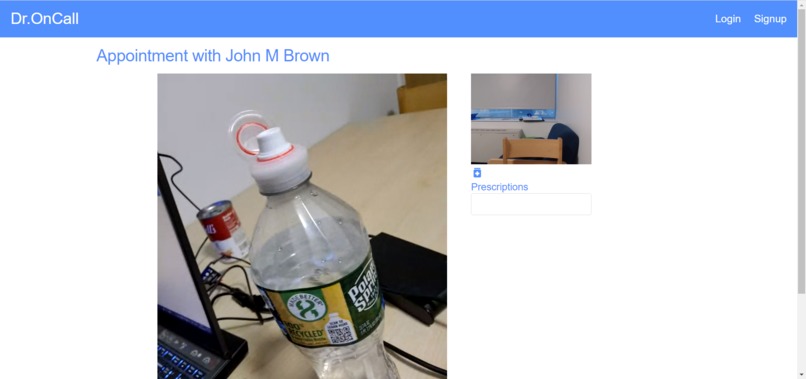
Tilio Video Chat
-
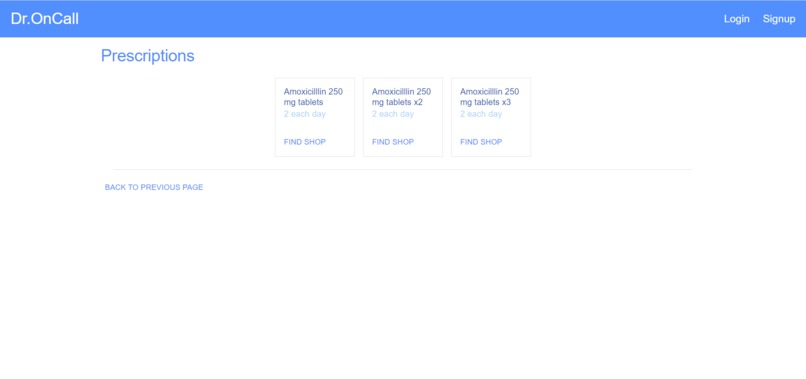
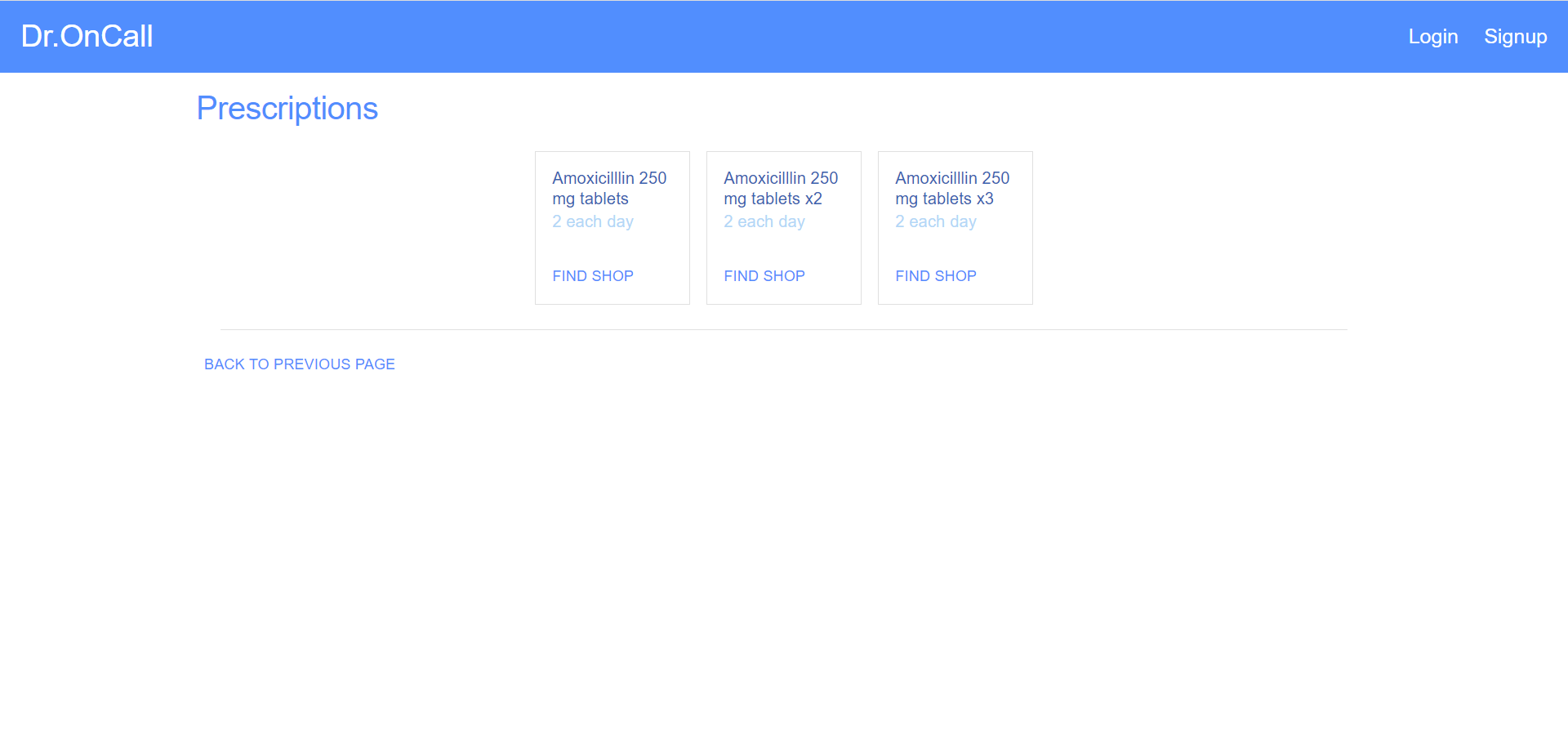
Prescriptions Listing
-
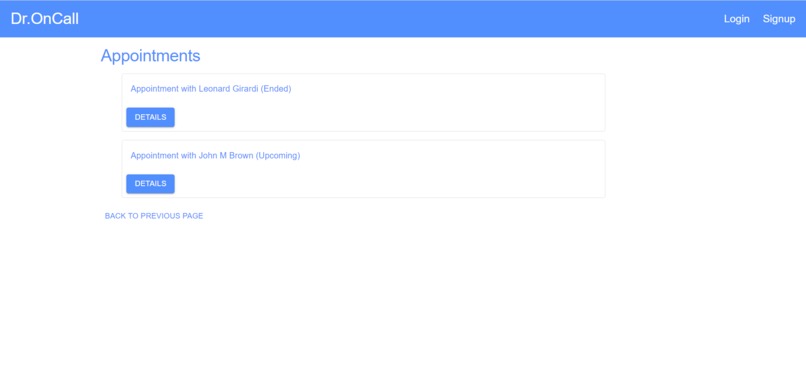
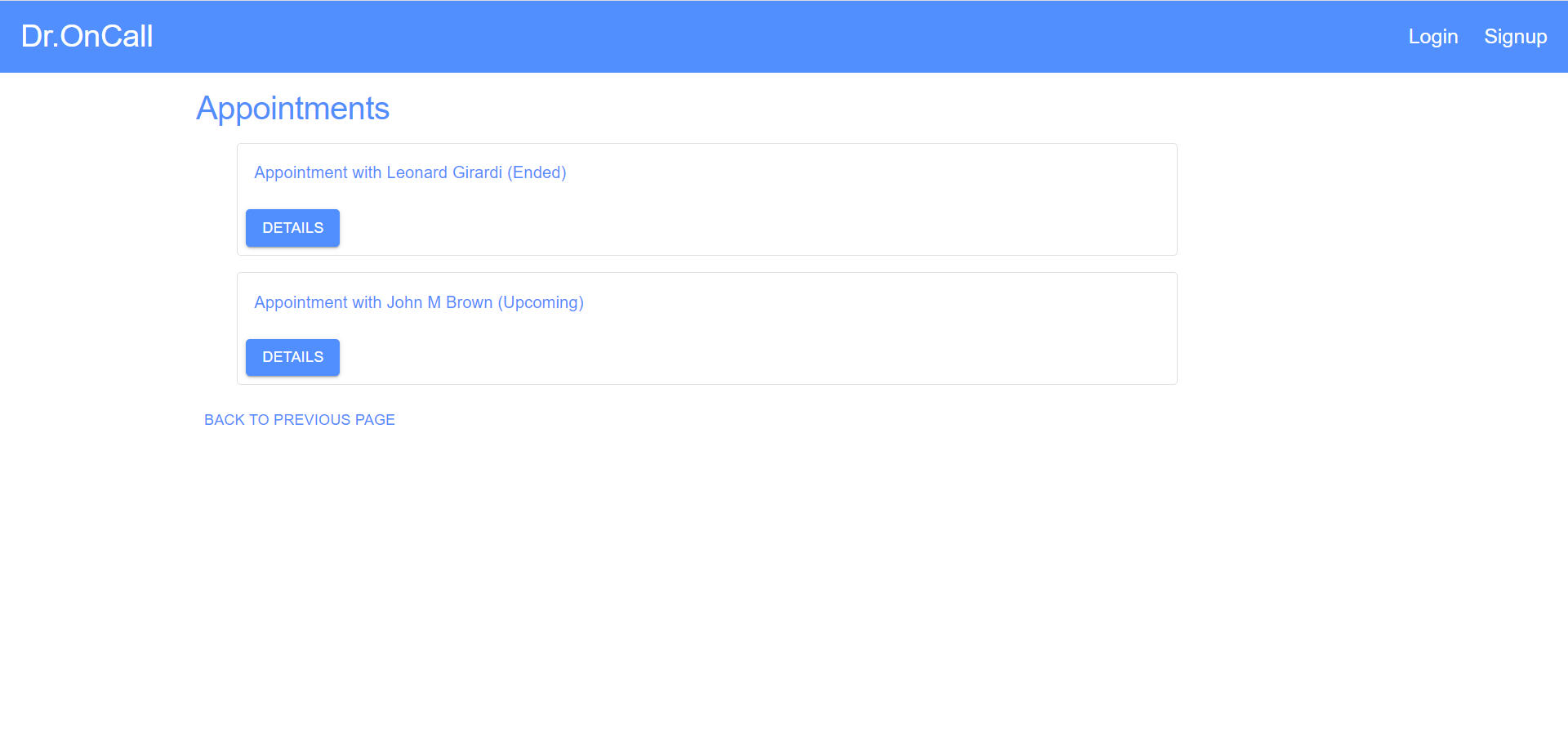
Appointments
-
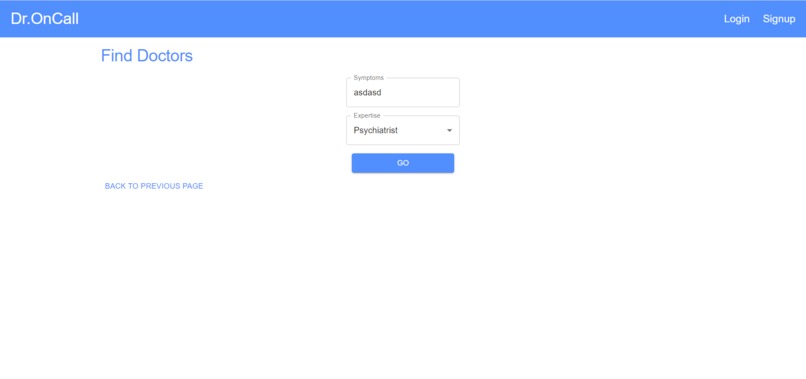
Creating an Appointment
-

Confirming an Appointment
-

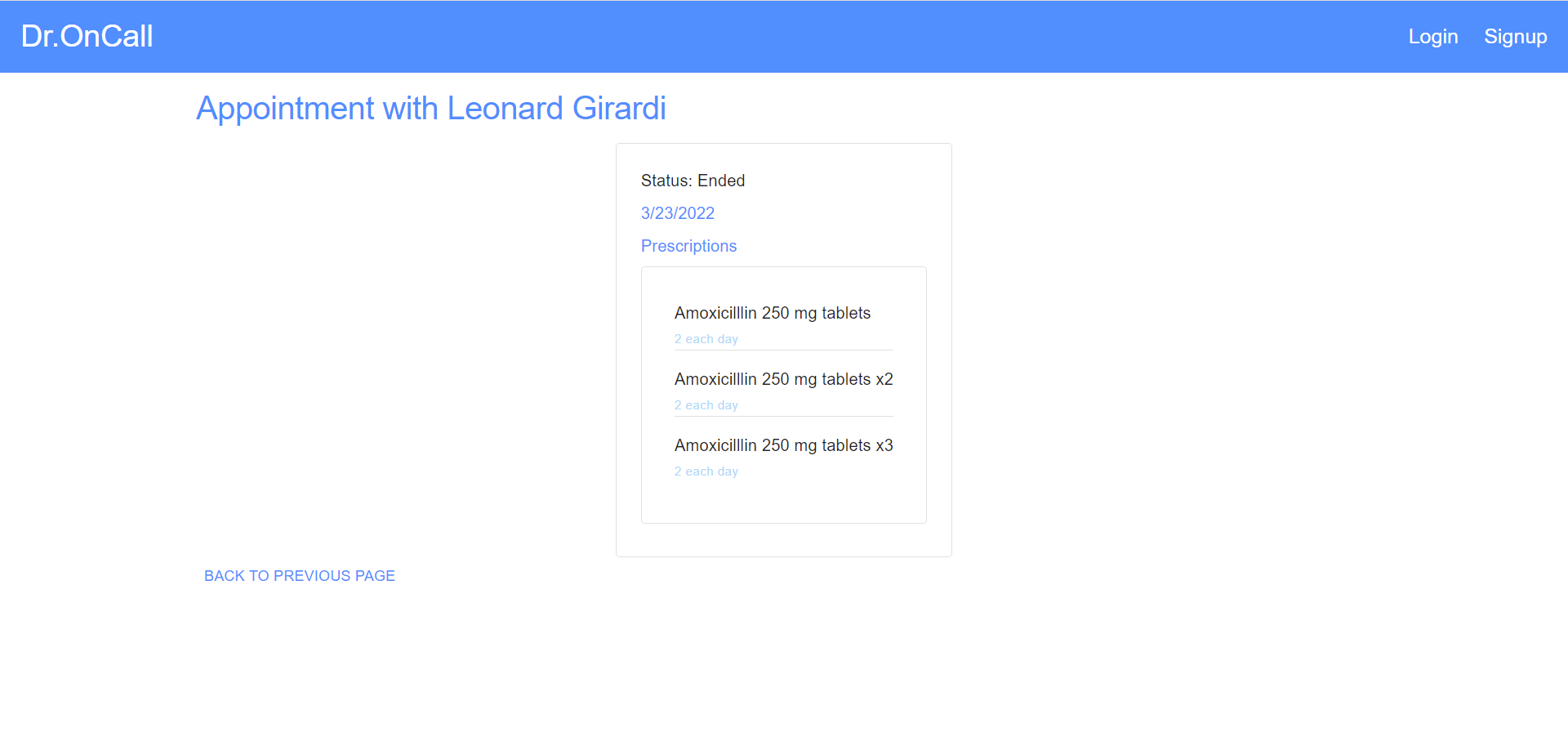
Post Appointment Details



Inspiration
Accessibility to medical resources have always been a problem. We want to propose a solution that will help foster an open community for health care services.
What it does
It is a web application that helps patients to connect with doctors and set up online appointments with them.
The patient may browse through a list of suitable doctors based on their symptons, and set up an appointment with a couple of clicks!
Twilio made it possible to hold medical appointment anywhere, anytime. The doctor and the patient only need to join the meeting when it's time!
After the appointment, the prescriptions given by the doctor will then be tracked on the website and can be purchased later.
How we built it
Once we had the idea, we came up with a tree structured diagram of what features that we were expecting. Based on that, we fleshed out some designs of pages on Figma (and importantly, select a color scheme). While implementing the features, we went through all the API documentations along the way.
The project made extensive use of github to organize the code, break down tasks, and deployment (yes, we use github pages). Early on, we integrate eslint, prettier in a github workflow that is triggered on every push. We also created a Kanban and utilized issues/pull requests to help with the development process.
Challenges we ran into
It was kind of tricky to get Twilio working at first. Since webpack disables polyfill by default since a recent major release, while Twilio has a dependency that refuses to work without polyfill, we had to experiment with ways to reenable polyfill without ejecting all the goodies provided by create-react-app. It also took some time to get familiar with the APIs and figure out the best way to manage states using custom hooks and components.
Accomplishments that we're proud of
Eventually, we got a functioning video feature that work on different devices, allowing the patient and the doctor to communicate remotely.
We had also settle with an overall coherent design style. The UI is clean overall with animations that fit pretty well.
It is worth noting that the frontend organizes API calls neatly so there is little work to support different backends. Currently, for deployment on Github Pages, all the persistent storage is simulated by local storage in the web browser.
With Firebase and APIs provided by Google, we also built an authentication system that allows the user to sign up, log in with and without a Google account. This will help as the project grows and requires more access control practices.
What we learned
We need way more communication between teammates. It would be much more efficient to have everyone on the same page and working together. Because the Hackathon is online, it is more challenging for things like peer programming.
What's next for Dr. On Call
- Extend the prescriptions module of the system to provide map instruction to nearby pharmacies and availability information.
- Implement a complete backend to replace the simulated one in browser
- Finish implementing a smart filtering/search mechaism for the patient to find a matching doctor
Live demo: github pages
Built With
- create-react-app
- figma
- firebase
- github
- javascript
- material-ui
- react
- twilio
- typescript


Log in or sign up for Devpost to join the conversation.