-
-
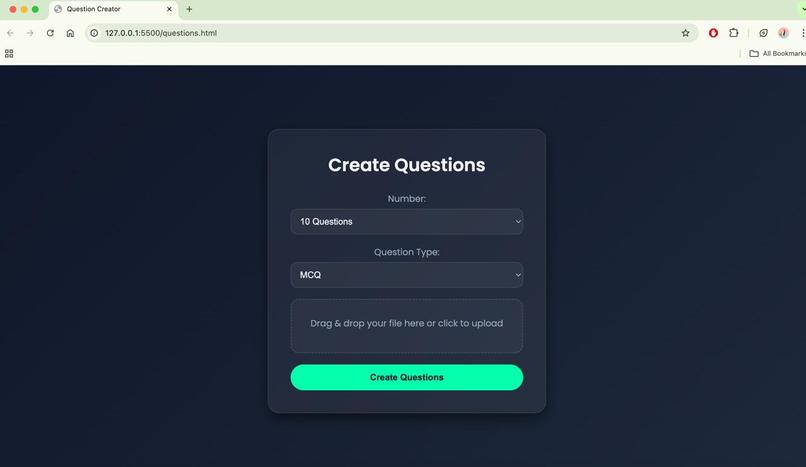
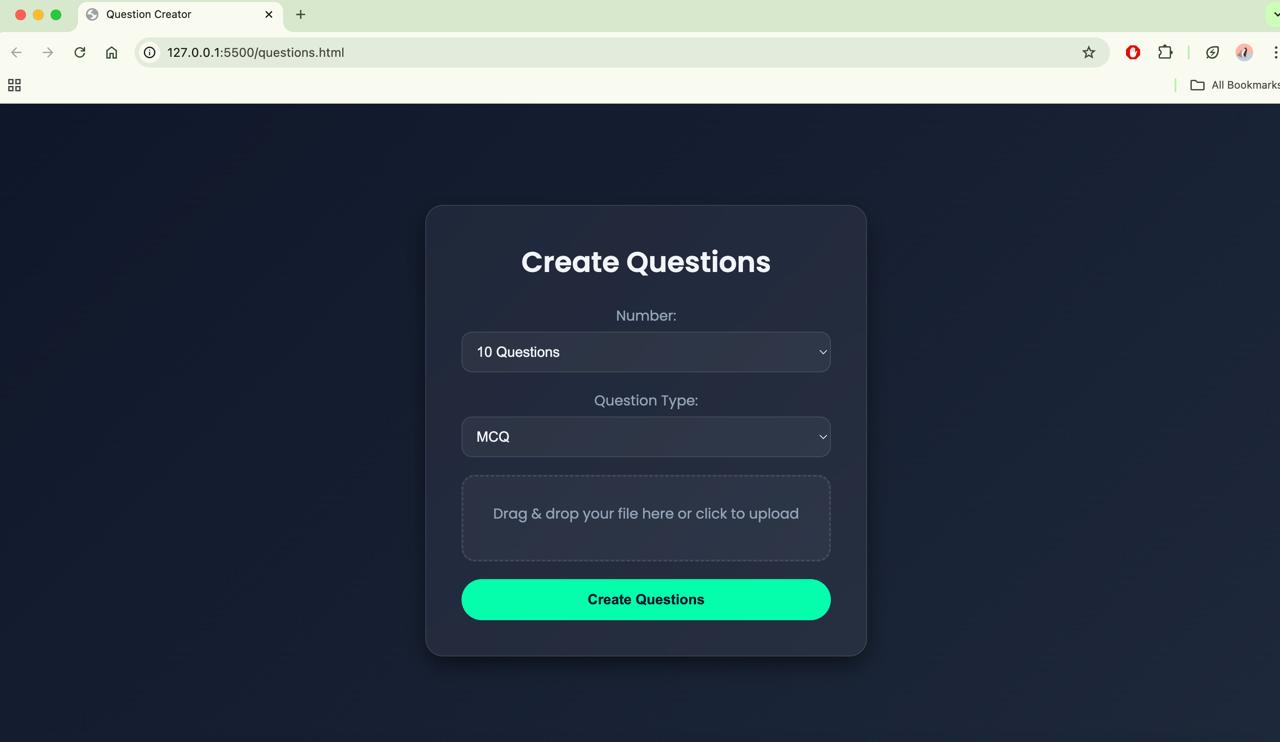
Question Generator - Landing Page
-
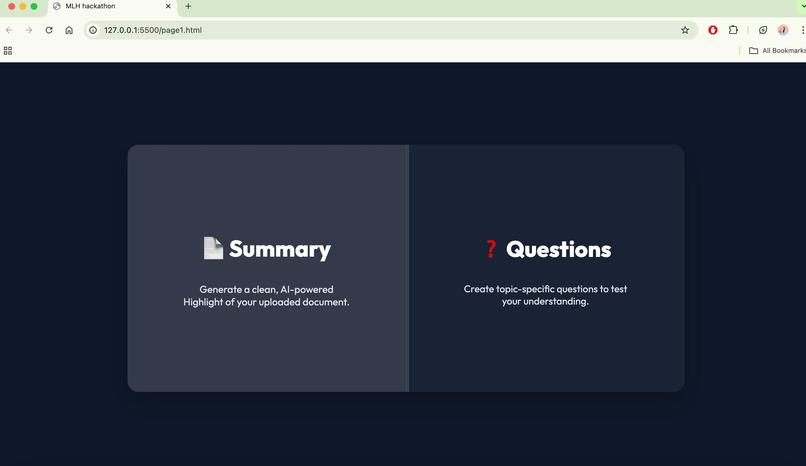
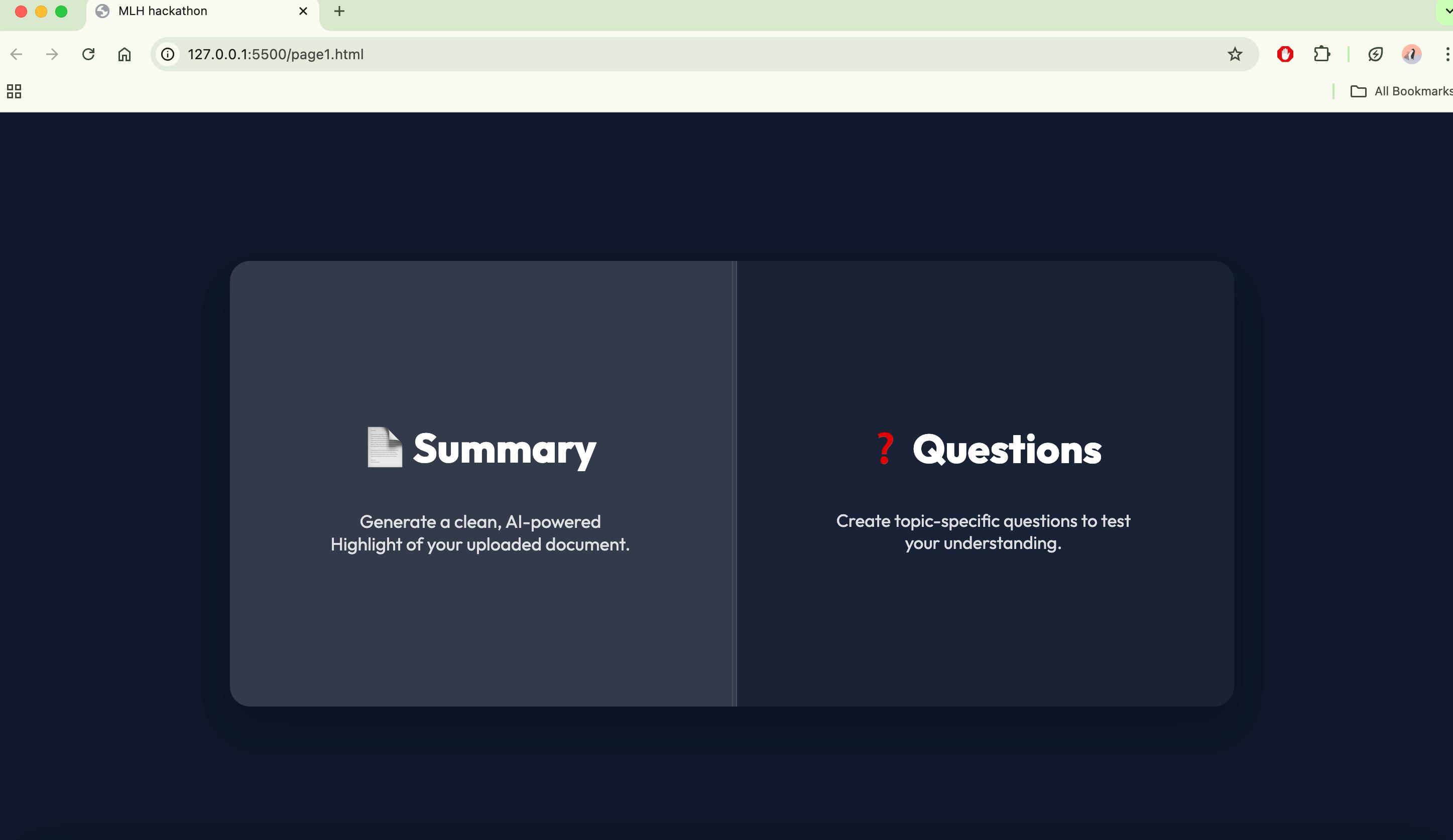
Home Page
-
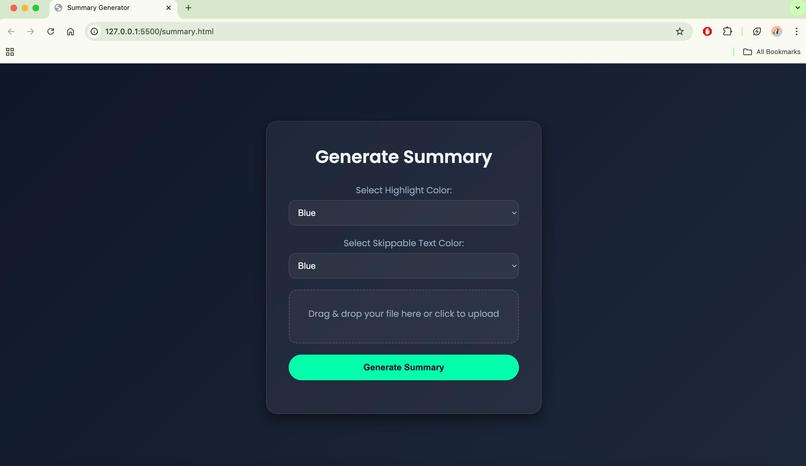
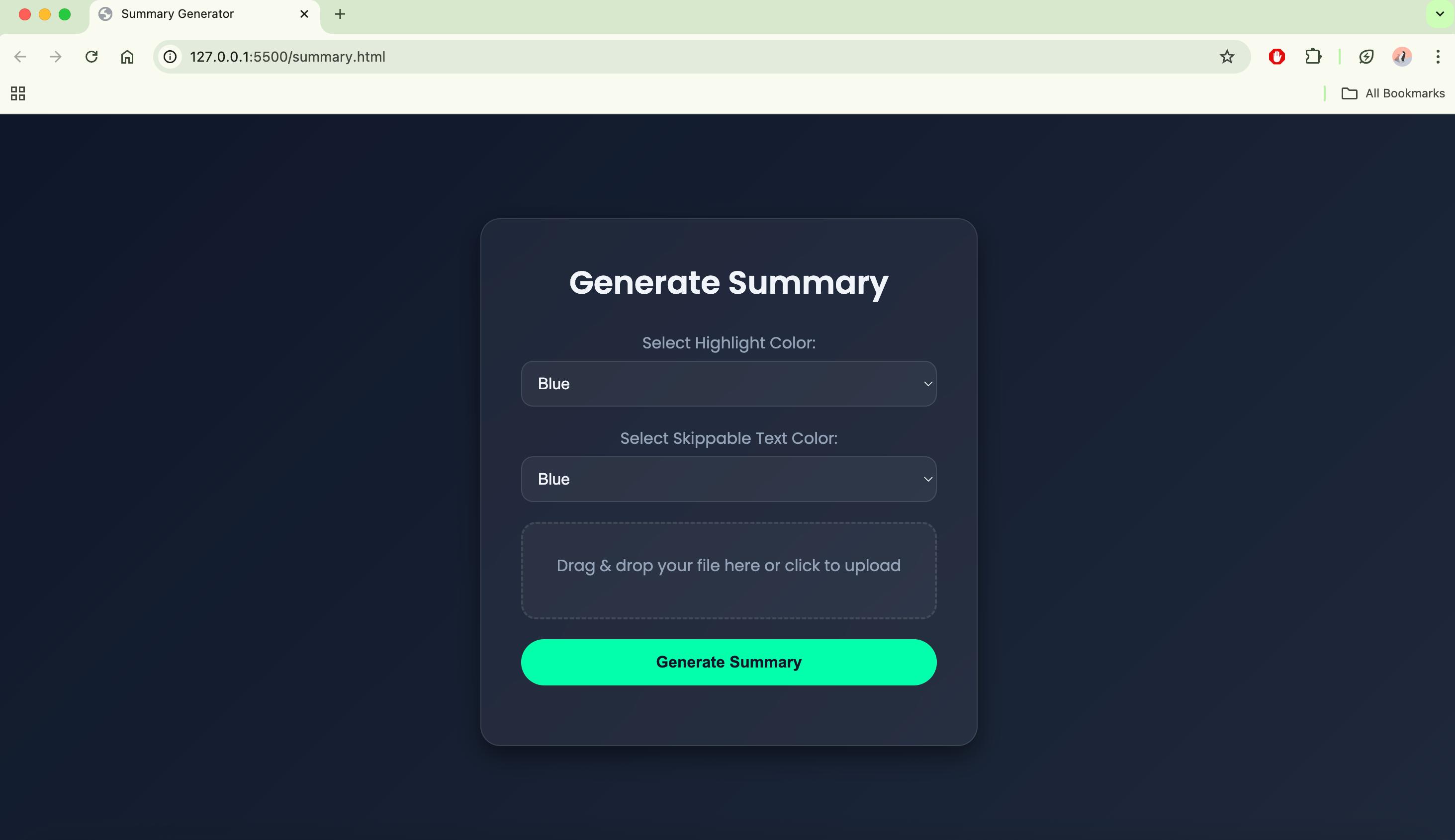
Document Highlighter and Summarizer - Landing Page
-
LOGO
-
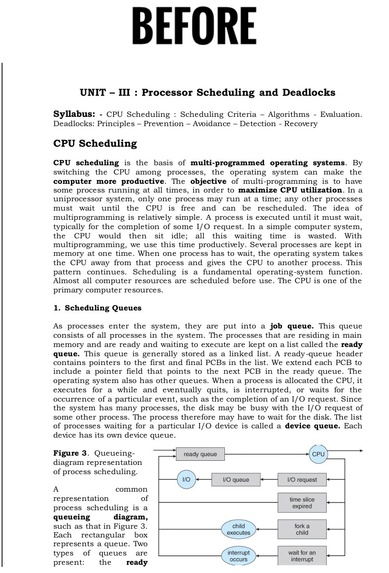
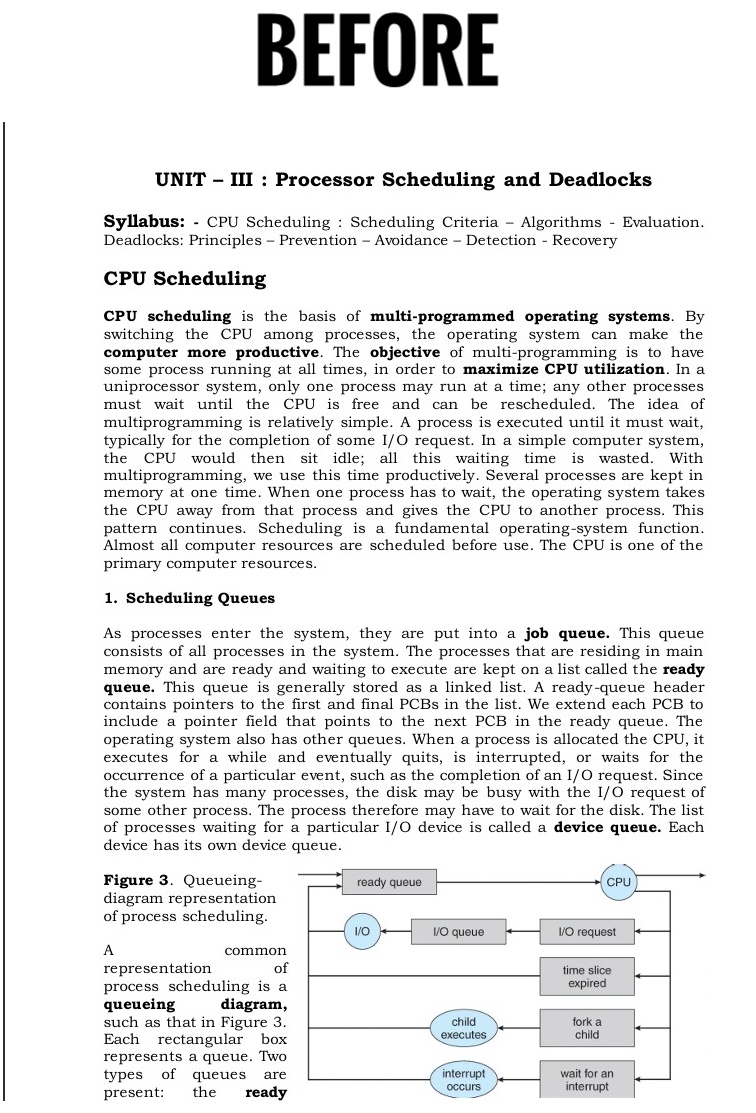
Document BEFORE being highlighted with Important and Unimportant stuff.
-
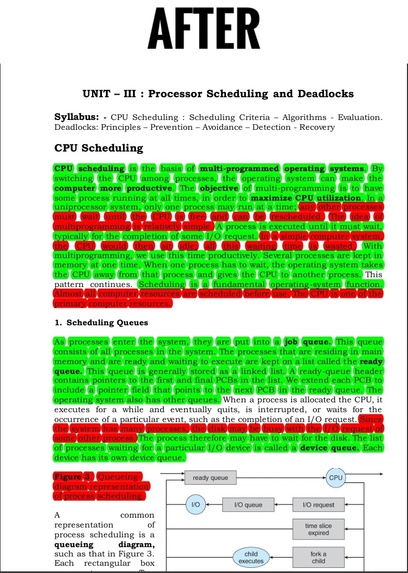
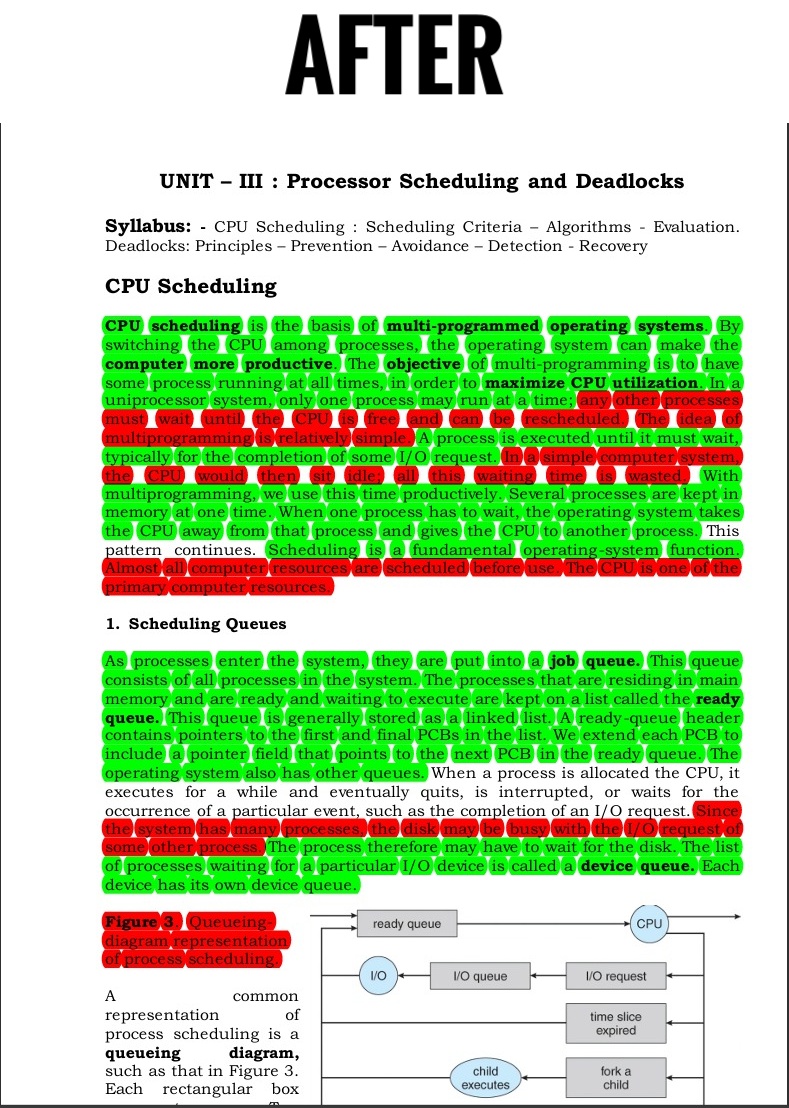
Document AFTER being highlighted with Important and Unimportant stuff - Green representing Important and Red representing unimportant
Inspiration
As students ourselves, we are constantly engaging with academic PDFs — from textbooks to research papers — and we quickly recognized a recurring challenge: the lack of interactivity and intelligent structuring in traditional document formats. Despite the wealth of information, extracting key insights and engaging meaningfully with the content often feels inefficient and overwhelming.
This experience led us to identify a significant loophole in the current digital learning ecosystem — the absence of tools that bridge static content with dynamic, AI-powered learning. Motivated by this gap and the opportunity presented by the hackathon, we set out to build a solution that makes reading smarter, studying easier, and learning more interactive.
What it does
Our platform allows users to upload PDF documents and leverages artificial intelligence to:
- Extract and structure text from PDFs using PyMuPDF.
- Highlight important and less relevant content using customizable color schemes.
- Generate personalized quiz questions based on document content, using Google's Gemini API.
- Offer an intuitive and responsive interface built with HTML, CSS, and JavaScript for seamless interaction.
- The tool is designed to convert passive reading into active learning by enabling deeper engagement with content.
How we built it
We developed a full-stack solution that combines document processing, AI integration, and frontend design:
- Backend: Built using Python, with PyMuPDF for parsing and Gemini API for AI-powered question generation.
- Frontend: Designed using HTML, CSS, and JavaScript to ensure usability and responsiveness.
- Integration: API endpoints were created to link document parsing and question generation, ensuring a smooth user experience.
Each component was carefully developed and integrated during the hackathon timeframe.
Challenges we ran into
- Adapting to new technologies in a limited timeframe, as all team members were participating in a hackathon for the first time.
- Structuring document content effectively for AI processing and consistent highlighting.
- Optimizing Gemini API prompts to ensure high-quality, context-aware question generation.
- Coordinating frontend-backend communication while maintaining performance and responsiveness.
Accomplishments that we're proud of
- Successfully building a working AI-powered platform from scratch within the hackathon duration.
- Seamlessly integrating multiple technologies, including PyMuPDF, Gemini API, and standard web development tools.
- Creating a product that solves a practical problem and offers real value to students, researchers, and professionals.
- Learning and implementing full-stack development in a collaborative, time-constrained setting.
What we learned
- Practical implementation of document parsing and natural language processing.
- Real-world application of AI in enhancing educational tools.
- Frontend/backend integration and user interface design.
- Problem-solving, adaptability, and team coordination under pressure.
What's next for Dr. Doc
We aim to continue development on several fronts:
- Improved text analysis algorithms for more accurate content highlighting.
- Expanded AI capabilities to support diverse question types and better contextual understanding.
- User account integration, saving sessions and allowing progress tracking.
- Deployment at scale, potentially as a browser extension or web application for broader access.
This project laid a strong foundation, and we are enthusiastic about evolving it into a fully functional, user-ready solution with long-term impact


Log in or sign up for Devpost to join the conversation.