-
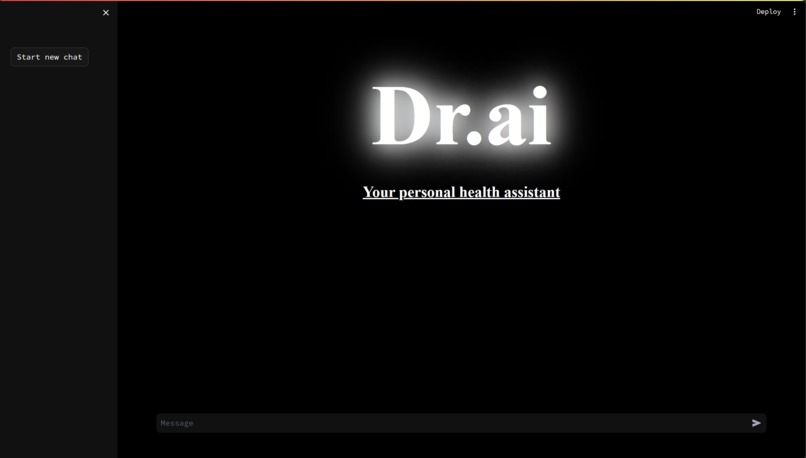
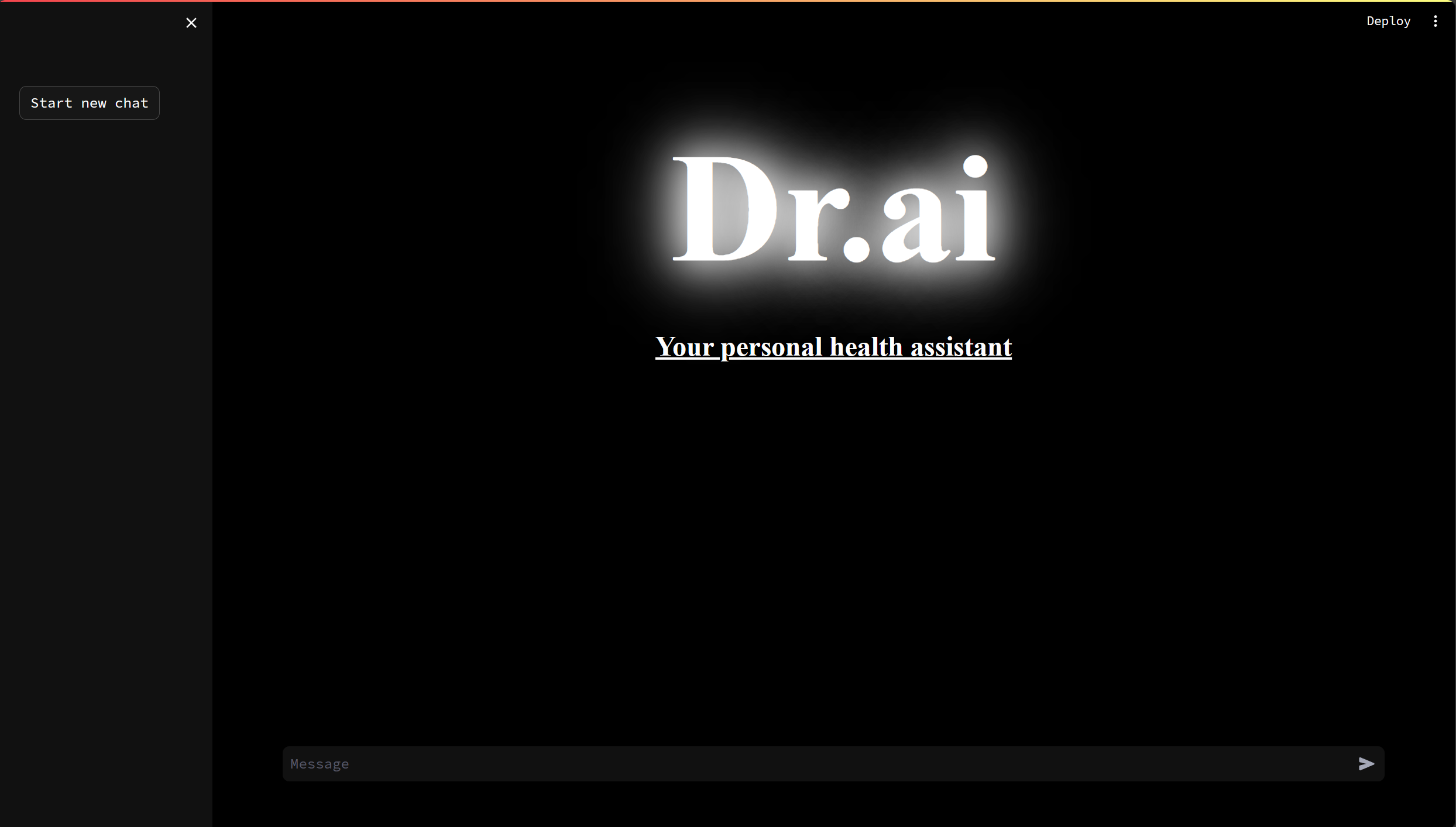
Main page
-
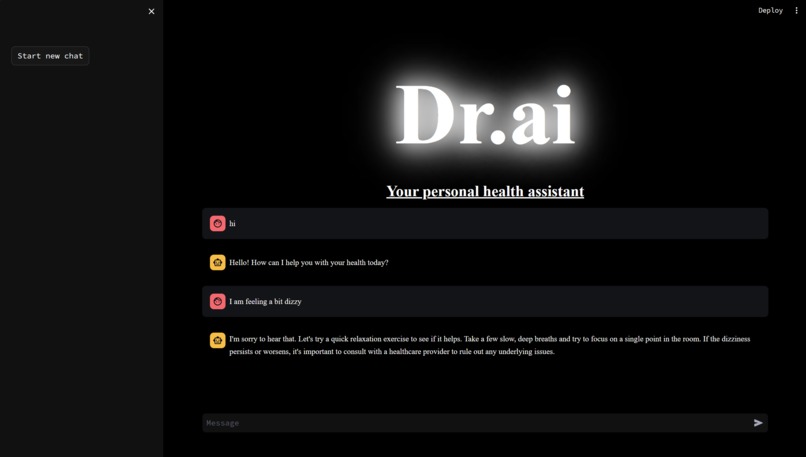
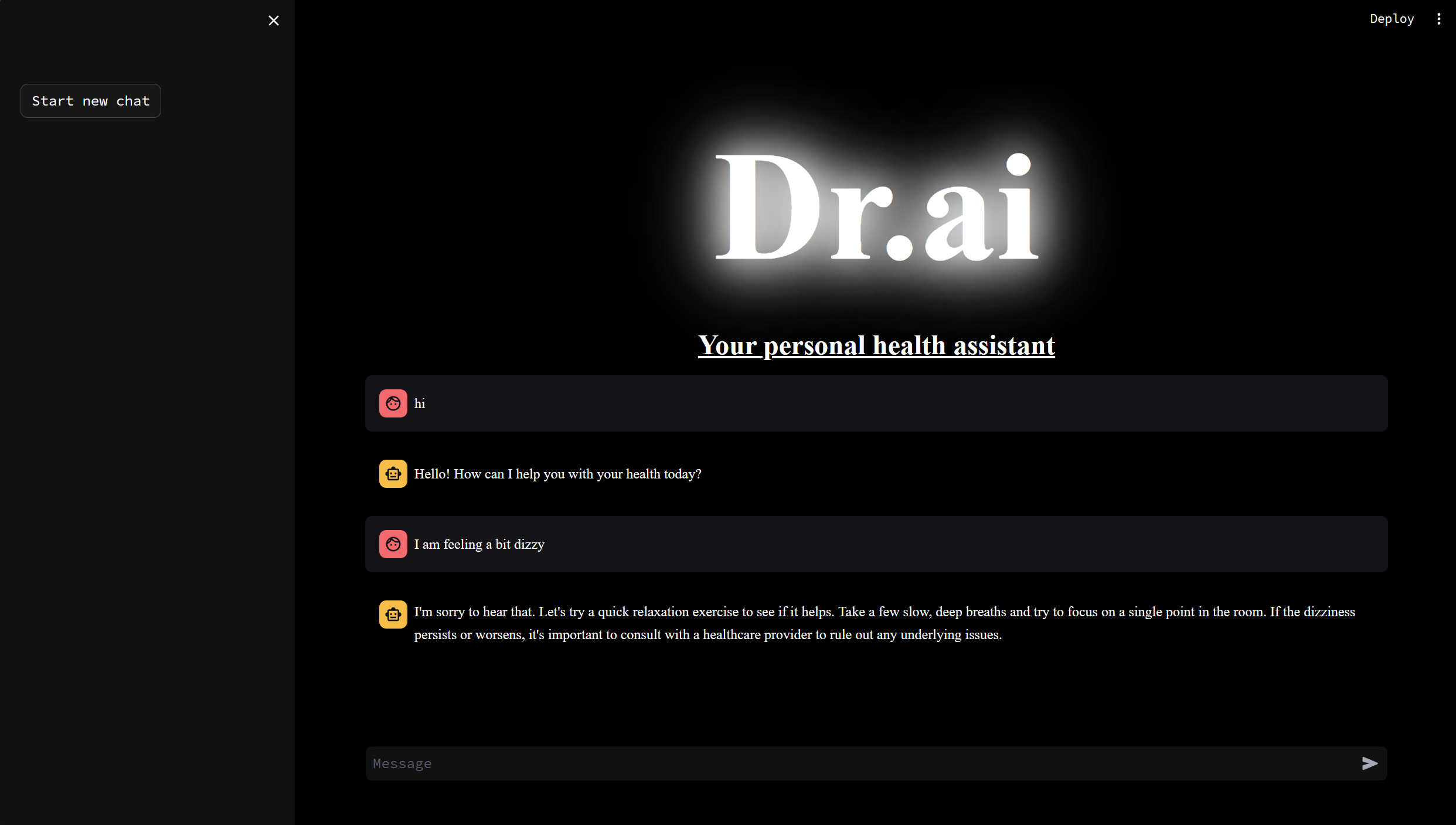
With prompts
What it does
It takes user prompt and replies to user about their health concerns
How we built it
We built it using openai api and phython streamlit
Challenges we ran into
Outputting the message recieved from openai and having a good UI/UX
Setup
Clone the repository:
git clone https://github.com/tannicflux/DR.ai.gitNavigate to the project directory:
cd DR.aiInstall the required dependencies:
pip install streamlitAdd your OpenAI API key and Assistant ID to the
app.pyfile:openai_api_key = "add_your_openai_api_key_here" assistant_id = "add_your_assistant_id_here"
Usage
Run the Streamlit app:
streamlit run app.py
Accomplishments that we're proud of
Setting up a running phython based app in a day
What we learned
streamlit and openai assistants api
What's next for DR.ai
Travel Guide
Built With
- phython

Log in or sign up for Devpost to join the conversation.