Inspiration
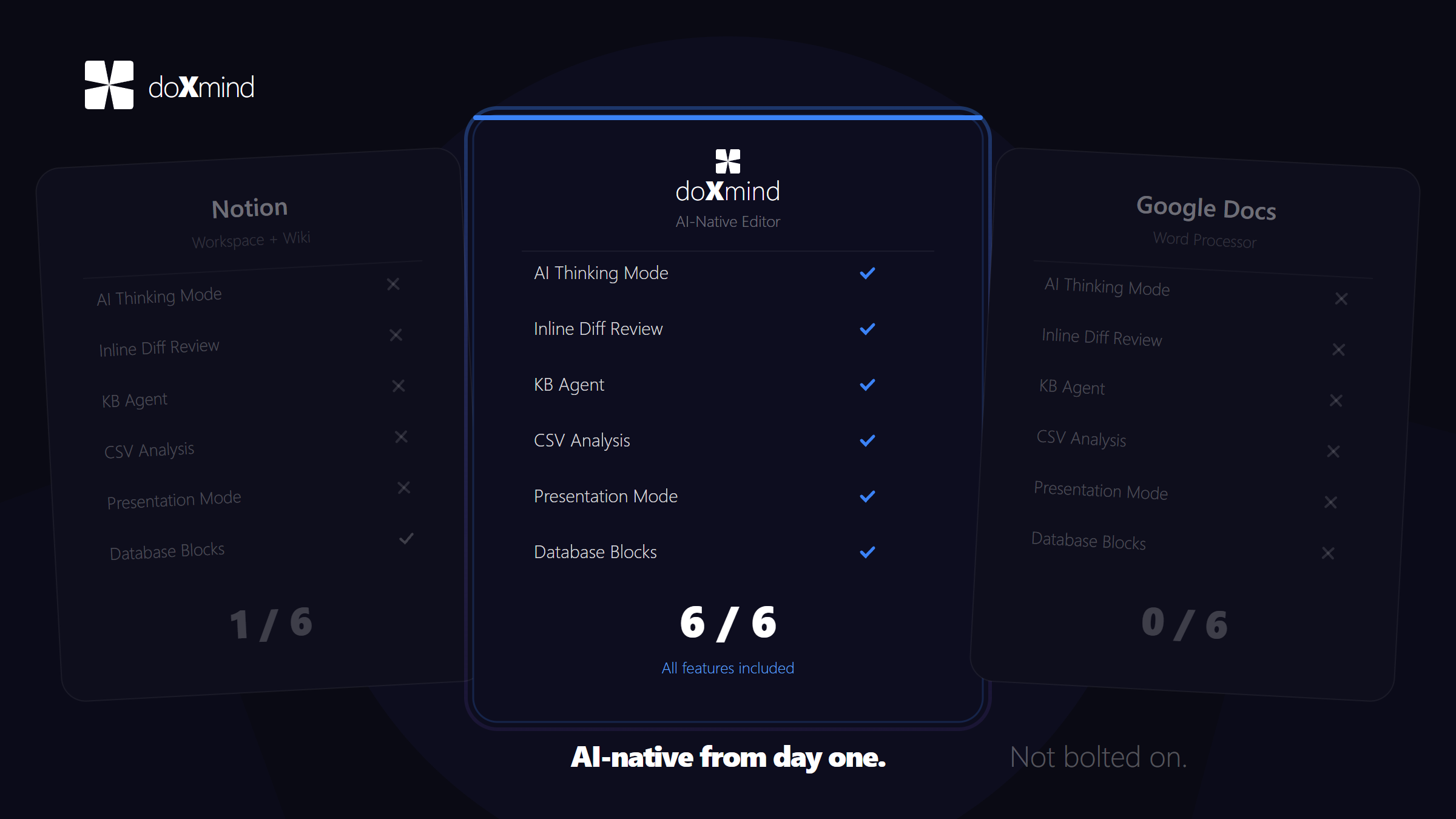
As students who write research papers, reports, and documentation daily, we were frustrated with existing writing tools. Grammar checkers only fix surface-level errors. AI chatbots require constant copy-pasting between apps. Traditional editors like Notion and Google Docs treat AI as an afterthought — a bolt-on feature, not a core part of the experience.
We dreamed of an intelligent writing companion that could truly understand our content and help us think — not just correct typos. That's when we decided to build doXmind: an AI-native editor designed from the ground up.
What it does
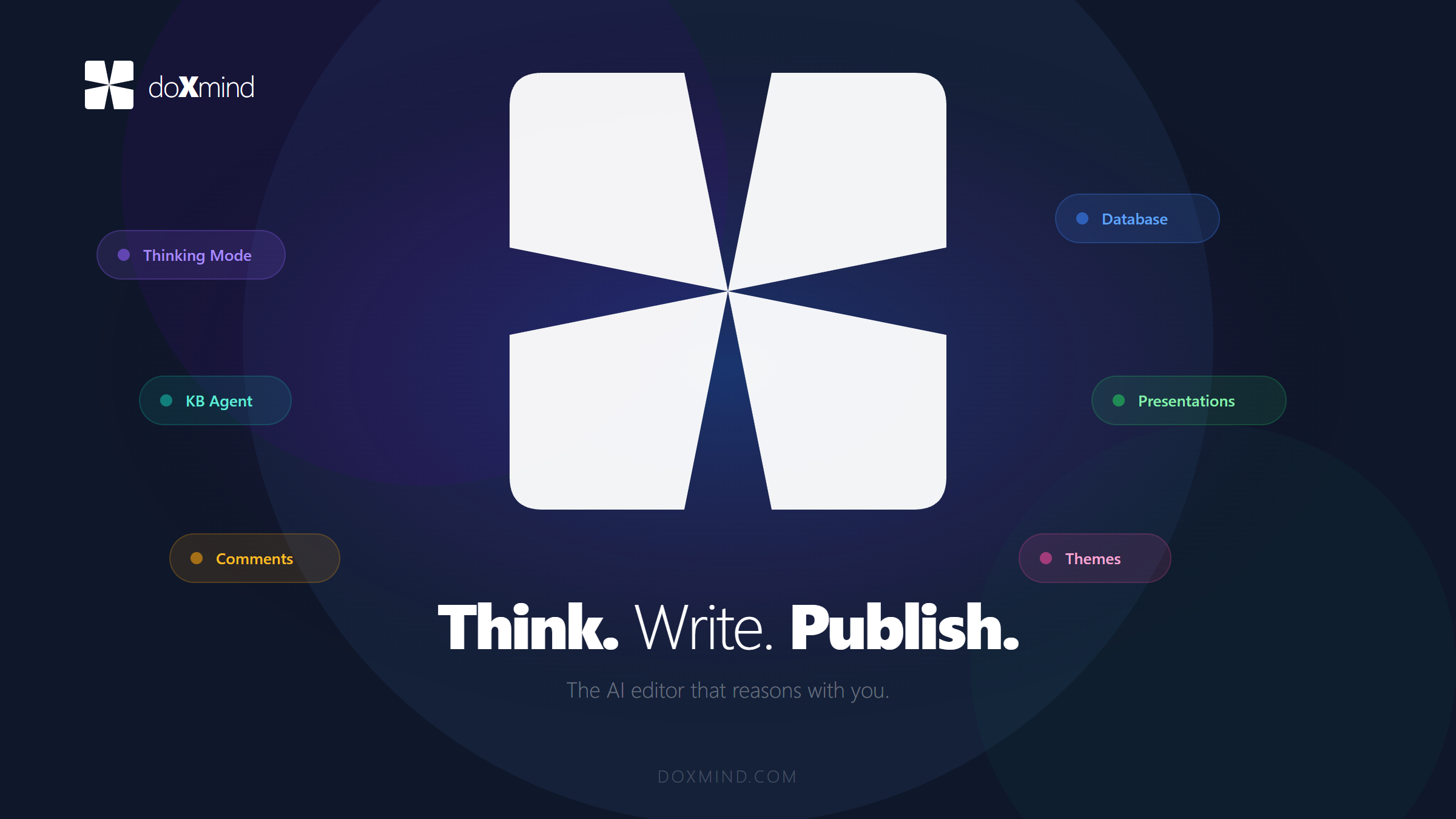
doXmind is an AI-native writing editor with intelligence built into every layer:
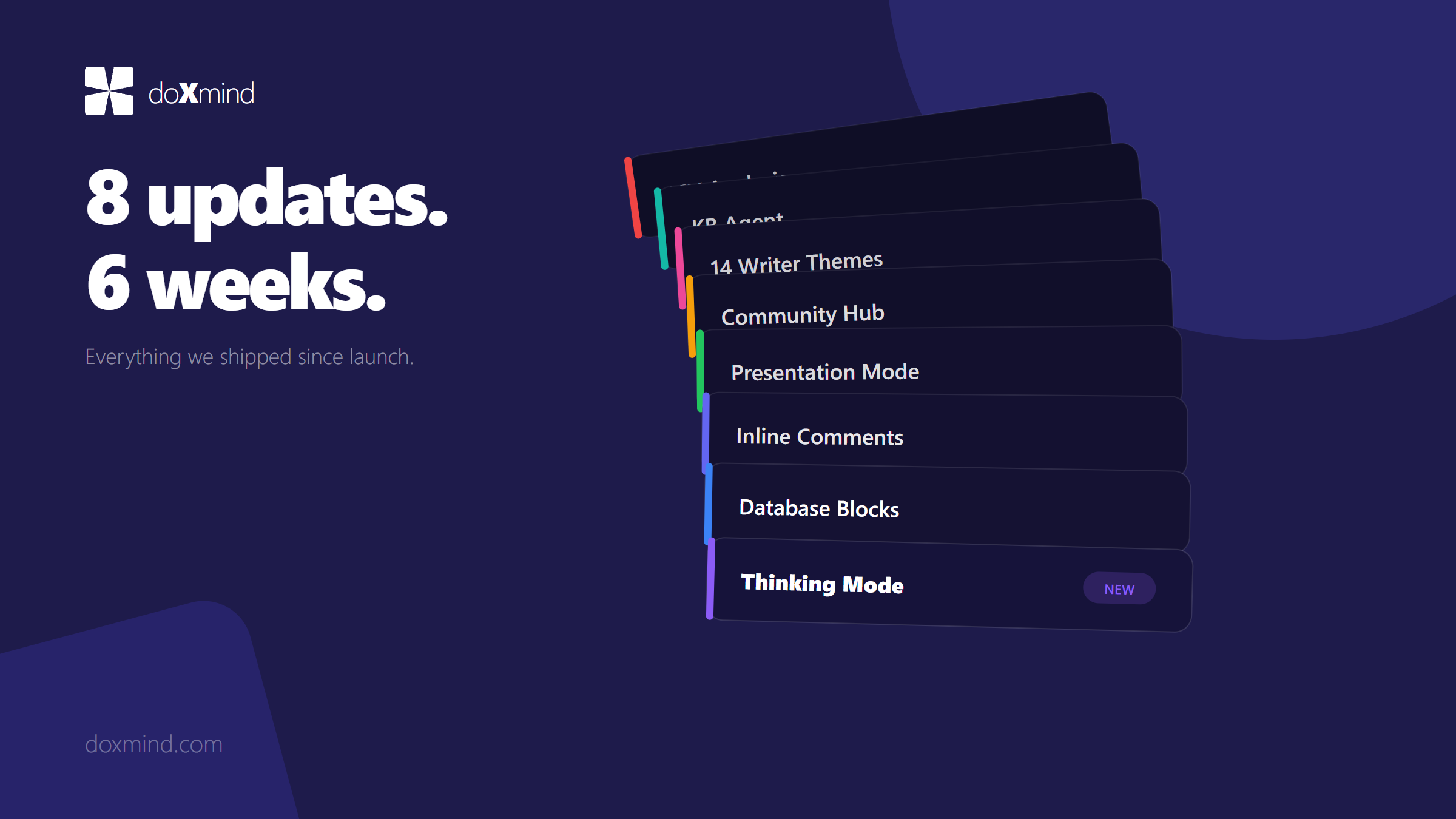
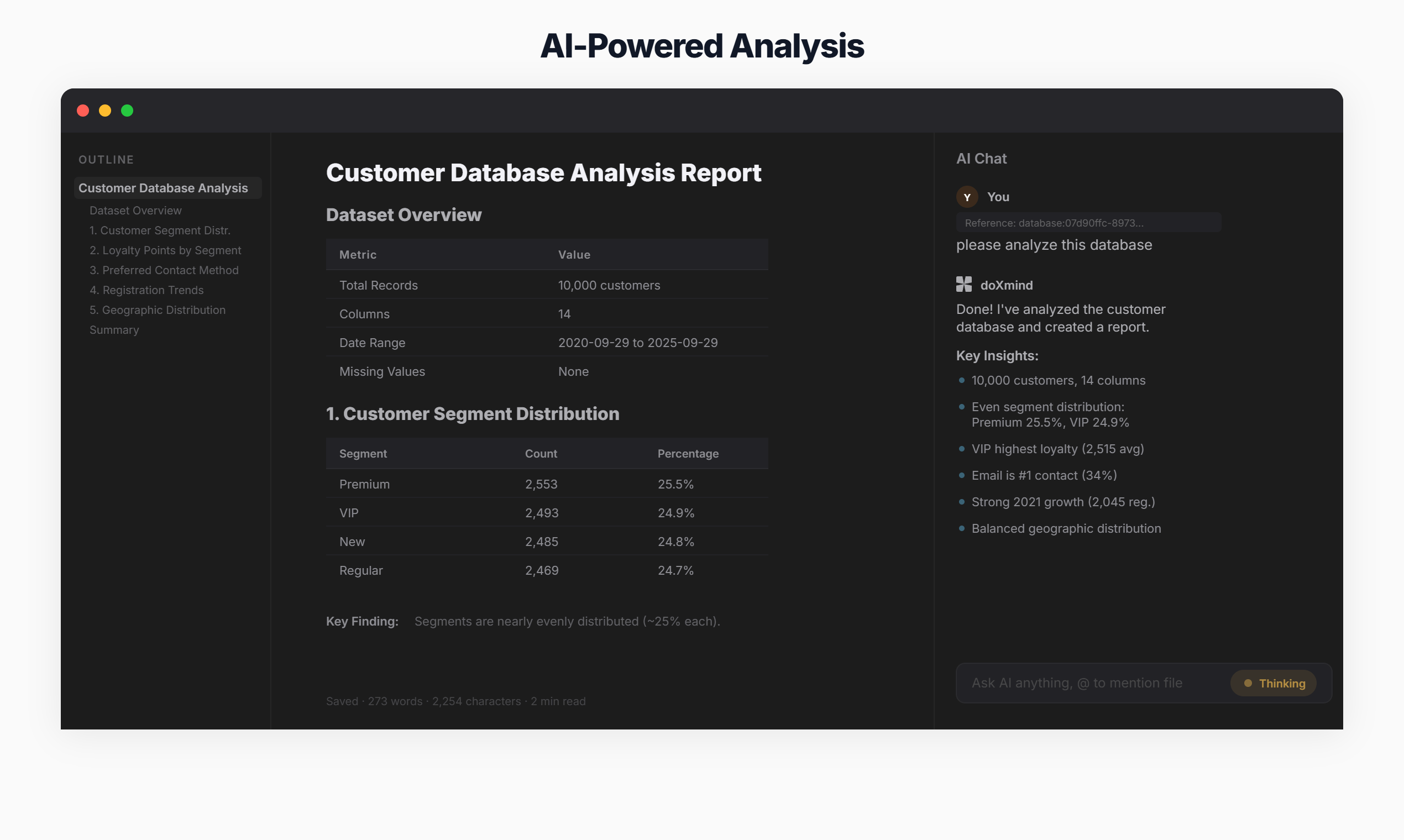
- AI Chat: Discuss your document with doxmind AI — it reads your full content, suggests improvements, and makes edits directly in the editor
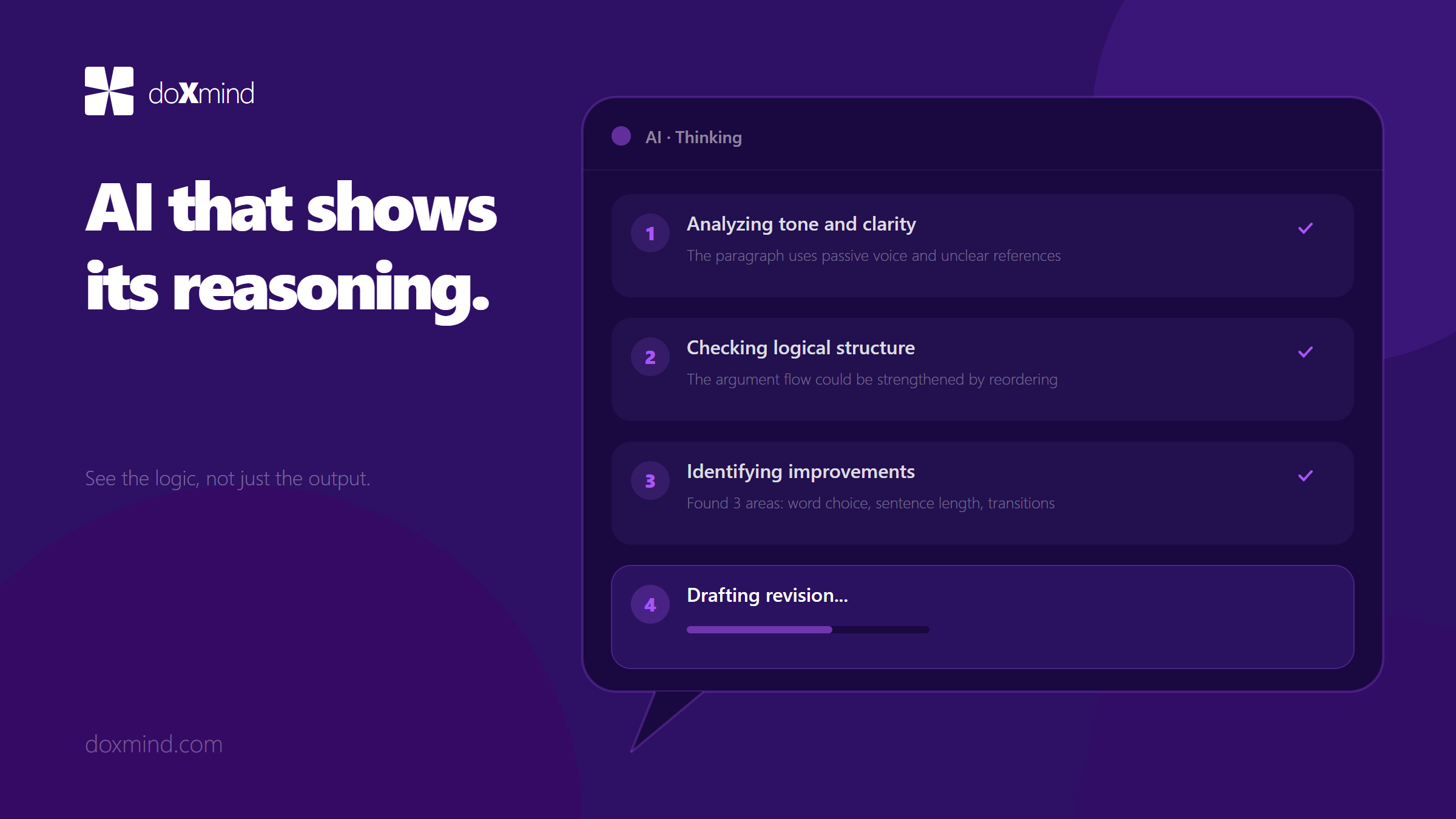
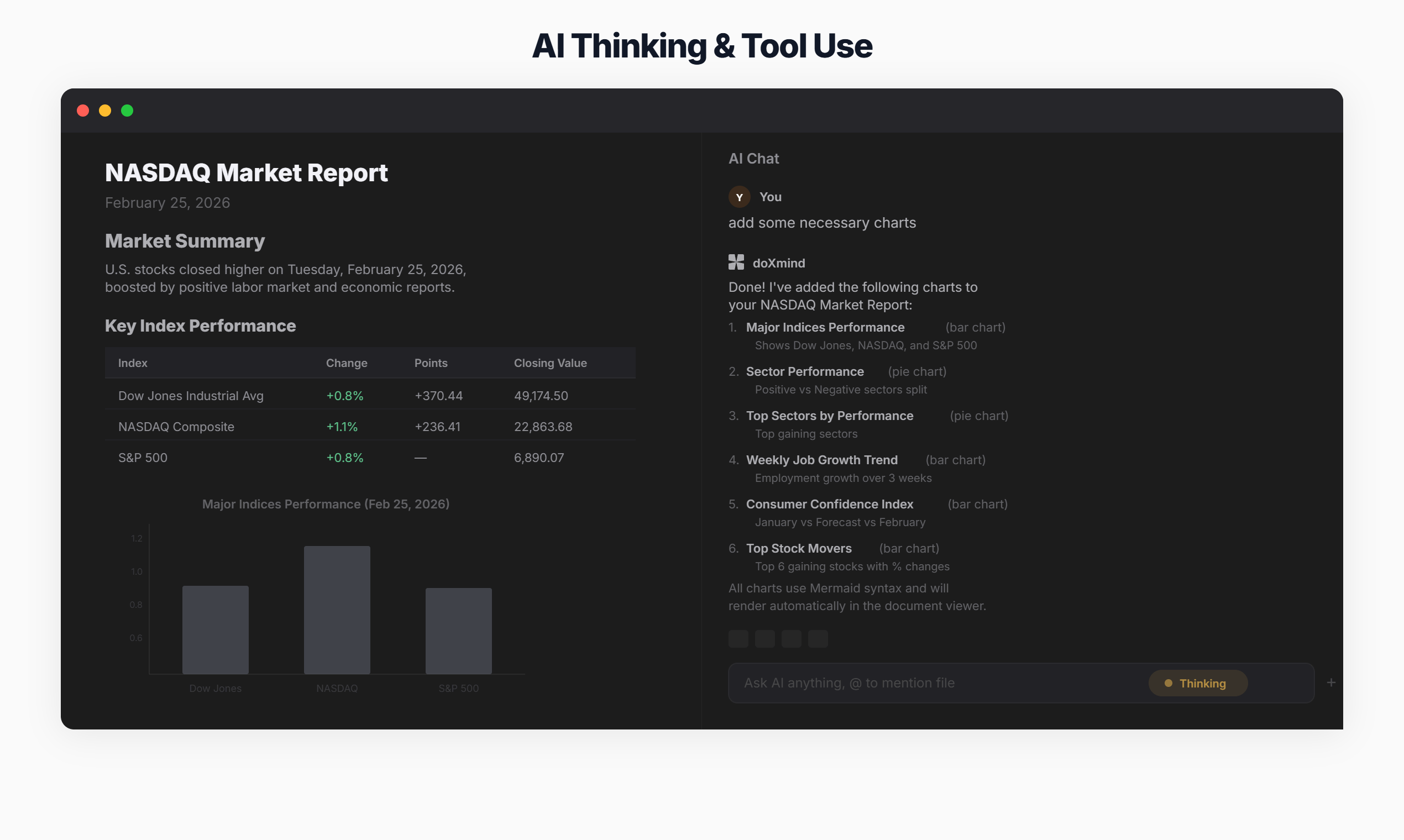
- AI Thinking Mode: Watch the AI reason step-by-step with visible chain-of-thought before answering complex questions
- Quick Edit: One-click commands to fix grammar, improve clarity, simplify, expand, or translate selected text
- Smart Autocomplete: Context-aware writing suggestions as you type, like GitHub Copilot for prose
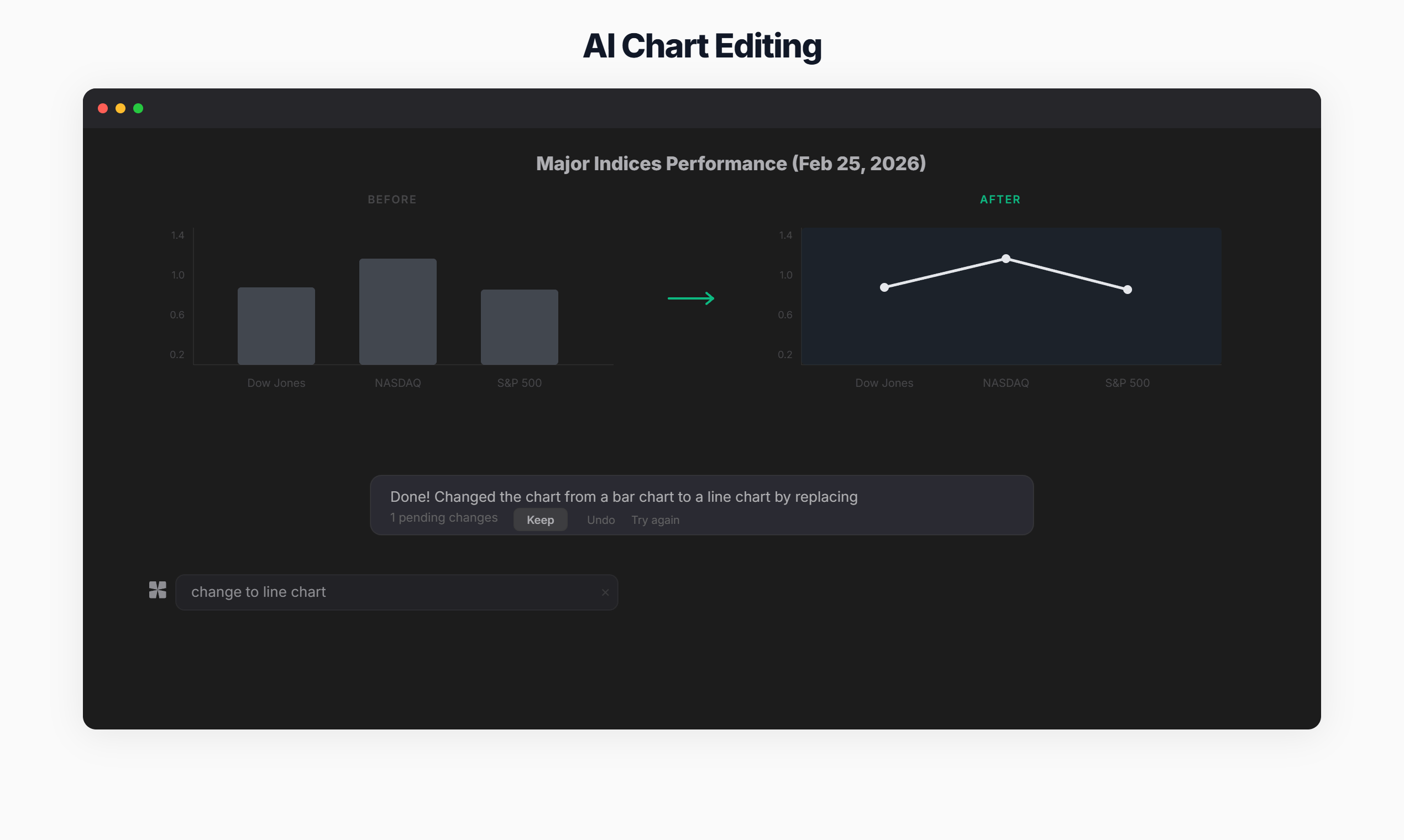
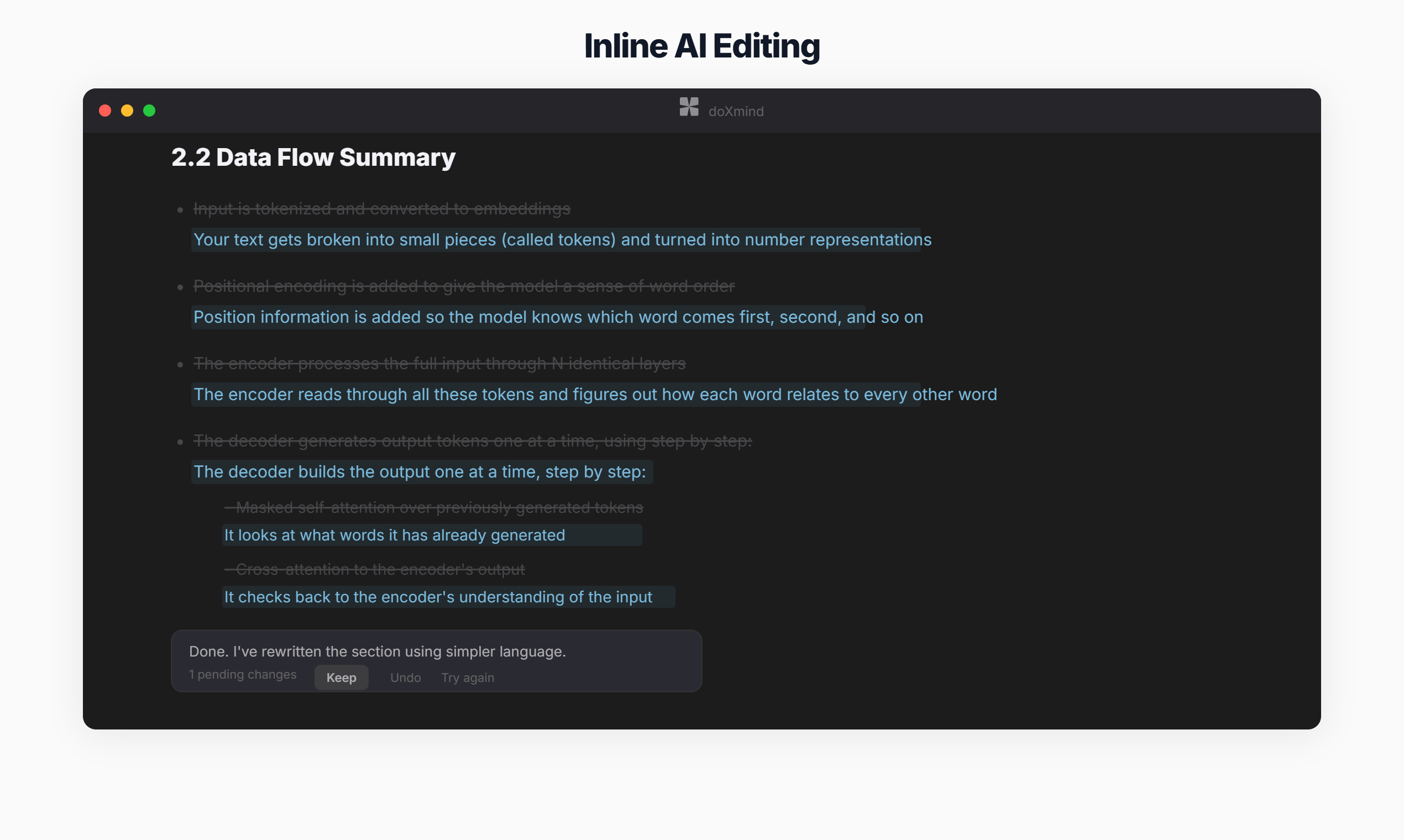
- Inline Diff Review: Review every AI change with accept/reject controls — you always stay in control
- Knowledge Base: Upload PDFs and documents as reference materials; doxmind AI uses them to ground its responses with source citations
- KB Agent: Ask questions across all your uploaded documents — AI synthesizes answers with relevance scores and source references
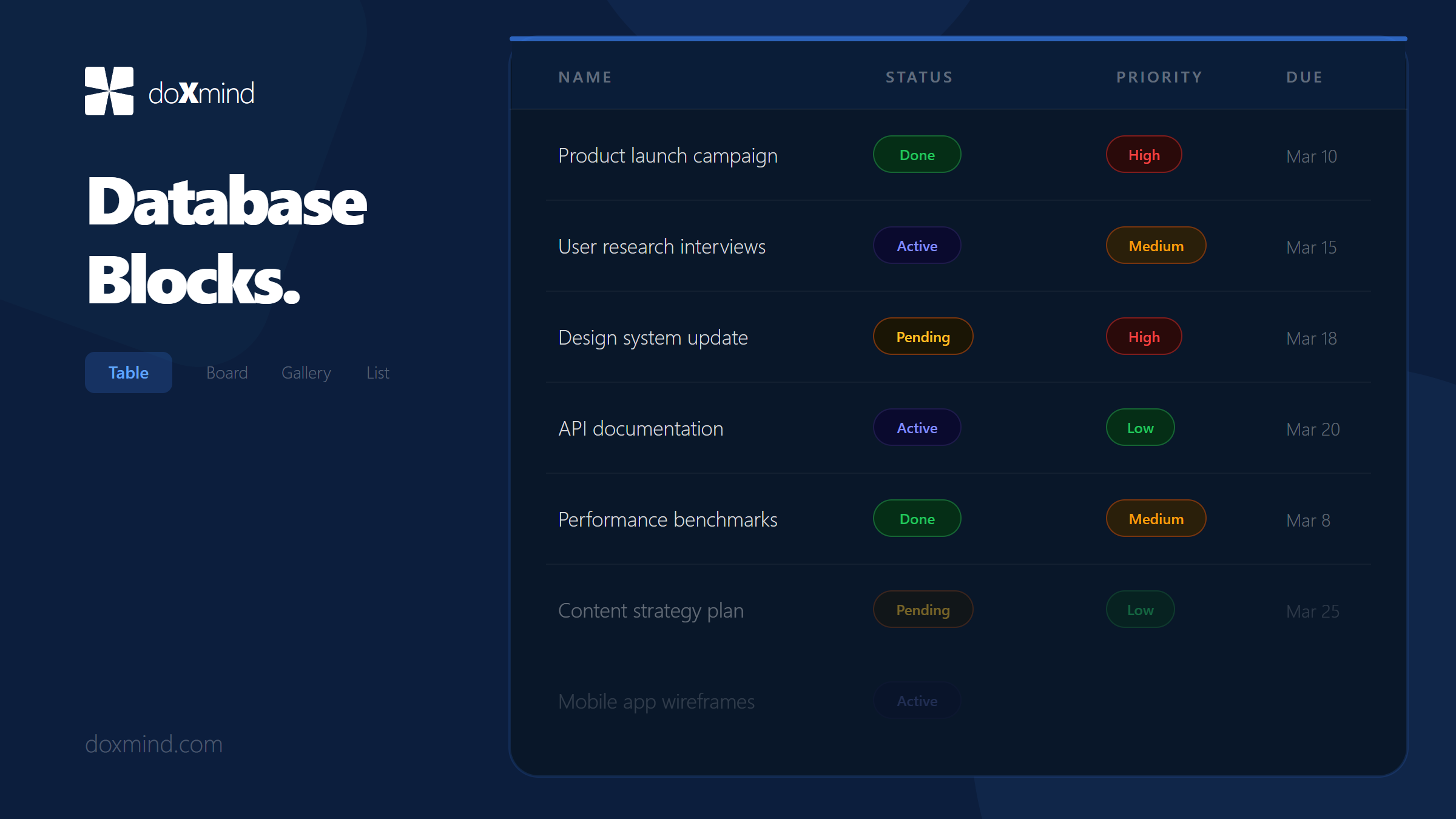
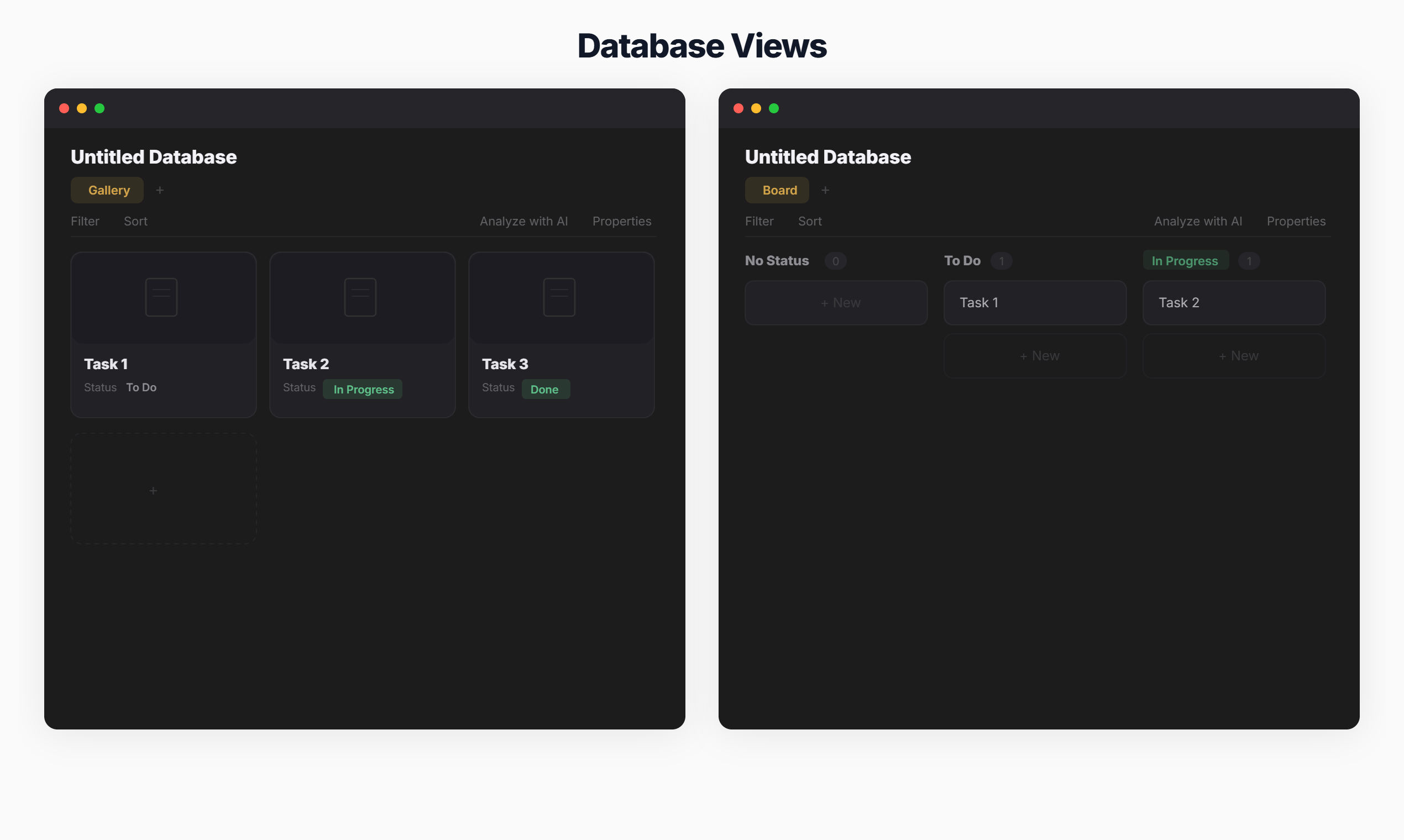
- Database Blocks: Notion-style structured data with table, board, gallery, and list views — right inside your documents
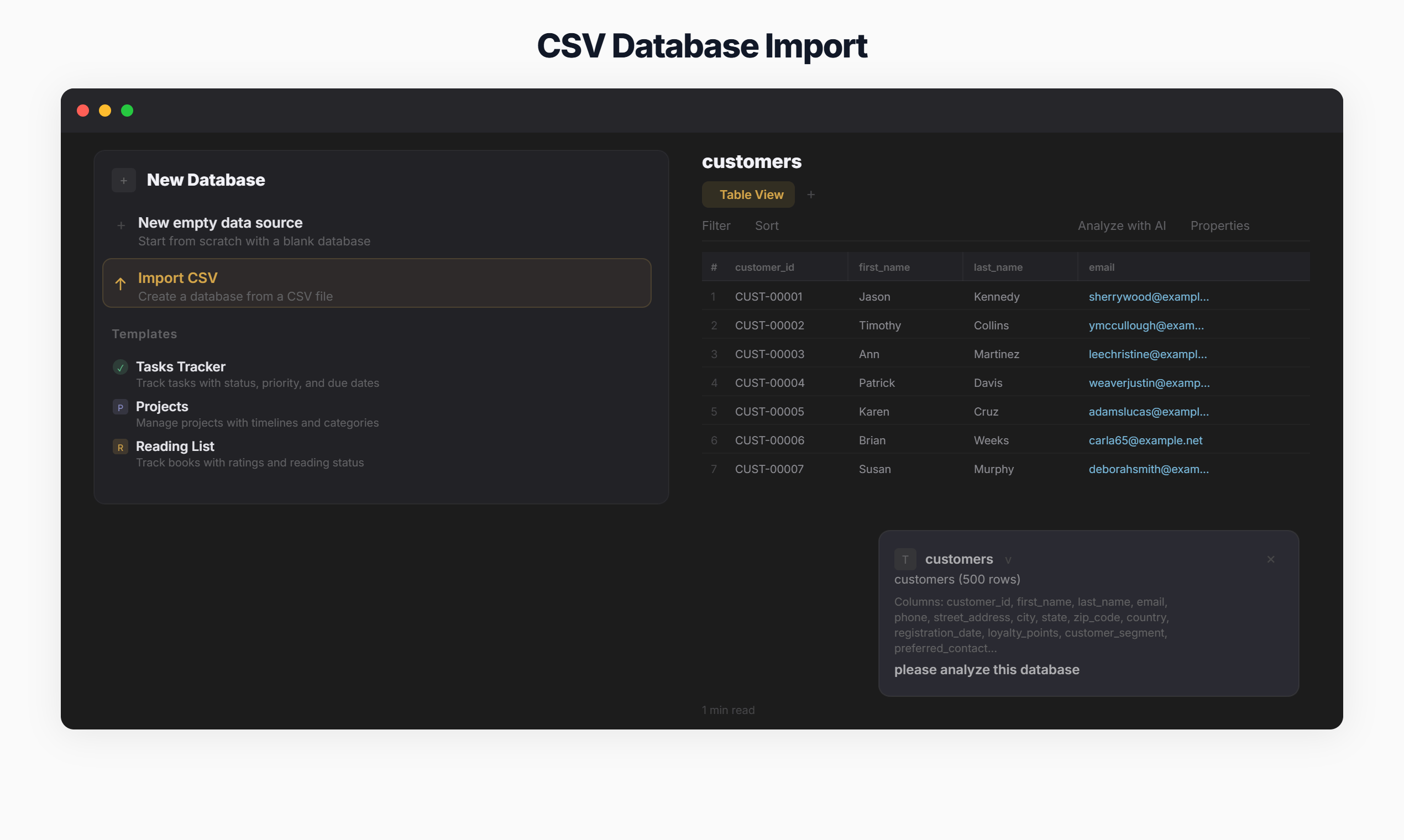
- CSV Import & AI Analysis: Drop a CSV file and get instant AI-powered charts and data insights
- Inline Comments: Threaded discussions anchored to specific text, with resolve/unresolve support
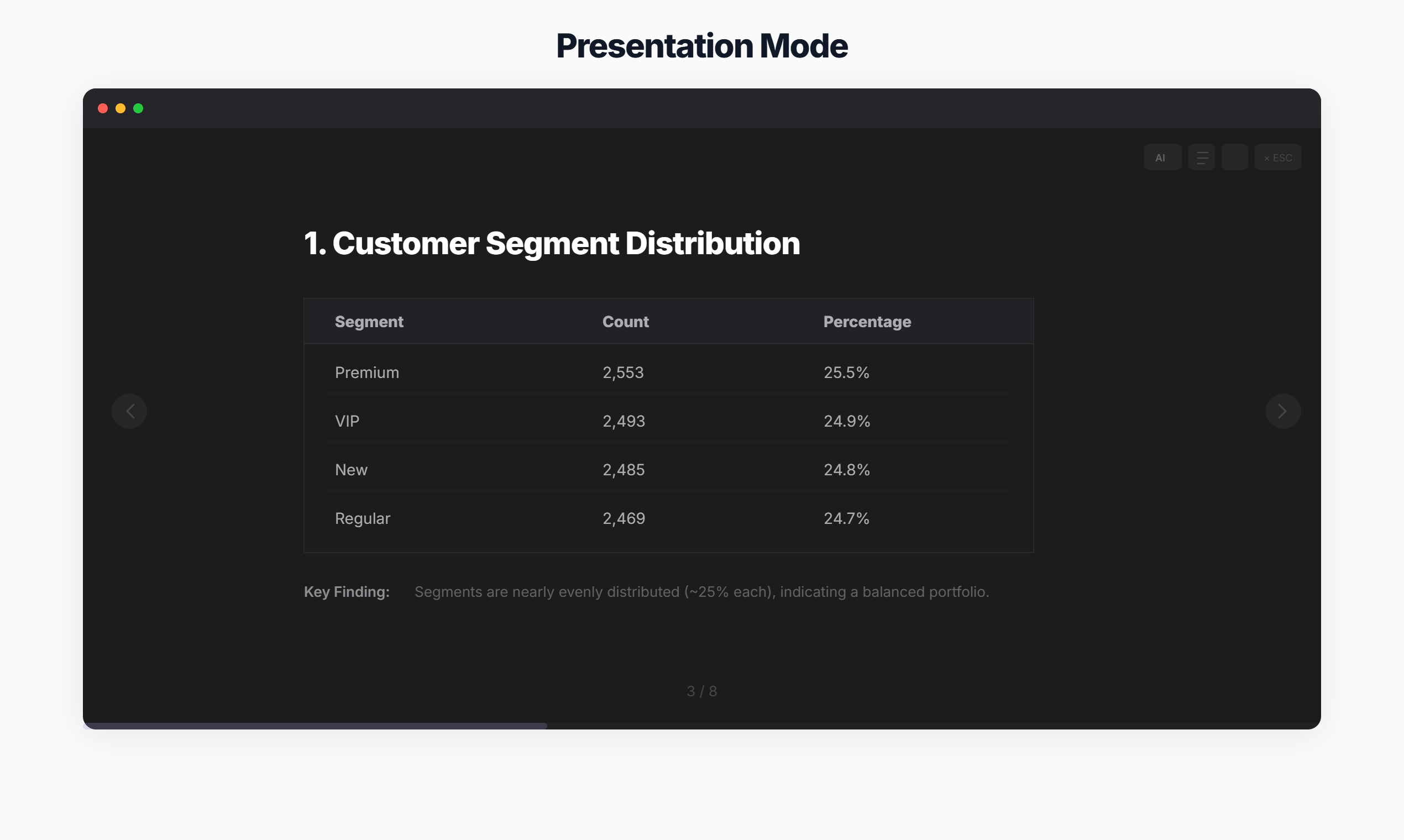
- Presentation Mode: Turn any document into a full-screen slideshow with one click
- Semantic Search: Search by meaning, not just keywords — find related content across all your documents
- AI Writing Review: Real-time feedback on grammar, clarity, tone, and engagement
How we built it
Frontend: React 19 + Vite + TailwindCSS + Framer Motion for a fast, responsive UI. We chose TipTap as our rich-text editor for its extensibility — we built custom blocks for databases, multi-column layouts, web bookmarks, and more. Recharts powers data visualization. i18next enables full internationalization across 6 languages.
Backend: FastAPI handles API requests with Server-Sent Events (SSE) for real-time AI streaming responses. JWT authentication with automatic token refresh keeps sessions secure.
AI Integration: doxmind AI powers all features — chat, autocomplete, quick edits, thinking mode, and document review. We implemented RAG (Retrieval-Augmented Generation) with vector embeddings for the knowledge base, including an agentic KB search that provides source citations and relevance scores.
Database: PostgreSQL for document storage, user data, database blocks, and knowledge base indexing.
Infrastructure: Regional API routing (global + China servers), structured SEO with JSON-LD schemas, and responsive design for mobile and desktop.
Challenges we ran into
Streaming UX: Implementing smooth real-time AI streaming while maintaining editor state was our biggest technical challenge. We solved this with careful state management using SSE and TipTap's transaction system.
Context Management: Fitting large documents + knowledge base + conversation history within token limits required smart chunking and prioritization strategies.
Diff Review System: Building an intuitive inline diff view for reviewing AI suggestions took multiple iterations. Users need to see exactly what changed and easily accept or reject individual edits.
Database Blocks in a Rich-Text Editor: Implementing Notion-style database views (table, board, gallery, list) inside TipTap required custom node extensions and complex state management.
Internationalization: Supporting 6 languages (English, Chinese, French, Japanese, Korean, Spanish) across the entire app — including dynamic AI-generated content — required a comprehensive i18n architecture with i18next.
What we learned
- Extended context windows are a game-changer for document-aware AI — enabling cross-document knowledge base search that wasn't practical before
- Users want control over AI suggestions, not blind acceptance — our inline diff review became one of the most-loved features
- AI thinking mode (showing reasoning steps) dramatically increases user trust in AI suggestions
- The best AI tools feel like collaborators, not replacements — AI should think with you, not for you
- Building an AI-native editor from scratch enables much deeper integration than bolting AI onto an existing tool
What's next for doXmind
- Real-time collaboration — multiple users editing the same document simultaneously
- More export formats — LaTeX, EPUB, and advanced PDF layouts
- Custom AI personas — different writing styles and expertise areas for specialized domains
- Mobile apps — native iOS and Android editors
- API & integrations — connect doXmind with other tools in your workflow
- Advanced data analysis — more chart types, pivot tables, and AI-powered data stories
Built With
- fastapi
- framer-motion
- i18next
- postgresql
- python
- react
- recharts
- server-sent-events
- tailwindcss
- tiptap
- typescript
- vite


Log in or sign up for Devpost to join the conversation.