DownloadButler - AI-Powered Download Organization
🎯 Inspiration
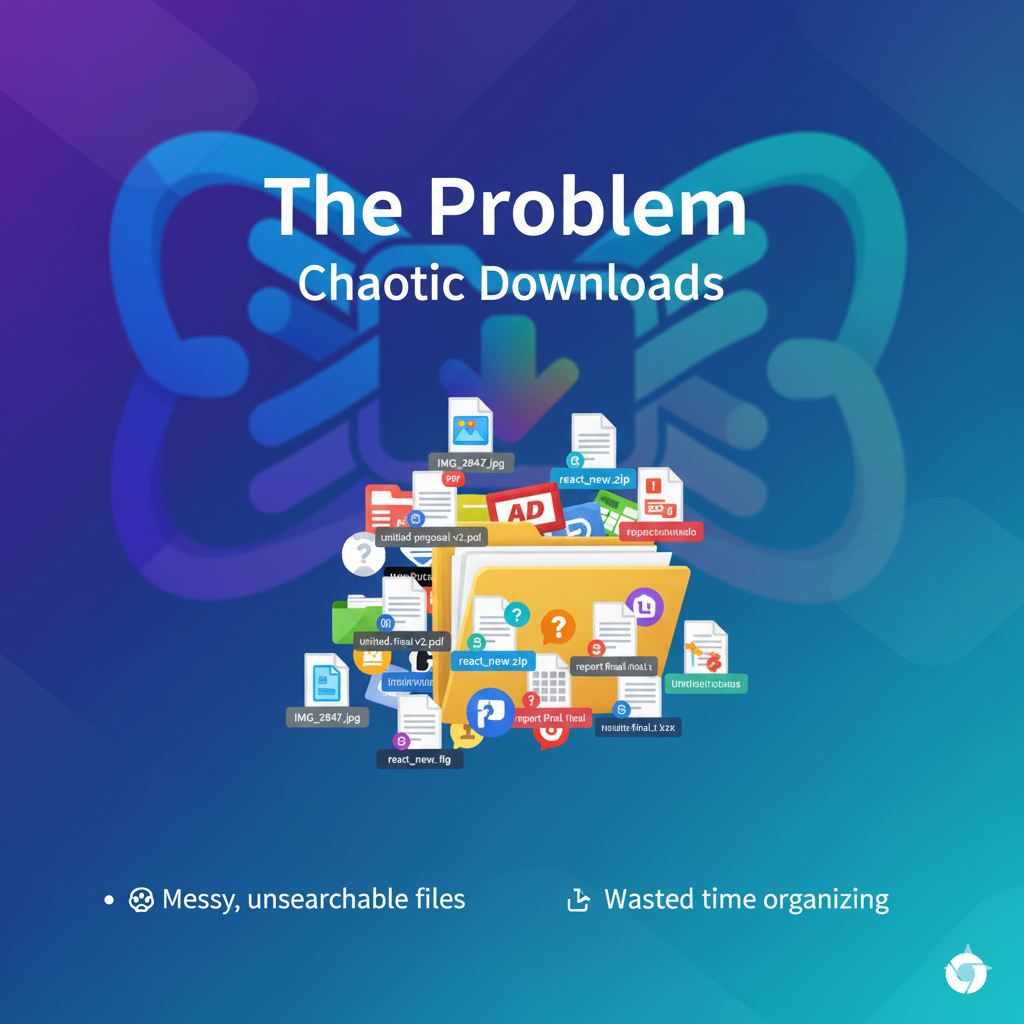
We've all been there - a cluttered Downloads folder with hundreds of files named IMG_2847.jpg, document (3).pdf, and Screenshot 2025-01-15 at 10.30.45 AM.png. Finding anything becomes impossible. Traditional file managers only sort by type, but they don't understand what your files actually are.
What if your browser could intelligently organize files based on their content, source, and your personal workflow - automatically?
💡 What It Does
DownloadButler uses Chrome's built-in AI (Gemini Nano) to automatically organize your downloads with zero cloud dependency. It:
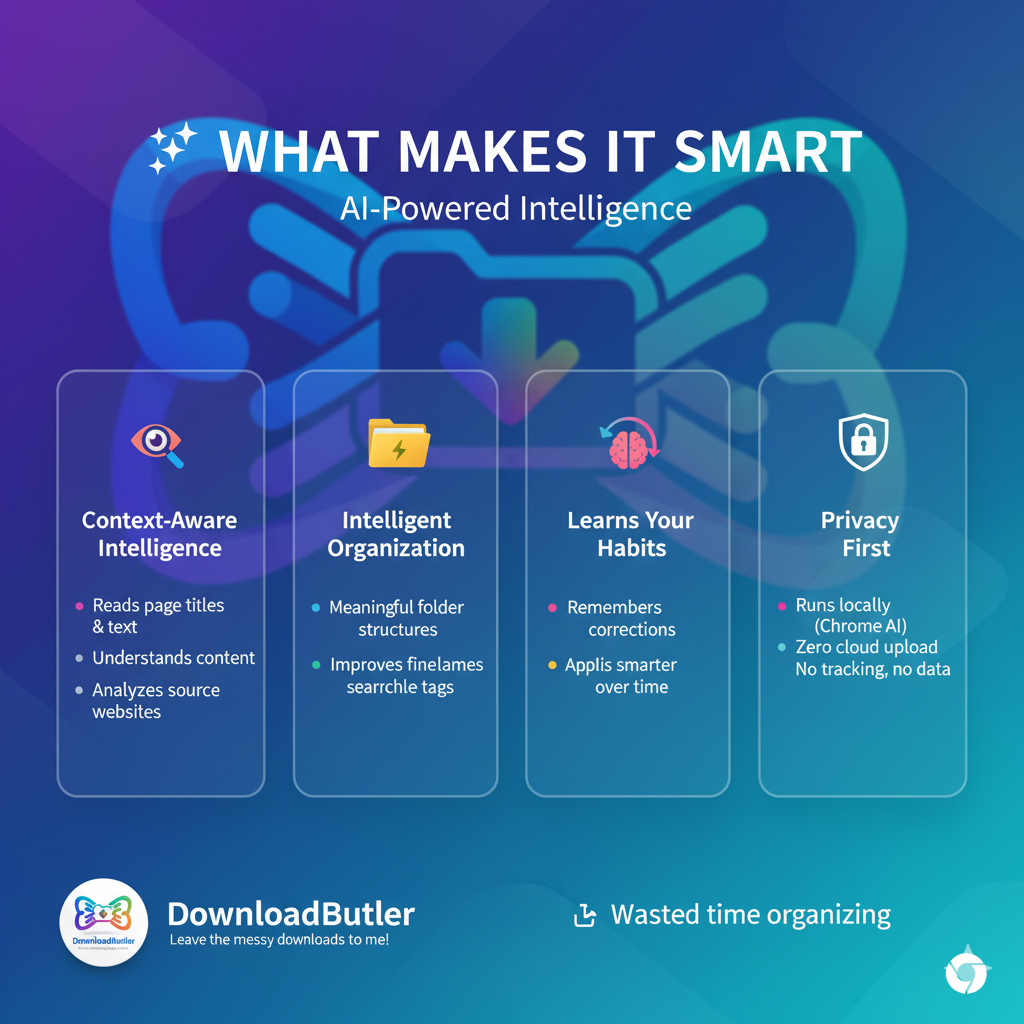
- Analyzes download context - Reads page titles, surrounding text, image captions, and media descriptions to understand what you're downloading
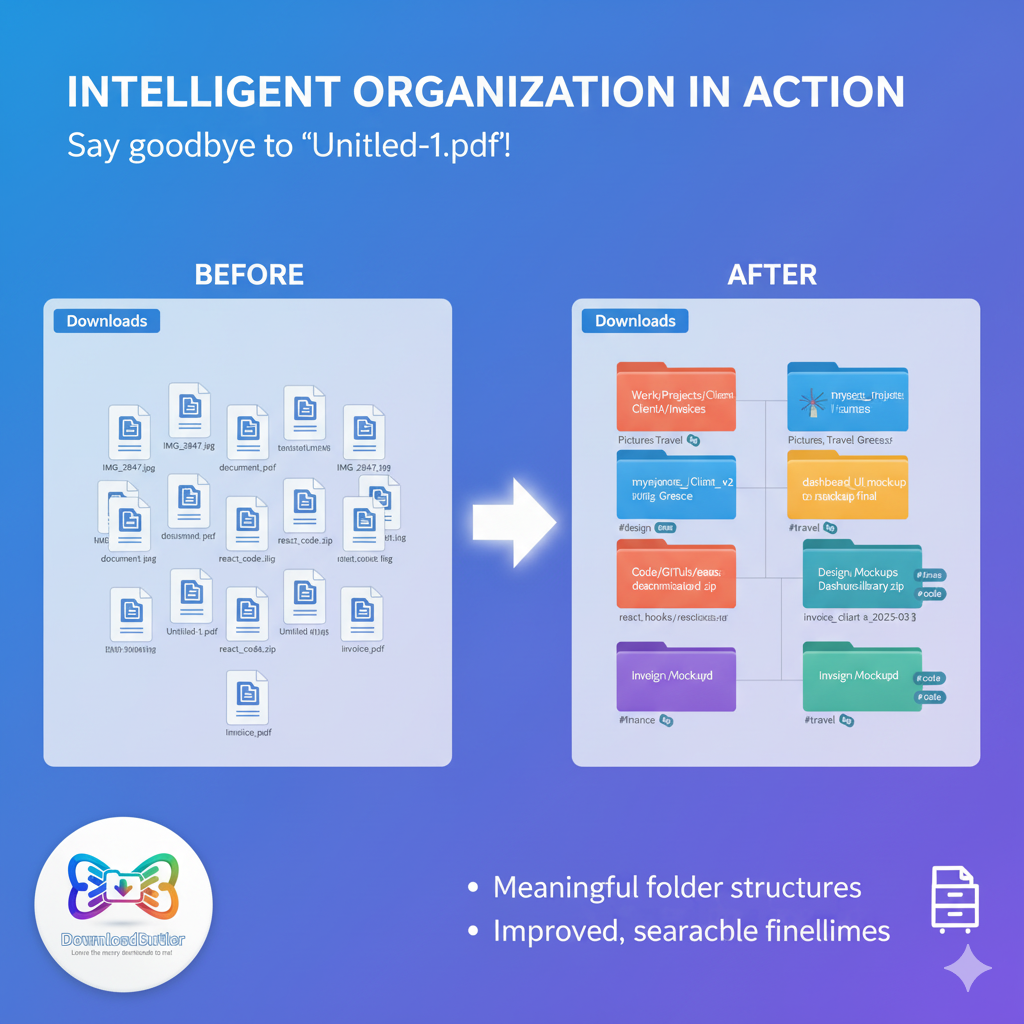
- Suggests intelligent paths - Creates meaningful folder structures like
Work/Projects/Tesla/Research/instead of justDownloads/ - Improves filenames - Transforms
IMG_2847.jpgintotesla_model3_dashboard_interior.jpg - Learns your preferences - Remembers your corrections and applies patterns to future downloads
- Generates smart tags - Auto-tags files with searchable keywords for instant retrieval
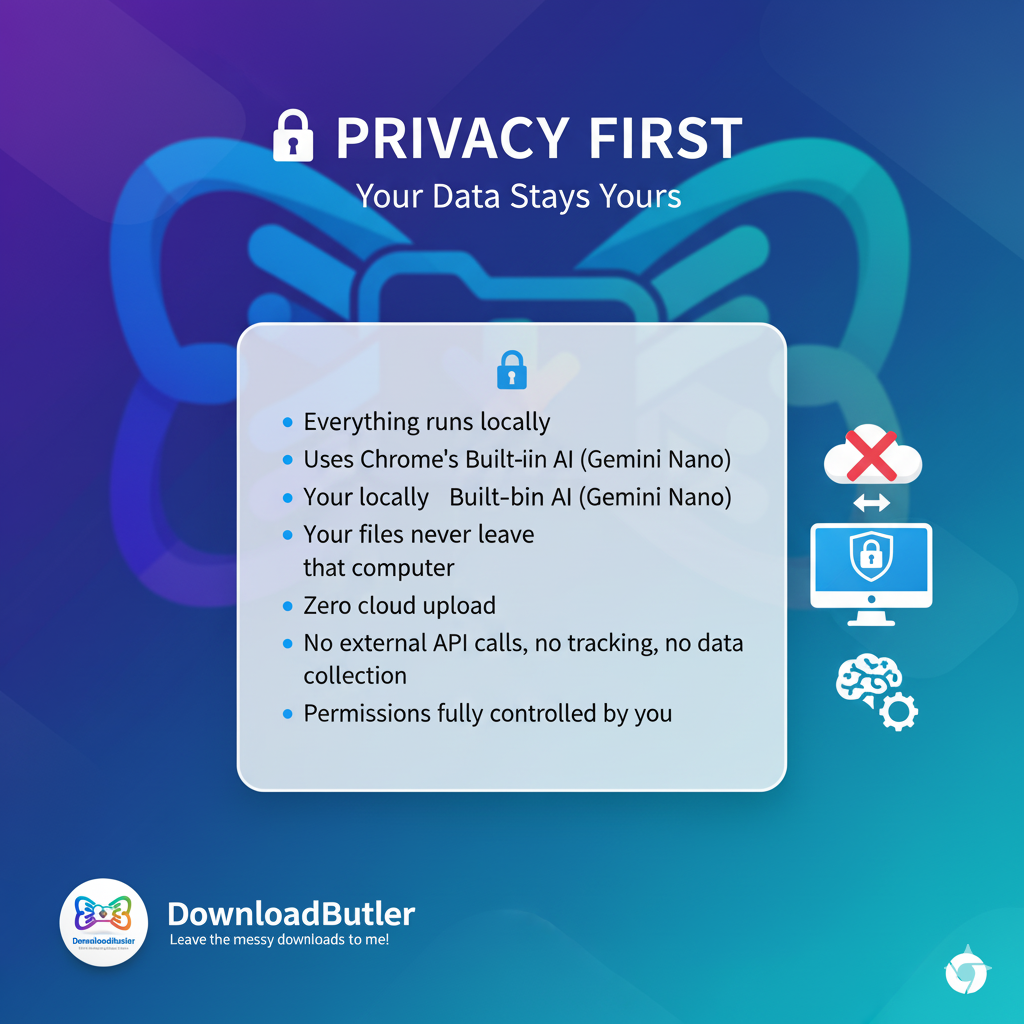
- Works completely offline - No cloud upload, no external API calls, everything stays local
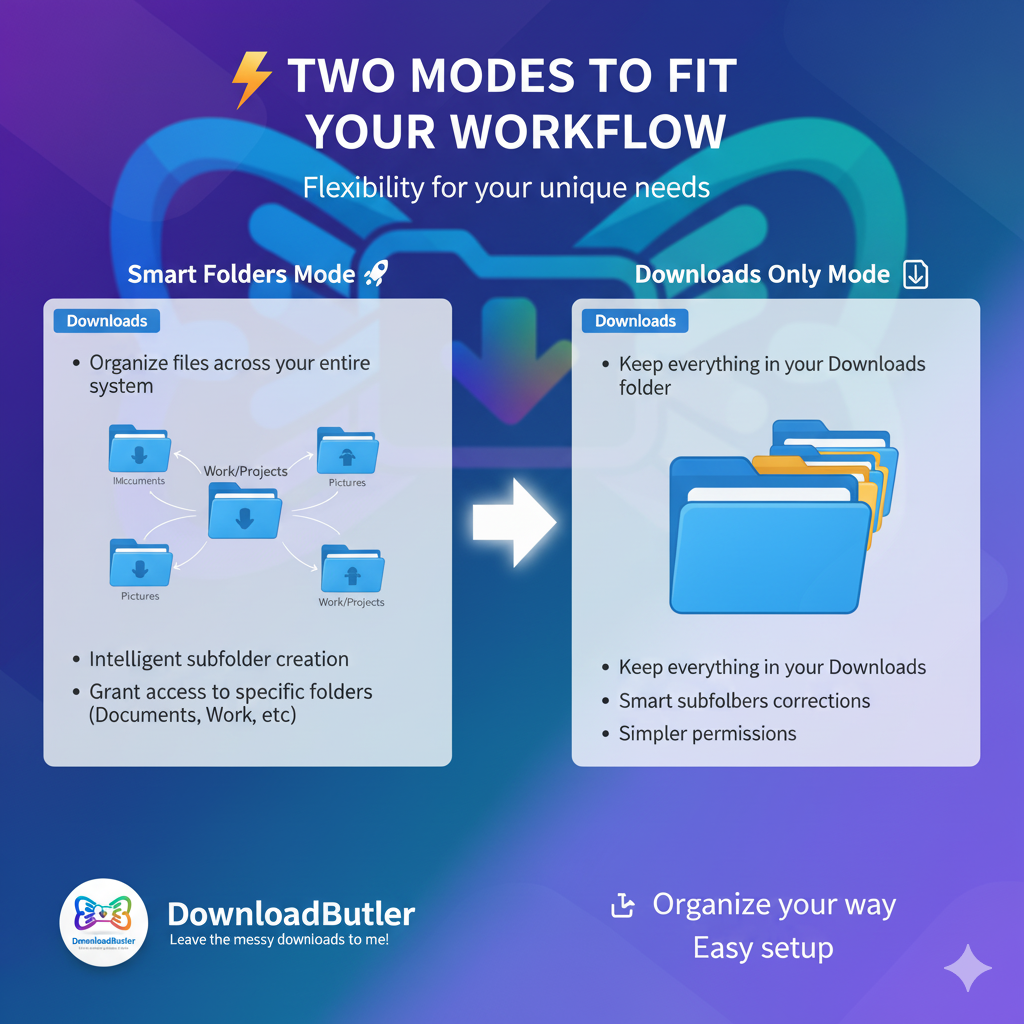
Two Organization Modes:
- Smart Folders (File System Access API) - Organize across your entire file system (Documents/, Pictures/, Work/, etc.)
- Downloads Only - Keep everything in Downloads with intelligent subfolders
🛠️ How We Built It
Architecture:
Content Script (Context Collector)
- Intercepts download clicks
- Extracts page title, headings, surrounding text
- Captures image alt text, video captions, figcaptions
- Gathers meta descriptions, keywords, Open Graph data
- Sends rich context to background script
Background Service Worker (AI Orchestrator)
- Receives download events from Chrome Downloads API
- Cancels default download flow
- Builds comprehensive prompt with:
- File metadata (name, type, size, domain)
- Page context (title, surrounding content, media descriptions)
- User profile (profession, organization preferences)
- Existing folder structure (compact tree format, 300-400 tokens)
- Learned patterns (previous user corrections)
- Calls Chrome's Prompt API (Gemini Nano) for organization suggestion
- Fetches file via Fetch API with progress tracking
- Writes to custom location via File System Access API
AI Prompt Engineering
- Hybrid format: JSON metadata + visual tree structure
- Token-optimized (600-700 tokens total)
- Includes learned patterns with confidence scores
- Provides examples for consistent JSON responses
- Handles both FSA and Downloads-only modes
Collections View
- Visual dashboard with date/domain/folder/tag filters
Learning Engine
- Stores patterns in IndexedDB (FileSystemDirectoryHandle + metadata)
- If confidence is low, auto open popup window, Ask user to modify path and tell me how I saved this file.
- Tracks user corrections and manual path changes
- Confidence-based pattern matching (>0.75 = reliable)
- Generates rules from natural language instructions
- Example: "All invoices go to Finance/Invoices/YYYY/" → creates reusable pattern
Key Technical Challenges Solved:
Download Interception
chrome.downloads.onCreated→ immediate cancellation- Custom fetch with progress tracking
- Parallel AI analysis during download
Folder Tree Representation
Finance/ (read-only parent: Documents/Finance/) Invoices/ (67 files) 2025/ 2024/ Receipts/ (34 files)- Relative paths to prevent AI suggesting inaccessible parents
- Parent context for display only
Context Extraction
- Traverses up to 5 parent elements
- Collects 100+ characters of surrounding text
- Finds nearest heading (h1-h6)
- Captures first relevant image alt text
- Extracts figcaption for media files
User Instruction Processing
- Secondary AI prompt for interpreting corrections
- Intent detection: "just once" vs "create rule"
- Pattern extraction from natural language
- Confidence adjustment based on user signals
🚀 Challenges We Ran Into
1. File System Access API Complexity
- Problem: Permissions auto-revoke on browser close
- Solution: Built re-authorization dialog that remembers previous folders, shows their status (active/revoked), and guides users to re-select
2. Token Optimization
- Problem: Full folder trees consumed 1000+ tokens, hitting context limits
- Solution: Compact hybrid format (tree string + minimal metadata) reduced to 300-400 tokens while maintaining AI understanding
3. Parent Folder Confusion
- Problem: AI suggested
Documents/Finance/when onlyFinance/was granted - Solution: Store relative paths + parent context separately. Prompt explicitly states: "Finance/ (parent: Documents/Finance/ - read-only)"
4. Generic Filename Improvement
- Problem: AI struggled with
IMG_2847.jpgwithout context - Solution: Pass surrounding text, page title, image alt text, and captions. AI now generates descriptive names like
tesla_model3_dashboard_interior.jpg
5. Learning Pattern Conflicts
- Problem: User has two
snippets/folders:React/snippets/andVue/snippets/ - Solution: Store parent context as part of pattern. Prompt includes: "React/snippets/ (Code/React/) - React code snippets, #react"
6. Low Confidence Scenarios
- Problem: When to show confirmation popup without annoying users?
- Solution: Smart triggers:
- Confidence < 0.75
- First download of day
- New domain
- New file type
- User preference: "always confirm"
🏆 Accomplishments We're Proud Of
- Zero-cloud architecture - Everything runs locally using Chrome's built-in AI
- Context-aware organization - No other extension analyzes page content, image alt text, and captions
- Natural language learning - Users can write "Save all invoices in Finance/Invoices/YYYY/" and the AI understands
- Adaptive intelligence - Learns from every correction, gets smarter over time
- Token efficiency - Entire prompt (file + context + folder tree) fits in 700 tokens
- Production-ready error handling - Graceful fallbacks, permission re-auth, validation at every step
- Beautiful UI - Modern, intuitive dialogs with light/dark mode support
📚 What We Learned
Chrome Built-in AI (Gemini Nano)
- Prompt API requires structured prompts for consistent JSON responses
- Temperature 0.3 + topK 3 = stable, predictable outputs
- JSON response format is crucial - always specify exact schema with examples
- Context window is generous (~4000-8000 tokens) but optimization still matters
File System Access API
FileSystemDirectoryHandlecan't be serialized for chrome.storage.local- Must use IndexedDB to persist handles across sessions
queryPermission()andrequestPermission()are essential- Permissions are ephemeral - always verify before operations
AI Prompt Engineering
- Visual tree structure helps AI understand hierarchy better than flat JSON
- Examples in prompts dramatically improve output quality
- Explicit constraints prevent AI hallucination ("Only suggest paths within Finance/")
- Learned patterns should include confidence scores for better decision-making
User Experience
- Users need to see "why" - AI reasoning builds trust
- Allow corrections easily (path dropdown + instruction field)
- Throttle popups (once per day/domain/type) to avoid fatigue
- Progress indicators are critical for 20-30s AI processing
🔮 What's Next for DownloadButler
Future Enhancements:
- Smart Search - Full-text search across file descriptions and tags
- Duplicate Detection - Find and merge similar files
- Cloud Sync (opt-in) - Sync learning patterns across devices
- File Relationships - Detect related files and group them
Advanced Features:
- Project Detection - Auto-detect projects from multiple downloads
- Collaboration Patterns - Organize shared files by team/project
- Time-based Cleanup - Suggest old files for archival
- Smart Folders (like macOS) - Dynamic folders based on queries
🎥 Demo Video
Watch DownloadButler in action: [YouTube Link]
🔗 Links
- GitHub Repository: DownloadButler
- Chrome Web Store: DownloadButler
- Live Demo: [Try It Now]
💻 Built With
- Chrome Extensions Manifest V3
- Chrome Built-in AI (Prompt API - Gemini Nano)
- File System Access API
- IndexedDB (for handle persistence)
- Vanilla JavaScript (Web Components)
- Modern CSS (Nesting, light-dark())
👥 Team
Anil Kumar - Full Stack Developer & AI Enthusiast
📄 License
Built With
- chrome-extension-api
- css3
- file-system-access-api
- javascript
- webcomponents

Log in or sign up for Devpost to join the conversation.