-
-
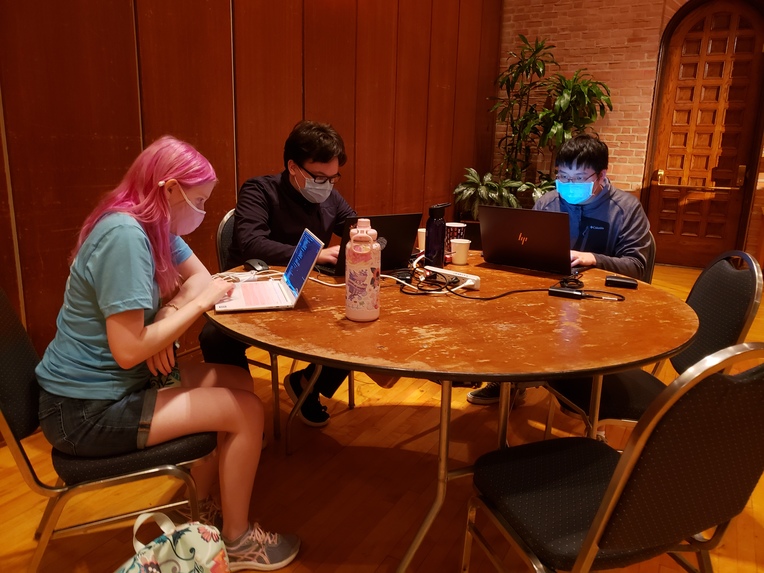
The team at work
Inspiration
One of the members of our team has a dear sister who is significantly impaired when it comes to motor control and function. When we saw that the themes of this year's hackathon were connectivity, digitization, and a post-pandemic transition, Thomas spoke of the plight of individuals like his sister--those who simply can't connect through a digital format, who are forced into isolation in these dangerous times.
When we learned that the beginner's track was about creating a chrome extension, our team began to think about what we could build in a browser to allow people in unfortunate circumstances to navigate websites to try and connect with others--and so we eventually settled on an accessibility extension for YouTube, the biggest entertainment platform on the internet.
There are numerous tools out there to allow the motor impaired to communicate via speech--predictive keyboards, standard on phones these days, come to mind--but actually navigating a site like YouTube without a mouse? Extremely difficult, and not a single extension on the chrome store.
What it does
AbleTube is a simple extension--it produces a pop-up that gives several options, then it looks at two pre-assigned keybinds. When button 1 is pressed, a selector will navigate through the options. When button 2 is pressed, an option is selected and a new submenu of options opens up. This produces a quick and easy method to navigate the website!
The extension will also read the exact YouTube url to tailor the given options and their submenus to what will be necessary. Best of yet, while the extension comes with several presets for those with varying levels of motor or cognitive function, caretakers or guardians can easily mix and match options to create their own preset lists of menus.
How we built it
We used a combination of Javascript, HTML, CSS, a sharp eye trained on the YouTube player's source code, and knowledge on the web of YouTube's API.
Challenges we ran into
We wanted to create a framework that could be modular enough to allow for easy customization, but also simple enough to be used on pretty much any system. This presented a challenge in the form of our inexperience as first time hackers, as we had no real idea of where to begin! Luckily, the extension workshop got us on our feet and ready to code.
Additionally, our inexperience reared its head when it came to actually programming something to intercept keyboard events and trigger YouTube's own keyboard events. It took a few hours, but through extensive use of Inspect Element and Control-F, we managed to decipher our way through the YouTube page code and find the triggers we needed.
Accomplishments that we're proud of
As first time hackers, we successfully built a working extension that's also configurable! Not only that, but we managed to parse through the several thousands of lines of code on YouTube to find what we needed to work with in order to get our extension working.
What we learned
A healthy respect for Javascript errors, how not to format with CCS, how chrome extensions are constructed, and how to build a Javascript class to edit webpages.
What's next for AbleTube
We want to clean up the UI and focus on expanding our features--the text we use is simple and large for the sake of those with vision impairment, but there are definitely ways we can improve the extension. Something like implementing a safety lock so a key can't be pressed too fast, or allowing the colors of the UI to be changed.


Log in or sign up for Devpost to join the conversation.