-
-
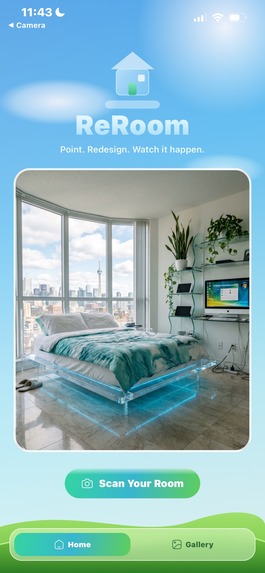
Home Screen
-
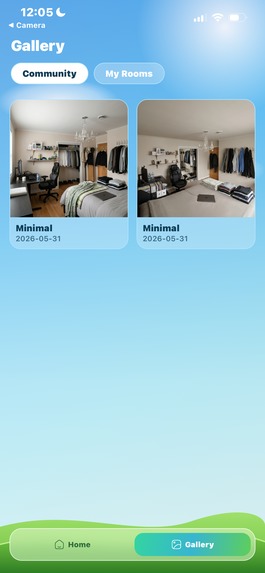
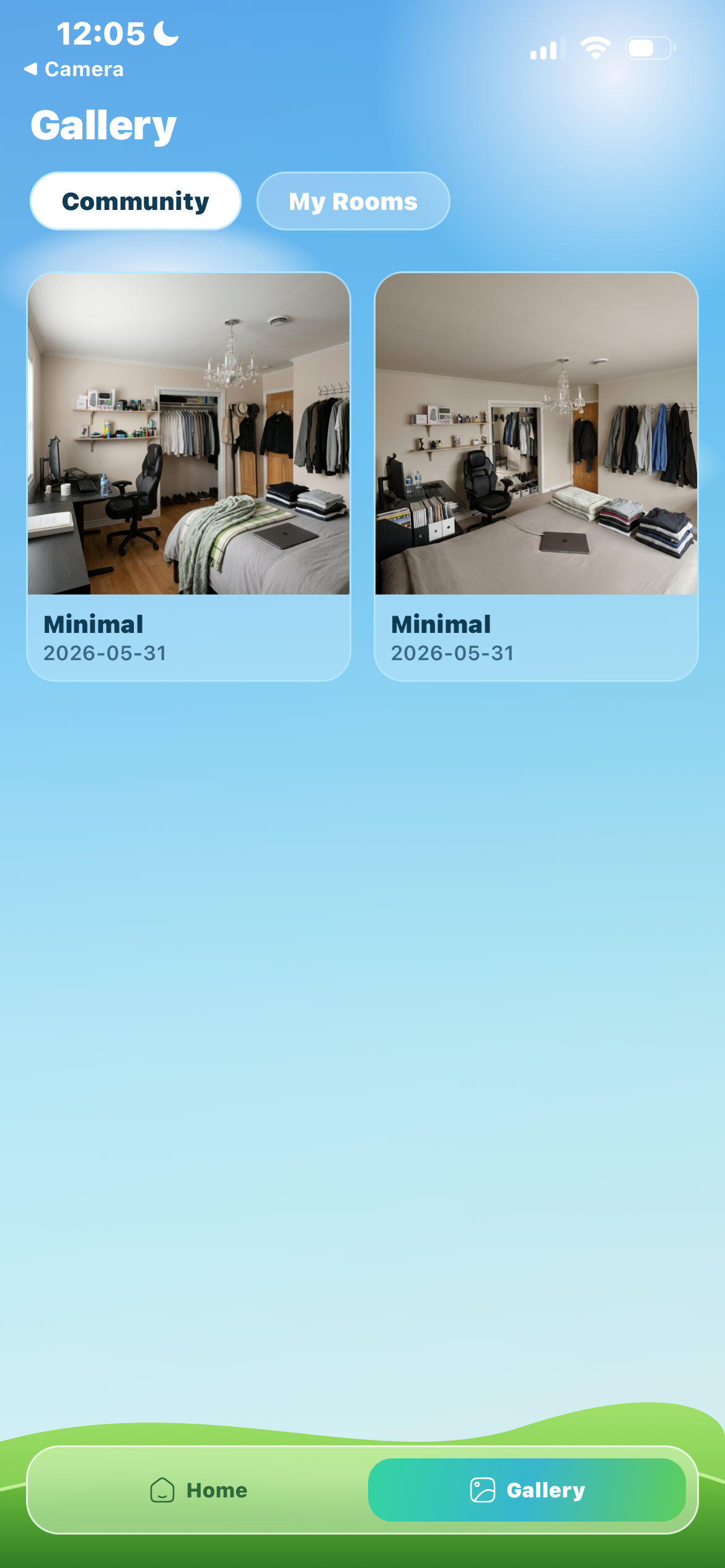
Community Gallery
-
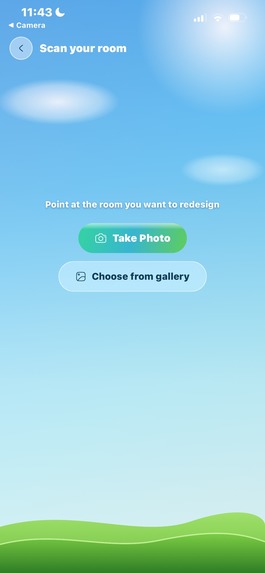
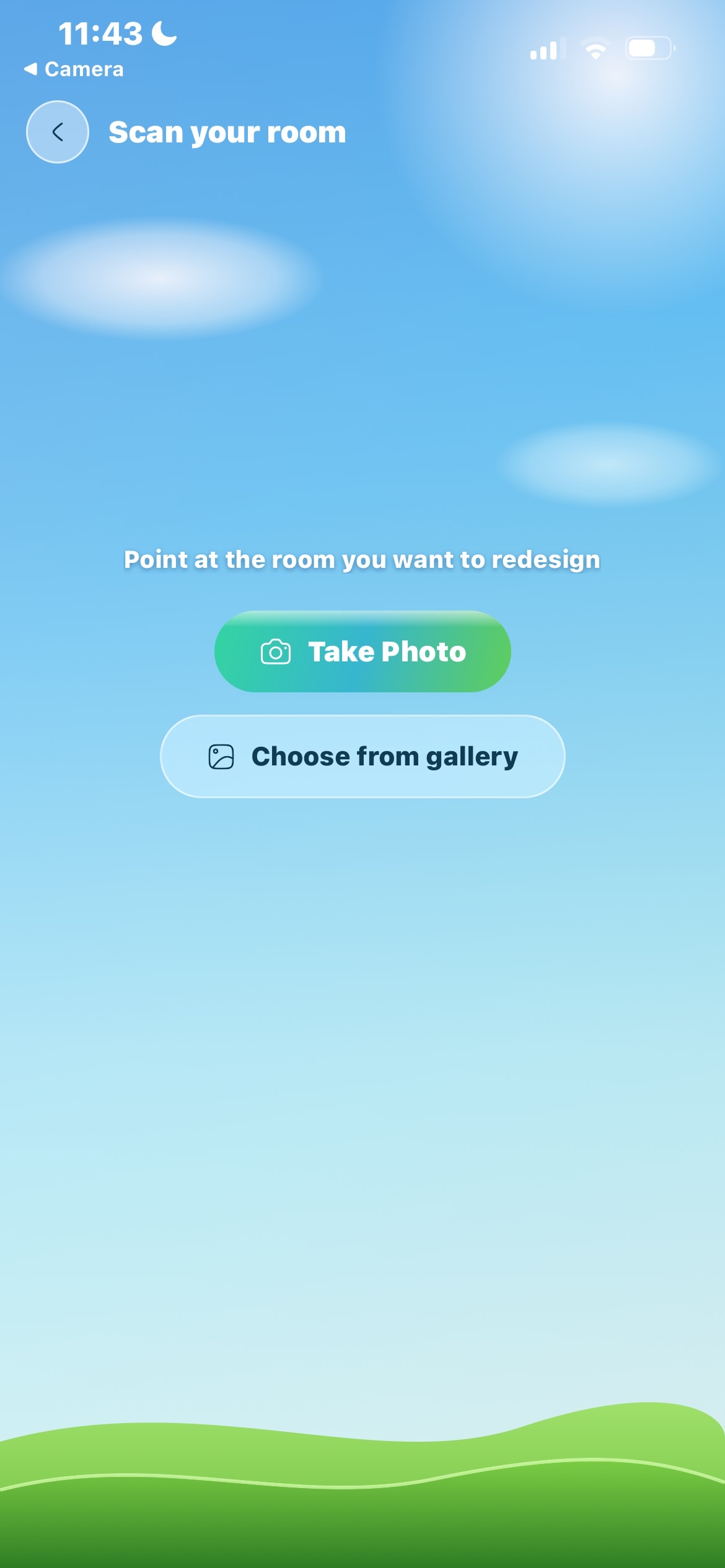
Upload Media
-
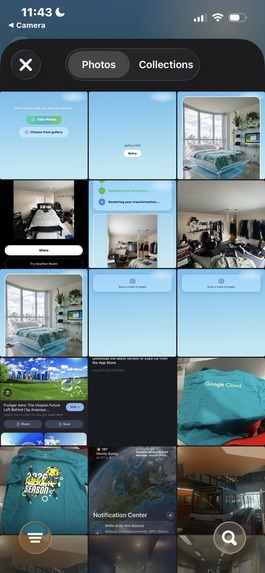
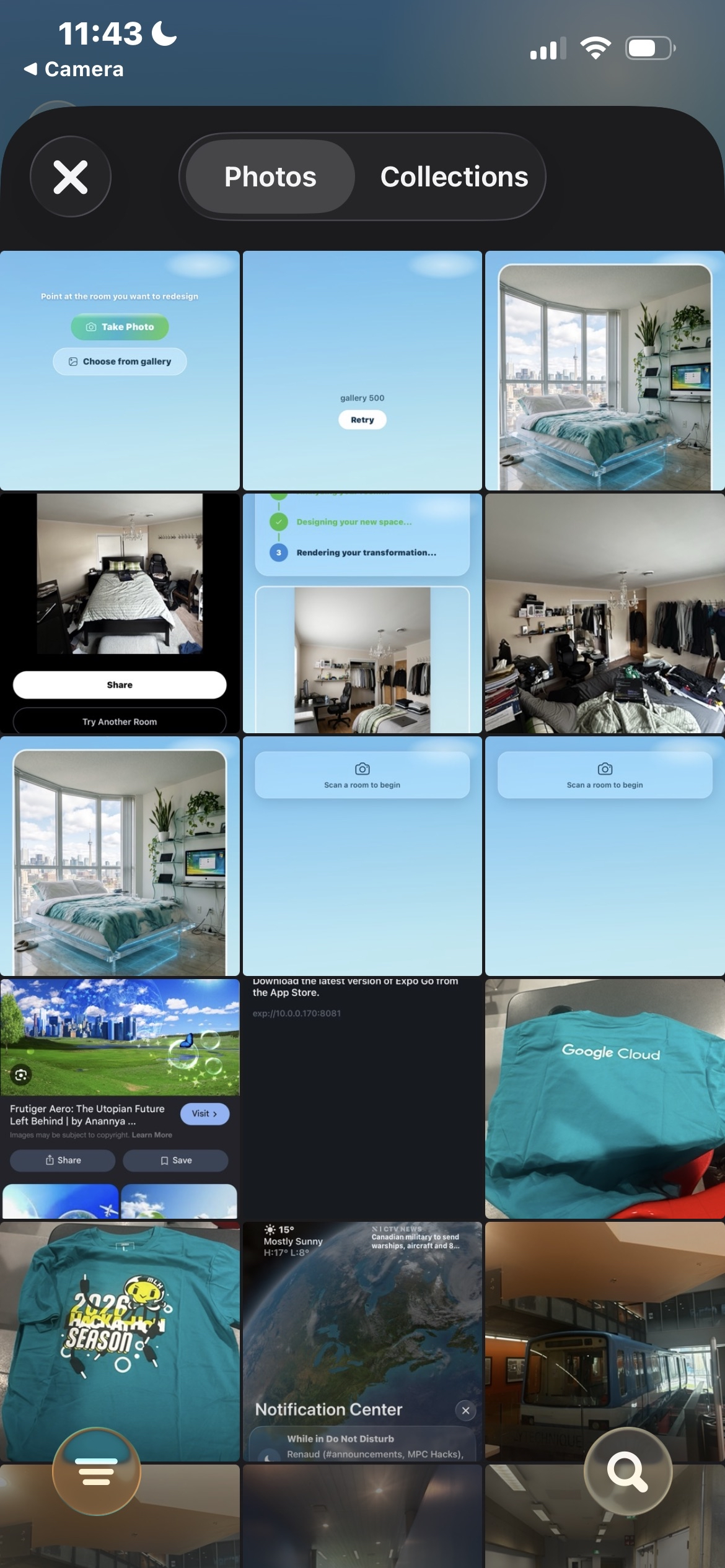
Select Media
-
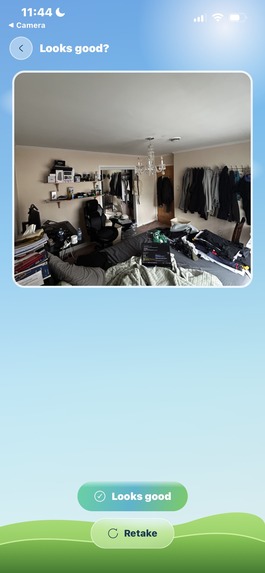
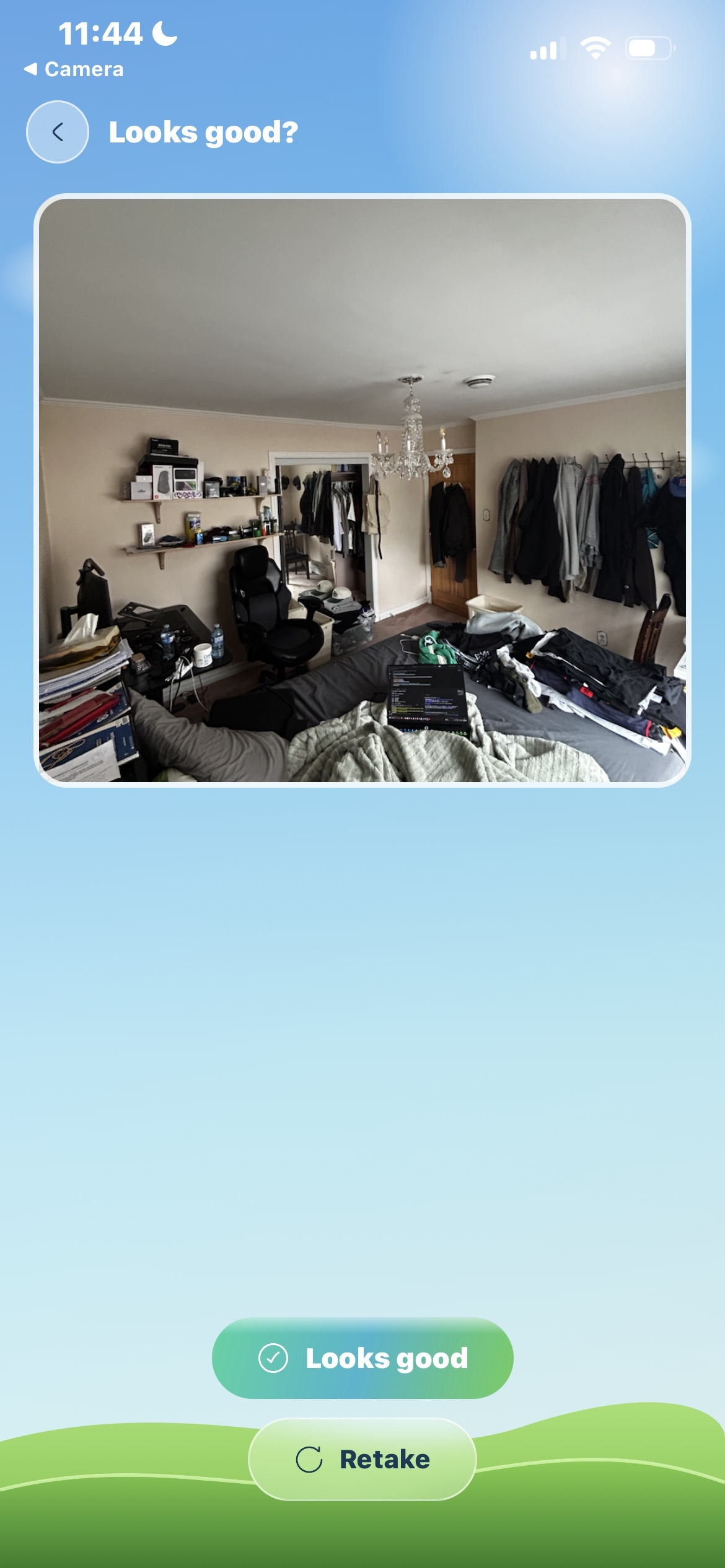
Preview Media
-
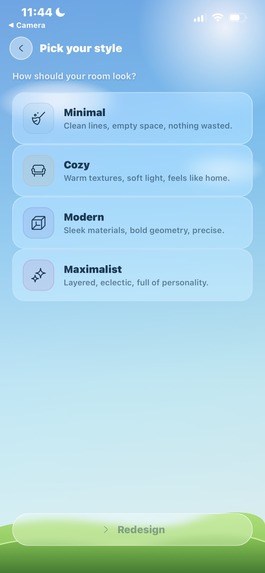
Choose Style
-
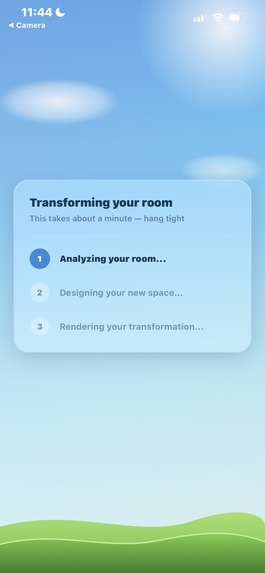
Room Revamp generation
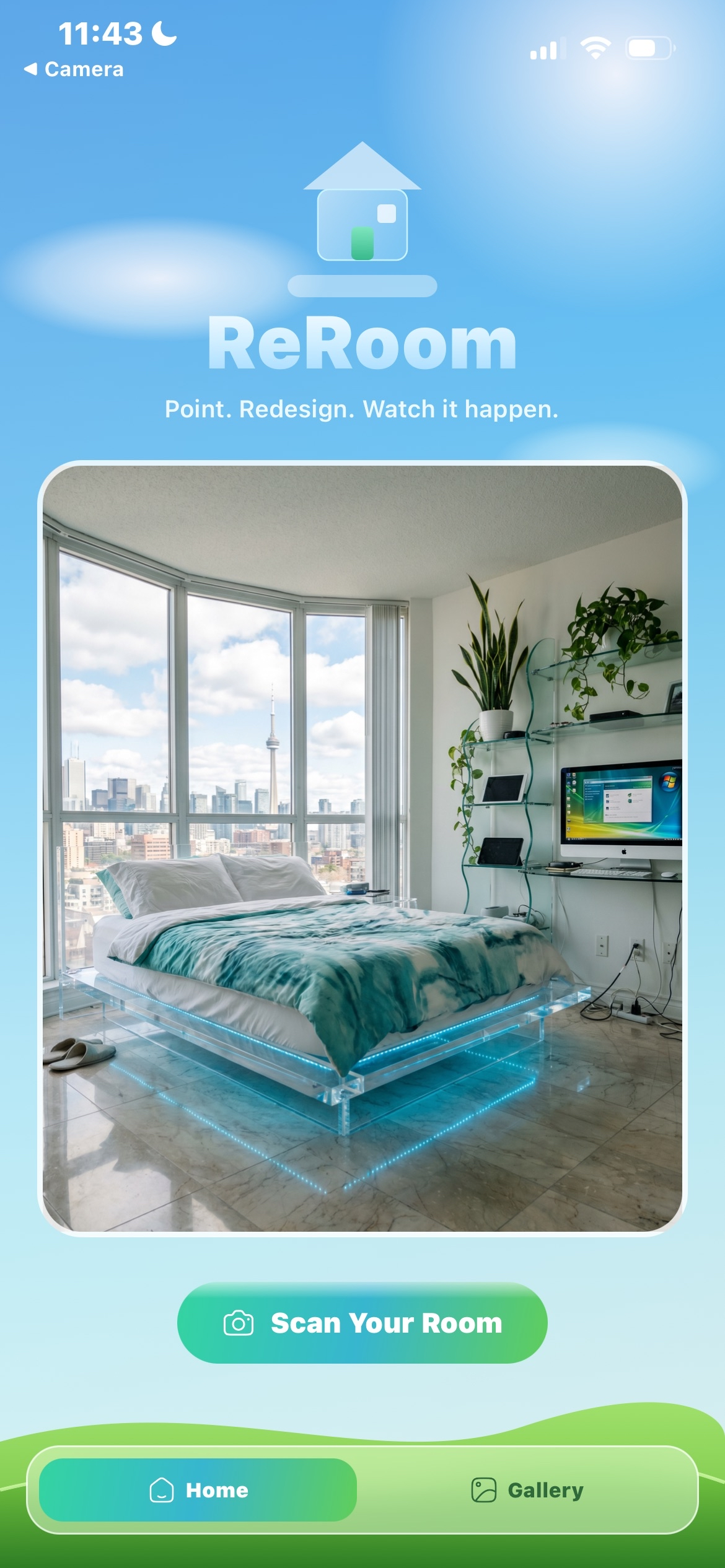
Inspiration
Staring at a room knowing something is off but not knowing what to change is genuinely frustrating. Moving furniture is a gamble. Painting is a commitment. Most apps give you a static mockup that looks nothing like your actual space. We wanted something that could show you the change, not just imagine it for you.
What it does
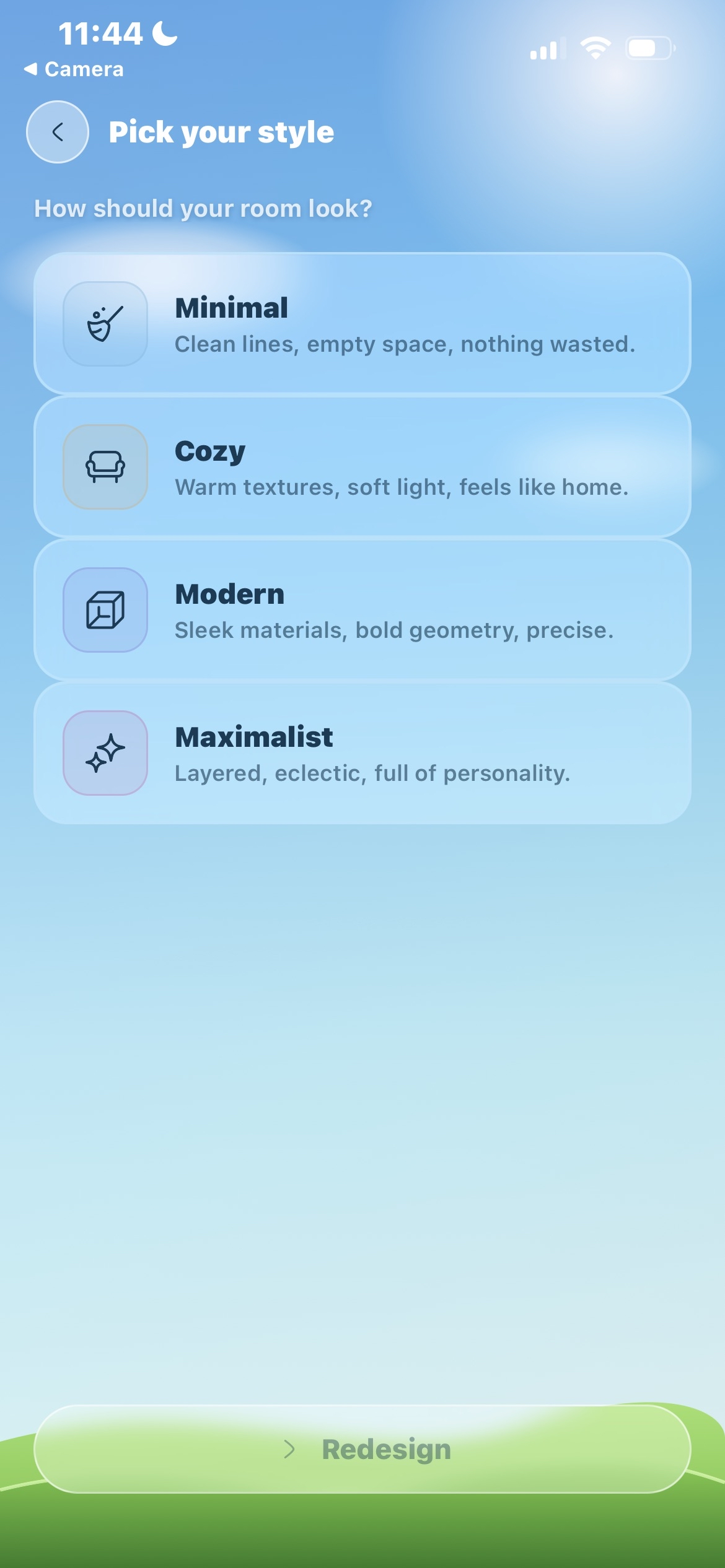
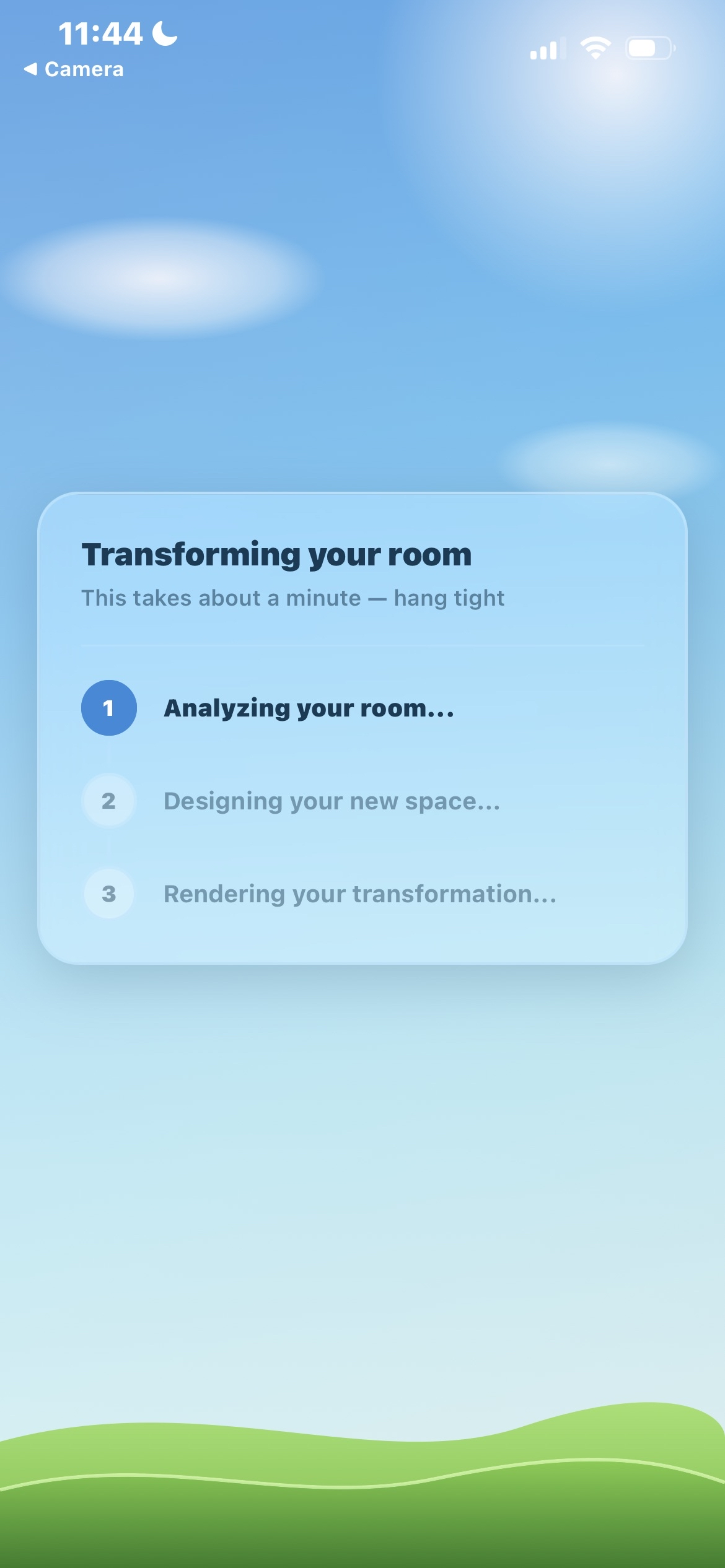
You open the app, photograph your room, pick a vibe (Minimal, Cozy, Modern, or Maximalist), and ReRoom generates a cinematic 7-second video of your space transforming. Gemini generates a chaos frame and a final redesign, then Kling 3.0 animates between your real photo and the redesigned room. Every redesign is saved to a public community gallery that anyone using the app can browse.
How we built it
Expo (React Native, SDK 54) with Expo Router for the mobile app, styled with NativeWind v4. Gemini (gemini-3.1-flash-image-preview) handles image generation, generating 4 candidates per frame and selecting the best, at 2K resolution. Kling 3.0 via eachlabs.ai takes the real photo as a start frame and the final redesign as an end frame and animates a 7-second transition. Files (3 frames plus video) go to Cloudinary, metadata goes to MongoDB Atlas, and a public community feed surfaces everyone's redesigns in real time. All API keys and credentials live server-side in Expo API Routes, never on the client.
Challenges we ran into
Prompt engineering for video generation is not like prompting for images. We burned time figuring out why our outputs kept looking like a different room entirely. The fix was being way more explicit about grounding the transformation, describing what stays the same, not just what changes. We also discovered that Kling 3.0 (and every other mainstream video model we checked) caps at 2 ordered keyframes, so passing all 3 frames as keyframes was never going to work. We restructured the pipeline to use the real photo as the start frame and the final redesign as the end frame, letting the motion prompt create the chaos in between. Frame quality also turned out to matter a lot, so we added a 4-candidate selection step for each Gemini call rather than taking the first output.
Accomplishments that we're proud of
It works, and the output looks good. That sounds like a low bar but video generation for interiors is not a solved problem. The community gallery filling up live during the demo was a genuinely strong moment. The best reaction we got was someone watching their room transform and asking "wait, is that still the same room?" Yes, that is the point.
What we learned
Scope is everything. We started with more features and cut hard to ship one thing well. The video is only as good as the frames going in, so investing generation time on the Gemini step (4 candidates, pick best, 2K resolution) pays off more than tweaking the video prompt. We also learned that video generation is way more complex than giving a single prompt and waiting for a usable result.
What's next for REROOM
Style presets so people don't have to describe what "cozy" or "modern" means every time. An iteration loop where you can take the generated video and prompt it again to refine. Whether any of that happens depends on whether this demo gets traction, we built it in a weekend, so we'll see.


Log in or sign up for Devpost to join the conversation.