-
-
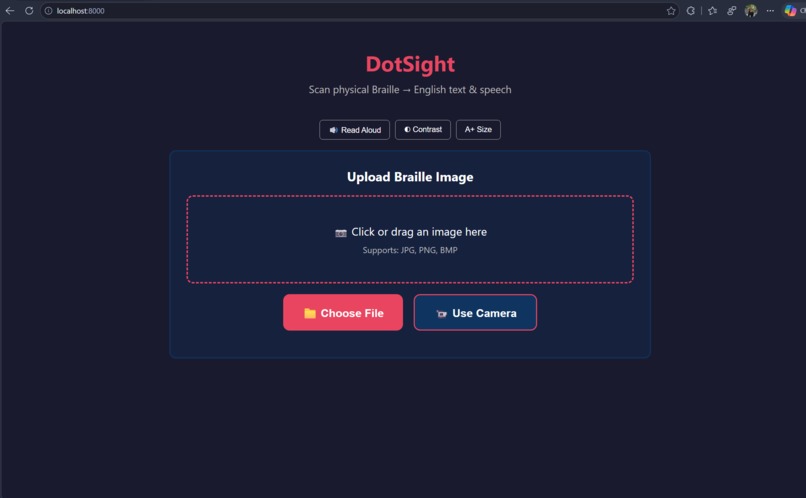
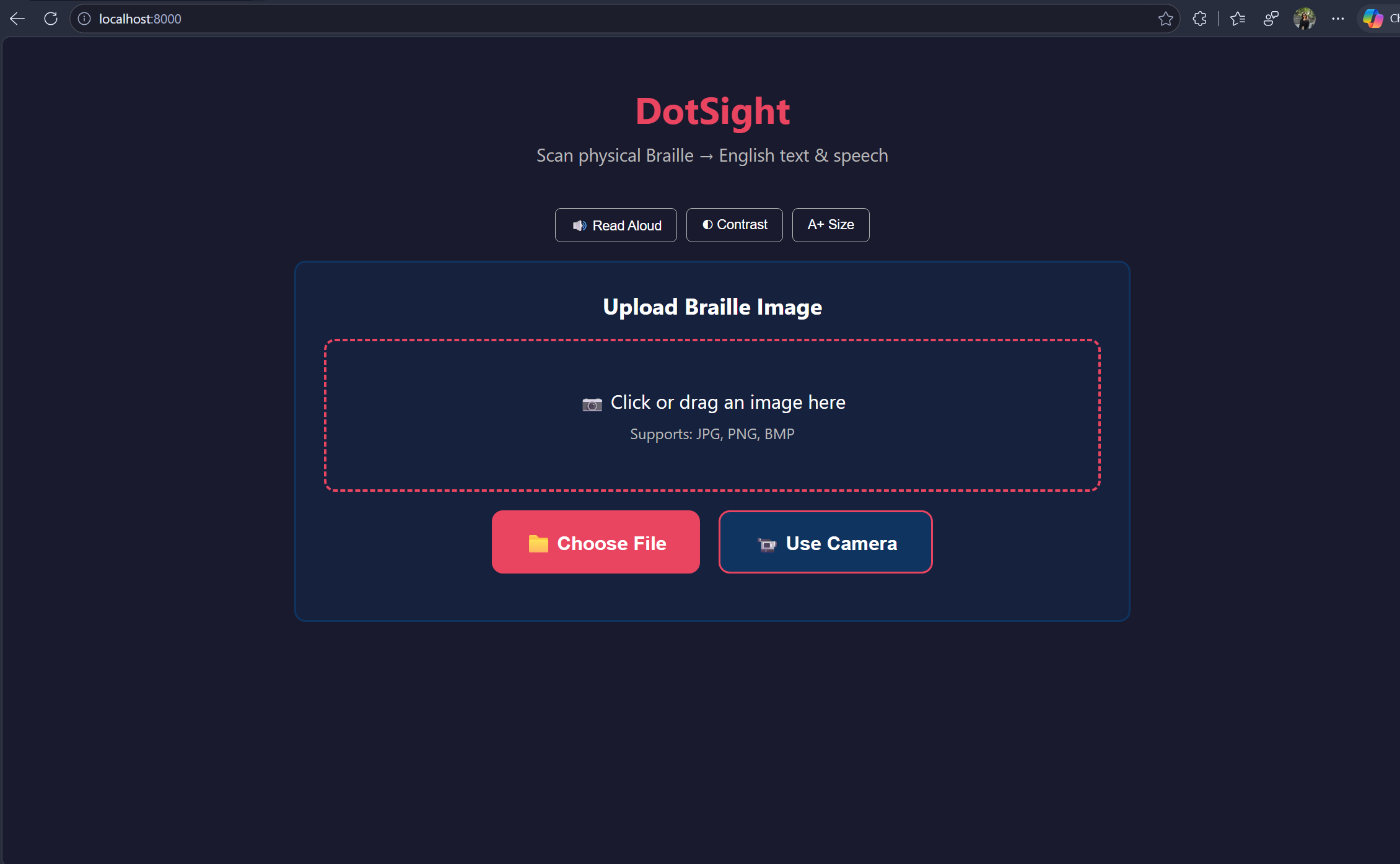
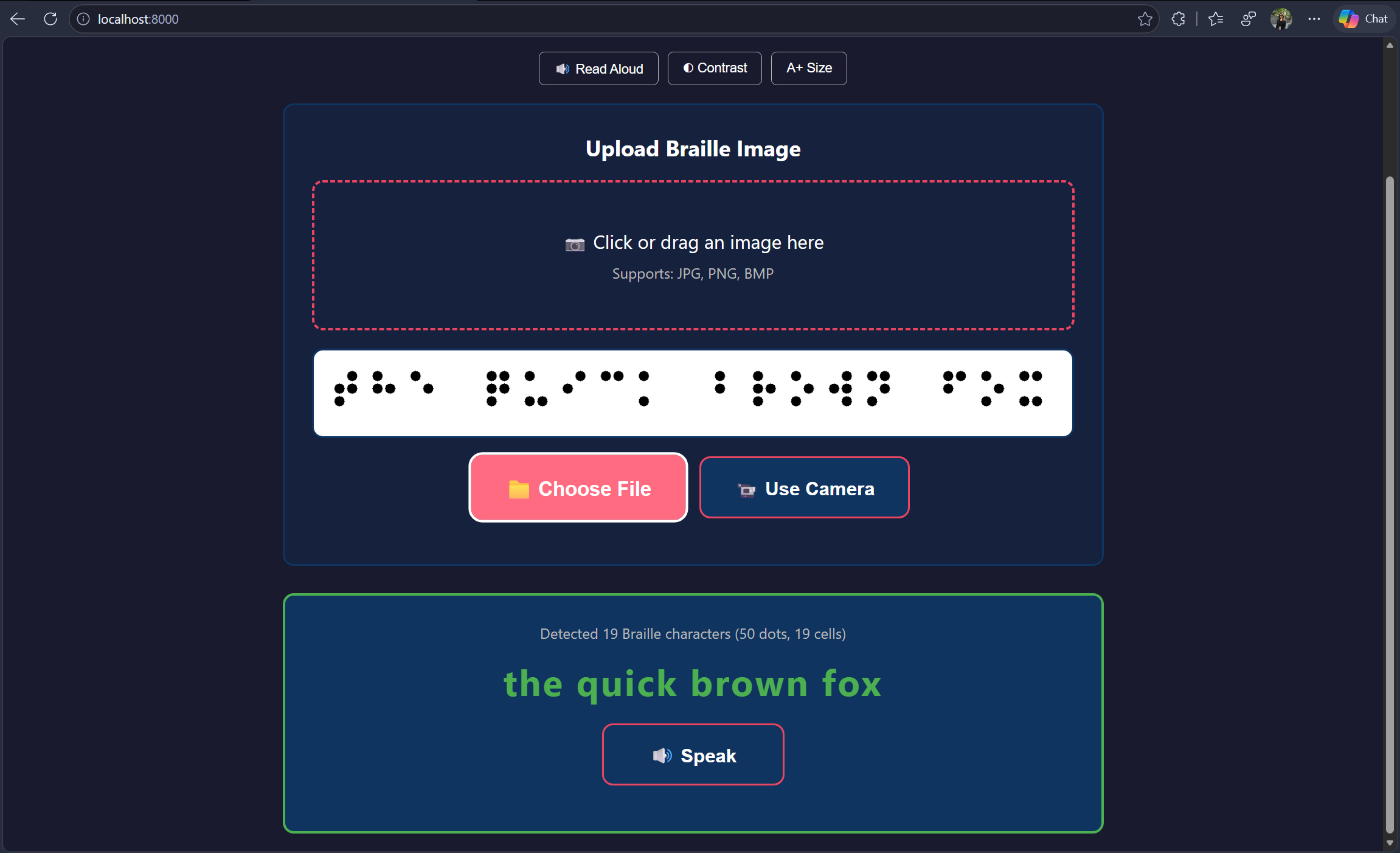
DotSight landing Webpage
-
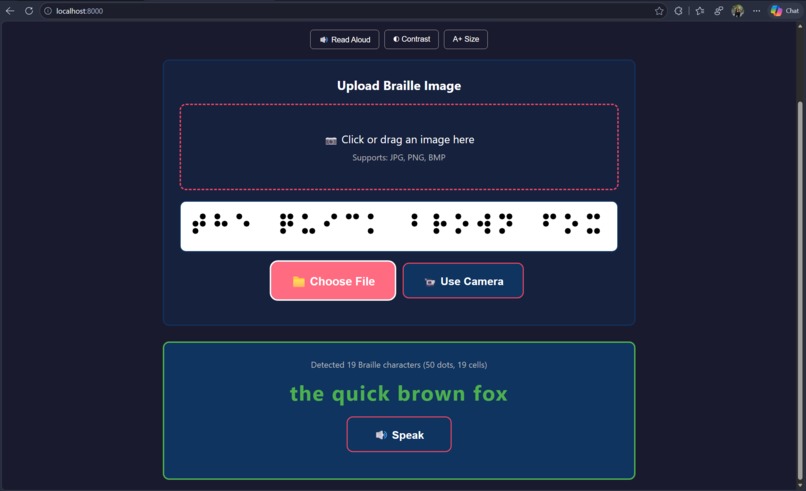
After inputting a sample picture of braille output, we got the english translation for it.
-

A terminal screenshot of sample image of braille output of "hacks"
-
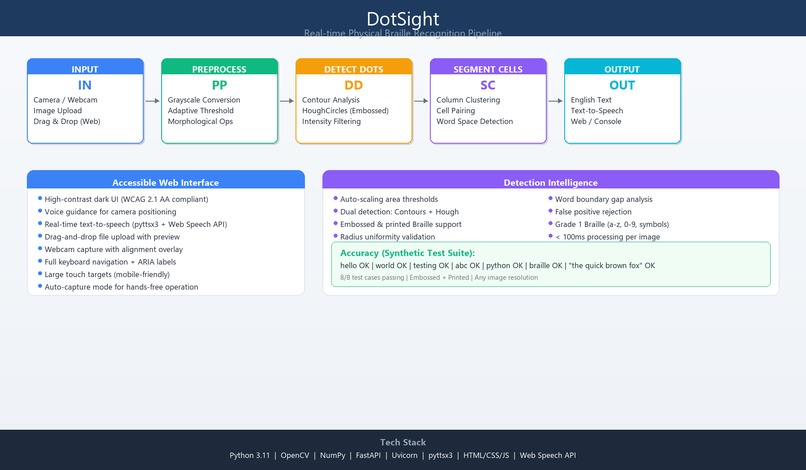
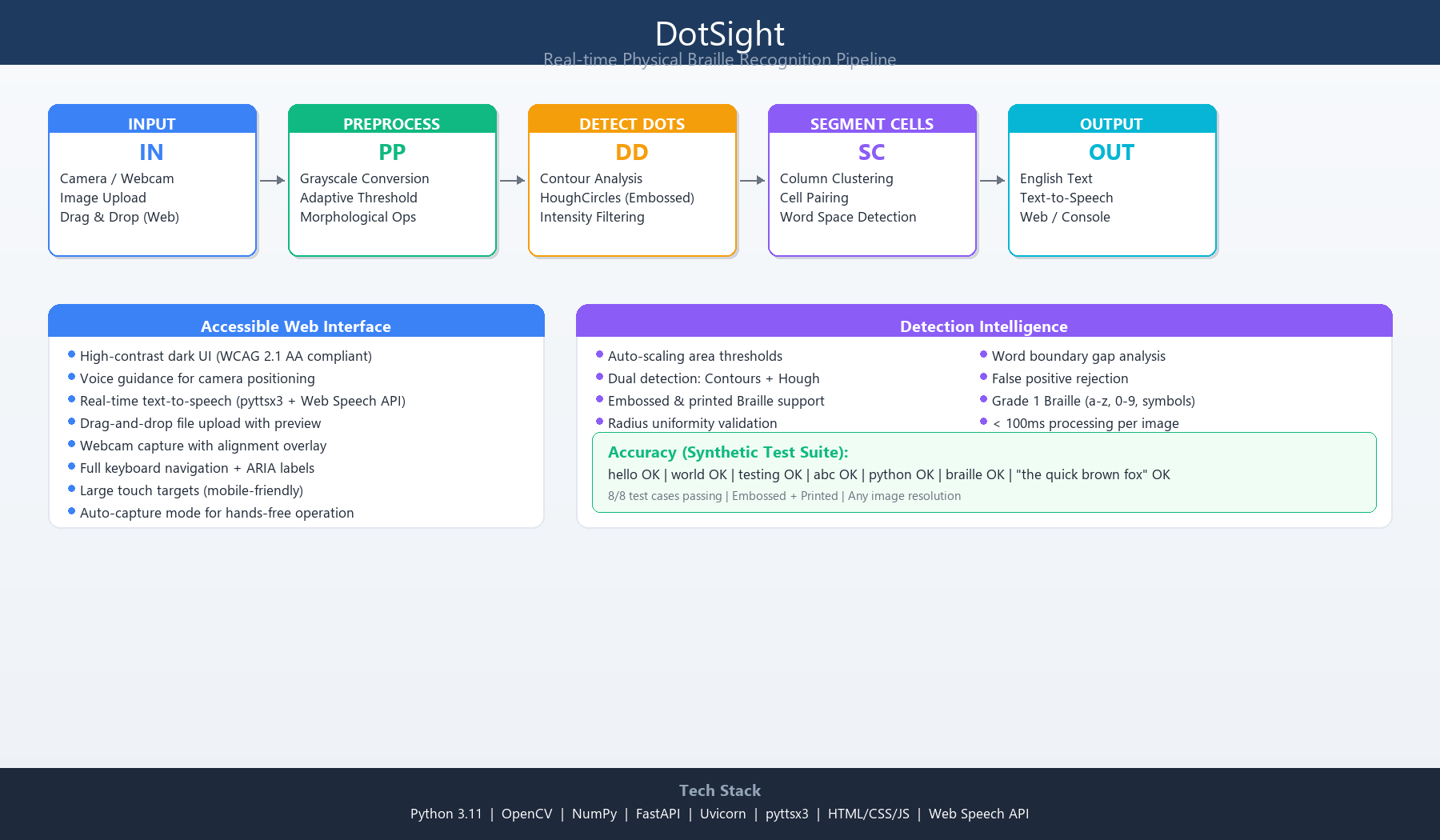
Architecture Diagram

##Inspiration Braille is the gateway to literacy for millions of visually impaired people worldwide. But here's the problem — most sighted caregivers, teachers, and volunteers can't read Braille. A parent checking their child's homework, a teacher grading an assignment, or a volunteer at a library shouldn't need months of training just to understand what's written on a page. We asked: What if any smartphone camera could instantly read Braille aloud? That question became DotSight.
What It Does
DotSight captures physical Braille (embossed or printed) through any camera and converts it to English text and speech in real time. No internet required. No special hardware. Just point, snap, and listen.
- 📷 Upload an image or use your webcam
- 🔍 Computer vision detects raised Braille dots
- 🔤 Dots are segmented into cells and mapped to English
- 🔊 Text-to-speech reads the result aloud
- ♿ Fully accessible web interface with voice guidance
How we built it
The Pipeline: Camera → Preprocessing → Dot Detection → Cell Segmentation → Character Mapping → Speech Key Design Decision: used geometric computer vision rather than deep learning for the character recognition stage. Why? Braille is a deterministic encoding — each 6-dot pattern maps to exactly one character. ML would add complexity without benefit for a 1:1 lookup. The hard problem is detecting dots reliably, which we solve with dual detection (contours + HoughCircles).
Challenges we ran into
- Embossed vs Printed Braille — Embossed dots are light bumps on light paper (opposite of dark-on-white). We solved this with a HoughCircles fallback that detects circular shadows from raised dots.
- Auto-scaling for any image size — Real images range from 74px to 1774px wide. We made all thresholds scale dynamically: min_area = img_area / 10000.
- Single-character detection — The letter "a" is just ONE dot. Our false-positive filter initially rejected it. We balanced sensitivity vs specificity by validating dot uniformity instead of requiring minimum counts.
- Word space detection — Braille spaces have no dots (nothing to detect!). We detect gaps between cell clusters: if gap > 1.7× median inter-cell distance, it's a word boundary.
- Real-world noise — Selfies, random photos, and text documents triggered false positives. We added radius uniformity validation (std/mean ratio) to reject non-Braille patterns.
What we learned
- Braille detection is fundamentally a geometric problem, not a pattern recognition one
- Adaptive thresholding is critical — fixed thresholds fail under real lighting
- The gap between "works on synthetic data" and "works on real photos" is enormous
- Accessibility isn't a feature — it's a design philosophy that shapes every decision
What's next for DotSight
- CNN-based dot detector for robust real-photo performance
- Mobile app (Flutter) for on-the-go scanning
- Multi-line Braille support
- Grade 2 (contracted) Braille for faster reading
- International Braille code support
- Real-time video stream processing with result stabilization


Log in or sign up for Devpost to join the conversation.