-
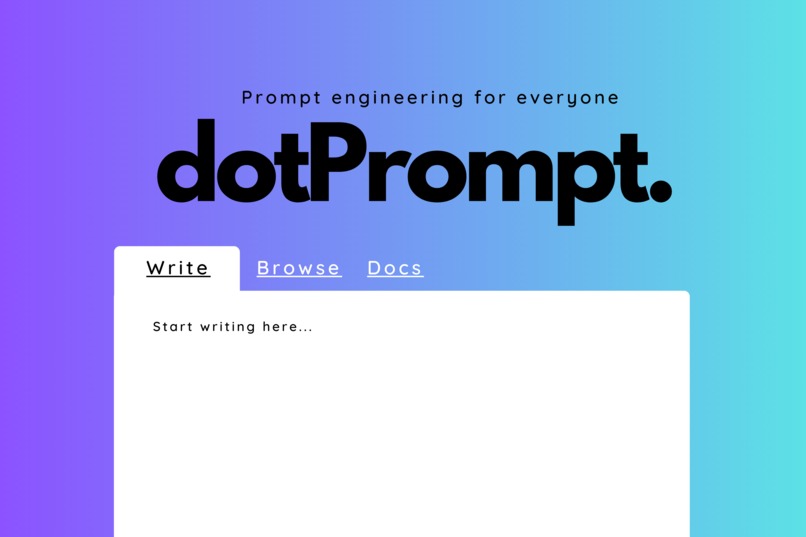
An early user interface prototype we made. Scroll to see the finished version!
-
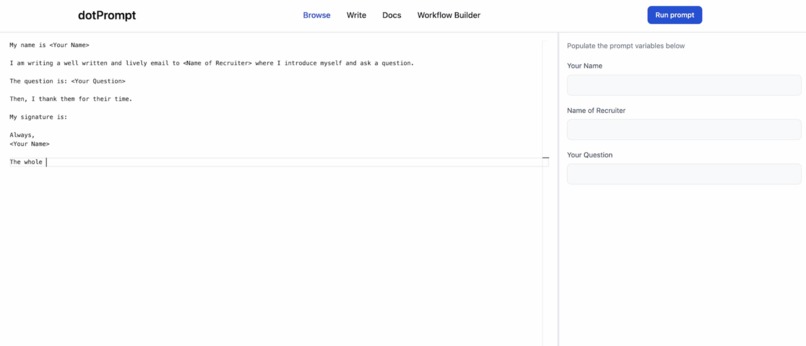
Screenshot of our finished demo React App! Less color; more functionality.


Inspiration
The age of the prompt is upon us. For the first time in history, anyone can make use of computers by simply describing what they want them to do. The LLM revolution is toppling the traditional gatekeepers surrounding computer use, but getting a quality output from a generative AI system can still be a challenge. We built dotPrompt to allow anyone to build, discover, and share dynamic prompts that can be used, reused, and repurposed.
What it does
At its core, dotPrompt allows you to easily build prompt templates.
Let’s face it: when you use a LLM to help plan a trip, write an email, or summarize a quarterly report, you shouldn’t have to reinvent the wheel each time. Instead, you should be able to use a template that specifies all of the “static” information: what the output should be, what tone it should be written in, and how it should be signed. Then, when it’s time for the prompt to be actually run through the AI system, you should be able to quickly specify some parameters and be off to the races.
We’ve built a tool that helps achieve this templating functionality. This weekend, we built 4 key features:
- Template Builder
- Template Syntax Guide
- Template Runner
- Template Browser
First, we created a tool that lets you build a prompt template with both static information and parameters. This builder lives in an IDE-like environment, with autocomplete and a dynamically updating list of all the parameters in your template.
We’ve also built an easy-to-use templating syntax specifically designed for generative AI prompts to help specify your variable inputs. This syntax is designed to be accessible to those without prior coding experience, leaving the gates wide open for everyone to participate in the generative AI revolution.
Next, we’ve built the functionality that allows you to quickly run a prompt template and send it to an appropriate AI system. This process involves a quick run-through of each parameter so that you can input it, and the system will output your perfectly formatted prompt.
Finally, dotPrompt allows you to save the prompt template and share it with others. We have a “browse” feature, where you can browse and use the prompt templates of others.
How we built it
Our powerful team of 4- Abdullah, Yahya, Mokhalad, and Anirudh- moved mountains to write this project from the ground up as a React App this weekend. We couldn't be more proud of the result.
See a video demo of what we built in the "Try it out" section!


Log in or sign up for Devpost to join the conversation.