-
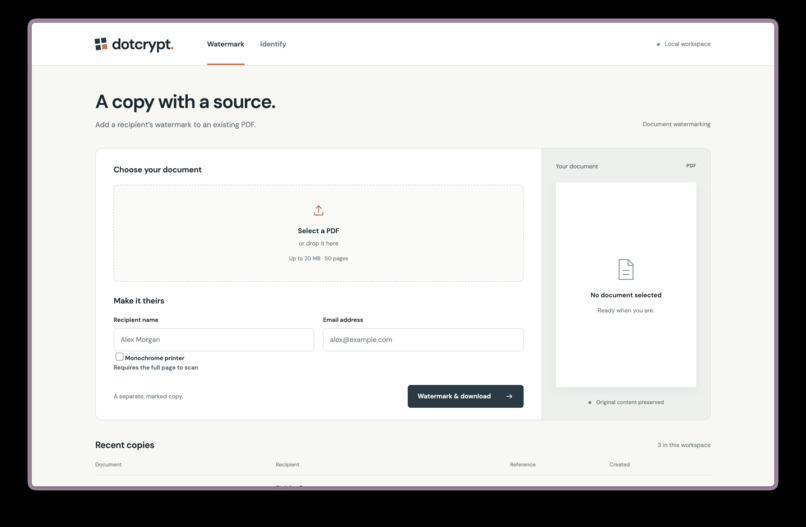
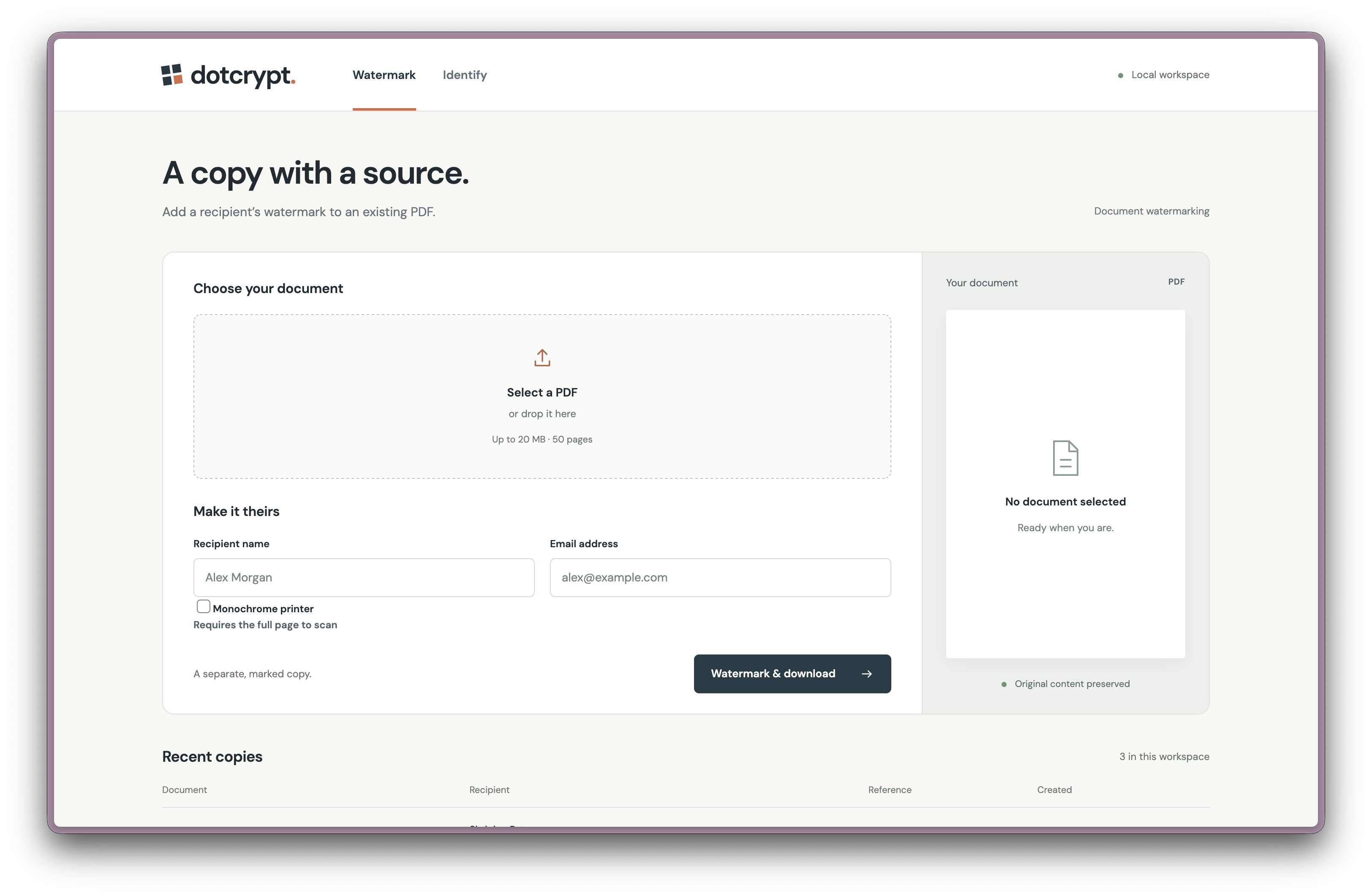
document generation
-
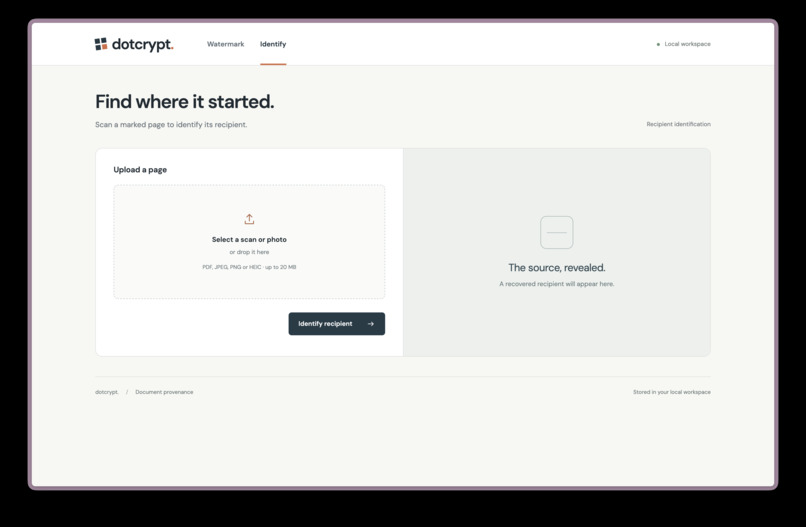
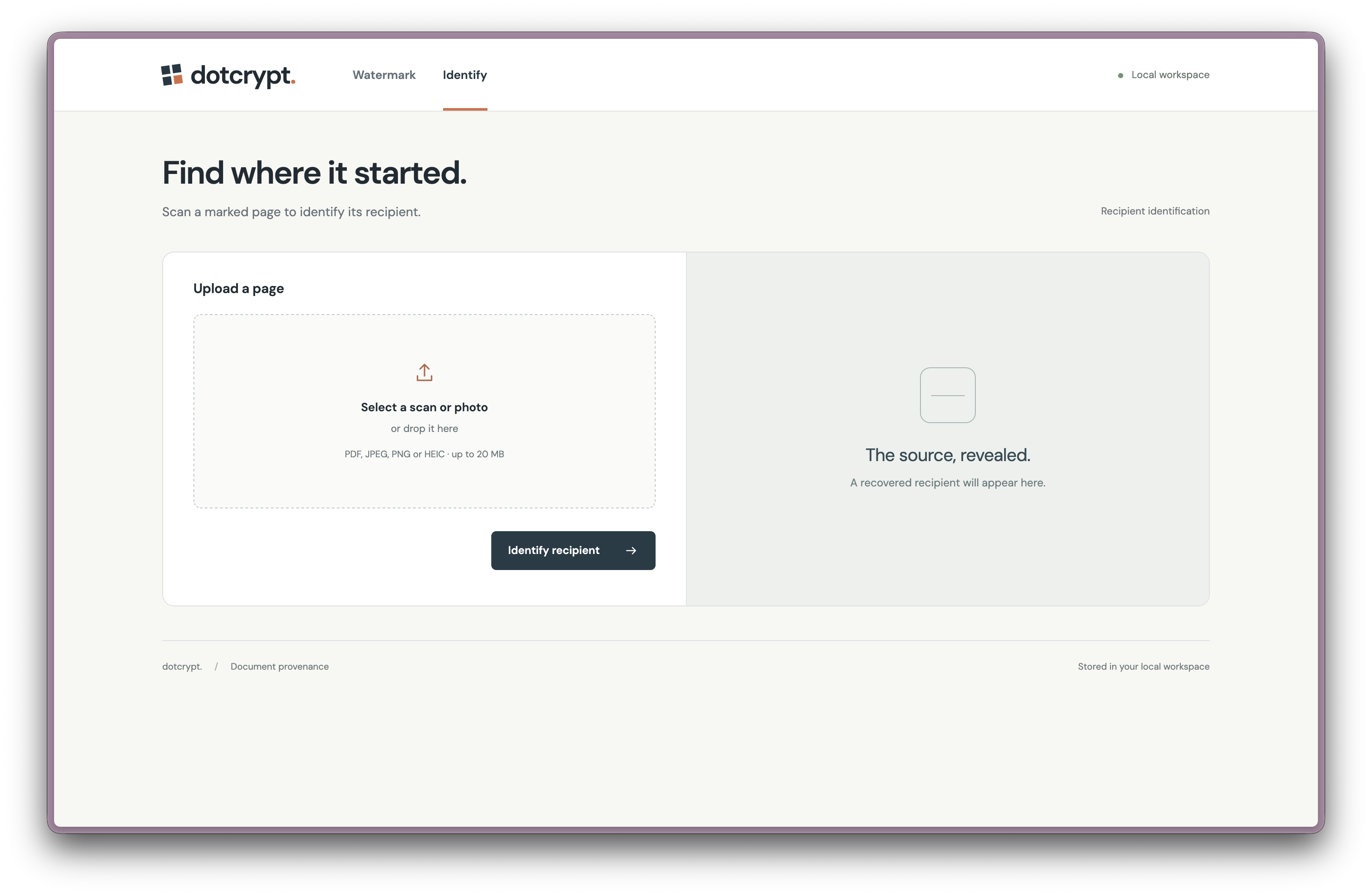
document identification
Inspiration
Printed documents can be photographed, copied and shared without leaving an obvious trail. We were inspired by printer identification codes: tiny marks that carry information on a physical page.
We wanted to create our own physical language that links a document to its intended recipient, while keeping their personal details out of the marks themselves.
What it does
Dotcrypt adds a faint, recipient-specific watermark to every page of a PDF. Each copy contains a short hidden ID, while the recipient’s name and email are stored separately in a local database.
If a copy leaks as an image or PDF, Dotcrypt attempts to read the hidden ID and match it to a recipient. We tested the process on printed paper and successfully recovered the watermark from a photo.
How we built it
We built Dotcrypt in Python, with a web interface for generating and identifying documents.
When a user uploads a PDF and enters a recipient’s details, Dotcrypt generates a random ID and converts it into a pattern of pale-yellow dots. Each dot’s position represents a 0 or a 1. The complete pattern is repeated in 12 patches across every page, giving the decoder multiple opportunities to recover it.
The pattern includes extra information that helps the decoder correct some damaged data and check that the recovered ID is valid. Before returning a watermarked PDF, Dotcrypt checks that it can read the ID from a clean image of every page.
To decode an image, we use OpenCV to find and straighten the watermark patches, then NumPy to compare the possible dot positions and recover the bits. If the patch boundaries are difficult to see, Dotcrypt can also use features in the document itself to help align the image before reading the watermark.
Challenges we ran into
The biggest challenge was balancing stealth with reliability. The marks need to be faint enough not to distract readers, but clear enough for a camera and decoder to distinguish them from the page.
We also had to account for rotated images, camera angles, blur, compression and crops. Aligning a photo with the original dot positions is especially important: even a small shift can make the decoder read the wrong side of a dot pair.
Moving from digital tests to a printed page added another challenge. The printer, paper, lighting and phone camera all affect how much of the faint colour reaches the decoder.
Accomplishments that we're proud of
We built an end-to-end prototype that creates recipient-specific PDFs, checks the watermark on each page and recovers IDs from images.
Most excitingly, we printed a watermarked document and successfully decoded it from a real photo. We also recovered IDs from selected crops, rotations and perspective changes in controlled digital tests.
We’re proud of turning a small digital ID into a physical pattern that can survive printing and photography without putting personal details on the page.
What we learned
We learned that designing a physical language involves more than choosing how to represent bits. The decoder must first work out where the marks are, account for changes in perspective and distinguish faint colour from the document background.
We also learned why repetition, error correction and validation matter: they give the decoder more ways to recover damaged information and check its result. Our successful paper test demonstrated the full process, while further testing across printers, phones and lighting conditions would help us understand its reliability.
What's next for dotcrypt
We want to integrate it with mass-sending tools, so users can automatically generate and send a uniquely watermarked PDF to each recipient instead of creating each copy manually.
