-
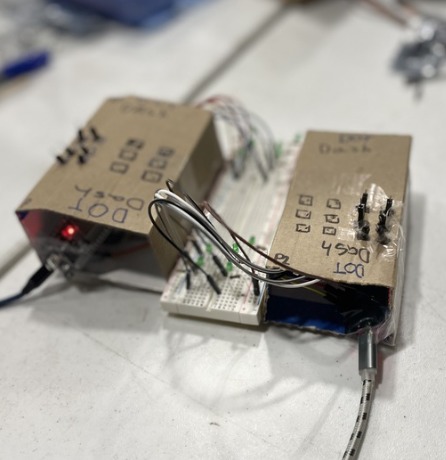
Dot Dash physical product
-

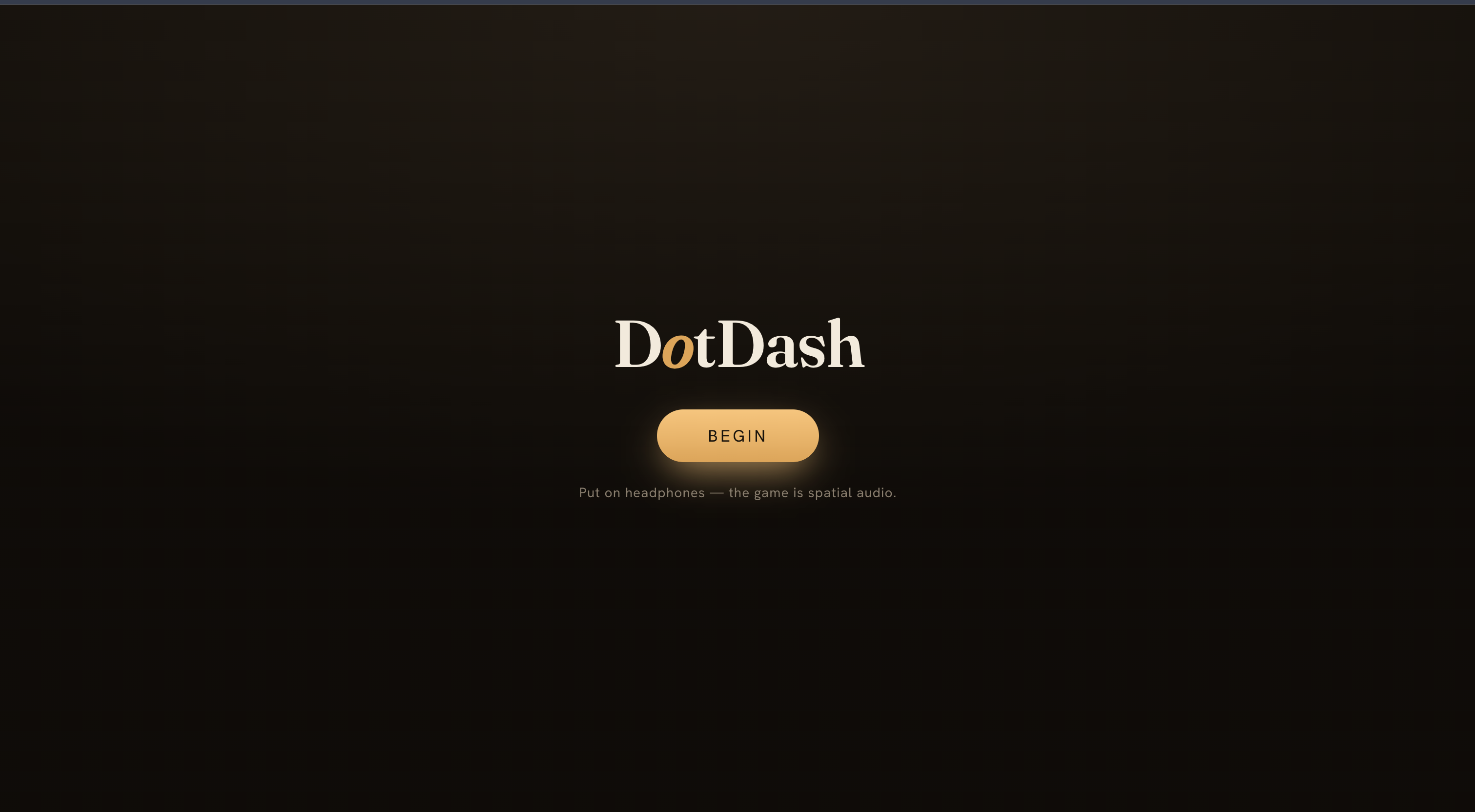
Home Screen
-
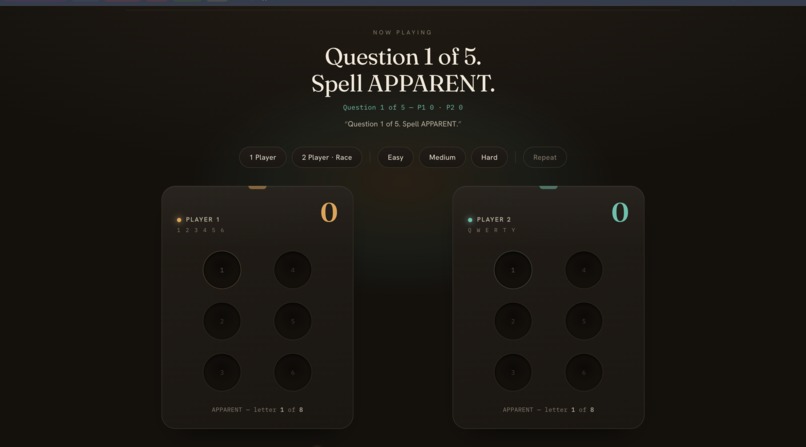
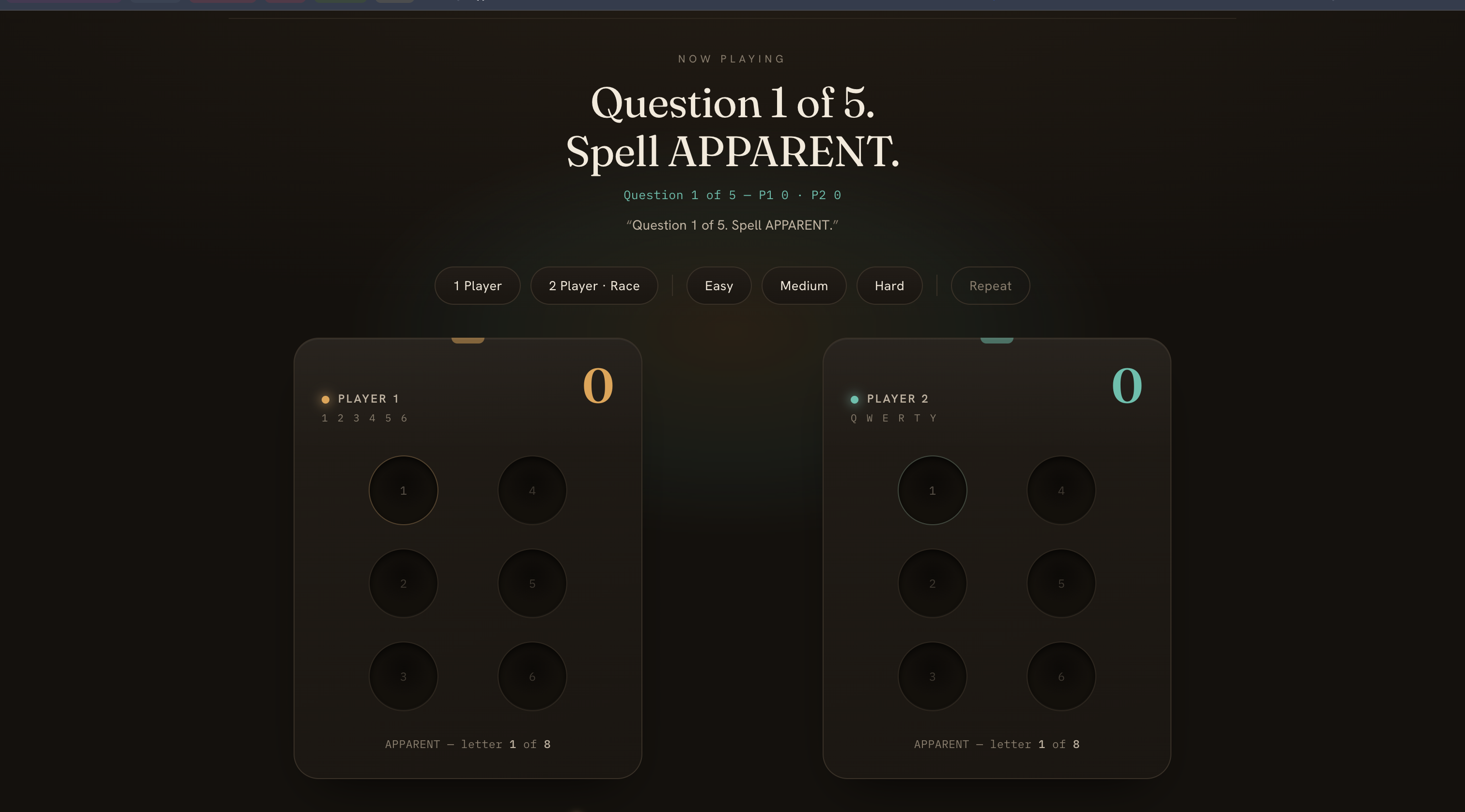
Example Question
-

Analytics
-
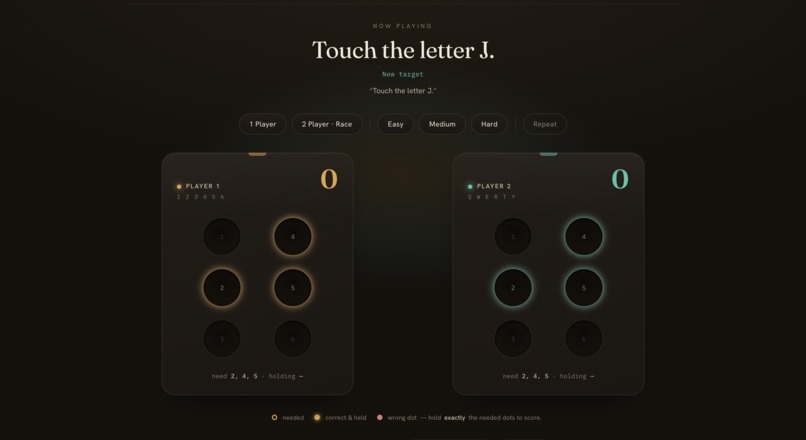
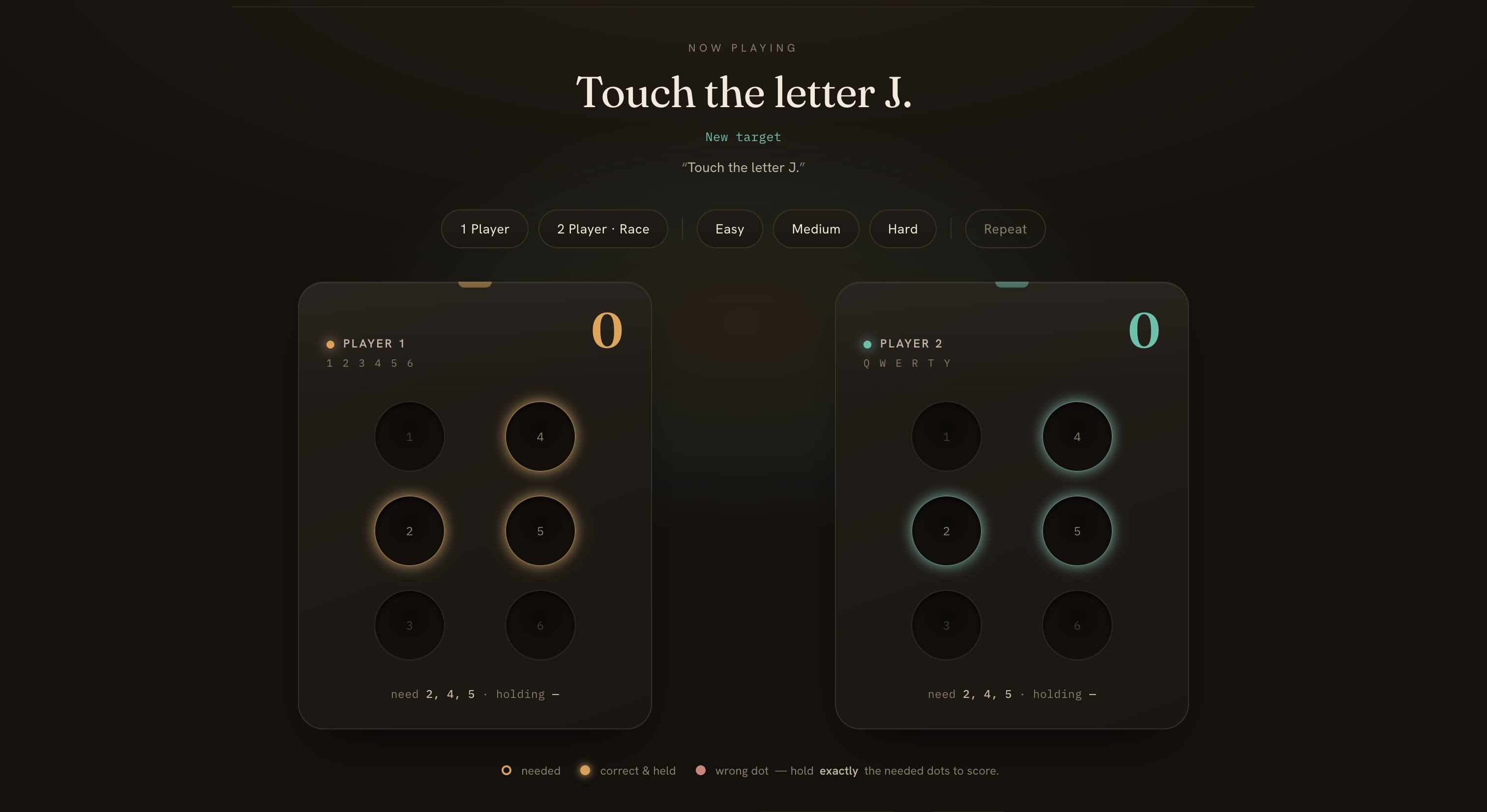
Gameplay
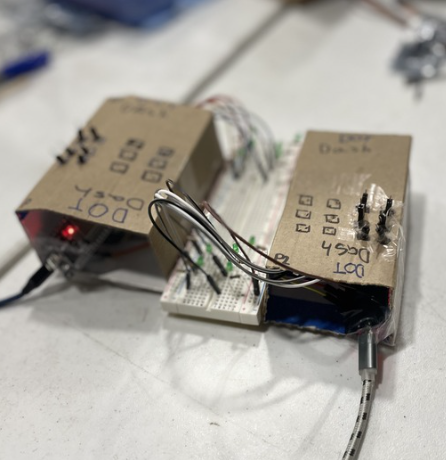

DotDash
Learning to read by ear and touch — a tactile, audio-first Braille-readiness game for blind early learners.
Inspiration
We started from a simple, surprising fact: reading for blind children begins long before Braille. Before a child can read a single dot, they need Braille readiness — tactile discrimination, hand tracking, and most of all a sense of spatial position: top vs. bottom, left vs. right, and the idea of the cell itself.
Sighted kids absorb spatial relationships visually, almost by accident. Blind kids have to build that map deliberately — and we noticed that almost every early-learning app is visual and reading-based, quietly leaving non-sighted learners out. There's very little that's playful, low-cost, and physical for the pre-Braille spatial skills that literacy is built on.
So we asked: what if a child could learn where before they learn what — by feeling a real Braille cell and being rewarded with sound? And what if it were fun enough to race a friend?
What it does
DotDash is a two-player physical game built around two 3×2 capacitive-touch cells — the exact layout of a Braille cell.
The interface is entirely audio. Spoken prompts guide the child ("Can you find the top right?"), so the screen is never needed.
A correct touch is rewarded with spatialized sound — a chirp that comes from the correct direction in the headphones, reinforcing where that position is.
Kids can free-explore with no wrong answers to build confidence, then play find-the-target, then race 1v1 to trace a letter first, or go for a timed rapid-fire round.
Difficulty climbs from single positions, to two-dot letters, to three-dot letters and short words — quietly carrying a child from "find the top right" all the way to "you just traced the letter B."
How we built it
We split the system into a "dumb pads, smart browser" architecture so the hardware and software could be built in parallel:
- Hardware — an ESP32 reads six capacitive-touch pads per cell (LEDs and a relay give a visible, tactile payoff). Touching a pad adds capacitance and makes
touchRead()drop, which we threshold into clean touch events. - Hub — a small Node WebSocket server on a laptop merges one or two boards, tags each touch with its player, and serves the web app.
- Browser — all the game logic lives here in vanilla JavaScript. We used the Web Audio API for the spatial reward, SpeechSynthesis for narration, and the Web Speech API for voice commands.
For the spatial audio, we mapped horizontal position to stereo pan and vertical position to pitch (high = top row, low = bottom row). We froze three interface "contracts" — the touch message, the audio/voice API, and a content file — at the very start, so four people could build against mocks without blocking each other, then integrate at the end.
Challenges we ran into
- You can't pan "up." Stereo panning only moves sound left and right, so it physically can't place a reward "above." Our fix became a feature: we encode the vertical axis as pitch instead — a deliberate, well-established cross-modal mapping.
- Capacitive touch drifts. Raw values shift with humidity, hand size, and even which table you're on. We added boot-time calibration that reads each pad's untouched baseline and triggers relative to it, plus debounce so one touch is one event.
- The real gap was the WebSocket, not the sensor. Getting the ESP32 to sense was the easy part; the part that had never been exercised was turning serial output into a live message the browser could act on. We learned to prove the entire pipeline — one pad → hub → browser → sound — before scaling to all pads and the second board.
- Don't let the demo hinge on the flakiest part. Cloud voice tools and venue Wi-Fi are unreliable, so we built free on-device voice recognition first and kept the core loop able to stand alone.
What we learned
- Accessibility is a design constraint that makes you more creative, not less. Removing the screen forced clearer, more intentional feedback — and the pitch-for-elevation trick came directly out of that constraint.
- Freeze your interfaces early. Locking three contracts in the first half hour was the single biggest reason four people could work without merge conflicts or waiting on each other.
- Integrate the riskiest seam first. The hardware-to-software boundary was the one link that had never been tested end-to-end, so it deserved attention before any polish.
- A working physical thing beats a slick app at a demo. Judges (and kids) want to touch it.
What's next
- Expand from positions and starter letters to the full alphabet, words, and number cells.
- Add adaptive difficulty and progress tracking so facilitators can see growth over time.
- A richer natural-language command layer and true 3D/HRTF audio for full positional localization.
- Validate with teachers of the visually impaired and a vision-impairment education organization to ground the design in real classrooms.
DotDash is digital learning that pays off in the physical world — building the spatial foundation of literacy for the kids ed-tech usually forgets.

Log in or sign up for Devpost to join the conversation.