-
-
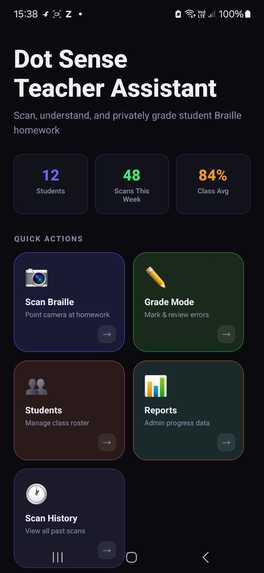
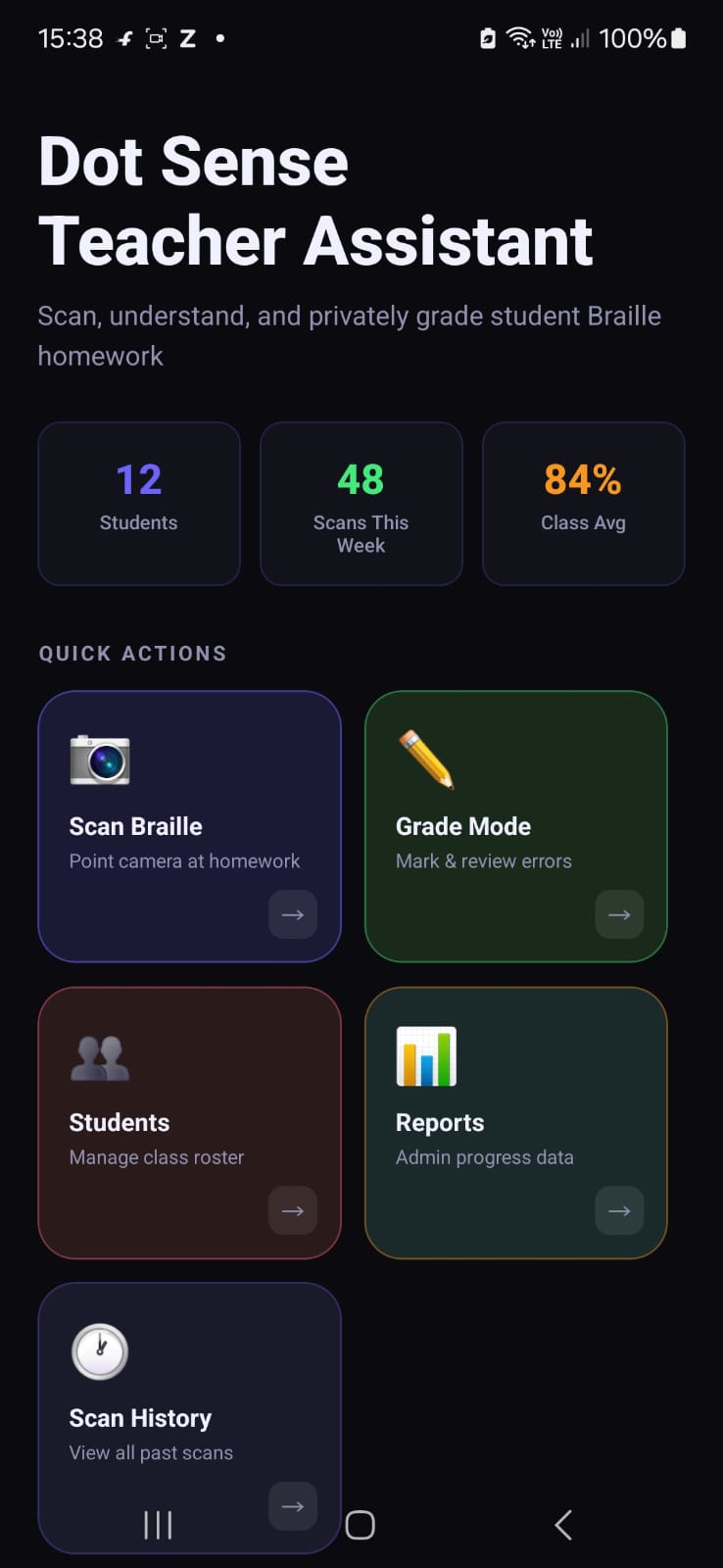
Homescreen
-
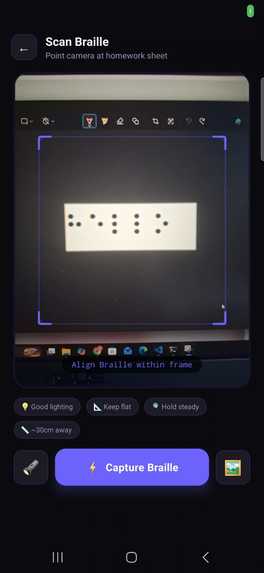
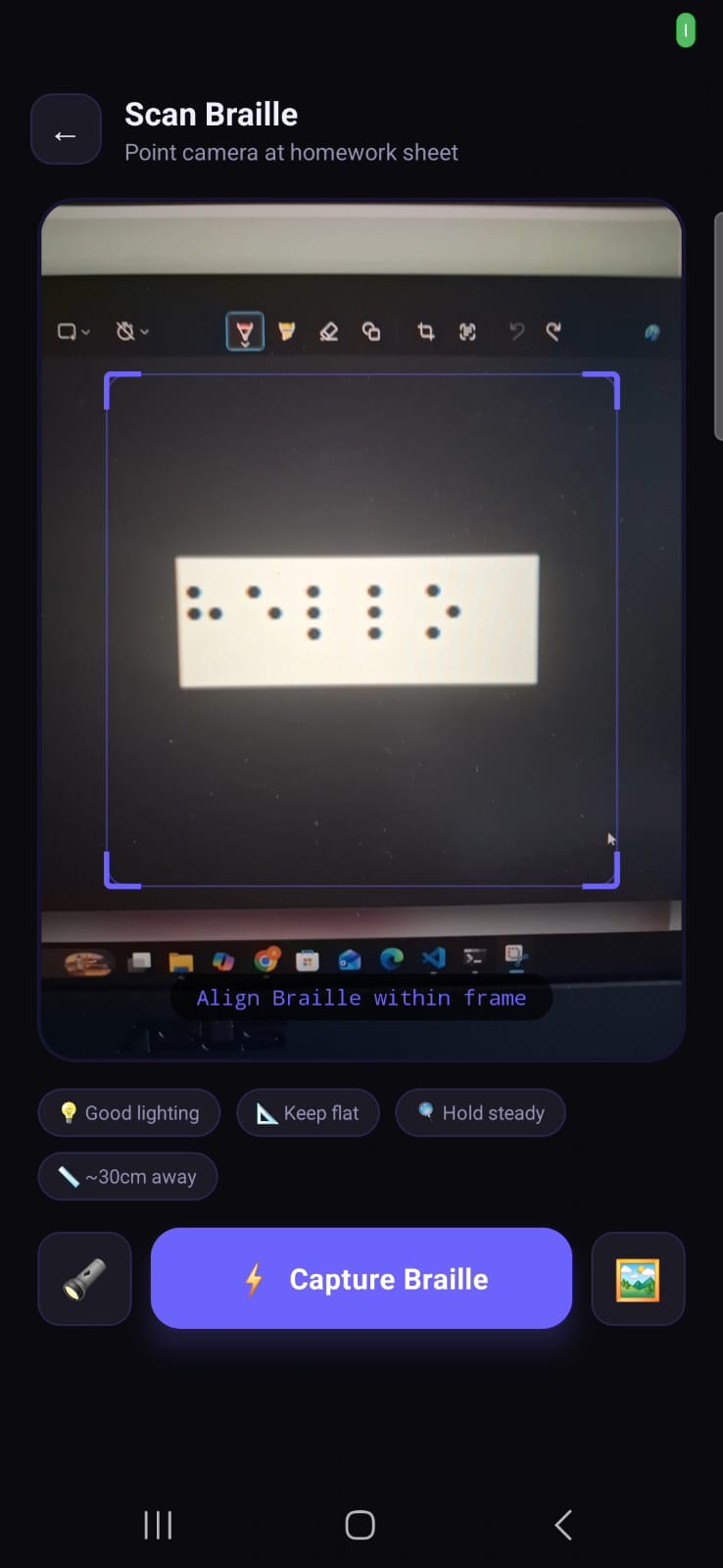
Image capture 1
-
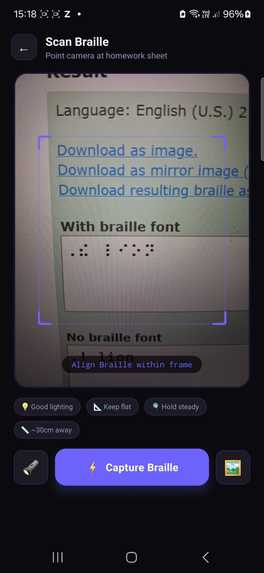
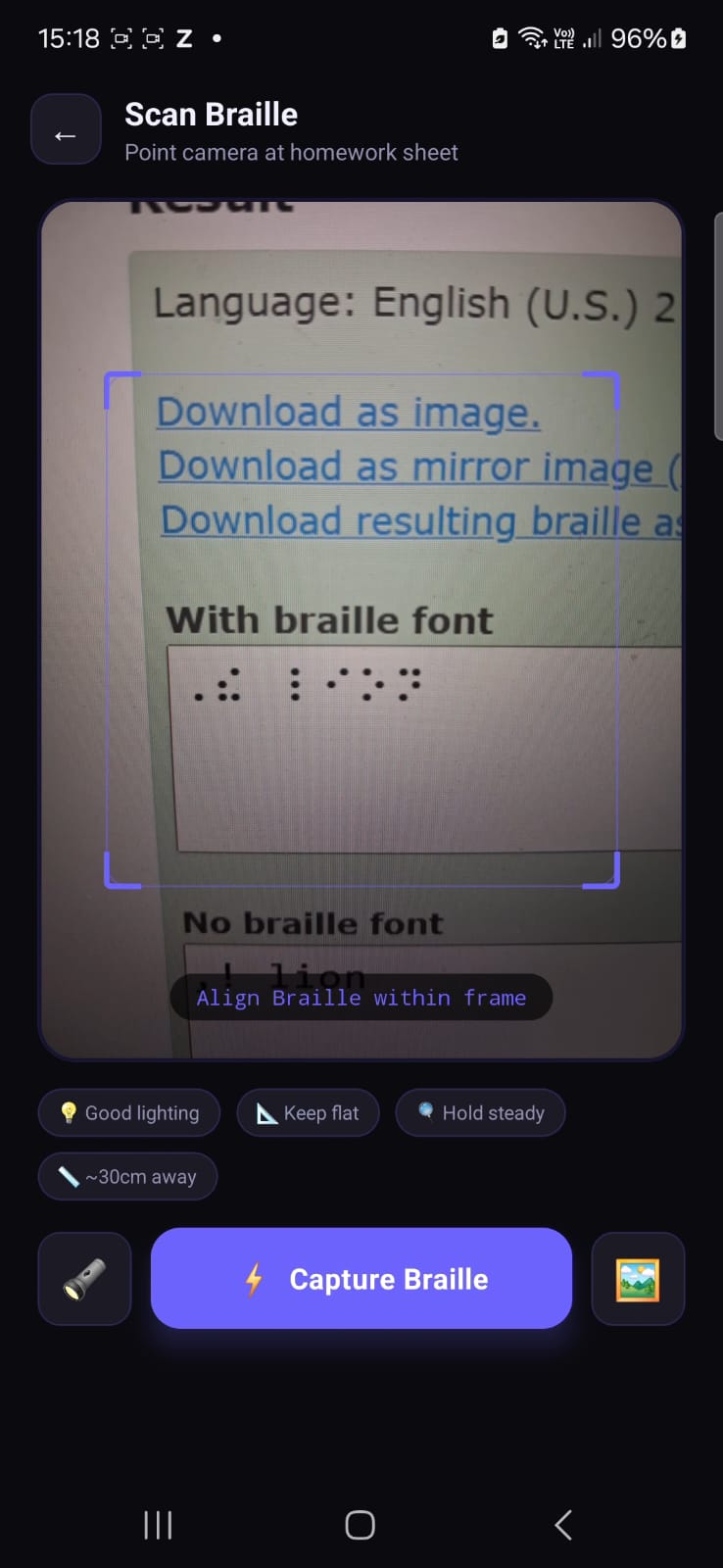
Image capture 2
-
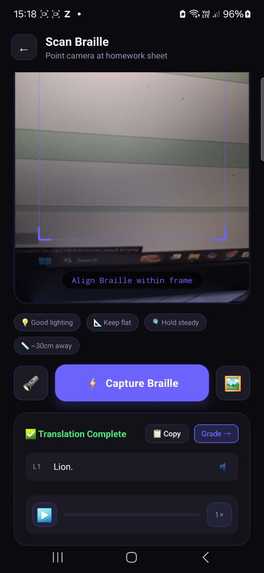
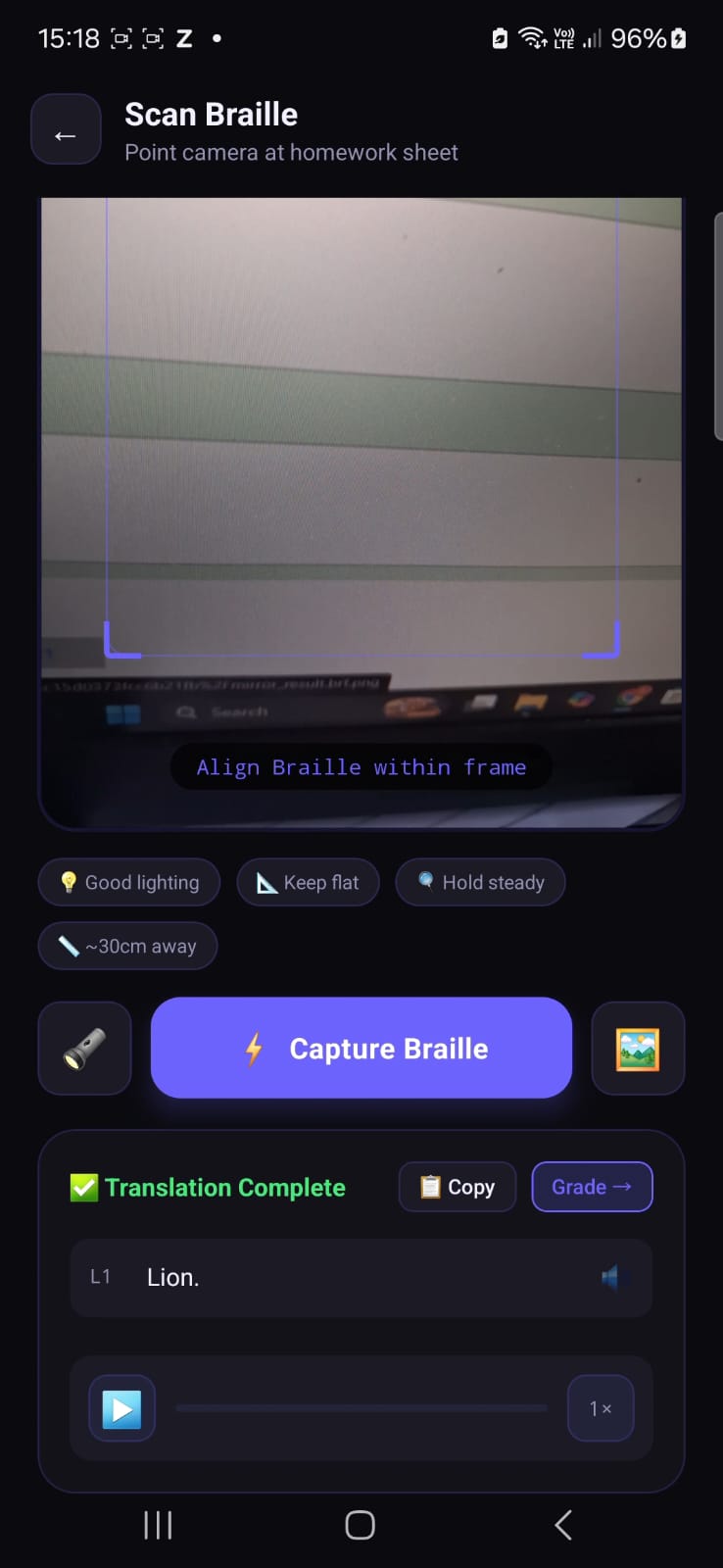
Translation
Inspiration
Braille is the lifeline of millions of visually impaired students across India. Yet the people around
them: teachers in mainstream schools, parents at home, volunteers, and NGO workers cannot read a single dot.
 We watched a teacher hold a student's Braille homework and have absolutely no idea what was written on it. That moment stayed with us.

Over 8 million visually impaired people live in India. Thousands of them study in mainstream inclusive schools where their teachers have never been trained in Braille. The student does the work. The teacher cannot read it. The gap between them is silent - but enormous.
We built DotSense to close that gap!
What it does
DotSense is an AI-powered mobile app for teachers of visually impaired students. Point your phone camera at a student's physical Braille homework. The app reads it aloud in English instantly.
But we didn't stop there.
We built a complete teacher workflow:
- Scan : Camera captures real physical Braille.
- Read aloud : Text-to-speech reads each line automatically.
- Grade Mode : Teacher taps words to mark correct, error, or partial.
- Private Gradebook : Scores saved only on device, never shared.
- Admin Reports : Anonymous class-wide data for school administration.
- Scan History : Full record of all past scans.
How we built it
- Mobile Framework : React Native + Expo SDK 54.
- Camera : expo-camera.
- AI Vision : Groq API - Llama 4 Scout Vision.
- Text-to-Speech : expo-speech.
- PDF Export : expo-print + expo-sharing.
- Local Storage : AsyncStorage.
- Navigation : React Navigation Stack.
Challenges we ran into
1. Physical Braille is hard to detect:
Unlike printed text, Braille dots are raised bumps. Camera images of Braille look almost blank to the human eye. Getting the AI to reliably detect and translate them required multiple prompt iterations and lighting recommendations built into the UI.
2. Privacy vs. usefulness tension:
We wanted to show teachers detailed per-student reports but realized this could harm student dignity. We redesigned the reporting system entirely keeping individual data private on-device and only sharing anonymous aggregate data with administration.
3. Real-time vs. accuracy tradeoff
True real-time Braille detection (30fps) was too inaccurate. We switched to a capture-then-analyze model which gave significantly better translation accuracy at the cost of a 2-3 second processing delay - an acceptable tradeoff for classroom use.
Accomplishments that we're proud of
Most Braille apps stop at "scan and speak." We thought deeper. We found a proper usecase of it, where it actually needed. Blind student will feel different after knowing that his homework or classwork will be checked separately by different person who knows braille than a class teacher.
What we learned
- Physical Braille detection is a genuinely hard computer vision problem - embossed dots produce subtle shadows that vary with lighting and paper quality.
- Groq's Llama 4 Scout vision model handles image-to-text surprisingly well for structured dot patterns
- Designing for dignity and privacy is just as important as building features - technology that embarrasses its users fails them.
What's next for DotSense
- On-device CV model : Train a lightweight custom model specifically on Braille dot patterns for offline, faster, more accurate detection.
- Bharati Braille support : Extend to unified Indian language Braille script covering Hindi, Marathi, Tamil and other regional languages.
- Voice commands - Fully hands-free operation for teachers.
- Class progress graphs : Visual week-by-week improvement tracking per student (private, teacher-only).

Log in or sign up for Devpost to join the conversation.