-
-
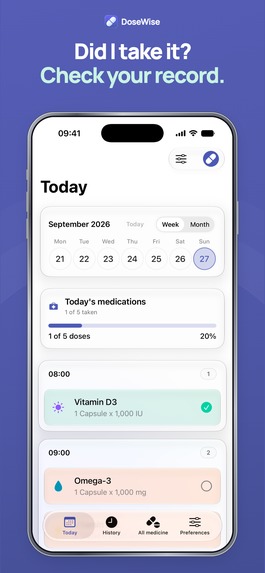
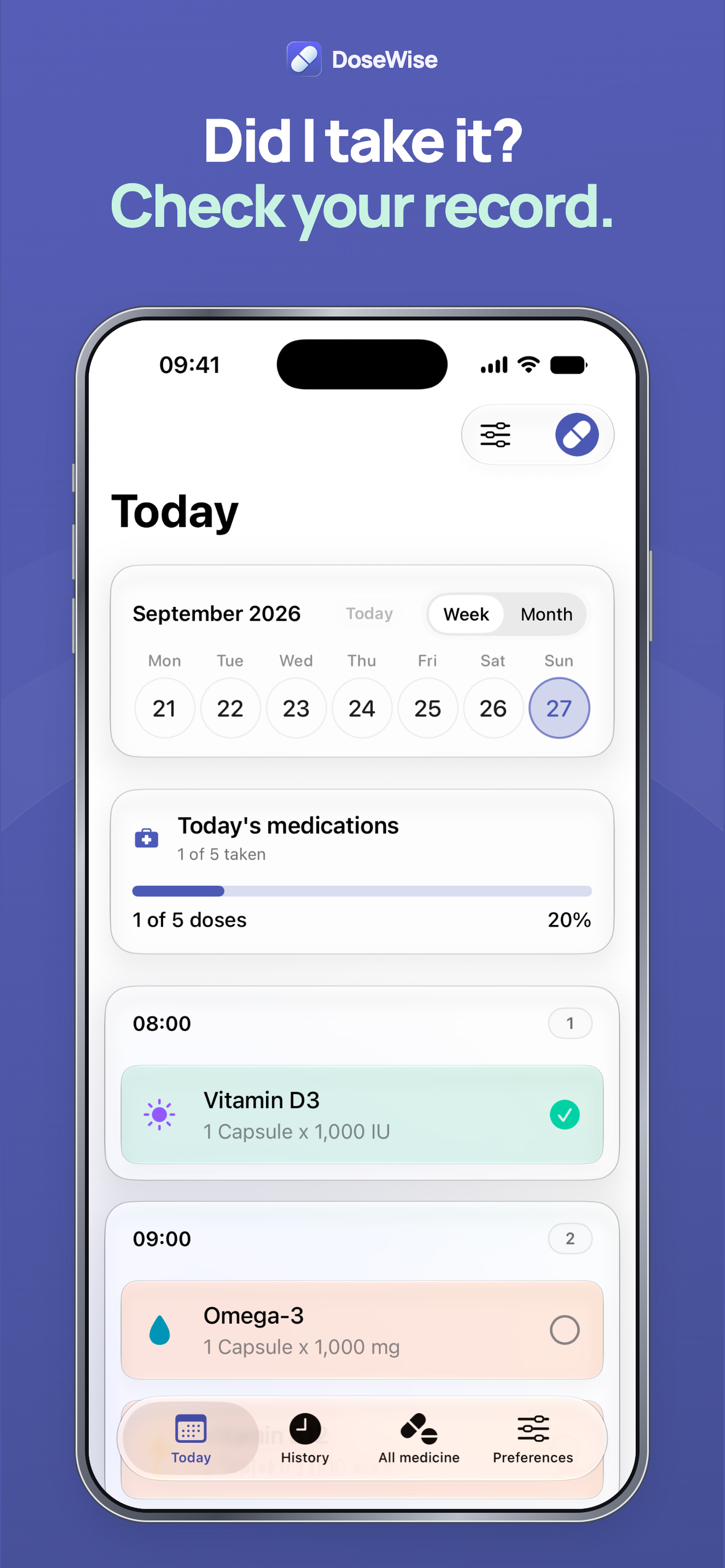
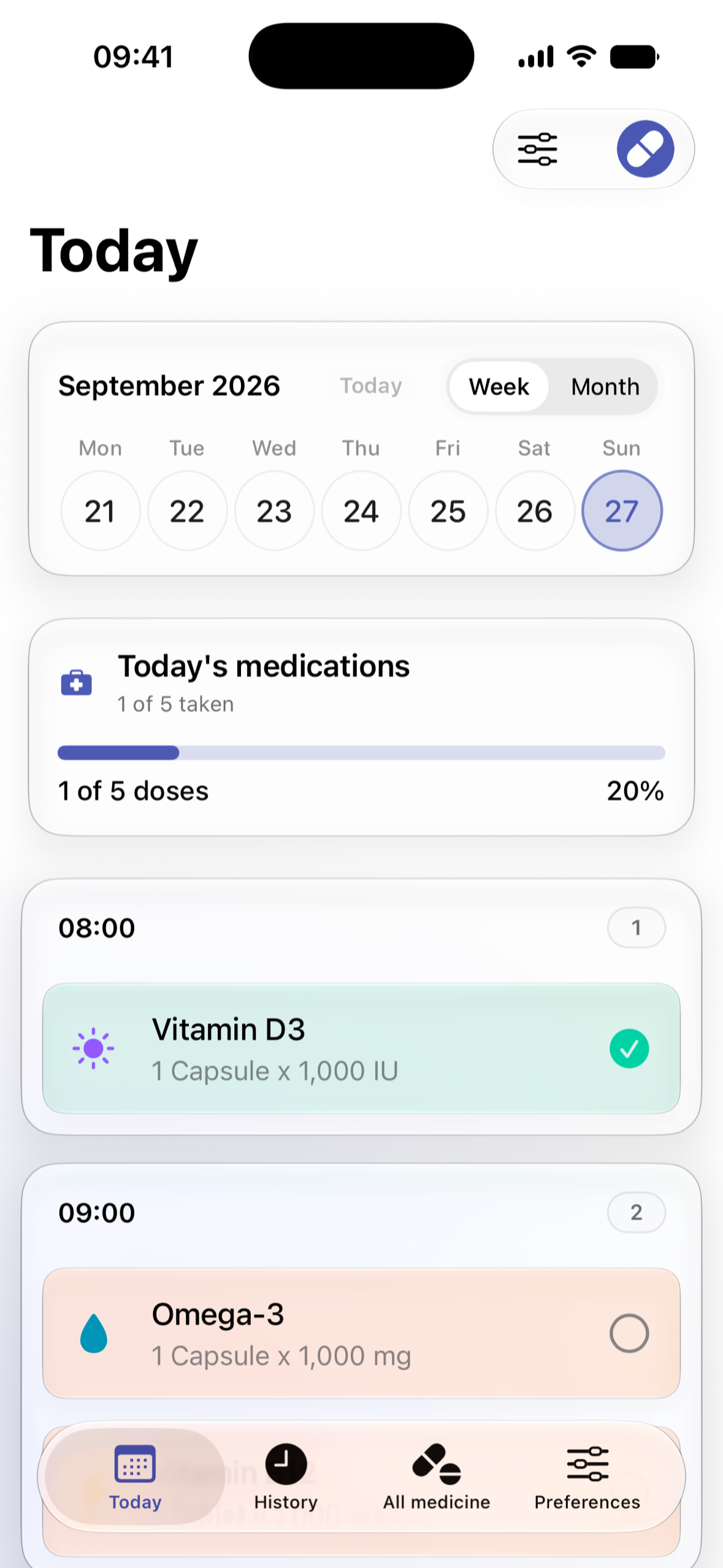
Did I take it? Today shows your scheduled doses beside the ones you recorded.
-
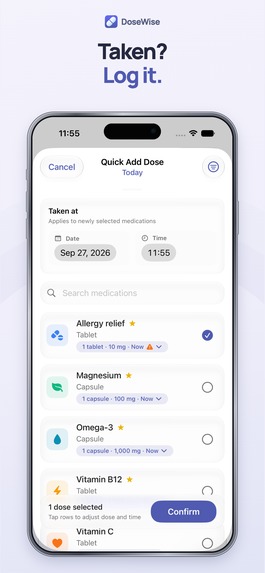
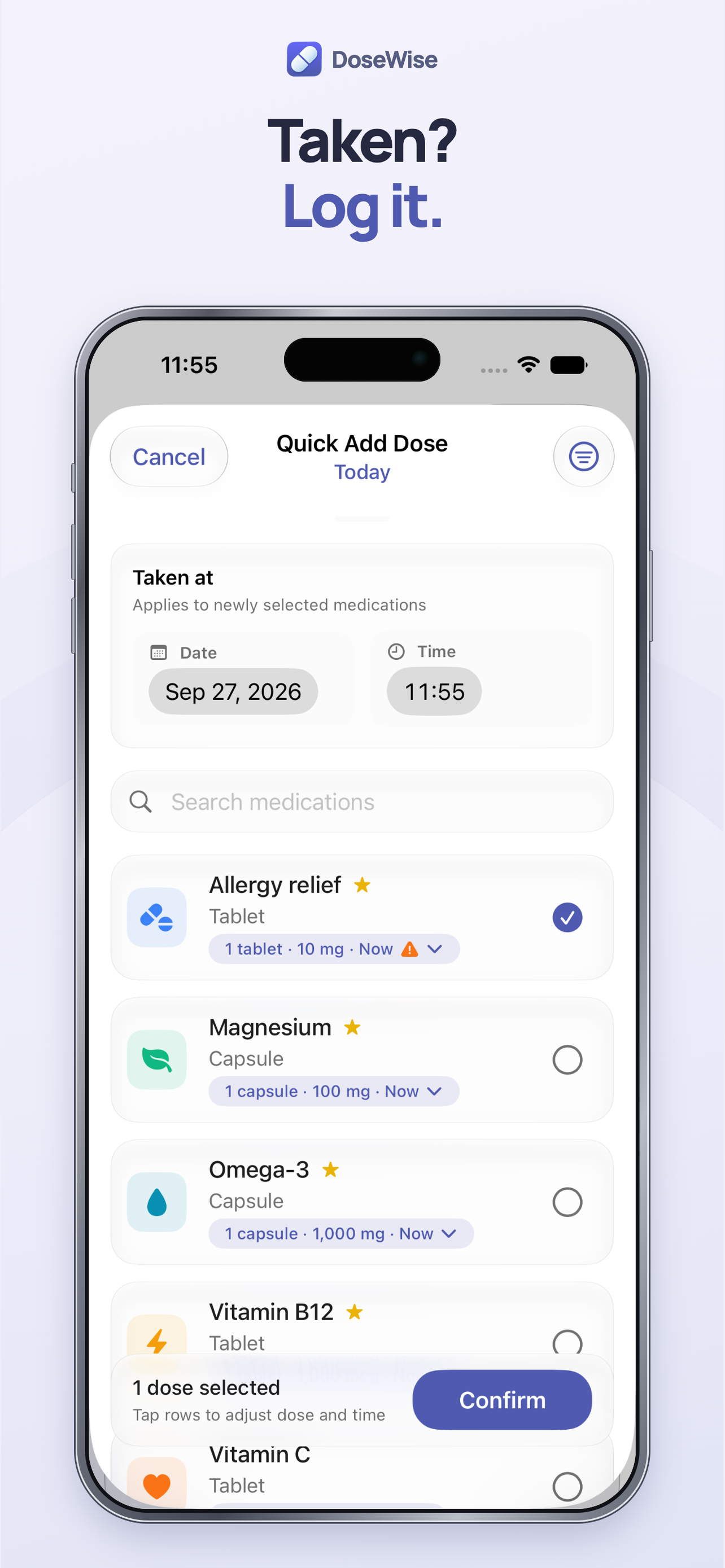
Quick Add: record one or several doses with the time you took them.
-
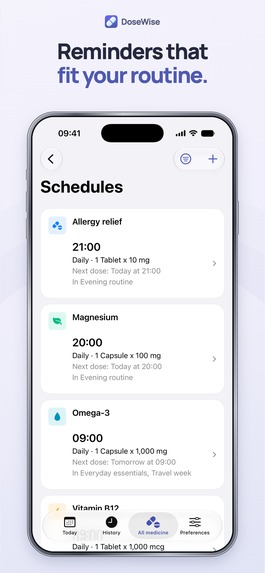
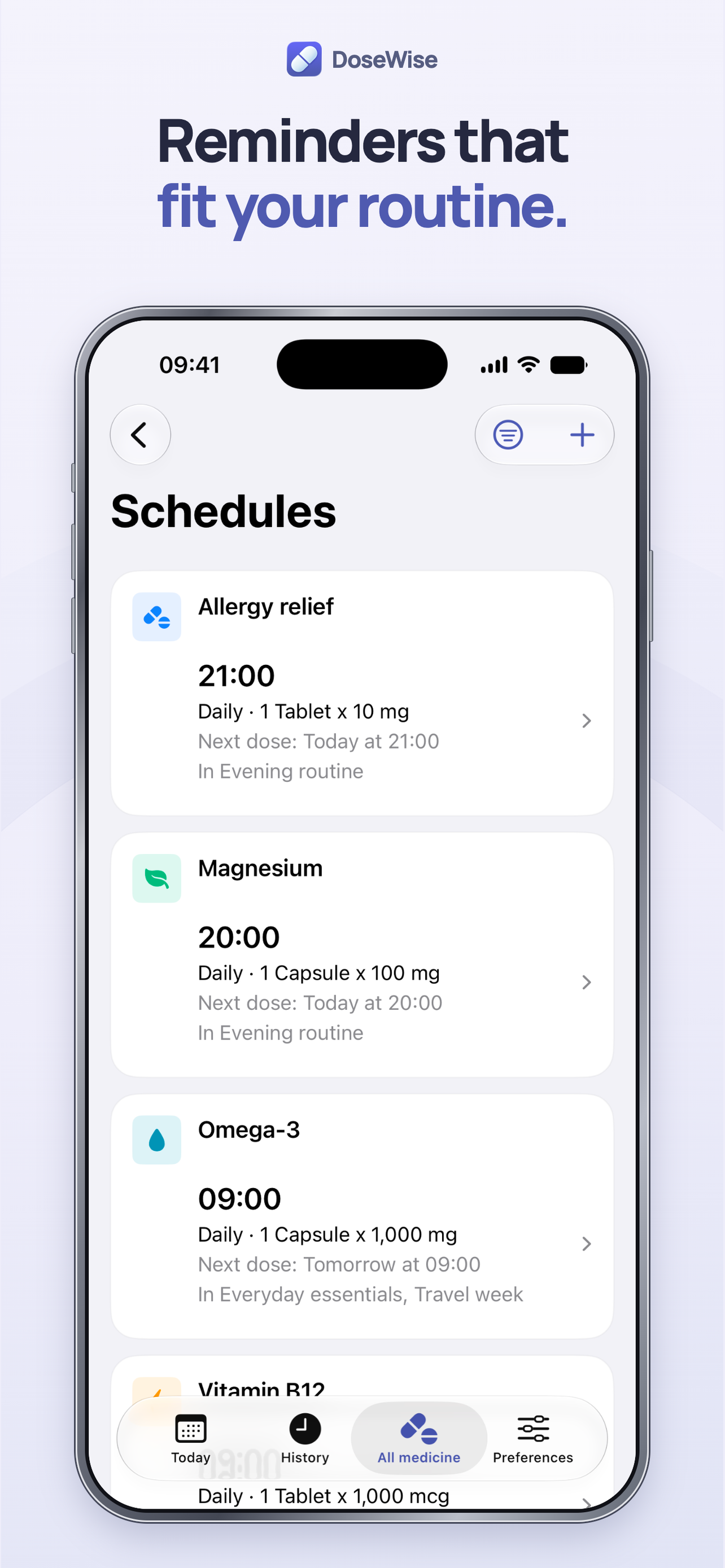
Manage medication schedules and reminders.
-
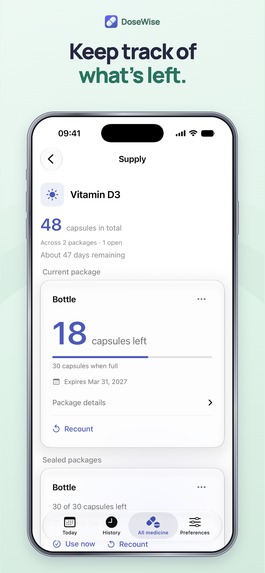
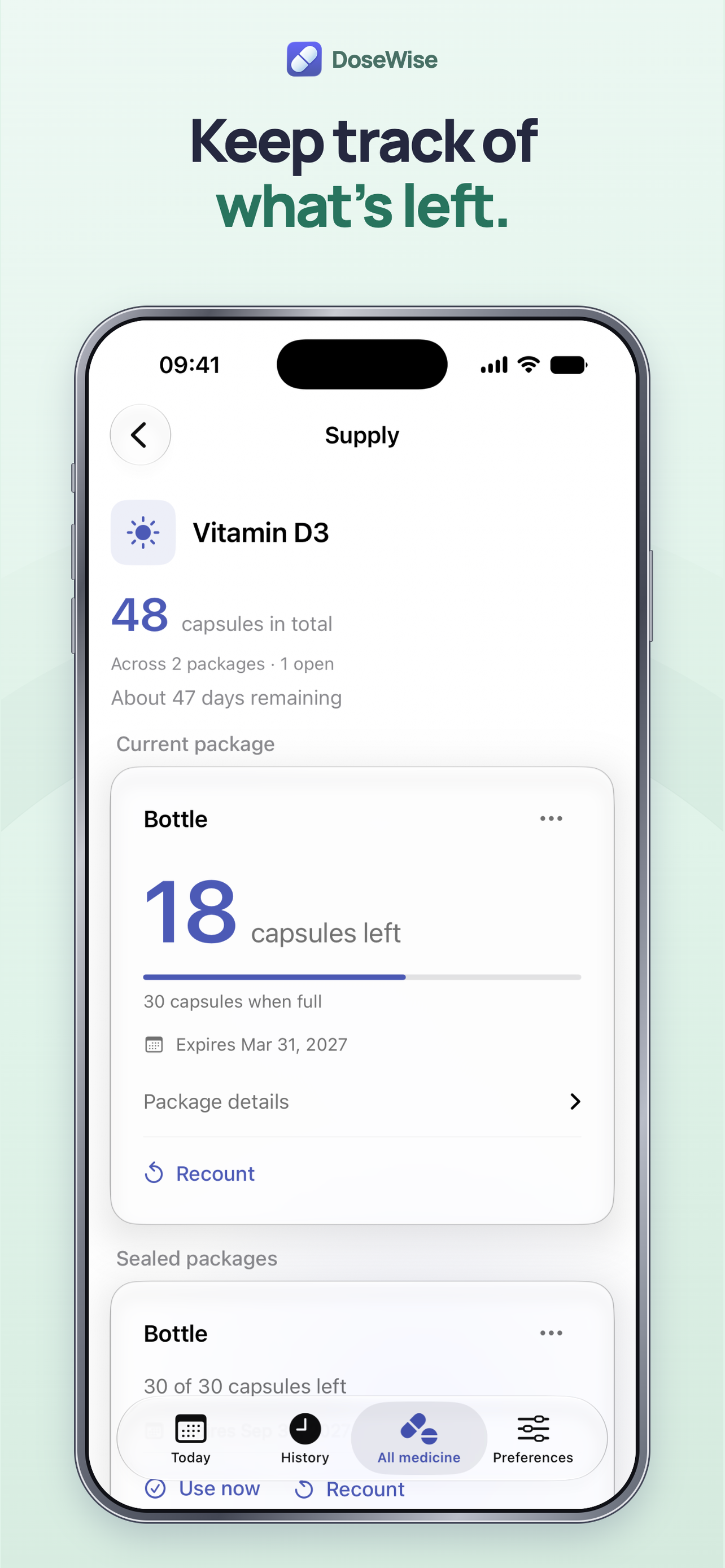
Track optional supply counts.
-
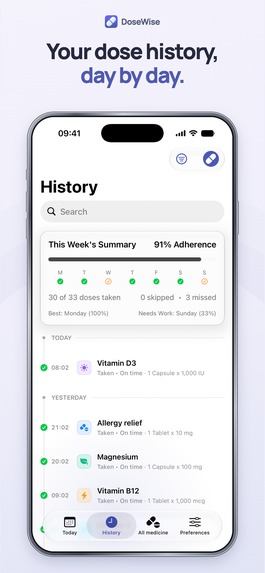
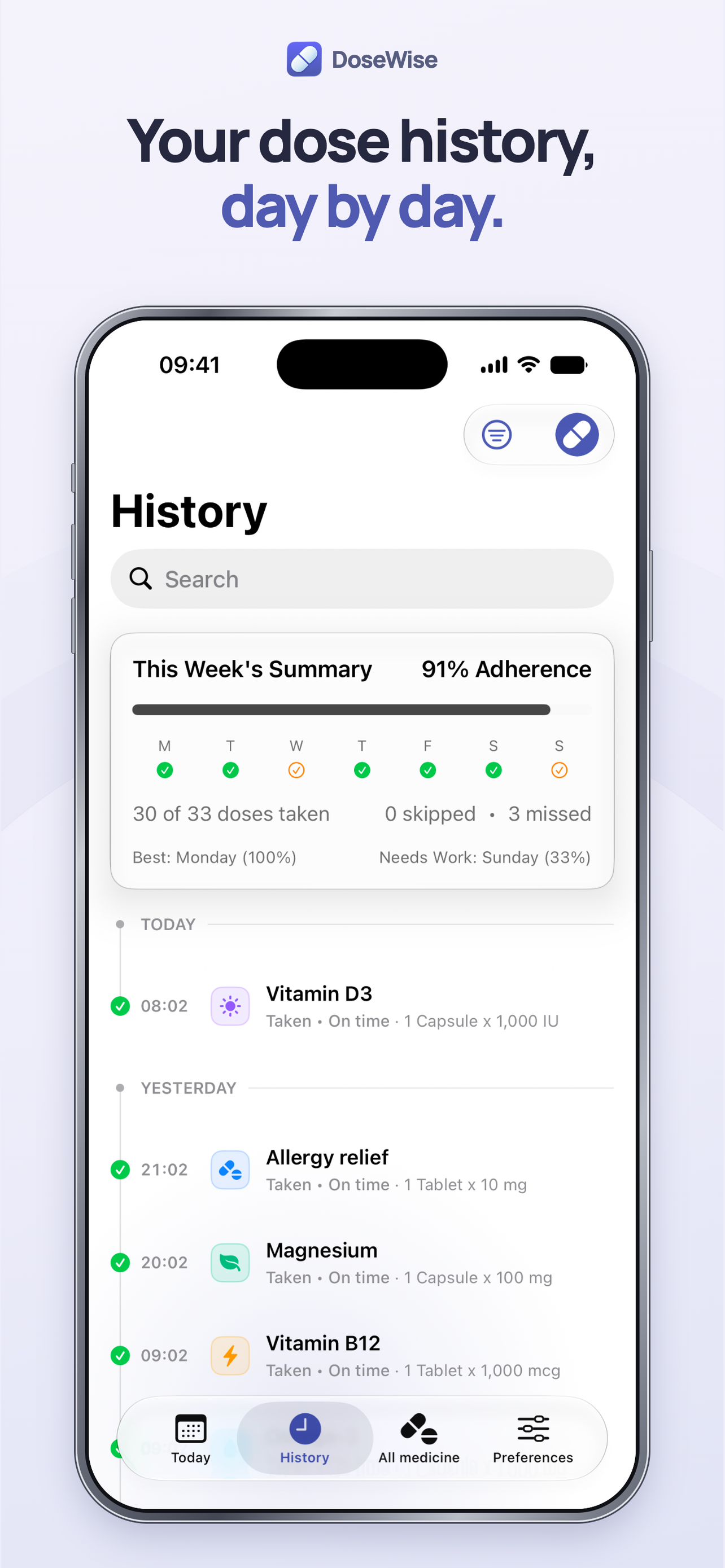
Review dose history day by day.
-
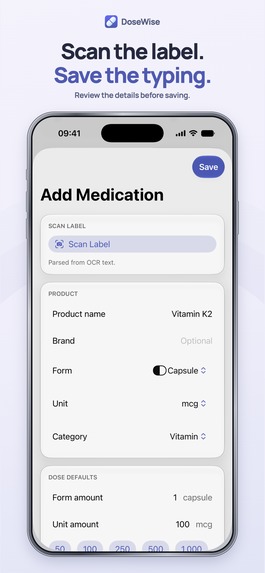
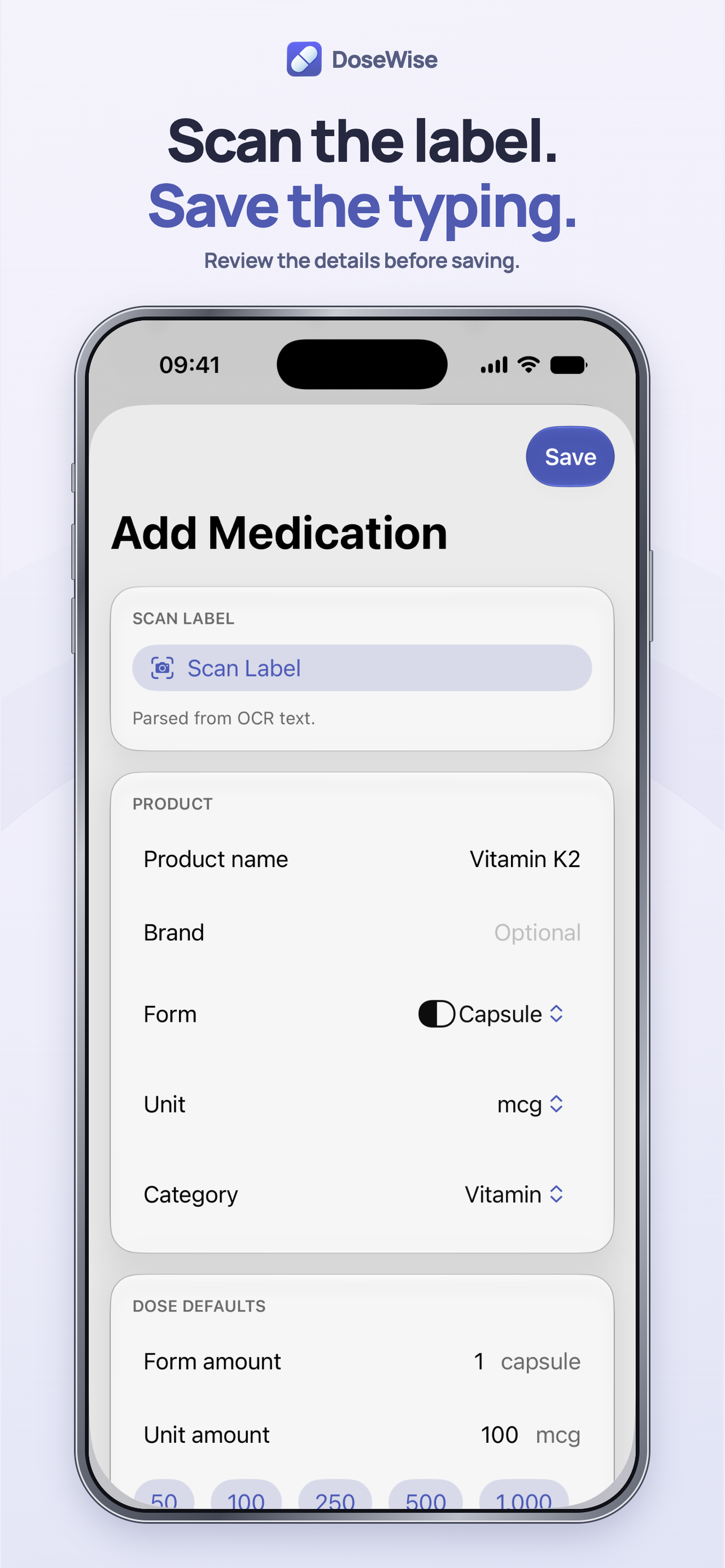
Review scanned label details before saving.
-
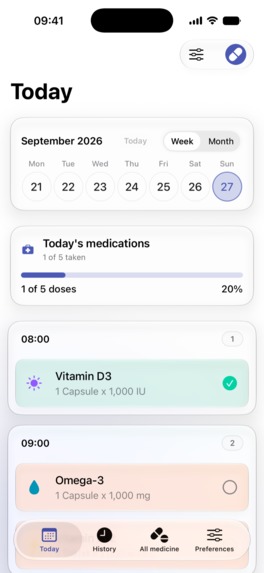
Today screen, unframed at 1179 x 2556: scheduled doses beside the one already recorded (sample data).
-

DoseWise app icon.

Inspiration
“Did I take it?” A busy morning, a moment that blurs, and you can’t remember whether you already took this morning’s dose. DoseWise gives the doses you log a place to come back to. It is for adults who manage their own medications or supplements, and it never claims to know more than what you recorded.
What it does
DoseWise is an iPhone app (iOS 26 or later, English) that keeps medications, schedules and the doses you record in one place.
- Today: your scheduled times and what you recorded, side by side. Tap a dose to mark it taken or skipped.
- Quick Add: log one or several doses at once, with the time you took them.
- History: a day-by-day record of the medication, time and status you logged, with notes.
- Schedules and reminders: daily, selected weekdays, every few days, days of the month, or on-and-off cycles, with a notification at the times you set. Programs group related schedules.
- Label scan: read a label with on-device text recognition, or choose cloud extraction when it is available (it asks before every cloud scan). You review and edit every field before saving.
- Supply (optional): track packages and expiry dates. Doses recorded as taken reduce the count, and low-stock warnings appear in the app.
Records are stored on the device, and no account is needed. A record reflects what you enter. It cannot confirm that a dose was taken, and DoseWise is not medical advice.
Free vs paid: the download is free. Using the app requires a DoseWise membership: annual (USD 29.99/year, starting with a 7-day free trial) or monthly (USD 4.99/month). Both plans include every feature. Judges can unlock it with the promo code provided.
How I built it
- Native SwiftUI with iOS 26 Liquid Glass, organized as Tuist modules, with a local SQLite database through GRDB and Point-Free’s SQLiteData.
- Schedules, dose records, history and supply are modeled separately. Editing a schedule creates a new dated version: past days keep the plan that applied then unless the user deliberately backdates the change, and schedule edits never rewrite recorded doses. A dose counts as taken only when the user records it.
- RevenueCat (SDK 5.83.2, StoreKit 2): one
membershipentitlement and a default offering with annual and monthly packages. Paywall prices and trial eligibility come from the offering. A single gate at the app root decides access: a failed or unresolved check never becomes free access, and transaction updates unlock the app after a purchase or return it to the paywall after expiry or refund. Abuild_channelattribute keeps debug and TestFlight installs apart from App Store customers, and the app passes Apple’s standard Apple Ads attribution token to RevenueCat, with no tracking prompt. - Optional cloud label extraction runs on a Cloudflare Worker. It verifies the signed StoreKit transaction and the current subscription before any paid model call.
- The live 1.0.2 build passed 1,661 automated tests before release.
Challenges and lessons
Medication tracking needs precise language and state. The hardest part was keeping planned doses separate from recorded ones across very different schedules, while keeping Today easy to read. Making schedule edits safe for past days was the other. The design favors a clear, editable record and avoids any claim that reminders or scanning can guarantee a health outcome.
What's next
Version 1.0.3 is in App Review. It adds a dose chart to each medication’s details screen and fixes restoring weekday and monthly schedules from a backup. After that, I plan a small, capped Apple Ads search test, judged by trial starts and purchases in RevenueCat.

Log in or sign up for Devpost to join the conversation.