-
-
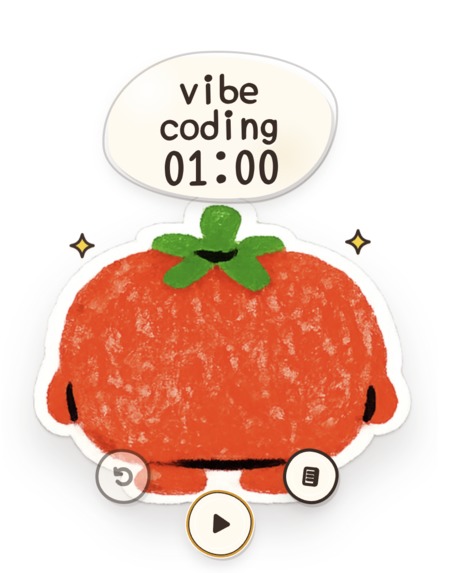
Idle: Doro waits for the next session.
-

Paused: Doro rests until the session resumes.
-

Running: Doro animates while the timer counts down.
-

Finished: Doro celebrates and plays a completion sound.


Inspiration
Most productivity timers are designed like dashboards. They are functional, but they can also feel cold, demanding, and easy to ignore.
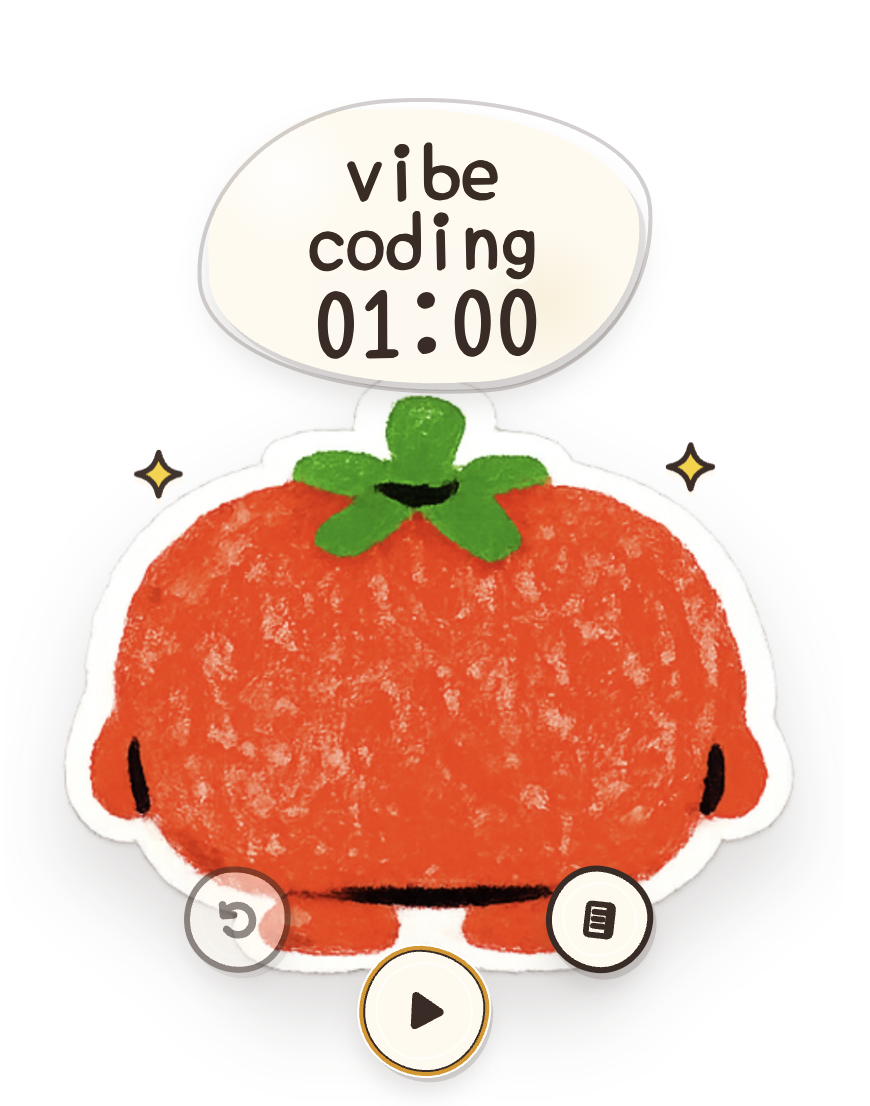
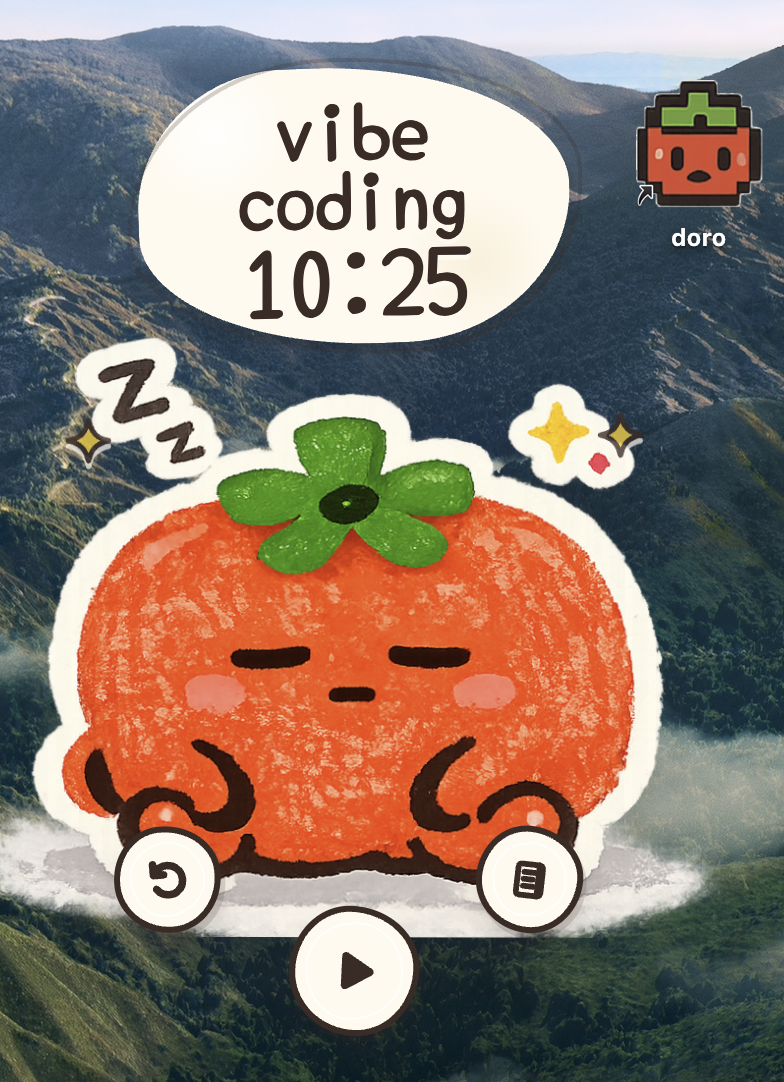
I wanted to build something different: a focus timer that felt less like a tool monitoring my productivity and more like a tiny companion quietly working beside me. That idea became Doro, a handmade tomato character that waits when I am idle, moves while I focus, rests when I pause, and celebrates when I finish.
Doro began as a small timer prototype before Build Week. During Build Week, I used Codex with GPT-5.6 to meaningfully extend it into a reliable, packaged desktop product with accurate background timing, activity tracking, a private focus diary, session summaries, and a more complete interaction design.
My goal was not to make productivity more intense. It was to make starting a focused session feel easier and finishing one feel rewarding.
What it does
Doro is a customizable desktop focus companion with four expressive states:
- Idle: Doro waits for the next session.
- Running: Doro animates while the timer counts down.
- Paused: Doro rests until the session resumes.
- Finished: Doro celebrates and plays a completion sound.
Users can select a preset activity, such as drawing, vibe coding, or taking a nap, or enter a custom activity. The session duration can be set from 1 to 720 minutes.
Doro also includes a private focus diary that records:
- The selected activity
- Active focus duration
- Start and end times
- Whether the session was completed or stopped early
Users can review an individual day, the latest seven days, or their complete history. Doro also calculates focus totals and activity breakdowns so users can understand where their time went without opening a complex analytics dashboard.
All history is stored locally. Doro requires no account, external database, or cloud service.
The final product runs as a transparent, frameless macOS application that stays above other windows and can follow the user across desktop workspaces.
How I built it
I used Codex with GPT-5.6 as an active engineering and product partner throughout Build Week.
Instead of asking Codex to generate the entire application from one prompt, I worked iteratively. I described the experience I wanted, reviewed each implementation, tested the behavior, and then used Codex to investigate problems and refine the product.
Codex helped me:
- Inspect and understand the existing codebase
- Separate the timer, controls, character, and diary into focused React components
- Design the timer as a clear state machine
- Replace interval-based timing with timestamp-based synchronization
- Track active work separately from paused time
- Split sessions correctly when they cross midnight
- Design and implement daily, seven-day, and all-time history views
- Package the Next.js interface as a native Electron application
- Debug static assets, transparent-window behavior, audio permissions, and desktop persistence
- Iterate on the hand-drawn visual language and interaction details
The interface is built with Next.js, React, TypeScript, and Tailwind CSS. The desktop application uses Electron and loads the exported web application through a custom local protocol.
The core timer behaves like a small state machine:
$$ \text{idle} \rightarrow \text{running} \leftrightarrow \text{paused} \rightarrow \text{finished} $$
A simple timer that subtracts one every second becomes inaccurate when the operating system delays background work. With GPT-5.6, I reasoned through this failure mode and implemented a timestamp-based approach:
$$
t_{\text{remaining}}
\max(0,\ t_{\text{end}} - t_{\text{now}}) $$
Doro stores the planned completion time and recalculates the remaining duration from the system clock. It also resynchronizes when the application regains focus or visibility.
GPT-5.6 was especially valuable when changes crossed multiple parts of the application. It could reason about how a decision in the React timer state affected persisted history, pause and resume behavior, audio playback, and the Electron window lifecycle.
Doro is intentionally not a chatbot and does not need to call an AI model after launch. GPT-5.6’s role was in building the product: translating natural-language product requirements into working code, analyzing edge cases, proposing implementation strategies, and helping me iterate much faster while I retained control over product and design decisions.
Challenges I ran into
The largest challenge was making a playful interface behave like a dependable productivity tool.
Keeping the countdown accurate
Browser intervals can drift or become throttled when an application is in the background. The displayed countdown could therefore become different from the actual elapsed time.
I worked with Codex and GPT-5.6 to replace the decrementing counter with a timestamp-based implementation. Doro now calculates the remaining time from the intended completion timestamp and resynchronizes when the window becomes active again.
Tracking pauses correctly
Pausing cannot simply freeze the number on screen. Paused time must also be excluded from the focus diary.
Doro records each active work period as a separate interval. When a user pauses, the current interval is closed. Resuming begins a new interval and creates a new planned completion time from the remaining duration.
Handling sessions across midnight
A focus session can begin on one day and finish on another. Saving the entire duration under its starting date would make the diary inaccurate.
Doro divides active intervals at the local midnight boundary and assigns the correct portion of the session to each calendar day.
Working around audio restrictions
Browsers may block audio that is not initiated by user interaction. Doro prepares its completion sound after the user starts a timer, allowing the notification to play reliably when the session
Built With
- chatgpt
- codex
