-
-
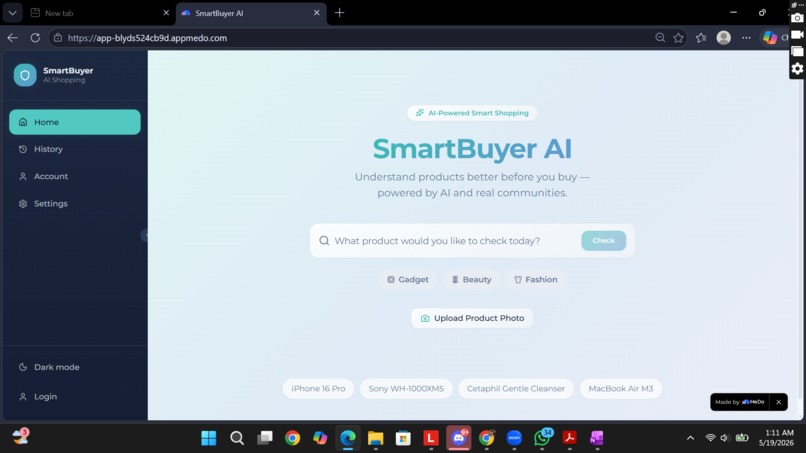
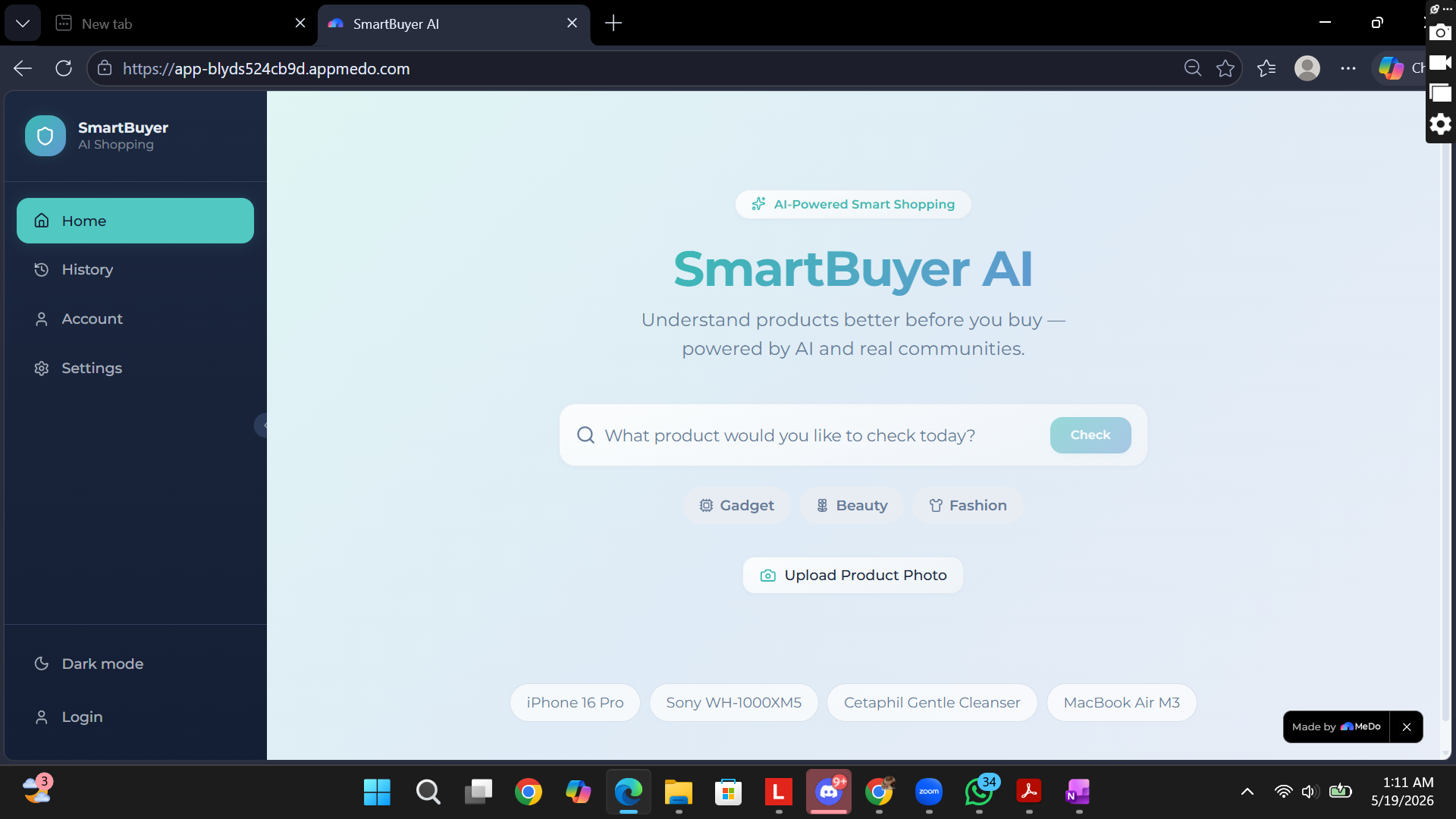
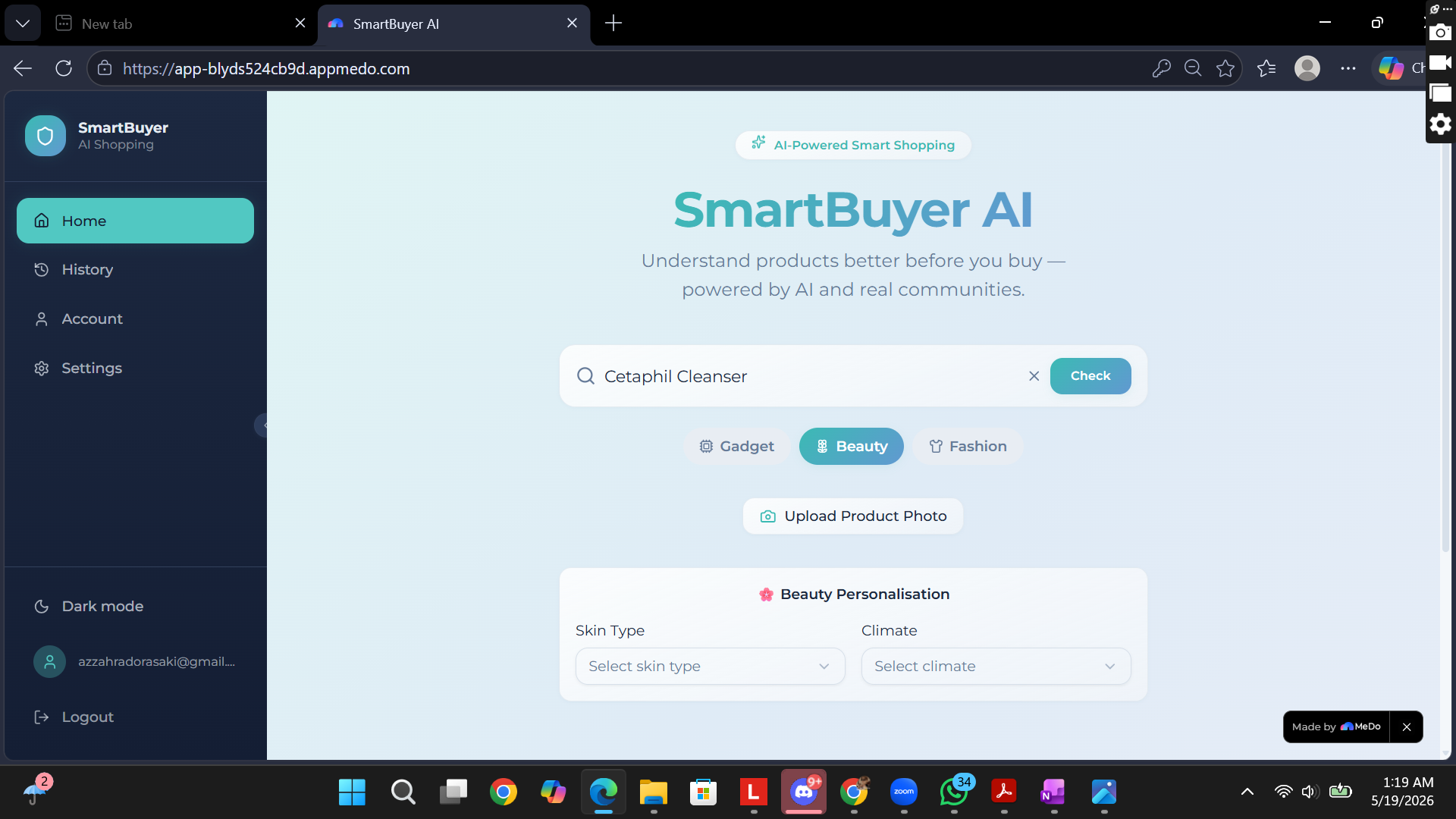
Dashboard
-
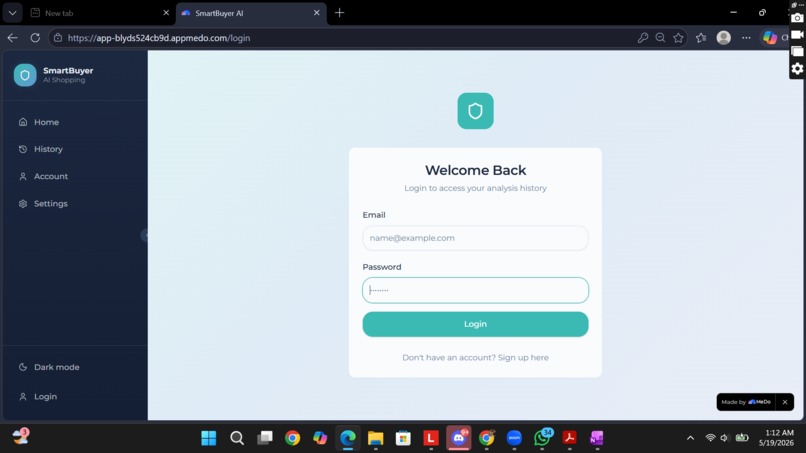
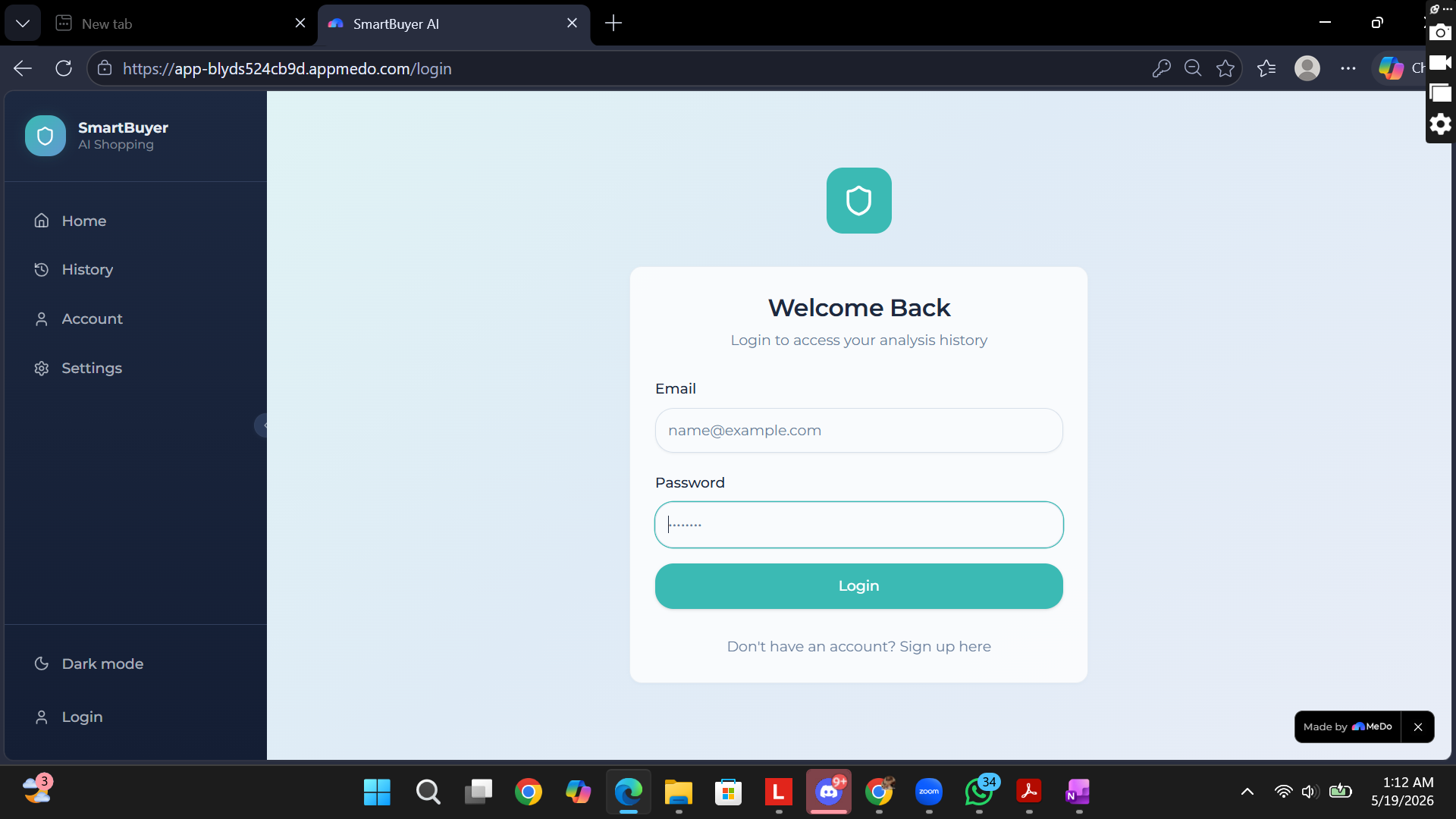
Login
-
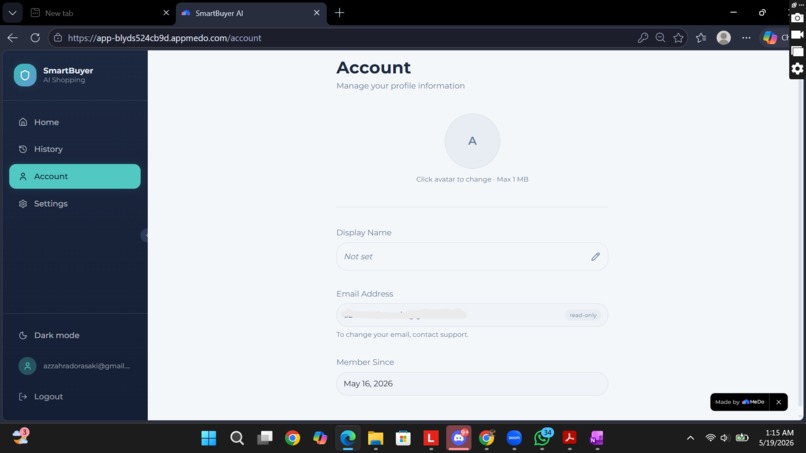
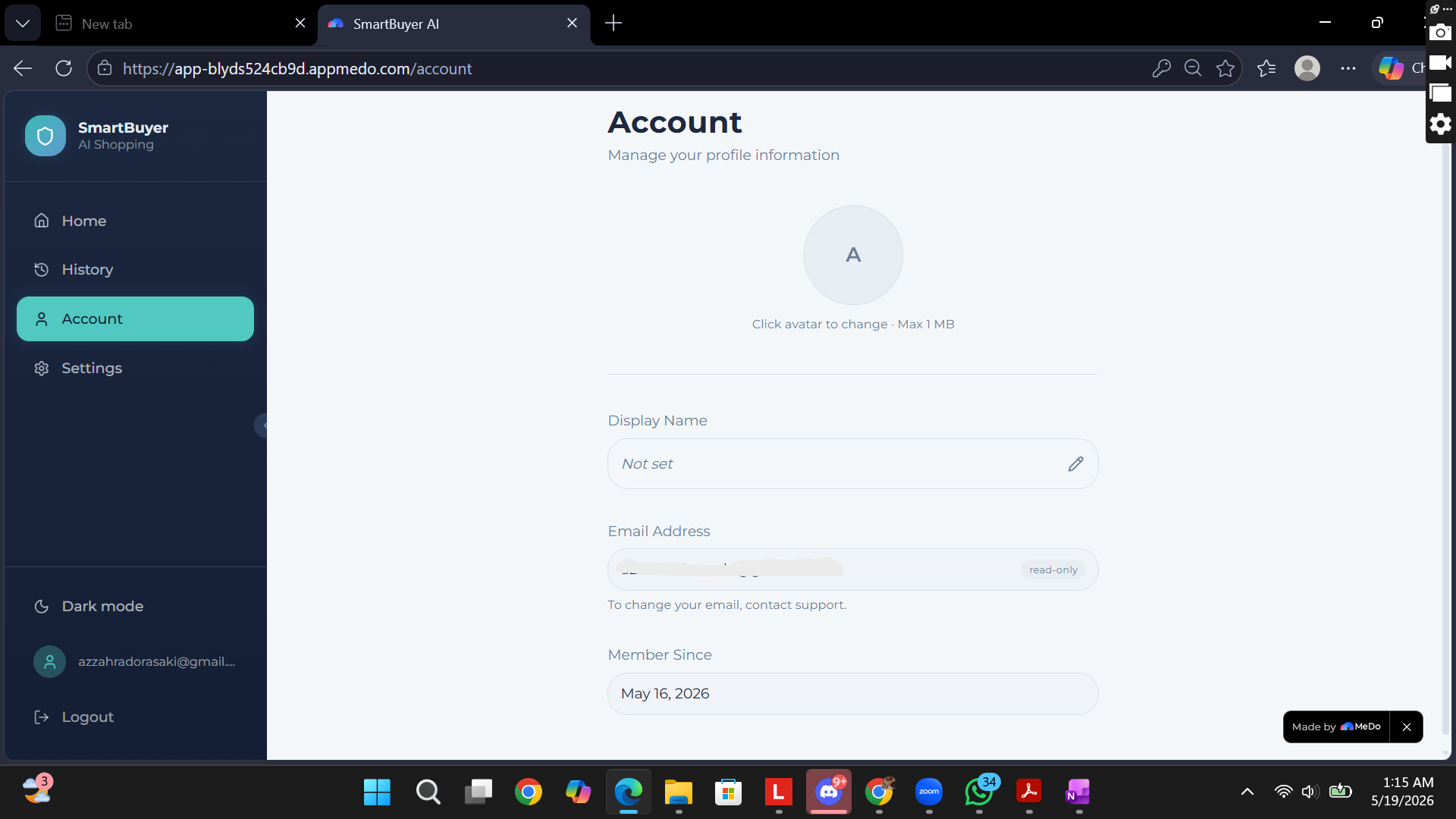
Account
-
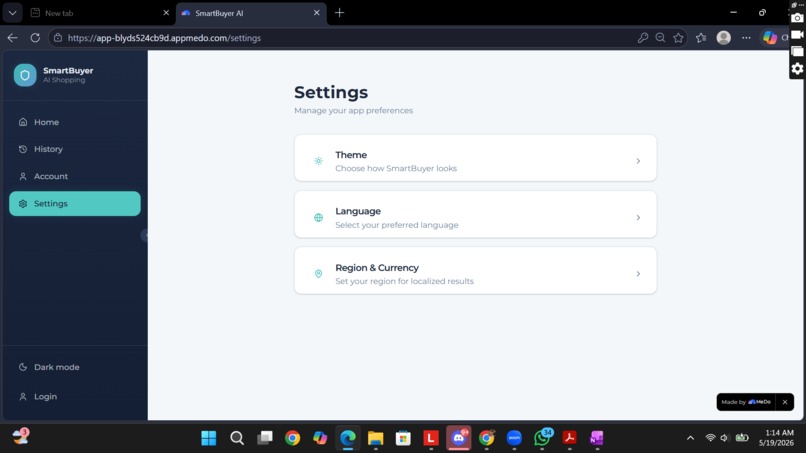
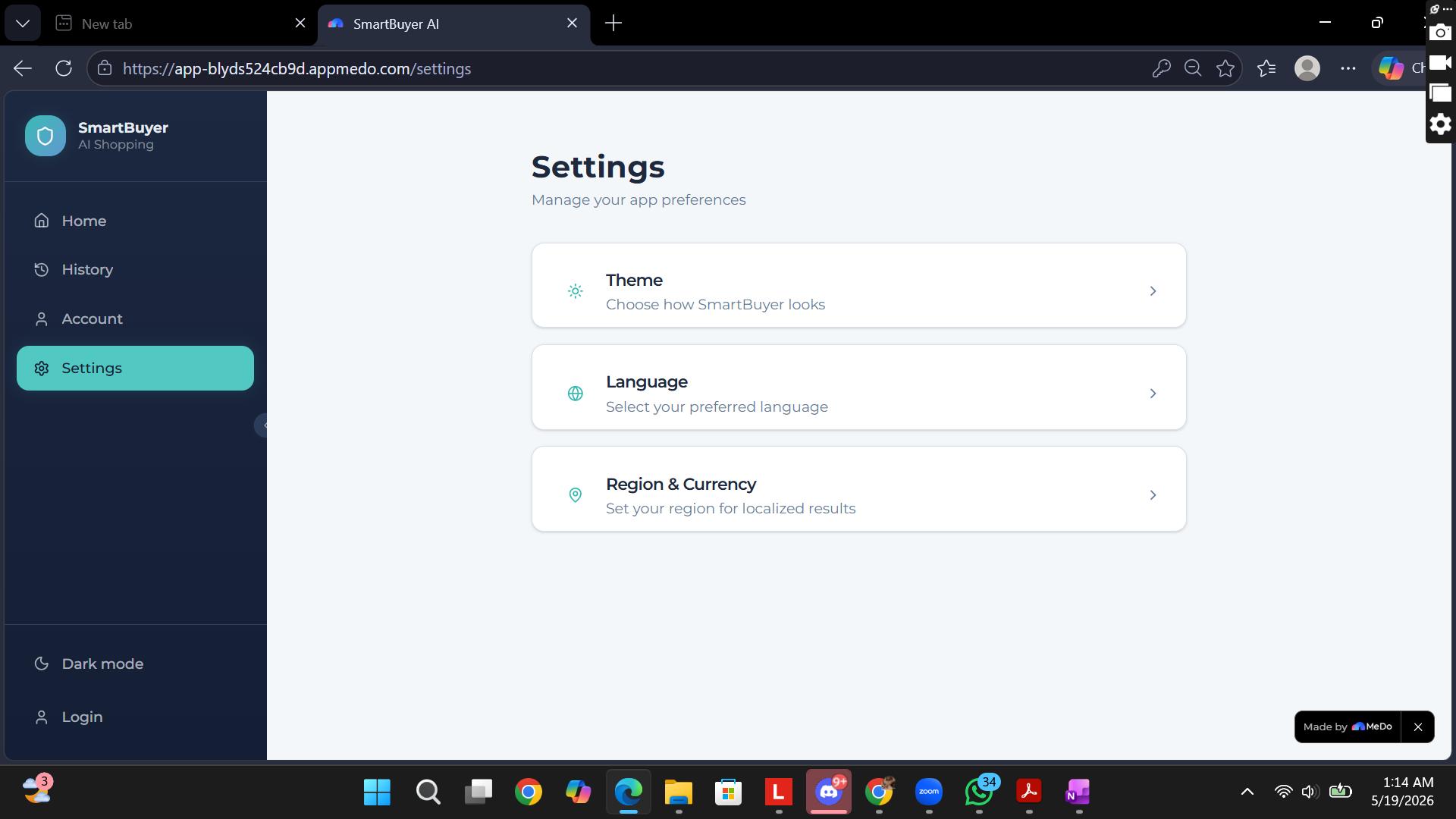
Setting
-
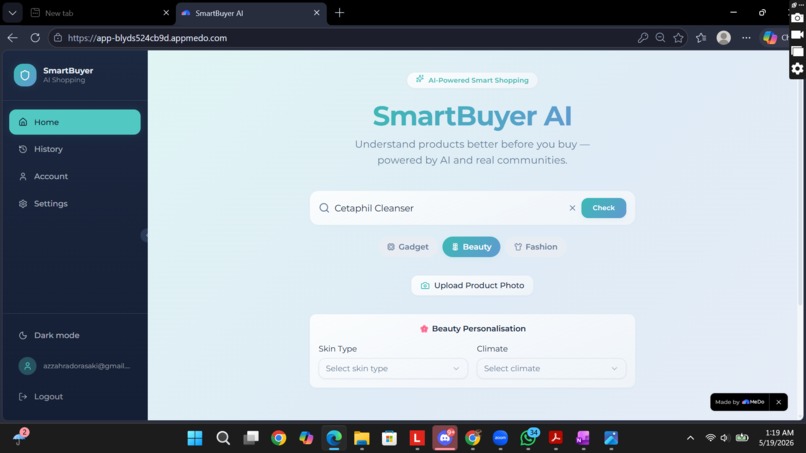
Personalized Product
-
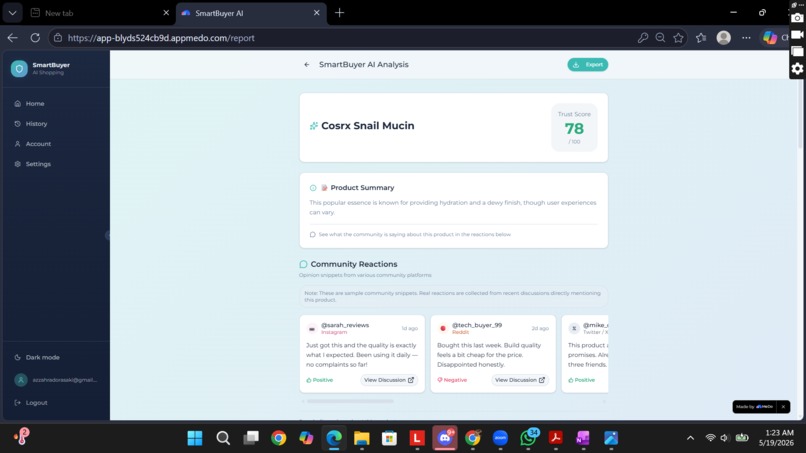
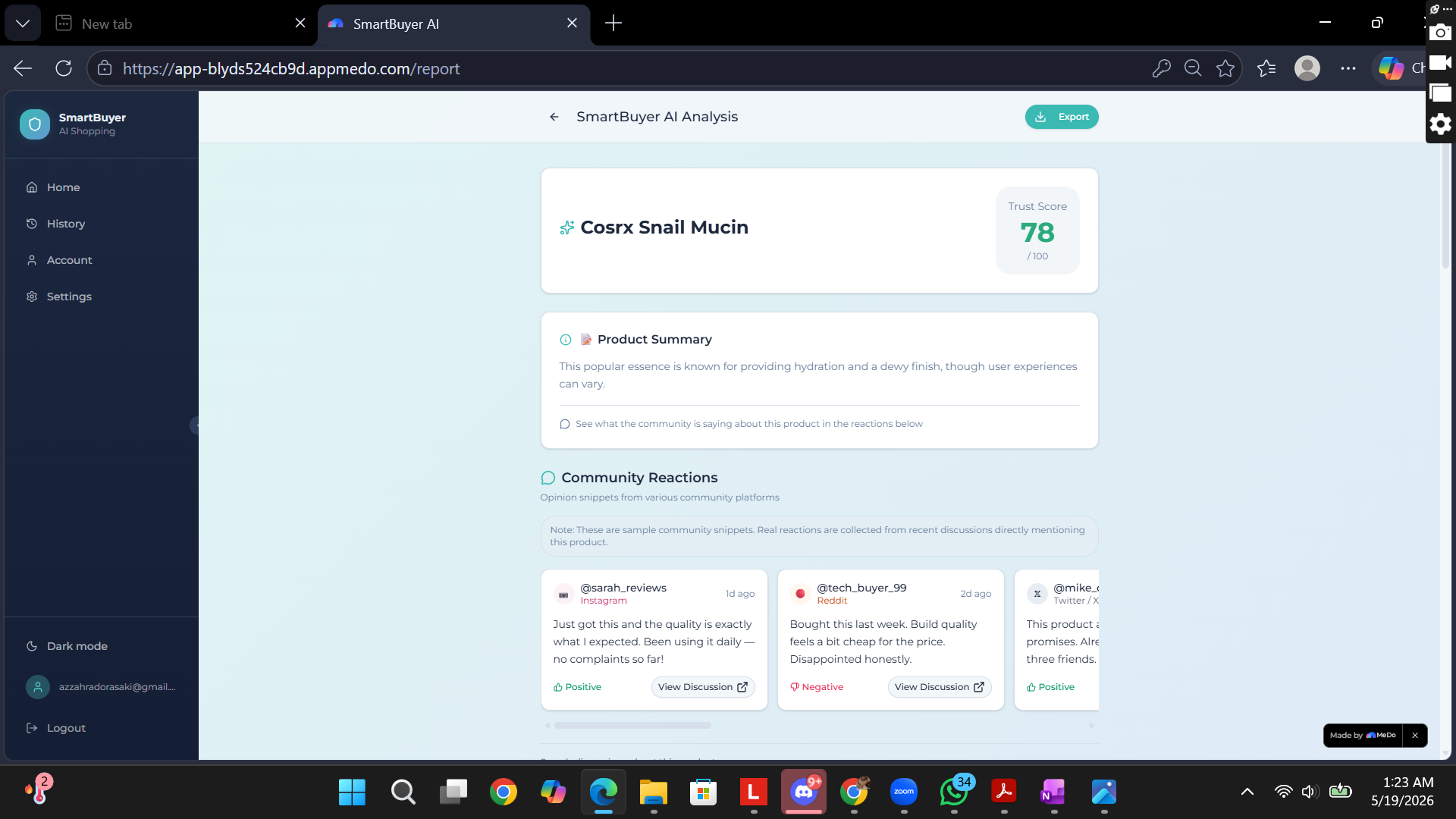
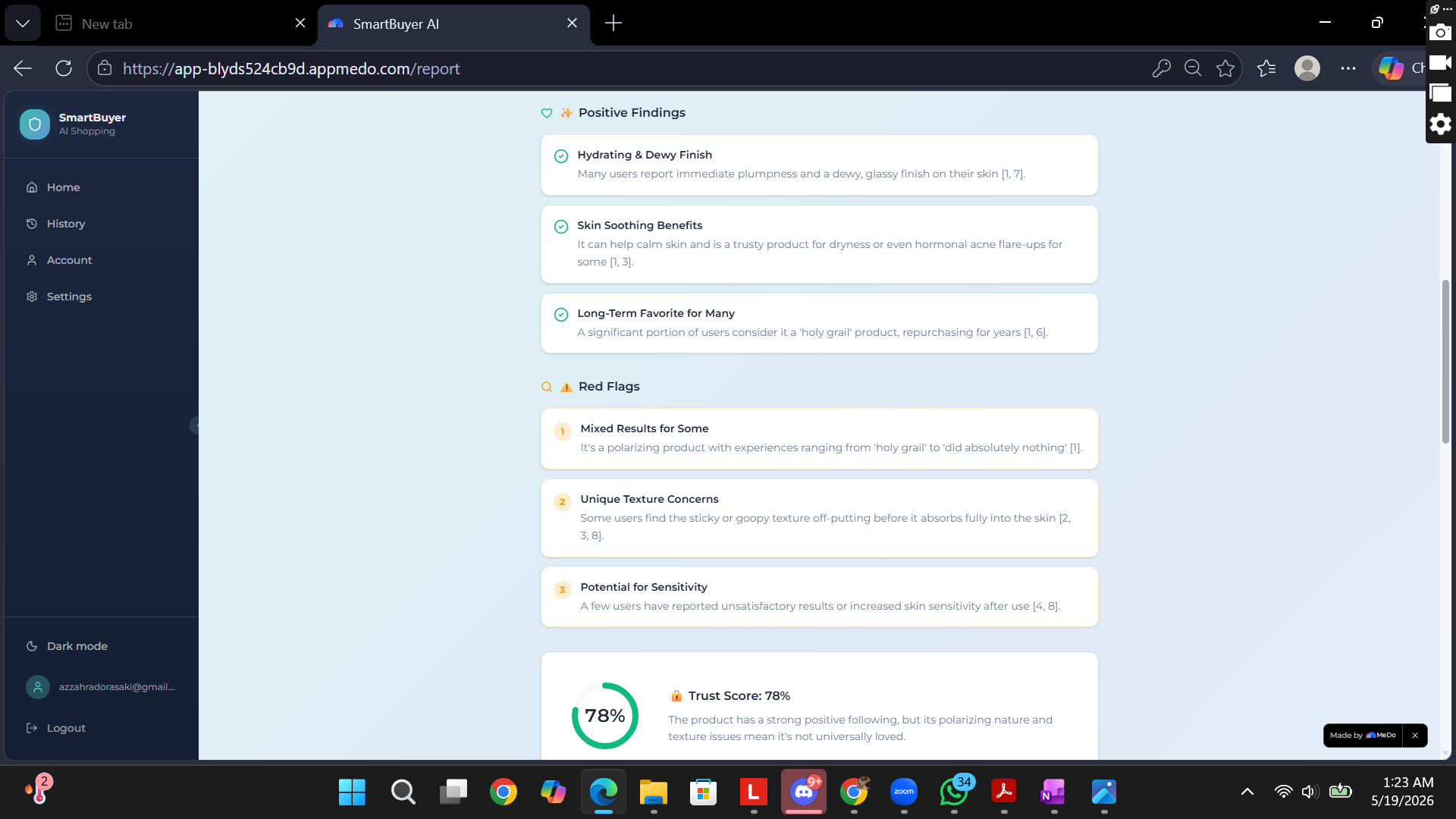
Analyze Summary & Community Reaction
-
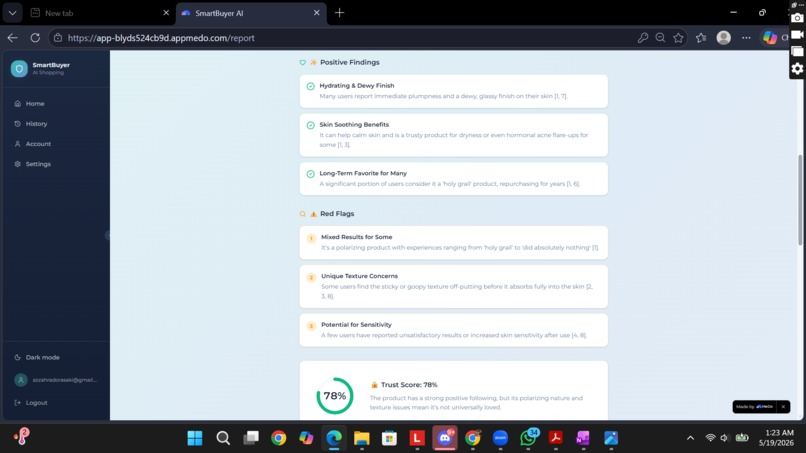
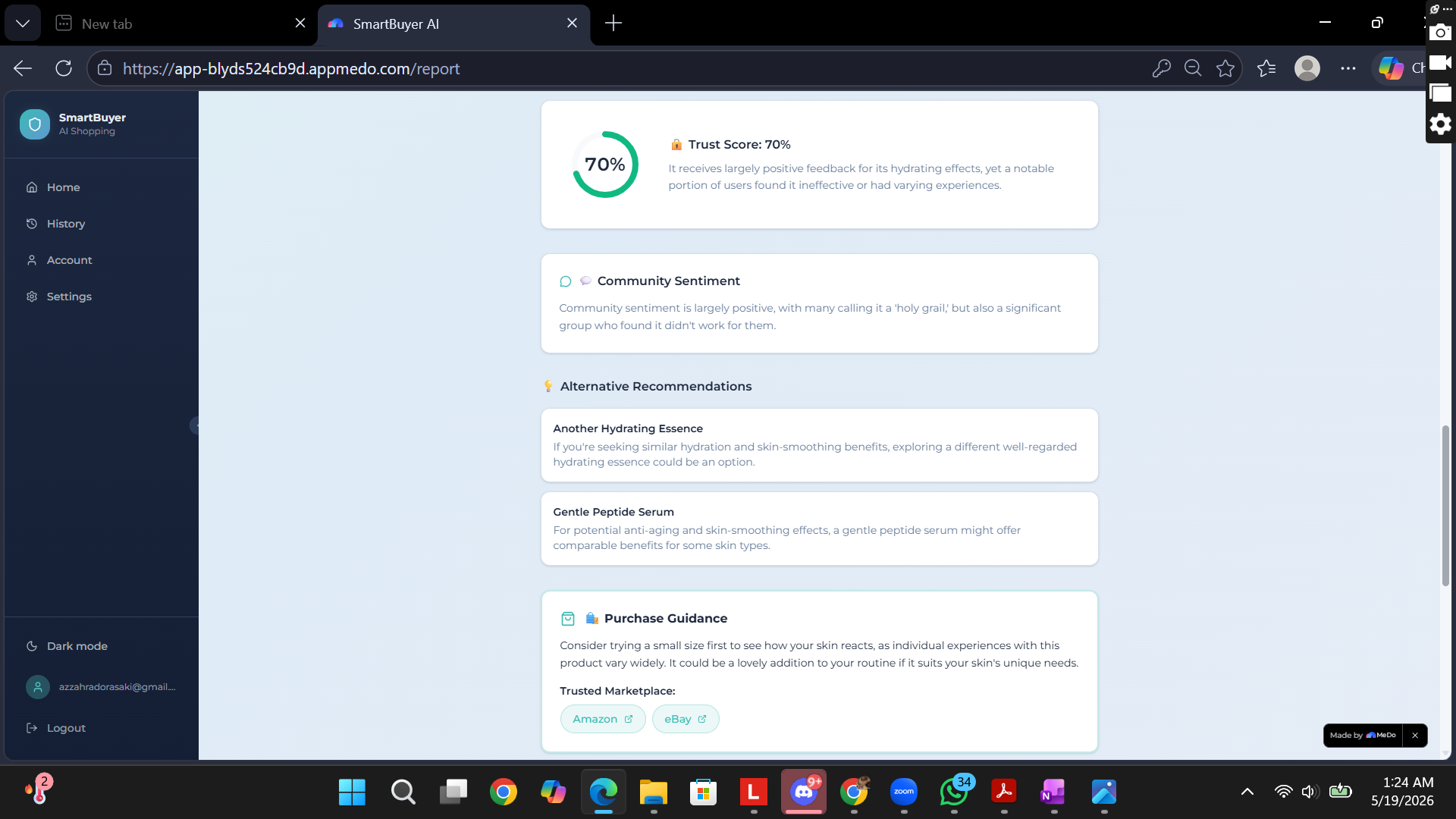
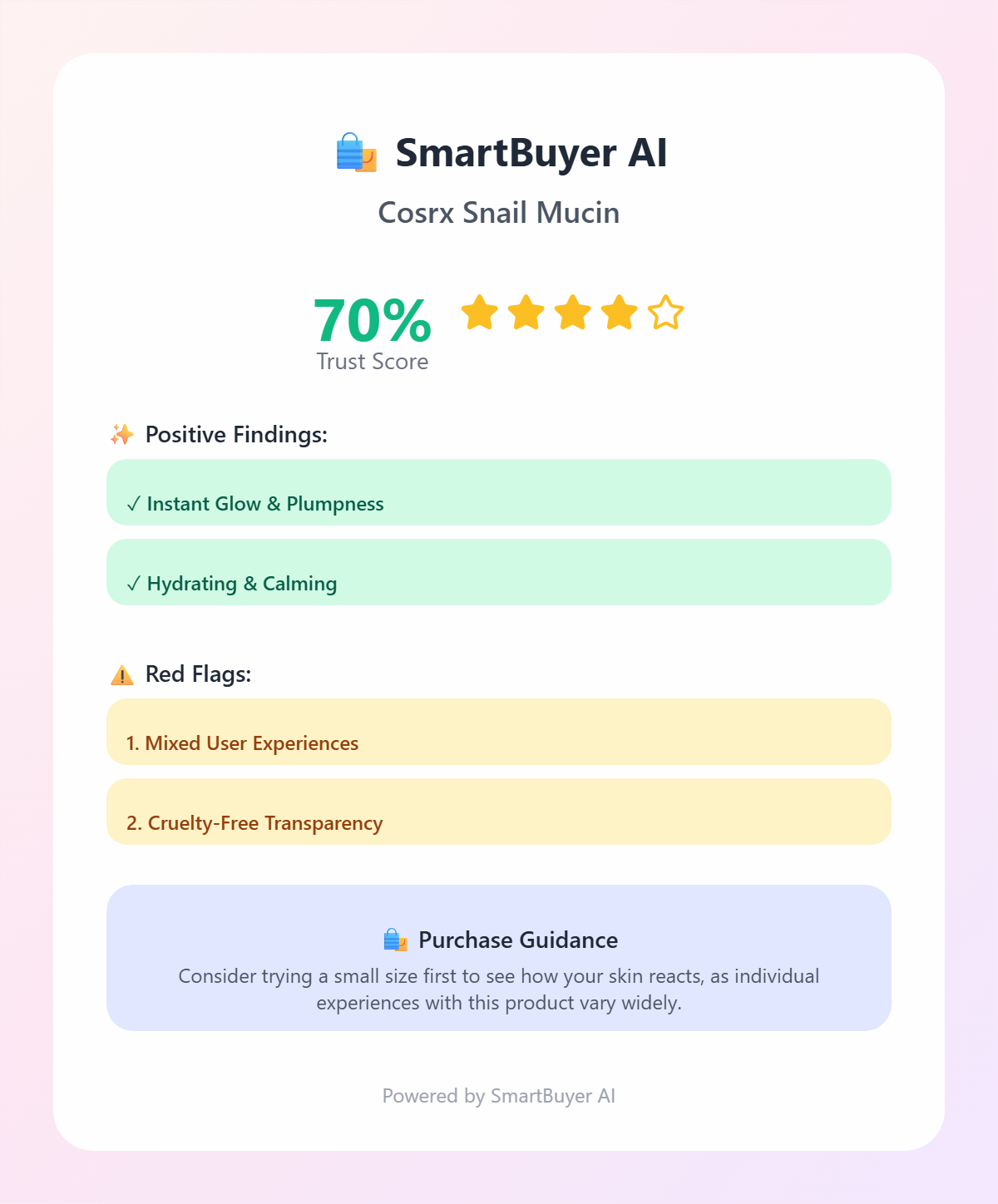
Analyze Trust Score
-
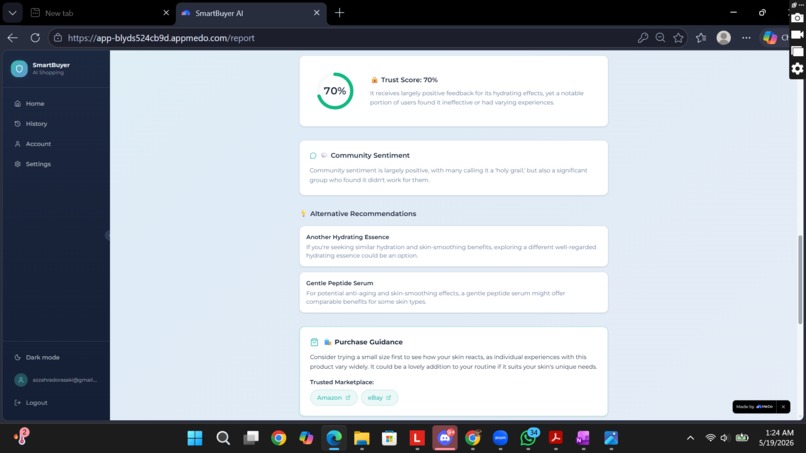
Recommendation Alternative Product
-
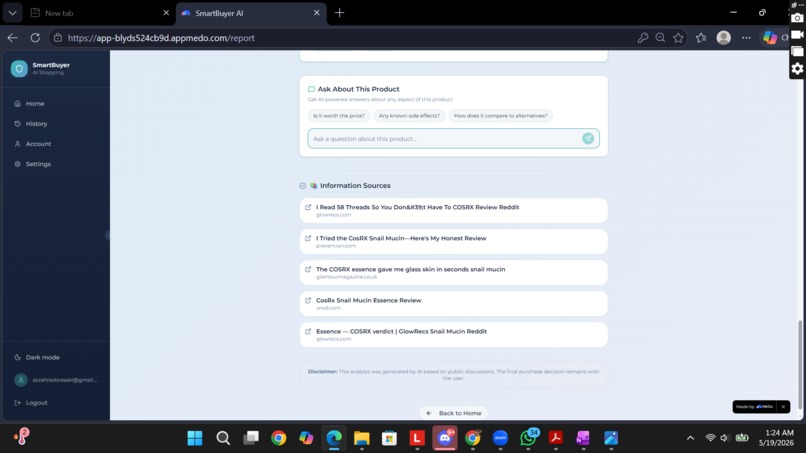
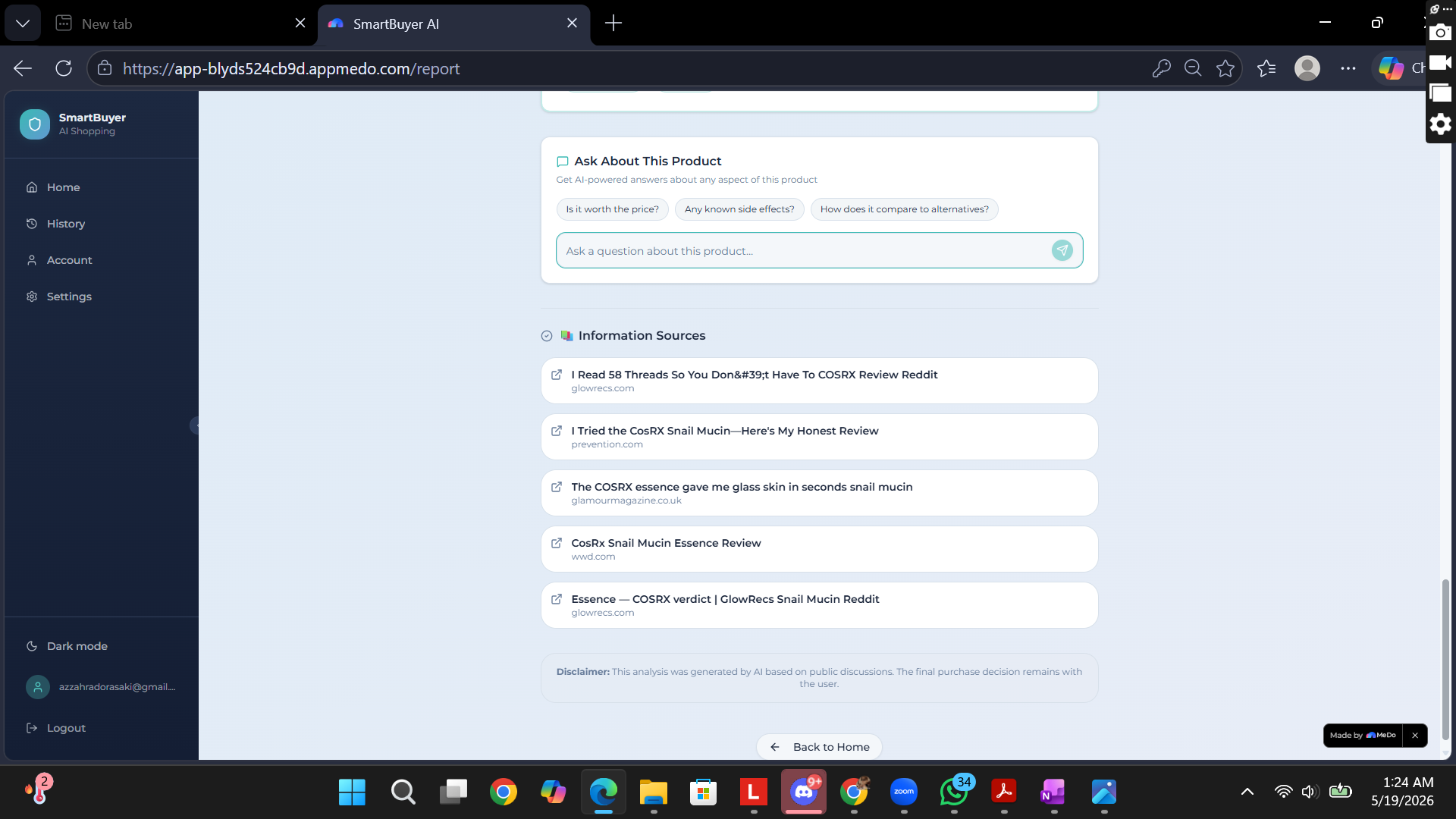
AI Follow-up Chat
-
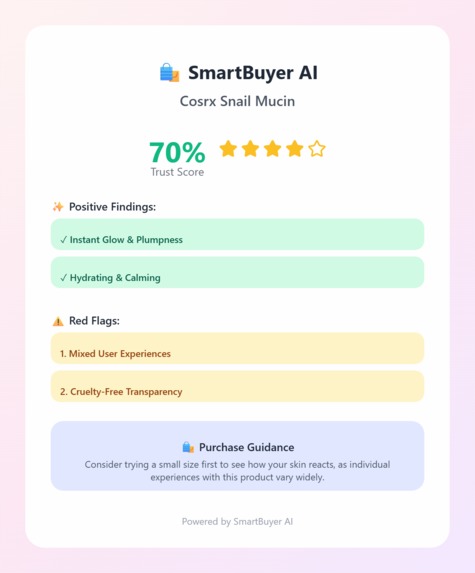
Share Result Analysis Card
-
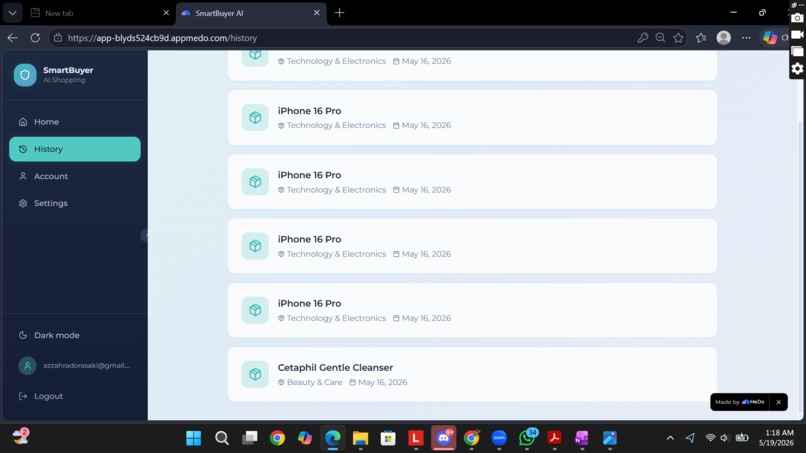
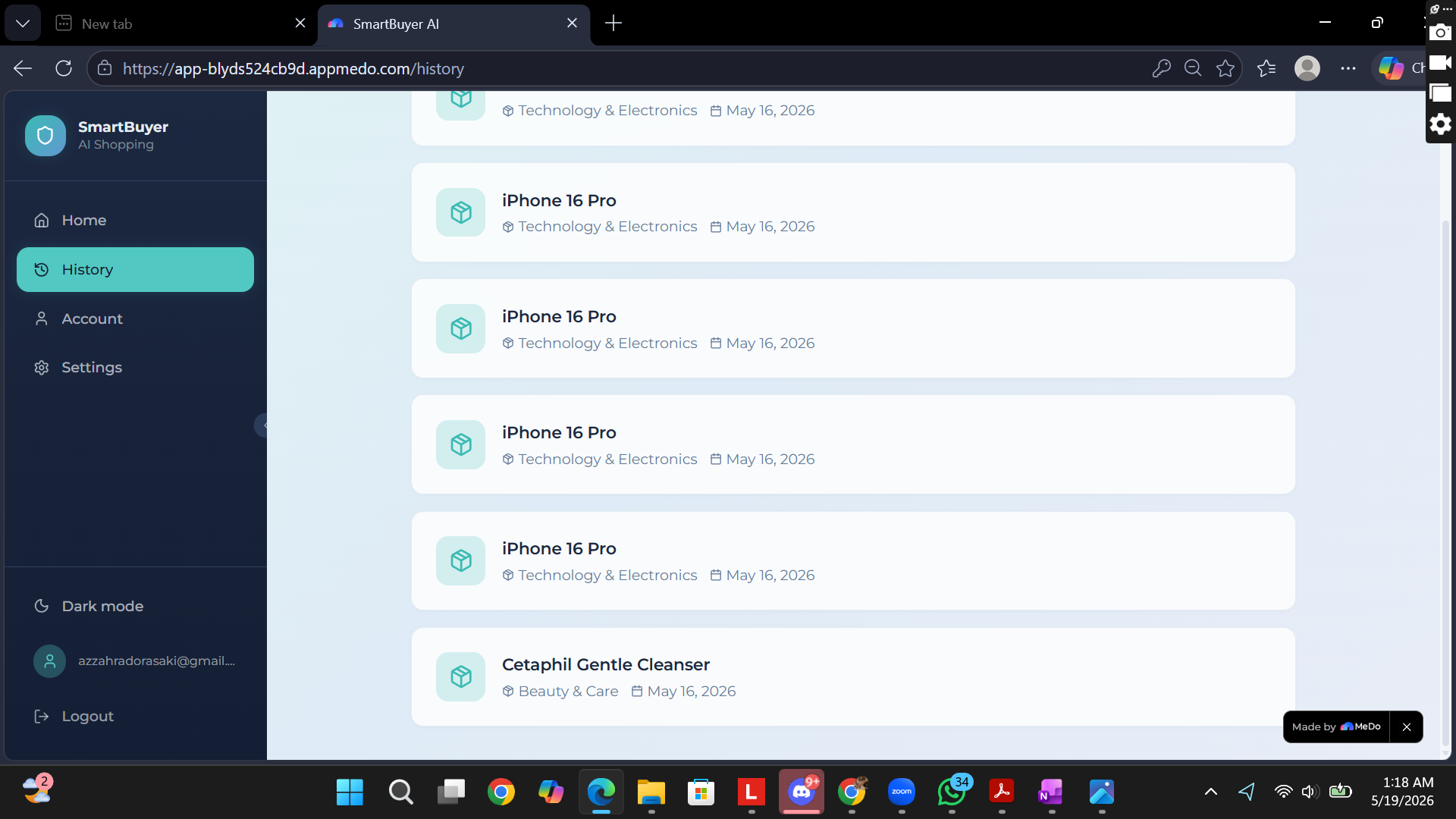
History Search
Inspiration
Every time I want to try a new product, I find myself checking Twitter, Instagram, Shopee, TikTok, and various other social media platforms just to weigh the pros and cons. However, there is a major loophole: most reviews are manufactured by influencers or celebrities rather than honest, everyday consumers. Influencer marketing is often heavily biased. When social media fails, I usually turn to general AI like ChatGPT, but it comes with limitations. General LLMs do not discuss everything in one go. I have to prompt them repeatedly and ask highly detailed follow-up questions to extract what actually matters: price, quality, ratings, real user experiences, and balanced pros and cons backed by evidence. Doing this query-by-query is time-consuming, and we often forget to ask about critical details like counterfeit product protection or sourcing. This inspired me to create SmartBuyer AI—a dedicated web application that automates product analysis. By simply dropping a product link or snapping a photo, the app eliminates decision paralysis by aggregating real-time community comments, providing multidimensional viewpoints, and verifying trusted shop redirections instantly.
What it does
SmartBuyer AI is an intelligent web application that automates multi-source review analysis. By simply dropping a product link, typing a name, or snapping a photo, the app aggregates real-time community feedback from platforms like Reddit, X, Instagram, and TikTok to generate a comprehensive, unbiased shopping report. Key Features: 🤖 Friendly AI Summary: Breaks down massive review counts into an easy-to-read pros and cons list. 📊 Trust Score Transparency: Calculates the probability of review authenticity to expose bot manipulation. 🌿 Beauty & Skincare Personalization: Tailors product data matching against individual skin types (sensitive, oily, etc.) and climate conditions (tropical, cold). 🛍️ Marketplace Redirection & Alternatives: Safely routes users to verified, trusted local marketplace stores (Shopee and Tokopedia) or provides better-rated alternatives if a product scores poorly. 💬 Follow-up Chatbot: Allows users to ask detailed follow-up questions without starting a new search.
How we built it
As an information systems student, I know that building a sustainable application must start with systematic design. I crafted the structure using structural diagrams to ensure a smooth development workflow: • Context Diagram: To define the system boundaries and external entities (User, OpenClaw API, e-commerce, and marketplaces). • Data Flow Diagram (DFD) Level 1: To map out internal data processes (auth, context processing, sentiment scoring, and history logs). • Use Case Diagram: To visualize core user capabilities (searching, skin profile customization, and exporting share cards). Through this architectural planning, I realized that app development involves deep user-requirement analysis, identifying critical feature sets, and preemptively troubleshooting infrastructure bottlenecks like internal errors or latency issues. Furthermore, building an AI-driven product taught me about setting strict prompt boundaries. Because machine learning engines adapt based on input data, we must inject highly structured context constraints so the AI synthesizes insights without hallucinating or shifting outside the specific product context.
Despite juggling university assignments, managing my business, and participating in other competitions, I successfully deployed the application in 3 days using a low-code ecosystem mixed with custom logic. The execution followed these phases: [Idea & Feedback] ➔ [System Design] ➔ [MeDo Core & OpenClaw] ➔ [User Evaluation] ➔ [UI/UX & Fixes]
• Step 1: Ideation & Peer Review: I pitched the core concept to my friends and peers to gain diverse viewpoints on feature utility. • Step 2: Structural Foundation: I defined the application name, drafted the "SmartBuyer AI" slogan, and finalized the system diagrams. • Step 3: Core Execution on MeDo: I configured the logical prompt structures, integrated plugins, and configured the AI search components. Without rigorous prompt engineering, the AI would generate asynchronous or hallucinated results. • Step 4: Debugging & Refinement: I isolated feature gaps and internal errors. I published internal versions and continuously self-tested the logic to discover edge-case failures. • Step 5: UI/UX & Aesthetic Design: I referenced modern UI aesthetics, curated a calming pastel palette (mint green & sky blue), and cleaned up the interface components. • Step 6: Public Deployment & Iteration: I published the final build and shared it with trusted peers for user testing. From their feedback, I refined latent bottlenecks and optimized the responsive layout.
Challenges we ran into
The primary development challenge revolved around prompt engineering & token optimization. Due to finite context window constraints, prompts had to be remarkably precise, structured, and sequentially organized. I even invited friends to try the app just to earn additional platform token quotas! Because this build relies on the MeDo Low-Code platform connected to OpenClaw, rather than native Google or OpenAI API keys, the AI response times are slightly slower due to the complex nature of fetching and analyzing real-time web results on the spot. Additionally, due to security protocols and the closed-source API architectures of major e-commerce platforms, pulling instant visual image previews and direct web-scraping pipelines remains restricted on low-code tiers without premium integration. While product visual validation is a core value proposition, this feature has been safely backlogged for future development phases to prioritize stable performance. The Ultimate Triumph: I successfully integrated a Supabase database to store user analysis histories. This allows users to save searches and export structured results into aesthetically pleasing share cards seamlessly. The app is now fully functional, secure, and ready to protect users from deceptive shopping traps!
Accomplishments that we're proud of
Despite balancing mid-term college assignments, managing my own trading business, and participating in other active competitive events, I successfully engineered, debugged, and shipped a functional, database-integrated software solution independently in just 3 days. I am incredibly proud of successfully hooking up the Supabase database backend to capture user search instances and seamlessly generate functional social share layouts.
What we learned
This experience reinforced the value of a structured systems-thinking foundation. I discovered that software creation goes far beyond writing clean logic—it requires an intentional study of user pain points, performance trade-offs, internal handling errors, and system bottlenecks. On the AI side, I learned that machine learning entities require strict context constraints. Without establishing concrete guardrails, an AI engine can easily lose focus, making careful prompt containment crucial.
What's next for SmartBuyerAI
The immediate roadmap centers on optimizing the real-time pipeline latency to make processing speeds match native performance expectations. I also intend to work through premium API integrations to safely overcome marketplace data walls, allowing us to roll out the visual image preview validation feature. This will ensure users can instantly verify that the visual product match aligns perfectly with the AI's compiled report.
Built With
- css
- i18next
- intelligence
- llm
- medo
- postgresql
- react
- supabase
- tailwind
- typescript
- vite
- web


Log in or sign up for Devpost to join the conversation.