-
-
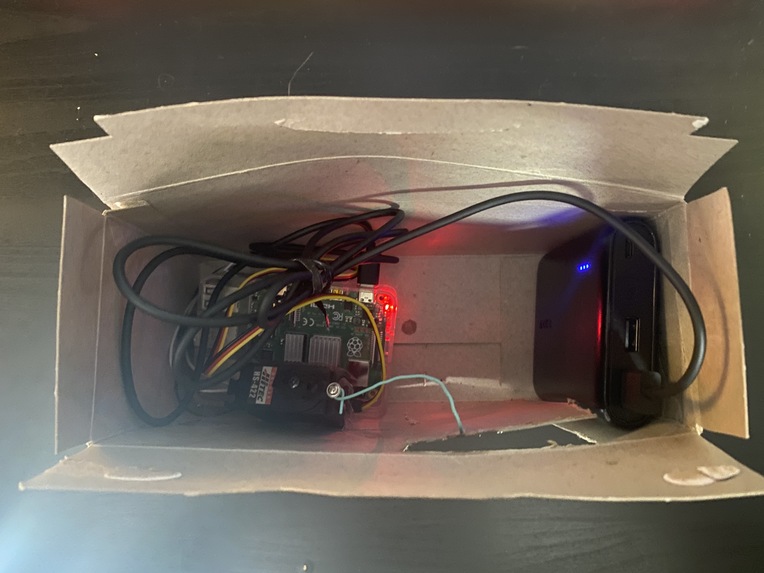
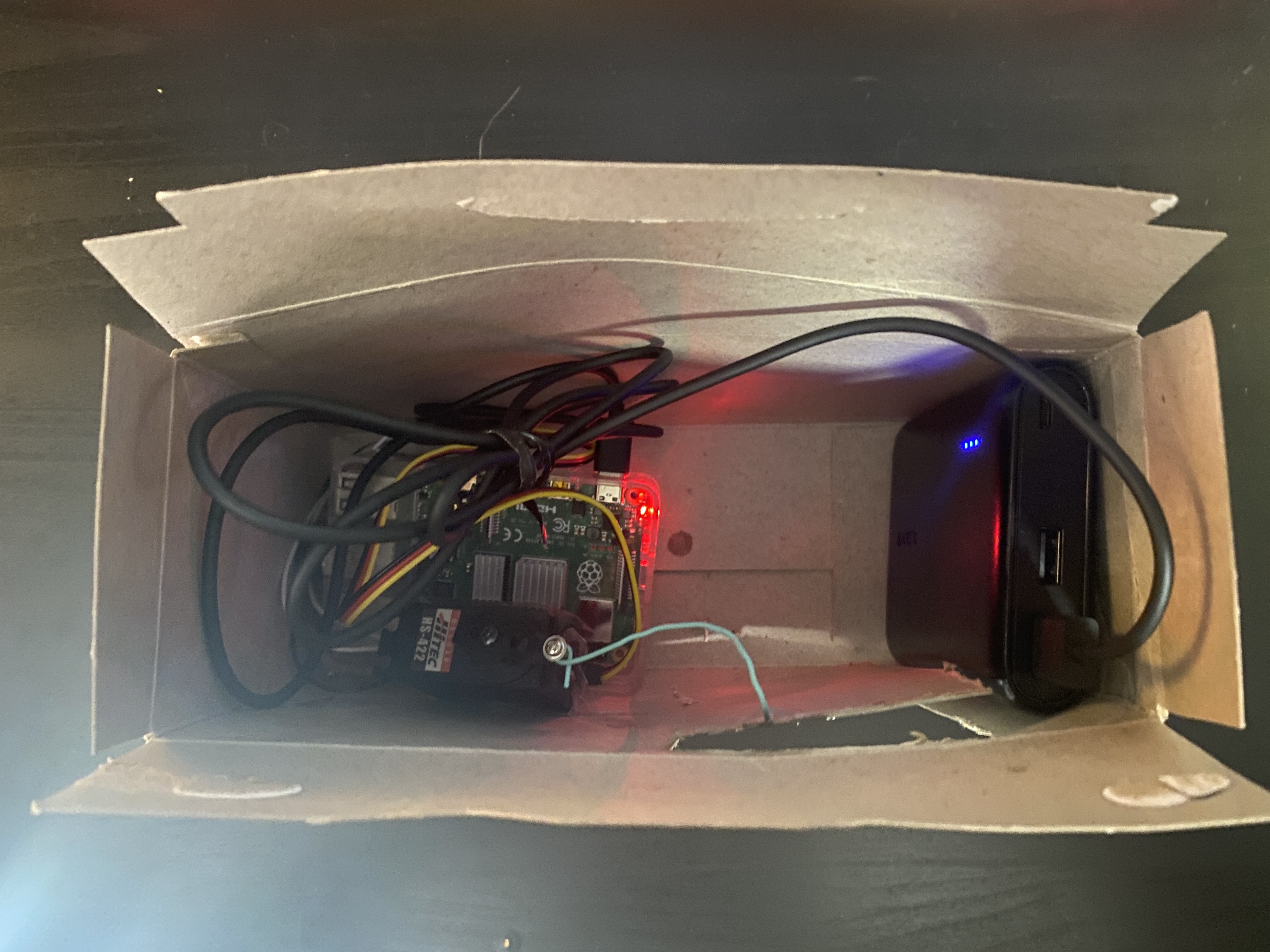
Top Closed
-
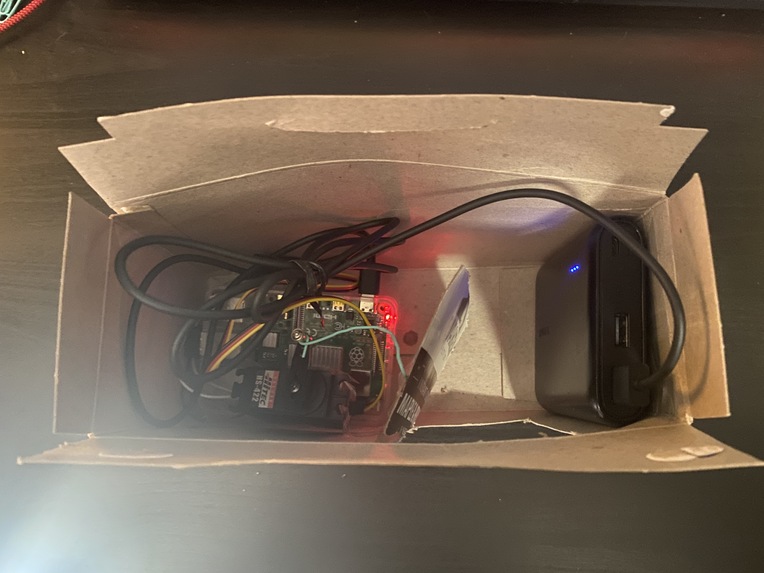
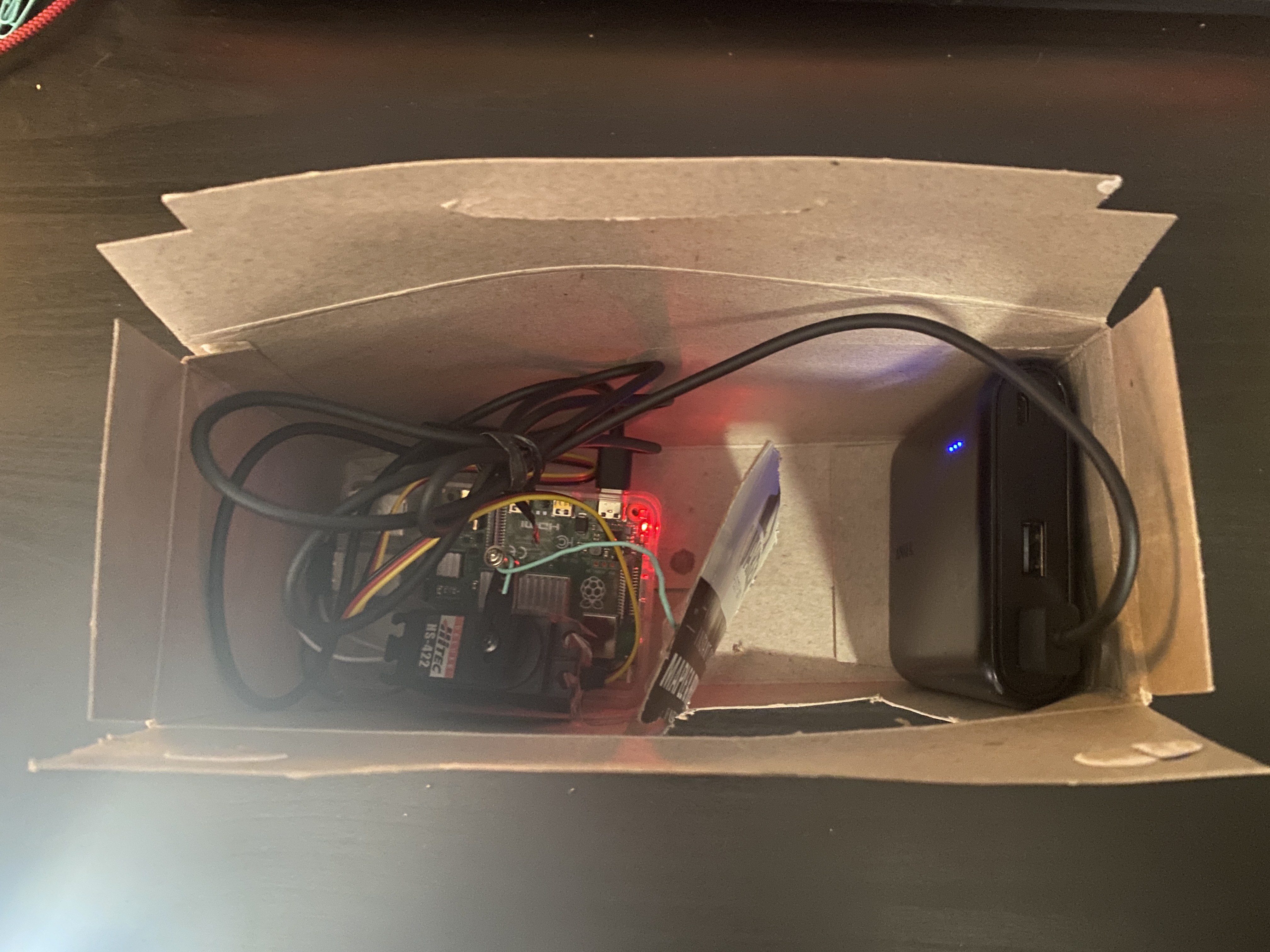
Top Open
-
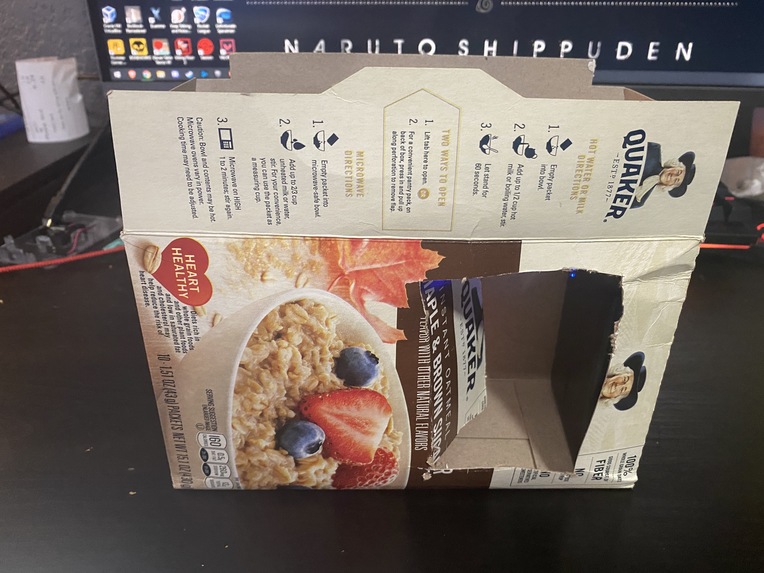
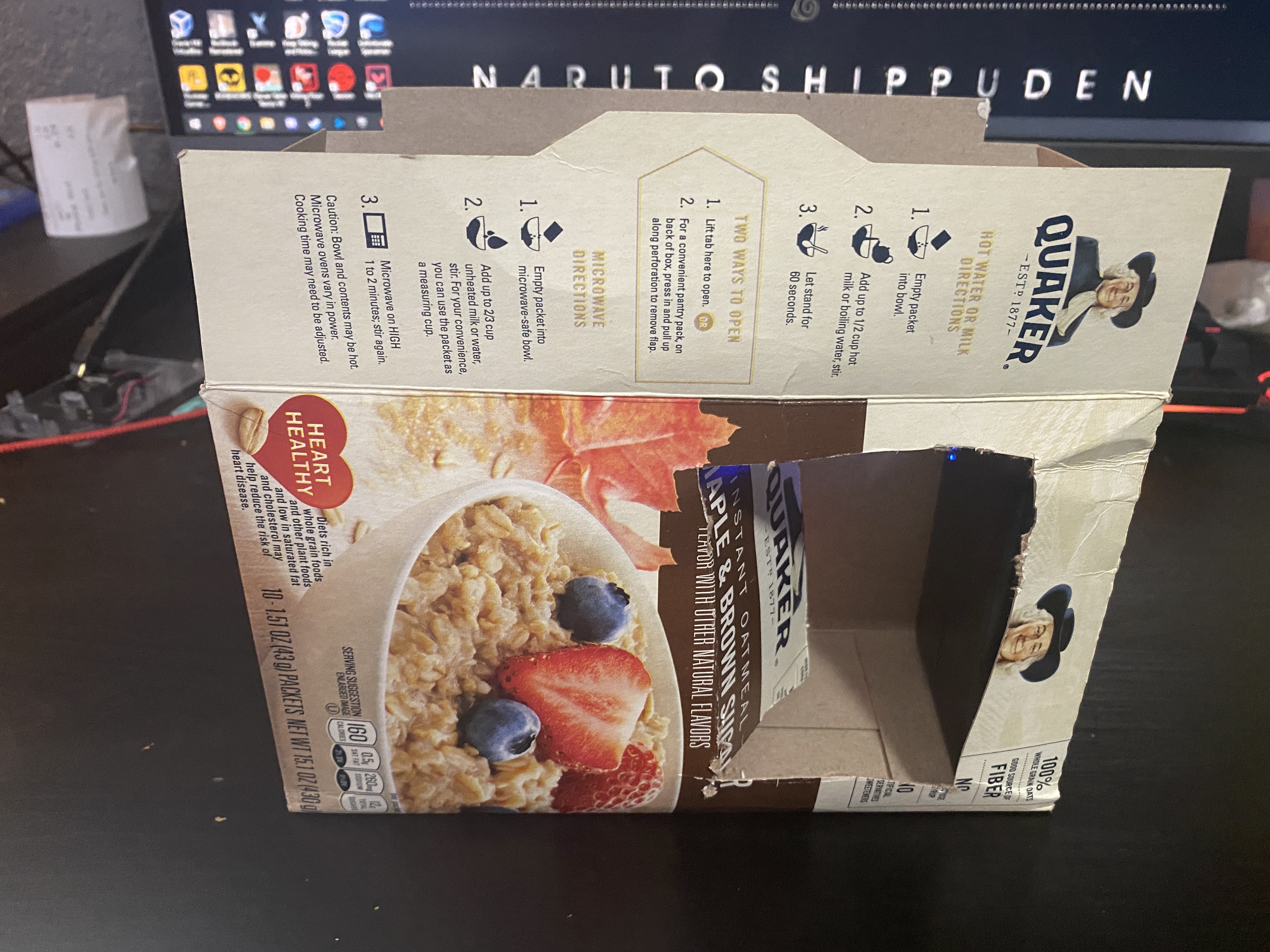
Front Open
-
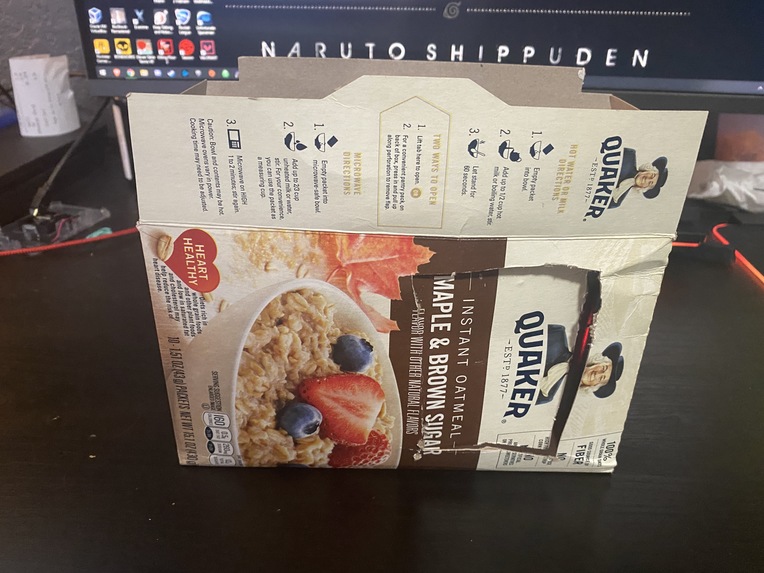
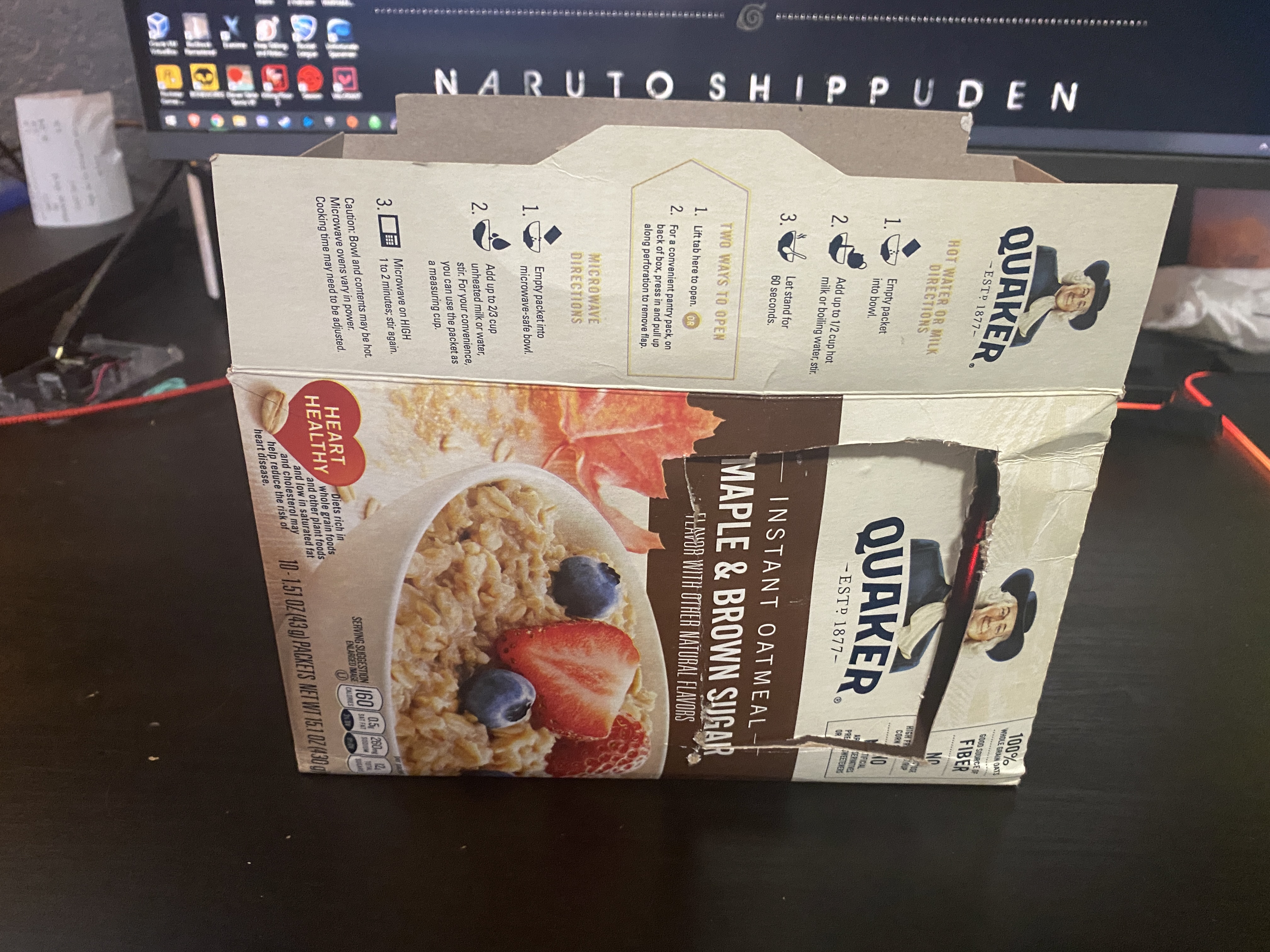
Front Closed
Inspiration
The inspiration for this project came from my family coming into my room to tell me something/talk to me then.... not closing the door! This is a big thing with other nerds/gamers like myself, so with my determination to staying lazy I thought of DOORhinge! On top of helping the lazy, DOORhinge can be very useful for anybody that cannot physically open or close doors on their own such as the elderly, the sick, or possibly someone who just got out of surgery and cannot walk. It's not exactly how I imagined it since I did not have the proper materials, but at the very minimum I've set up a little demo to convey the idea!
What it does
DOORhinge is a self-contained solution to your lazy needs. In this version, it is network-enabled which allows you to open or close your door from commands sent from any network-enabled device to DOORhinge!
How I built it
This project was made from literally anything that I could find around my house. I have an old oatmeal box as the housing, a paperclip connected to a servomotor to close a "door" that I cut into the box, and a Raspberry Pi 4 to send the signal to the servomotor! Using Flask, I was able to set up a server on the Raspberry Pi 4 which will send a signal to the servomotor to either open or close depending on if the user sends a HTML GET close or open request. I used RPi.GPIO to apply different signals to the servomotor using PWM.
Challenges I ran into
Aside from scouring through my house to find anything I could use to make this project happen, the hardest part was probably making the server. I didn't know much about creating a server on the Raspberry Pi 4, much less sending signals to hardware from said server. But, with a little elbow grease I was able to research a way to have the two communicate perfectly using Flask and the RPi.GPIO library!
Accomplishments that I'm proud of
I'm very proud of the fact that I hacked together something very simple in order to convey the idea of DOORhinge, and that I was able to create a server that interacted with hardware for the first time! Also, even though this project is very simple, I'm proud of the fact that I stuck to the end and submitted my project!
What I learned
I learned how to use Flask to create a server on the Raspberry Pi 4, and how to have it accept different HTTP GET requests. From there, I learned how to integrate RPi.GPIO so that I could interact with the hardware from said HTTP requests. I also learned a little home-crafty ingenuity!
What's next for DOORhinge
Obviously this project is very simple for what I had in mind, but going forward I want to implement the correct materials in order to get this idea to work on an actual door, and eventually making it IR/Voice activated! From getting a new motor, to 3D printing an actual housing for my project, I want to completely revamp this project into something that an individual can see themselves installing in their home!
Built With
- flask
- python
- raspberry-pi
- rpi.gpio

Log in or sign up for Devpost to join the conversation.