Inspiration
A Ring doorbell tells you someone is at the door with a chime. If you can't hear the chime, you miss the visitor.
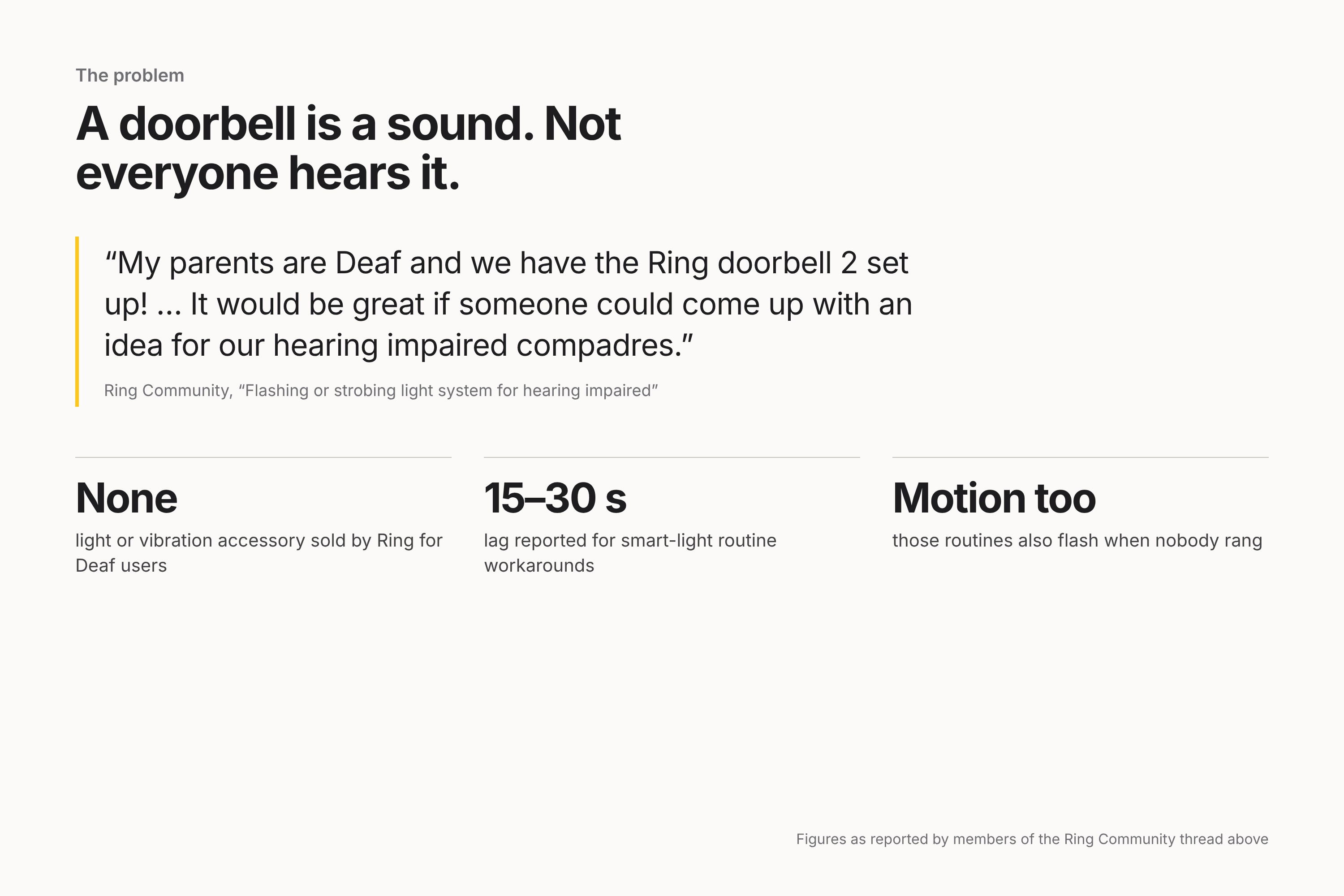
On the Ring Community forum, a thread titled "Flashing or strobing light system for hearing impaired" has asked for a visual alternative for years. One member wrote: "My parents are Deaf and we have the Ring doorbell 2 set up! … It would be great if someone could come up with an idea for our hearing impaired compadres." Ring sells no light or vibration accessory. The usual workaround, smart-light routines, is reported in that thread to lag 15–30 seconds and to fire on motion as well as presses, so the lights flash when nobody rang.
Fire TV can already show a small Ring picture-in-picture in the corner of the screen, on select models, as part of an Alexa announcement. That is designed for people who hear the announcement. We wanted something for people who can't.
What it does
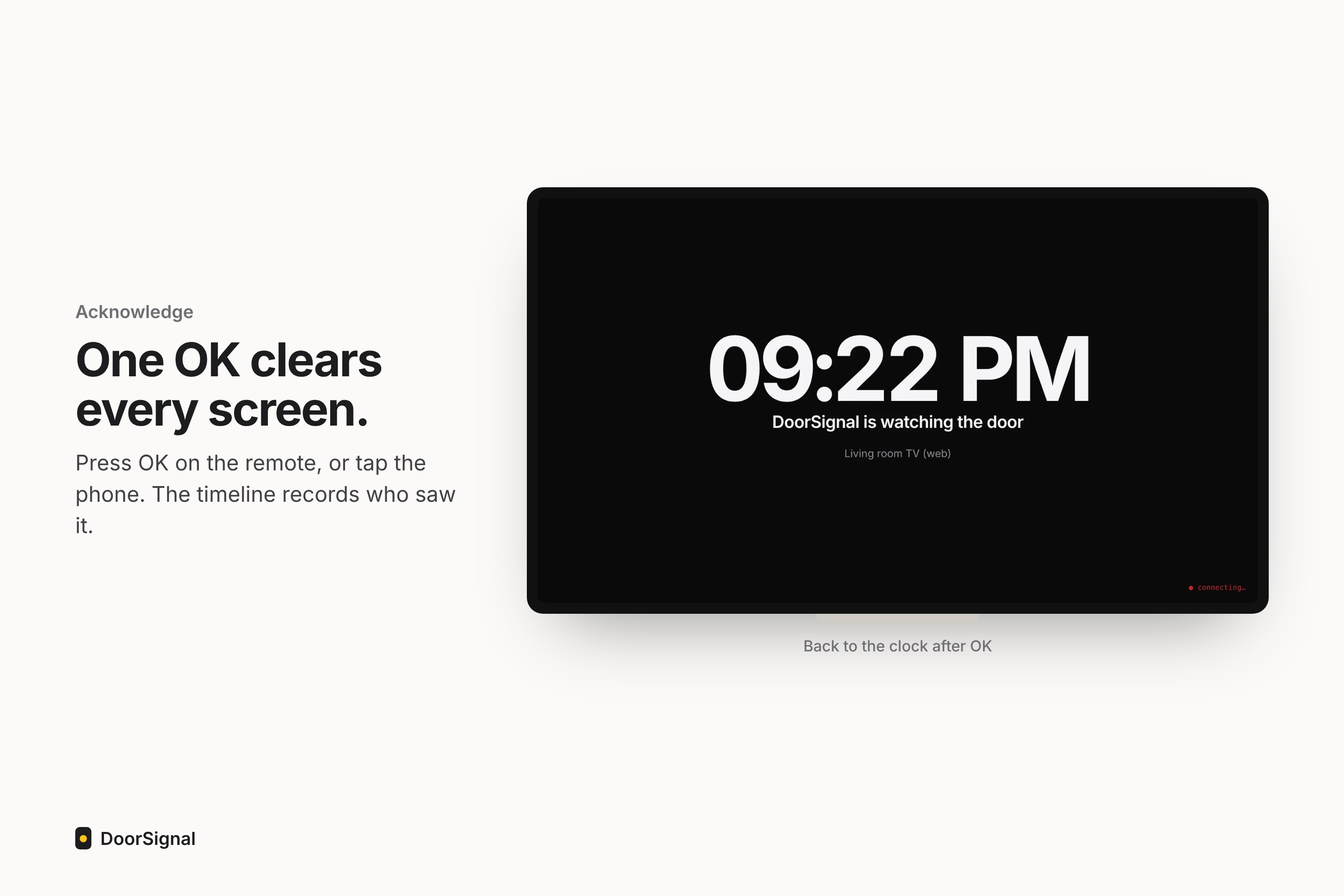
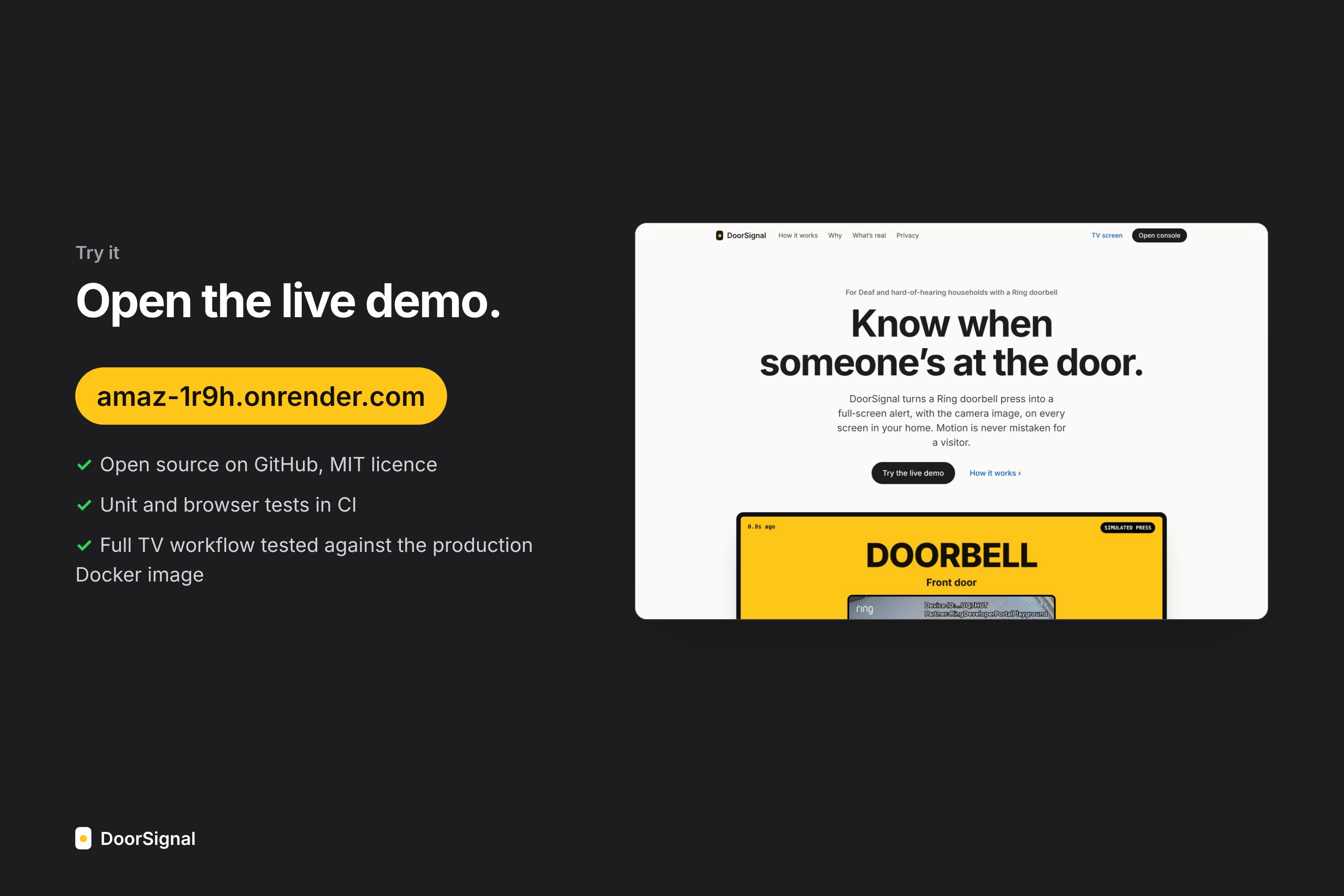
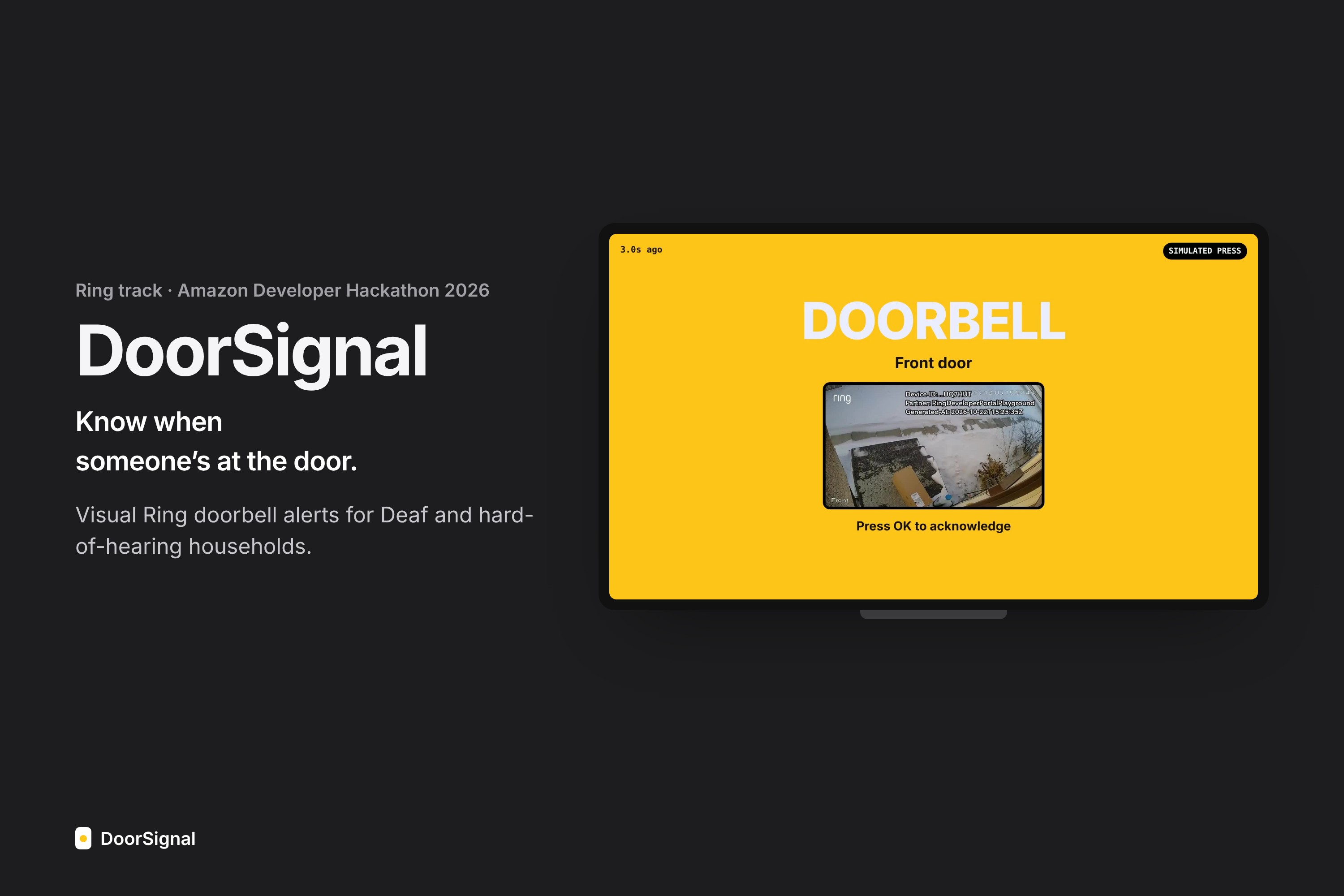
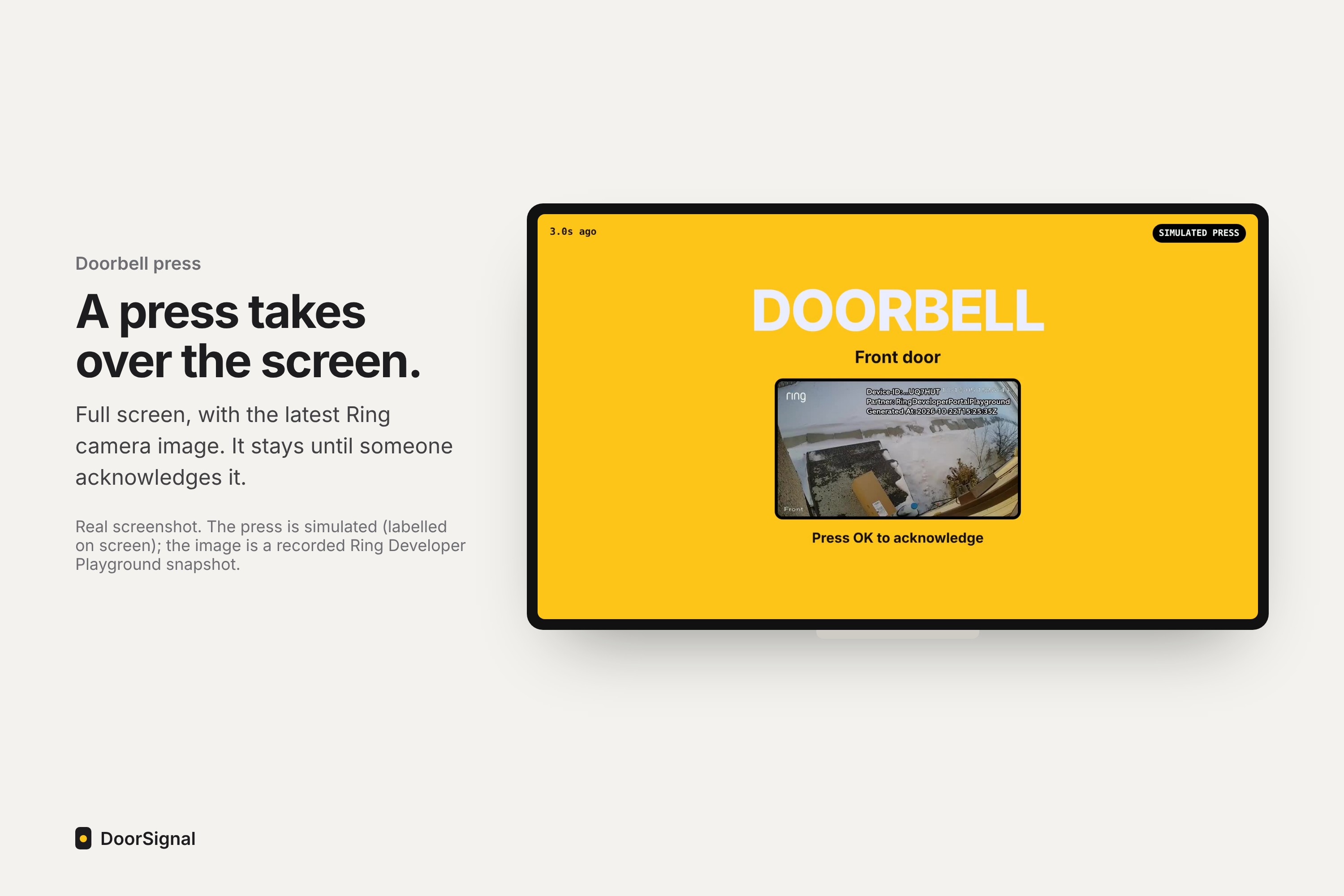
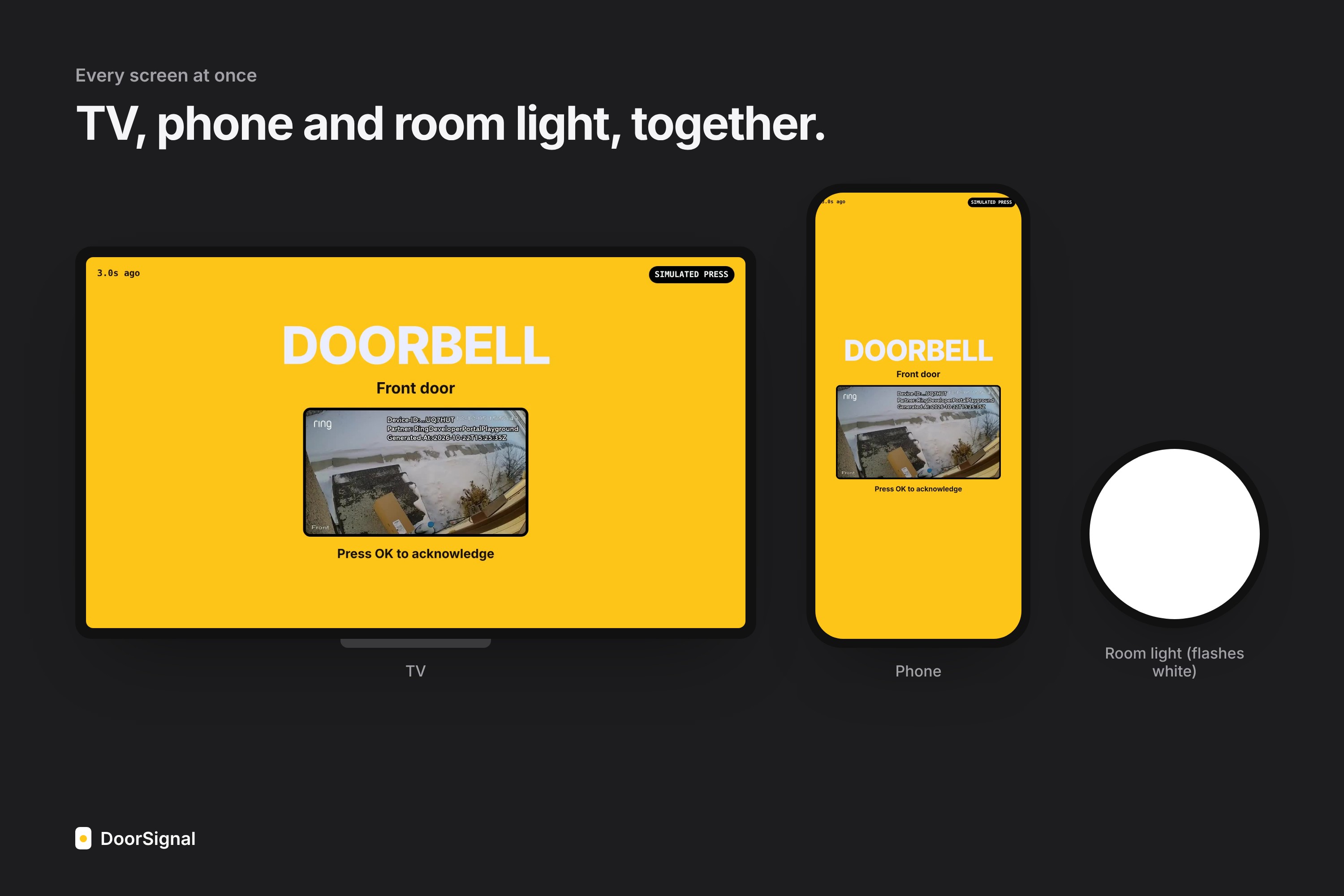
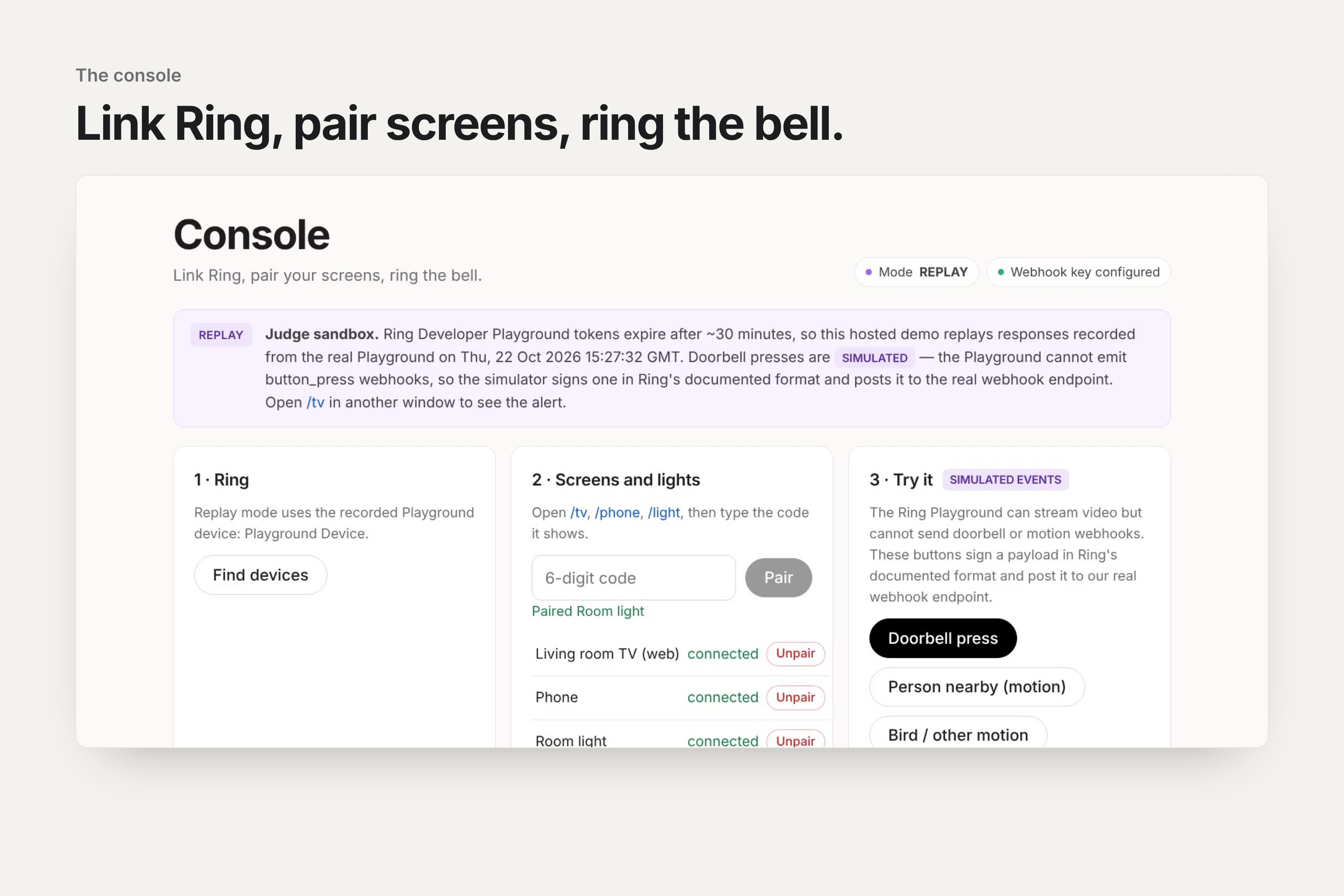
When the doorbell is pressed, DoorSignal shows a full-screen DOORBELL alert, with the latest Ring camera image, on every paired screen: a TV page, a phone and a room "light" page.
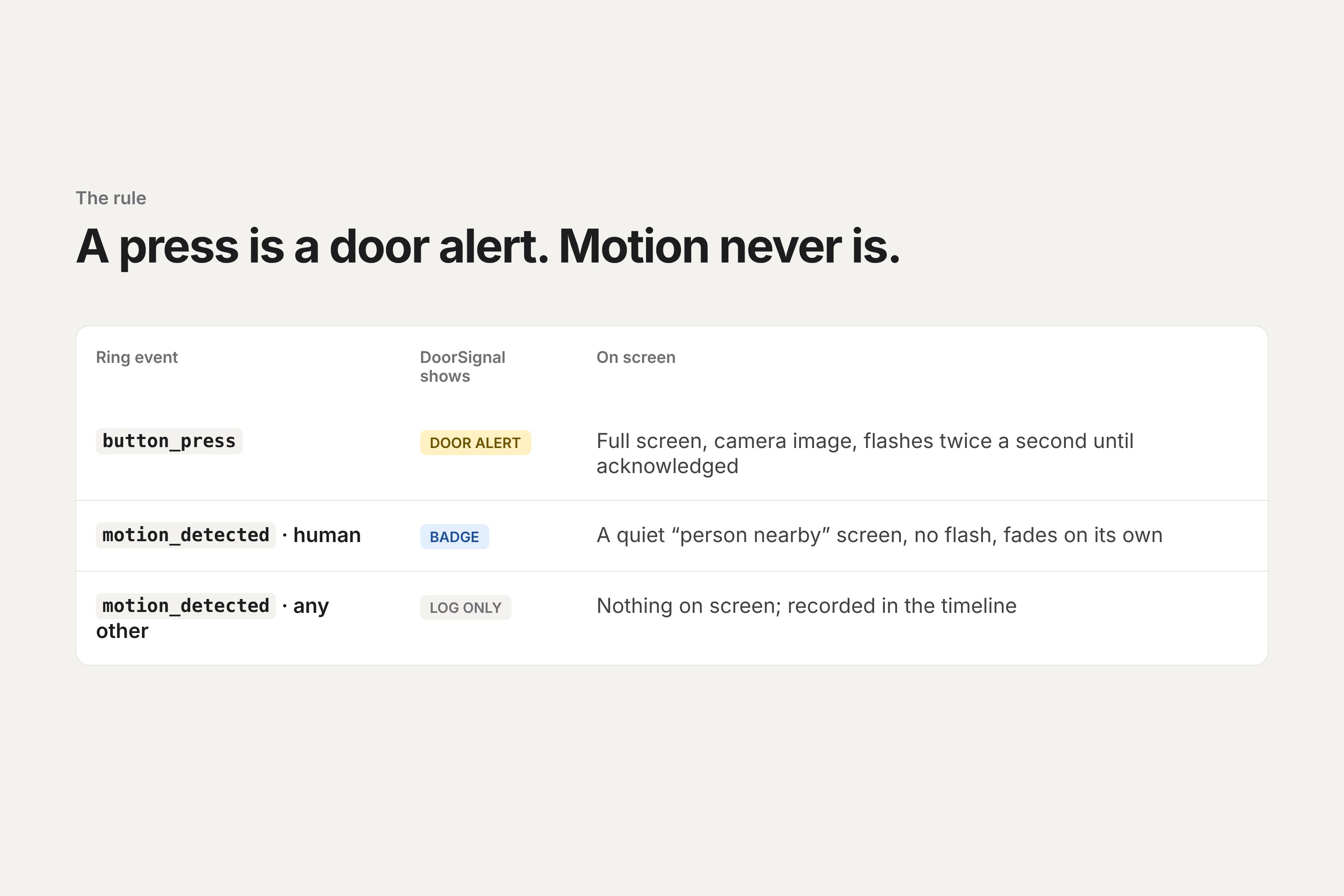
- Press vs. motion: only a
button_pressraises a door alert. A person on camera shows a quiet "person nearby" screen. Cars, birds and branches are only logged. - Stays until seen: the alert holds the screen until someone acknowledges it. One OK on the remote clears every screen.
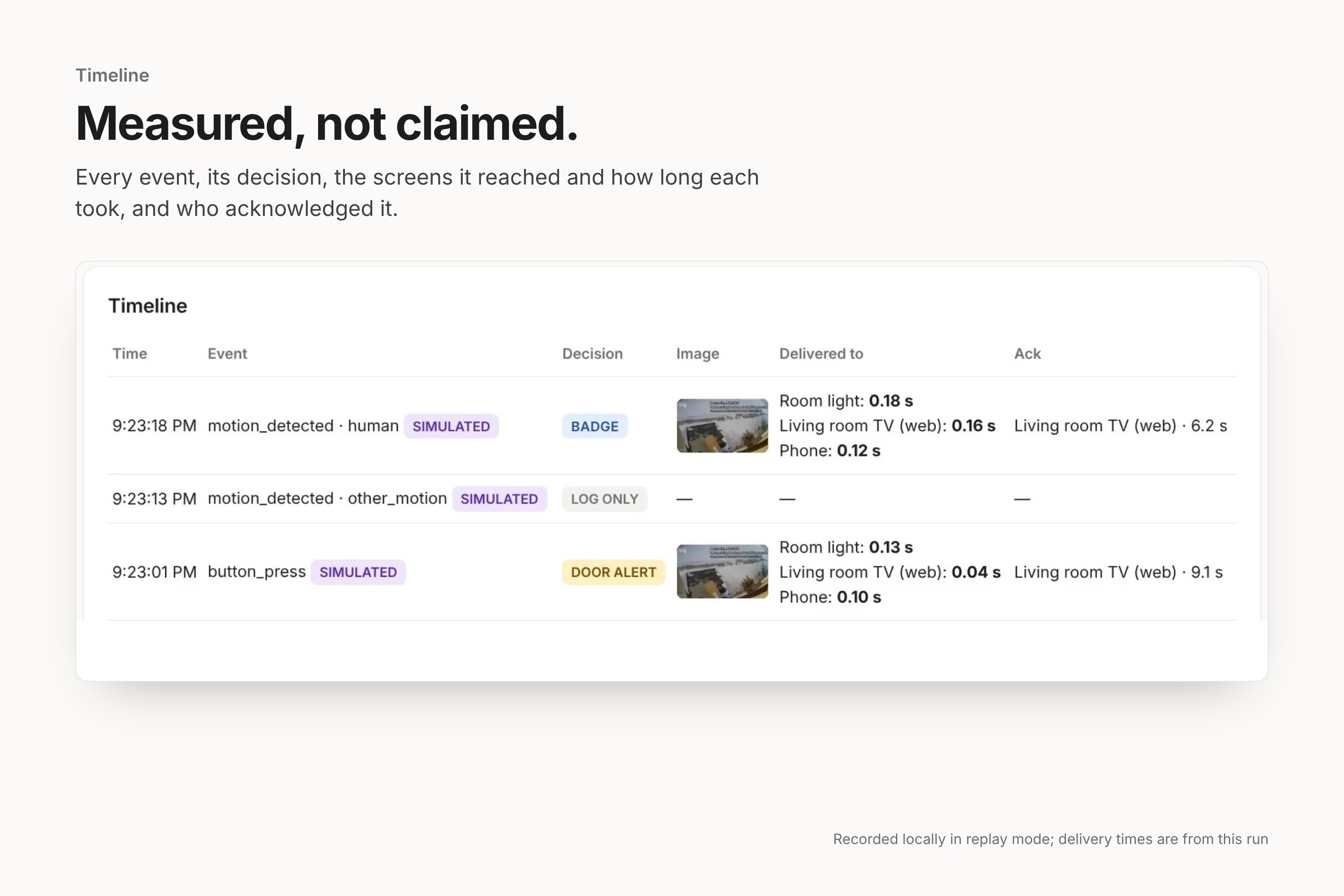
- Measured, not claimed: the timeline records which screens showed each alert, how long each took, and who acknowledged it.
How we built it
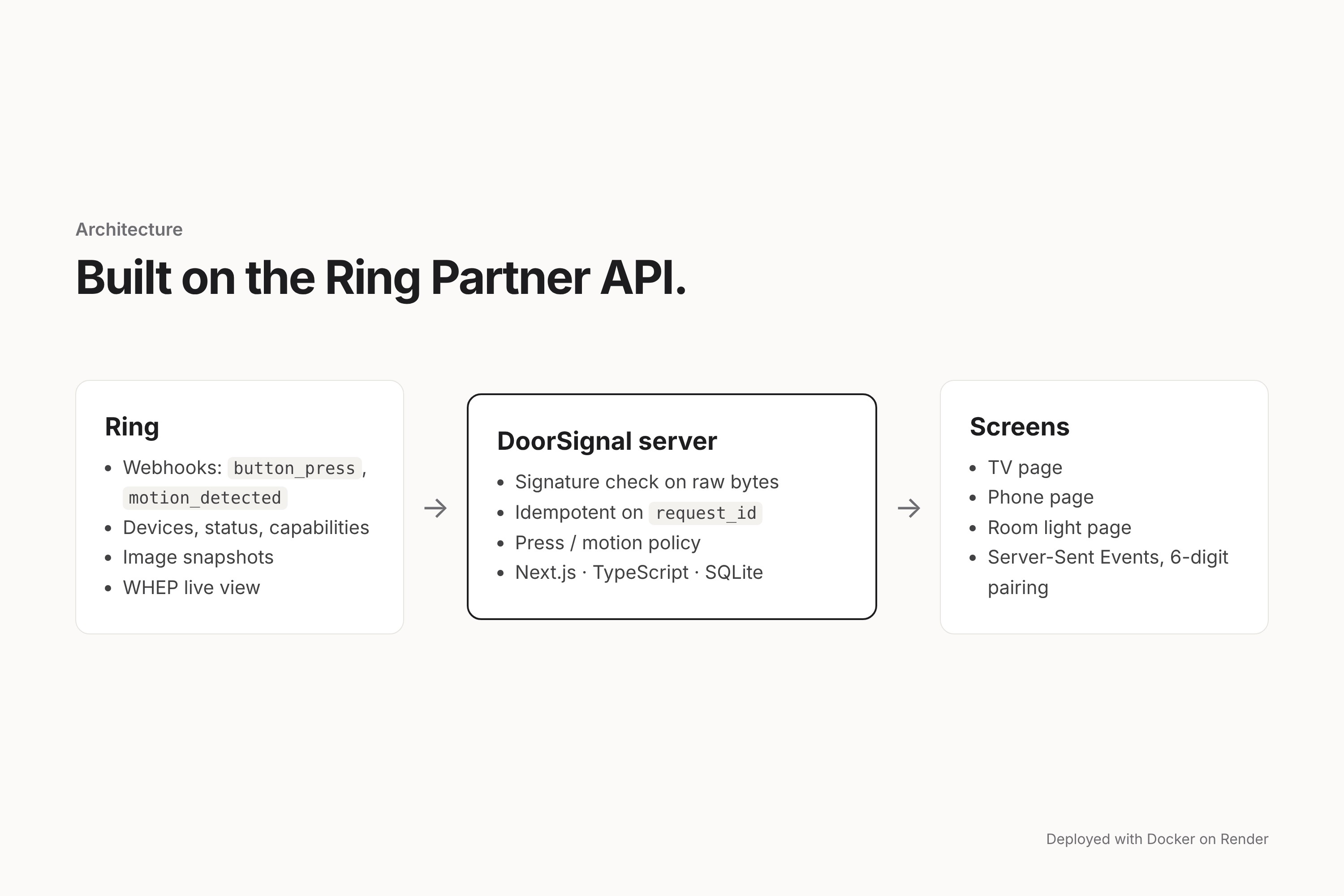
- Ring Partner API (
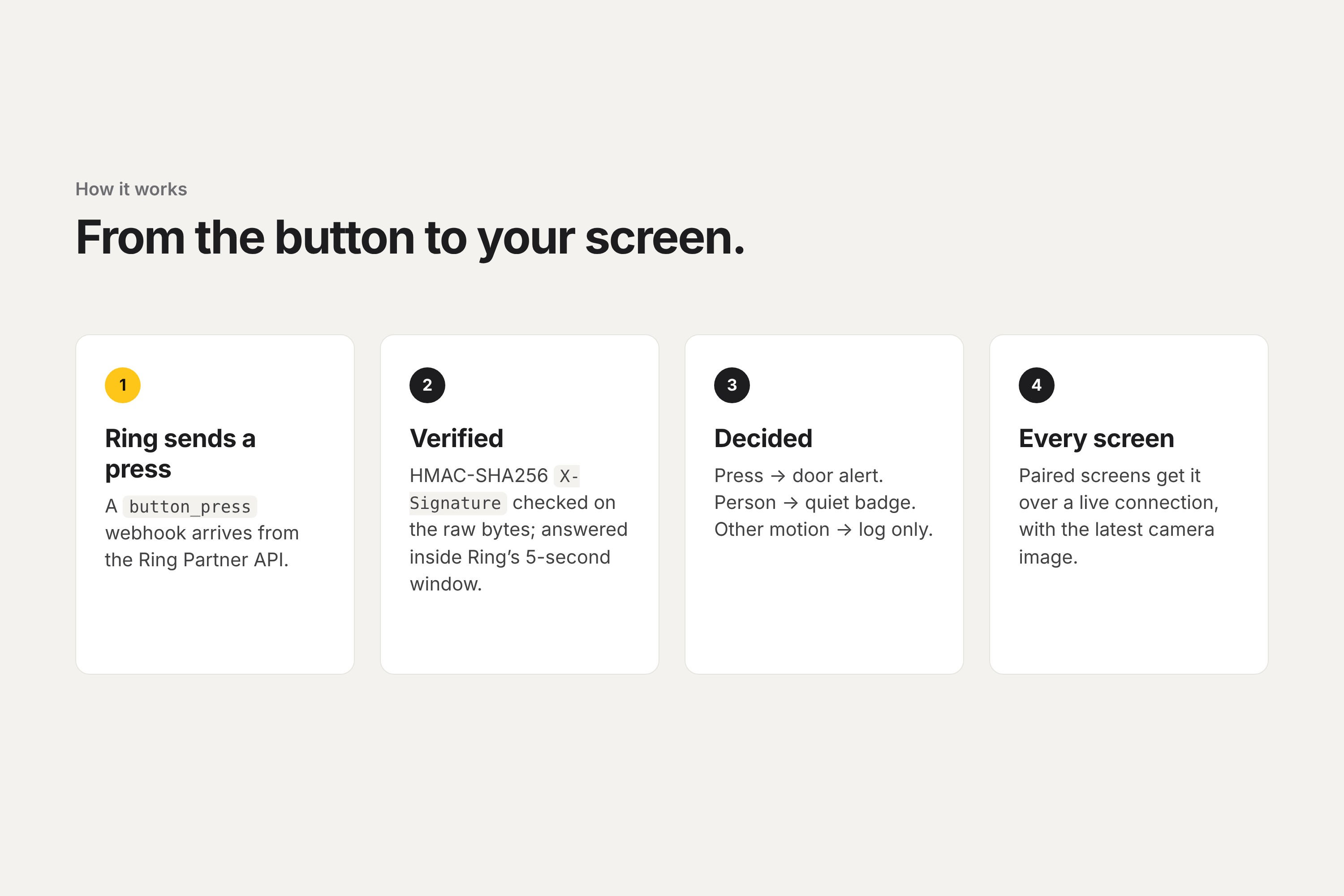
api.amazonvision.com) for devices, status, capabilities, image snapshots and WHEP live view, tested against the Ring Developer Playground. - Webhook receiver following Ring's documented contract. Every request is verified over its raw bytes before anything else runs:
$$ \texttt{X-Signature} = \texttt{sha256=}\,\mathrm{hex}\big(\mathrm{HMAC\text{-}SHA256}(k,\ \text{body})\big) $$
Events are stored once per request_id and answered within Ring's 5-second window. The fan-out to screens continues in the background.
- Policy: a small, tested function maps
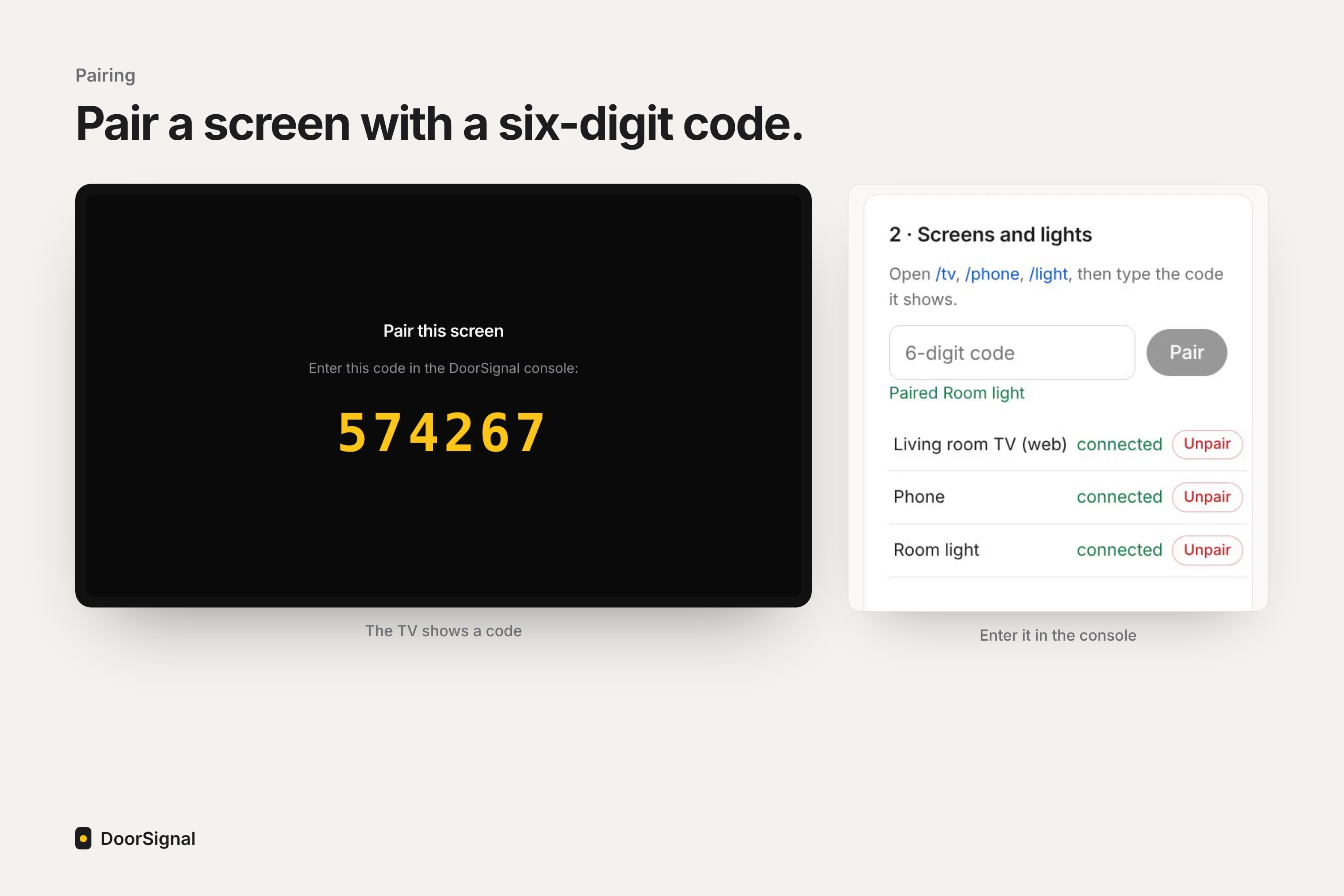
(type, sub_type)to door, badge or log. - Screens pair with a 6-digit code and receive alerts over Server-Sent Events.
- Stack: Next.js 15 and TypeScript, SQLite (
node:sqlite), Docker, deployed on Render. - Tests: Vitest unit tests, plus Playwright browser tests that pair a TV, press the bell, check the alert and image, and press Enter to clear it. CI runs them against the same Docker image Render deploys. A separate CI job runs the same test against the live site and skips the steps that need the admin login when no password is configured.
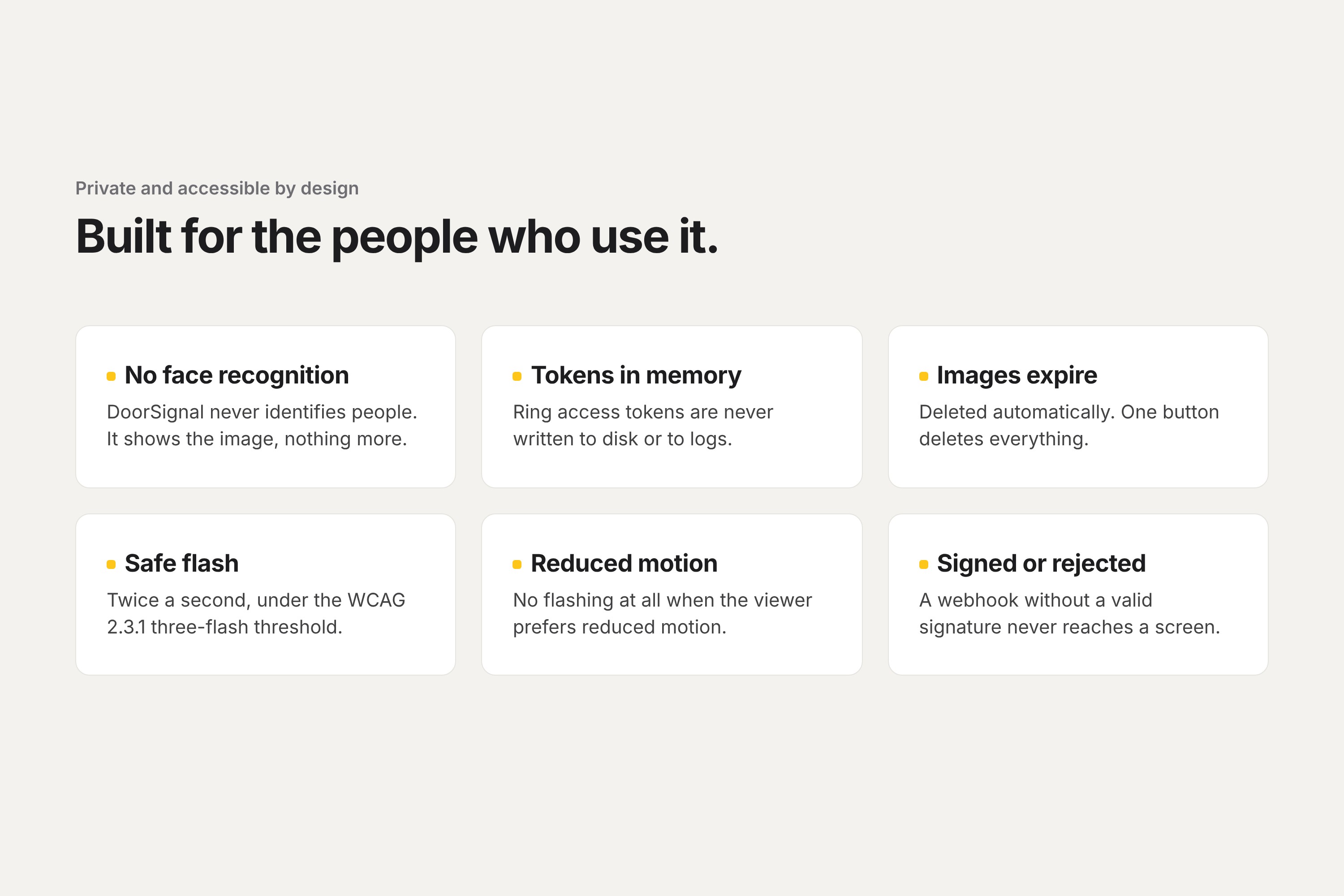
- Accessibility: the door alert flashes at
$$ f = 2\ \text{Hz} < 3\ \text{Hz}, $$
below the WCAG 2.3.1 photosensitivity threshold, and not at all when the viewer has turned on reduced motion.
In local tests over 50 simulated presses, the time from receiving the webhook to the TV rendering the alert had a median around 10 ms and a 95th percentile around 20 ms. These figures are from a single machine on loopback, not a real home network.
Challenges we ran into
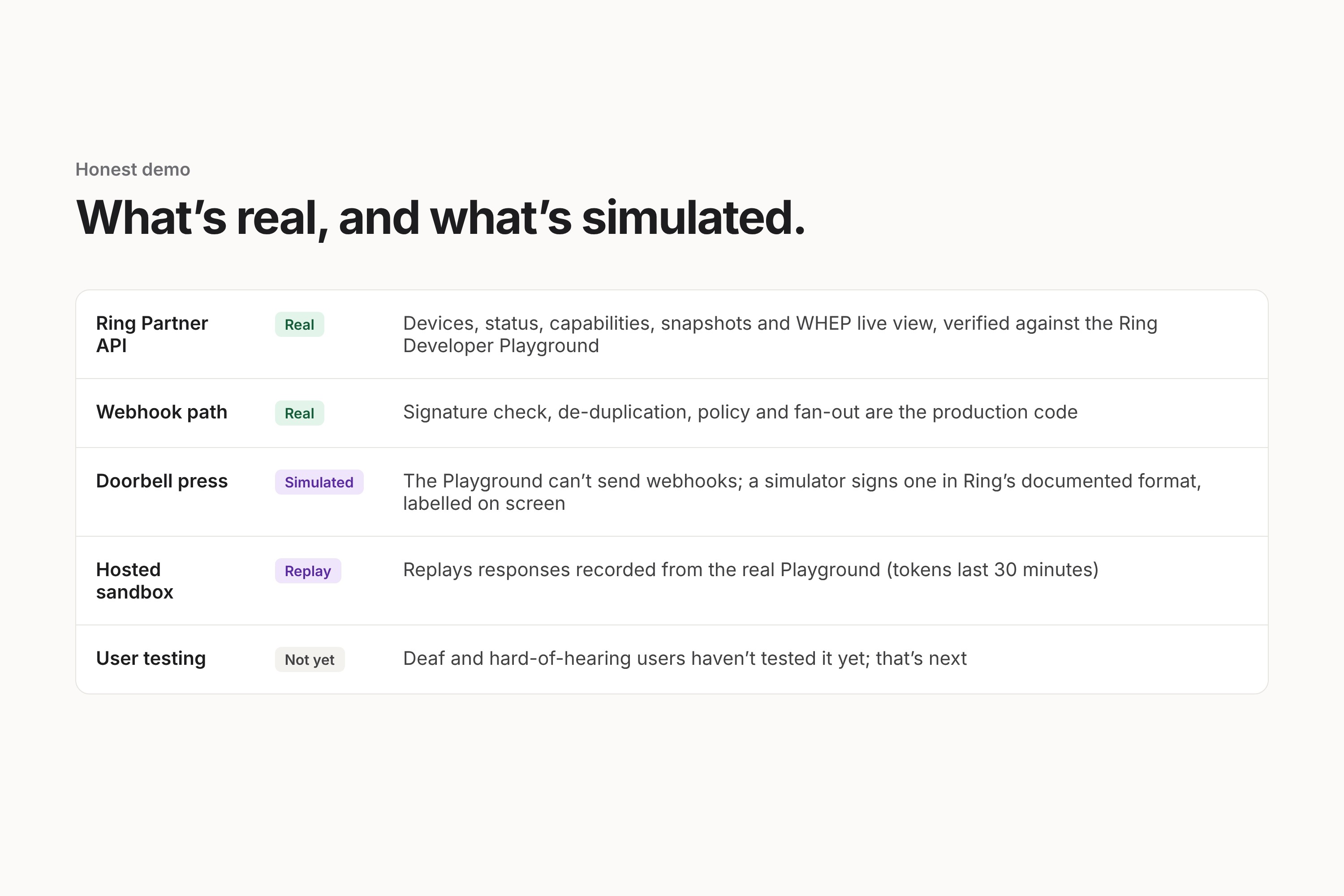
- The Playground can't press the doorbell. It streams video but cannot send
button_presswebhooks. We built a simulator that signs payloads in Ring's documented format and posts them to the real webhook endpoint, so verification, the policy and the fan-out all run for real. Every simulated alert is labelled SIMULATED on screen. An event counts as "ring" only when the signing key was issued by Ring. - Tokens last 30 minutes. A hosted demo would go stale, so the public sandbox replays responses recorded from the real Playground. It is labelled REPLAY.
- Snapshots returned 403
TIME_RANGE_NOT_AUTHORIZED. Media is only authorized after the token's issue time, so we clamp the requested window to the token'siat. - Live view returned 500. The headless Chromium we tested with has no H.264; with an H.264 offer, Ring's WHEP endpoint answered 201.
- Requests were rejected without Ring's required
User-AgentandHardware_Idheaders. We now send them on every call. - Deploying: Render couldn't find the Dockerfile; images 404'd because Next's standalone build leaves out
public/; and the simulator failed behind Render's proxy because it posted to the public host name. Each now has a test.
What we learned
- Accessibility here means what reaches the person: full screen, stays until seen, and never mistakes a passing car for a visitor.
- Write down what is real. Keeping "real", "simulated" and "replay" separate in code, UI and docs made every demo claim checkable.
- Test the deployment, not only localhost. Our worst bug passed every local test.
What's next
- Put DoorSignal in front of Deaf and hard-of-hearing users. Nobody outside the team has tested it yet.
- Run the Fire TV app on a real device. It builds in CI but hasn't run on hardware.
- Receive real
button_presswebhooks from a production Ring integration.

Log in or sign up for Devpost to join the conversation.