-
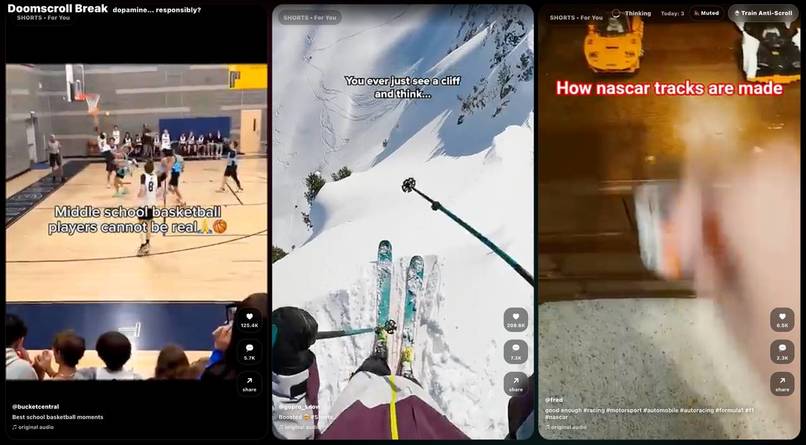
Screenshot of popup when you prompt your LLM
Inspiration
Every time I ask ChatGPT a “thinking-heavy” question, there’s a short pause. And every time, my muscle memory kicks in: I grab my phone “just to check something.” By the time the answer is ready, I’m still scrolling — and my attention is already gone.
I realised the problem wasn’t doomscrolling itself, but the in-between moments where distraction sneaks in automatically. So instead of fighting that habit, I decided to contain it.
That’s where DoomBreak came from.
What it does
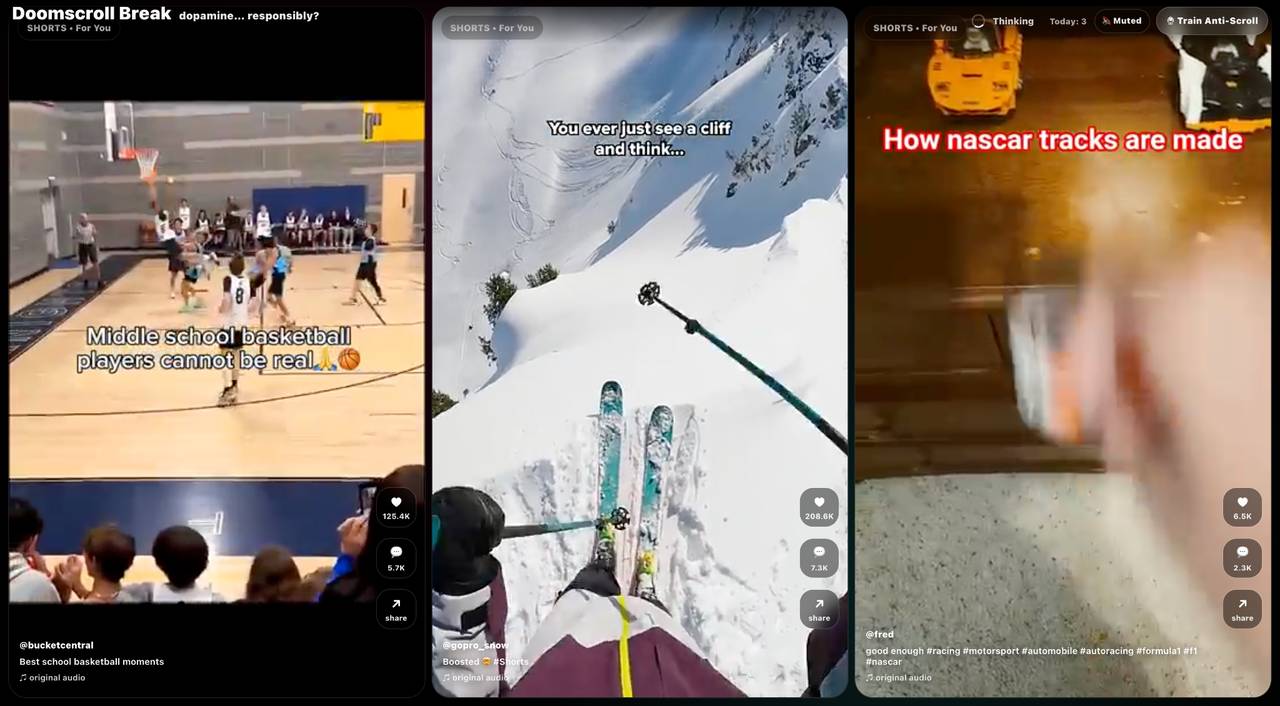
DoomBreak detects when ChatGPT is generating a response and temporarily overlays a 3-panel, Shorts-style doomscroll wall. You get a quick, intentional brain break only while the AI is thinking.
The moment ChatGPT starts typing or finishes responding, the overlay automatically closes and brings you straight back to the conversation — no extra tabs, no “one more video.”
It also includes:
- A daily auto-close streak to track how many times it saved you from infinite scroll
- Sound controls (on purpose, not by accident)
- Prompt-aware content filtering
- A playful “discipline +1” close interaction
It’s not a site blocker. It’s a self-closing distraction.
How we built it
DoomBreak is a Chrome extension built primarily with:
- JavaScript (content scripts + service worker)
- DOM mutation observers to detect ChatGPT’s generation state
- A custom video overlay system with panel-level playback control
- Chrome local storage for preferences, streaks, and rewards
A big focus was making the detection robust on chatgpt.com, especially handling the difference between “thinking” and “typing” during streamed responses.
Challenges we ran into
- Detecting typing reliably: ChatGPT’s DOM changes frequently, and streamed responses don’t always increase text length monotonically.
- Autoplay & sound policies: Browsers really don’t want you playing audio unless the user explicitly interacts.
- State edge cases: Manual closes, laggy generations, and rapid prompt submissions caused tricky race conditions.
- Not overblocking: We didn’t want to block content permanently — just long enough to avoid accidental overuse.
Each of these forced us to rethink assumptions and make the logic more resilient.
Accomplishments that we're proud of
- Getting thinking → typing → done detection to work reliably on chatgpt.com
- Making the overlay fully self-closing without user friction
- Turning a bad habit into a controlled, intentional interaction
- Building something genuinely useful that I now use every day
Most importantly, it feels good to use — playful, not preachy.
What we learned
- Small UX decisions matter more than big features
- Fighting habits doesn’t work — designing around them does
- Modern web apps change DOMs in unpredictable ways, and resilience beats elegance
- A “personal” problem can still be a widely relatable one
What's next for DoomBreak
- Support for other LLM platforms (Gemini, Claude, etc.)
- Smarter prompt-to-content matching
- Per-user analytics (private & local) on attention saved
- Optional “focus mode” themes for calmer breaks
- Packaging it so others can easily customise their own break style
DoomBreak started as a personal fix — next, it could become a healthier default for how we wait.

Log in or sign up for Devpost to join the conversation.