-
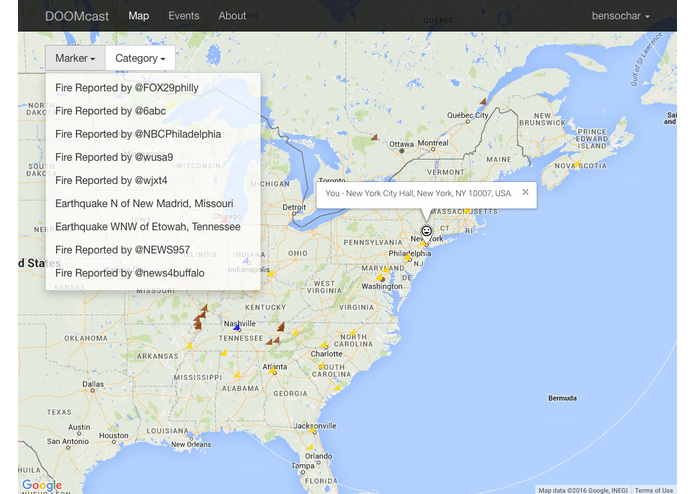
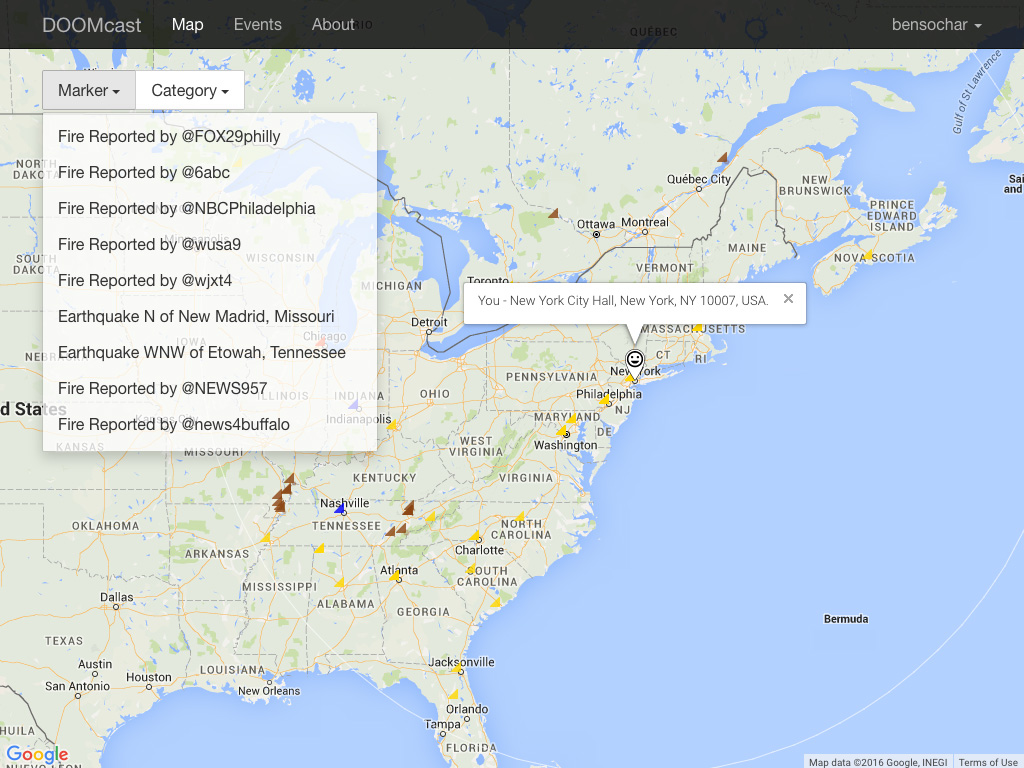
Map filter
-
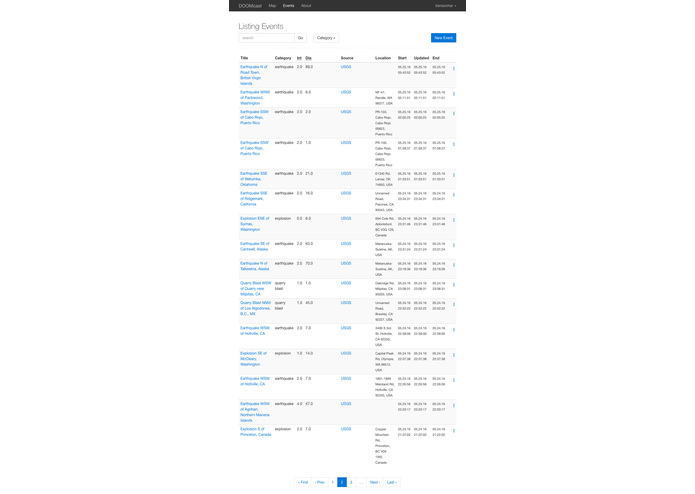
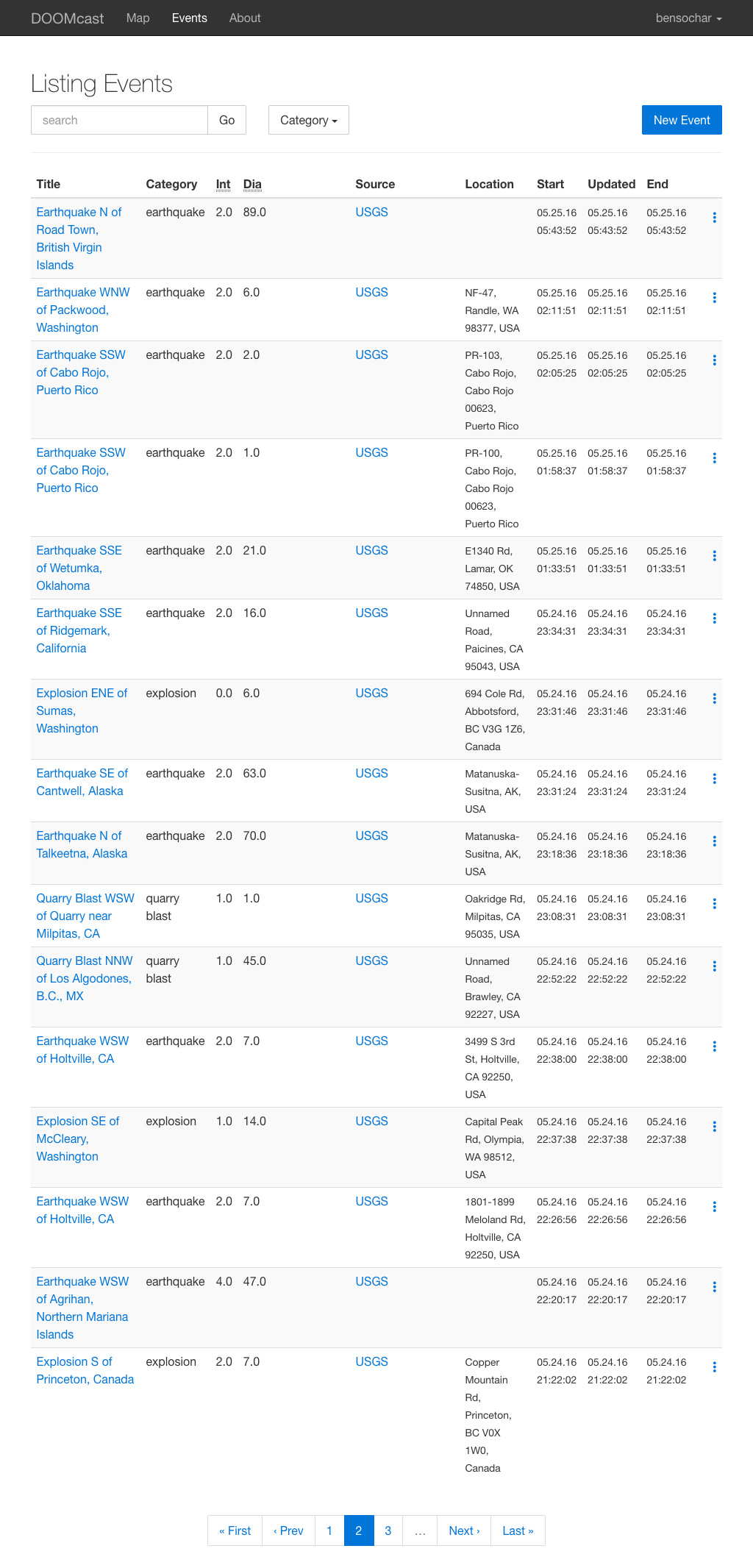
Event listing
-
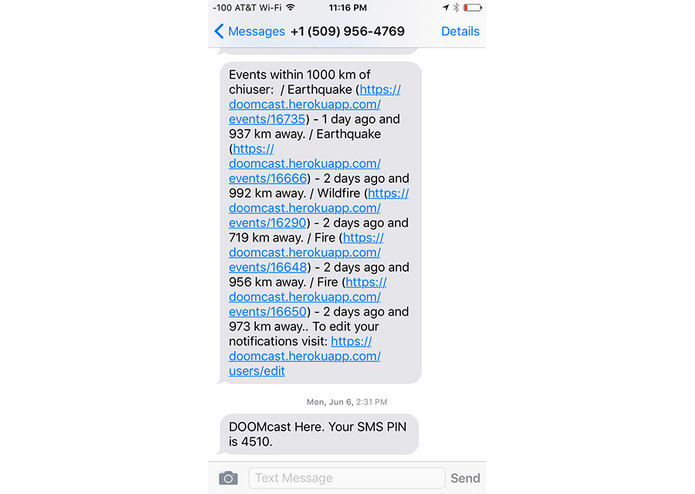
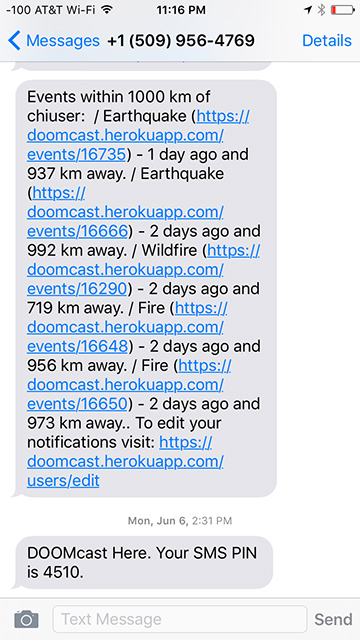
Text alerts
-
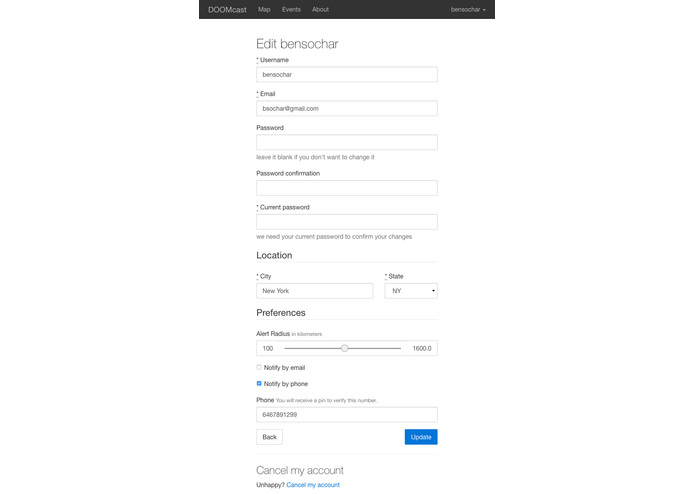
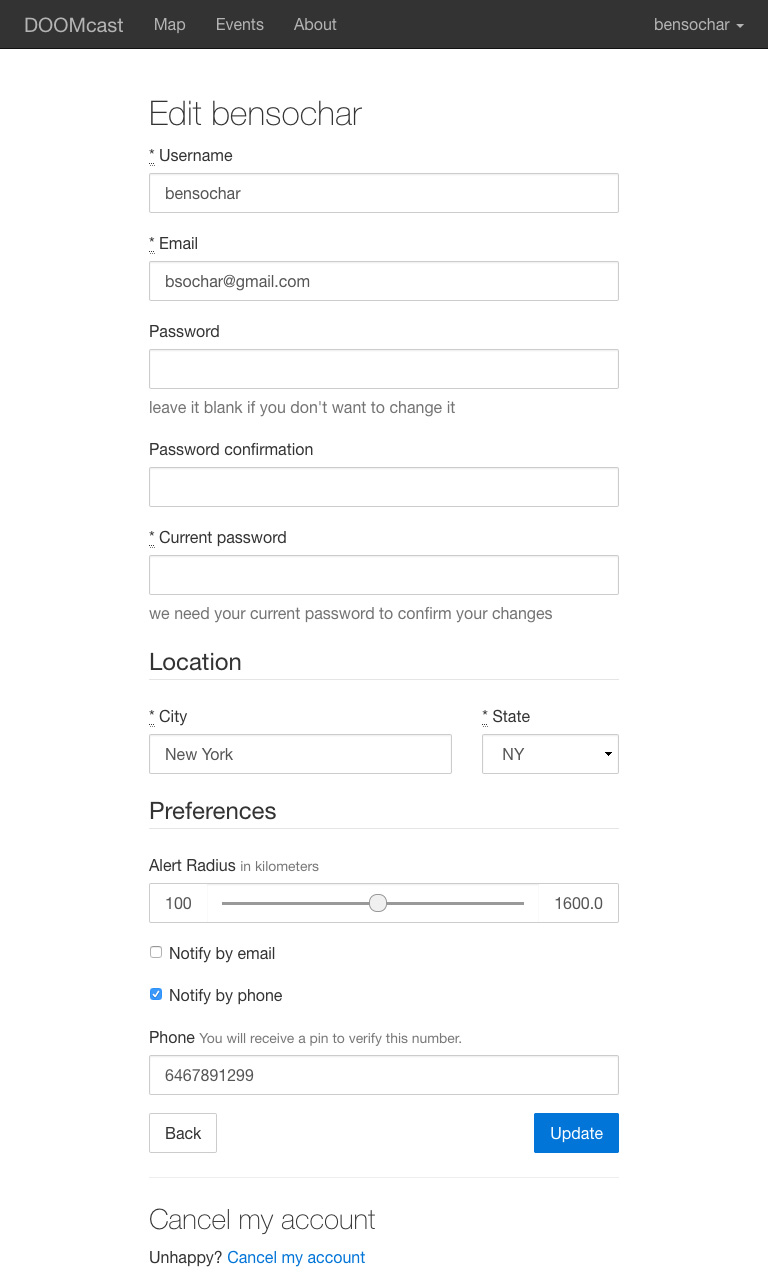
User edit profile
DOOMcast
DOOMcast uses real-time govenment data and social media to keep you one step ahead of disaster. https://doomcast.herokuapp.com/about.
Note: Some features like automated email and SMS alerts are disabled.
Uses ruby 2.1.2 and Rails 4.2.1
Setting up local environment
DB setup
- Install postgres with homebrew
- Start postgres
$ pg_ctl -D /usr/local/var/postgres -l /usr/local/var/postgres/server.log start - Create a new DB called doomcast_development
Running locally
I run it with heroku local. The Heroku setup is here https://devcenter.heroku.com/articles/getting-started-with-ruby#set-up. But it can be run with Puma & Foreman.
- clone the repo
- run
$ bundle install - run
$ rake:db migrate - Start postgress if you installed with homebrew
$ postgres -D /usr/local/var/postgres - Start Heroku
$ heroku localor Puma$ foreman start
Adding API keys,
For the app to run you'll need to sign up for the services the site uses.
- Bing Maps
- Forcast IO
- Google Maps
- Twilio
- Weather Underground
Add the API keys to your bash_profile or a .env file.
export DOOMCAST_BING_MAPS_KEY=<your key>
export DOOMCAST_FORCAST_IO_KEY=<your key>
export DOOMCAST_GOOGLE_MAPS_KEY=<your key>
export DOOMCAST_TWILIO_ACCOUNT_SID=<your key>
export DOOMCAST_TWILIO_AUTH_TOKEN=<your token>
export DOOMCAST_TWILIO_SMS_NUMBER=<your phone number>
export DOOMCAST_TWITTER_API_KEY=<your key>
export DOOMCAST_TWITTER_API_SECRET=<your secret>
export DOOMCAST_TWITTER_API_ACCESS_TOKEN=<your token>
export DOOMCAST_TWITTER_API_ACCESS_TOKEN_SECRET=<your token>
export DOOMCAST_WU_API_KEY=<your token>


Log in or sign up for Devpost to join the conversation.