-
-
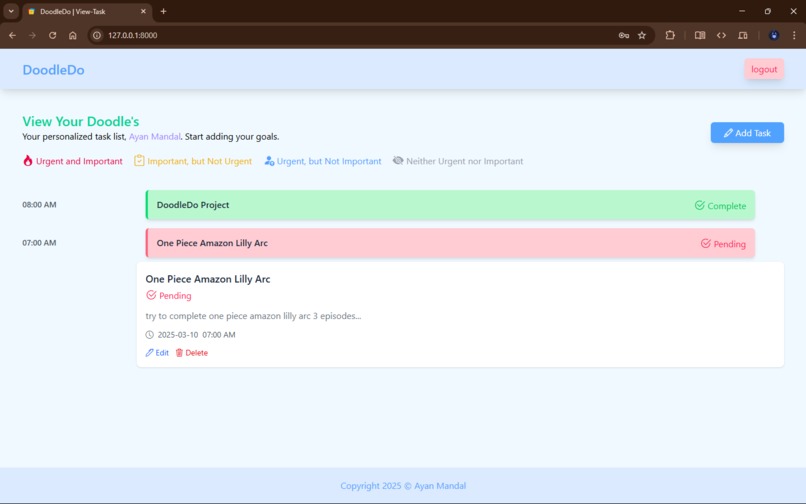
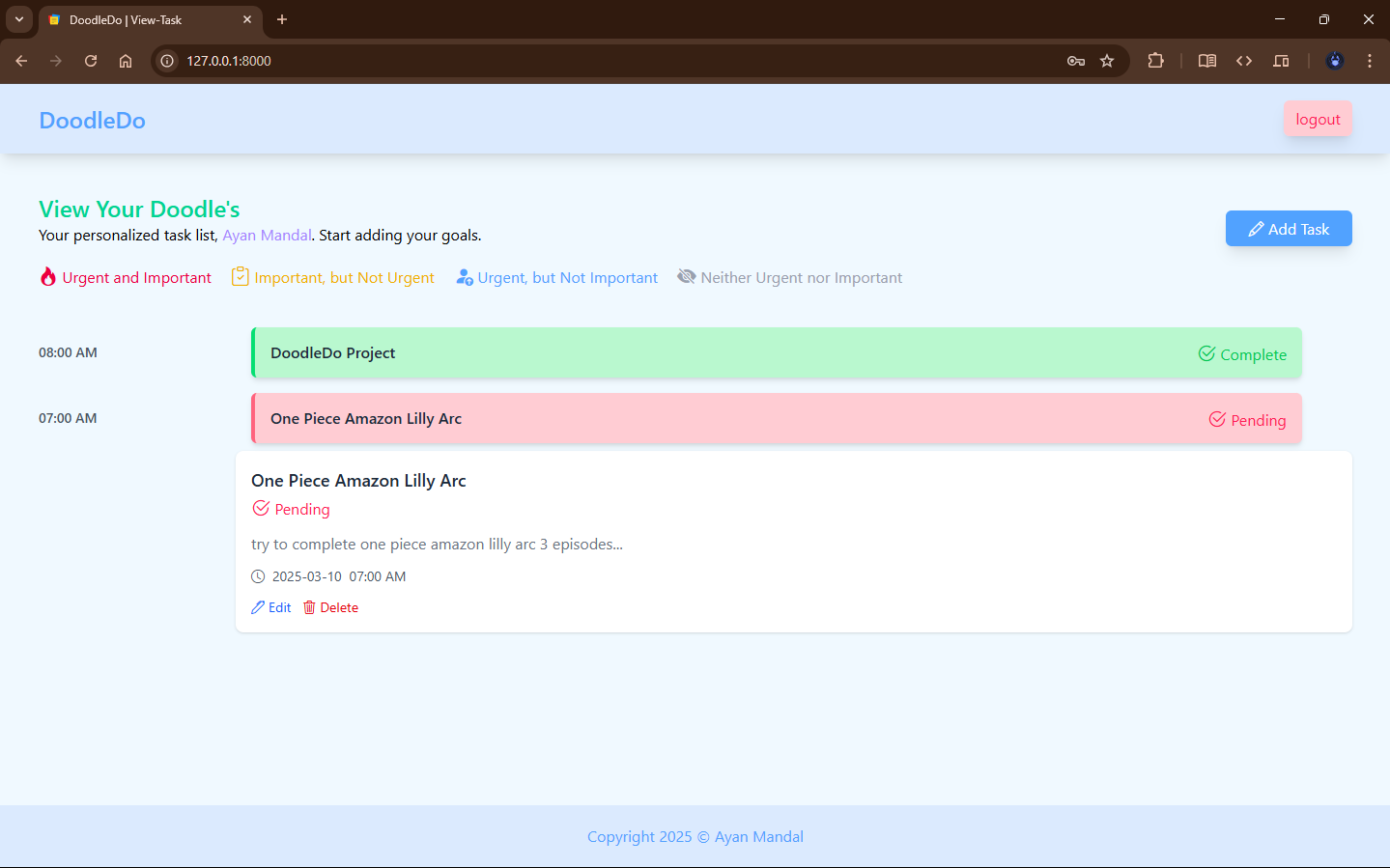
Home Page
-
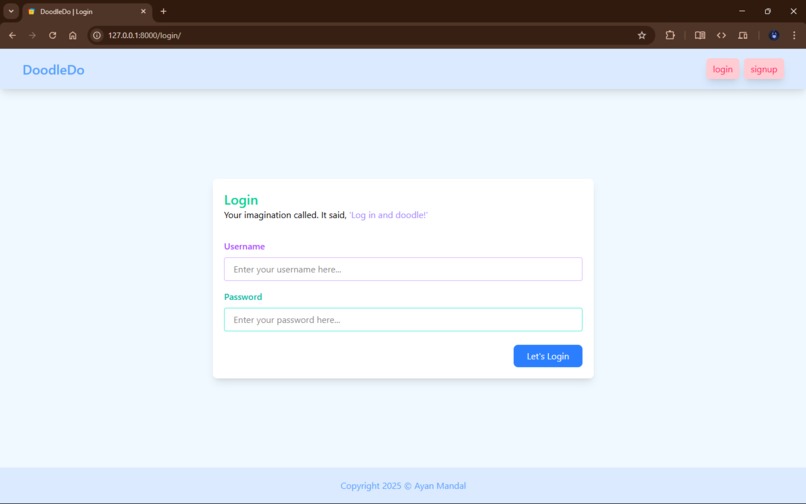
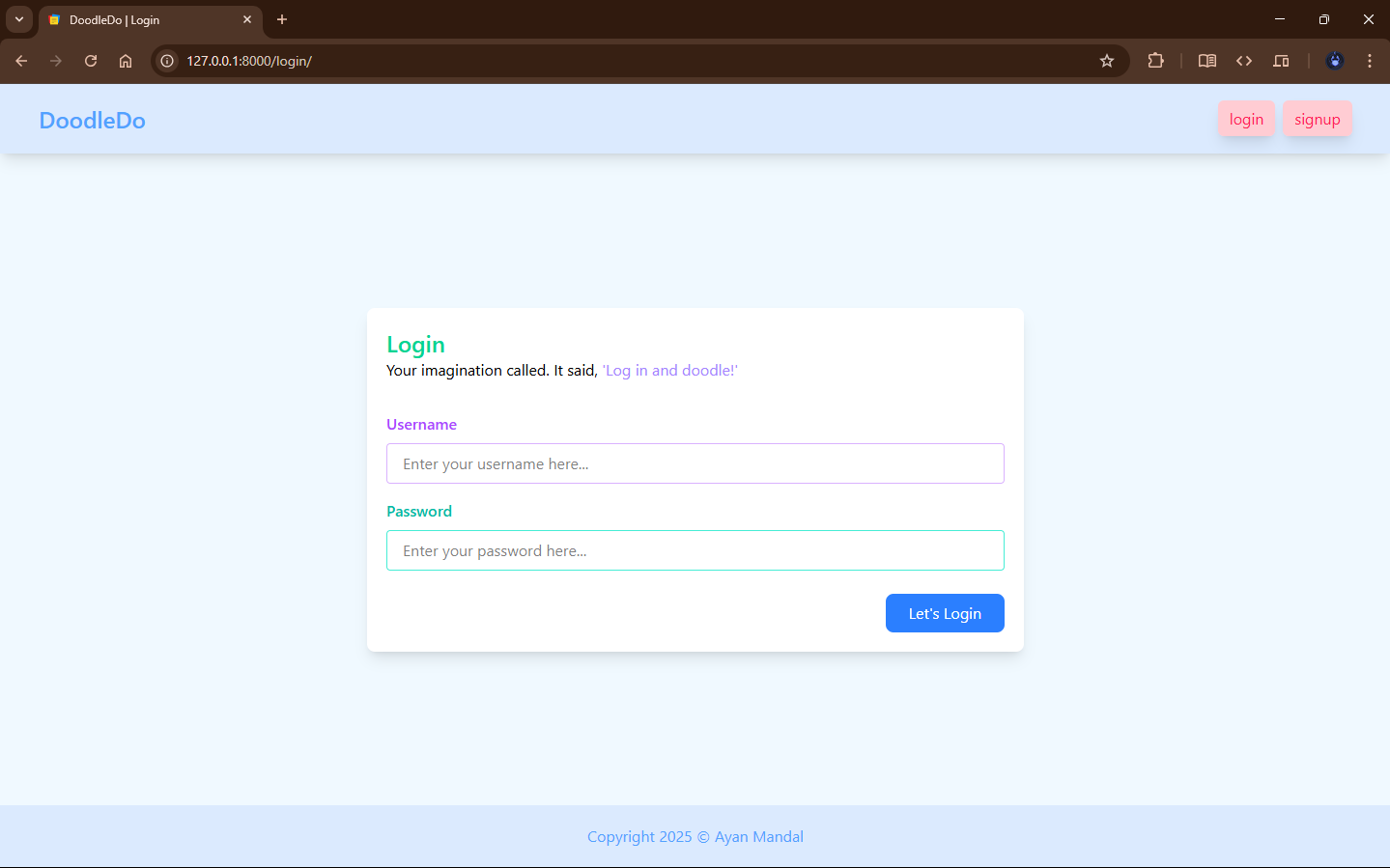
Login/Signup Page
-
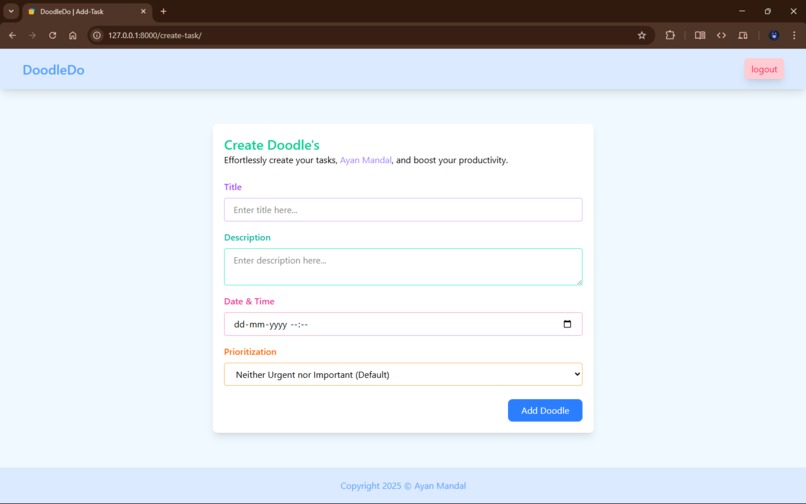
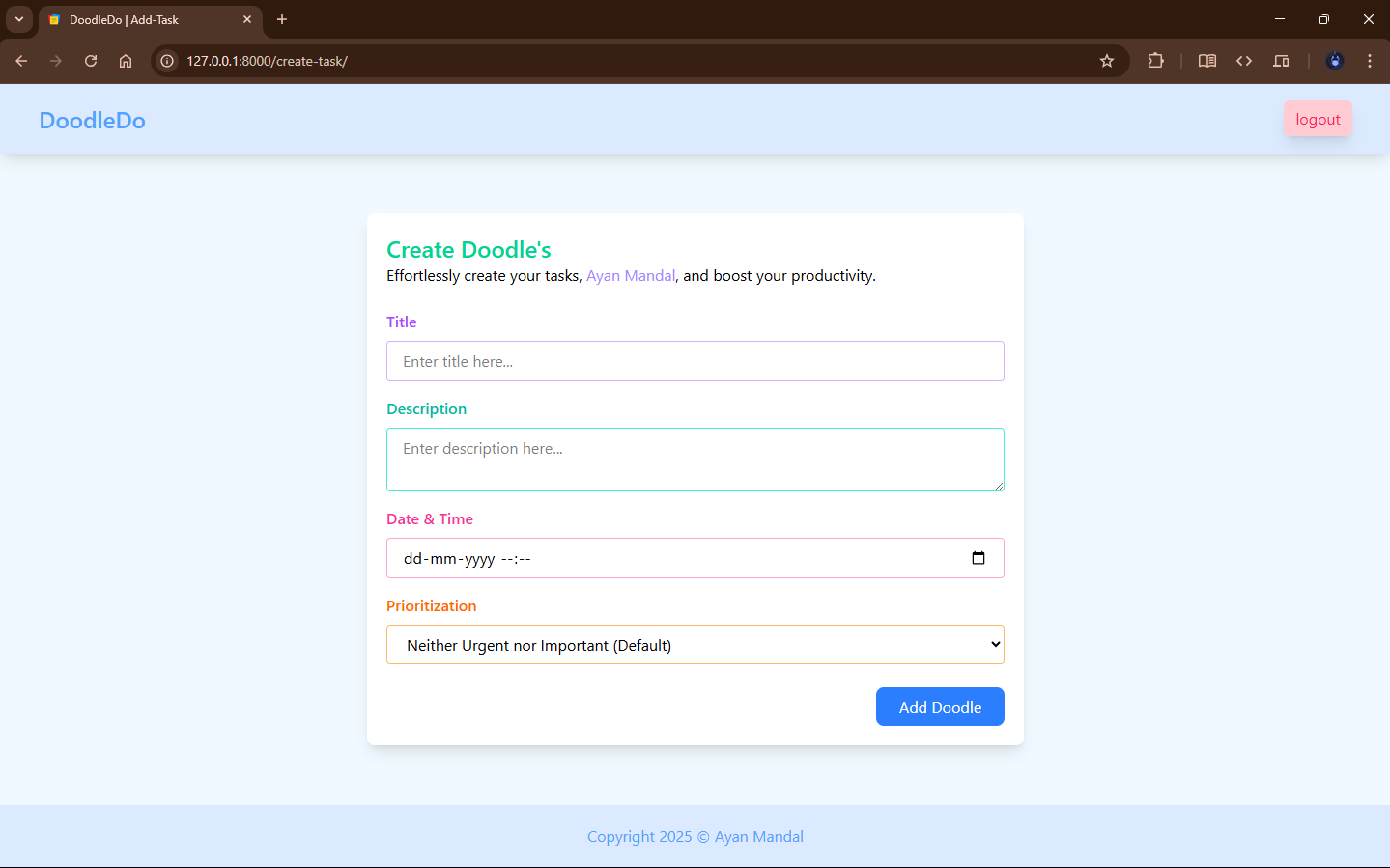
Add Task Page
-
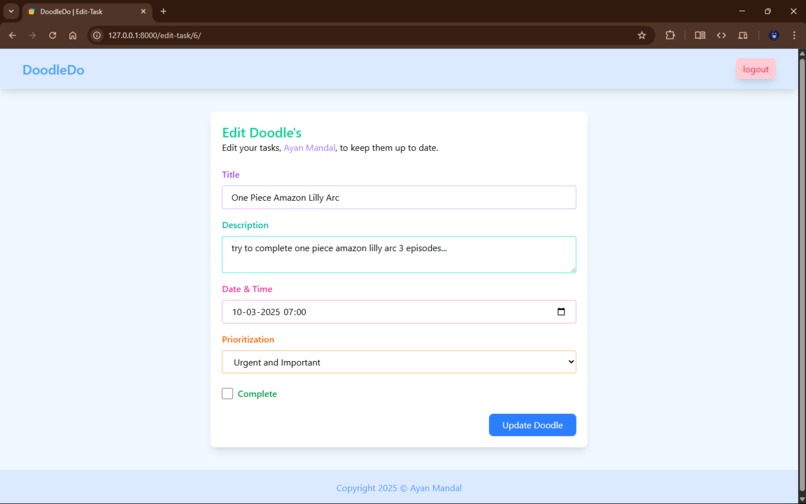
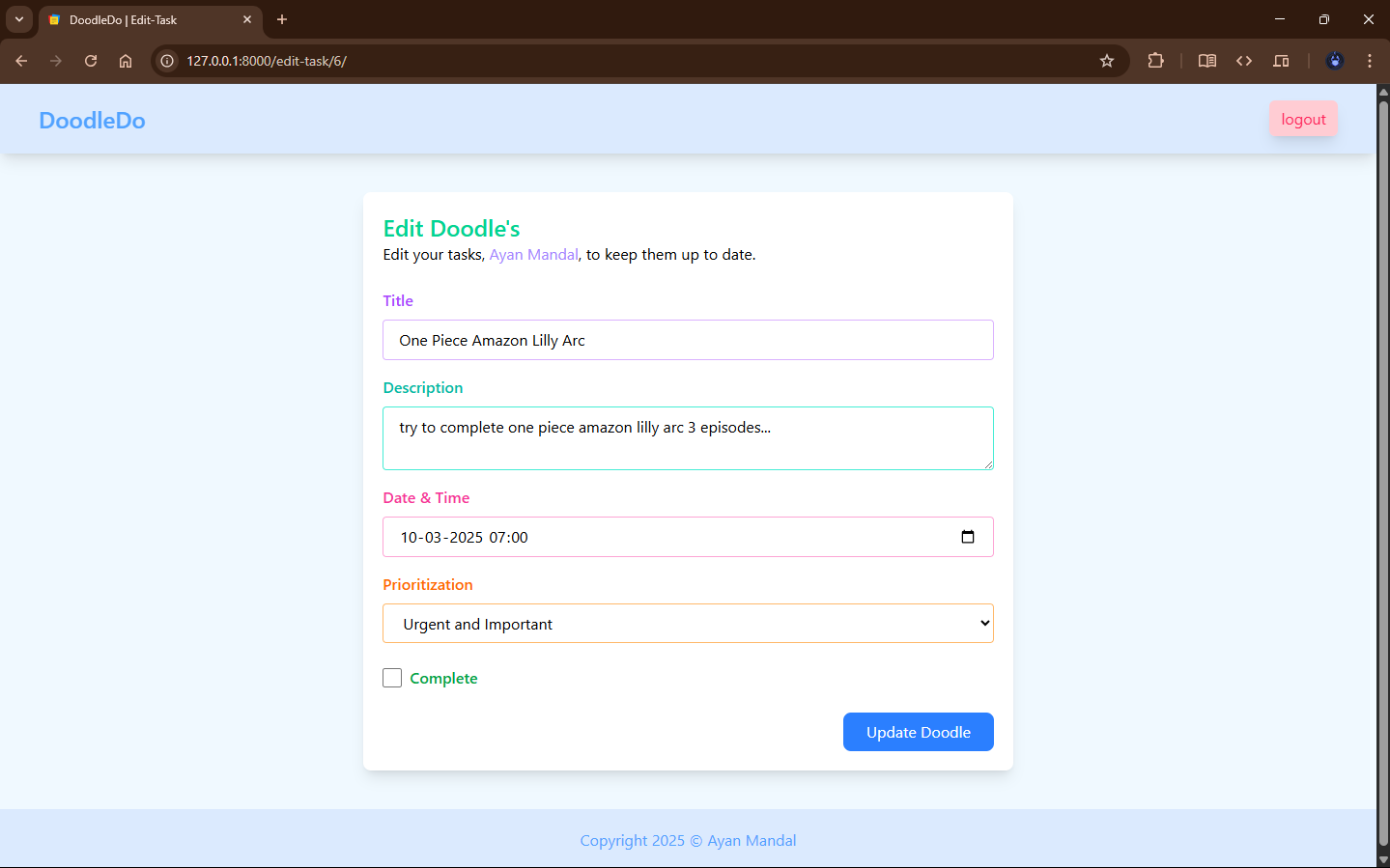
Update Task Page
✨ Doodledo - Project Story
🎯 Inspiration
Managing daily tasks often feels overwhelming, and many existing to-do apps are either too complex or too plain.
I wanted to create something simple, colorful, and efficient — where users can not only manage their tasks but also prioritize them visually based on importance.
This is how Doodledo was born: a lightweight, beautiful to-do app that focuses on what really matters.
🛠️ How I Built It
- Frontend: Designed the UI using HTML, styled with TailwindCSS, and made it interactive using Alpine.js for lightweight reactivity.
- Backend: Built the server-side with Django, managing task CRUD operations and user-specific task data.
- Authentication: Implemented Django’s built-in authentication system to allow users to sign up, log in, and log out securely.
Each user has access only to their own tasks, ensuring privacy and a personalized experience. - Priority Feature: Users can assign priority levels to tasks, visually distinguished by different colors for quick recognition.
📚 What I Learned
- Deepened my understanding of full-stack development by connecting a lightweight frontend with Django’s powerful backend.
- Gained experience with Alpine.js to add reactivity without needing heavy JavaScript frameworks.
- Improved my knowledge of authentication flows (signup, login, logout, user session management).
- Learned how important a clean, minimal UI is for user engagement.
🚧 Challenges I Faced
- Integrating Alpine.js with Django templates without conflicts was tricky at first.
- Designing a color-coded priority system that is both visually clear and accessible to all users took multiple iterations.
- Handling user authentication, redirects, and securing views for logged-in users only required careful planning and testing.
🌟 Final Thoughts
Building Doodledo was an exciting journey!
It pushed me to think from a user's perspective: How can I make task management simple, fast, and visually intuitive?
I’m proud of the final result, especially the seamless login/signup/logout flow and the color-based priority UI, and I’m excited to keep improving it.
🚀 What's Next for Doodledo - The Task Manager
Task Sharing:
Plan to introduce a feature where users can share specific doodles (tasks) or entire lists with other users via a unique link or within the app.Due Dates and Reminders:
Allow users to set deadlines on tasks and receive reminder notifications as due dates approach.Task Categories:
Add the ability to group doodles into categories like "Work," "Personal," "Urgent," etc.Progress Tracking:
Visual progress bars showing how many tasks have been completed from the total.Dark Mode:
Add a dark theme to make task management easier on the eyes, especially at night.

Log in or sign up for Devpost to join the conversation.