-
-
DoodleDo.io logo
My Journey to Building DoodleDo.io
Inspiration
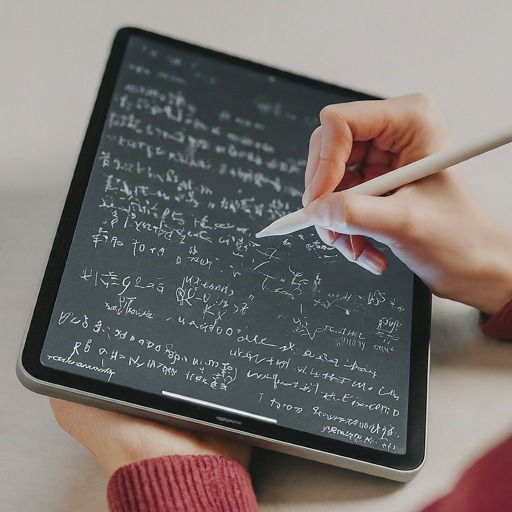
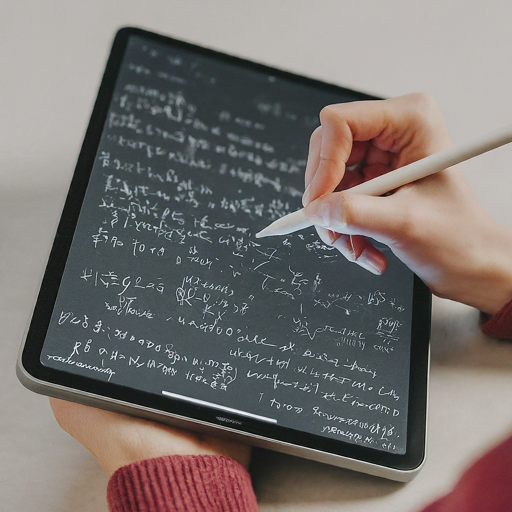
The idea for this project stemmed from my interest in exploring how AI can enhance everyday tools, especially in education. I wanted to create an innovative calculator that not only solves math problems but can recognize hand-drawn equations. This concept is inspired by the growing trend of AI integration in learning platforms, which aim to make educational tools more interactive and user-friendly. I envisioned a tool that would allow students and educators to input equations through drawing, making it easier to interact with math problems in a more intuitive and less rigid format.
Learning Experience
Throughout the process of building this AI-powered calculator, I gained a lot of hands-on experience in several areas:
- AI Integration: I learned how to work with the Gemini Flash AI API to recognize and interpret hand-drawn math problems.
- Frontend Development with React: Building a responsive and interactive interface for users was key to the project’s success. I gained deeper insights into managing state in React and handling real-time input.
- Python for Backend Development: Setting up the backend with Python, handling API calls, and processing the AI model’s results were crucial aspects of this project.
- Connecting Frontend and Backend: Managing the interaction between a React-based frontend and a Python backend using API calls taught me valuable lessons about full-stack development.
How I Built the Project
Project Setup
I started by initializing the project with Python, creating the backend logic that would communicate with the Gemini Flash AI API. Using Python allowed for seamless interaction with the AI API and quick processing of math problems.
AI Integration
The core of the project revolves around the Gemini Flash AI API, which is responsible for recognizing hand-drawn equations. I implemented API calls in Python to send user input (the drawn equations) to the AI model, retrieve the results, and display them in real-time.
Frontend Development
I chose React for the frontend, allowing me to build an interactive, dynamic user interface. The frontend includes a drawing canvas where users can sketch their math problems. React’s component-based structure helped me keep the UI modular and easy to manage.
Drawing and Calculating
For the drawing functionality, I implemented a canvas element in React that captures the user’s hand-drawn input. This input is sent to the backend, where it gets processed by the AI. The results are then displayed on the same page, updating in real-time as the user draws more math problems.
Challenges Faced
AI Integration
One of the biggest challenges I faced was correctly integrating the Gemini Flash AI API with the backend. Initially, there were some issues with how the drawn data was being interpreted, leading to inaccurate results. After spending time debugging and optimizing the data transfer, I was able to resolve the issue and get accurate calculations.
Real-Time Updates
Ensuring that the calculator updated in real-time as the user drew new input was a challenge. I had to manage state effectively in React and ensure smooth communication between the frontend and backend without causing lag or delays.
Drawing Accuracy
Creating a drawing canvas that accurately captures user input and sends the data in a format that the AI can interpret was another obstacle. I had to fine-tune the canvas dimensions, scaling, and resolution to ensure that the AI received clear, understandable input.
Built With
- gemini
- html
- json
- tailwindcss
- typescript


Log in or sign up for Devpost to join the conversation.