-
-
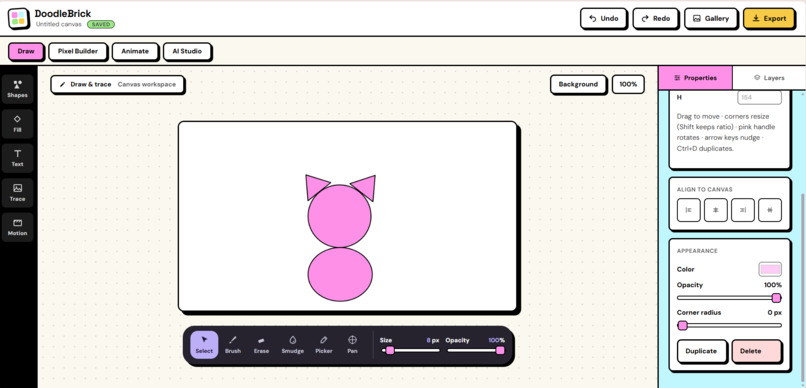
Draw
-
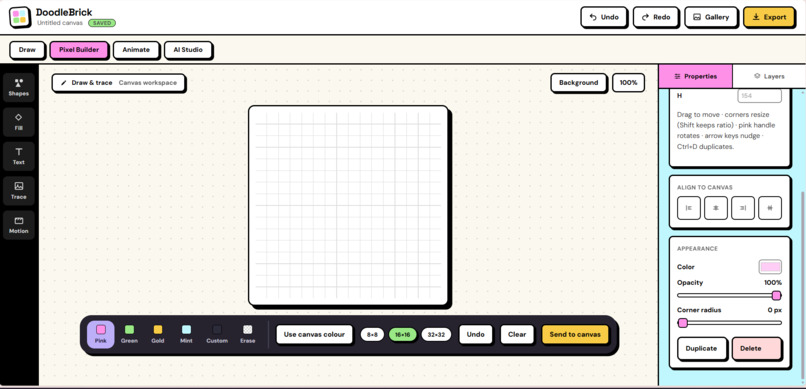
Pixel Builder
-
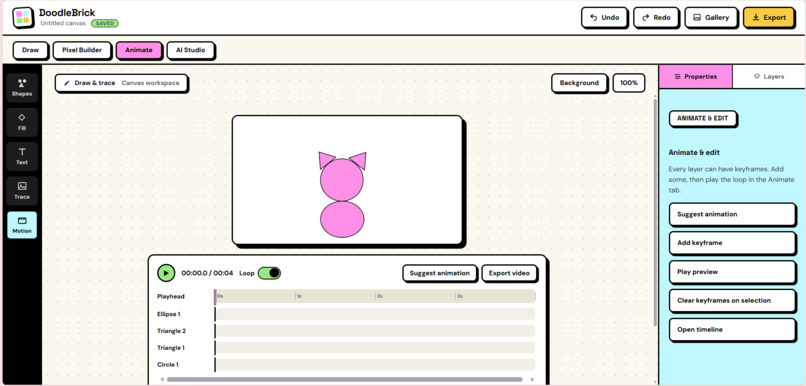
Animate
-
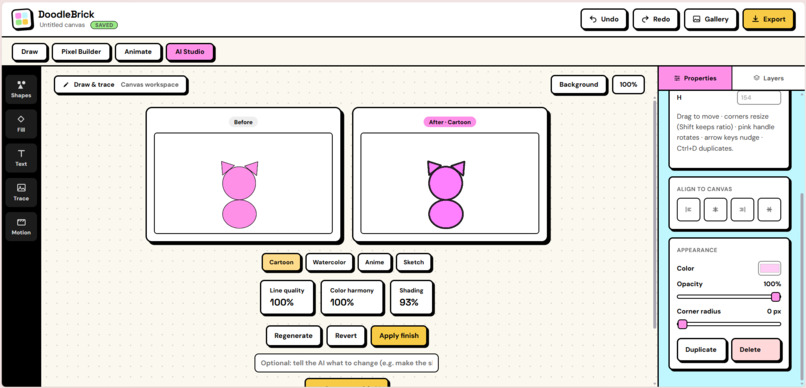
AI Studio
-
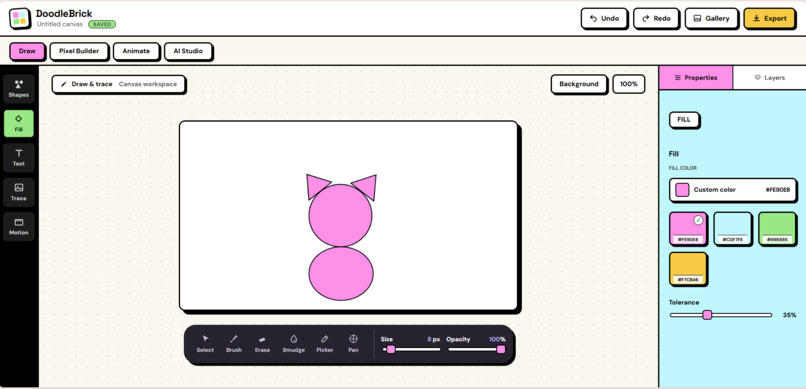
Fill
-
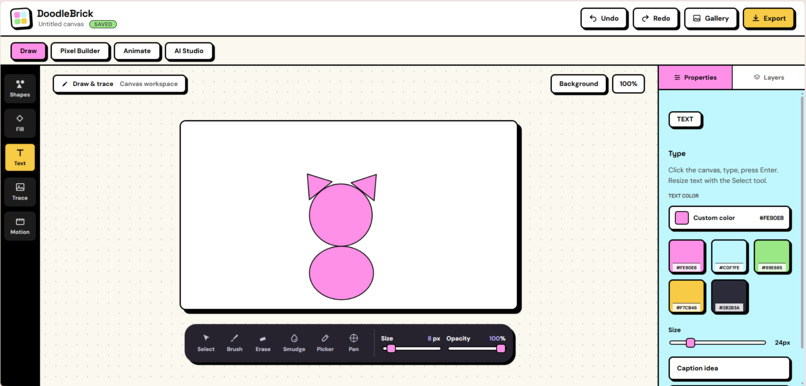
Add Text
-
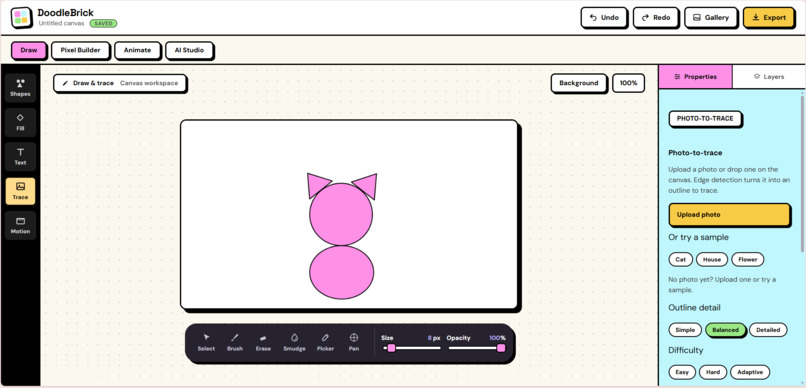
Trace
-
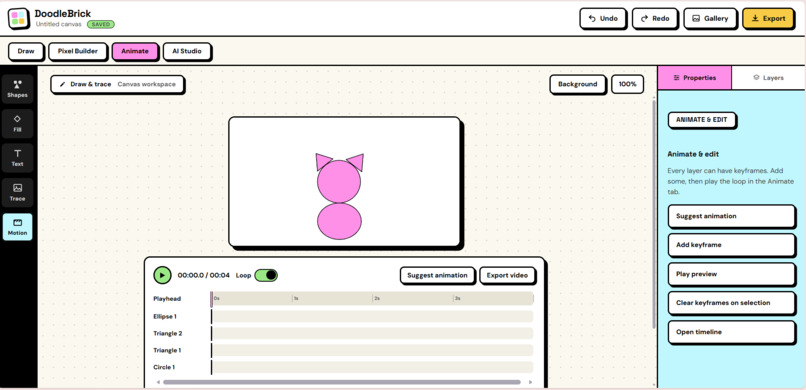
Motion
DoodleBrick
DoodleBrick is a working prototype that teaches beginners to draw by building pictures from shapes, tracing any photo, and watching a live accuracy score climb, with an AI friend beside them.
Inspiration
Most people say "I can't draw." It's rarely a talent problem. They just don't know where to start, and a blank page asks for a perfect first line.
We drew inspiration from four tools that people already use and enjoy: Canva for its approachable design, Figma for its shape-and-layer structure, Ibis Paint for its professional-grade brushes, and Scratch for its building-block approach to creation. DoodleBrick combines the strengths of all four into a single, more welcoming experience for beginners.
Brainstorming
We started with one question: what if drawing worked like building with bricks? That became five decisions:
- Shapes first. Kids already know circles and triangles, so they can start in seconds.
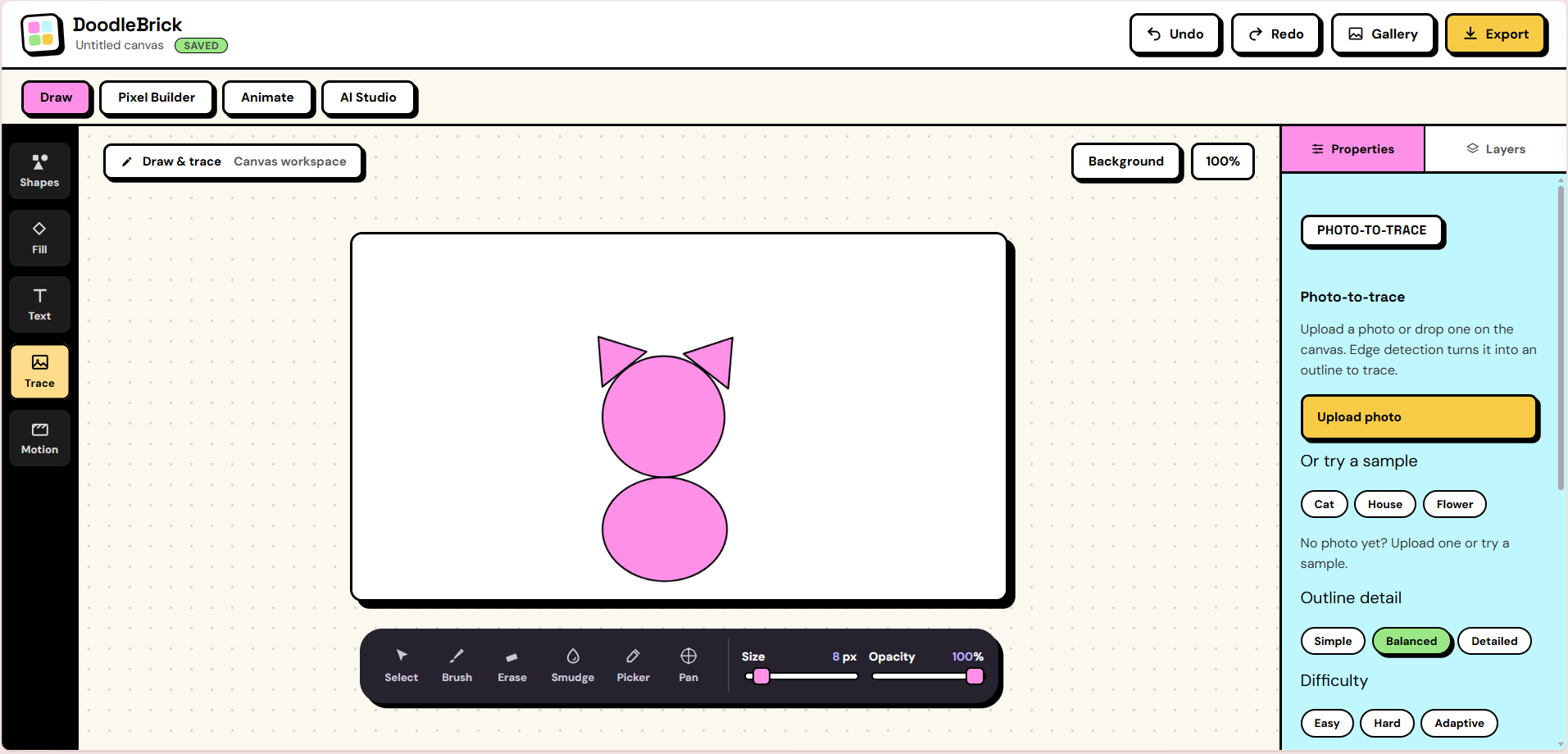
- Trace any photo. Turn a photo into an outline so there is always a clear target.
- A score you can trust. Visible, objective progress so learners can watch themselves improve.
- AI as a coach, not an artist. It guides and explains. It doesn't draw for you.
- Privacy by default. Beginners and kids are the audience, so the original photo never leaves the device.
What it does (the final product)
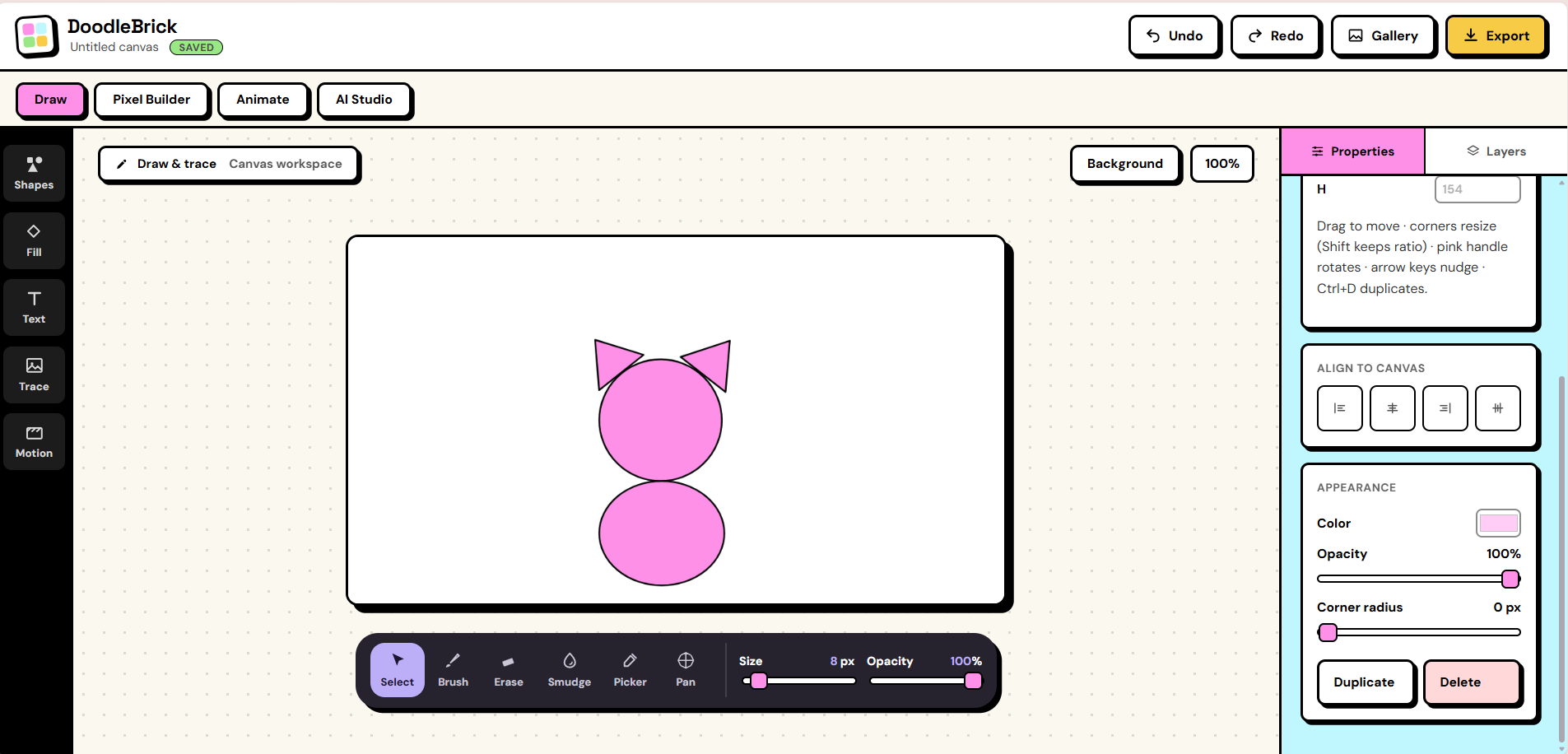
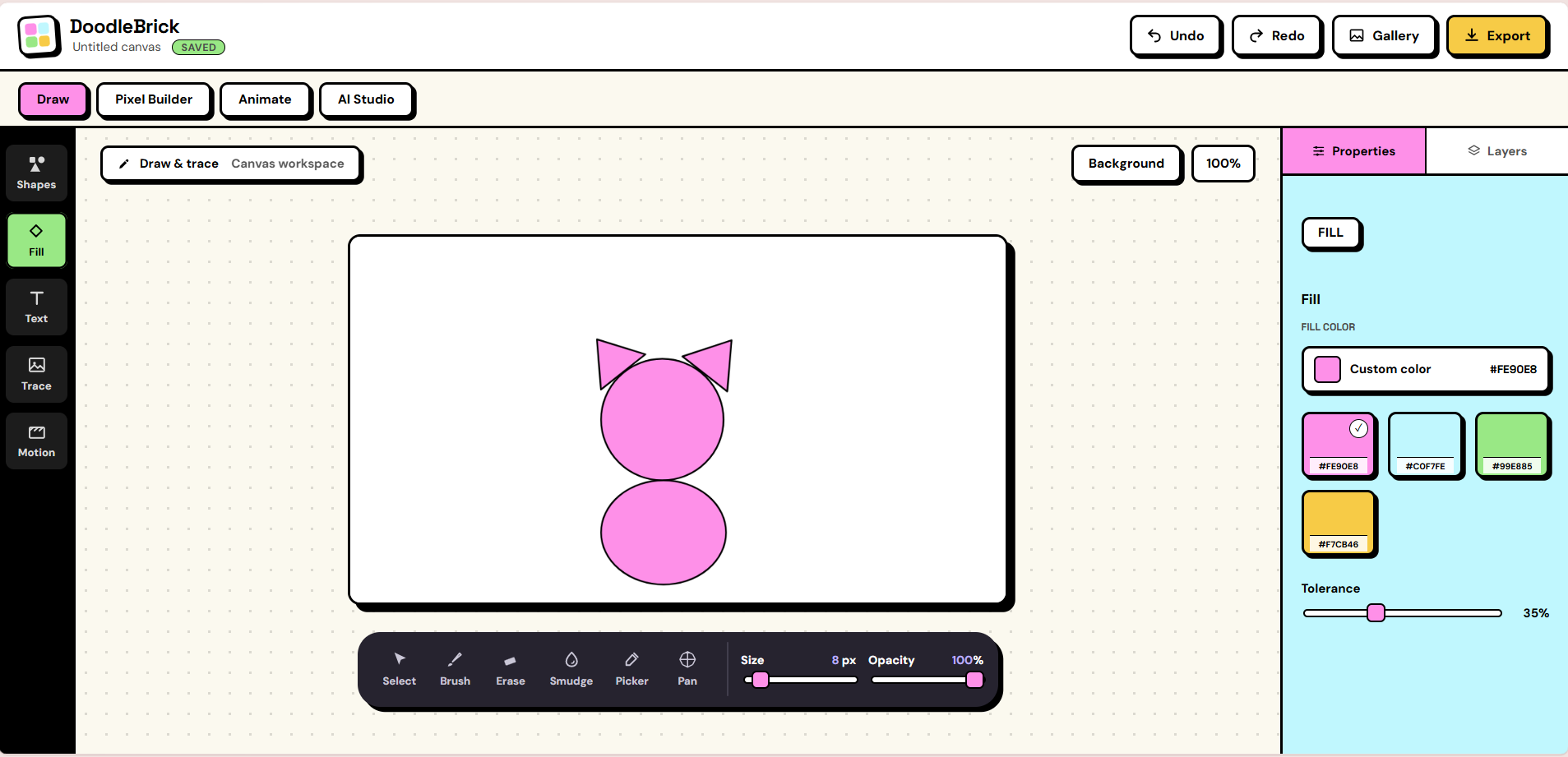
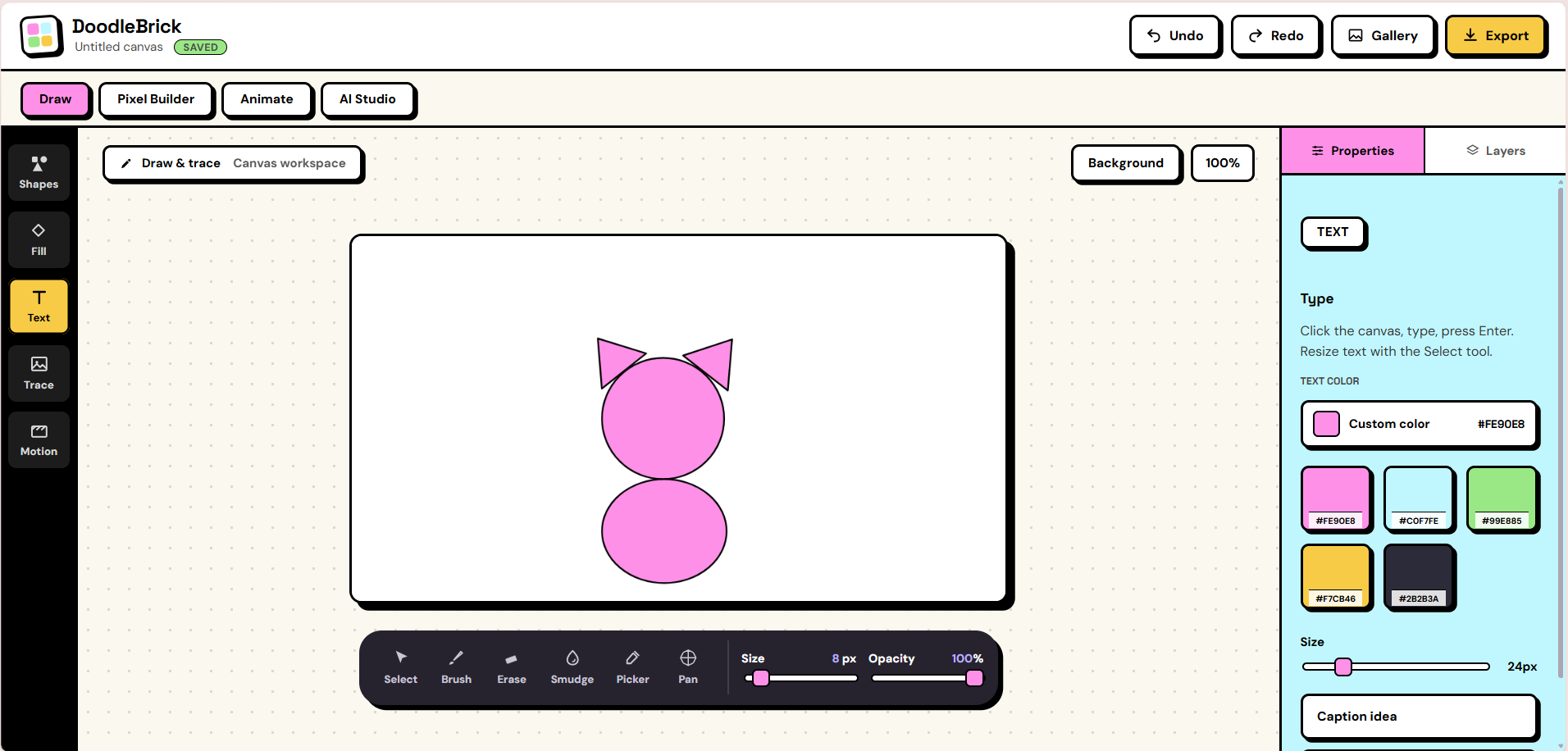
- Draw: brush, eraser, smudge, fill, text, color picker, undo/redo, zoom, pan, and layers.
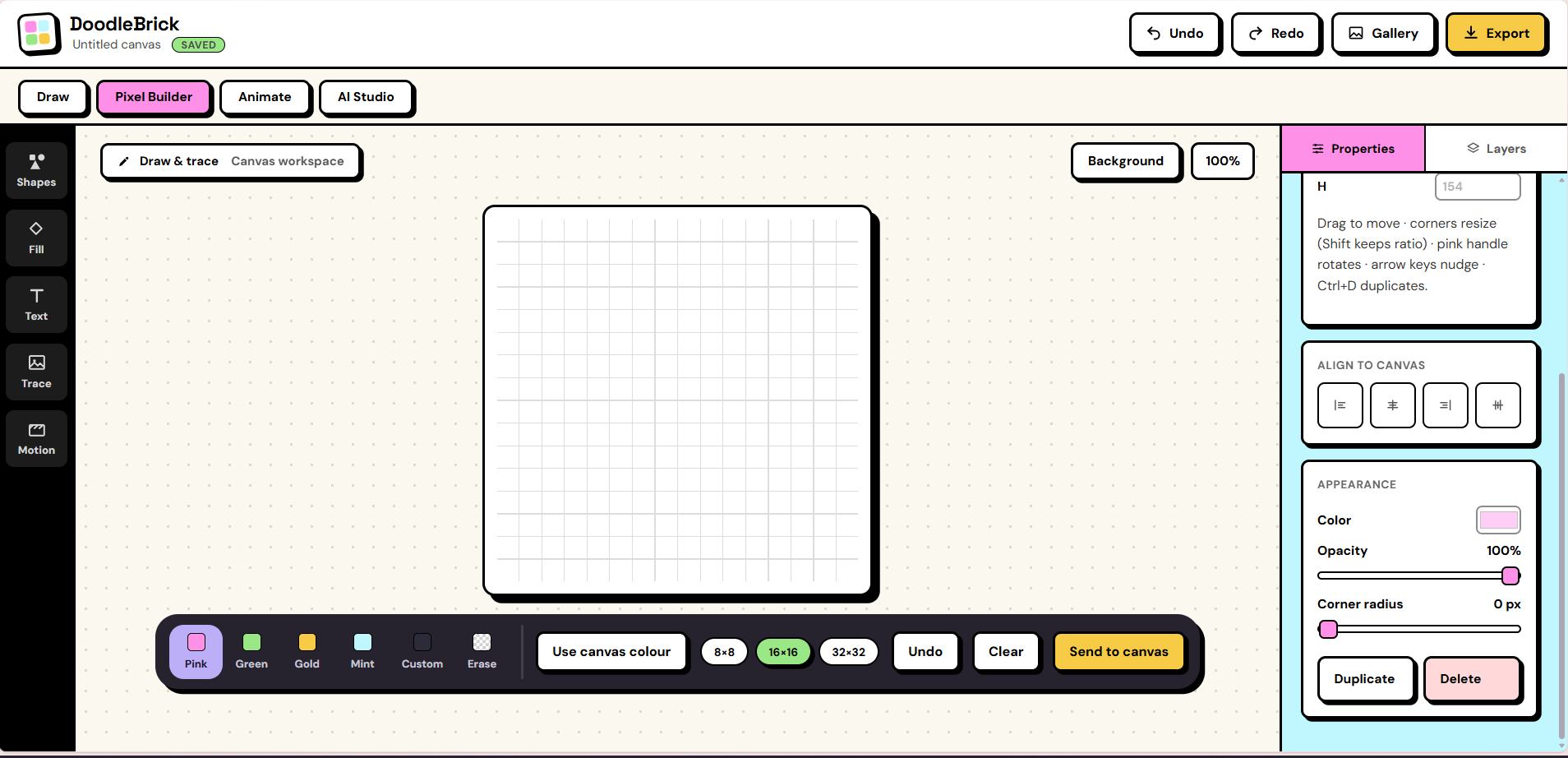
- Build with shapes: 16 draggable shapes you can move, resize, rotate, snap, and stack. A Pixel Builder sends pixel art to the canvas.
- Trace a photo: a photo becomes an outline, a live accuracy score updates as you trace, and a pink guide line walks you through it step by step. Easy, Hard, and Adaptive levels. "Identify photo" names what is in the picture and "Get a drawing tip" helps when you're stuck.
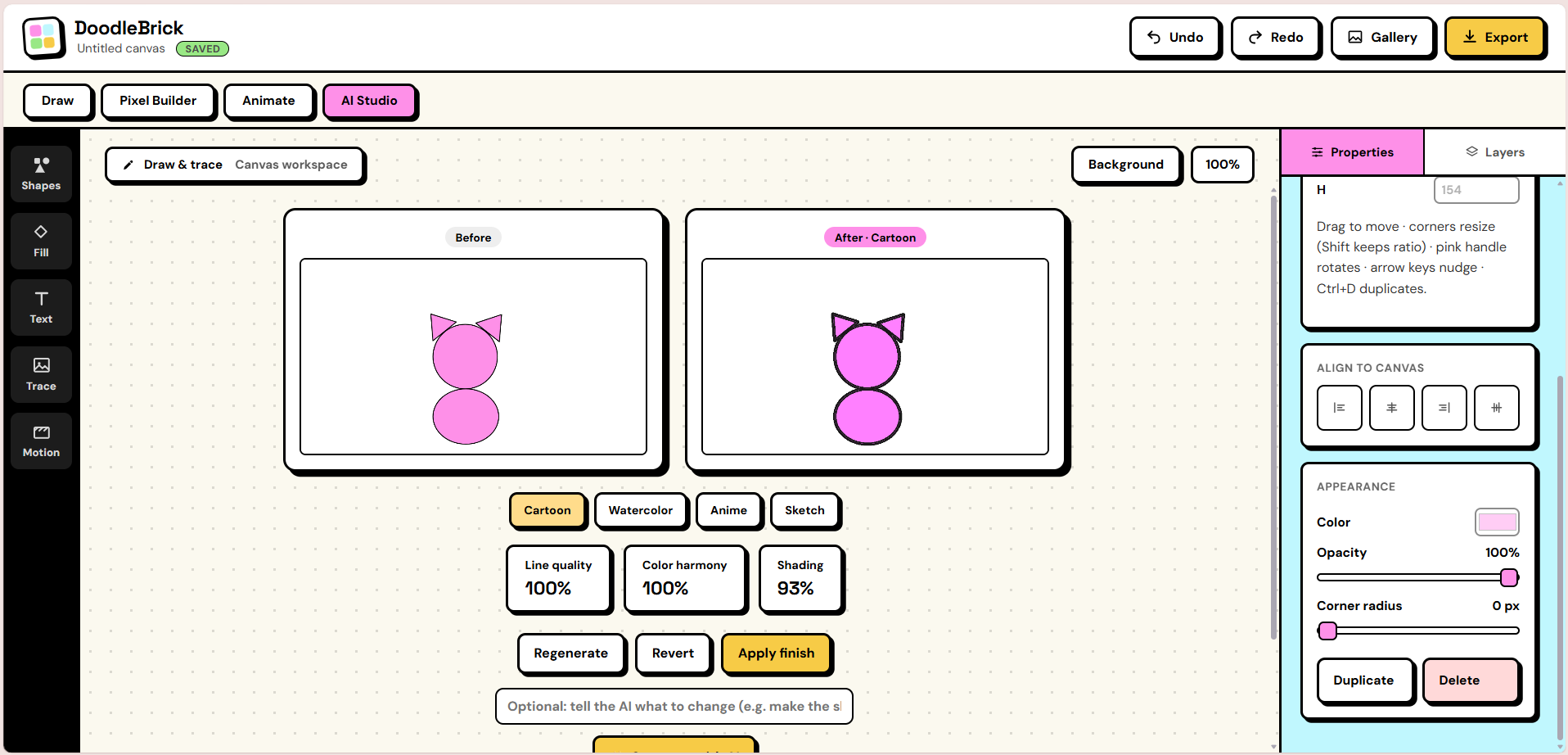
- Finish it: Cartoon, Watercolor, Anime, and Sketch looks with one-click revert, plus "Generate with AI" to restyle your drawing.
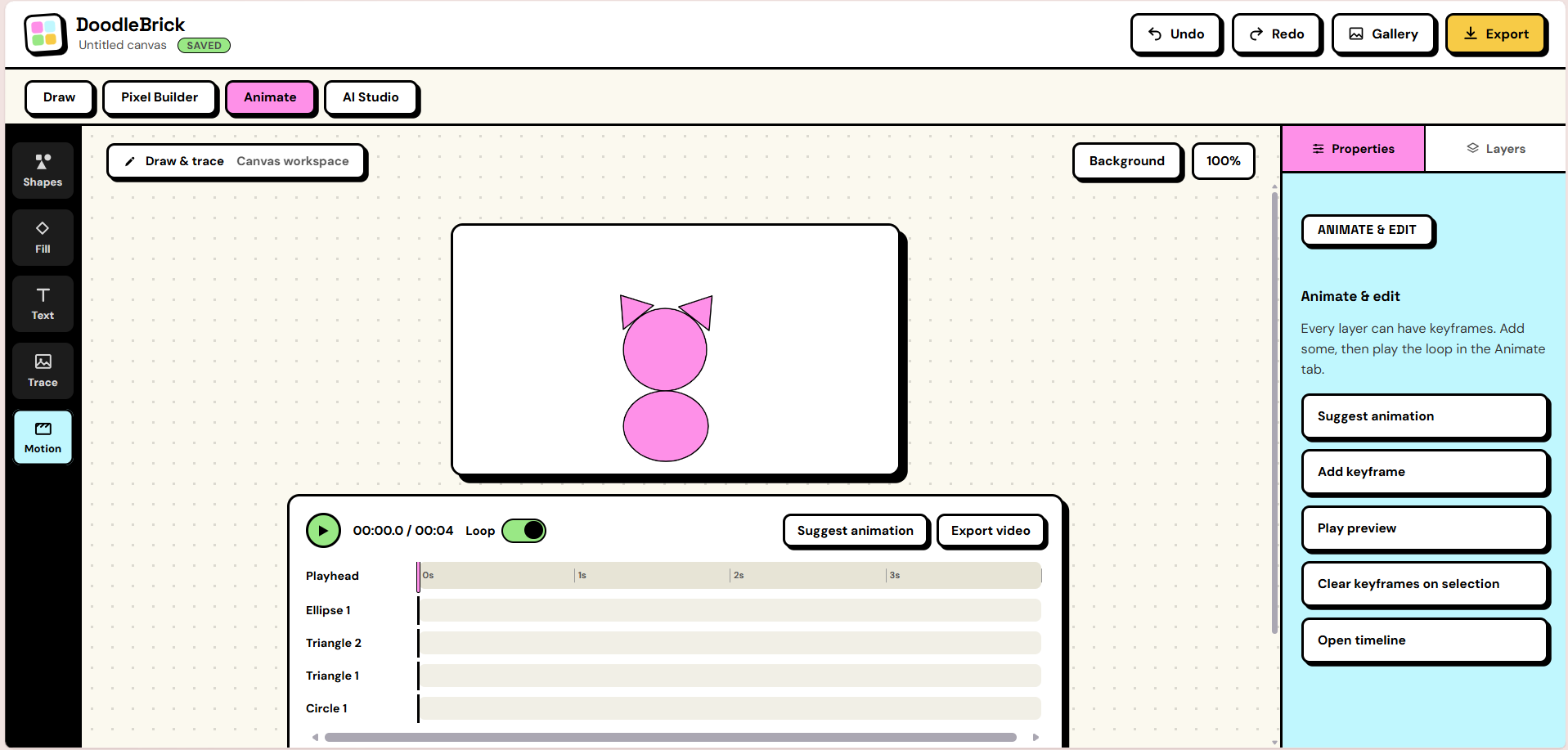
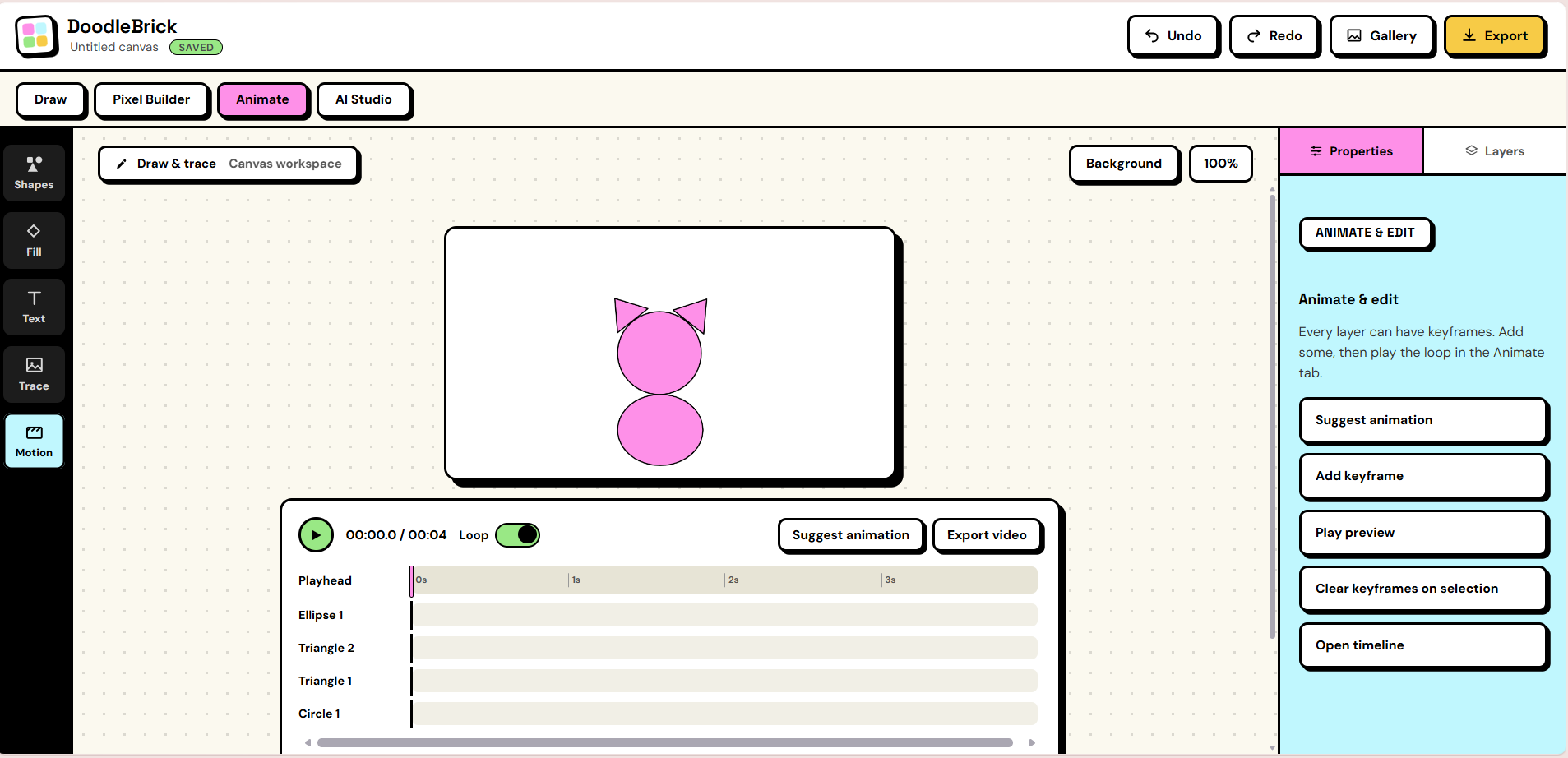
- Animate and save: keyframe timeline with loop and video export, autosave, a gallery with streaks and score trends, and PNG export.
How image AI is the core
Take the image AI away and there is no app.
- Photo to outline: edge detection we wrote from scratch is what creates the thing you trace.
- Accuracy score: compares your drawing to the outline with a distance transform. It is deterministic, so no model decides your score and you can't cheat it by scribbling.
- Photo understanding: a MobileNet classifier names the photo, k-means picks a palette, and color-region analysis suggests which shapes to use.
- Generative restyle: Stable Diffusion 1.5 image-to-image, running locally through ComfyUI, with Google Gemini as a cloud alternative.
- AI coach: Google Gemini looks at your drawing and explains your score in plain words, after you give permission.
A few helper buttons, such as suggesting animations, naming layers, and smoothing lines, use simple built-in rules instead of AI. The math behind everything is in the GitHub README.
How we built it (resources)
Vanilla JavaScript, HTML5 Canvas, CSS, and a dependency-free Node.js 18+ server. TensorFlow.js with MobileNet v2, ComfyUI with Stable Diffusion 1.5 (local), Google Gemini, the MediaRecorder API, and browser localStorage. Edge detection, scoring, shape detection, and palette extraction live in our own vision.js with no computer-vision libraries. Automated tests cover the vision code, the app, and the server.
Design process
- Look and feel: a neo-brutalist interface with thick outlines, hard shadows, and pastel "brick" colors (pink, mint, green, gold) that match our logo.
- Honest audit: we ran a gap analysis of our first prototype. It showed most buttons only displayed a message and the canvas wasn't real.
- Rebuild in order: real canvas, brush, and undo; then draggable shapes; then save and gallery; then photo upload, outline, and score; then palette, shape detection, and the next-shape guide; then layers, difficulty levels, animation, and filters.
- Beginner-friendly details: a welcome screen with a cat sample, a bold outline on Easy, a "Peek outline" button, a photo-opacity slider, and a consent prompt before any AI processing.
Impact
Beginners, kids, and teachers. DoodleBrick gives learners a clear target, instant feedback, and visible progress, so "I can't draw" turns into "I can draw this."
Prototype limits and what's next
This is a prototype. "Generate with AI" runs on a local ComfyUI setup (NVIDIA GPU) or with a free Google Gemini key, so it is shown in our demo video. Shape detection works best on clean shapes, and touch, stylus, and mobile layouts are not done yet.
Next:
- Guided lessons like "draw a cat in 5 shapes," with badges and a simple kid mode
- Hosted image generation with parental consent, so no GPU is needed
- Touch, stylus, and mobile support
- Classroom mode for teachers, plus accounts and cloud sync
Source code
GitHub: https://github.com/keiwais/DoodleBrick
Open index.html to use every on-device feature, or follow the README to run the AI server.
Built With
- comfyui
- css
- gemini-api
- html
- javascript
- node.js



Log in or sign up for Devpost to join the conversation.