Inspiration
Doodle Clash started as a game design document (GDD) for a Meta hackathon: https://devpost.com/software/doodle-clash
Then I built a mobile prototype for a second hackathon: https://devpost.com/software/doodle-clash-prototype
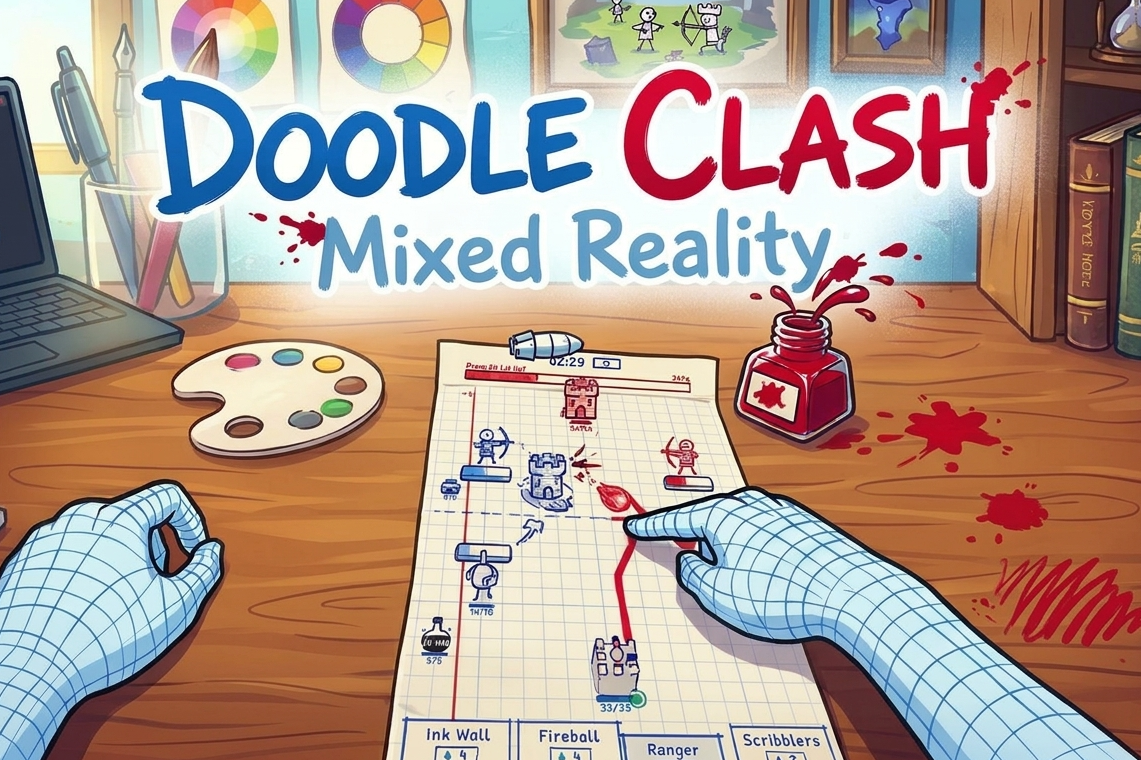
It felt like drawing armies in a school notebook, but a phone screen is small. I wanted the paper to be real, on your own desk. Mixed reality and hand tracking made that possible. Now you draw with your finger on the table, like you did in school.
What it does
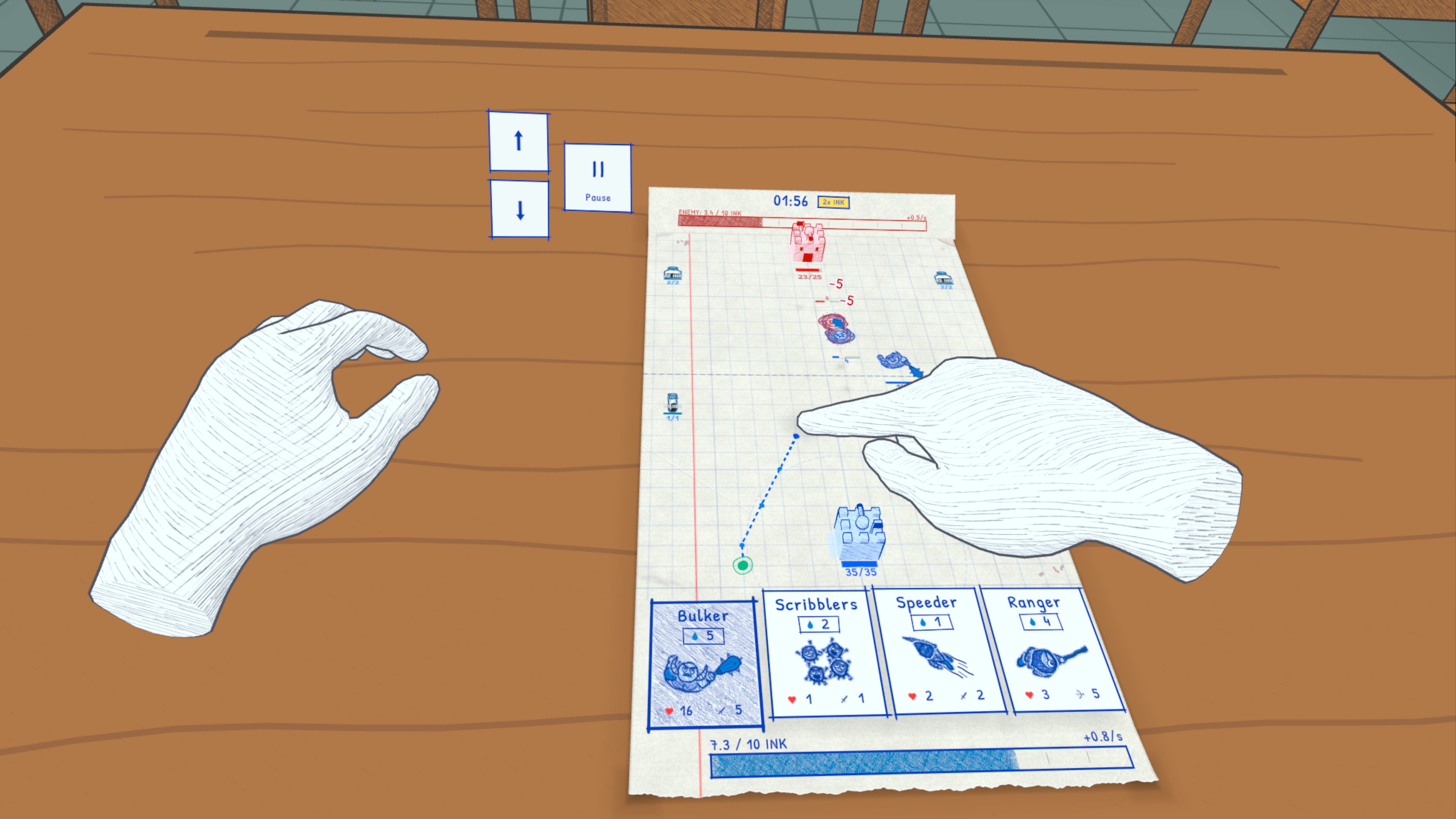
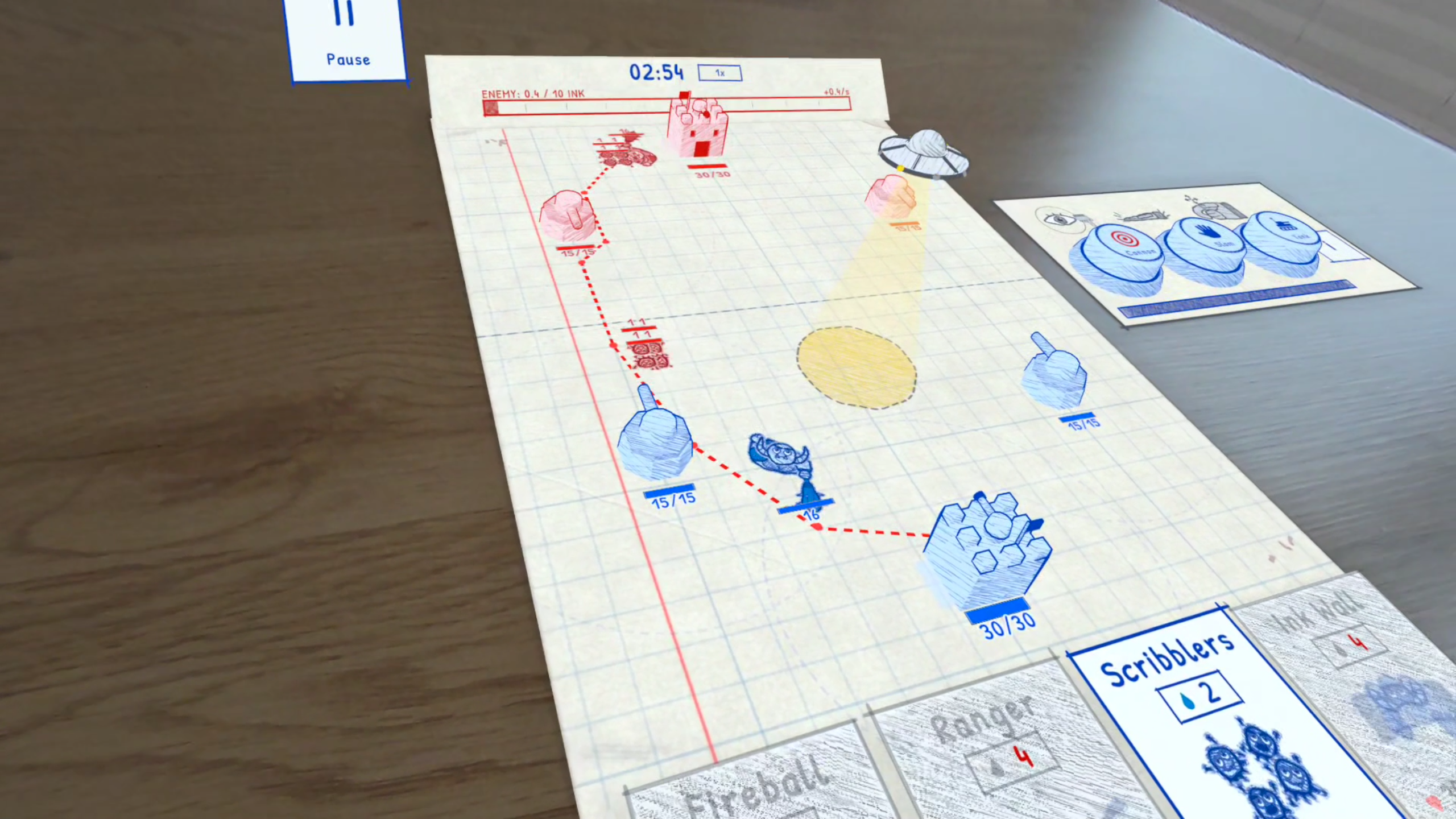
Doodle Clash MR is a strategy game for Meta headsets. The notebook board lies on your real desk and you see the room through passthrough. You play with your hands only, seated, with no controllers.
You pick a card, then draw a path with your fingertip from your side of the board. Your ink doodle walks the path and fights. Destroy the red ink castle before yours falls.
Features:
- Hands only: place the board, draw with a fingertip and pick cards by touch. No controllers.
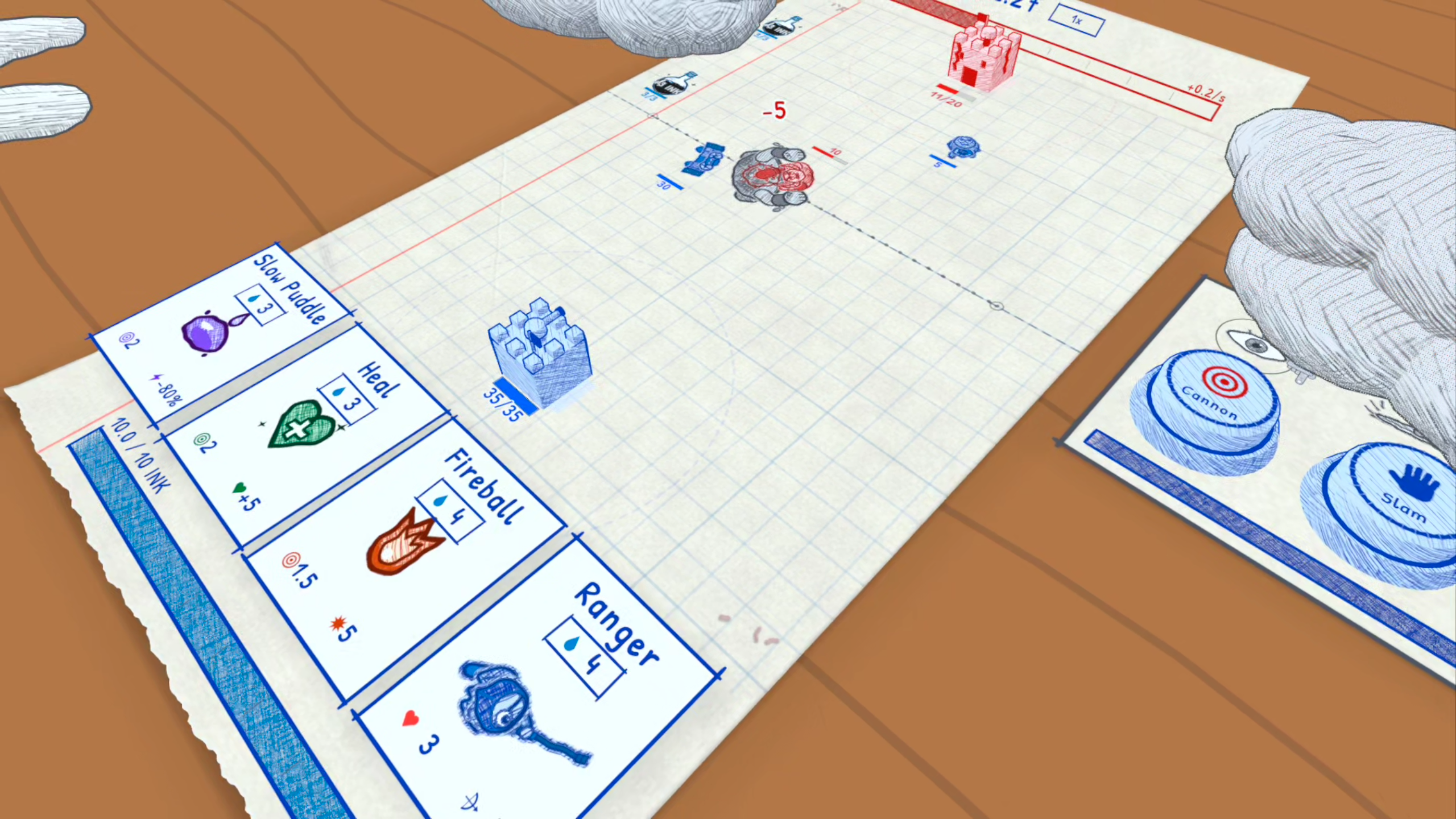
- 6 units: Bulker, Scribblers, Speeder, Ranger, Wall and Splat.
- Spells: Fireball, Slow Puddle, Heal, Pencil Rain and Ink Swap.
- 3 special powers, each with its own control: the Cannon is aimed with your gaze, the Slam is a real slam of your hand, and the Tank is steered with microgestures.
- Ink economy: cards cost ink, and ink refills during the match. Bottles on the board give you more ink.
- 20 levels in four chapters, from a short tutorial to the full game, plus quick matches for a fast game.
- Left-handed mode.
- VR mode with a virtual classroom (no passthrough mode) - perfect for Quest 2.
How I built it
Unity 6 with URP, Meta XR Core SDK, Interaction SDK and MR Utility Kit. The game logic is plain C# code that knows nothing about Unity. The view only draws it on the desk. This makes the game easy to test automatically, and the tests catch mistakes early. Everything on the paper is drawn in one hand-inked style, so the board looks like a real notebook page. The red side is played by a bot that uses simple game AI.
Challenges I ran into
- Knowing when a finger touches a real desk. Hand tracking has no touch sensor, so each hand learns how high its fingertip reads on the table. It took days to make it work well.
- Making the game fully usable without controllers: placing the board, picking cards, menus and pause all had to work with hands.
- Balancing the levels and the enemy bot took days of testing.
Accomplishments that I'm proud of
- Doodle Clash started as a design document for one Meta contest, became a prototype for another, and is now a game you can play on your own desk.
- It works in both mixed reality and VR mode, on Quest 2, Quest 3 and it will work on Meta glasses.
- On Quest 3, placing the board with your gaze is automatic: look at the desk, hold still, and it sticks. It uses the headset's depth sensor to find the desk surface.
- Quest 2 has no depth sensor, so it has another way to place the board: put your finger on the desk.
- The board works on a real desk of any size: you can move, rotate and resize it.
- It feels good to get physical feedback from the desk under your finger. Drawing on a real surface is very satisfying.
What I learned
- In mixed reality, the real world is part of the design. Placement, hand height and room light matter as much as the game rules.
- Keep the game logic separate from the view. It saved me a lot of time when changing the board and input.
What's next for Doodle Clash MR
- More levels, units and spells.
- Online multiplayer, one player on each side of the desk.