




Donation Cart for NGO By Devang-Sharma
About Project
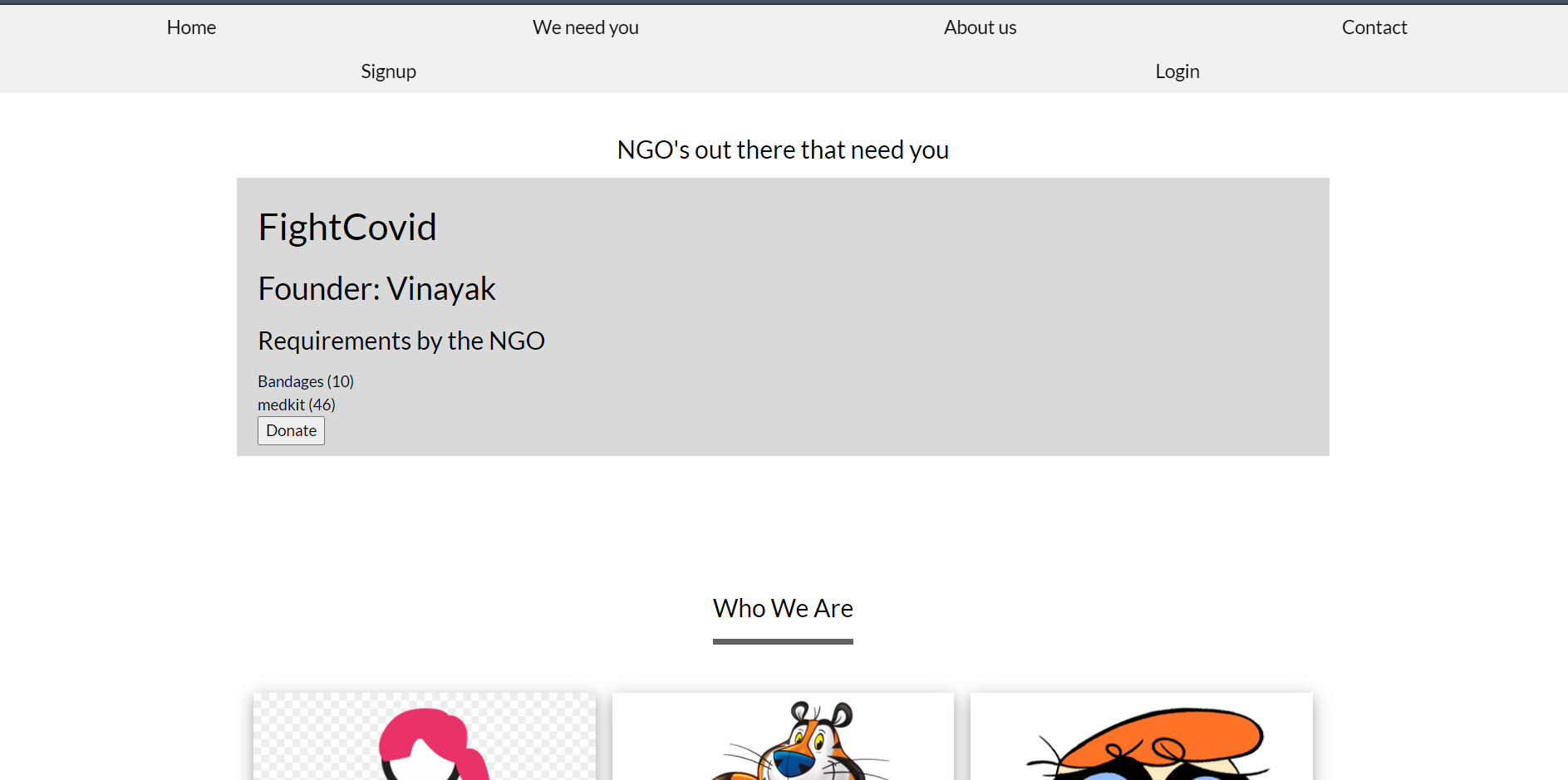
This is a website where Multiple NGO Admins can register their ngos.After registering their ngos they can upload their requirements.Users who are willing to donate can donate the required equipment to the NGOs they want.
This Provides A platform that connects donors to donate their used items with NGO’s directly
Functionalities:
(1) Registration process for donors and donees (NGO’s), and vetting for the latter.
(2) Ability to have quality checks on donations.
(3) Track usage on donated items.
(4) Display of donation requirements (populated by donee requests)
(5) Display of give-away items (populated by donor goods)
(6) A 2-way communication channel between donor and donee (with privacy considerations)
(7) NGO Admins can Add,Update or Delete their requirements.
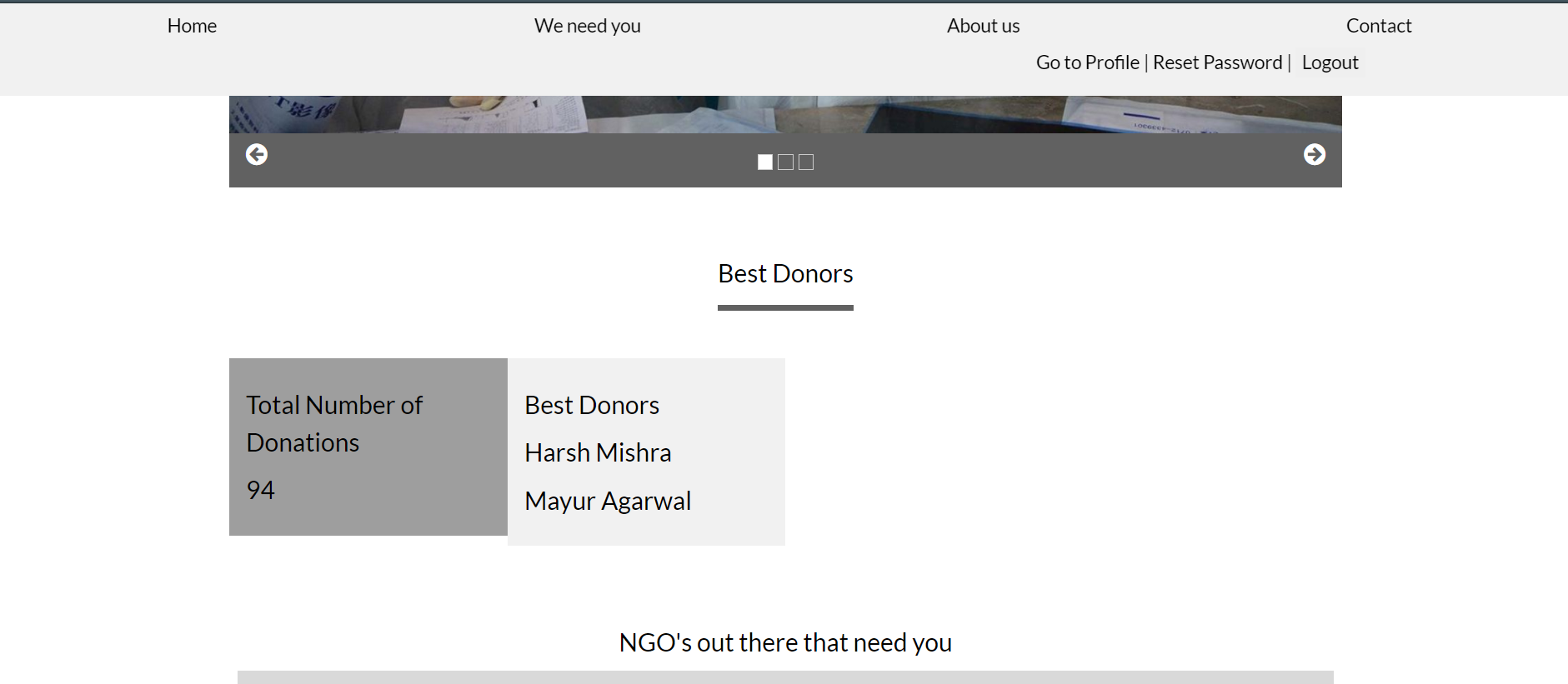
(8) NGO Admins can also uniquely identify their donors and the quantity donated.
(9) This Provides a platform that connects donors to donate their used items with NGO’s directly
Motivation:
Built as Part of Innovation 4 Community Hackathon Organised By CISCO.
COVID-19 has hit all sections of society, even more so for the marginalized community.
There is a need for resource sharing more than ever
Tech/Frameworks Used:
Html,Css,Javascript,Django, Bootstrap.
Video Demo
Link: https://drive.google.com/file/d/18yVMZQT-zQFe6jStn1aQ6GRIkf1Su2Wf/view?usp=sharing
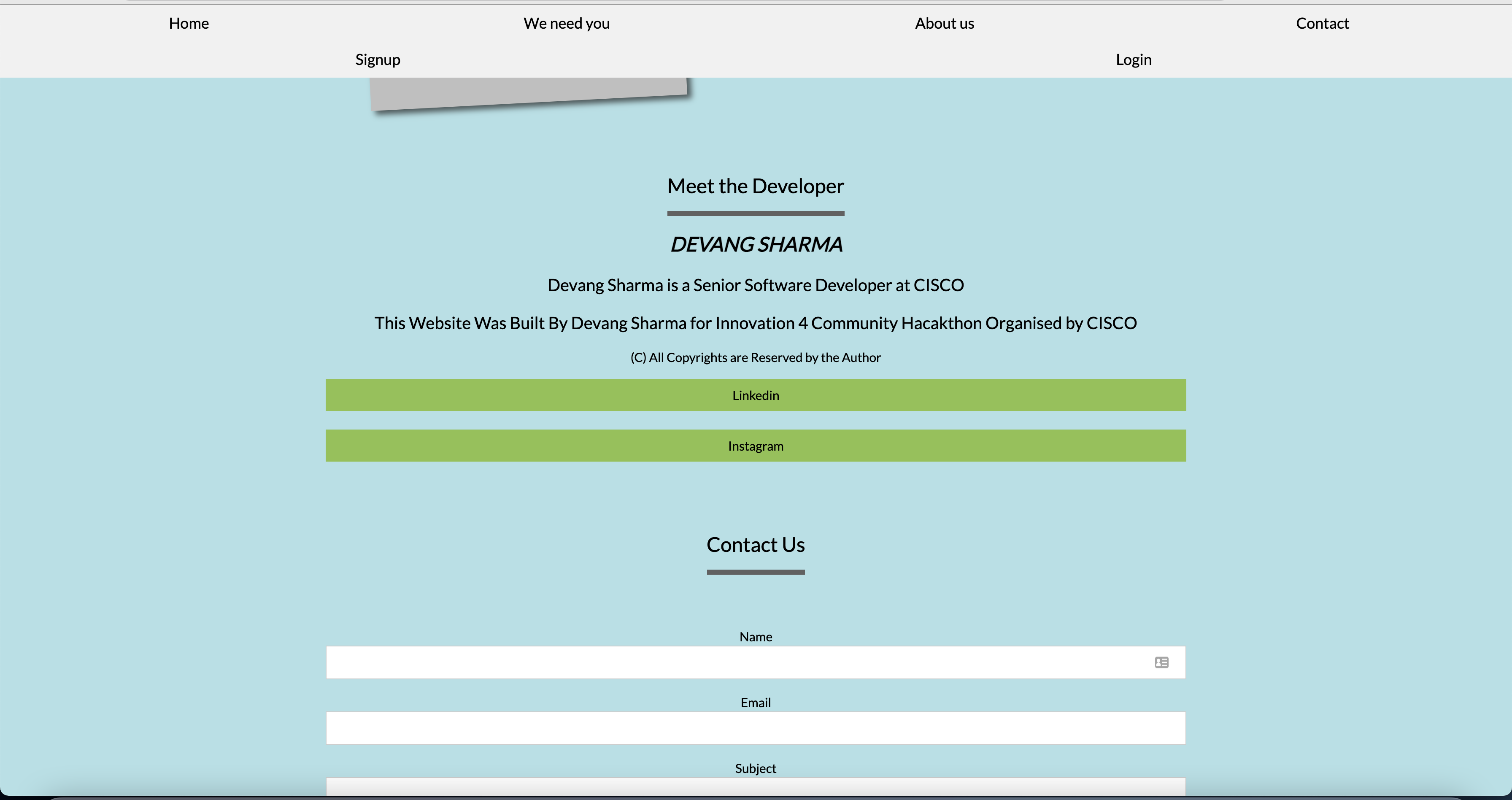
Author :
Devang Sharma
Linkedin : https://www.linkedin.com/in/devang25/
Instagram : https://www.instagram.com/idevangsharma/
All Copyrights Reserved by the Author
Steps to Run the Project
(1) Clone the Github Repo git clone https://github.com/Devang-25/Donate-Cart-for-NGO-By-Devang-Sharma/
(2) Go to FinalProj cd Ngo/FinalProj
(3) Install Virtual Environment pip install virtualenv
(4) Create a Virtual Environment virtualenv env
(5) Install Django pip install Django==3.1.5
(6) Activate Virtual Environment source env/bin/activate
(7) Install Crispy_Forms Module pip install django-crispy-forms
(8) Run on Local Server python manage.py runserver
(9) Development Server has started. Go to Link: http://127.0.0.1:8000/ to see your Project
(10) Quit the server with CONTROL-C.


Log in or sign up for Devpost to join the conversation.