🌿 Inspiration
EaseFlow was inspired by a simple but important problem:
Many autistic children benefit from structured routines and clear, literal instructions — yet guardians often need to remain physically present to guide them through everyday tasks.
We wanted to build a system that creates a calm, structured bridge between guardian and child — enabling independence without removing support.
Instead of replacing guardians, EaseFlow supports them.
The idea is based on one principle:
Independence
Structure + Clarity + Predictability Independence=Structure+Clarity+Predictability
If tasks are broken down into manageable, step-by-step instructions, and presented in a sensory-friendly interface, children can perform them more confidently and independently.
🧠 What We Learned
Building EaseFlow taught us much more than just Flutter and Express.
We learned:
How to design for neurodiversity
How to reduce cognitive overload in UI
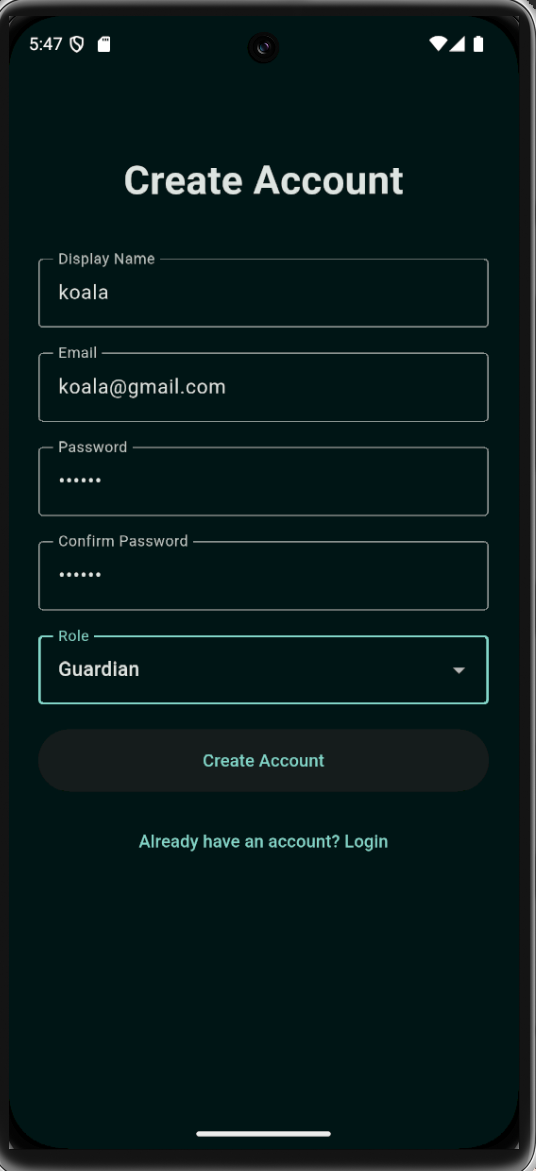
How to implement role-based authentication
How to structure Firestore collections effectively
How to verify Firebase tokens securely in Express
How to build a lightweight AI endpoint using a Flan-T5 model
How to structure a cross-platform Flutter application
We also learned that accessibility is not just about larger fonts — it is about:
Predictability
Minimalism
Emotional safety
Clear communication
🏗 How We Built It
EaseFlow consists of three major components:
1️⃣ Backend (Node.js + Express + Firebase Admin)
The backend handles:
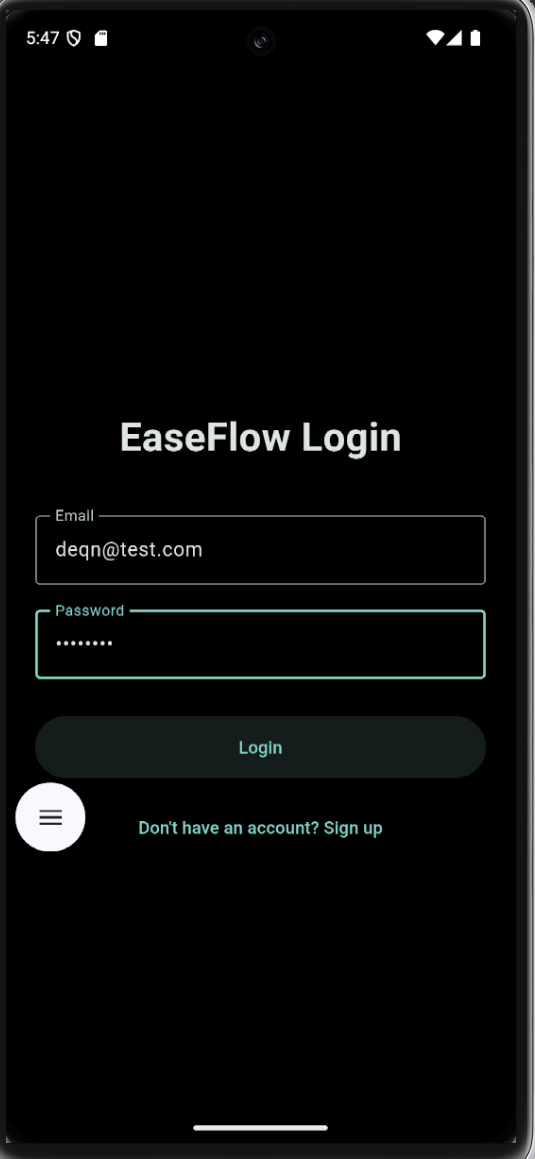
User authentication (via Firebase)
Role-based logic (guardian/child)
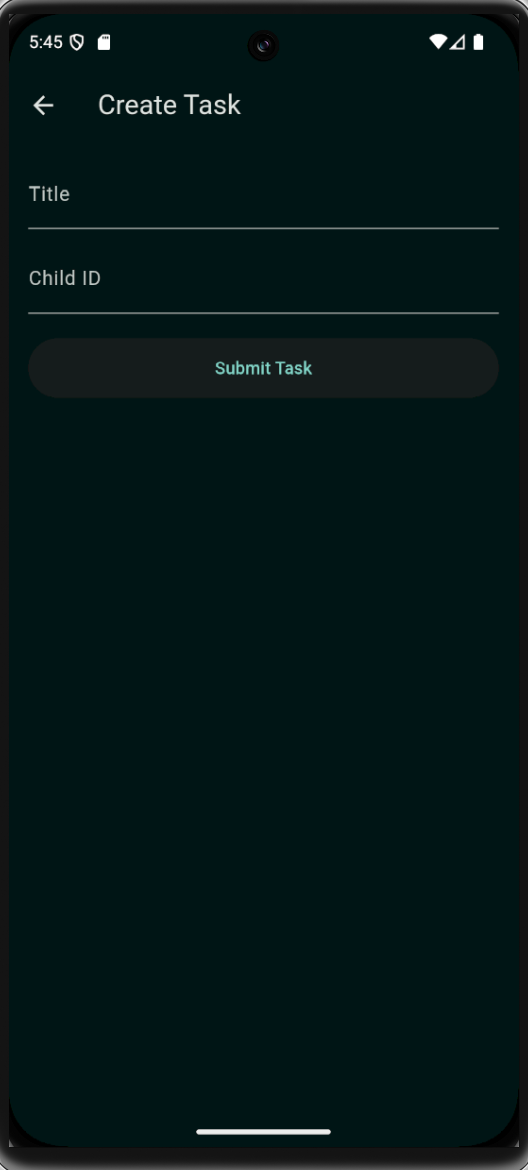
Task creation and step management
Profile storage
Token verification middleware
AI text-generation endpoint
We implemented structured routes such as:
POST /auth/sign_up POST /tasks POST /tasks/:taskId/steps GET /tasks/child/:childUid POST /profile POST /ai/generate
The backend uses Firebase Admin SDK to:
Verify ID tokens
Read/write Firestore documents
Maintain secure role-based access
2️⃣ Mobile & Desktop App (Flutter)
The Flutter app supports:
Android
iOS
Windows
macOS
Linux
Web
The app is structured with:
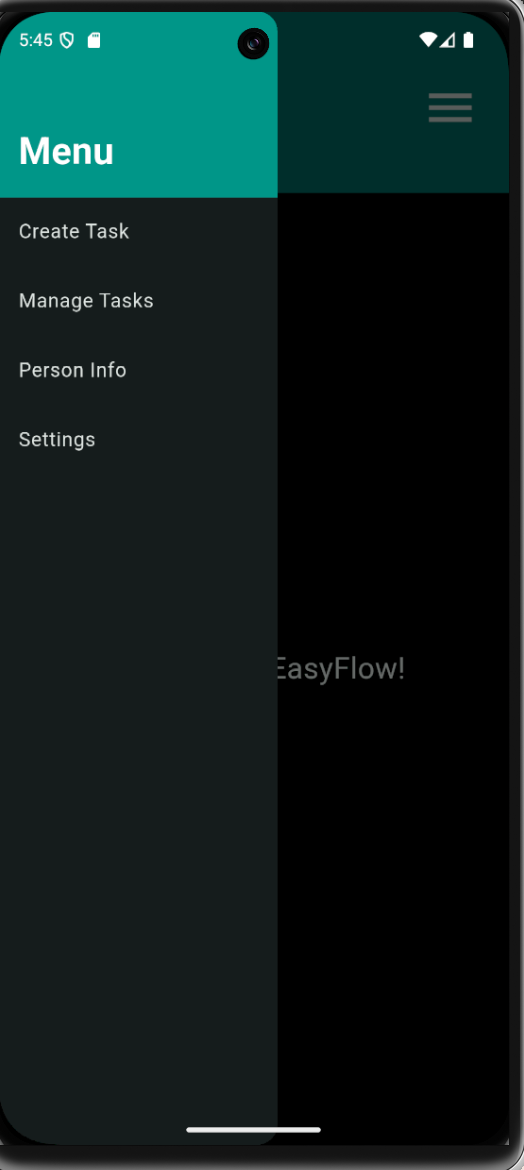
Role-based navigation
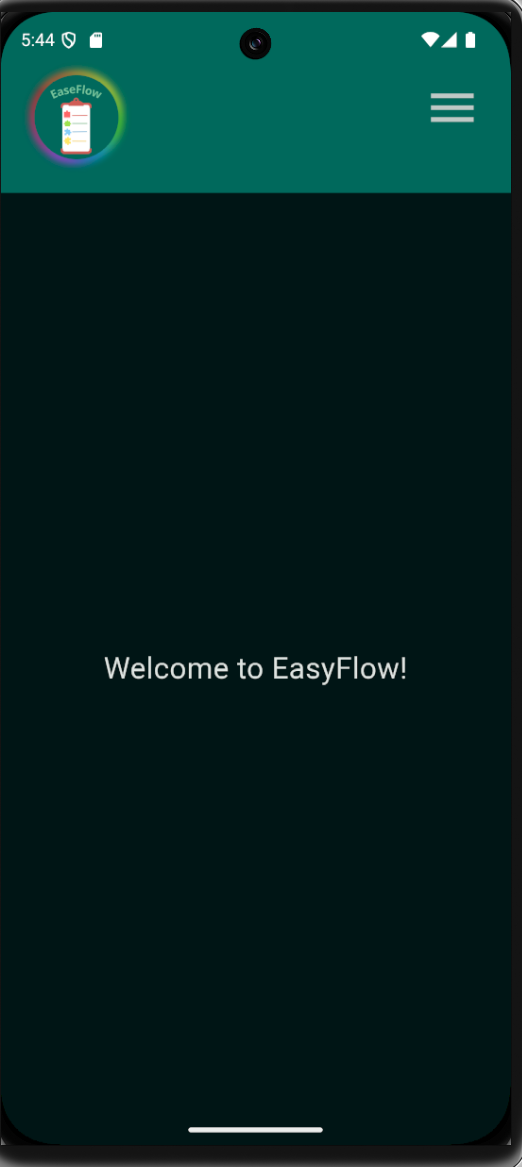
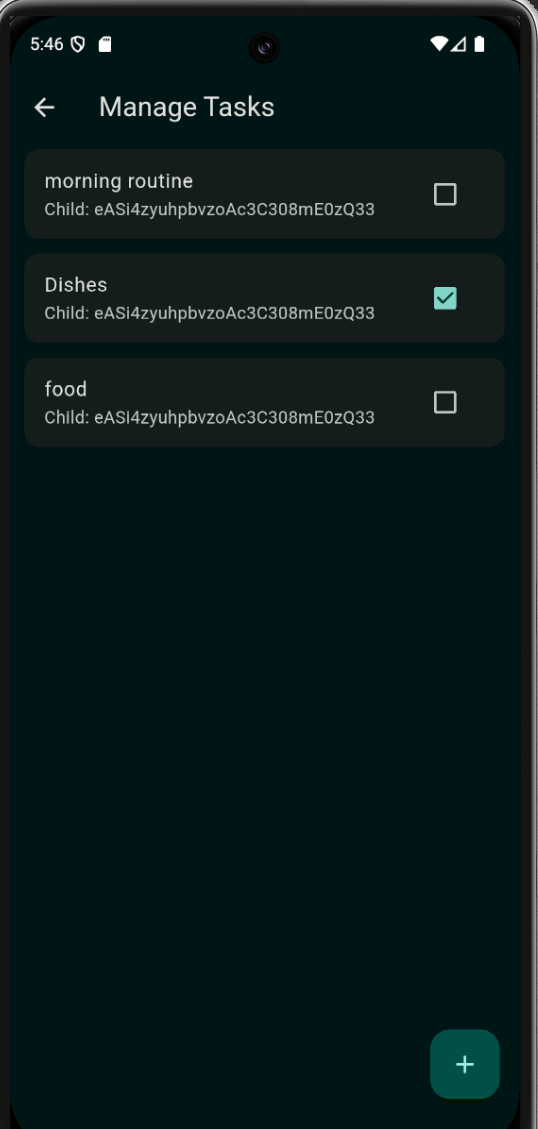
Guardian dashboard
Child dashboard
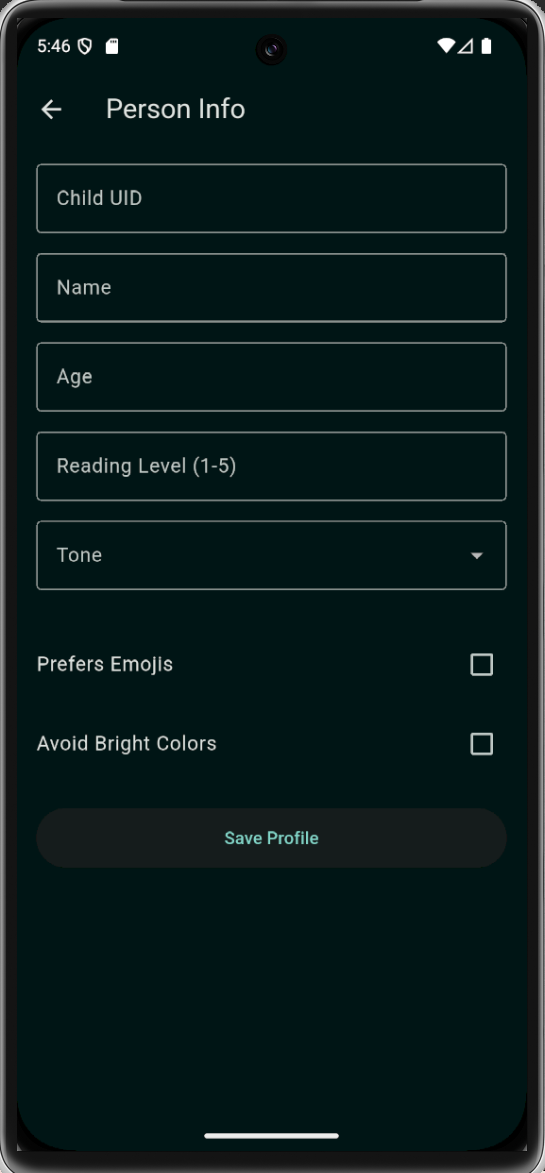
Profile screens
Task step views
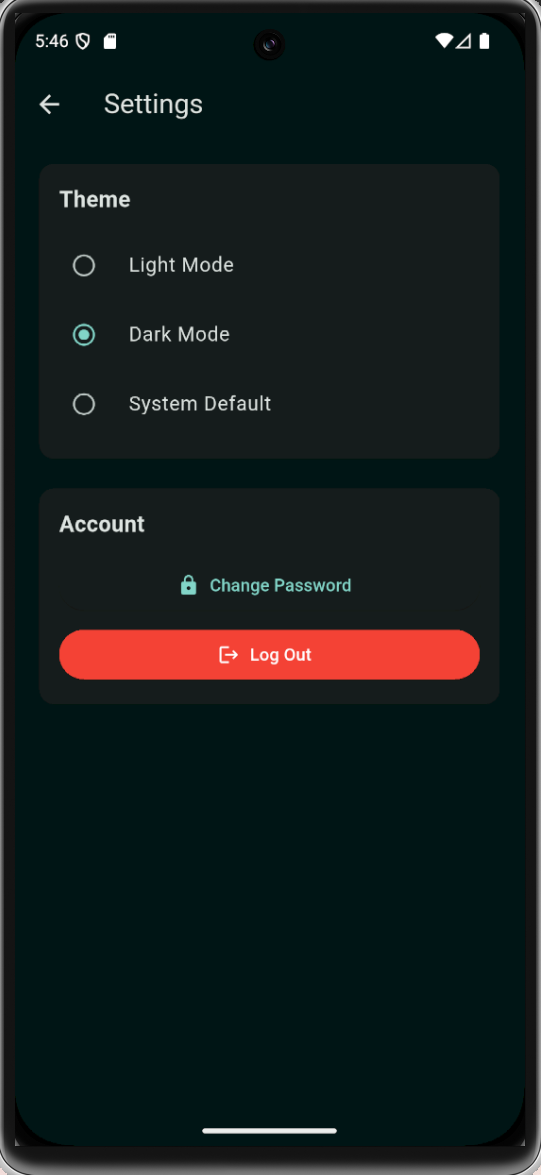
Simple theme switching
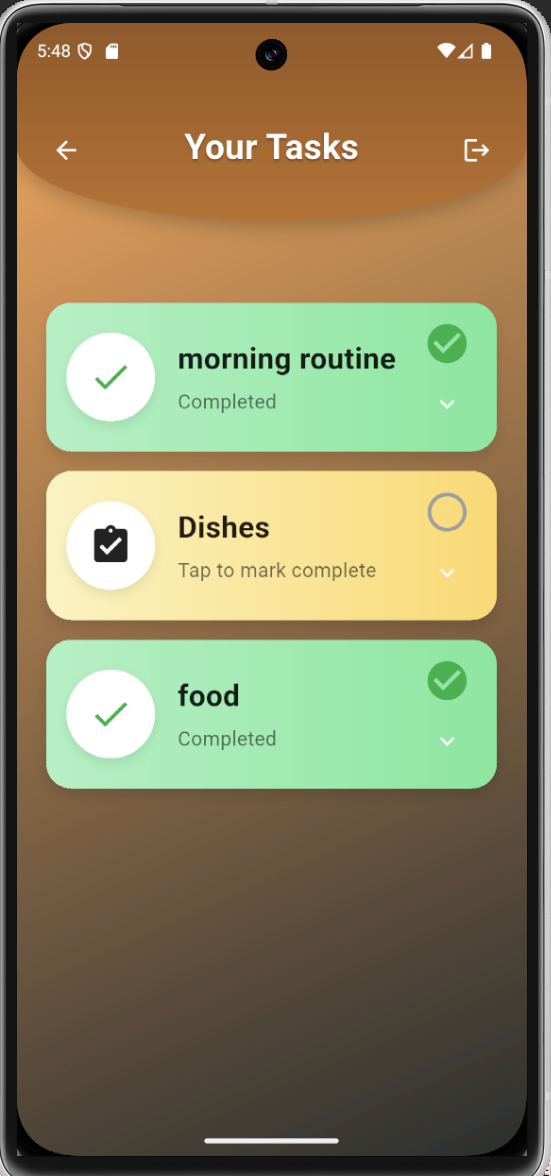
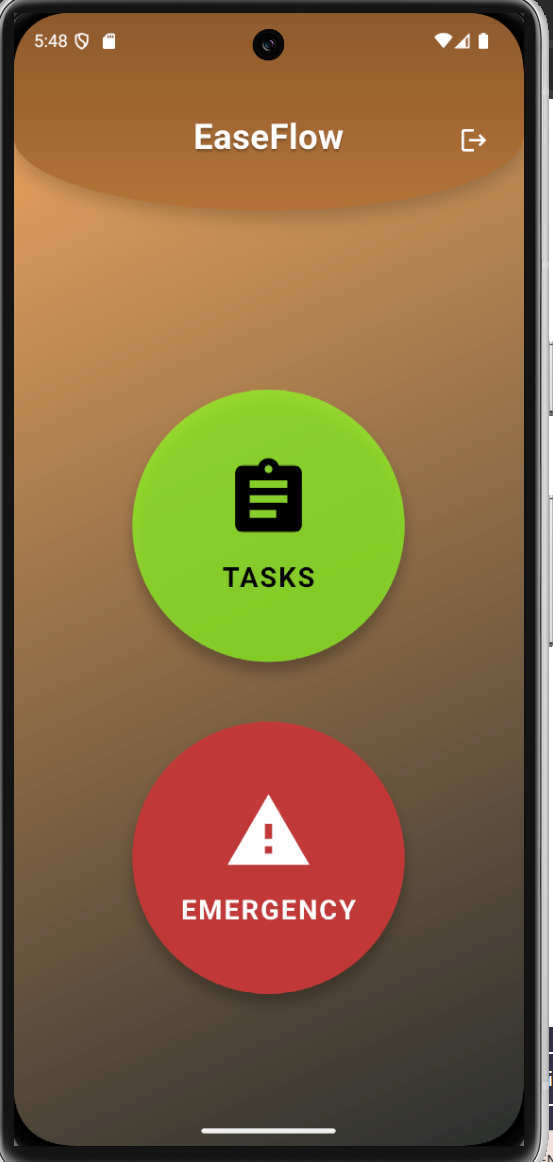
Children see:
Large buttons
Minimal screens
Clear task steps
Emoji/image-supported instructions
Guardians see:
Task management
Child linking
Profile customization
Monitoring capabilities
3️⃣ AI Service
We implemented a lightweight AI endpoint powered by a Flan-T5 model via @xenova/transformers.
It allows:
Simple prompt-based text generation
Future expansion for step simplification
Adaptive communication tone
Although optional, it demonstrates how AI can assist structured task rewriting in future versions.
⚙ Architecture Overview Flutter App → Express Backend → Firebase (Auth + Firestore) ↘ AI Service (Flan-T5)
Authentication flow:
User signs in via Firebase Auth
Flutter sends ID token to backend
Backend verifies token with Firebase Admin
Role-based access control is applied
🧩 Challenges We Faced 🔐 Token Verification & Security
Understanding how Firebase ID tokens work and correctly verifying them in Express middleware was one of the biggest backend challenges.
📱 Multi-Platform Flutter Support
Ensuring the UI remained consistent across:
Mobile
Windows
macOS
Linux
required careful layout decisions and responsive design.
🧠 Designing for Autism
The hardest challenge was not technical.
It was UX.
We had to constantly ask:
Is this screen too crowded?
Is this instruction too abstract?
Is this animation overstimulating?
We learned that good accessibility design often means removing features, not adding them.
🤖 AI Integration
Integrating a local transformer model required:
Managing model loading
Optimizing response generation
Handling structured output
💡 Why This Project Matters
Autistic children often thrive in structured environments. However, daily routines can become overwhelming without consistent guidance.
EaseFlow encourages independence while preserving connection.
Instead of replacing guardians, it extends their presence through structured digital support.
Our vision is to continue expanding the system with:
Adaptive AI rewriting of task steps
Now/Next/Later scheduling
Alert-based guardian notifications
Personalized communication styles
🚀 Future Improvements
Full AI-based step simplification
Visual schedule timeline
Push notifications for guardian alerts
Analytics for task completion patterns
Improved sensory settings (reduced animation mode, color themes)
❤️ Final Thought
EaseFlow is more than a task app.
It is a small step toward:
Independence
Structure
Confidence
Neurodiverse-friendly technology
One task at a time.


Log in or sign up for Devpost to join the conversation.