Inspiration
As an indie developer, I kept running into the same problem: AI tools are powerful, but fragmented. One tool for images, another for video, another for audio—each with different workflows, interfaces, and limitations. Creating something end-to-end meant constantly switching tools, reformatting assets, and losing creative flow.
I wanted a single place where ideas could move seamlessly from concept to final output—whether it's an image, a video, or music. That’s where DoMakeAI started: a unified creative workspace for AI-generated content.
What it does
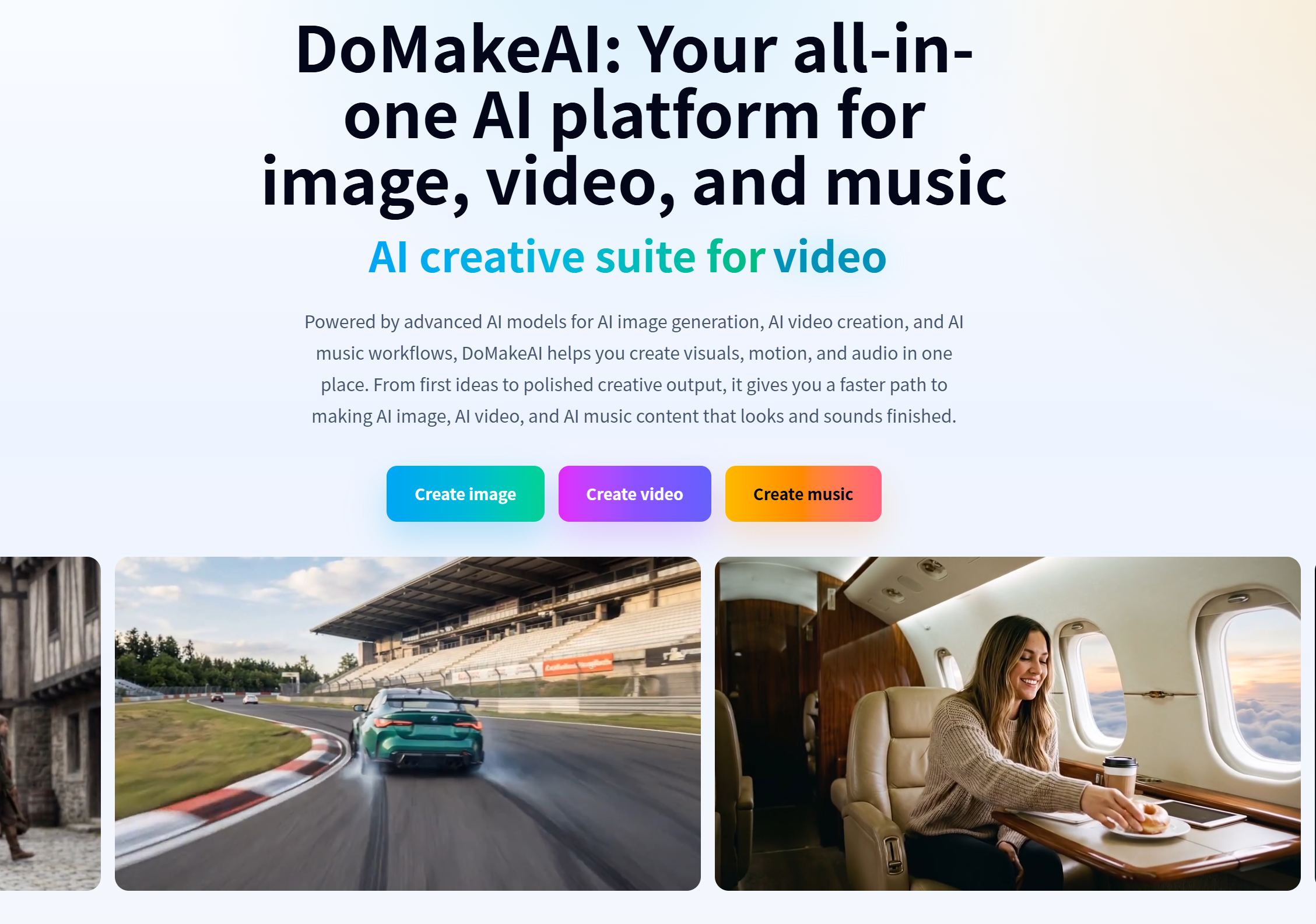
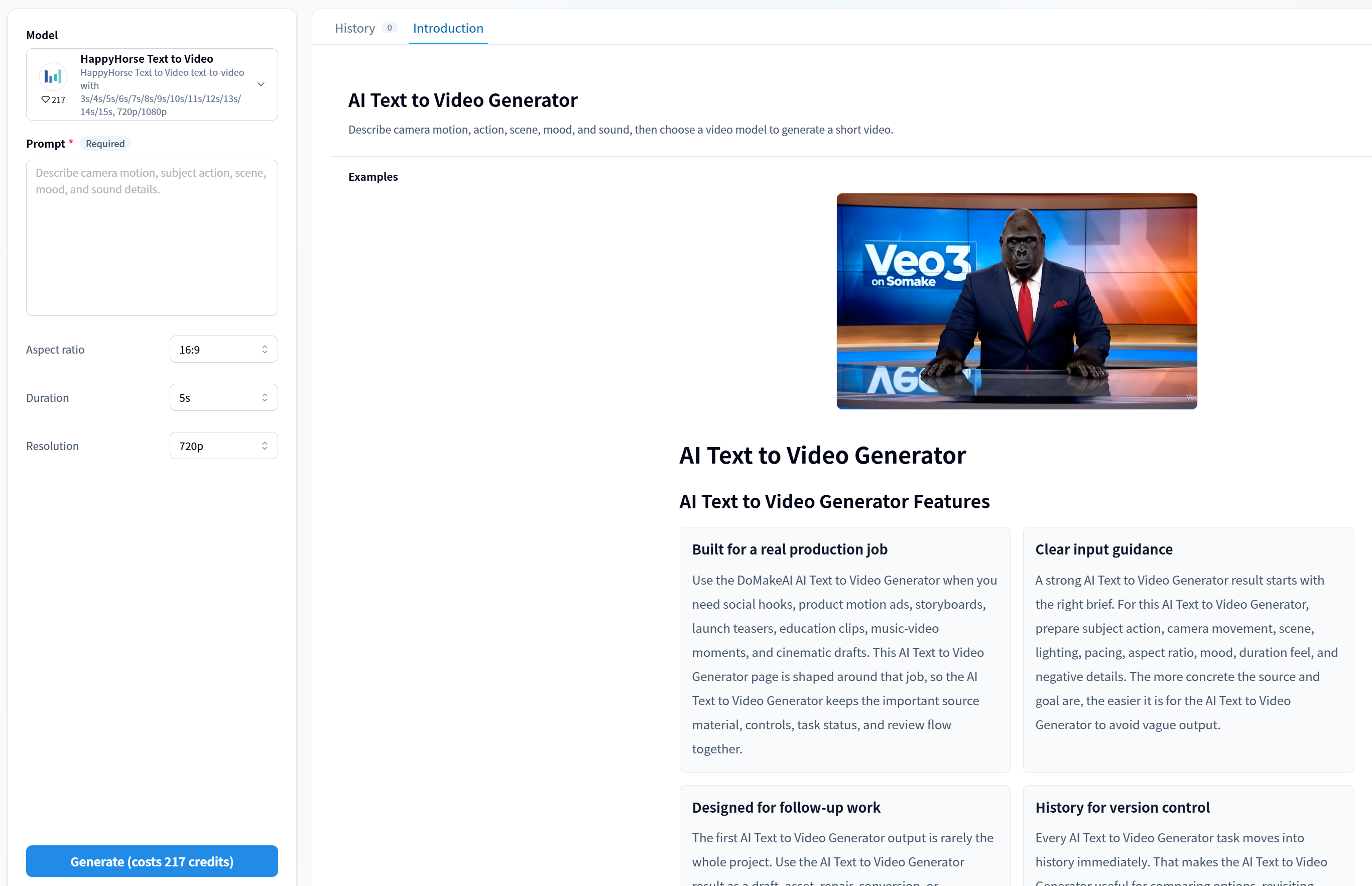
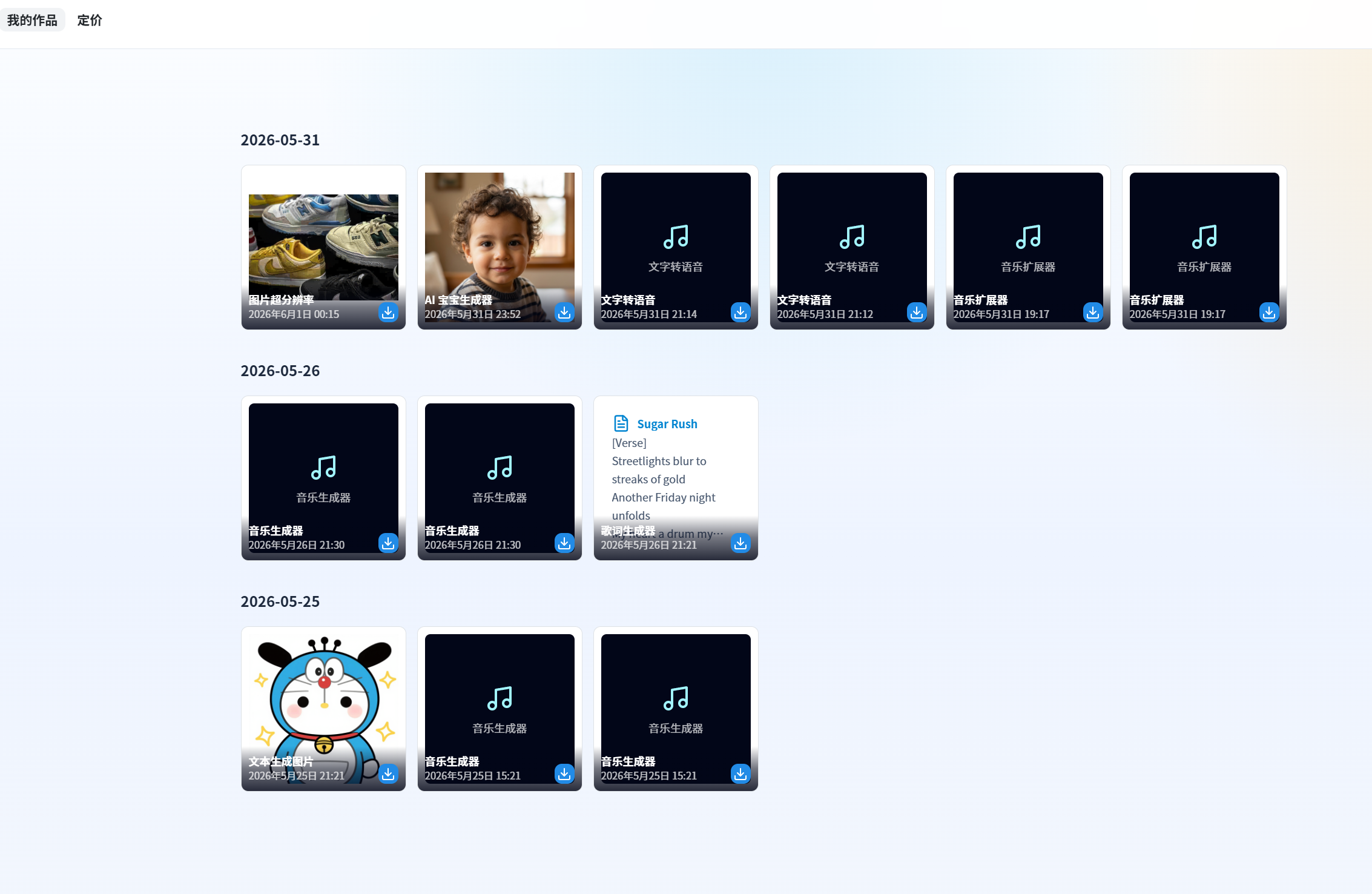
DoMakeAI is an all-in-one AI creation platform that combines image generation, video creation, and music workflows in a single interface.
It allows users to:
- Generate high-quality AI images from text or references
- Turn images into videos or create videos directly with AI
- Generate music and audio to match visuals
- Iterate quickly from idea to polished output without switching tools
The goal is simple: reduce friction and help creators produce complete, ready-to-use content faster.
How I built it
I built DoMakeAI as a solo developer by integrating multiple AI capabilities into a unified workflow system.
Key parts include:
- A modular frontend that keeps image, video, and audio workflows consistent
- Backend orchestration to manage different AI model calls efficiently
- Prompt and asset pipeline design to allow smooth transitions (e.g., image → video)
- Performance optimizations to keep generation fast and responsive
The focus was not just on capability, but on experience—making different AI tools feel like one product.
Challenges I ran into
One of the biggest challenges was unifying very different types of AI workflows.
- Image, video, and audio models behave differently and require different inputs
- Maintaining consistency in UI/UX across these workflows was difficult
- Latency and cost management became critical when combining multiple generation steps
- Ensuring outputs feel “production-ready” instead of raw AI results required iteration
Balancing simplicity for users with flexibility under the hood was a constant tradeoff.
Accomplishments that I'm proud of
- Built a full multi-modal AI platform as a solo developer
- Created a smooth workflow from idea → image → video → audio
- Reduced the need for users to rely on multiple separate AI tools
- Designed a product that focuses on real creative output, not just demos
Most importantly, I turned a fragmented experience into something cohesive and usable.
What I learned
- UX matters more than raw AI capability—tools win when they reduce friction
- Users don’t want “AI features,” they want finished results
- Speed and iteration loops are critical for creative tools
- Building solo forces strong prioritization—you can’t build everything
I also learned that integrating AI is not just technical—it’s about designing workflows.
What's next for DoMakeAI
Next, I plan to:
- Improve generation quality and consistency across all modalities
- Add more advanced editing and control features
- Enable better chaining of workflows (e.g., full creative pipelines)
- Introduce collaboration and sharing features
- Optimize performance and cost for scaling
The long-term vision is to make DoMakeAI a complete AI creative studio—where anyone can go from idea to finished content without leaving the platform.

Log in or sign up for Devpost to join the conversation.