-
-
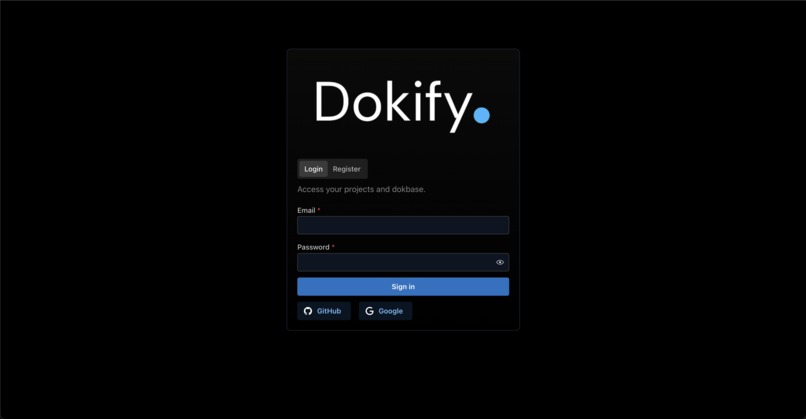
login
-
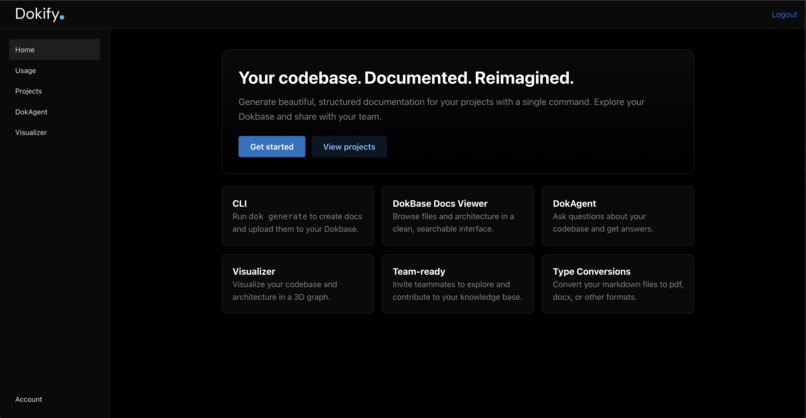
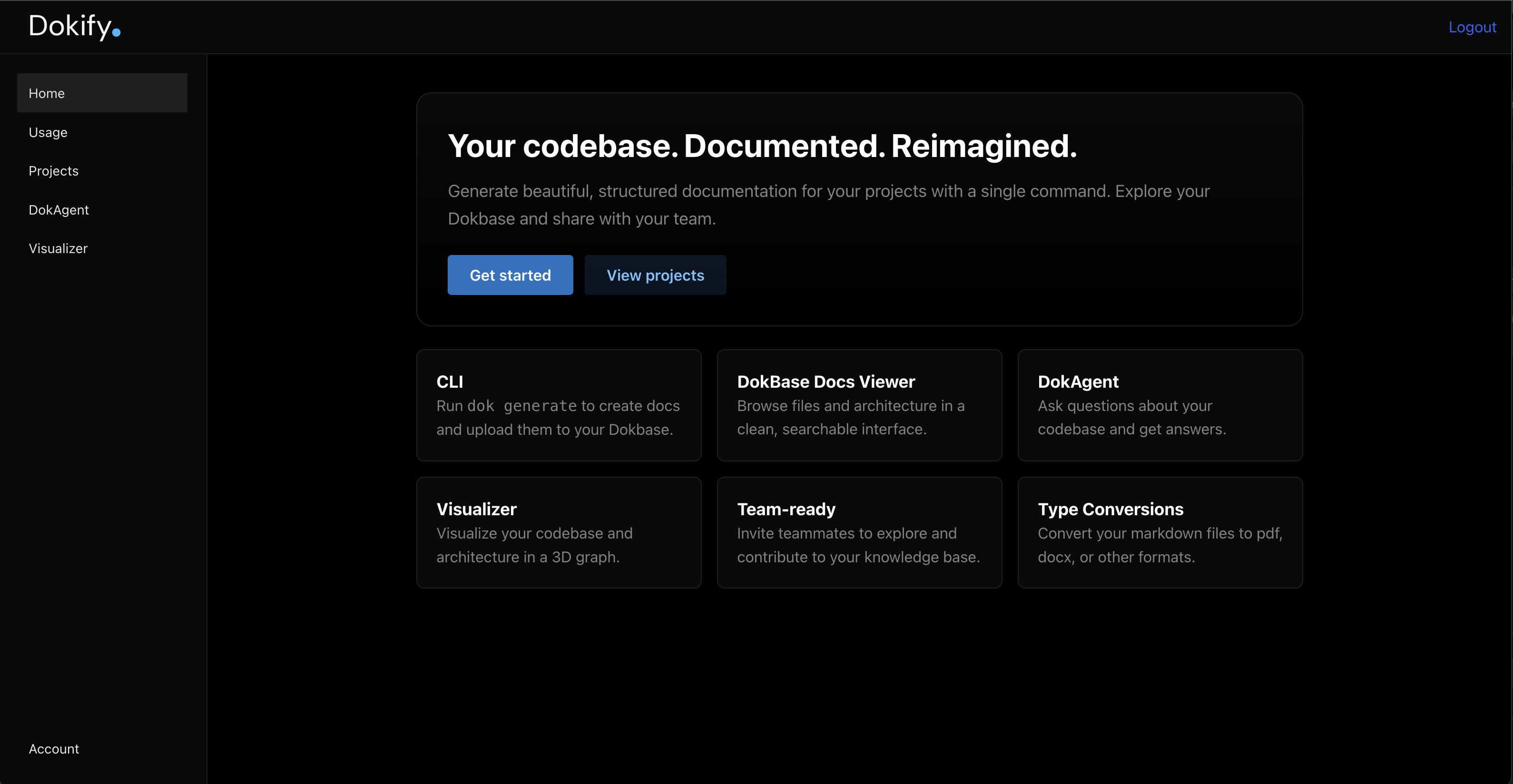
home
-
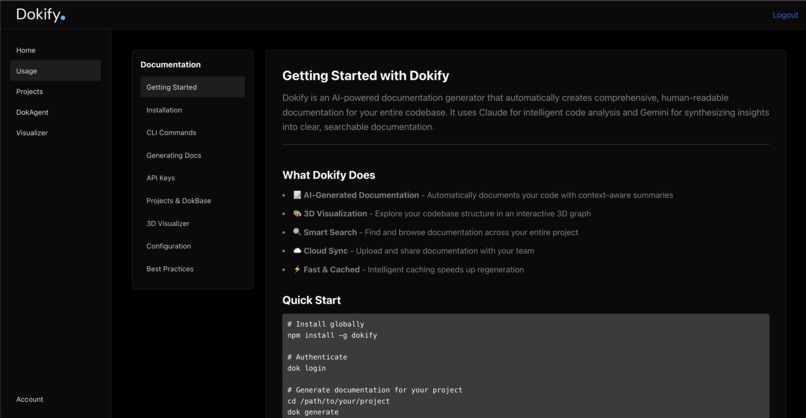
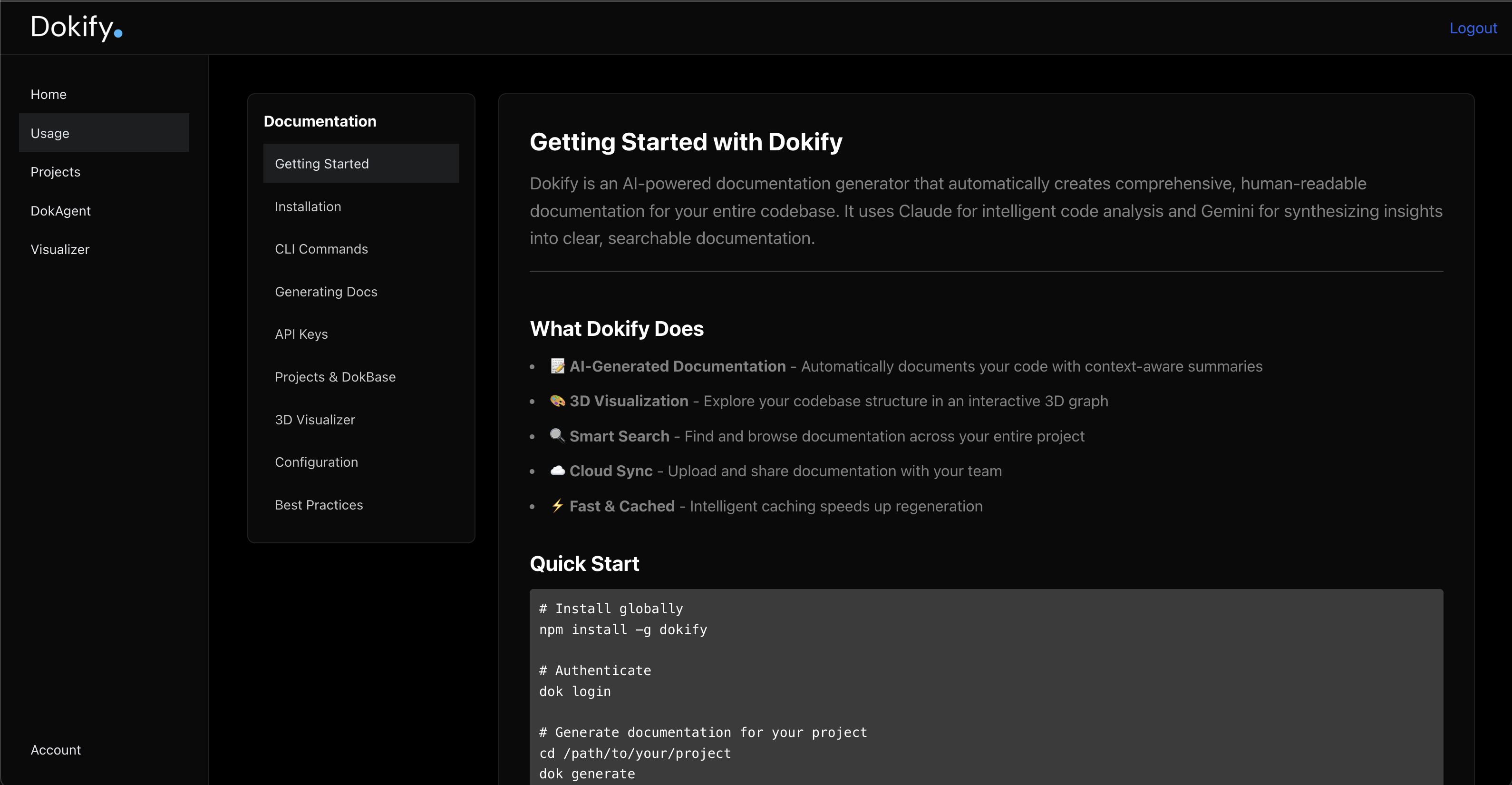
guide
-
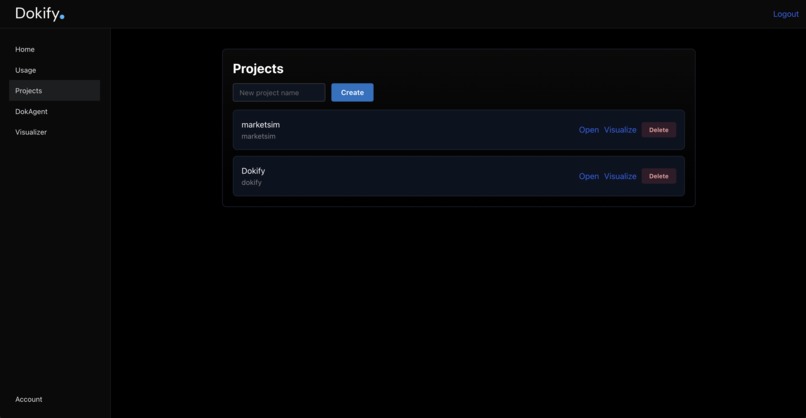
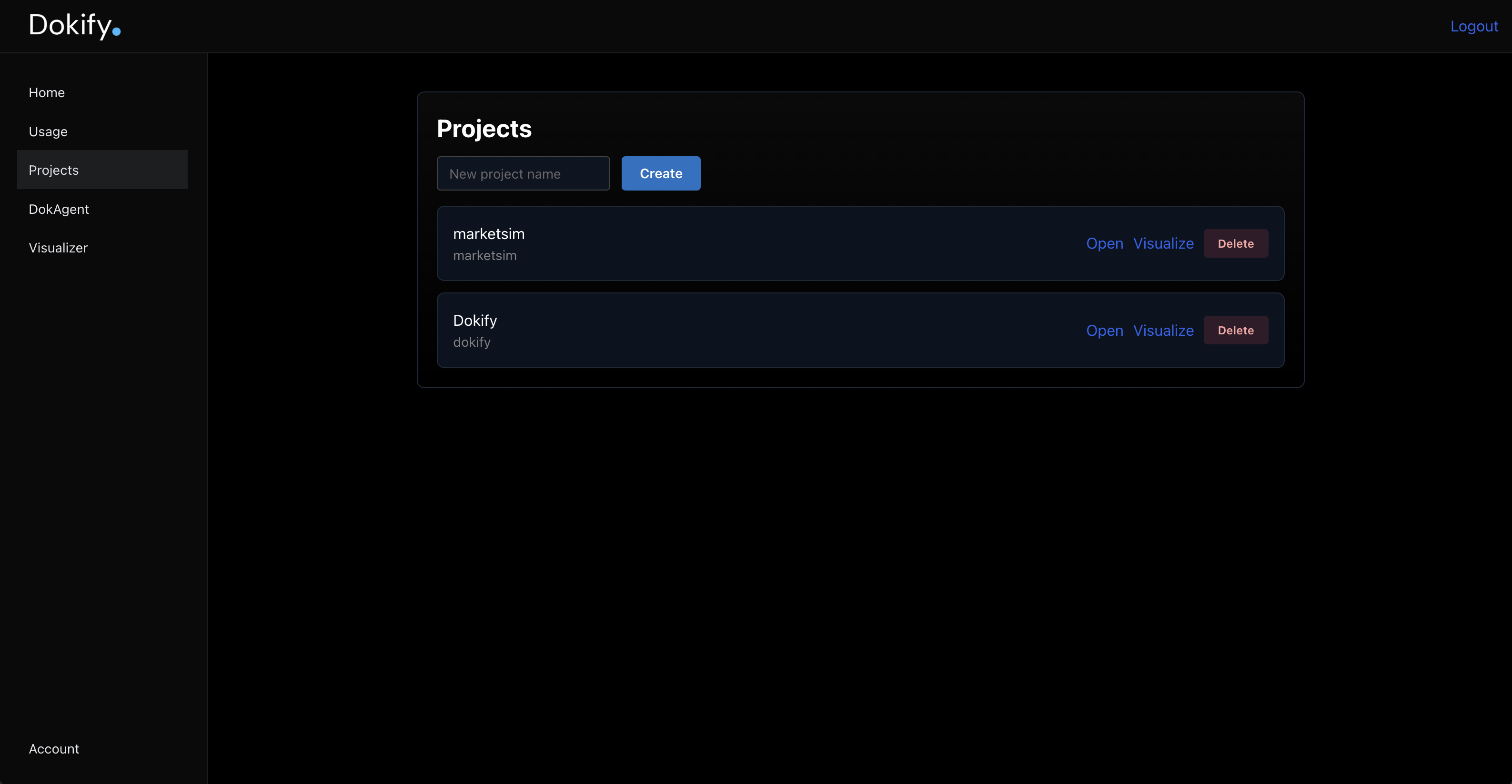
projeccts
-
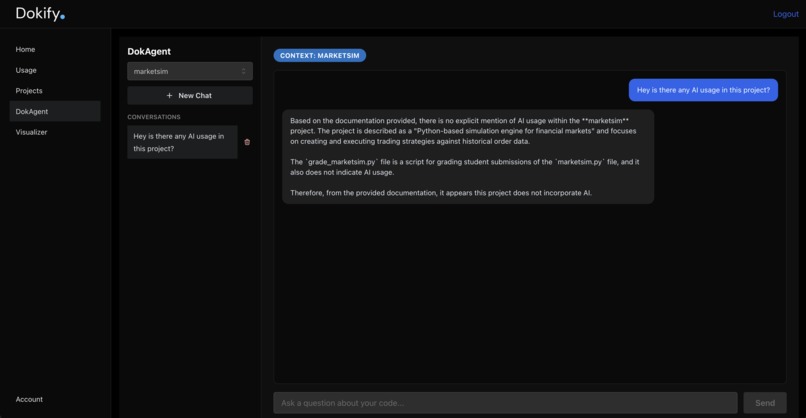
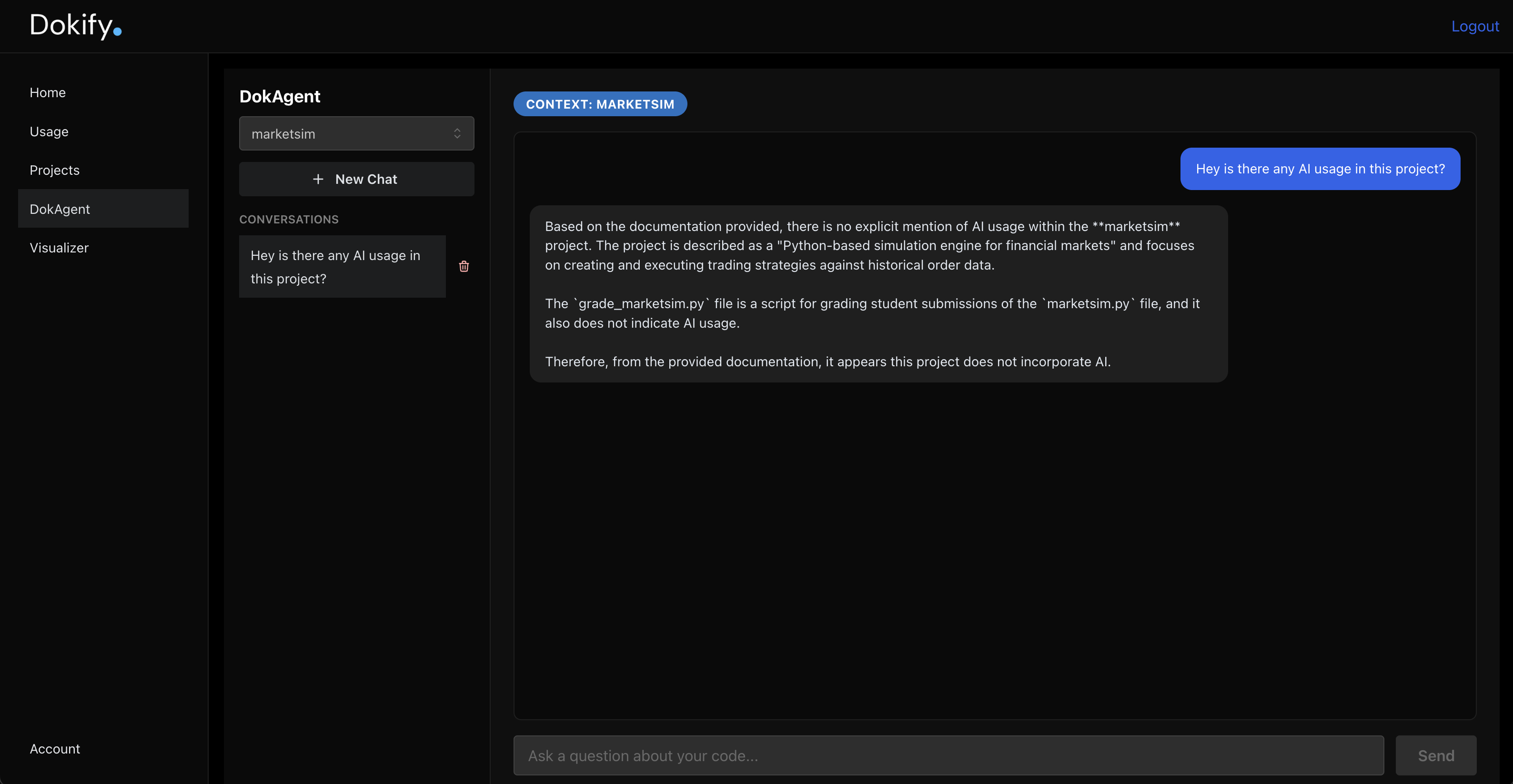
chat
-
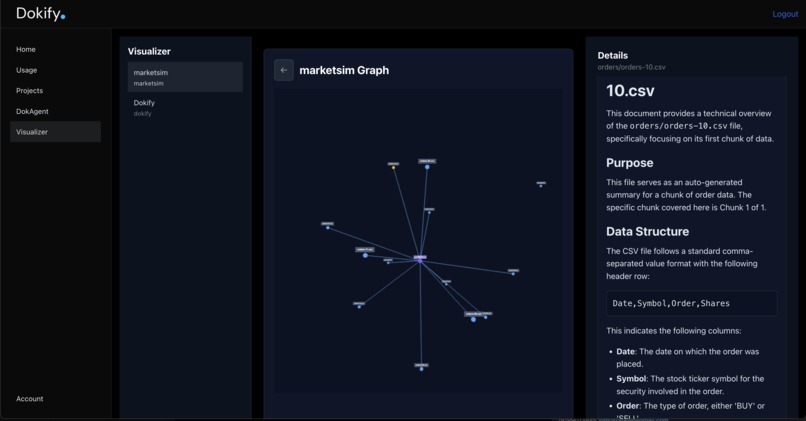
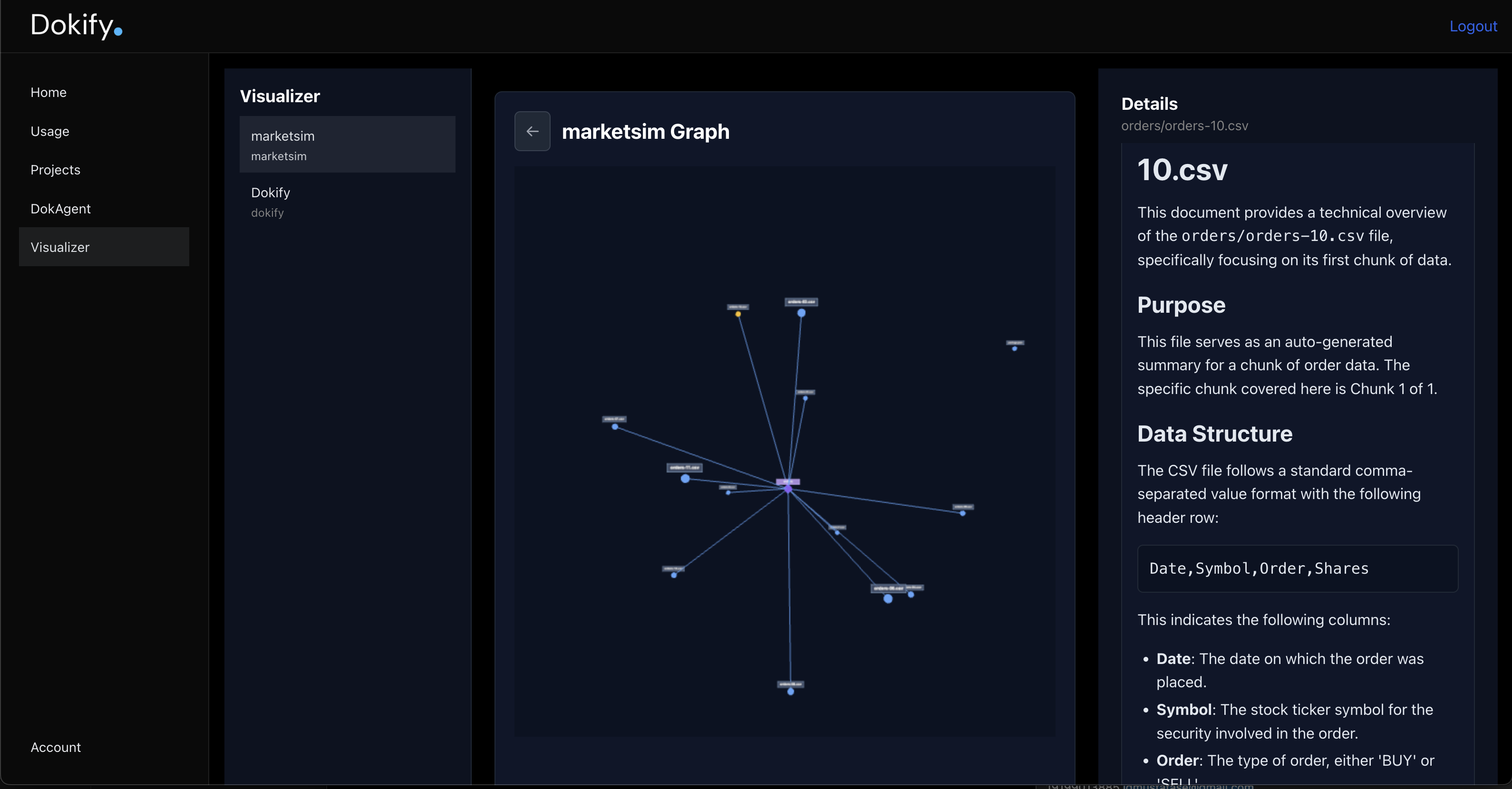
3d viz
Inspiration
Every developer has experienced the pain of diving into an unfamiliar codebase – whether it's onboarding to a new project, contributing to open source, or revisiting code months later. Documentation is either outdated, incomplete, or simply doesn't exist. We envisioned Dokify as the solution: a tool that automatically generates living, AI-powered documentation that evolves with your code, making every codebase instantly understandable. This is based on improving YC's Dropbox in the age of AI!
What it does
Dokify is an intelligent documentation platform that transforms codebases into interactive, searchable knowledge bases. It consists of three core components:
- CLI Tool (dok) - A powerful command-line interface that:
- Scans your entire repository intelligently (respecting .dokignore patterns)
- Uses Claude Haiku for precise, structured fact extraction at the chunk level
- Leverages Gemini for rich, narrative file-level and project-level synthesis
- Caches results for lightning-fast incremental updates
- Uploads documentation securely to your Dokify account
- Web Platform - A sleek, modern dashboard featuring:
- Project management with multi-project support
- Beautiful markdown-rendered documentation with a collapsible file tree
- 3D Force-Graph Visualizer - An interactive Three.js visualization showing your codebase's structure, with directories as octahedrons and files as spheres, all connected by relationship lines
- Real-time updates via WebSockets when docs are generated
- DokAgent - An AI chatbot that: --Answers questions about your codebase using your documentation as context --Maintains conversation history for continuity --Helps developers understand architecture, find implementations, and explore code relationships
How I built it
Tech Stack: CLI: TypeScript, Node.js, Commander.js for CLI parsing, Ora for elegant spinners Backend: Fastify (Node.js), Supabase PostgreSQL for persistence, JWT authentication, OAuth 2.0 Device Flow, WebSockets for real-time updates Frontend: React, Vite, Mantine UI, React Router, Three.js with OrbitControls for 3D visualization AI: Claude Haiku (Anthropic) for structured extraction, Gemini (Google) for narrative synthesis Infrastructure: Deployed on Render with CI/CD via GitHub, dokify listed as an installable package in npm.
Development Journey:
- Started with a basic CLI that scanned files and generated simple summaries
- Evolved to a multi-tier AI system: chunk-level facts → file synthesis → project synthesis
- Built OAuth Device Flow for seamless CLI-to-web authentication
- Migrated from in-memory storage to Supabase PostgreSQL for scalability
- Added real-time features with WebSockets and chat persistence
- Created an immersive 3D visualization using Three.js force-graph physics
Challenges I ran into
AI Token Management - Balancing detail vs. token limits required implementing smart chunking, caching strategies, and hierarchical summarization
OAuth Device Flow - Creating a seamless authentication experience between CLI and web browser required careful state management and polling
URL Routing Consistency - Ensuring /v1 API prefixes were consistent across frontend, backend, CLI, and production deployments was tricky
Database Migration - Transitioning from in-memory maps to Supabase while maintaining backward compatibility
3D Graph Rendering - Getting edges to render correctly, making nodes visually distinct (directories vs files), and ensuring physics simulation was performant
Large File Uploads - Handling projects with extensive documentation required increasing server body limits and implementing batch uploads
Accomplishments that we're proud of
Seamless Multi-Platform Experience - From dok login in the terminal to OAuth approval in the browser to viewing docs on the web – it all just works Intelligent AI Orchestration - Using different LLMs for different tasks (Claude for structure, Gemini for narrative) maximizes quality and cost-efficiency Beautiful 3D Visualization - The force-graph makes understanding project architecture intuitive and engaging Real-time Updates - WebSocket integration means your team sees documentation changes instantly Production-Ready - Fully deployed with PostgreSQL persistence, proper authentication, API key management, and usage tracking Developer-Friendly CLI - Commands like dok generate --local-only and dok upload provide flexibility for different workflows
What we learned
AI Composition - Different LLMs excel at different tasks; orchestrating them strategically yields better results than using one for everything Developer Experience Matters - Small touches like spinner animations, colored output, and --help flags make tools feel polished Database Design - Proper indexing and foreign key constraints prevent bugs and improve query performance WebGL Performance - Three.js optimizations like buffer geometry updates and limiting physics simulation steps are crucial for smooth 60fps rendering Authentication Flows - OAuth Device Flow is perfect for CLI tools, providing security without compromising UX
What's next for Dokify
Semantic Search - Vector embeddings for finding relevant code by meaning, not just keywords Git Integration - Auto-generate docs on commit/push, track documentation changes over time Multi-Language Support - Extend beyond JavaScript/TypeScript to Python, Go, Rust, Java, etc. Team Collaboration - Comments, annotations, and shared chat threads within documentation IDE Extensions - VS Code/Cursor plugins to view docs inline and ask DokAgent from your editor Diagram Generation - Auto-generate architecture diagrams, sequence diagrams, and ER diagrams API Documentation - Special handling for REST/GraphQL APIs with endpoint testing Analytics Dashboard - Track documentation coverage, identify undocumented areas, measure team engagement Custom AI Models - Allow teams to bring their own fine-tuned models for domain-specific terminology Documentation Diffing - Show what changed between documentation versions as code evolves.
Dokify transforms code from a black box into a crystal-clear knowledge base. Because the best documentation is the documentation you don't have to write. ✨


Log in or sign up for Devpost to join the conversation.