git link: https://github.com/JulianKling/doNationAppathon.git
Team members:
- Carina Saliger, designer, carina.saliger@live.de, +4915150712118
- Sascha Rothe, developer, sascha.rothe@live.de, +491714009514
- Sebastian Ebert, developer, buckel@mailueberfall.de
- Julian Kling, jkling@students.uni-mainz.de
- Katharina Kann, katharina-kann@gmx.de, +4917672257319
** Type of the product **
Mobile App
** What it does **
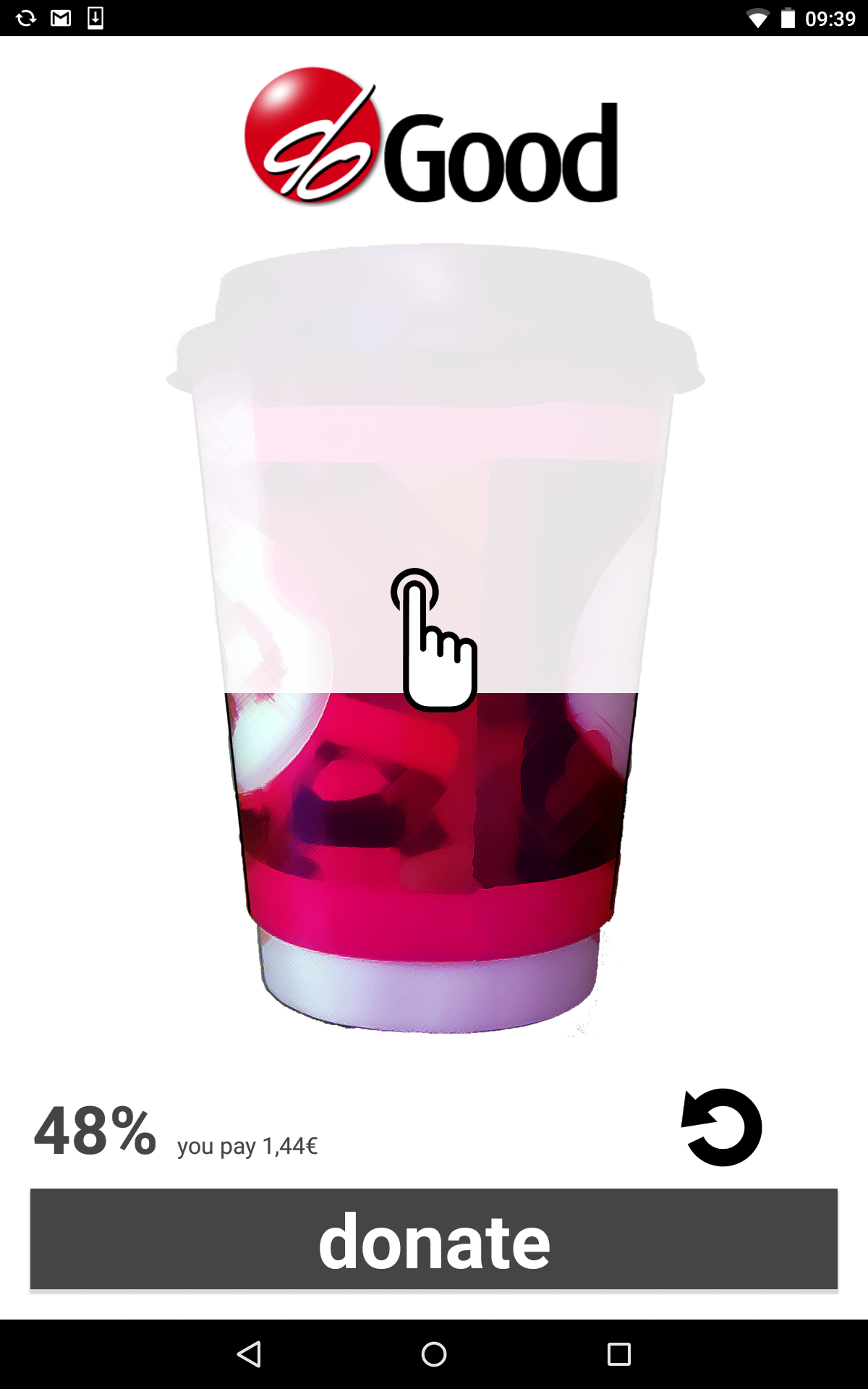
doGood is a donation app that makes donating easy and personalized. Instead of giving plain money, people who want to help others (donors) can now donate products or activities they really enjoy. And since some enjoyments might be too expensive for a single person they also have the option to donate parts of it and wait for others to complete their donation.
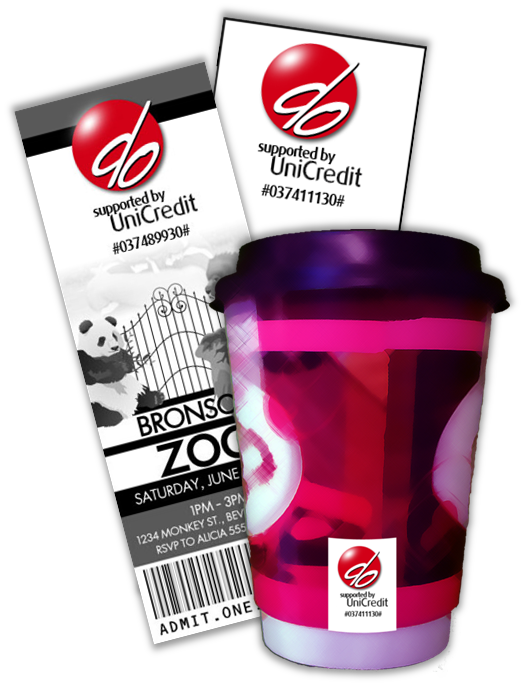
How does doGood work? After you enjoy a product from a participating shop or location (cafe, cinema, etc.) you scan the doGood logo printed on the product or receipt. After deciding how much of the product you want to pay, the entire payment process is done via figo’s hassle-free and fast in-app payment services. All that can be done with a mobile device on-the-go in the course of a couple of seconds.
The app is designed to be easy, motivating, and to facilitate further donations. The effort for donors is reduced to a minimum. Receiving a notification, such as “the coffee you paid has been enjoyed by James” gives donors a good and warm feeling, motivating them to donate again – no matter how much they spent. And moreover, by giving donors the possibility to pay for products or activities they enjoy themselves, it's a very personalized experience. By supporting this humanitarian project, UniCredit shows awareness for social needs and is associated with charity whenever someone sees a doGood logo, which is designed in a similar way to the UniCredit logo and mentions UniCredit as a sponsor.
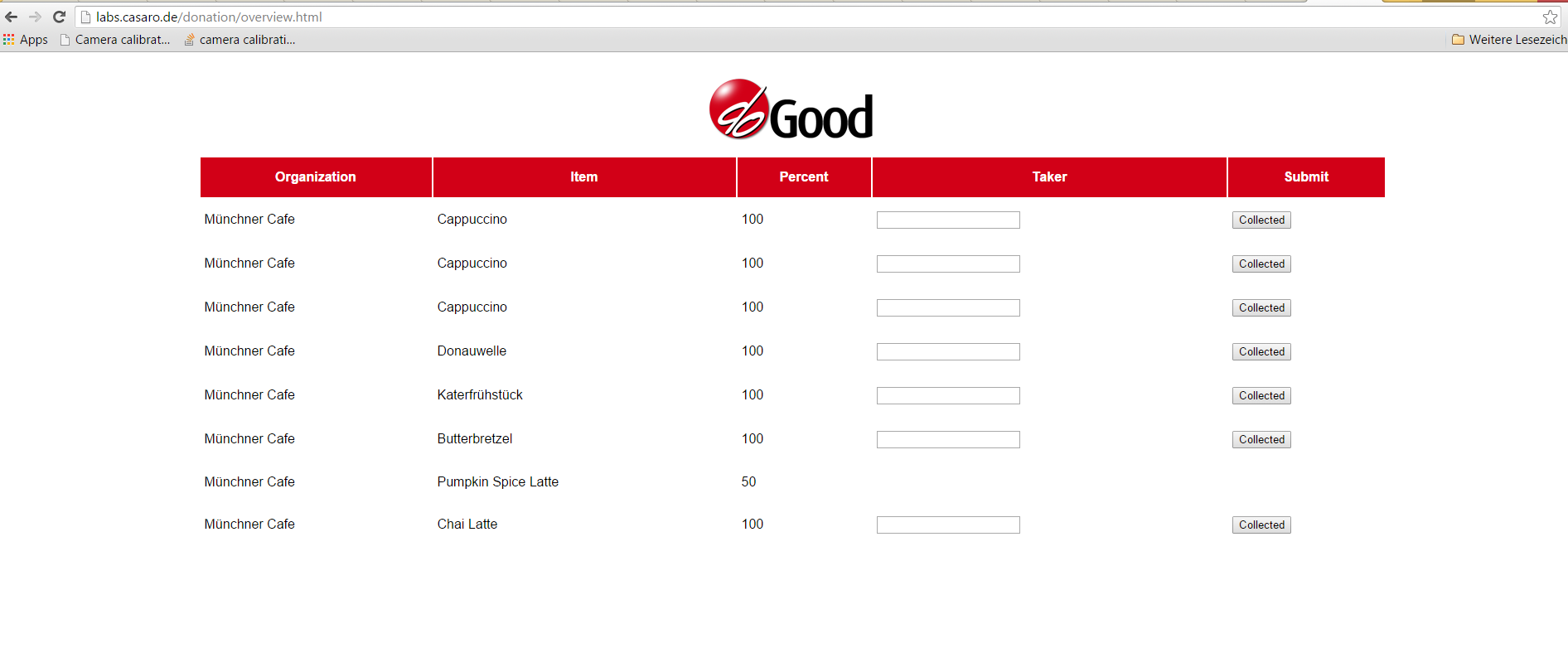
The benefit for participating shops is two-fold. First, revenue increases when donors buy two instead of one coffee or movie ticket. Second, they themselves get positive publicity by supporting this project and helping people. Again, they are having as little effort as possible. After registration, participating stores have access to a dedicated web interface showing the type and number of donated products. An employee simply inserts the receiver's name. The donor immediately receives a “reward” in form of a personalized notification.
Receivers feel more integrated into the society and might finally be enabled to enjoy activities they were not able to afford on their own.
** Use case **
Anne waits for a coffee in a cozy little cafe just around the corner of her home. She really likes this cafe and the baristas there. As she lets her thoughts wander around, she feels like sharing this experience with someone who is not as fortunate as she is. How can she connect to someone? The solution is doGood. She quickly scans the doGood logo and donates a coffee within a few seconds. Only a couple of minutes later, James comes into the shop after a cold night on the street. He's incredible thankful when taking the free coffee from the smiling barista. Anne, already at work gets notified that James enjoys her coffee. That's a good start for a day.
** Target group **
Potential users of our app are all smartphone users who would like to help people in need. They don’t need to be especially rich, because it is possible to select only a percentage of a product for donation.
However, beneficiaries are not only the users, but also everyone who is eligible to receive the donations, the participating shops which will have more customers and will improve their image and UniCredit that, as the sponsor, will be present through the icons in many stores and products.
** Technology **
We used Android studio to create an Android application for mobile devices. Additionally, we made use of the following APIs:
- Gini for scanning our logo and extracting the code representing store and item.
- Figo for in-app payment for the donation.
- IBM Bluemix to deliver push notifications to thank the user when a person in need collected a donation.
** MVB **
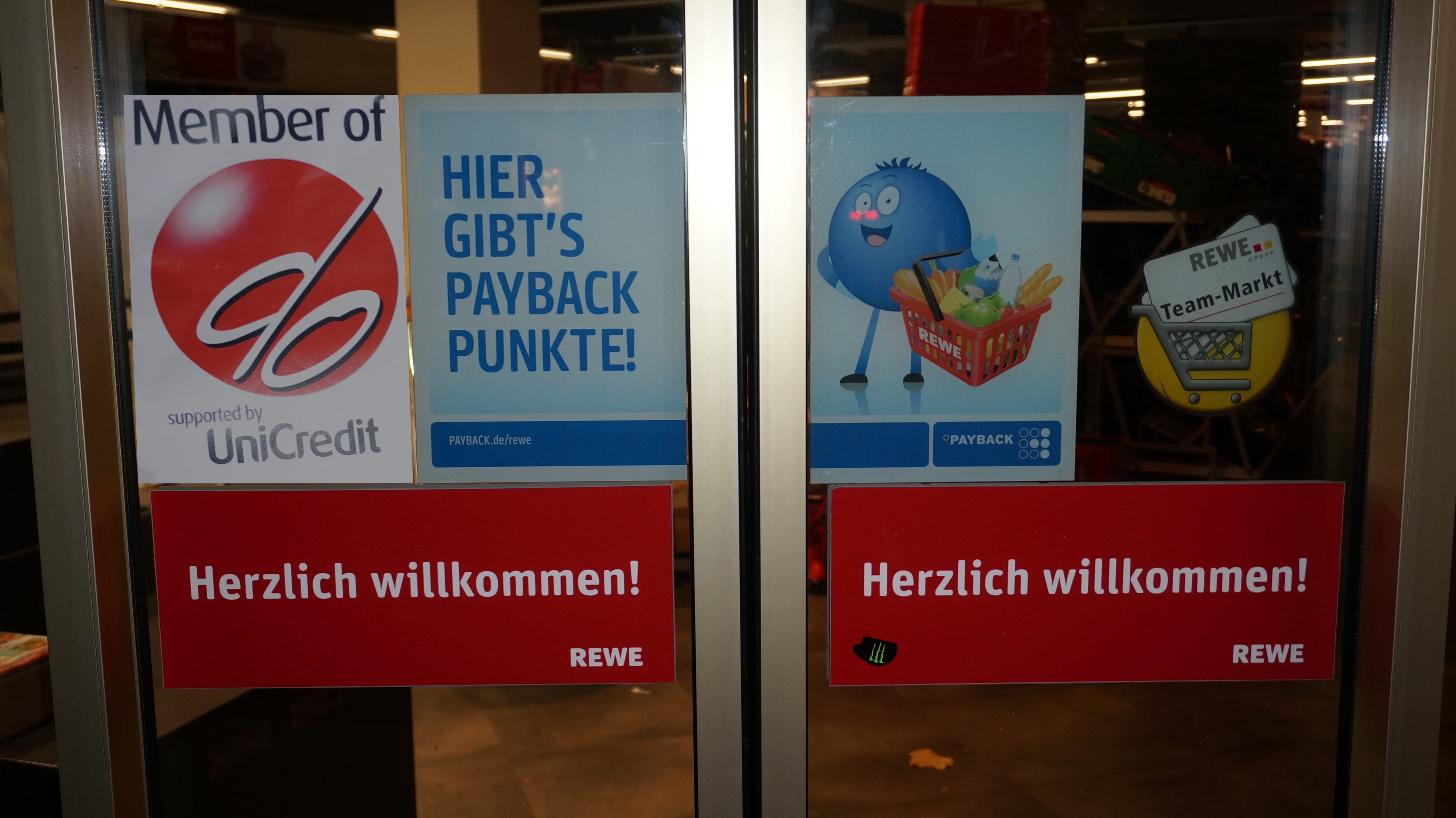
The minimum viable product consists of one sticker per participating shop which can be stick to, for example, the shop's door. It can be scanned by customers in order to donate one selected product from this store. The payment function works via figo. Shops get access to the web interface, which has been already implemented by us, where they can see the pre-bought products as well as mark and delete collected items.
** Scalability **
The most important aspect in terms of scalability is the fact that all the needed infrastructure for running this proposed service is already given. Only minor changes in terms of the shops product design have to be made to integrate the logo which has to be scanned in order to donate, but no cost intensive investments regarding hardware (smartphones are widely available) or human resources (employees) are needed. Shops will get doGood logos with an identifier indicating the shop and the product. Since they can decide to hang a single logo over their products instead of directly putting it on a product, the costs can be kept at a minimum. A simple webservice allows shop employees to see how many and which products have been payed for.
Donors simply need to download the app and register for the service. All payment is done by the app. Receivers do not need an app to use the service. They simply go to the shop of their choice and ask if there is, e.g., a coffee for free, bringing some proof of need.
Since some cities or some districts of cities might need more donations than others, donations can be distributed. For instance, paying a coffee in your favorite cafe chain can enable someone in another district to make use of it. There is no additional effort for UniCredit.
** Challenges and solutions **
- Several hours after the start, we were told that our planned app name (“doNation”) was already in use for an app in development. This second app is not publicity available right now but being the nice guys we are, we decided to change name and logo, which allocated time and resources.
- Payment will be done via figo. However, after talking to the team, we found out that there is no special screen that would be seen in the app. Therefore, implementing the API would have been useless for a first demo version. We decided to keep figo in mind for usage in case the app goes into production.
- The gini API is used to scan products. This API is designed to use for documents so we had to modify it for ordinary OCR. However precision was very small in our experiments. This can be solved by changing the design of our product codes or by fine tuning the backend system of gini.
** User feedback **
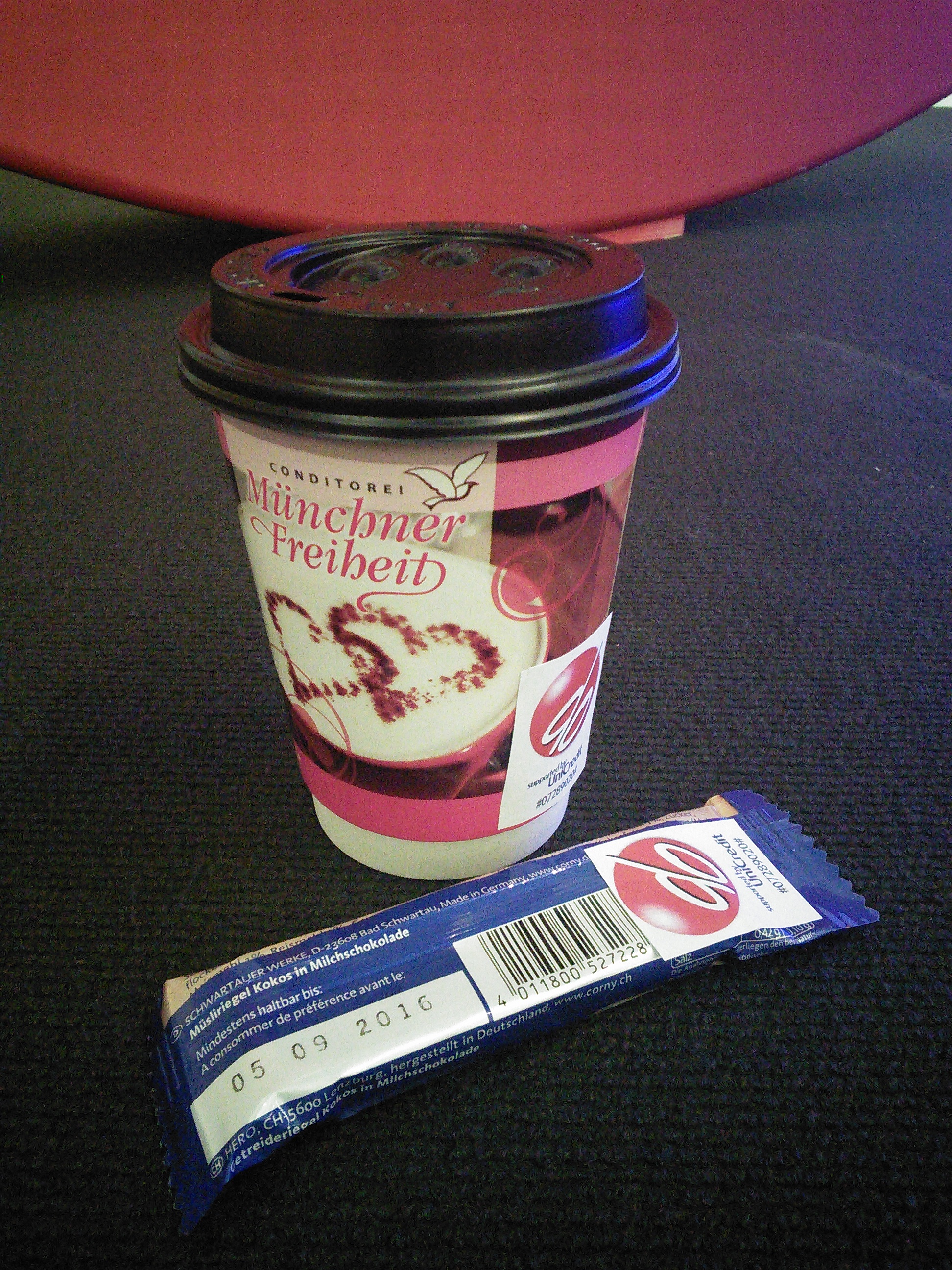
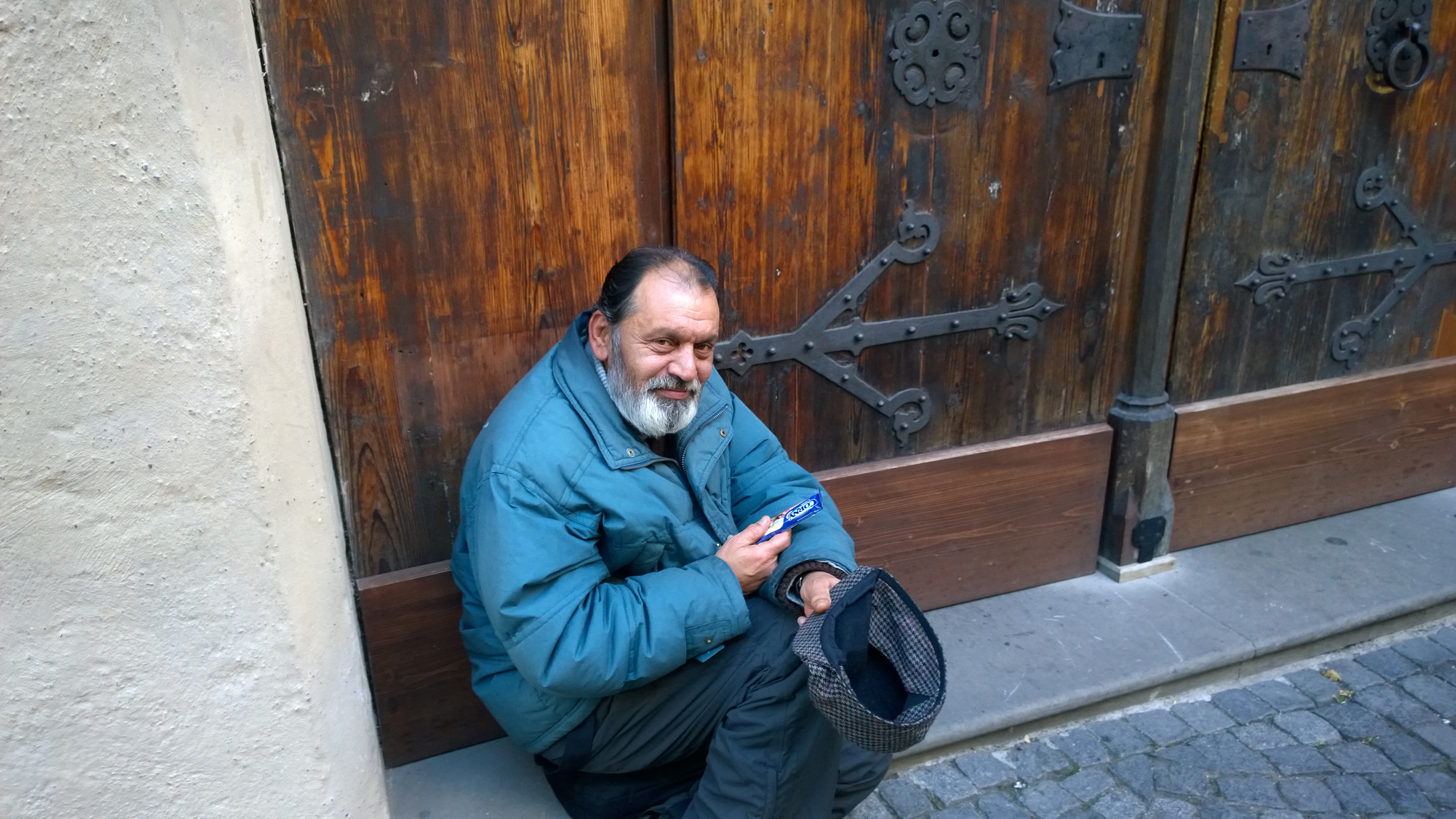
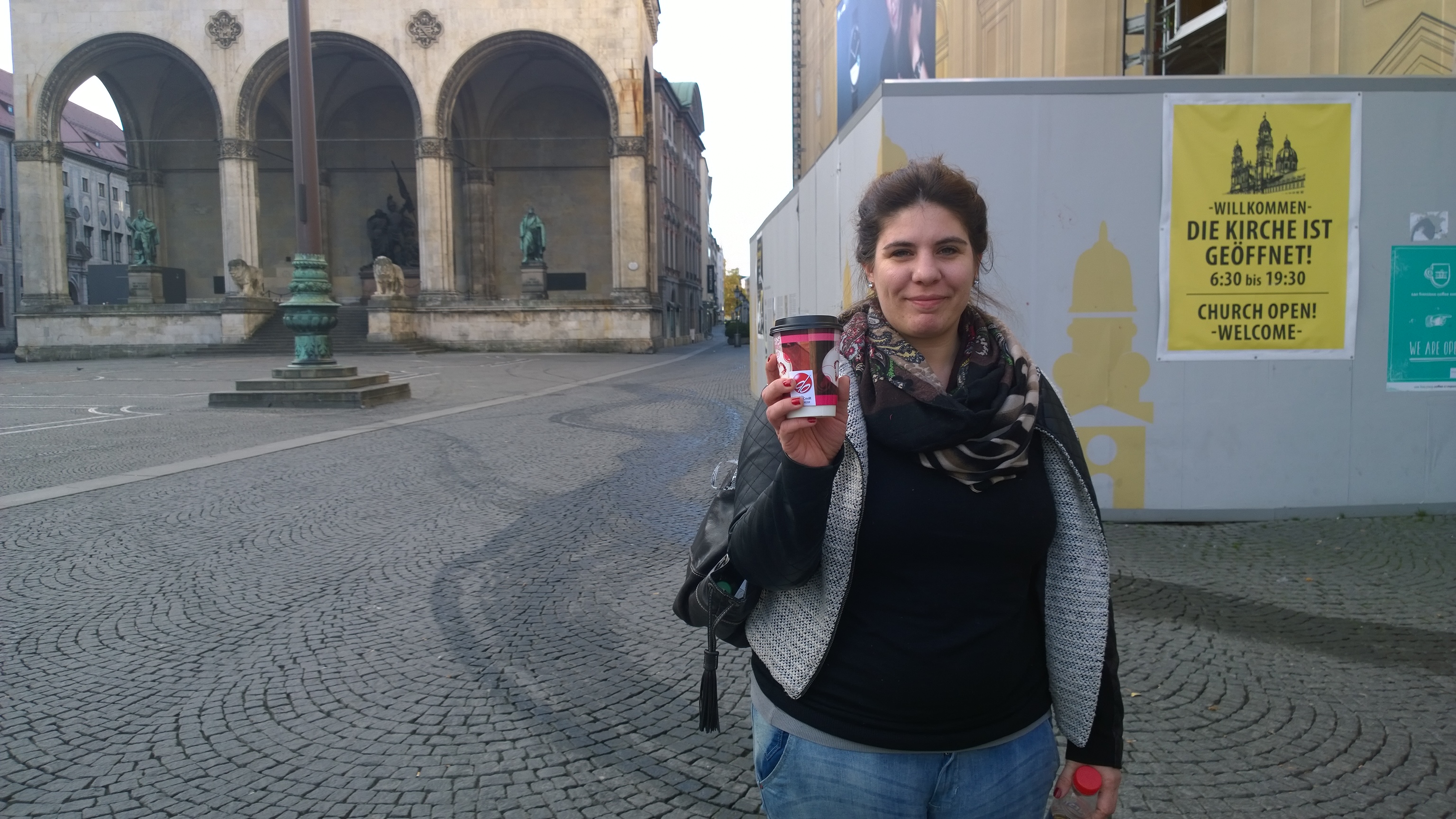
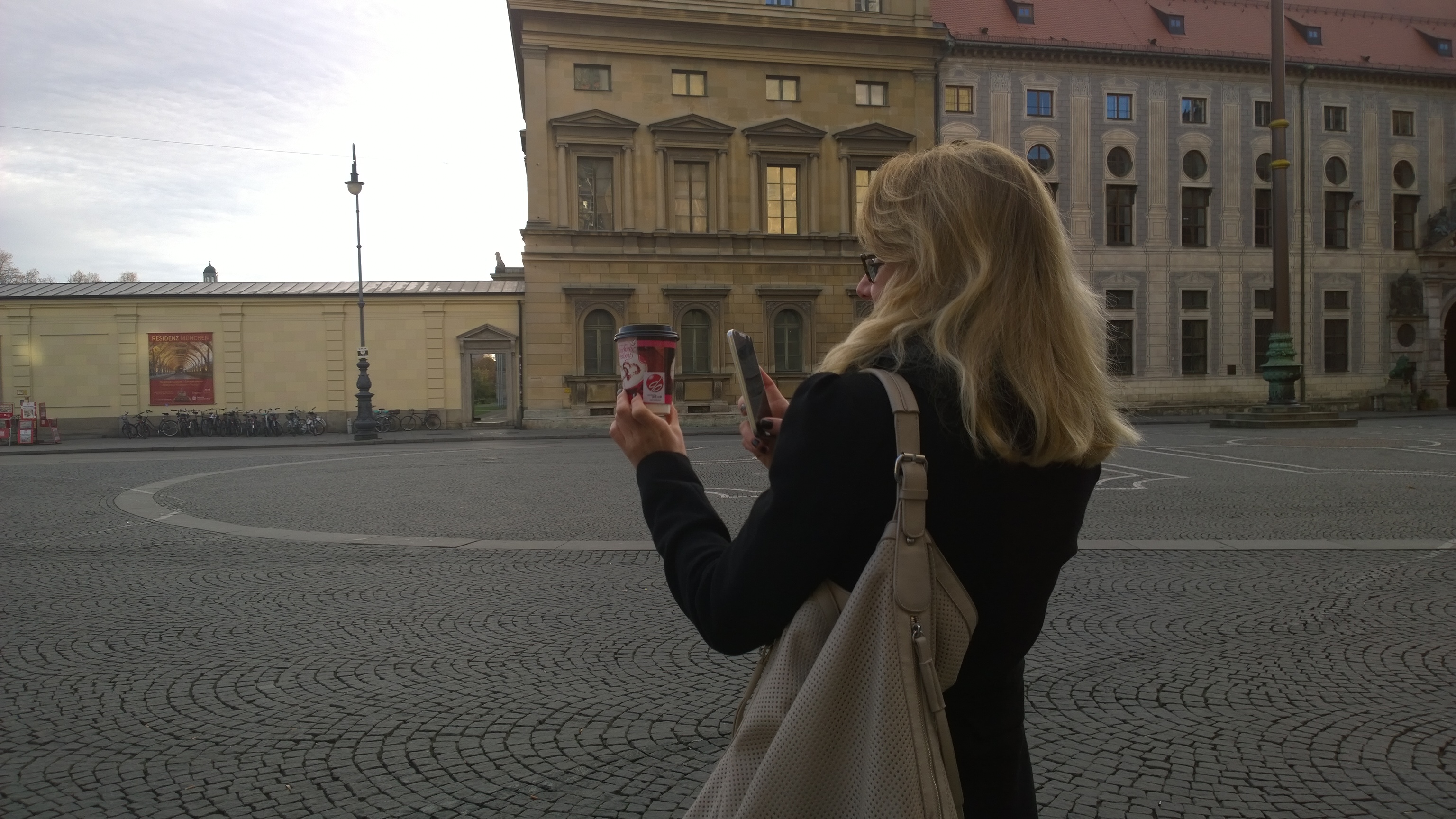
We conducted some interviews concerning the product. The feedback we got was overall very positive and we think that users might use our product. The main concern was if we would actually be able to get something into production. We guess that was because our paper-on-coffee-cup-or-musli-bar prototype did not seem professional enough.


Log in or sign up for Devpost to join the conversation.