-
-
Logo!
-
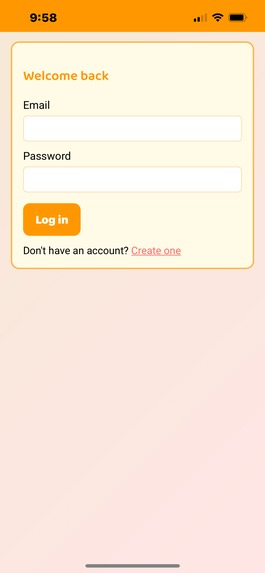
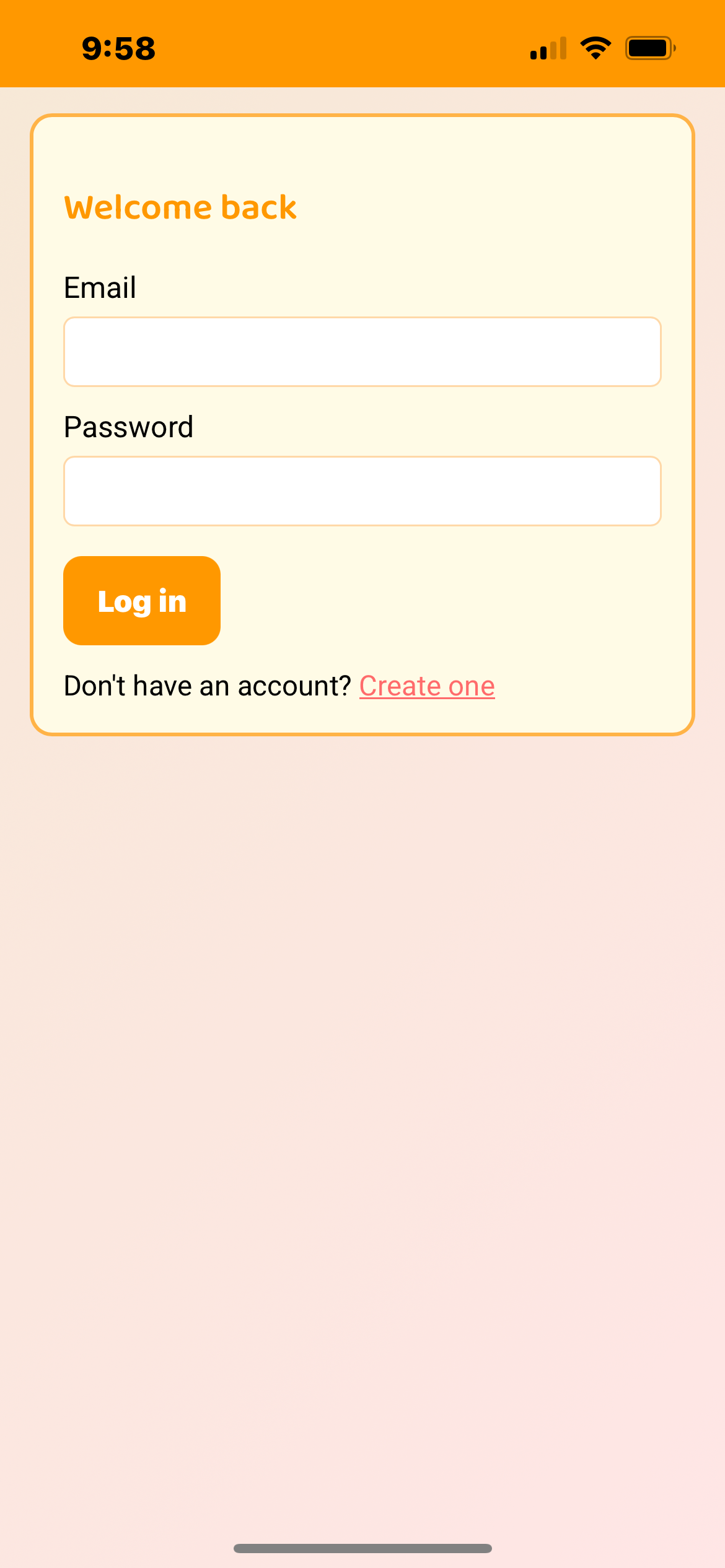
Login Screen
-
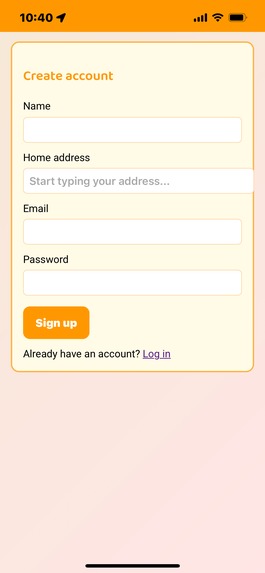
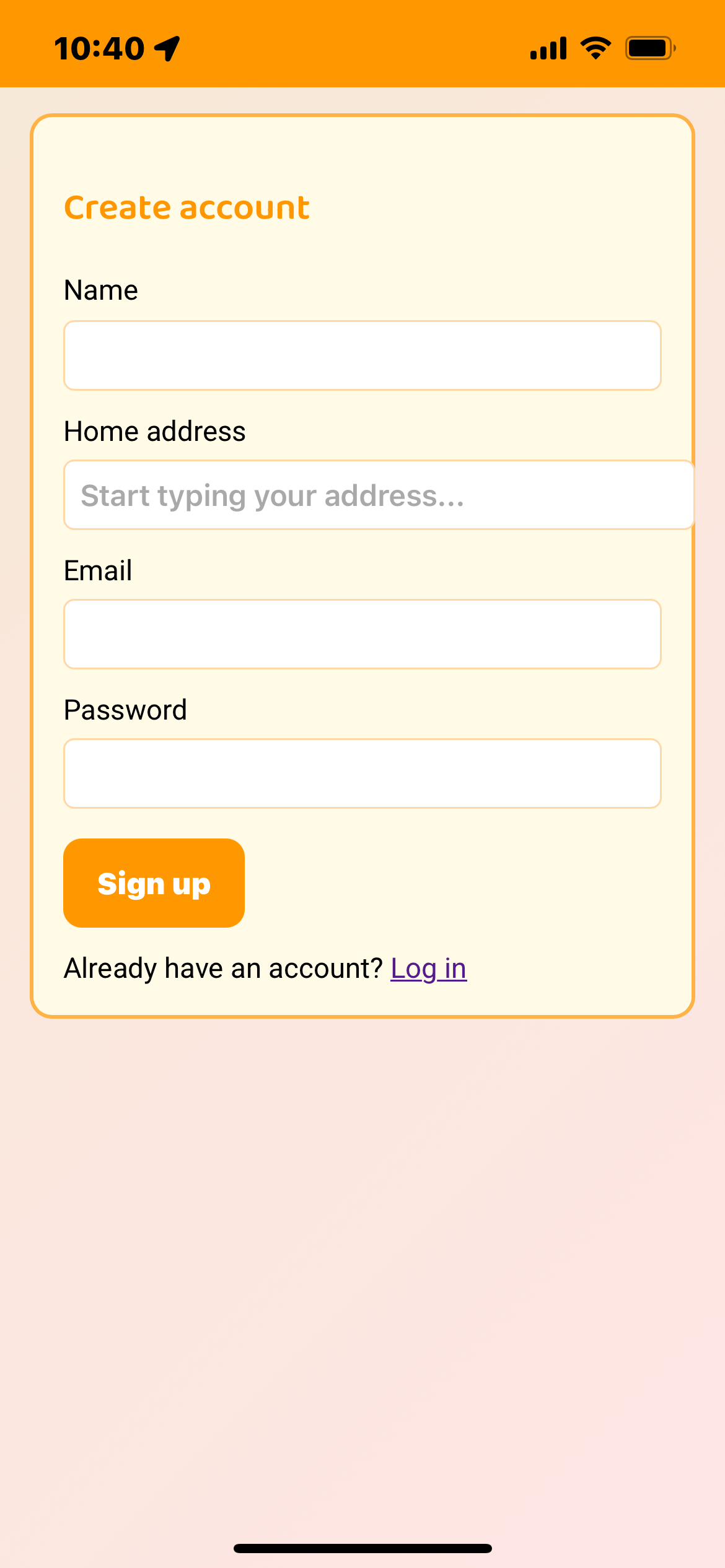
Create Account - map automatically zooms in to your home location on dashboard
-
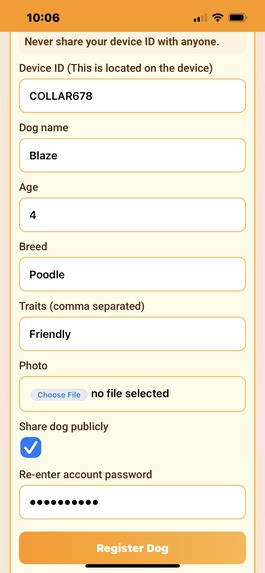
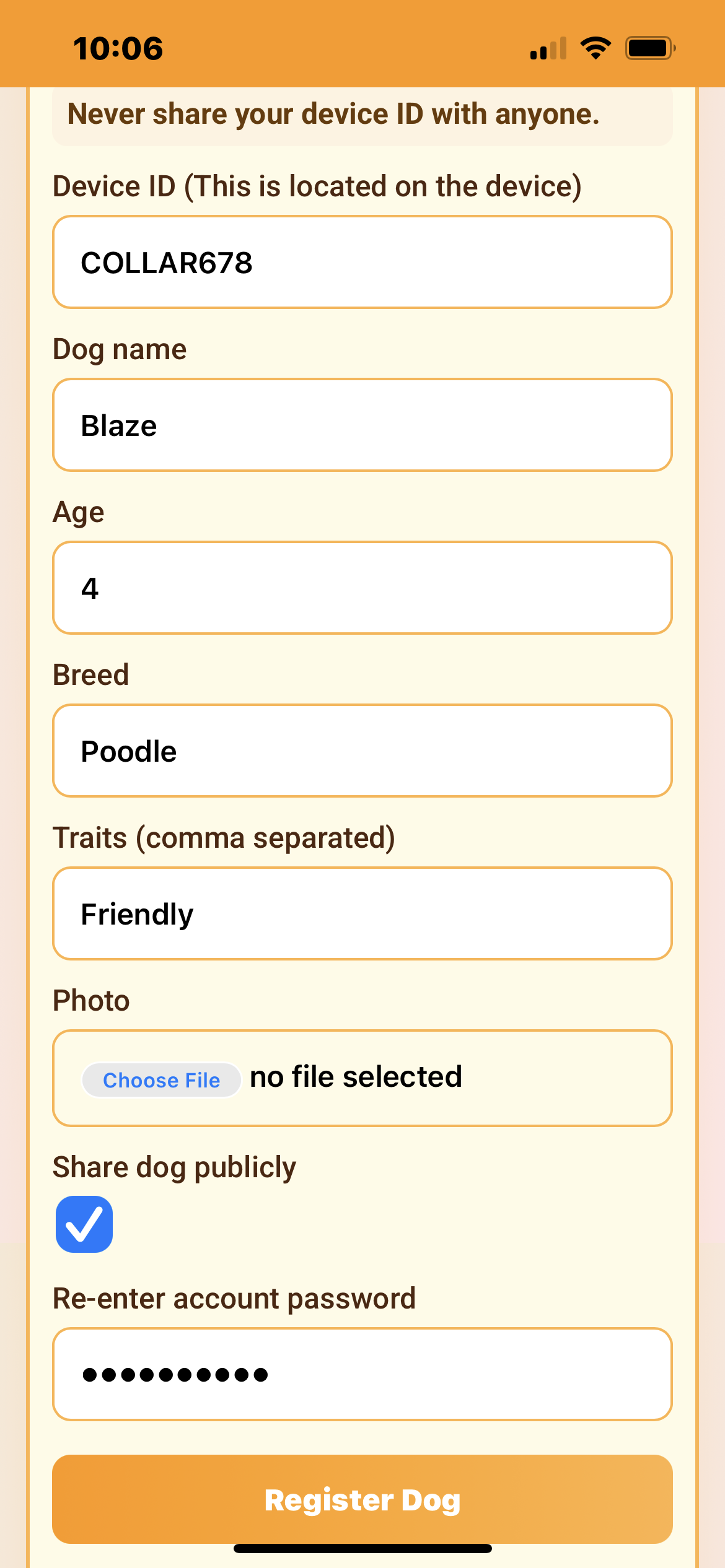
Edit dog registration
-
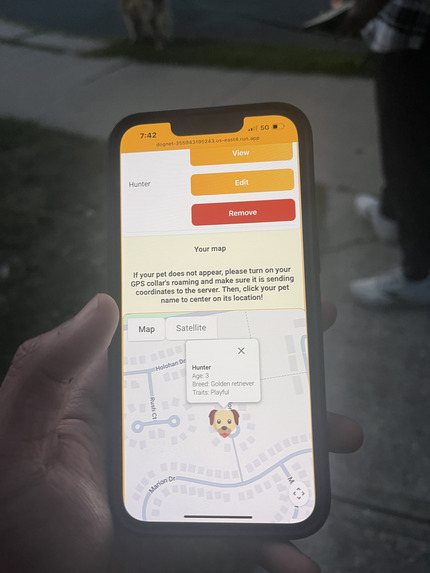
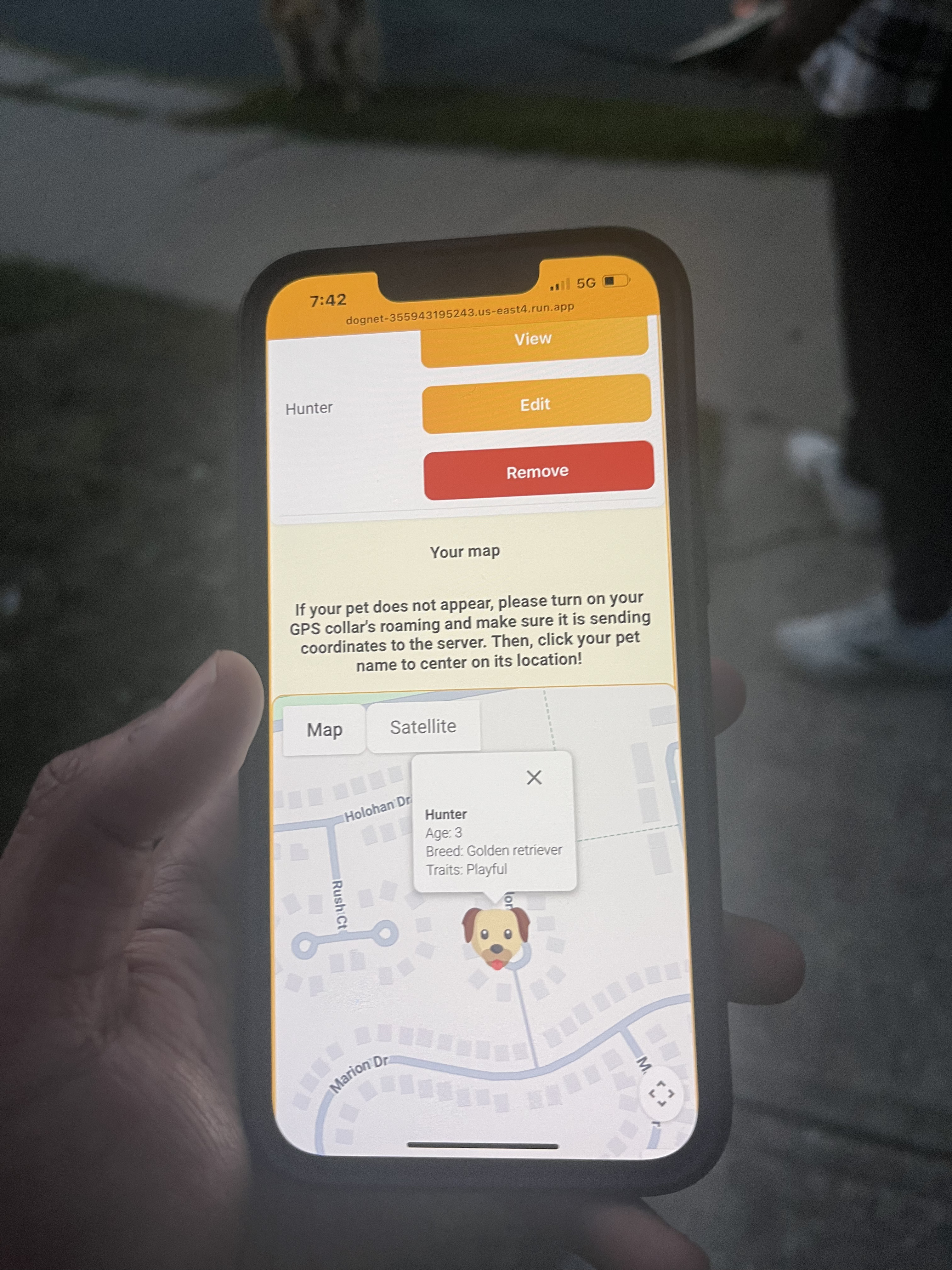
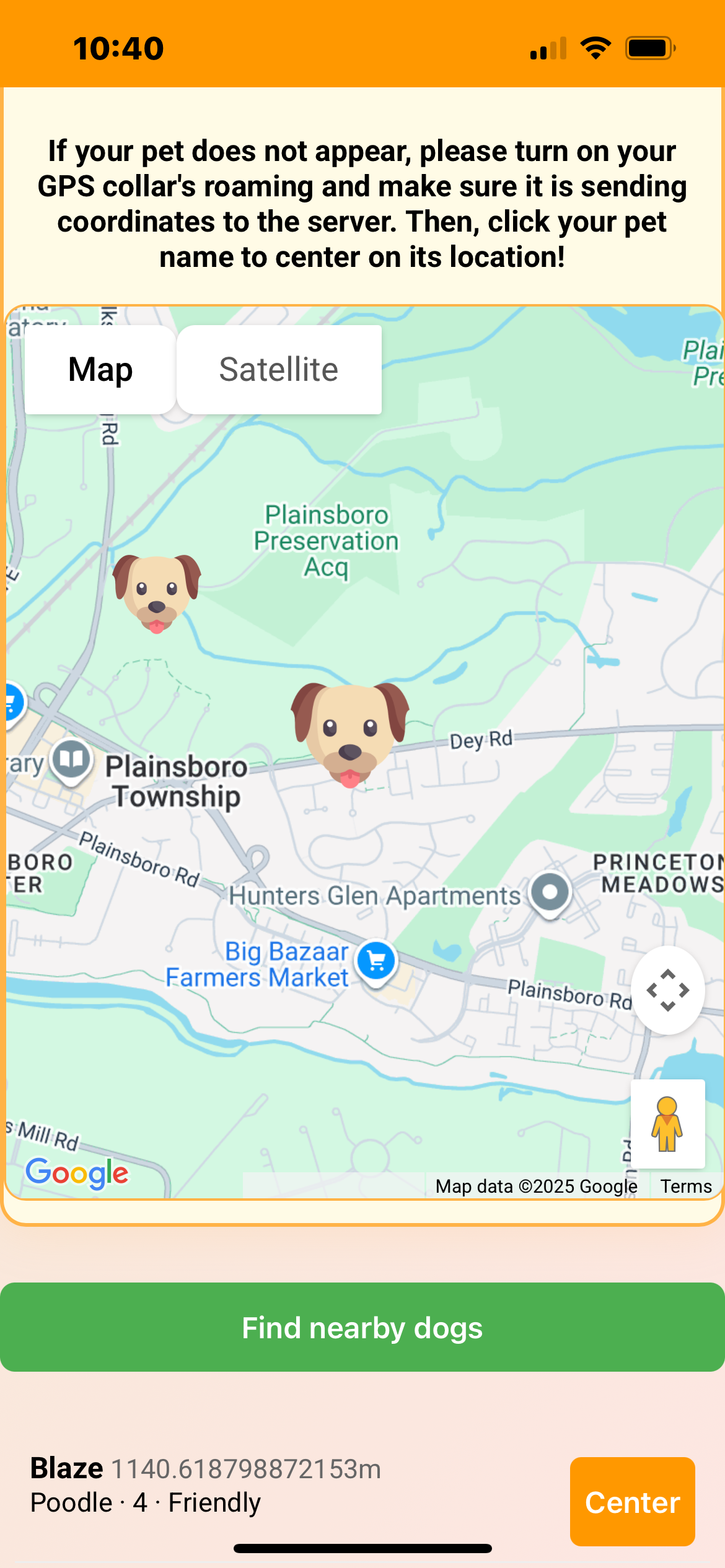
Location
-
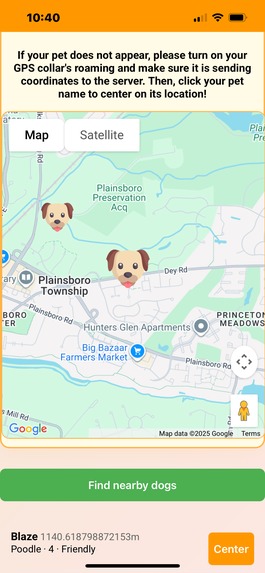
Nearby
-
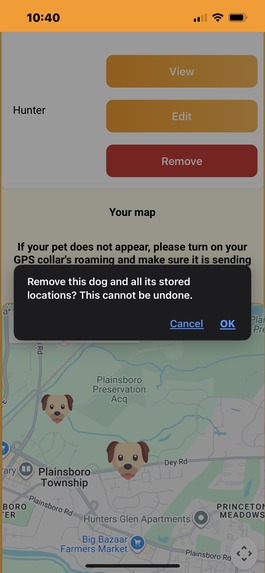
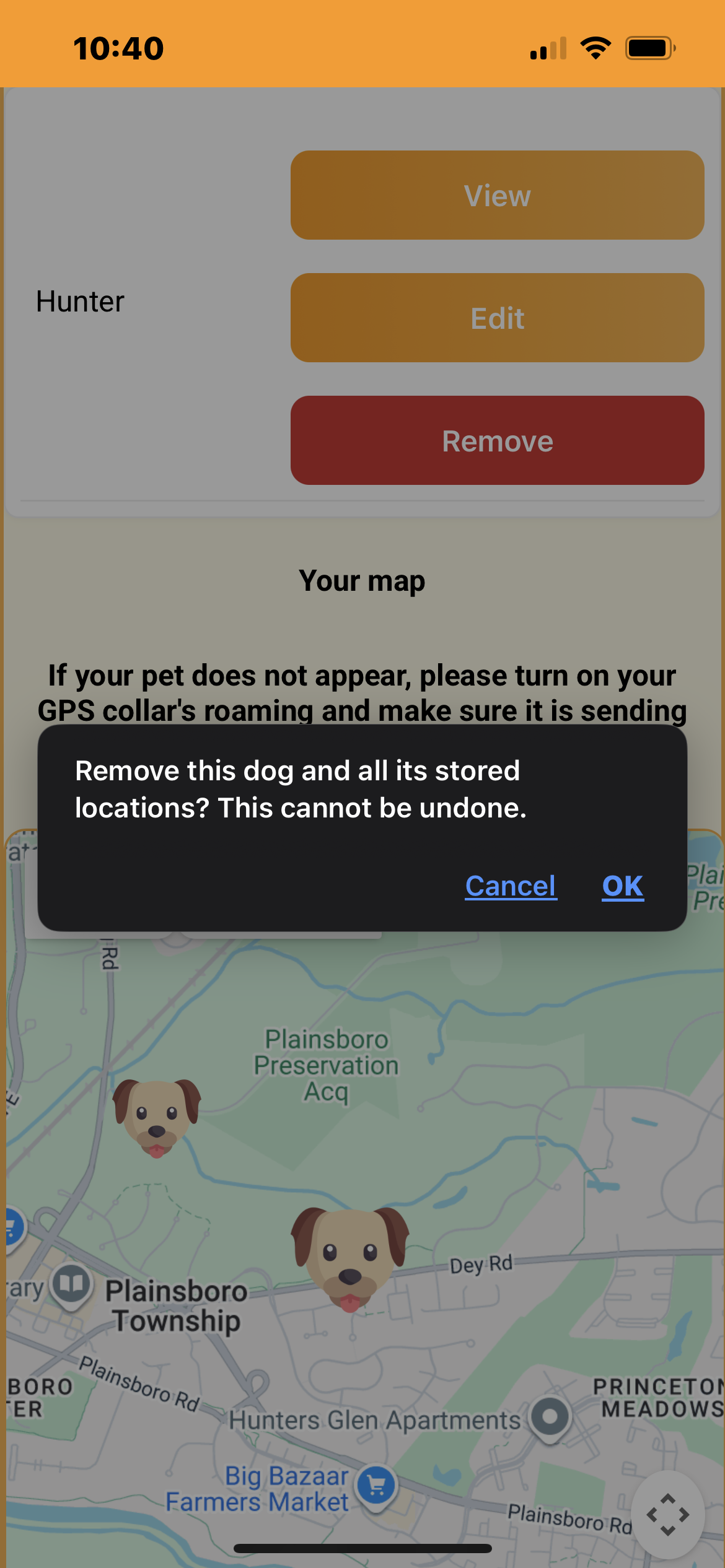
Remove
SETUP TUTORIAL VIDEO: https://youtu.be/1BbemCDBTn4?si=J3yh_O8cLWNzmF1s
DEMONSTRATION VIDEO: https://youtu.be/oXufPMFsEBo?si=0GATFtTpc6N8vnxM
I reccomend watching the setup tutorial to understand how it works and test it out on your own!
Inspiration
My idea with this app was to create a "dog network" of sorts, where you could see your own dogs through GPS trackers and other owner's dogs. I also wanted to mainly show the characteristics of each dog on the map, so that people are aware of whether dogs are friendly or not. This can prevent a lot of bad interactions between dog owners who have unfriendly dogs and unsuspecting people. It can also show other people if their dog is a service animal, and even help people with dog allergies avoid other dogs.
For example, my dog Hunter looks to be a friendly Golden Retriever. However, he also tends to occasionally jump on other people. There were a few times where he jumped on others out of pure excitement, and if my app were there, people could see my dog's tendencies in advance and avoid interacting with him.
What it does
Here are the key features of the software:
- GPS device is assigned a unique ID that must be entered on registration for dog
- Your phone device is mainly used as the GPS. In the future, custom GPS's will be distributed
- Dogs can be registered, removed, edited, and deleted
- Dogs can be displayed publicly to other owners (this shows whether owners should approach the dog or stay away from them)
- Dogs can also be displayed solely to the owner by turning off a checkbox in the dog registration
- Public location of your dog is not shown when you are in your house for privacy
- MongoDB Atlas stores login and account info along with each dog and each location/public location
- To register a GPS, you must use a phone as a GPS for now. The main idea is that some type of GPS device posts location to the cloud endpoint.
How we built it
- MongoDB Atlas to store login, registration, location, and public location data. Login data is all encrypted
- Javascript for backend, HTML+CSS frontend.
- Deployed on Google Cloud server
- Google maps API
- Geofencing capabilities so that location sharing does not occur within the owner's home for privacy
- Posted location using JSON for testing
Challenges we ran into
I spent a while creating an IoT GPS system, but this unfortunately didn't flesh out well because I had some issues with the battery power. It used a Sim7000 chip hooked up to an arduino and two batteries. Although it functioned briefly, the battery wiring didn't give a consistent voltage to the SIM7000 chip. This caused the GPS tracking to be inconsistent because the chip kept turning on and off. I realized that this was a pretty big issue, and I'd have to order new parts to fix it. So, I pivoted to a phone GPS model as opposed to an IoT GPS to get the app working and demo the idea. In the future, I intend to finish my proprietary GPS system, because this was my original idea and it's my future vision for the product.
While deploying, I also made a crucial mistake of exposing secrets in the code. I didn't know I had to put them in environment variables, and this caused a security breach which I had to fix. Since it was my first time deploying a web-application, I ran into many walls but learned from mistakes and deployed my product succesfully on my own.
Accomplishments that we're proud of
I'm very proud that I was able to deploy a fully functioning web application to a google cloud server from a github repo. This is the first time I've done it before, so it's a big milestone for me and I'm excited for what the future has in store!
I'm also happy that I was able to connect a database and use live location tracking for the first time. Undoubtedly, these skills will serve very useful in future projects, and the knowledge I've gained will expand the horizons for what I can do in my next initiatives.
What we learned
I learned how to:
- Create a Javascript+HTML web-app working on all devices
- Integrate MongoDB Atlas database to store login, registration, and location information
- Use google maps API to broadcast live location tracking on a map dashboard for users
- Deploy a google cloud server from github repository
- A web-app with multiple pages (login, registration, dashboard, etc)
What's next for DogNet -> From Leash to Location
I will add these features in my next iterations:
- PROPRIETARY GPS LOCATION POSTING!!! This was my original idea, so I need to make sure that this happens.
- Login dashboard to edit login information
- Migrate to a fully fleshed out mobile app as opposed to a web-app (i.e Android SDK or iOS)
- Owner connection features → profiles, chatting between owners, and more security
Please email me at [email protected] if you have any questions!


Log in or sign up for Devpost to join the conversation.