-
-
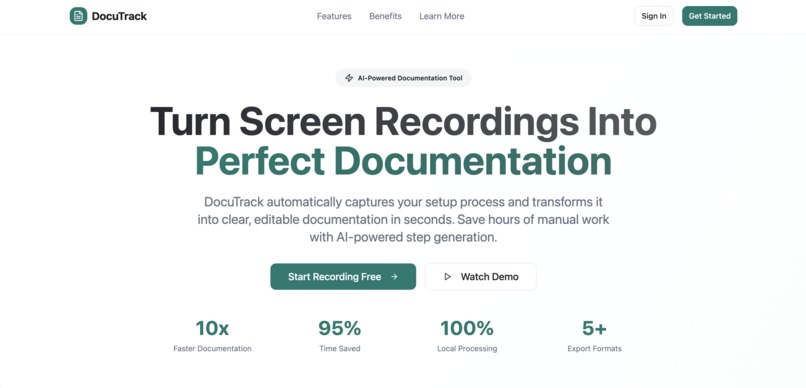
Product Page
-

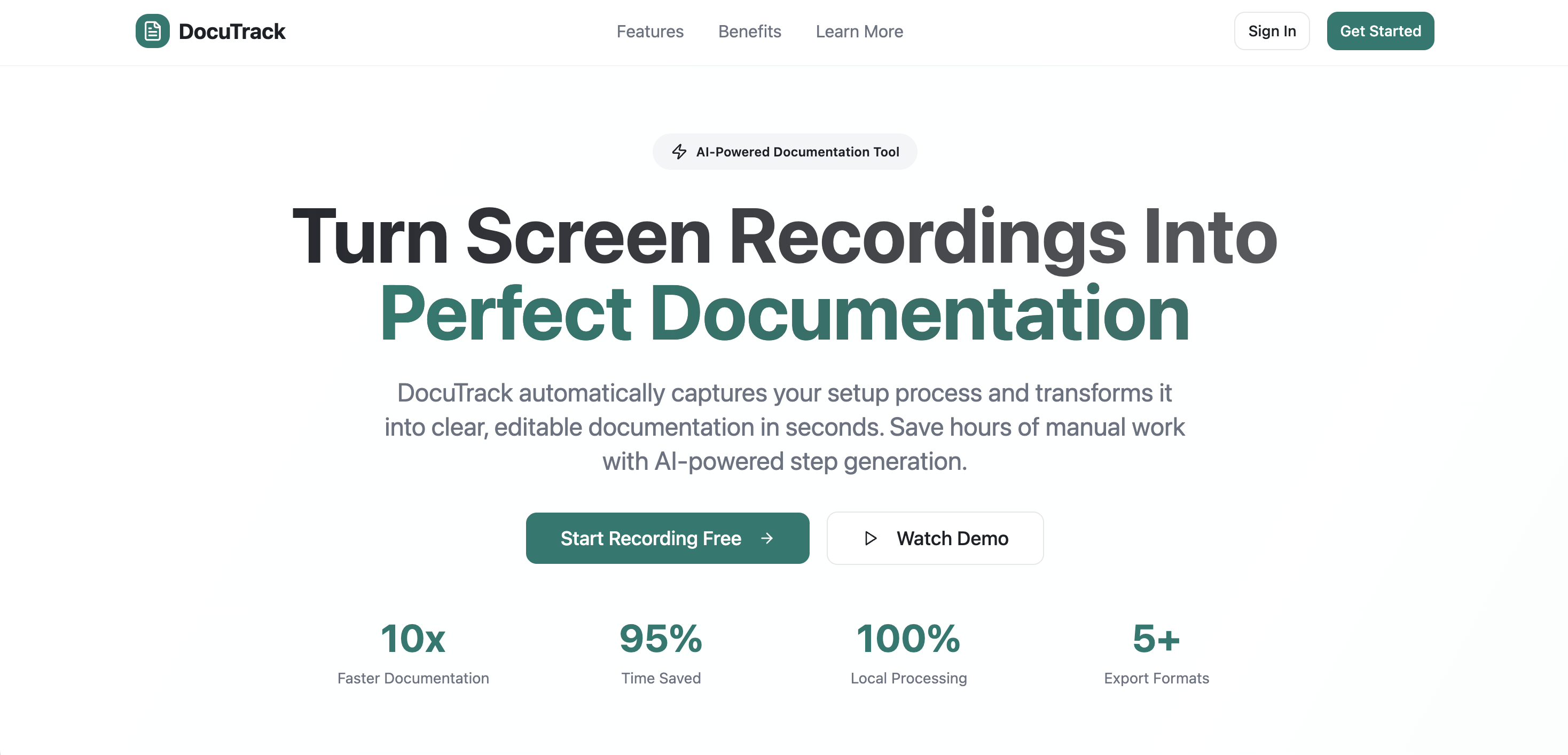
DocuHub Minimalistic Design
-
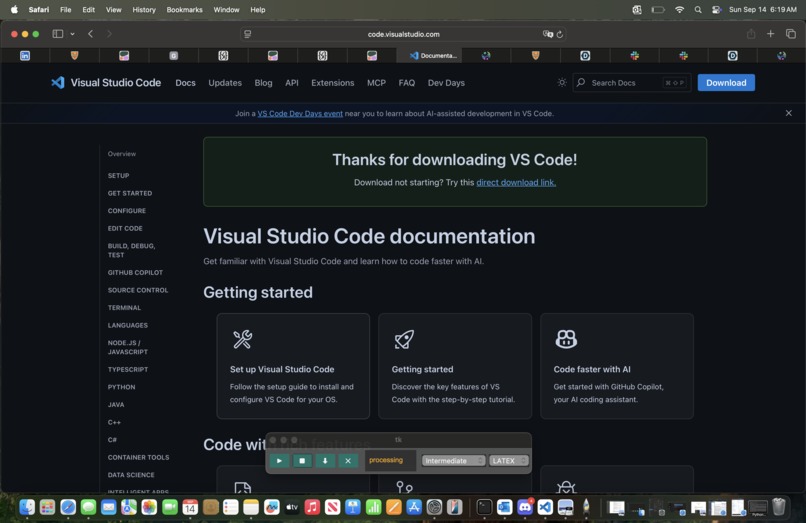
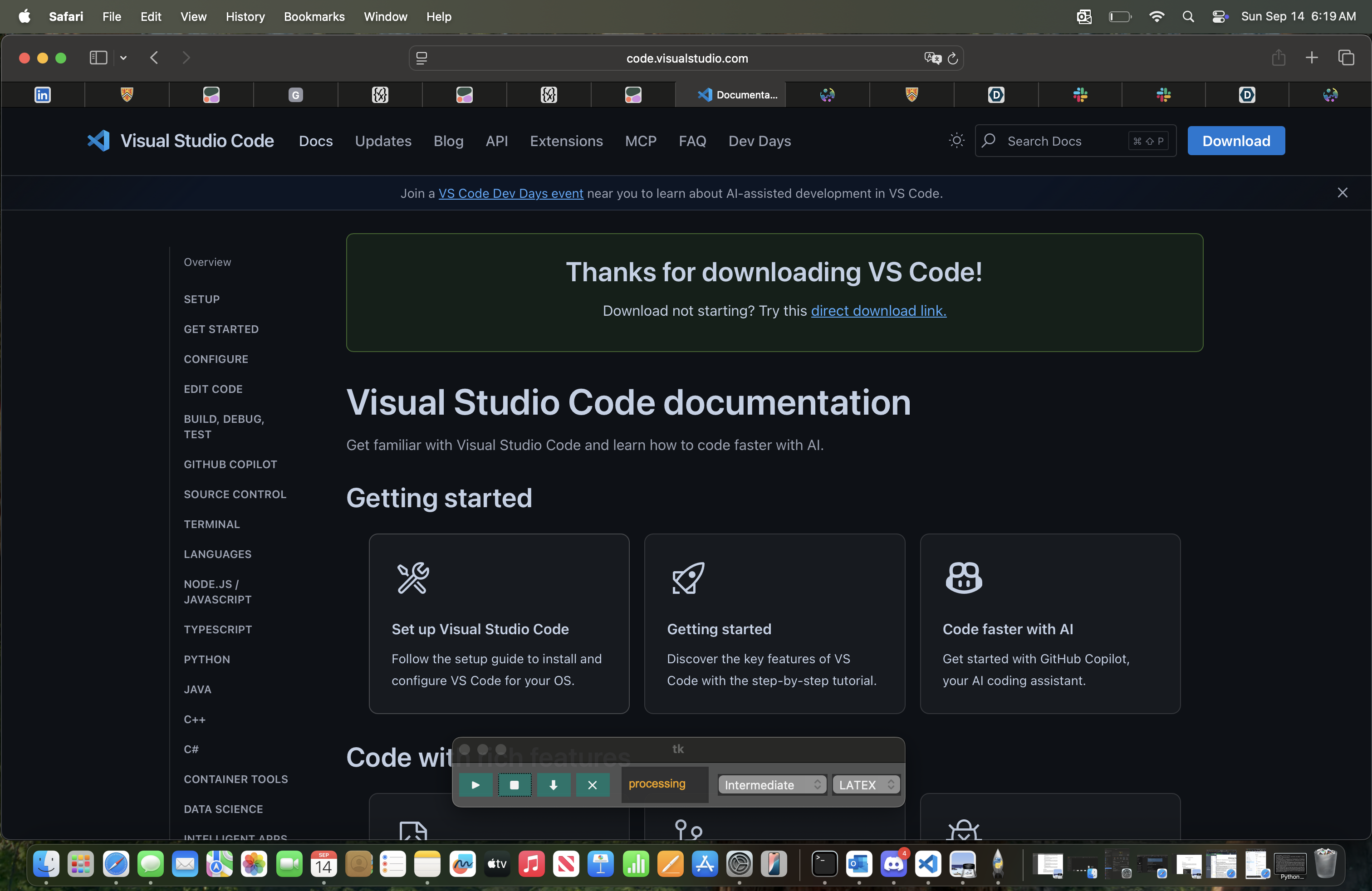
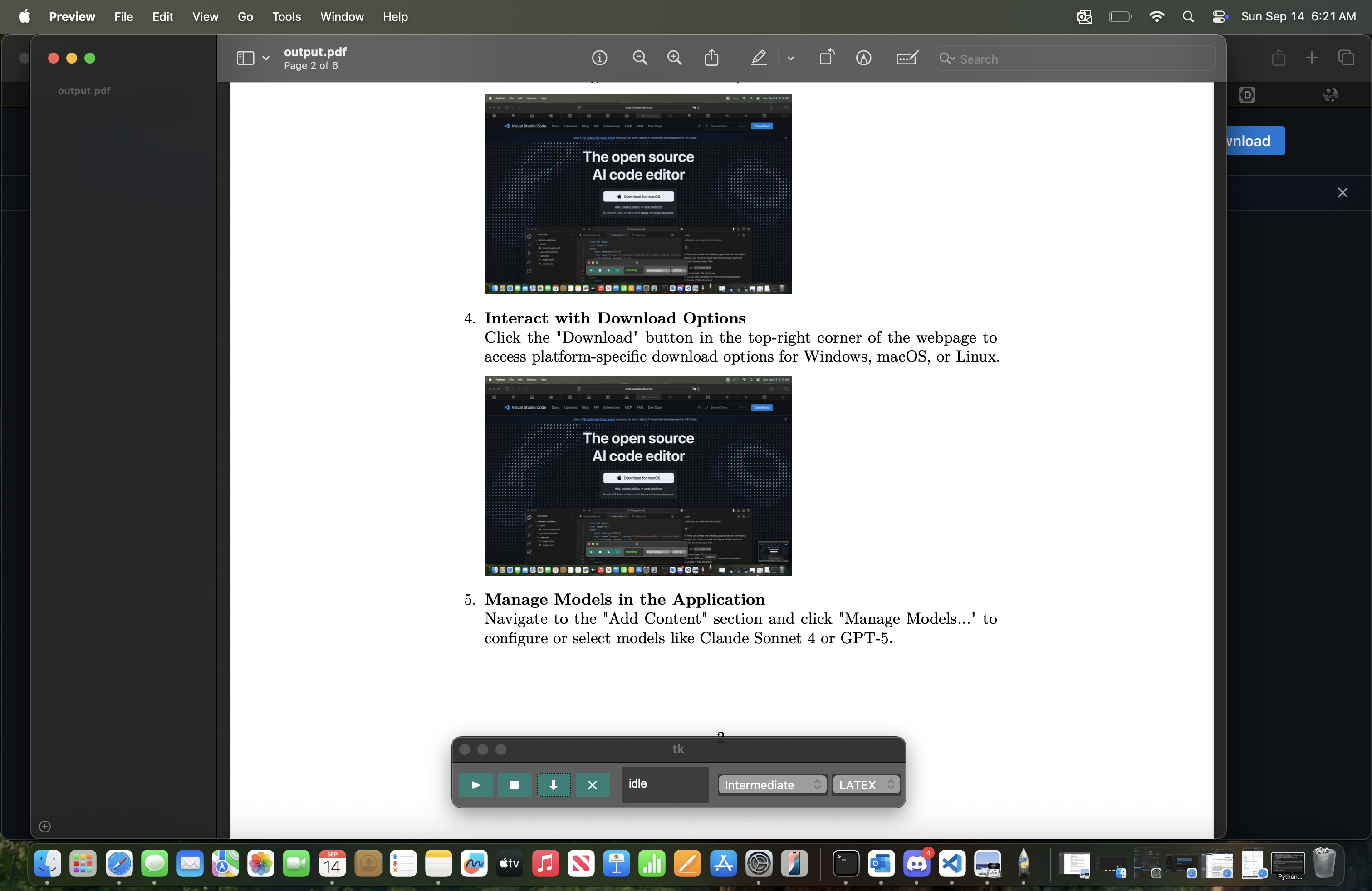
VsCode Installation Example: DocuHub Processing
-
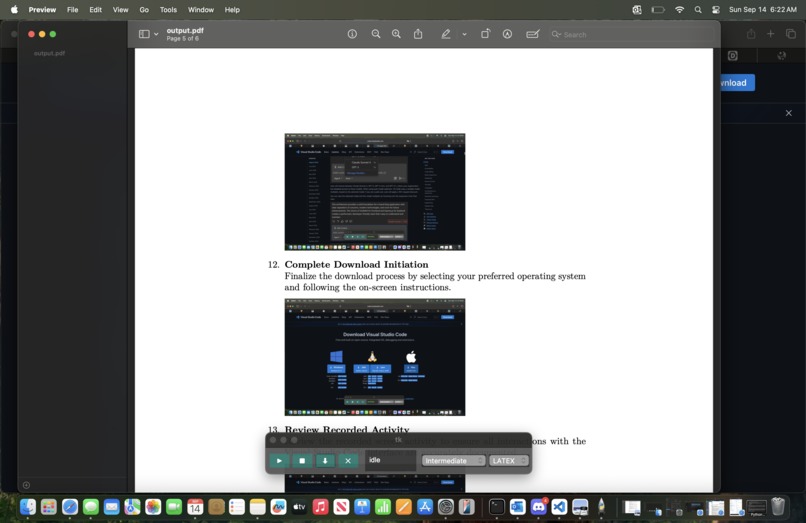
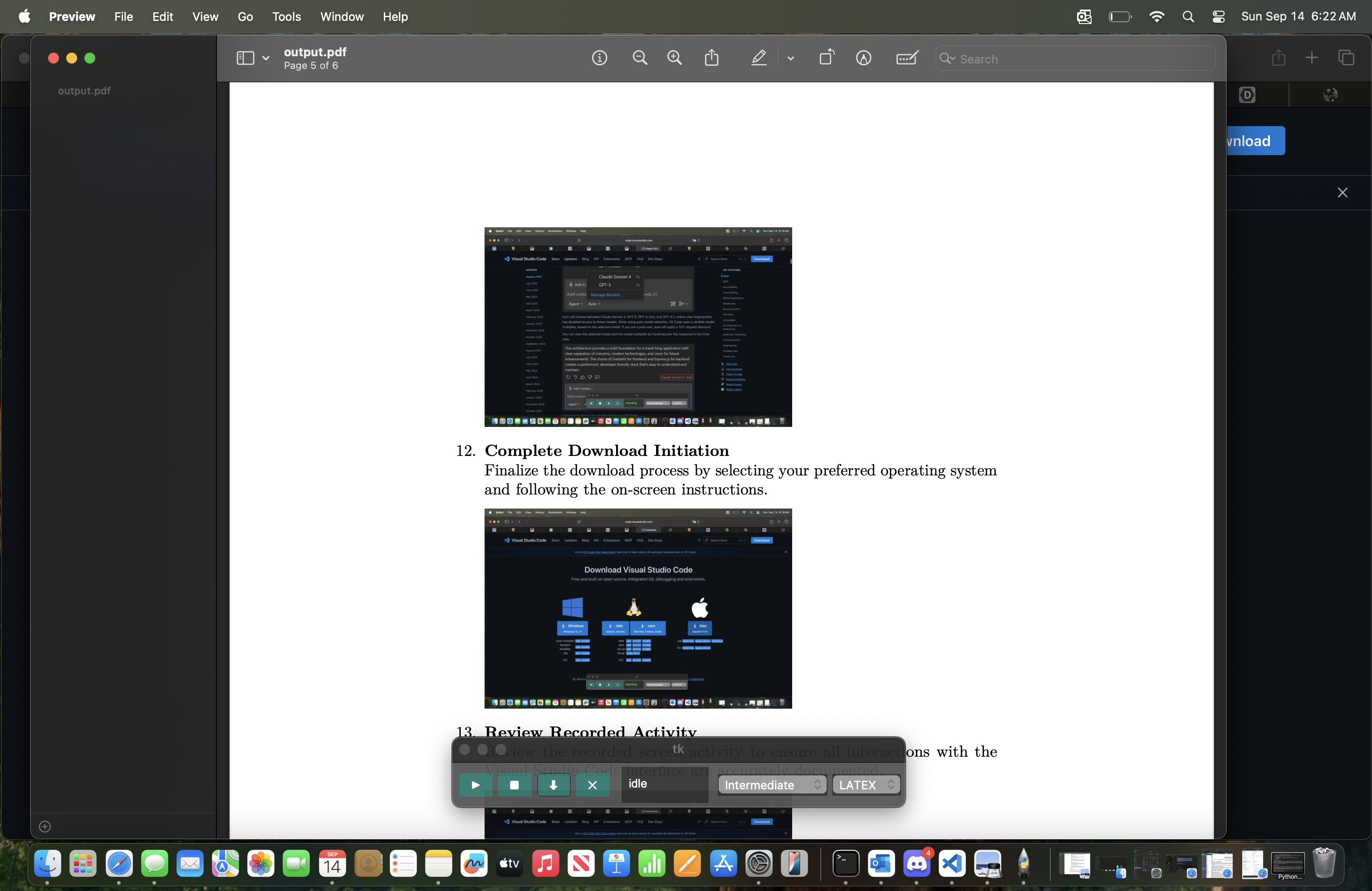
VsCode Installation Example: DocuHub Generated Documentation
-
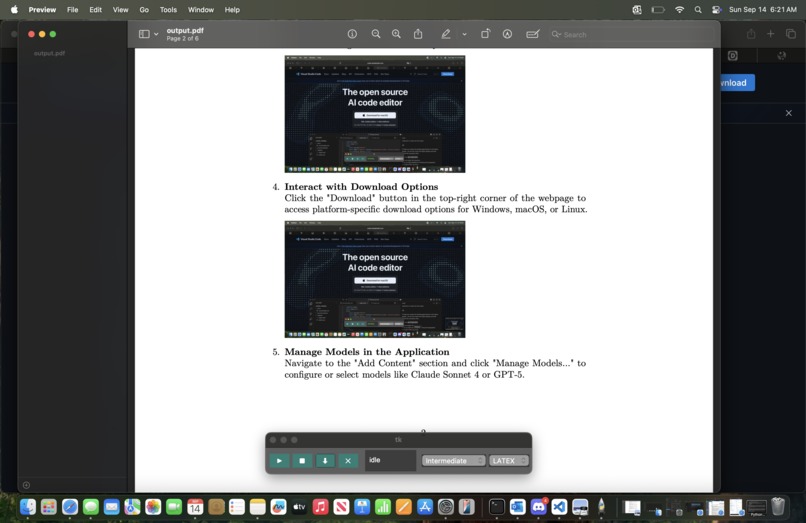
VsCode Installation Example: DocuHub Generated Documentation
-
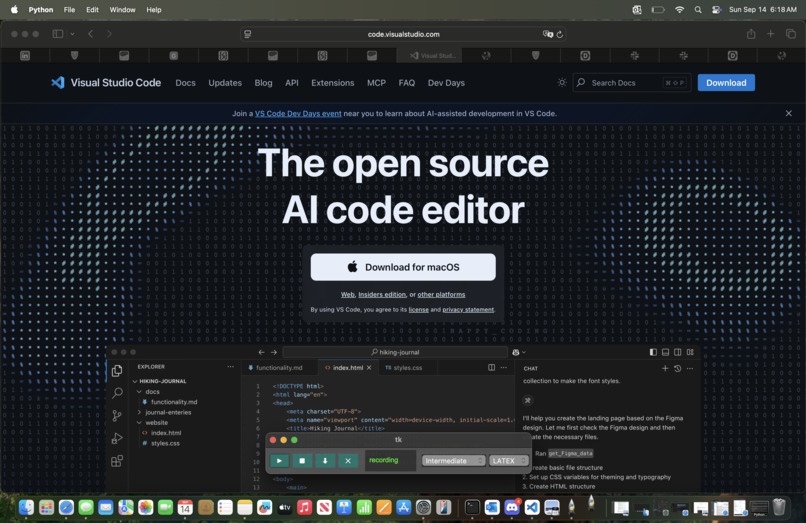
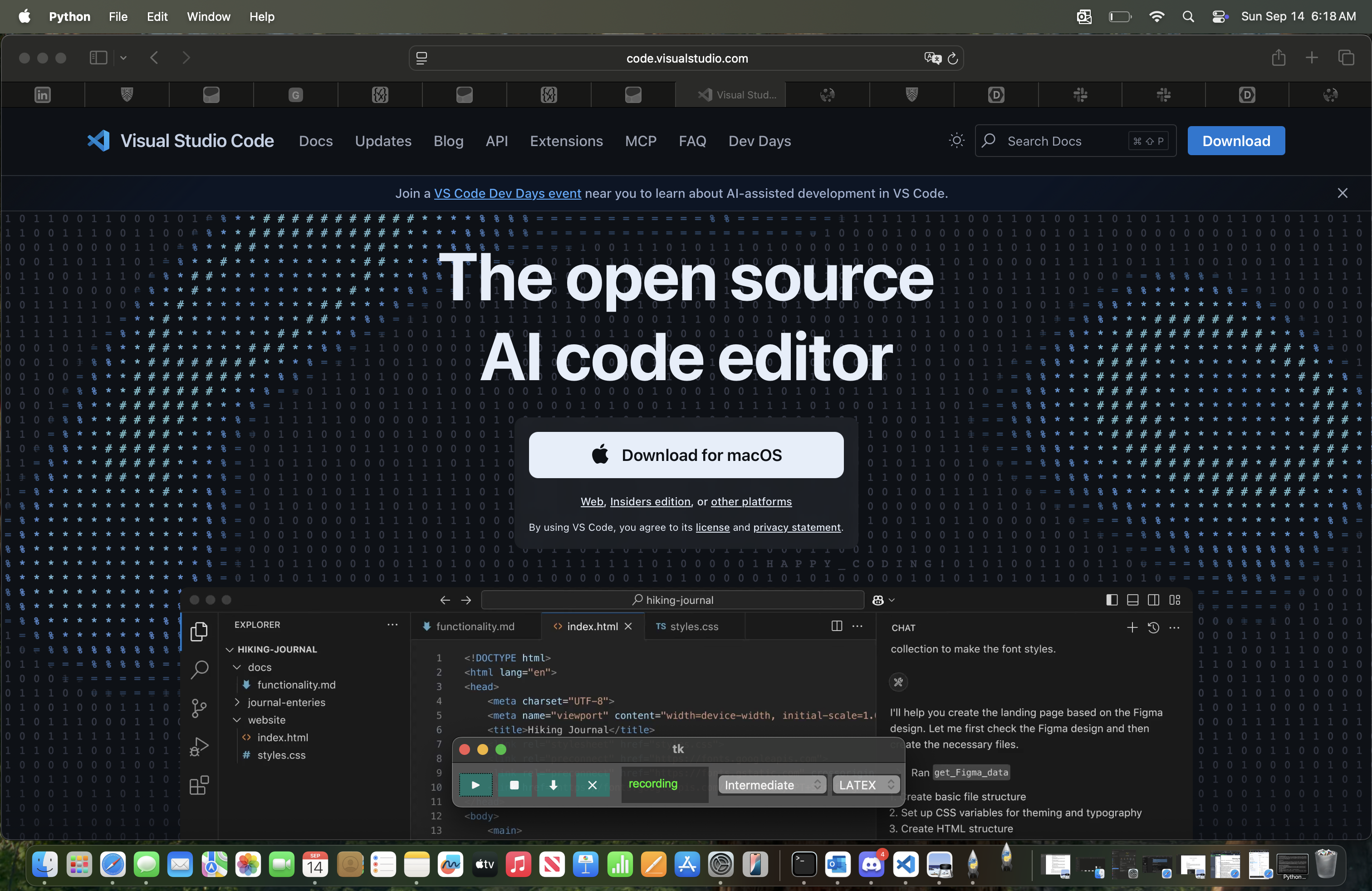
VsCode Installation Example: DocuHub Screen Recording

💡 Inspiration
Many of us, whether for work or projects, are tasked with creating detailed documentation with text and screenshots for things like software setup. It takes a long time and slows down progress. We thought, what if an AI tool could watch us set it up, then build documentation with screenshots and text that is easy to follow, and can format it in LaTeX or Markdown?
⚙️ What it does
DocuTrack watches your screen, keyboard, and mouse as you set up software, then uses Cohere to write clean step-by-step setup docs in seconds. It:
- 🖥️ Captures screenshots twice a second, with extra captures when important actions happen
- ✍️ Uses Cohere to interpret screenshots from before, and after actions to figure out what action was taken
- 📄 Writes documentation with screenshots and step by step explanations, before formating outputs in LaTeX (main format), or Markdown
💻 Use Cases
Setting up a local dev environment
Installing Node.js, VS Code extensions, and configuring environment variablesOnboarding new engineers
Showing how to clone a repo, run tests, and deploy to stagingDocumenting a robotics build
Recording wiring steps, flashing firmware, and calibrating a new robotClassroom lab instructions
Guiding students through Python package installs and running their first scriptsServer setup guides
Provisioning a Linux VM, setting up Nginx, and deploying a web app
and a lot more...
🛠️ How we built it
We built a desktop recorder with a Tkinter GUI that lets you start and stop recording, similar to Cluey. While recording, it:
- Takes screenshots twice a second
- Flags important keystrokes as triggers for potential setup steps
- Groups screenshots before, and after each keystroke
- Sends these grouped screenshots to Cohere, which interprets and understands the user events
When the user stops recording, the tool compiles all the recorded steps to create a concise and detailed a documentation file in LaTeX (main), or Markdown with screenshots to provide quick and good documentation for anyone.
We also built:
- A Cohere multi-chat design structure to more effectively interpret and understand the events completed by the user
🧩 Challenges we ran into
- Deciding how often to capture screenshots without creating too much data
- Getting Cohere to interpret grouped screenshots reliably
- Creating a Cohere chat architecture to effectively interpret and document user actions
- Making sure the generated steps were accurate and readable
🏅 Accomplishments that we're proud of
- Built a full pipeline from raw screen captures to polished LaTeX docs
- Made the output look good enough to publish directly in GitHub repos
📚 What we learned
We learned how to:
- Structure prompts for predictable AI output
- Design a systemic multi-chat architecture for creating efficient and effective results.
- Link screenshots and keystrokes into logical steps
- Use embeddings for step deduplication and linking
- Build privacy safe recorders that users can trust
🚀 What's next for DocuTrack: Turn Screen Recordings Into Perfect Documentation
We plan to:
- Add team workspaces with shared cloud storage
- Sync directly to GitHub, Confluence, and Notion
- Build a browser extension for recording web based setup flows
- Support real time doc previews while recording
Built With
- cohere
- python
- tkinter


Log in or sign up for Devpost to join the conversation.