-
-
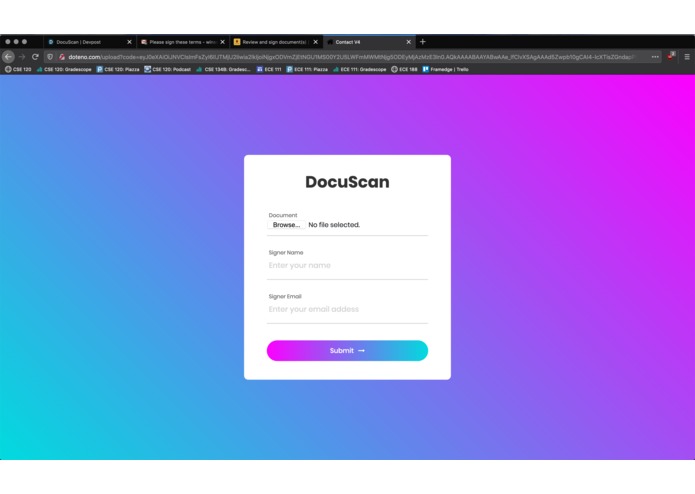
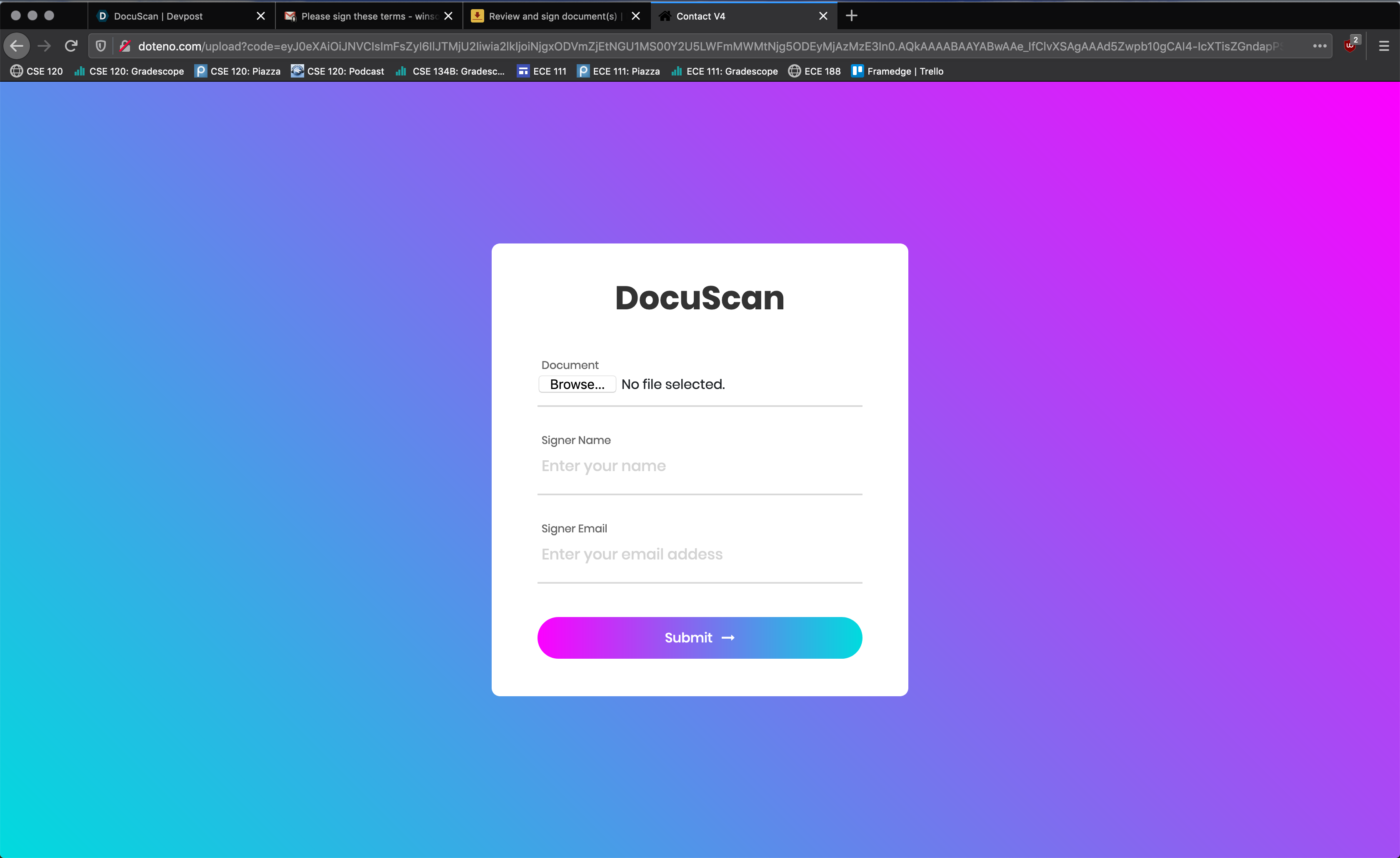
DocuScan Home Page
-
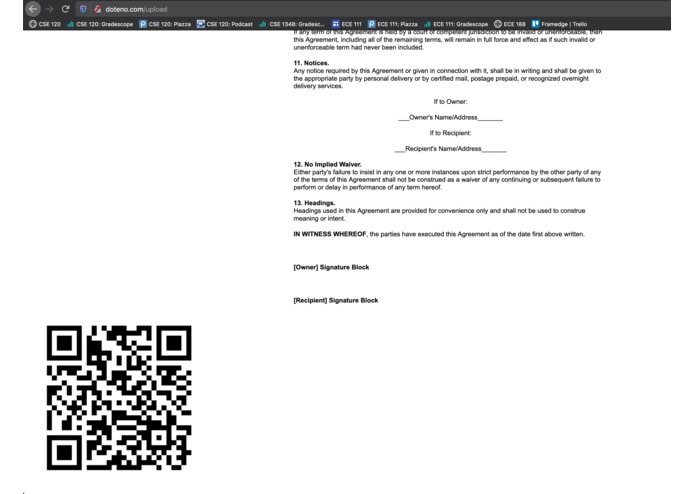
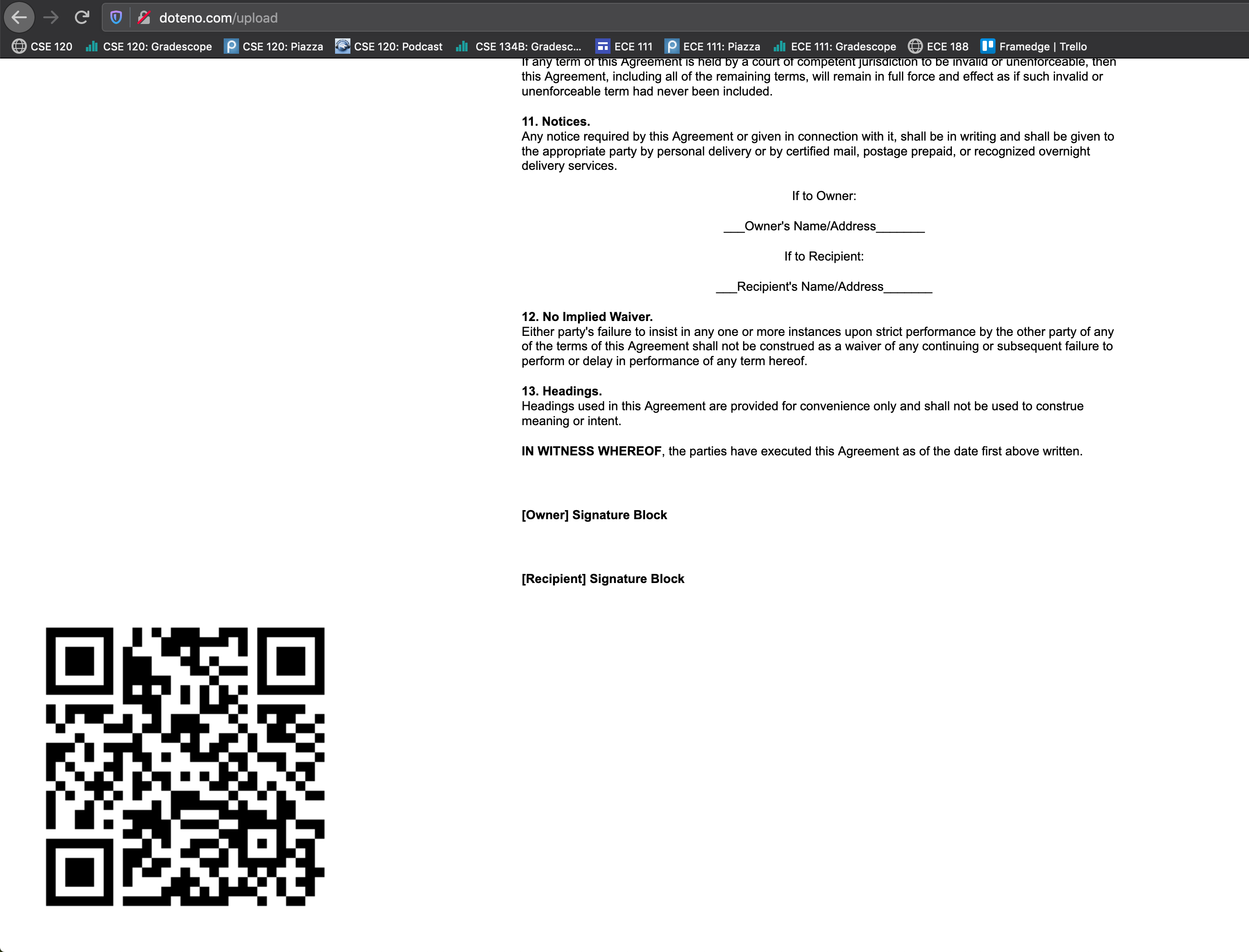
DocuScan embedded document
-
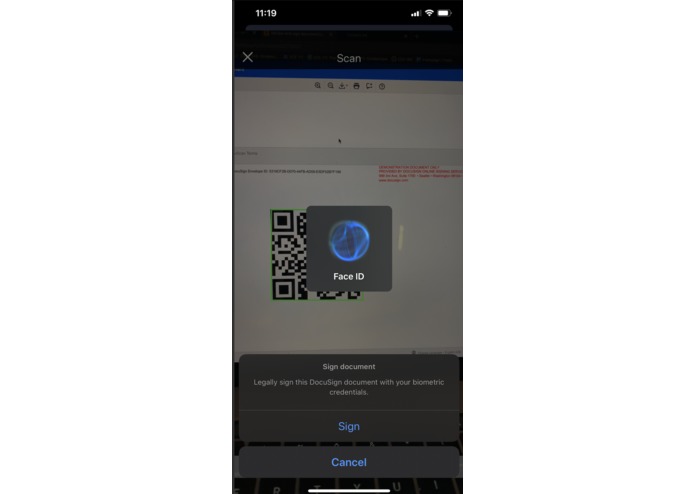
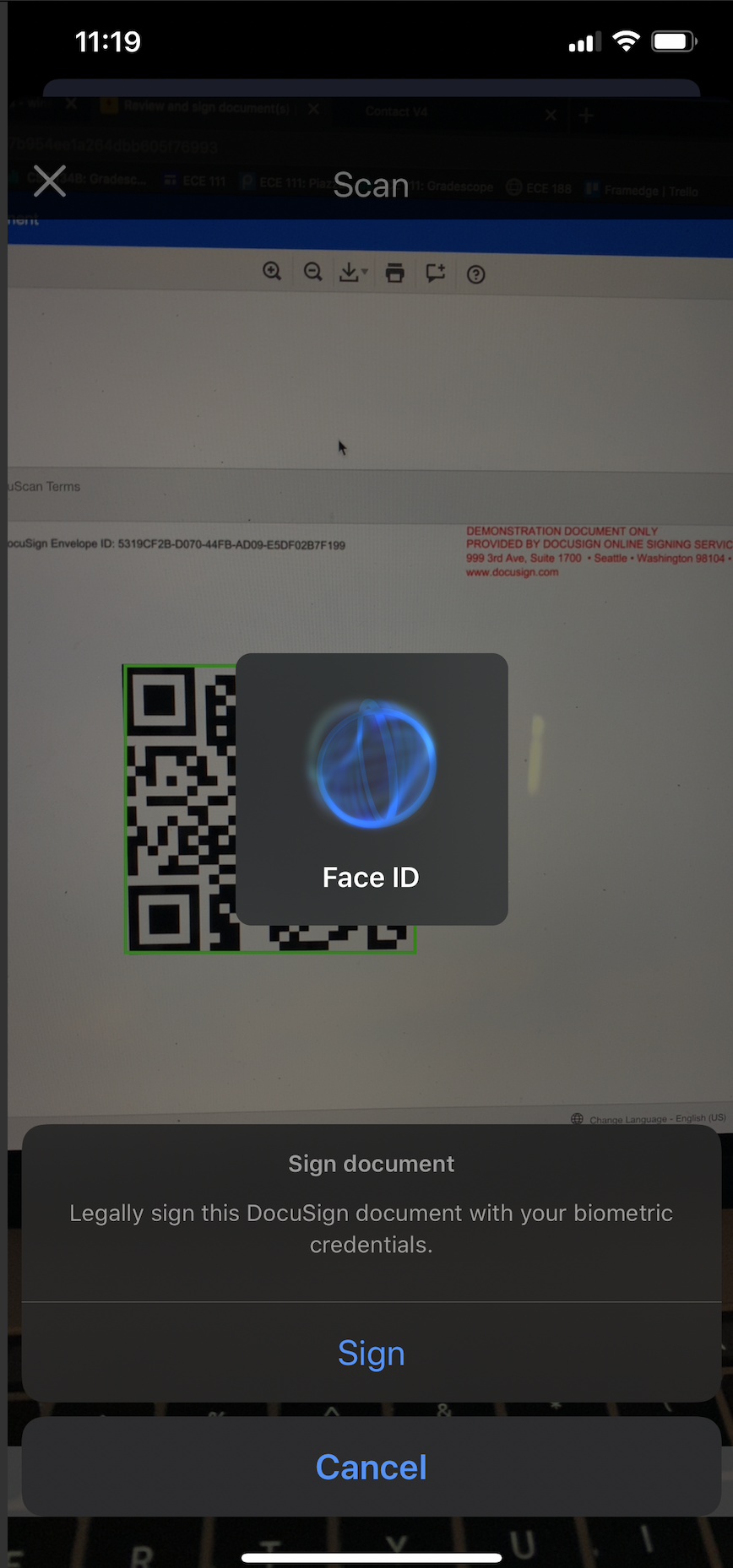
iOS biometric authentication (FaceID)
-
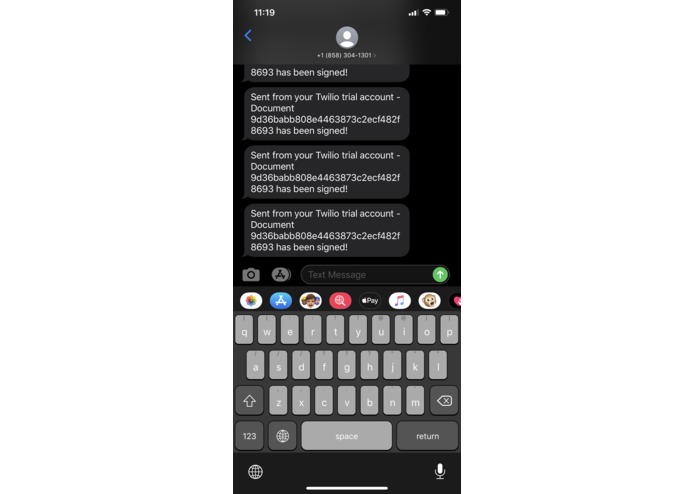
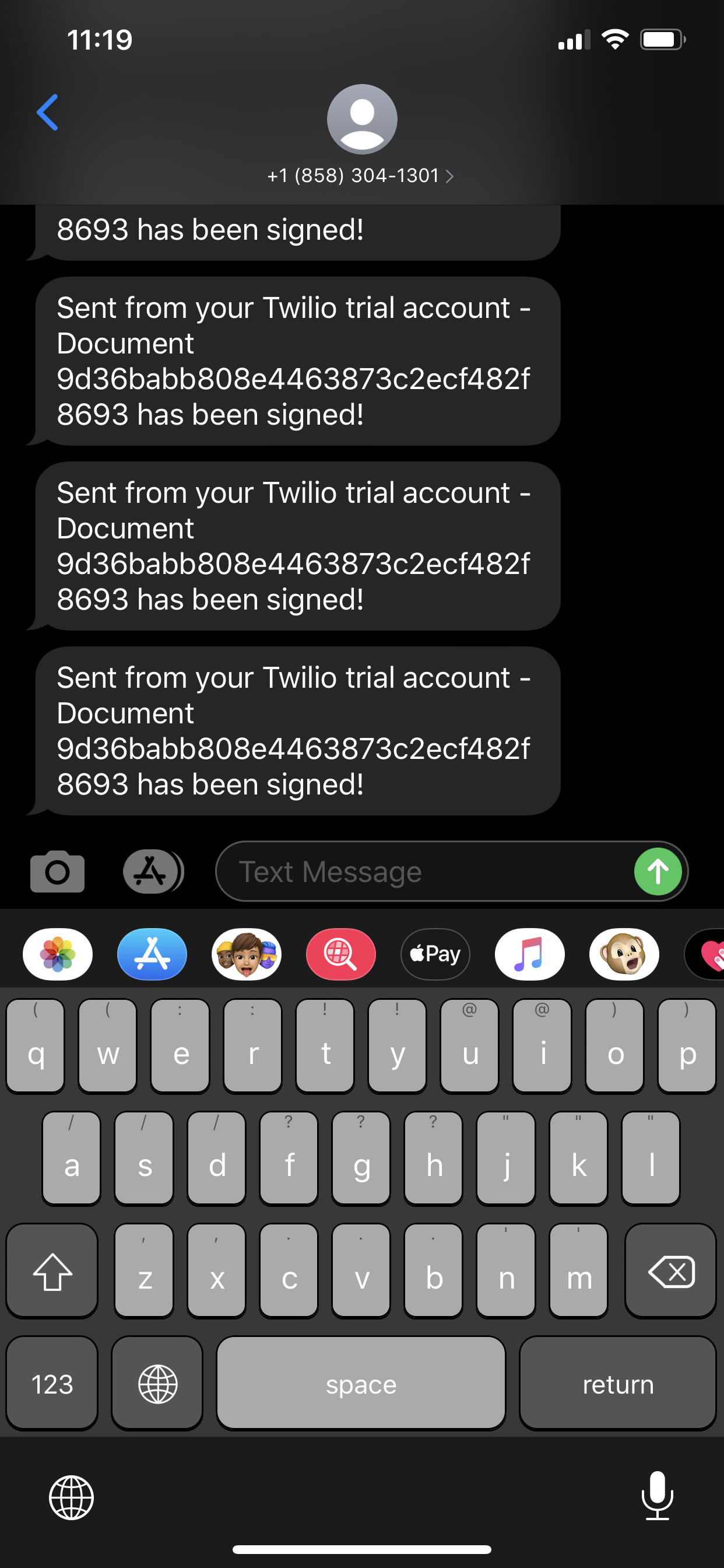
SMS document signed confirmation
Inspiration
The DocuSign signing process is currently very straightforward, with one-step signing, but security-sensitive clients may desire further authentication. We want to add biometric authentication while maintaining the streamlined signing process.
What it does
DocuScan lets you sign documents securely and quickly without needing to sign in or open your email. DocuScan authenticates you within the DocuScan app with FaceID or TouchID, eliminating the need to use any other apps or clients to complete two-factor authentication.
DocuScan happens in two steps:
First the sender uploads their document to DocuScan.com and specifies the intended recipient. DocuScan embeds a QR code into this document and emails it to both the sender and recipient.
When the recipient receives the document, either in-person or through email, they can open the DocuScan iOS app to scan the QR code. After authenticating through the app's built-in face authentication, the recipient completes the authentication process and receives a confirmation SMS message.
How we built it
The DocuScan.com website (currently hosted at http://doteno.com with AWS EC2) is built with Python Flask. When the sender uploads their document to DocuScan.com, a QR code is embedded within the HTML (just above the end tag).
The QR code is associated with a unique hash corresponding to the document. The QR code-embedded document is then sent to the DocuSign API (via a document within an envelope) to retrieve a DocuSign Envelope object.
This envelope is emailed to both the sender and the recipient through the DocuSign API, and the QR code-embedded document is also displayed on DocuScan.com to make it easier for the recipient to sign if the transaction is in-person.
The DocuScan iOS app is built with Swift and utilizes the iPhone's secure biometric authentication features (TouchID or FaceID depending on the phone). After authentication, POST requests are sent to DocuScan.com and Twilio to complete the transaction and notify the parties.
Challenges we ran into
The DocuSign API lacks an endpoint to remotely and securely sign a document, which is understandable from a security standpoint, but inhibits our application from completing the transaction with DocuSign.
Our solution to this problem was to use the Twilio API to send our own transaction completion confirmation to the sender after the scan the document.
Accomplishments that we're proud of
In the end, we were able to design, build, and deploy the core infrastructure for our website and first iOS application. We were able to confirm the security and privacy of both the sender and recipient while maintaining the ease of use for the sender to create documents, and for the recipient to sign them.
We were proud that we were able to integrate technologies ranging from DocuSign to Twilio to iOS into a cohesive yet fully-functional product.
What we learned
We have no prior experience with Swift, so learning about camera scanning, biometric authentication, and REST APIs on the iPhone was both a challenging and enriching experience.
The DocuSign API was also new to both of us, and we learned how to develop with an API that facilitates an outdated yet essential process for businesses today. As a developer, the DocuSign API required us to code for both security and usability.
What's next for DocuScan
Rather than using a third-party SMS API (Twilio) to notify recipients, we plan to also complete the transaction through DocuSign by implementing DocuSign's print-and-sign feature to both notify and remotely sign.


Log in or sign up for Devpost to join the conversation.