-
-
-
-
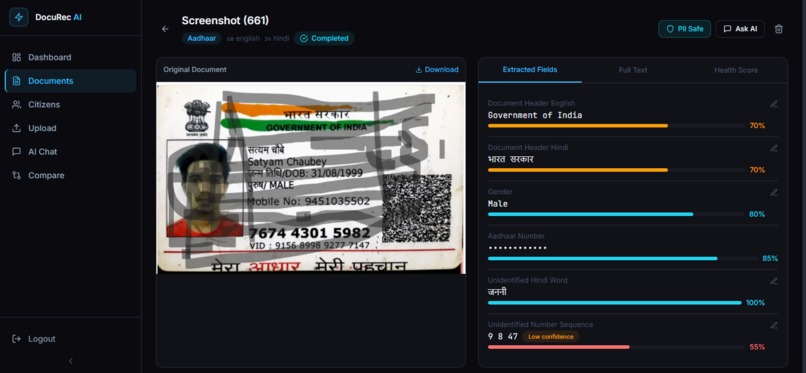
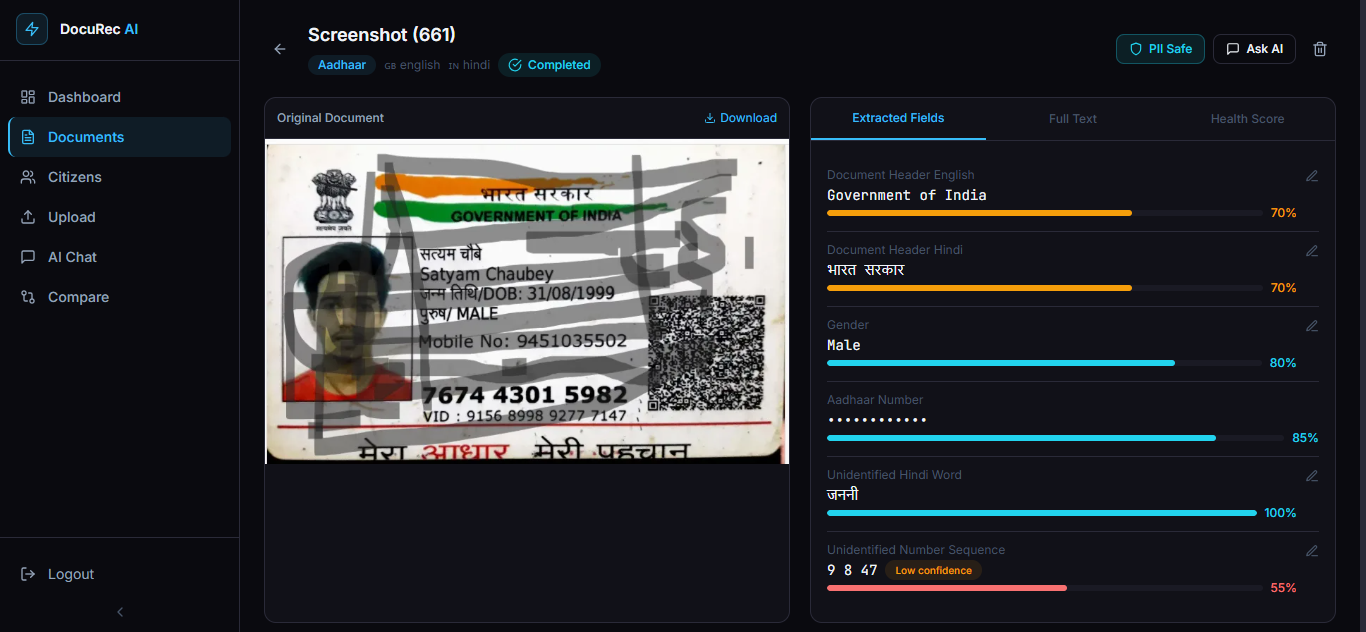
Result of Unclean Unreadable Aadhar Card
Inspiration
Indians Citizens interact with government documents every day, Aadhaar cards, PAN cards, land records, court notices, ration cards. But almost all of these exist as blurry scans, in regional languages, with inconsistent formatting that no existing OCR system can reliably process. A village CSC operator manually types data from hundreds of documents daily because no tool understands Hindi, Tamil, or Telugu documents properly. A lawyer cannot search across scanned court orders. A citizen cannot verify what their land record actually says. We built DocuRec AI to change that.
What it does
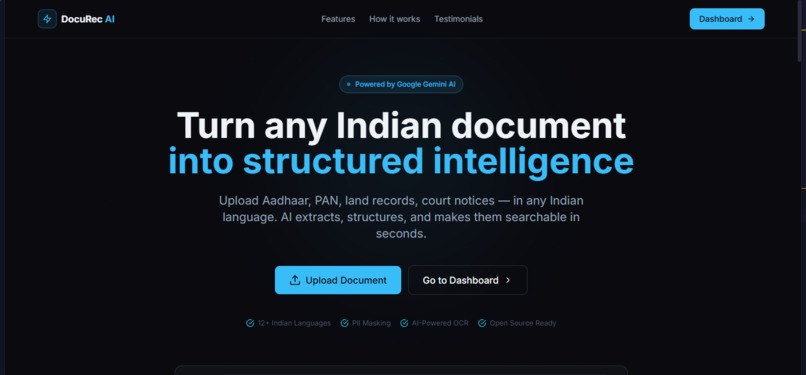
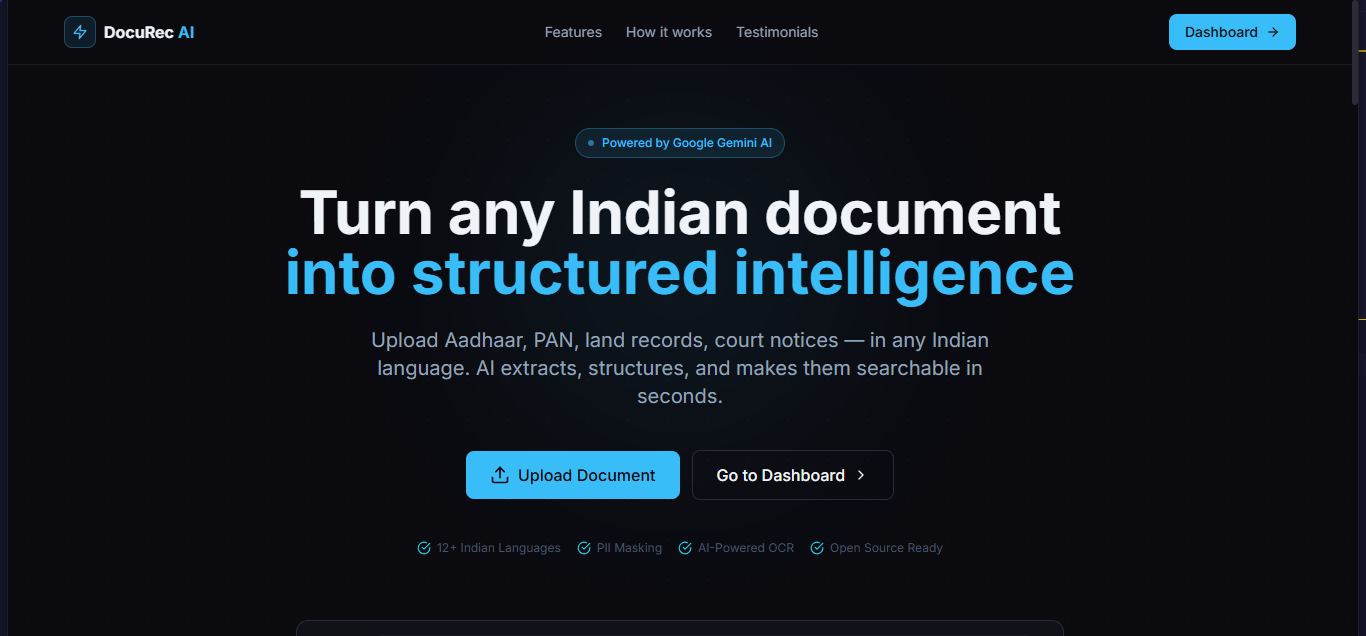
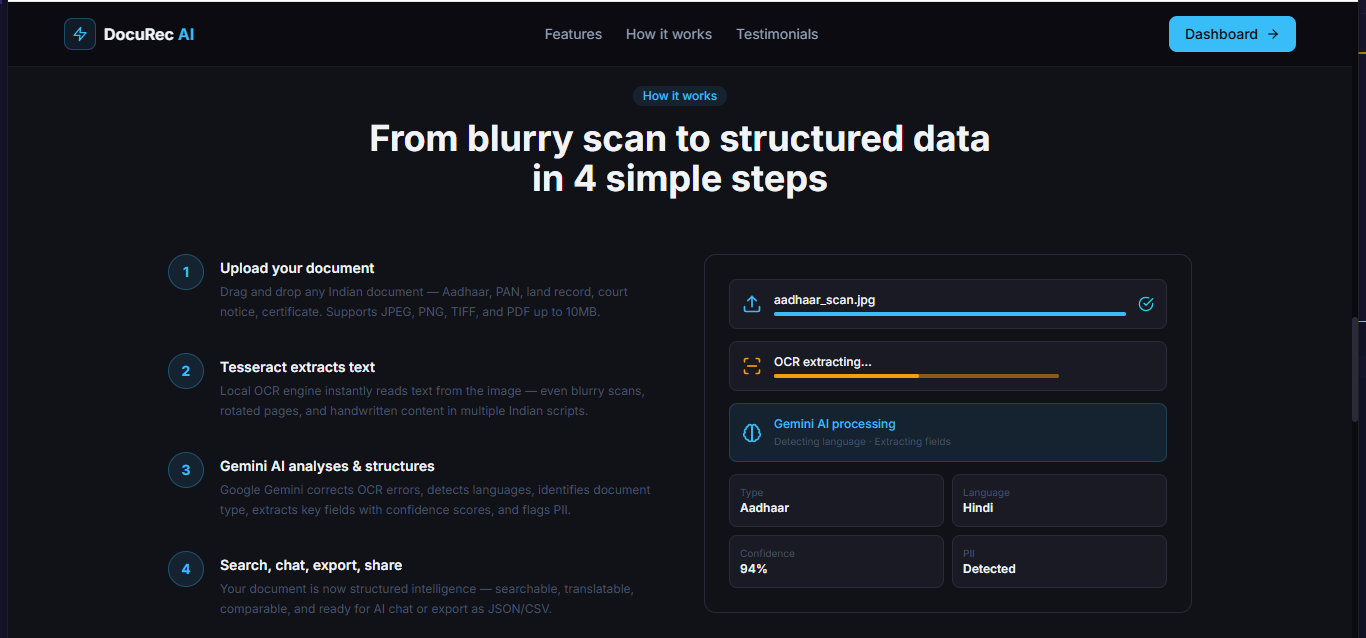
DocuRec AI is a full-stack agentic platform that converts any Indian government document into structured, searchable, and actionable intelligence. Core capabilities:
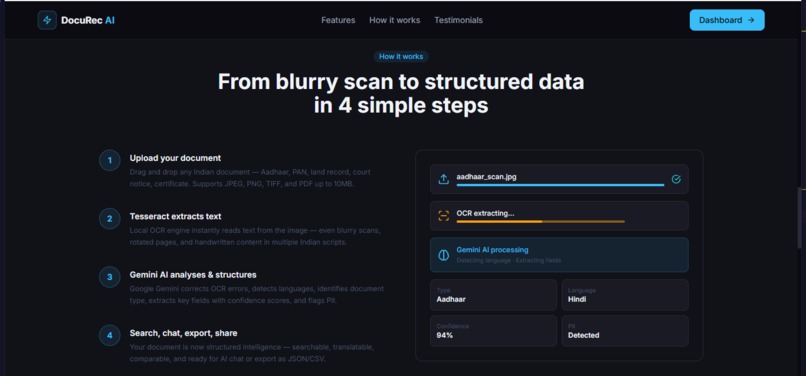
- Upload any blurry scan or JPEG, PNG, TIFF, PDF supported
- Tesseract OCR extracts raw text locally, Google Gemini AI cleans, structures, and understands it
- Document type is automatically identified Aadhaar, PAN, land record, court notice, ration card, and 10 more types
- 12+ Indian languages detected Hindi, Tamil, Telugu, Bengali, Marathi, Gujarati, and more
- Every extracted field gets a confidence score
- PII is automatically detected and masked Aadhaar number, phone number, address, date of birth
- Chat with your documents in natural language ask "What is the DOB in this Aadhaar?" and get a direct answer
- Compare two versions of a document and see exactly what changed at the field level
- A multi-user Citizen management system built specifically for CSC operators who manage documents on behalf of many different villagers. Each citizen gets their own folder, separate from the operator's personal documents, with their own document count and profile.
- Translate extracted text to any Indian language in one click
- Human-in-the-loop review system for low confidence extractions
Upload a blurry Aadhaar scan. In 15 to 20 seconds you get structured data, masked PII, and a document you can actually talk to.
How we built it
Frontend — React 18, Vite, TailwindCSS, Framer Motion, shadcn/ui, Redux Toolkit for global state, React Query for server state management. Backend — Node.js and Express.js with a full production middleware stack — Helmet for HTTP security headers, express-rate-limit with per-route limits, JWT authentication, bcrypt password hashing, CORS whitelist, and express-validator for all inputs. AI Pipeline — A deliberate two-step design:
- Tesseract.js runs locally on the server for fast raw text extraction
- Google Gemini 1.5 Flash post-processes the output — correcting OCR
errors, detecting languages, classifying document type, and
extracting structured fields as validated JSON
Database and Caching — MongoDB with Mongoose for document storage
with full text indexing, Redis for response caching and session
management, Winston with daily log rotation for structured logging.
Storage — ImageKit for CDN-based image storage, automatic
compression, and fast delivery.
Architecture — MVP production folder structure with separation of
controllers, services, models, middleware, and utilities. Versioned API
routes at
/api/v1/, typed error classes, global error middleware, and graceful shutdown handling.
Challenges we ran into
Blurry image accuracy — Low resolution Indian document scans gave
Tesseract very poor raw output, and Gemini would return low confidence
scores causing documents to be stuck in needs_review status. We
rewrote the Gemini prompt to be aggressive about partial extraction and
lowered the needs_review threshold from 50 to 35.
Silent save failures — Documents were uploading successfully but
OCR results were not being saved to the database. The error was a
Mongoose enum mismatch — the ocrEngine field only accepted
tesseract, paddleocr, and hybrid but the service was saving
tesseract+gemini. One line fix, hours to find.
Chat returning no documents — The chat service queried only
status: completed documents, but blurry scans were being marked
needs_review. All three document queries were updated to include both
statuses.
Chat sessions disappearing on navigation — React Query was garbage
collecting chat session data when the user navigated away. Fixed by
setting gcTime to 10 minutes and chat session staleTime to
Infinity.
No real-time processing feedback — Document status was not updating
without a manual page refresh. Added refetchInterval polling every 3
seconds that automatically stops when processing completes or fails,
plus toast notifications on status change.
The most dangerous bug was completely silent. The app said upload succeeded, the user saw a document card, but nothing was actually extracted and saved. One enum value caused it all.
Accomplishments that we are proud of
- A fully production-grade full-stack application built end to end during a hackathon
- Real multilingual Indian document processing that works on genuinely blurry, real-world scans
- A two-layer AI pipeline combining local Tesseract OCR and cloud Gemini AI for the right balance of speed and accuracy
- Automatic PII detection and masking with no manual field configuration required
- Polished responsive UI with purposeful animations that feel like a real product
- Complete mid-project migration from Anthropic to Google Gemini without any feature regression
What we learned
- Prompt engineering matters more than model selection. A precisely written prompt on Gemini Flash consistently outperformed a vague prompt on Gemini Pro.
- Redis caching is not optional at scale. It reduced repeated analytics queries from 276ms to under 10ms.
- Indian OCR is a genuinely hard problem. Blurry scans, mixed scripts, and code-mixed text where Hindi and English appear in the same sentence require AI post-processing — raw OCR alone is not enough.
- Production security must be set up from day one. Retrofitting Helmet, rate limiting, and input validation into an existing codebase is significantly harder than building it in from the start.
- Real-time UI feedback is not a nice-to-have. Processing banners, auto-polling, and toast notifications are what make an app feel trustworthy rather than broken.
What is next for DocuRec AI
- PaddleOCR integration for higher accuracy on complex regional scripts like Tamil and Telugu
- Auto form-fill — upload a blank government form and have it automatically filled from your document library
- Offline processing mode — run the entire pipeline locally without sending data to any cloud service
- Government API verification — verify Aadhaar and PAN numbers directly through official UIDAI and income tax APIs
- Multi-user organizations — allow CSC operators to manage documents across multiple citizens under one account

Log in or sign up for Devpost to join the conversation.