-
-
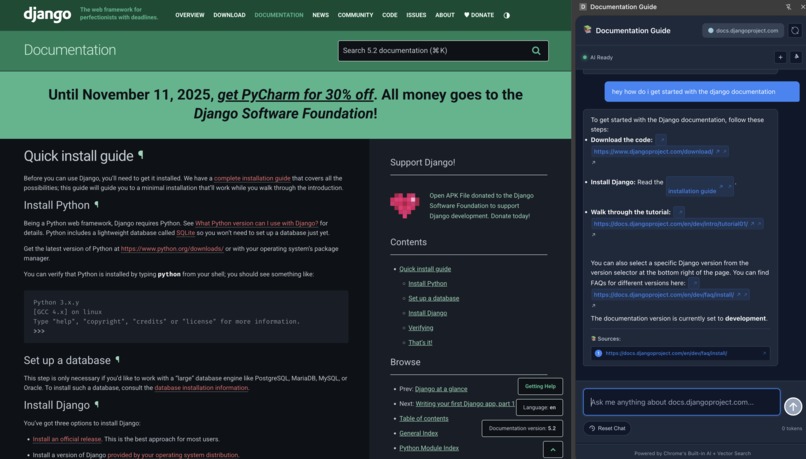
Documentation Guide in Action
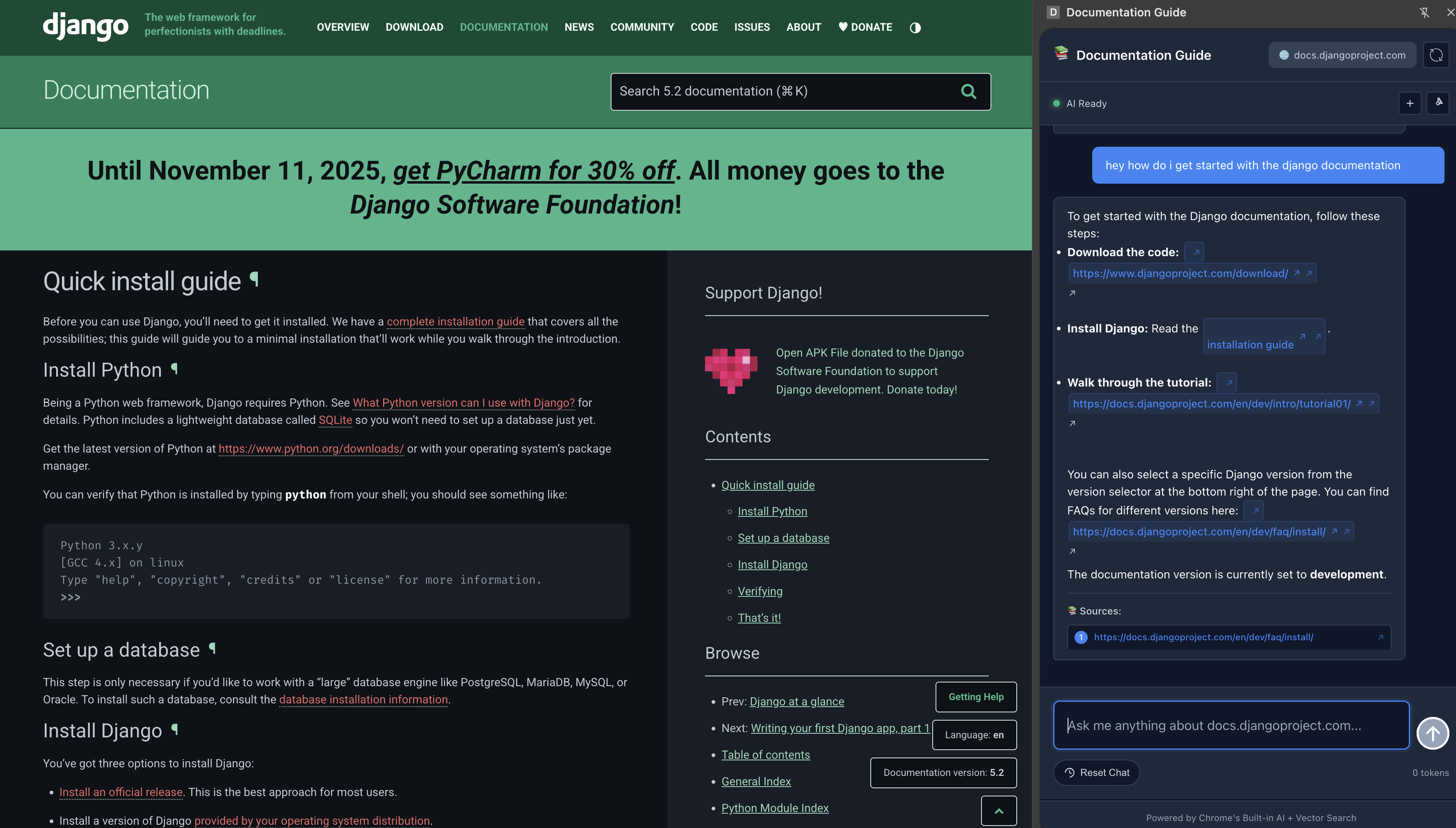
The Frustration That Started It All
As a developer, I've lost count of how many times I've sat there with 15 documentation tabs open, scrolling endlessly through pages that never quite answer my specific question. You know the feeling - you're trying to implement aserver in django or a feature , but the docs show basic examples while you need to handle Python interfaces and custom middleware. So you end up piecing together information from multiple sources, hoping you're not missing something important. The breaking point came during a recent project in React where I spent an entire afternoon trying to understand how React's useEffect cleanup works with async functions. The documentation was technically correct, but it couldn't answer my follow-up questions like "What happens if my component unmounts while the async call is pending?" I found myself wishing I could just ask the documentation directly. ## What I Learned Building this extension taught me more about AI integration than I expected. Initially, I thought it would be straightforward - just feed documentation text to an AI and get answers. But I quickly realized the challenges: Context is everything. The AI needed to understand not just what page you're on, but how different sections relate to each other. A question about "authentication" means very different things on a backend API page versus a frontend component guide. Vector embeddings are powerful but tricky. Getting meaningful search results required experimenting with different chunking strategies and embedding models. Too small chunks lost context, too large chunks diluted relevance. User experience matters more than technical sophistication. The most elegant AI implementation is worthless if developers can't get quick, actionable answers.
How I Built It
The architecture evolved through several iterations: Frontend (Chrome Extension) Side panel interface using Chrome's new side panel API Local AI integration with Chrome's built-in language models for privacy Real-time streaming responses to make conversations feel natural Chat history management that persists across domains Backend (Node.js + Vector Database)
Smart web crawling that prioritizes documentation pages over marketing content Content chunking with overlap to maintain context across sections Vector embeddings using sentence transformers for semantic search User management system to enable shared indexing benefits
Built With
- html5
- javascript
- node.js
- vectordb


Log in or sign up for Devpost to join the conversation.