-
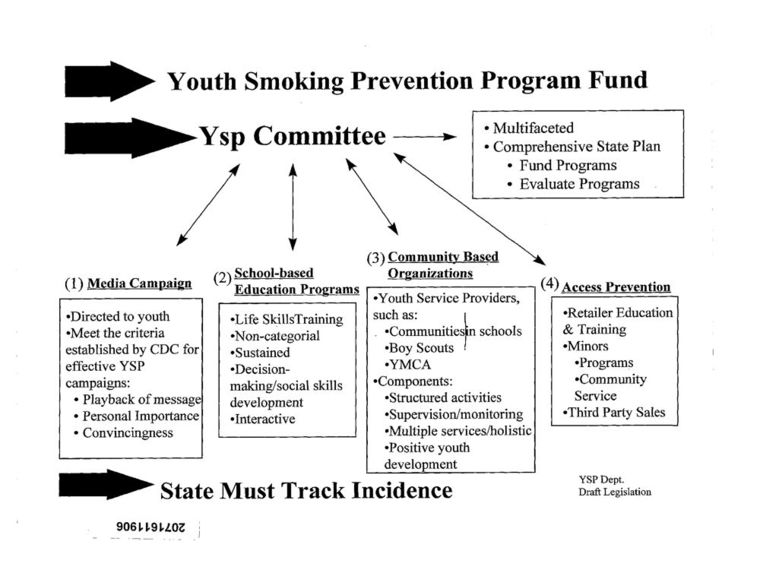
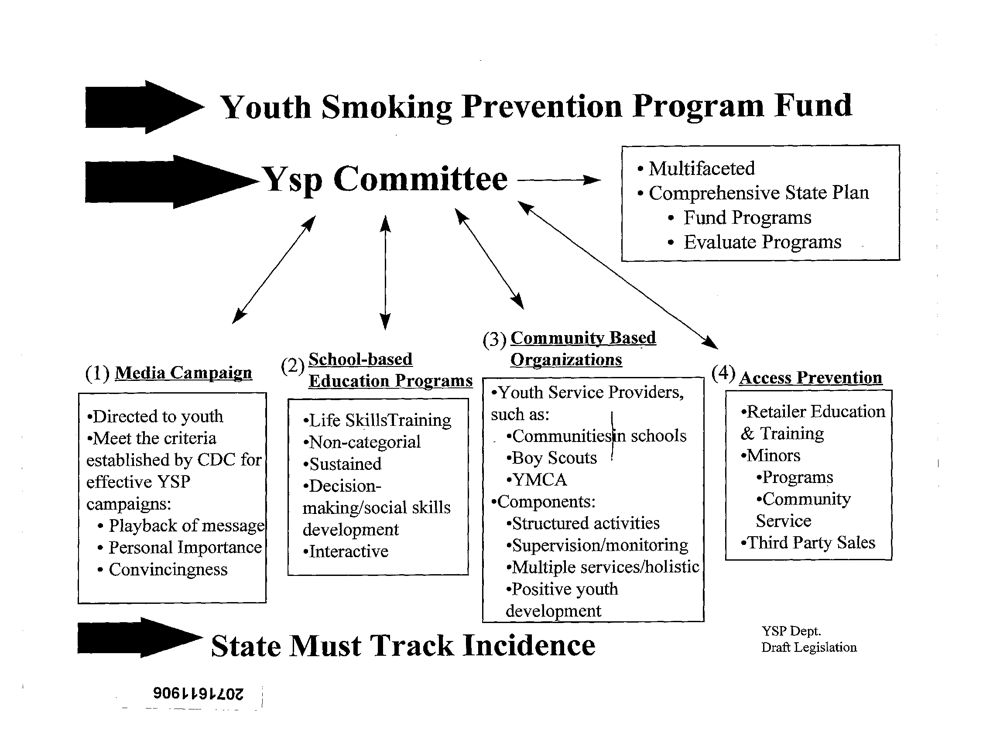
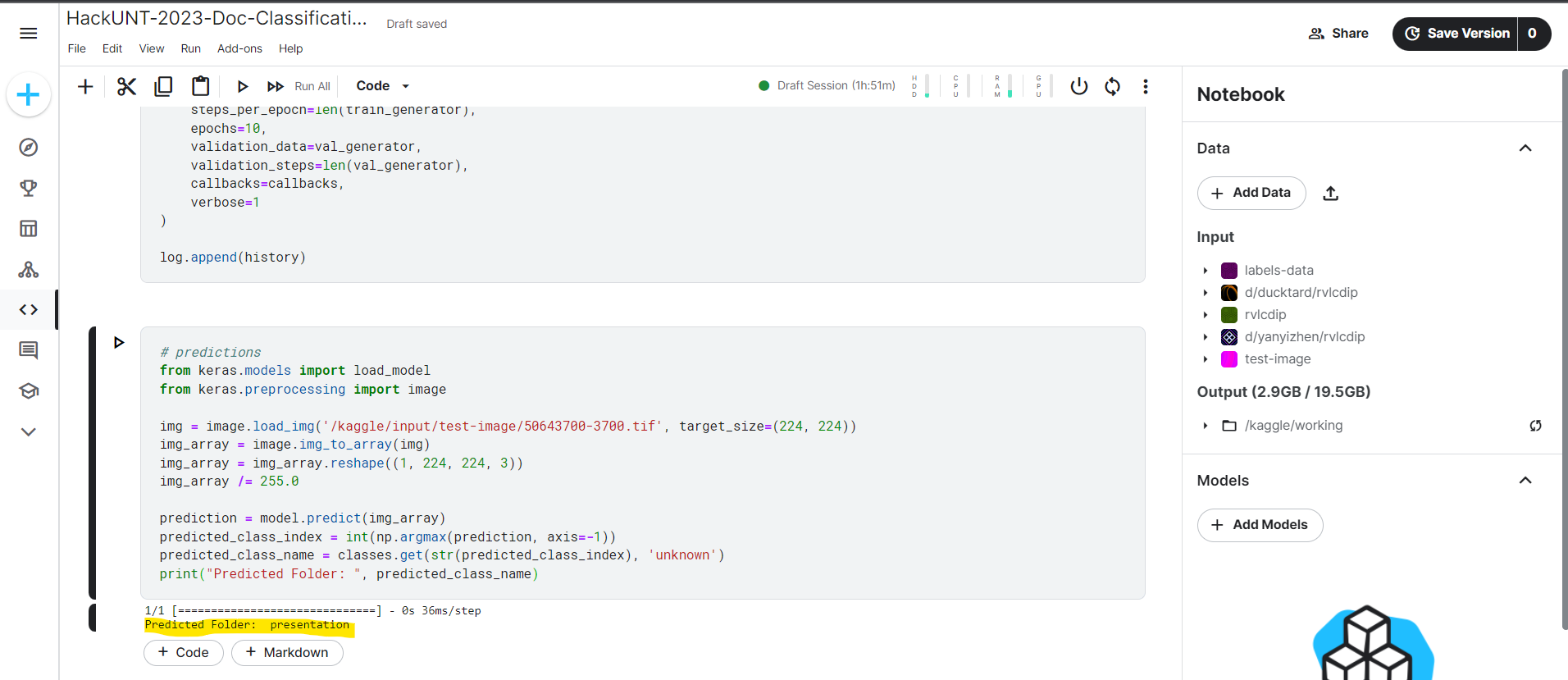
This sample file with "Presentation" content is passed as an input to machine learning model.
-
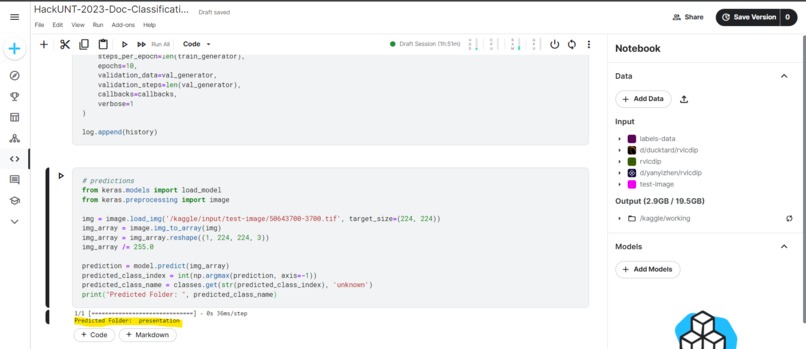
This is a screenshot shows output from the machine learning model correctly predicted as "Presentation" folder which the file belongs to.
-
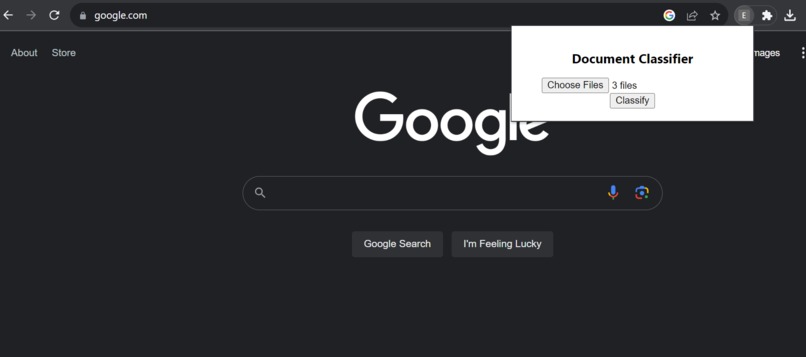
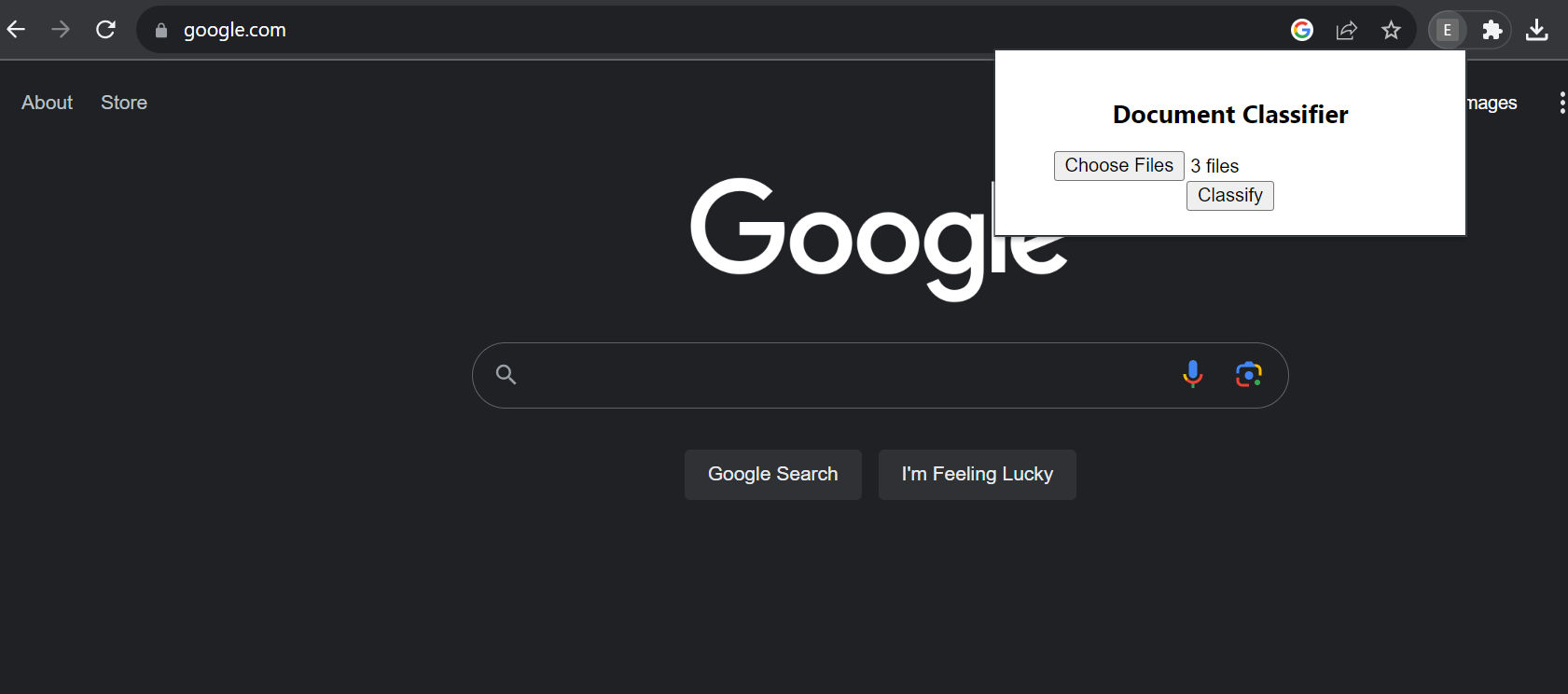
This image depicts the chrome extension where user can input cluttered folder containing unorganized files.
Inspiration
Students face the challenge of managing a lot of files for academics, job applications, finances and various other files. The accumulation of these files at a single location results in chaos, making it challenging for students to locate specific documents when needed. Additionally, the sheer volume of files makes manually categorization a tedious task. Hence, we came up with this automation tool to help students save time organizing their files effortlessly.
What it does
This automation tool accesses your file directories, categorizing and organizing files into folders based on their content.
How we built it
We utilized deep learning for image classification, training on approximately 15,000 images with diverse classification such as resumes, presentations, emails, letters and many more. We employed the InceptionResNet image classification model and combined JavaScript, HTML, and python to develop a google chrome extension. This extension, once installed on the user's system, seamlessly accesses their local directory and categorizes files into folders.
Challenges we ran into
Integrating the deep learning model into the chrome extension posed challenges since it only supports JavaScript and HTML files. To incorporate our Python file, we had to setup a server. Unfortunately, we encountered issues during this task, and due to time constraints, we couldn't complete this functionality.
What we learned
Building a chrome extension and integrating with the deep learning model was something new which we tried and learned.
What's next for Document Classifier
Currently the deep learning model's accuracy is 72% , hence we will focus on improving the accuracy of the model. Additionally, we will also be working on resolving existing issues with the chrome extension and make it fully functional.
Built With
- chrome
- html
- javascript
- kaggle
- python
- vs-code

Log in or sign up for Devpost to join the conversation.