
Inspiration 💡
DocuMake - Voice to Contract was inspired by the idea of making agreements as easy as having a conversation. We wanted to avoid the hassle of forms and typing, so we built a tool using AI and DocuSign to let you create and send legally binding contracts with just your voice.
What It Does 🚀
Voice to Contract makes the process from creating to signing agreements as simple as talking. Here's how it works:
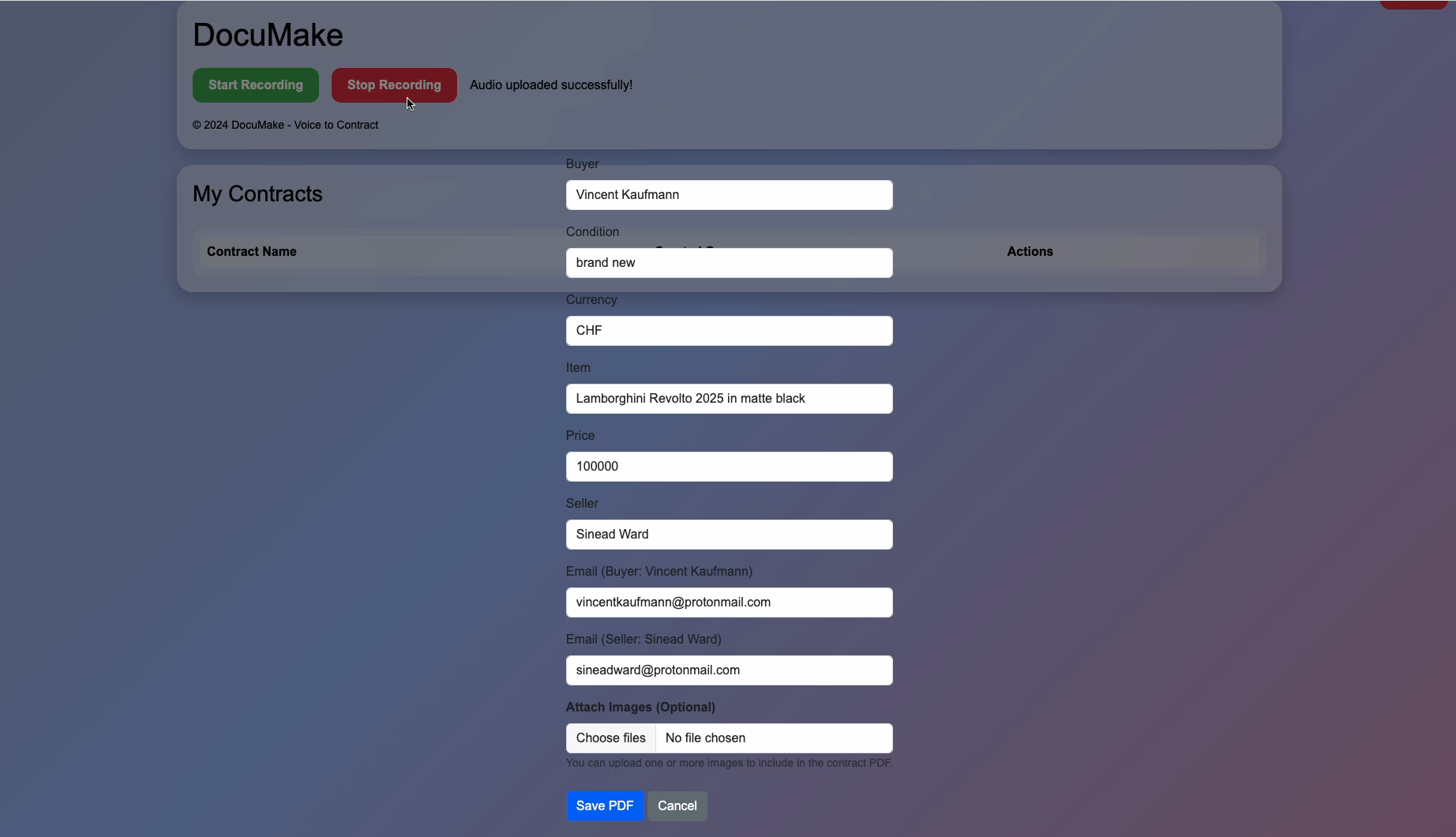
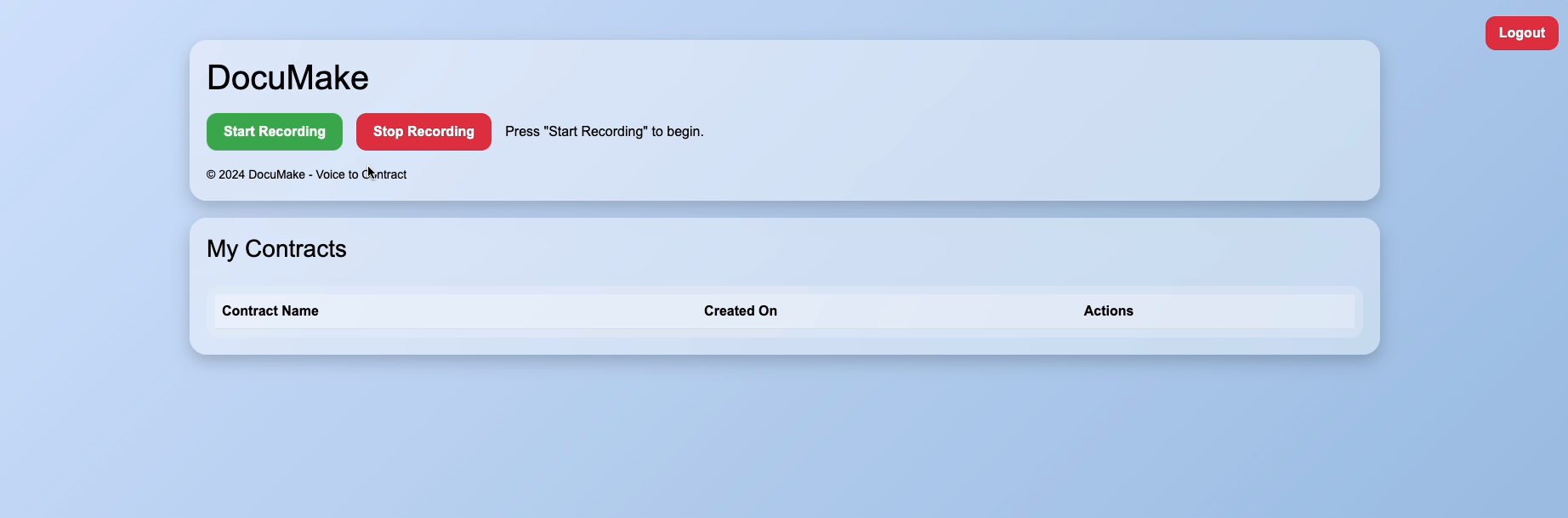
🎤 Speak Your Agreement: Open the app, hit record, and talk through the terms—whether it's a purchase, service, or other agreement. The app listens and captures all the details in your own words.
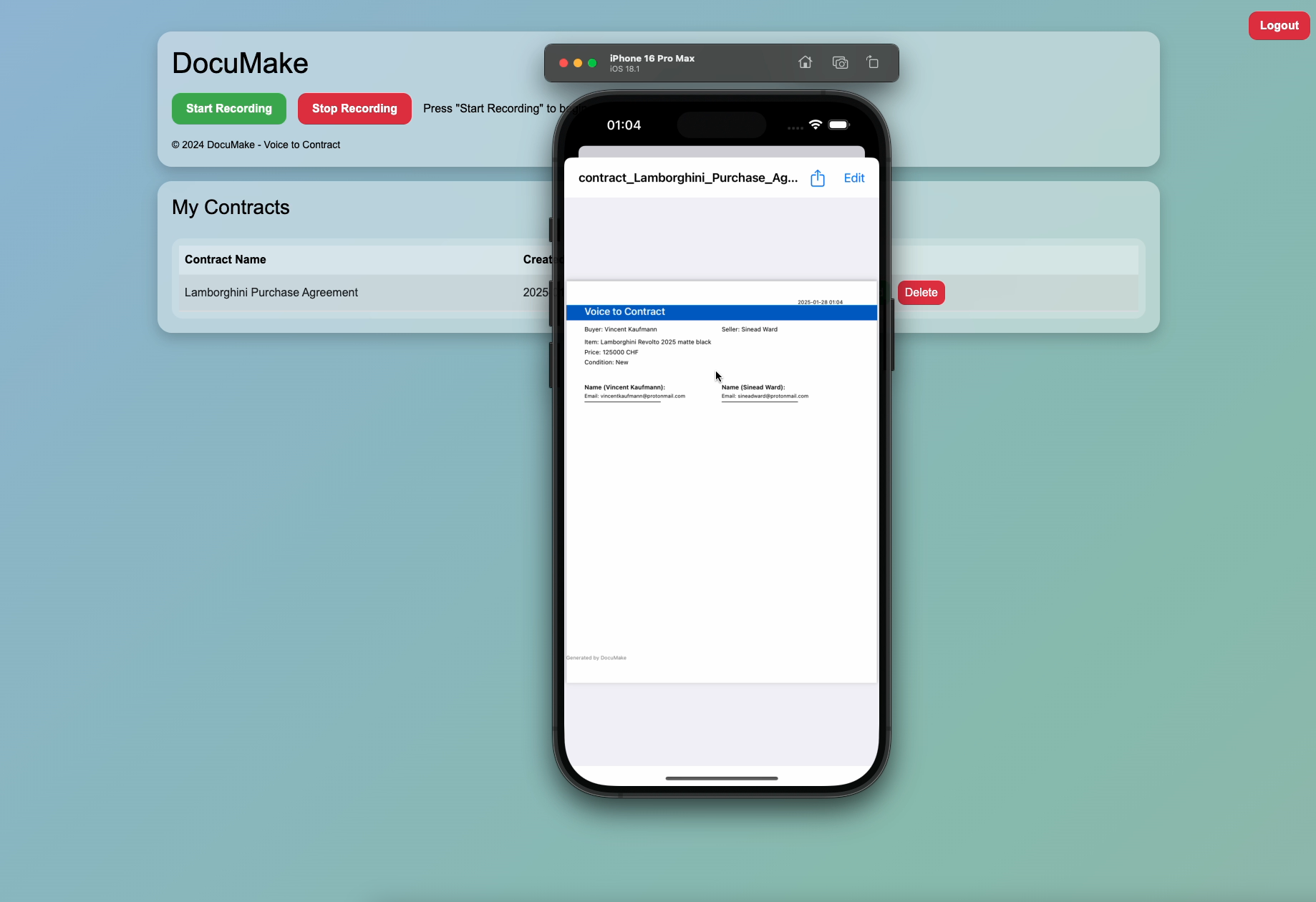
📜 AI-Powered Voice-to-Text: Your spoken input is instantly transcribed into a structured contract, ready for review and edits.
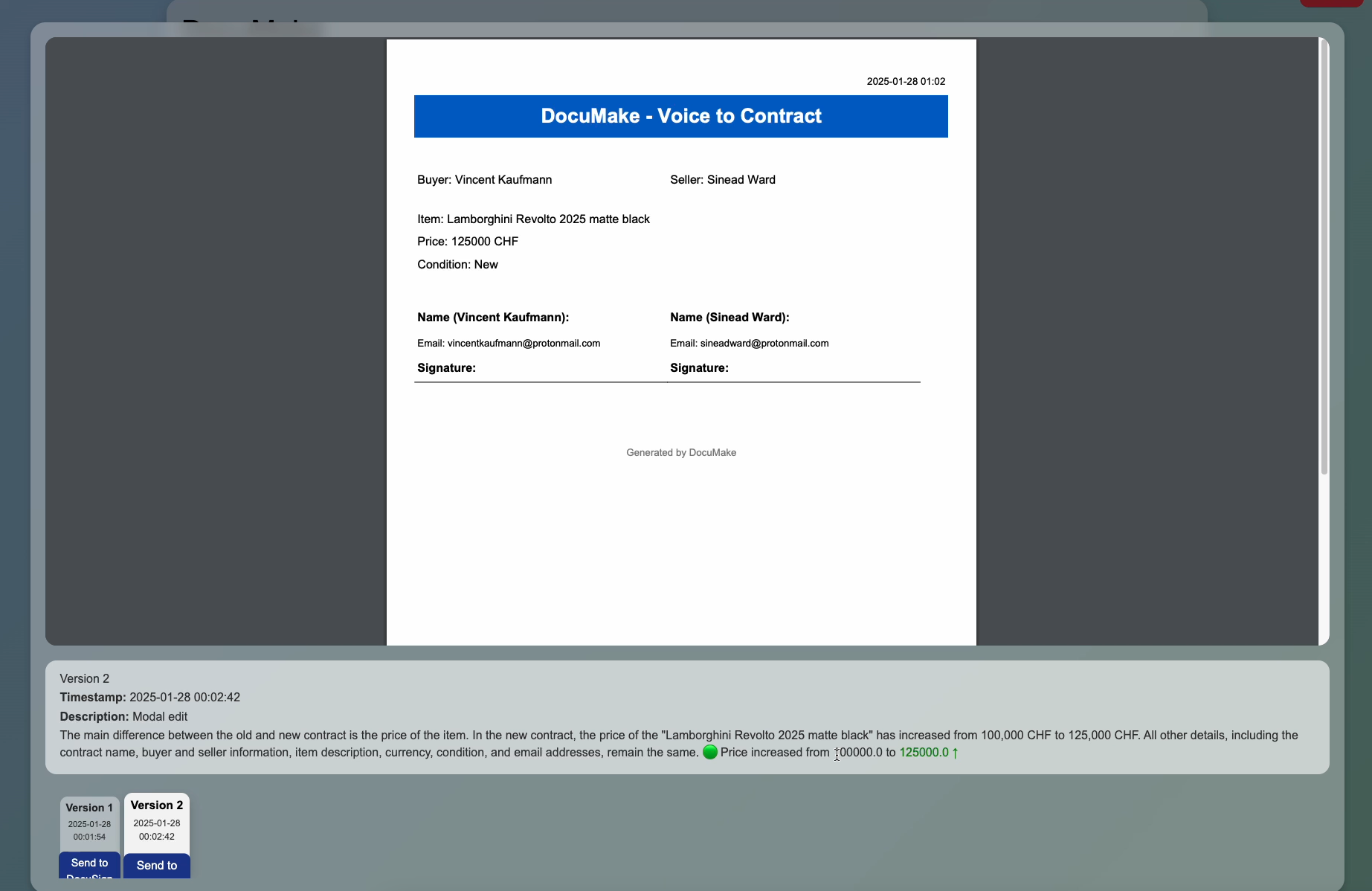
🛠️ Built-In AI Version Control: Every edit you or others make is tracked by the app, with clear explanations of changes so you’re always on the same page.
📤 Automatic Contact Collection: The app picks up email addresses from your input to streamline the process of sharing the contract with all parties.
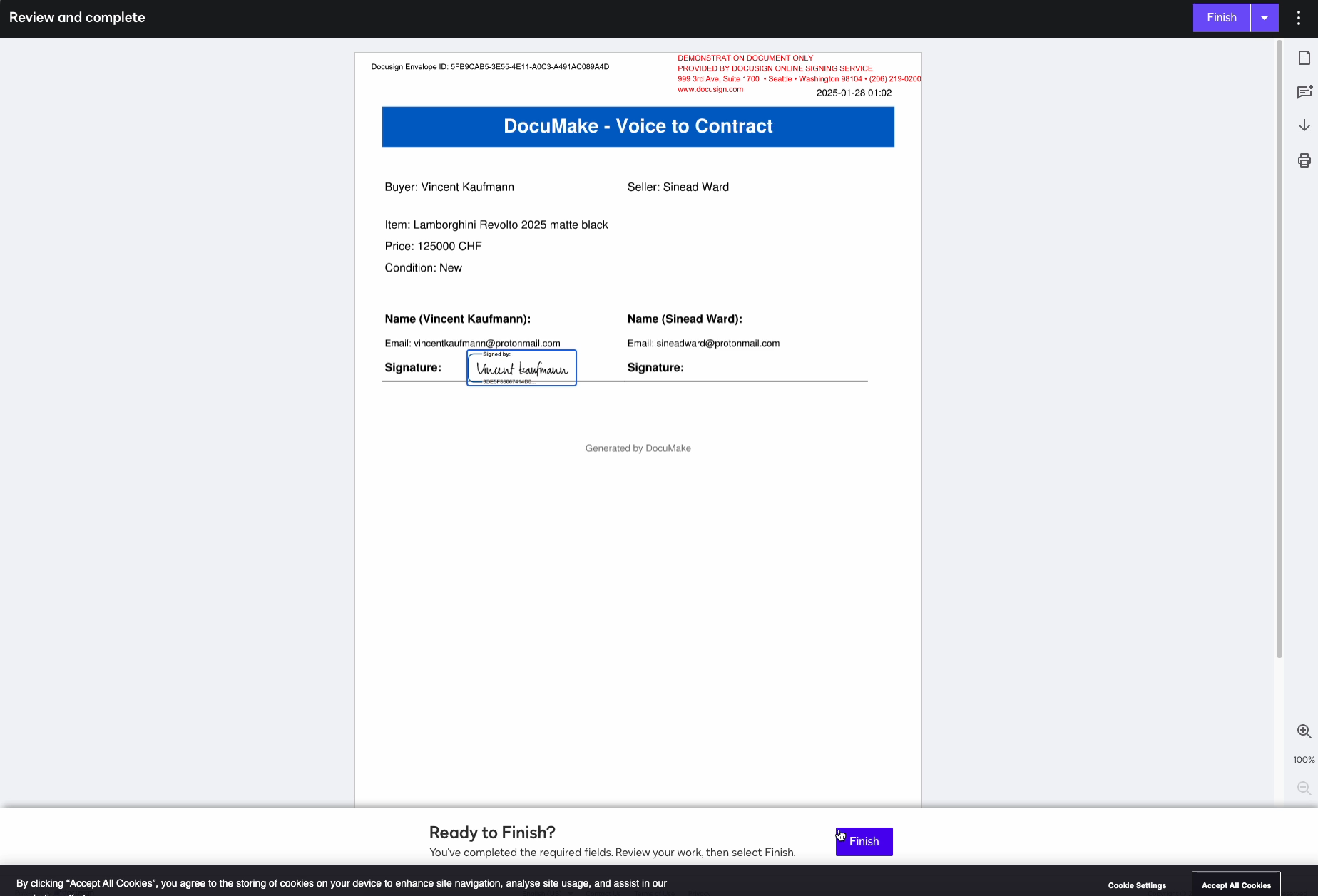
🖋️ DocuSign Integration: Once the contract is finalized, it’s sent to all parties for e-signatures via DocuSign—quick, secure, and hassle-free.
✅ Easy Edits & Final Approval: Review, tweak, and finalize the contract until everyone is satisfied, all in one place.
How We Built It 🛠️
🎤 Voice Recognition with AI: We implemented a local Whisper model optimized for Apple Silicon Macs to power AI-driven voice recognition. This transcribes user speech into text and passes the text along to an LLM where the Whisper transcript is evaluated to understand the context and create the structure of the agreement.
🖋️ DocuSign API Integration: For the signing process, we used DocuSign’s eSignature API to securely send contracts for signing and capture legally binding signatures.
📤 User-Friendly Interface: We designed the app to be as simple and intuitive as possible. The goal was to make creating and signing contracts feel like a natural conversation.
💻 Flask Web App with SQLite Database: The backend is powered by a Flask app, which handles processing and coordination between features. We also implemented an SQLite database to store and manage contract drafts, user data, and version history, ensuring everything runs smoothly and securely.
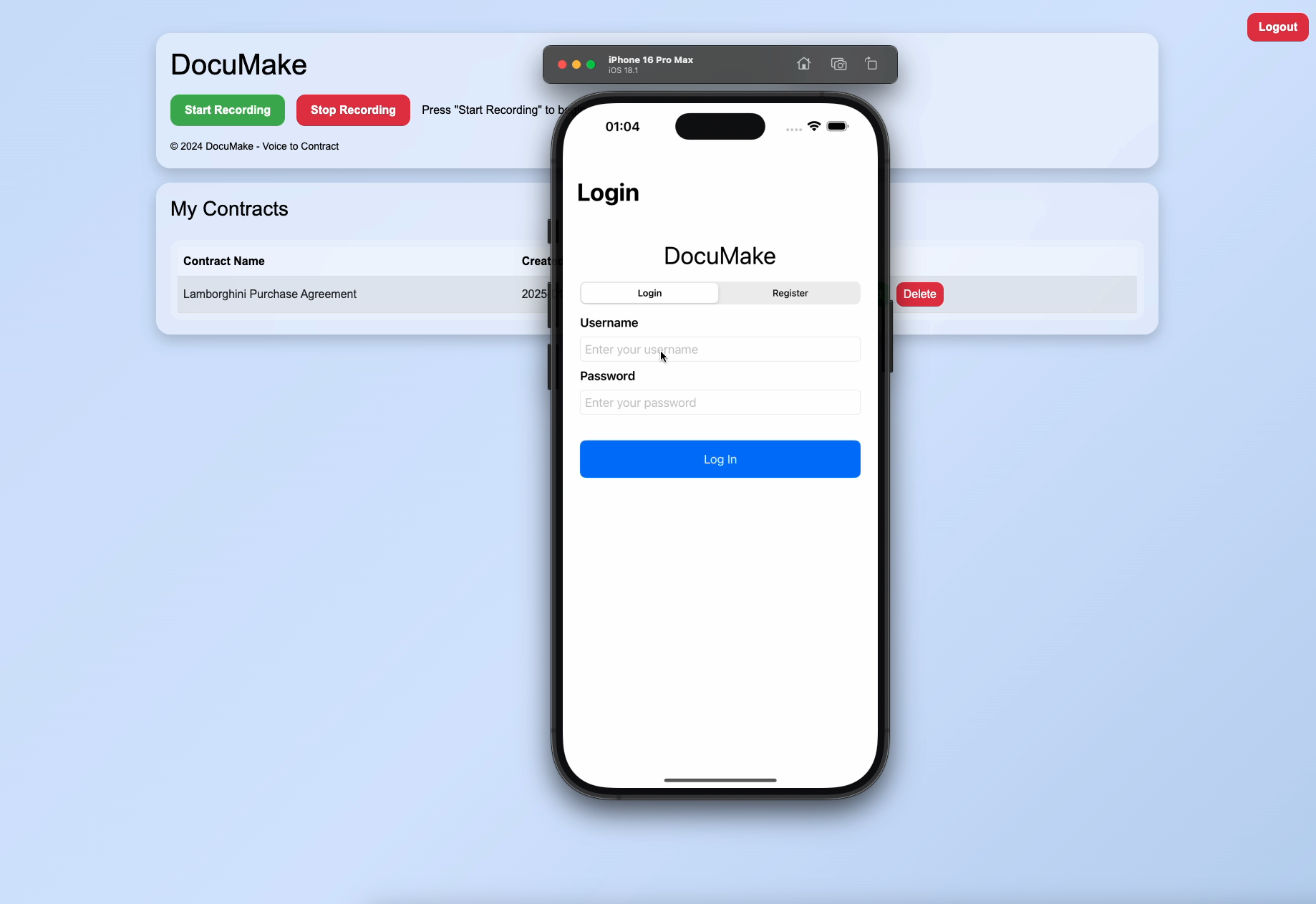
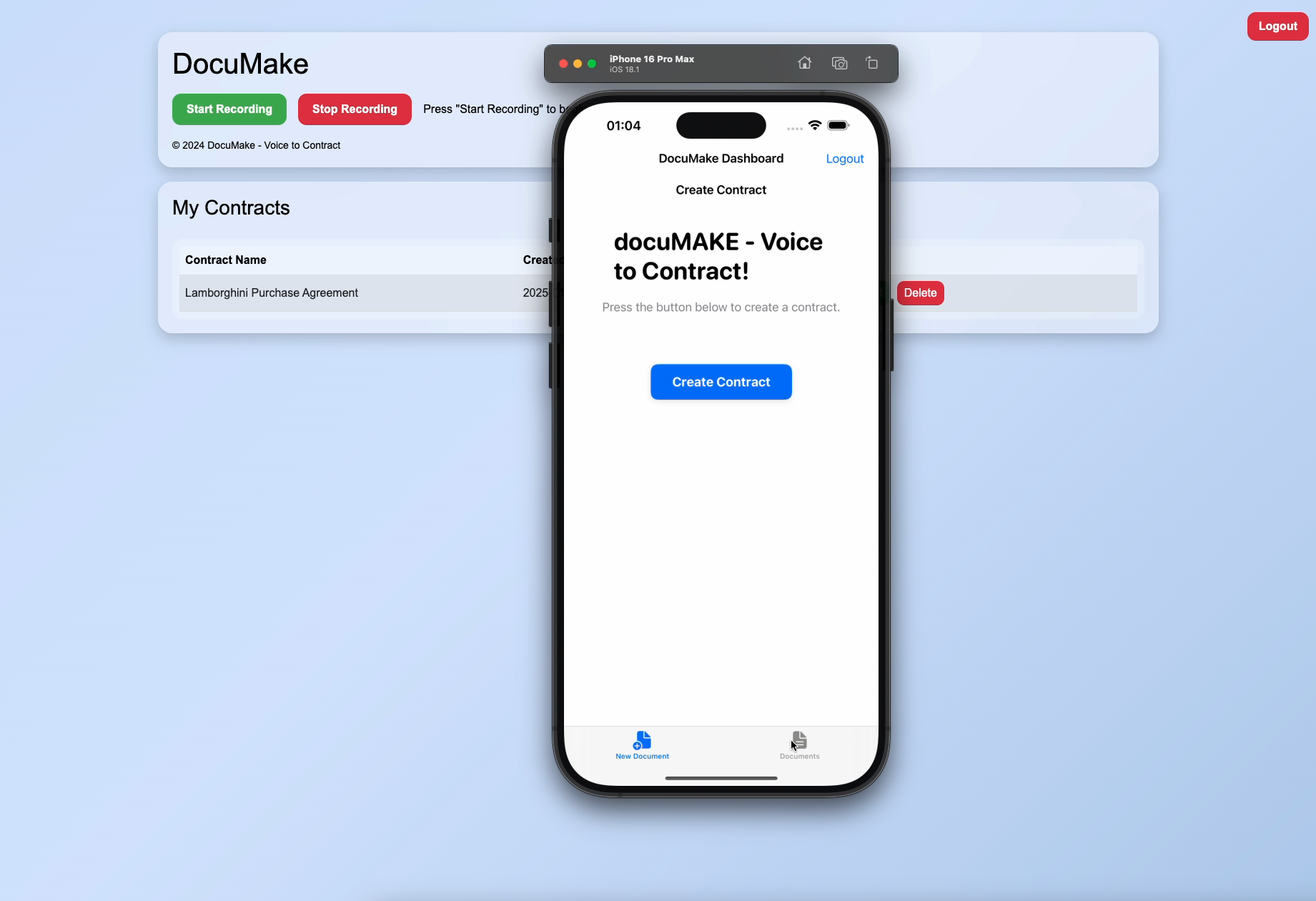
📲 iOS Mobile App: We developed a dedicated mobile iOS version of Voice to Contract so you can create and sign contracts on the go. It uses a local voice transcription model so that the voice is never sent to the server and it also creates and saves the contract locally, and syncs the contract with your account so you can edit it via the web app if you would like.
Challenges We Ran Into 🧗♀️
🛠️ Bringing everything together - integrating multiple models and the AI into a coherent app that strikes the balance between accuracy and speed, and that produces reliable and consistent results. There was a lot of work around tweaking the model. If you take a big model, it's more accurate (though not always) and too slow, and if the model is too small, it's fast, but less accurate.
🖋️ Smooth DocuSign Integration: The DocuSign API integration was pretty straightforward, but there were some hurdles around understanding the endpoint, the provisioning, the credentials with the id key and user id, and putting everything together to make it work.
🎤 User Experience: Making sure the voice recording felt natural and easy to use took a lot of trial and error. We needed to create an interface that didn’t overwhelm users and allowed them to simply speak their contract.
What's Next 🚀
🗣️ Multilingual Support: Expanding the app to support multiple languages, so people all over the world can use it for quick contract creation and signing.
- 🔄 Integration with Other Tools: Adding integration with other productivity tools like Google Docs, Dropbox, and more to make contract management even smoother.
The ultimate goal is to make Voice to Contract the go-to app for anyone who wants to create and sign contracts quickly and easily—just by talking! 💬


Log in or sign up for Devpost to join the conversation.