-
-
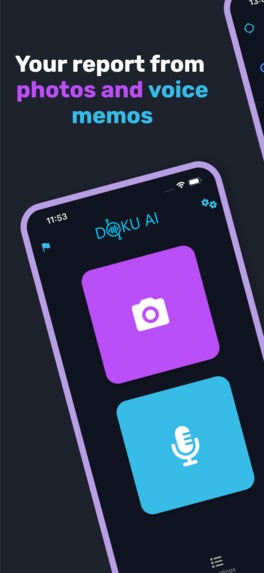
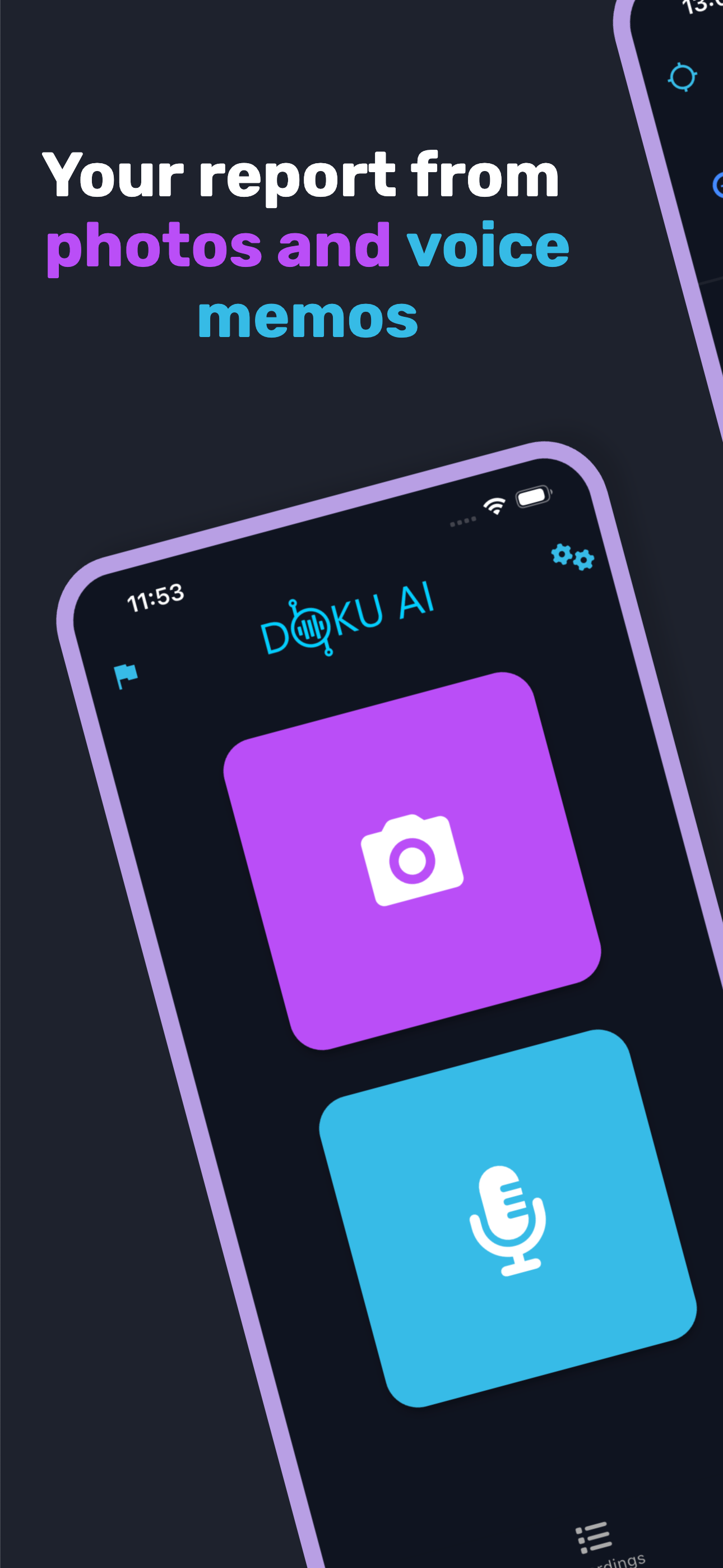
Create detailed reports directly from photos and voice memos in one simple app.
-
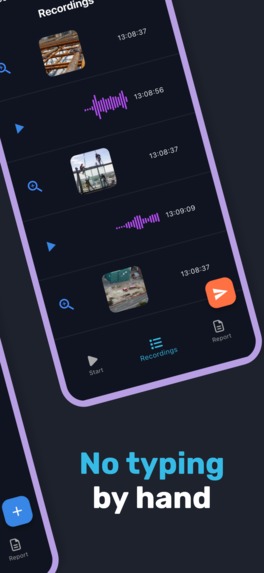
Save hours of work with automatic transcription and structured reporting from voice memos.
-
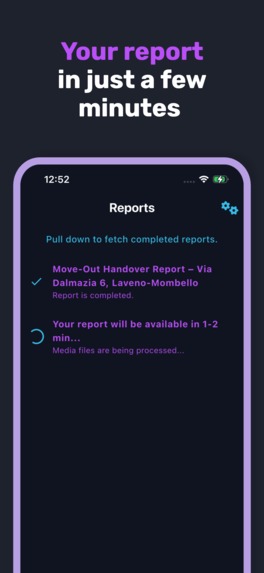
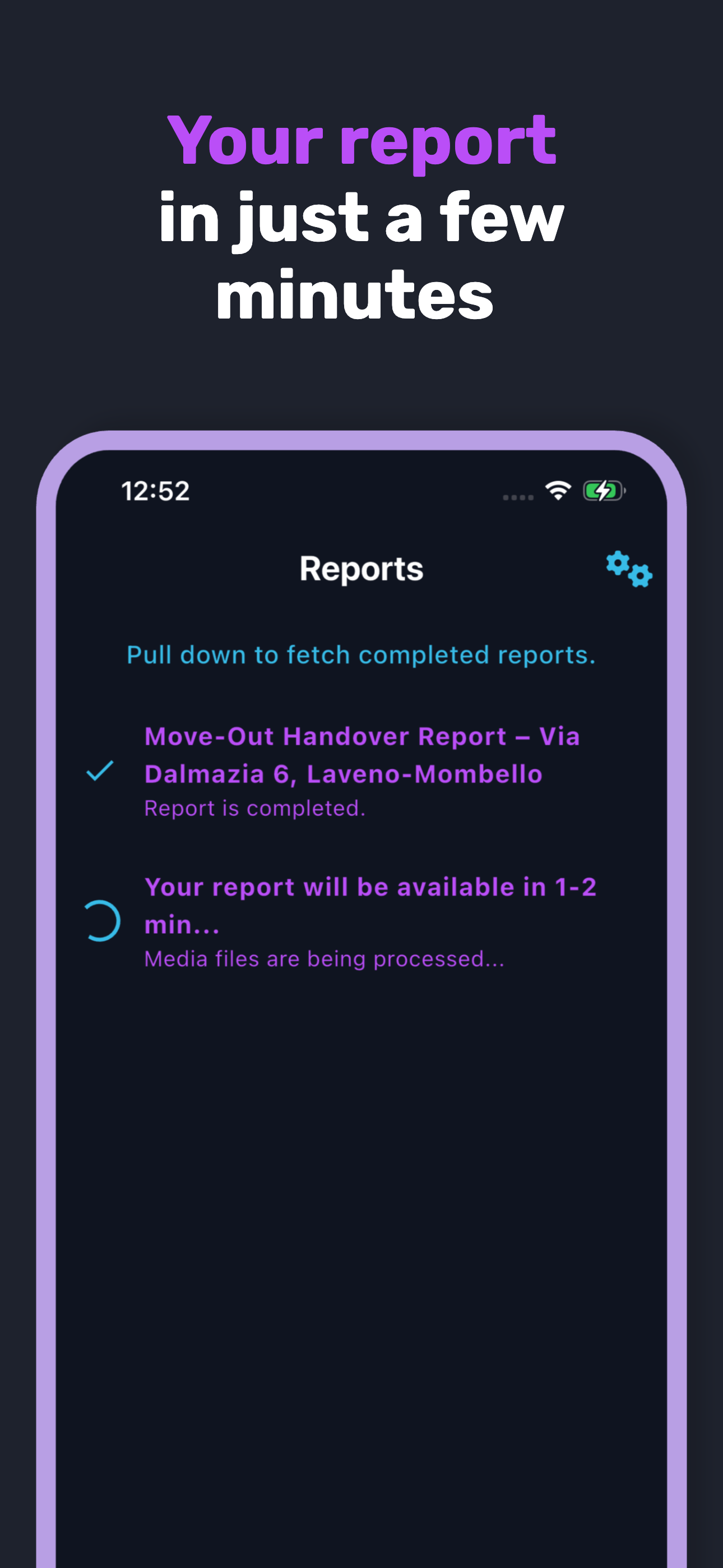
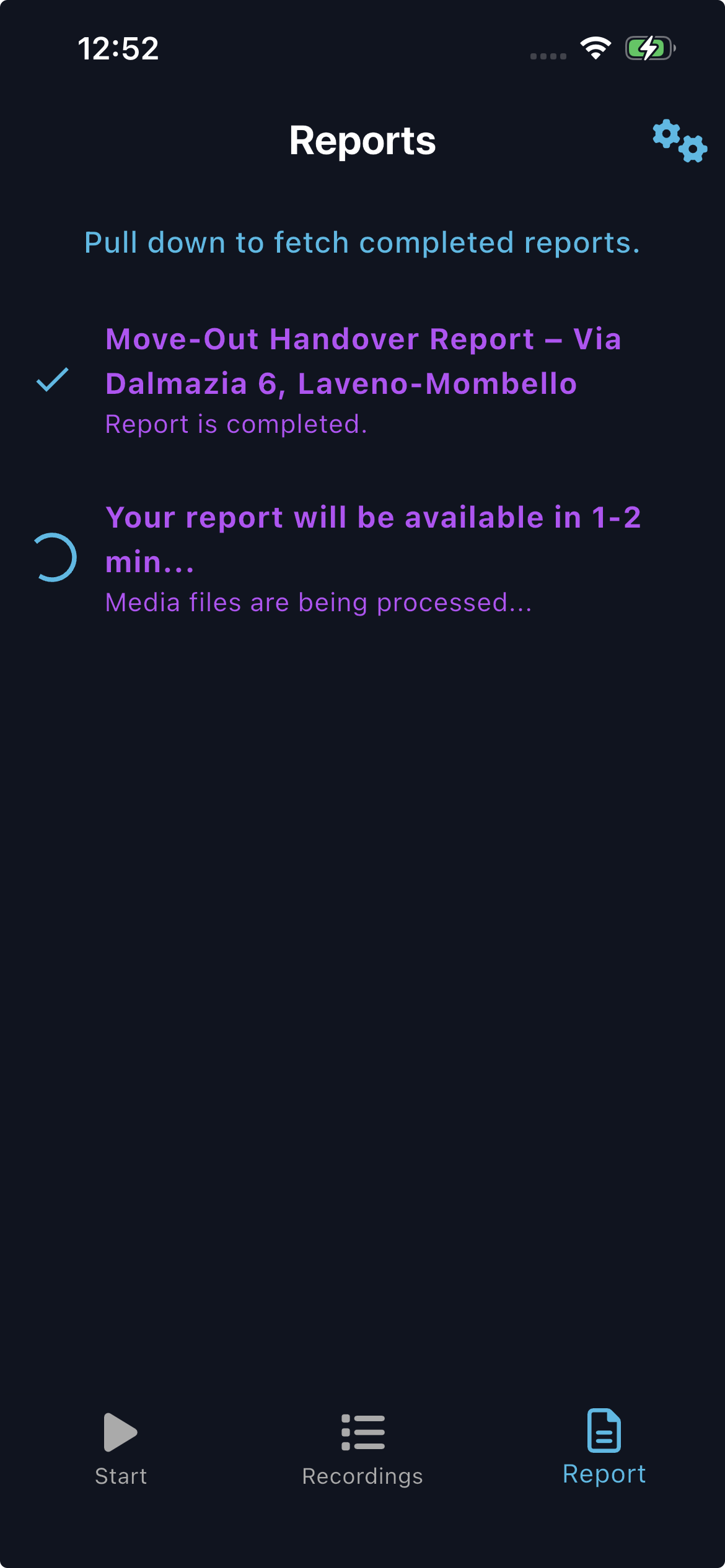
Upload media and get a ready-to-share report in under five minutes.
-
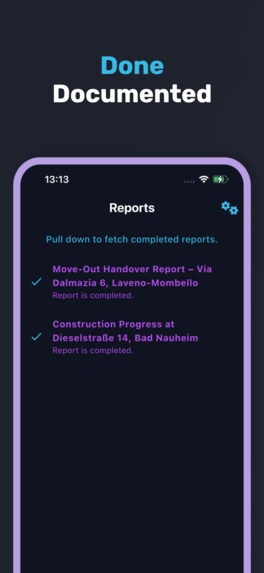
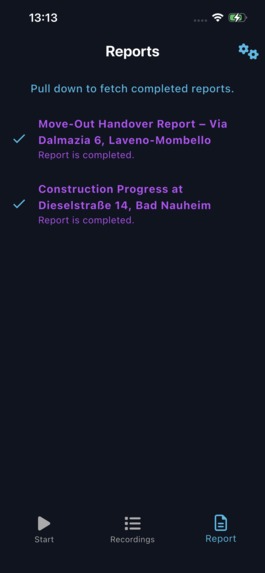
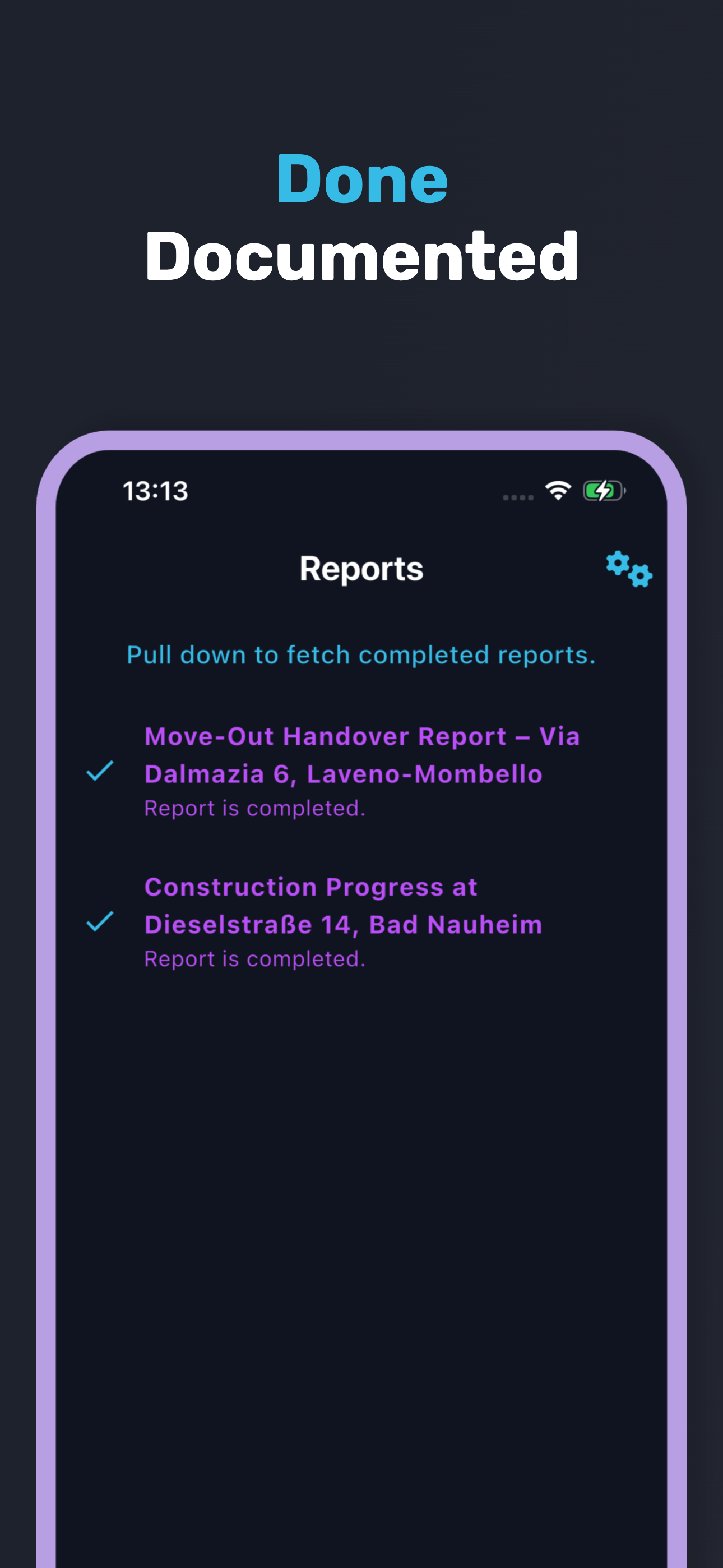
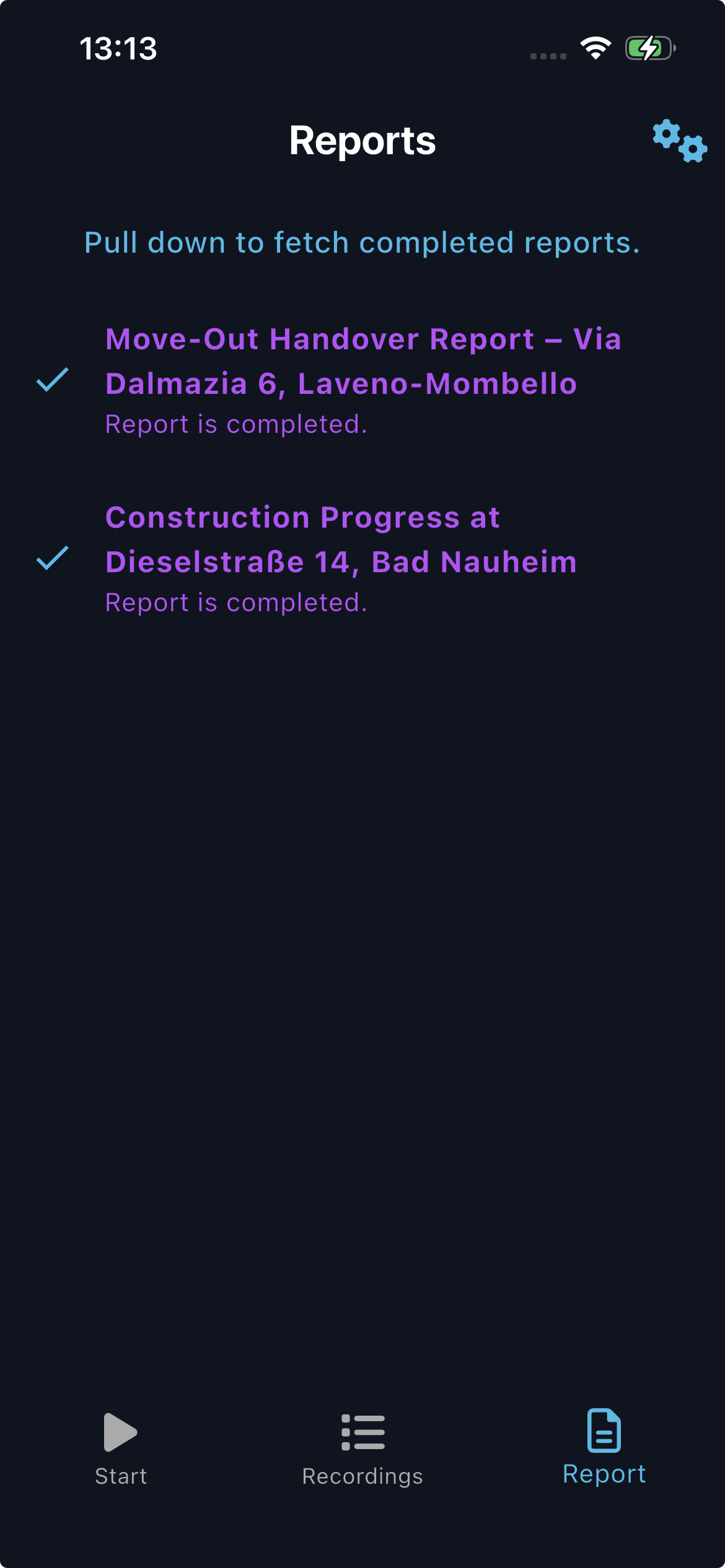
Instantly access completed reports and stay on top of your documentation workflow.
-
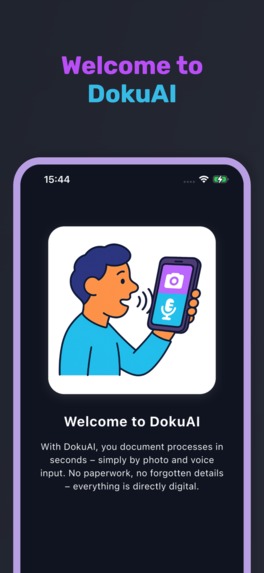
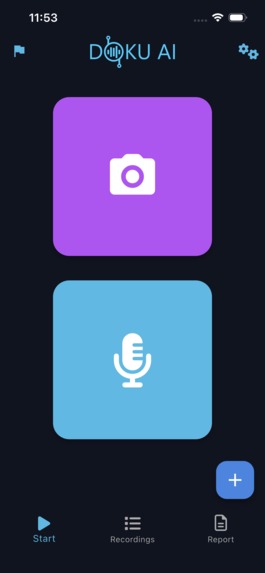
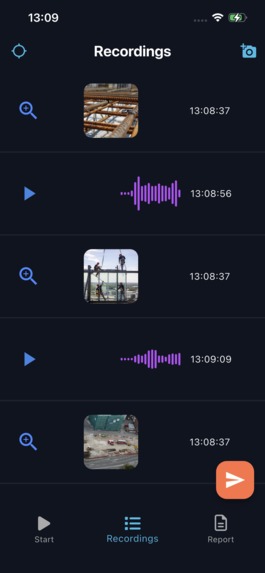
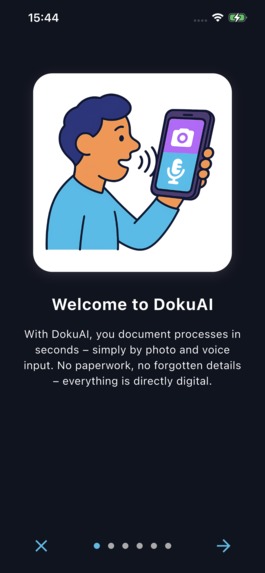
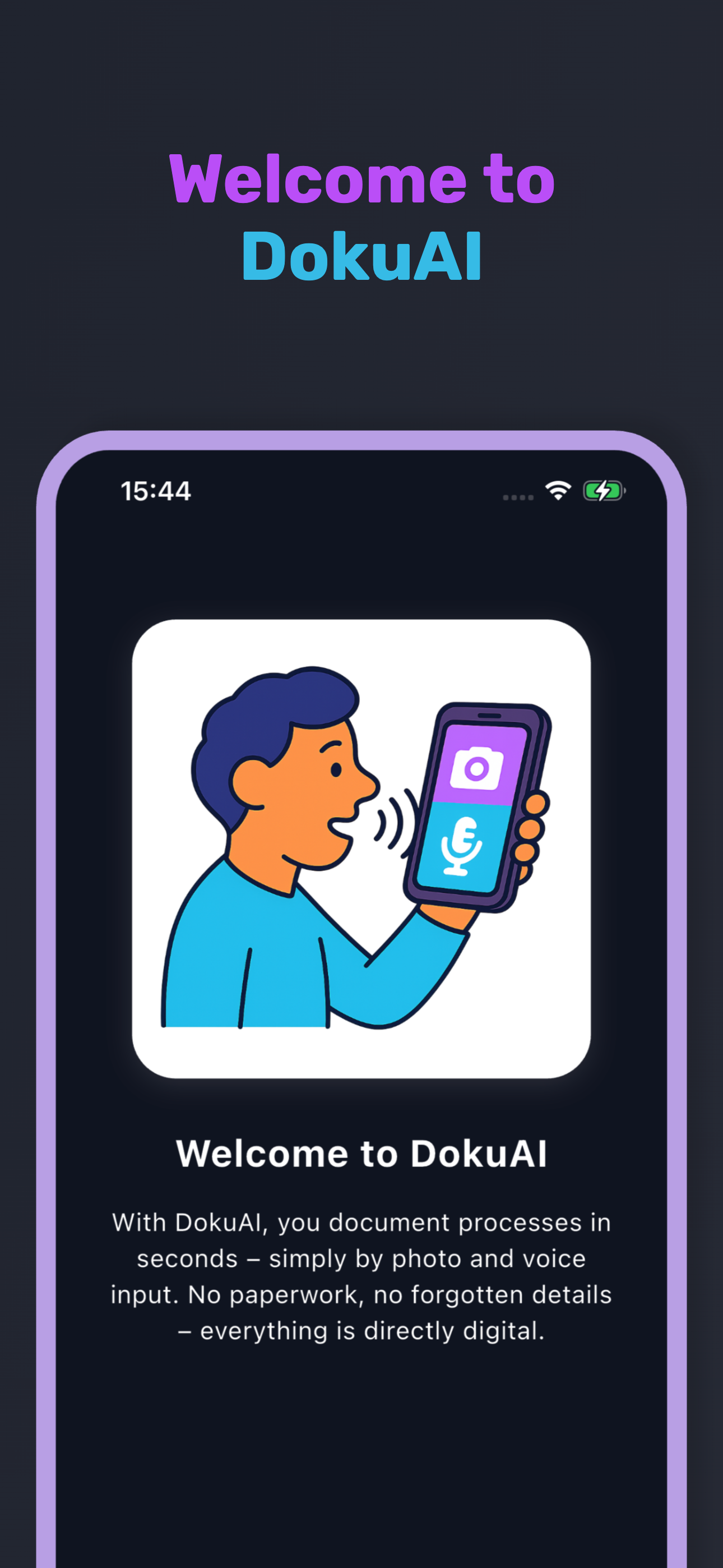
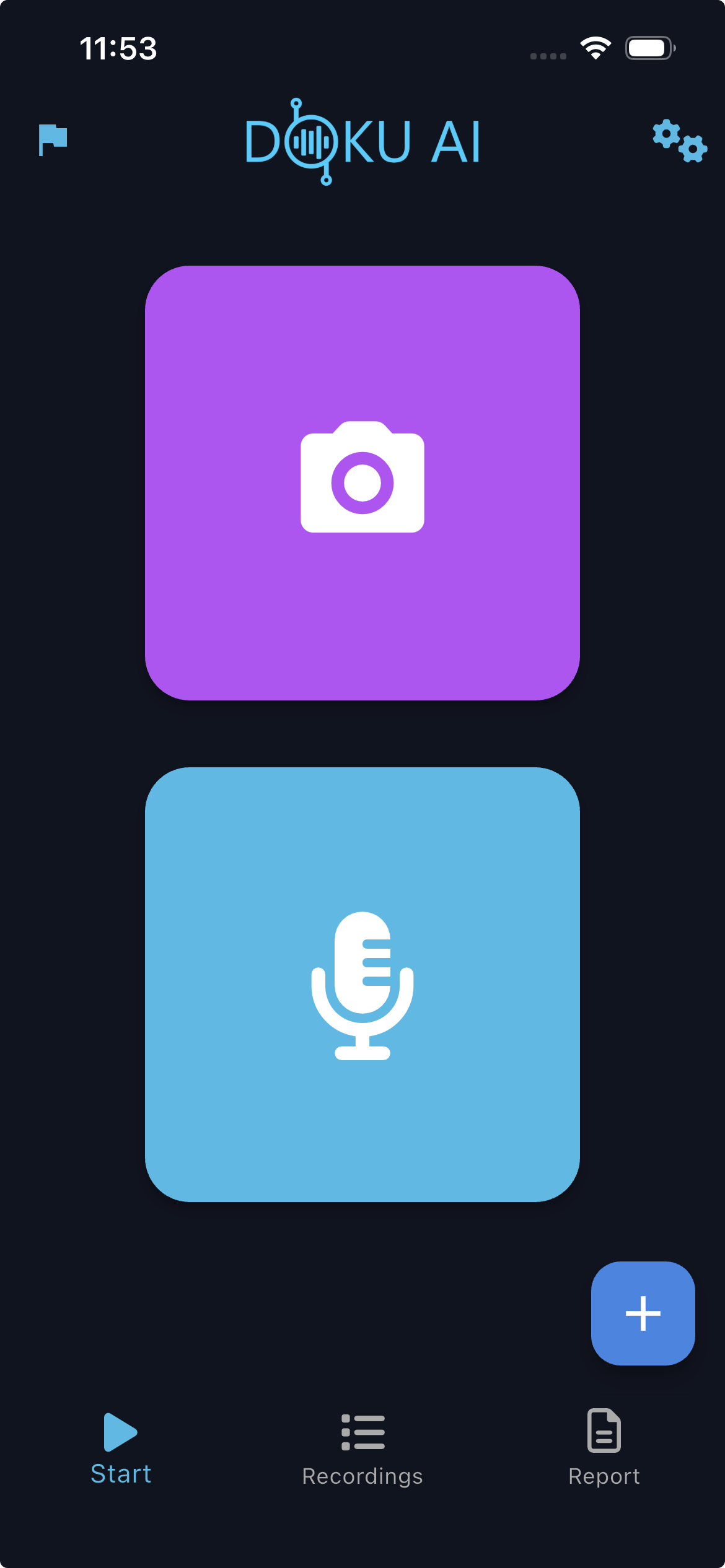
Capture and document tasks in seconds with photos and voice input—paperless and digital.
-
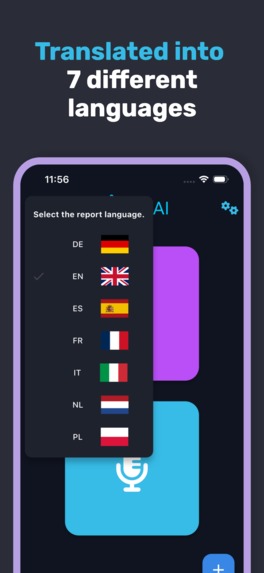
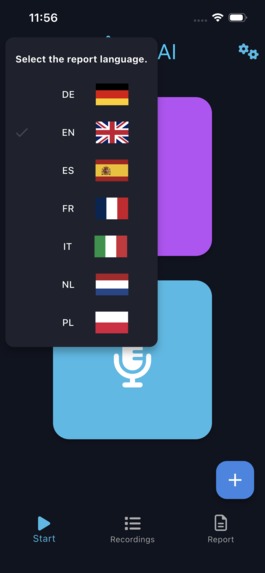
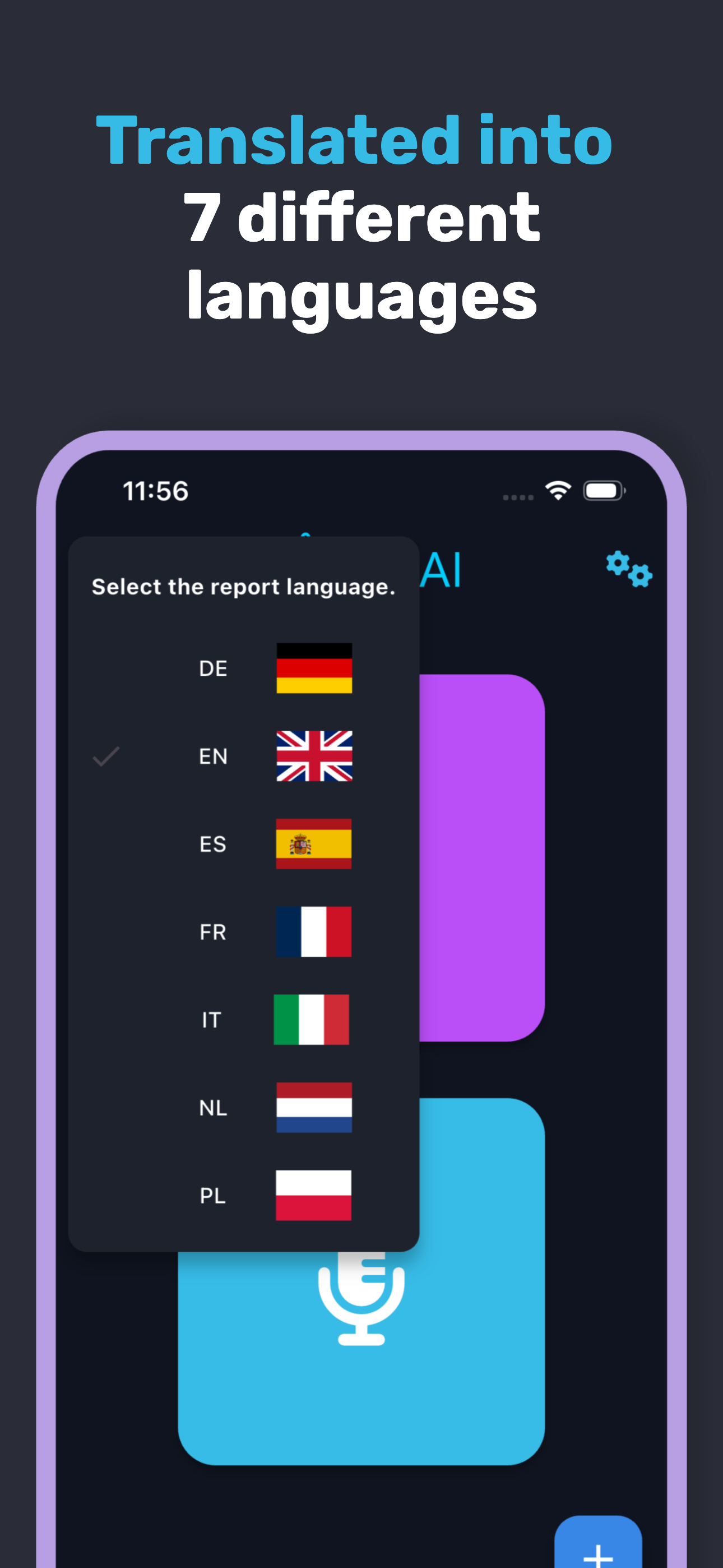
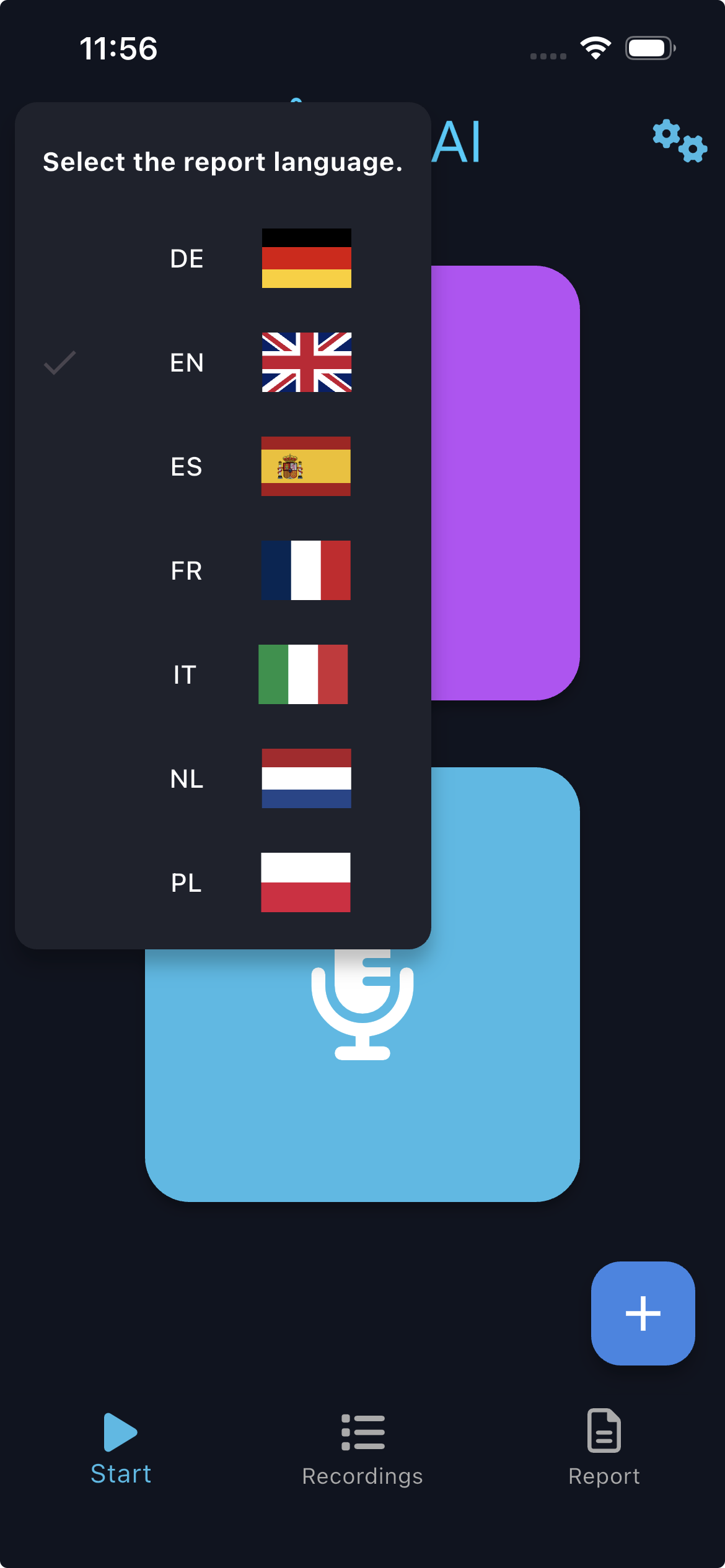
Create professional reports automatically translated into seven target languages.
-
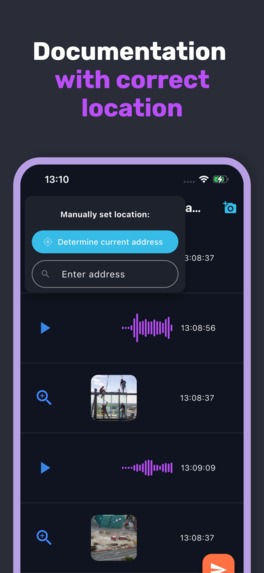
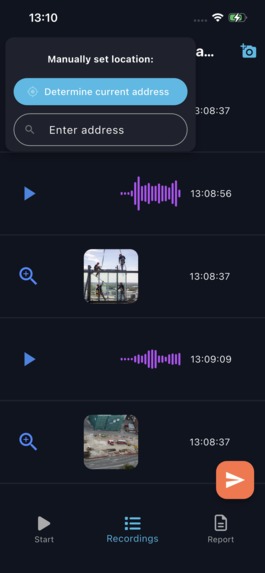
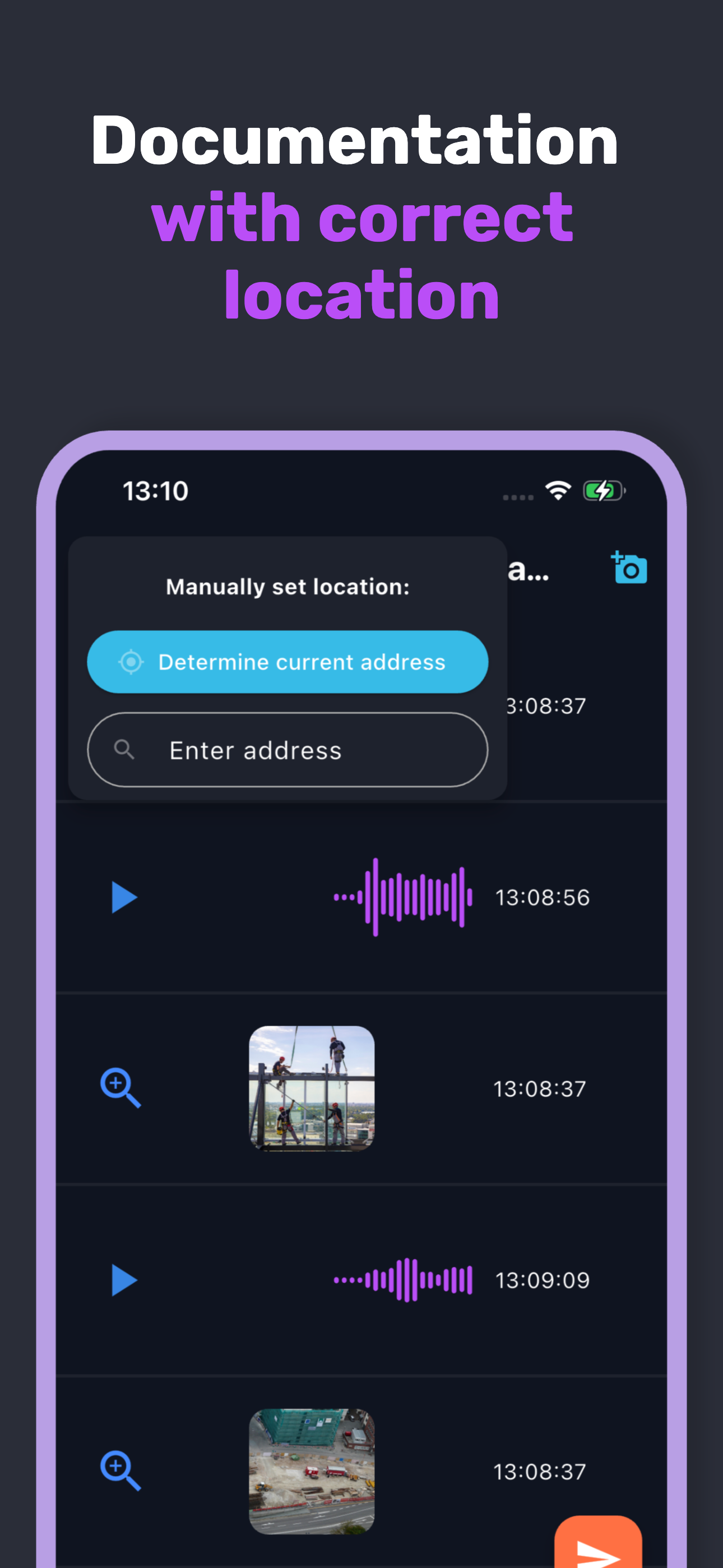
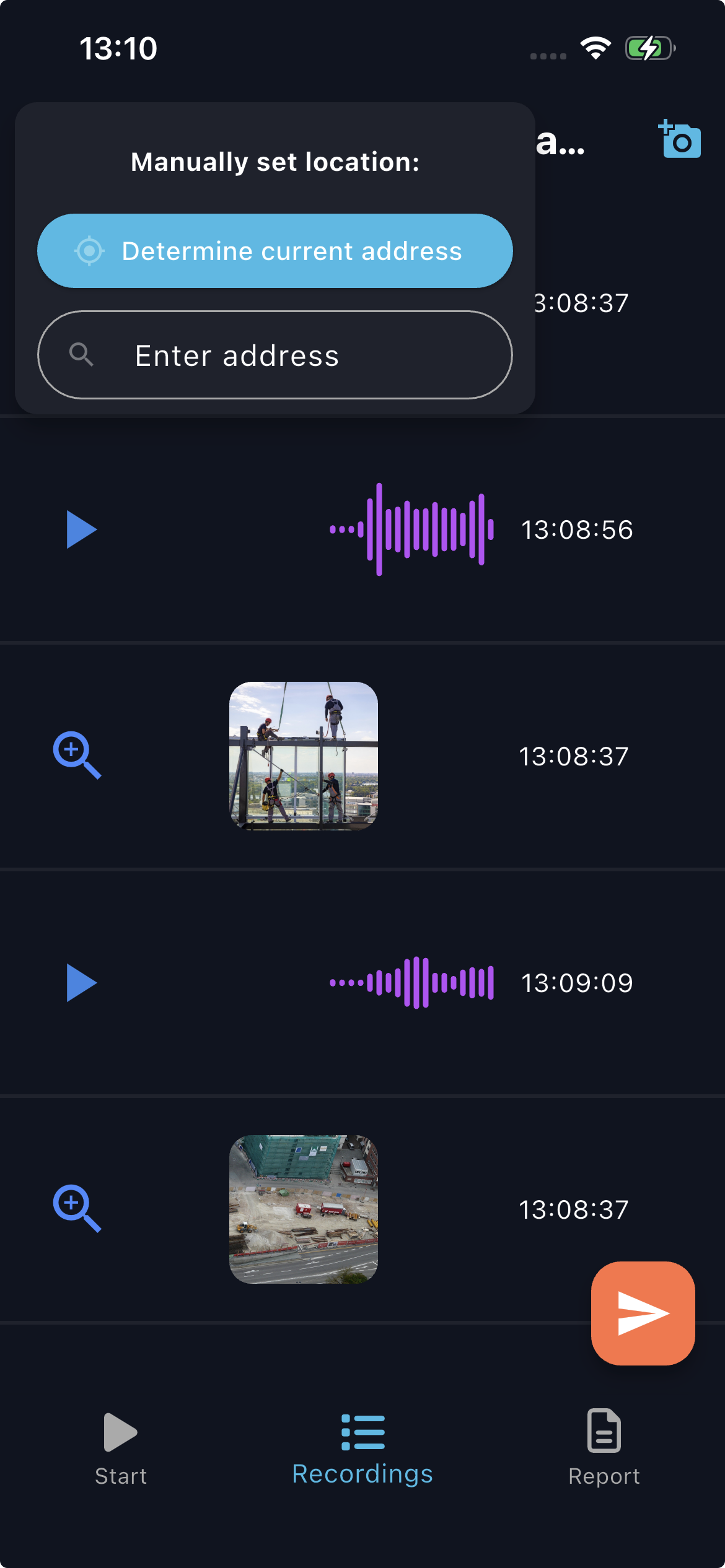
Choose automatic or manual location detection for accurate report geodata.
-
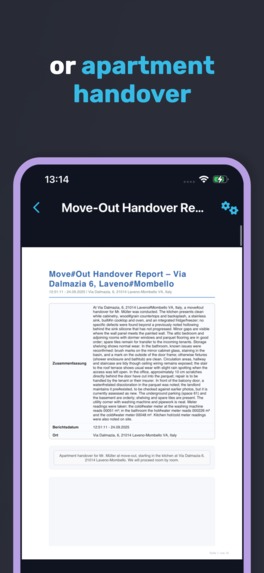
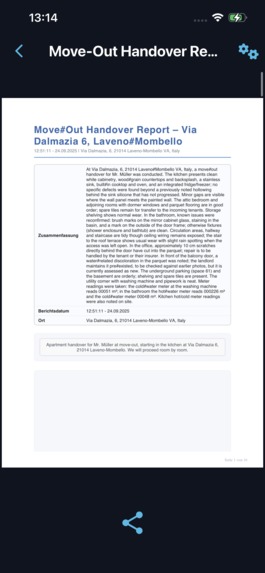
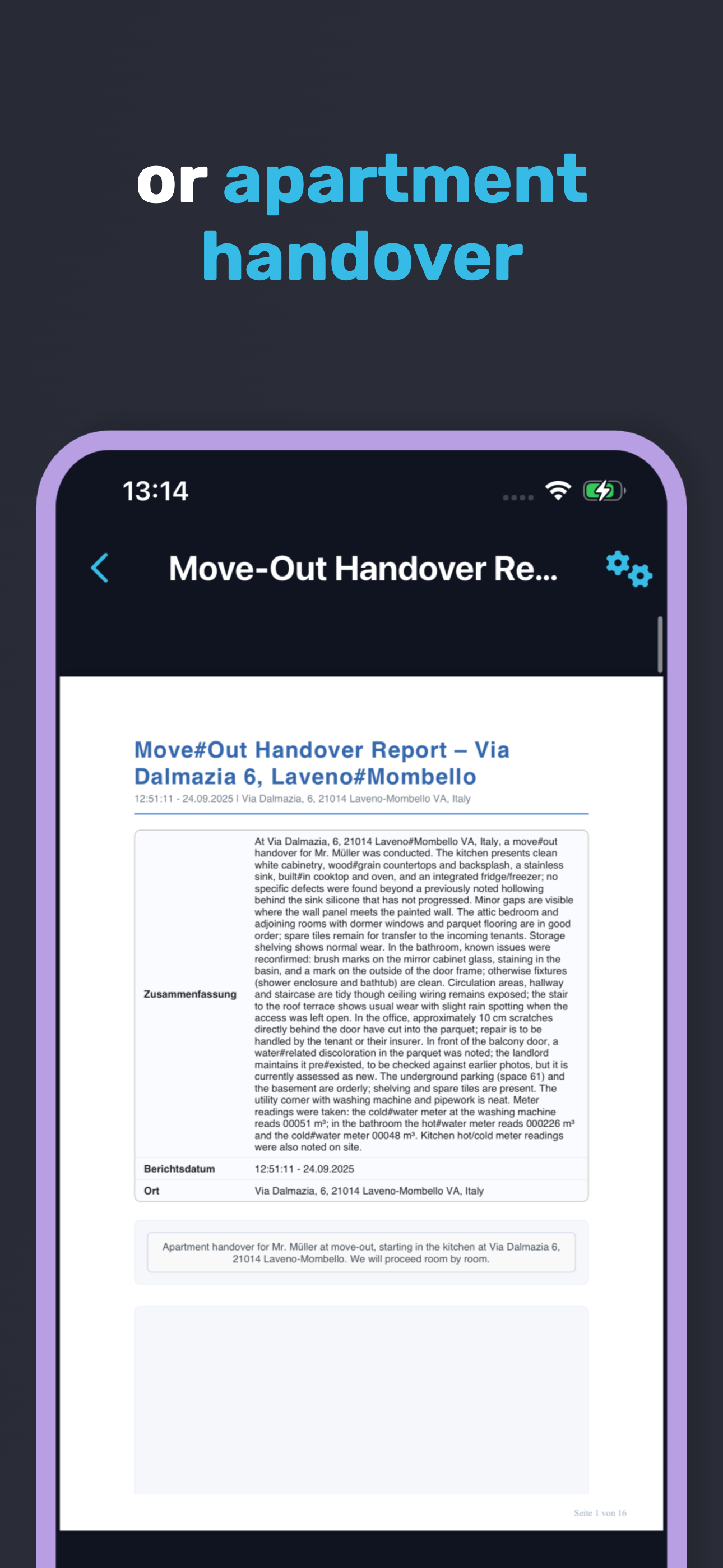
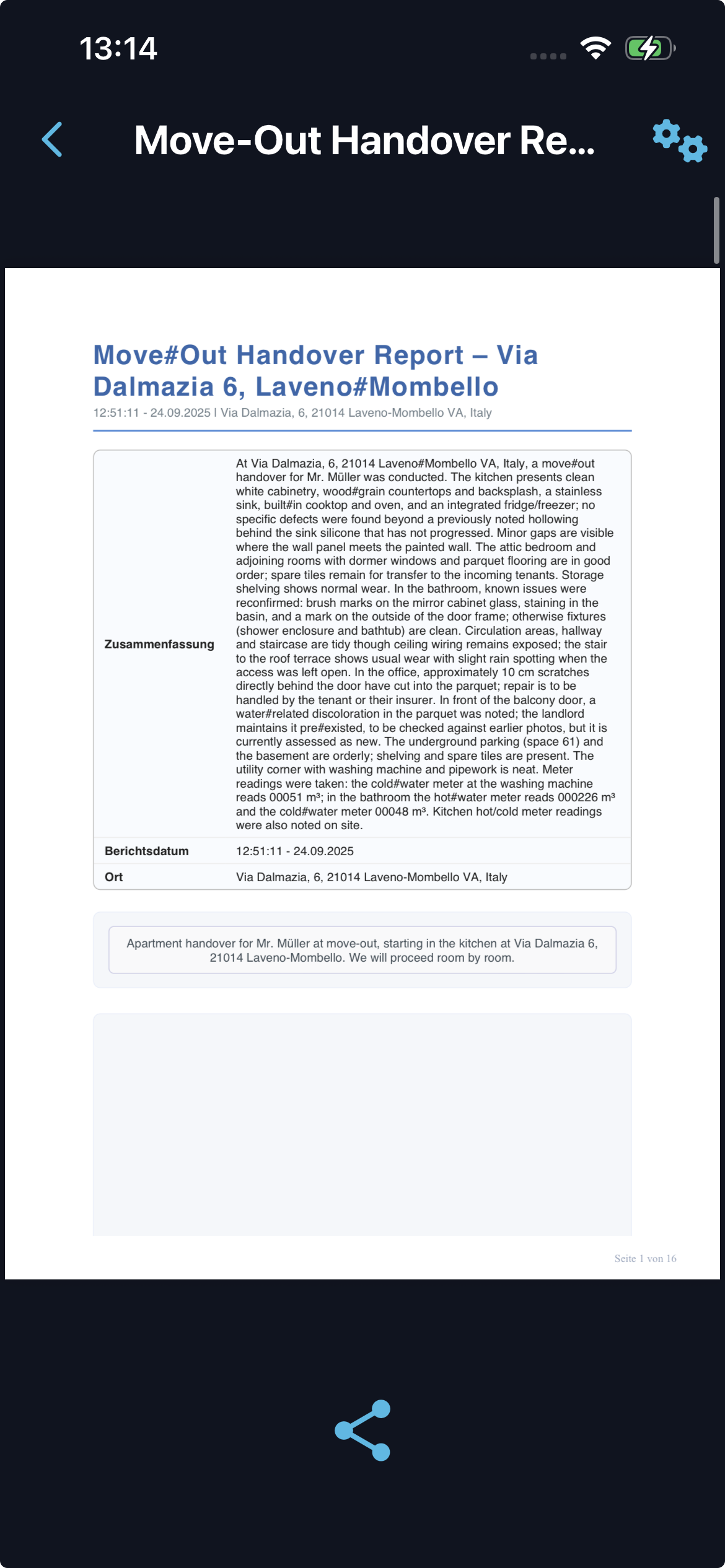
Automate detailed apartment handover documentation room by room in minutes.
-
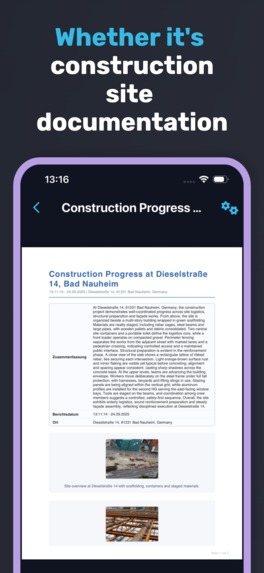
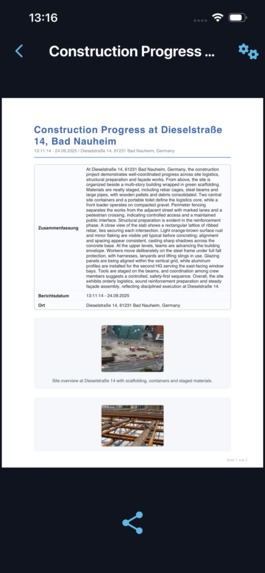
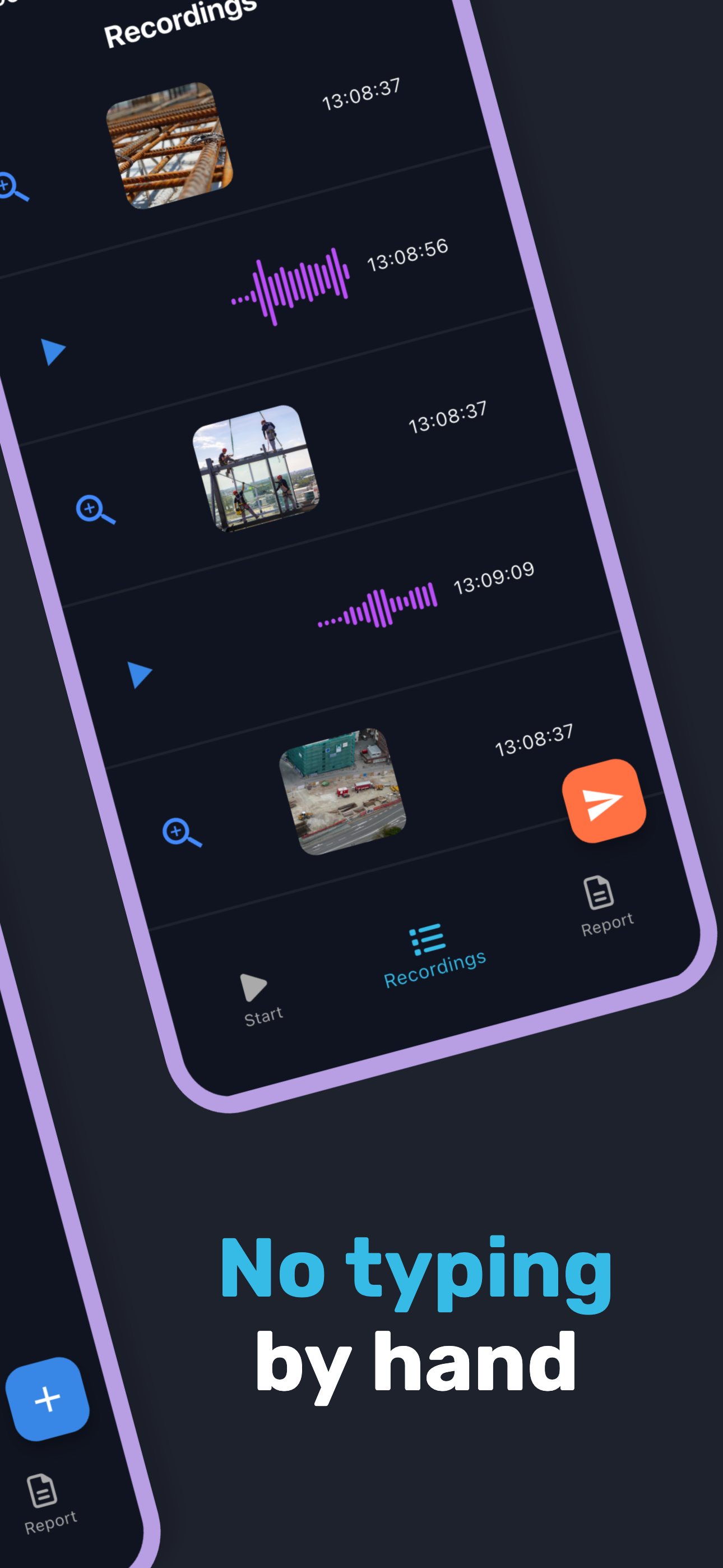
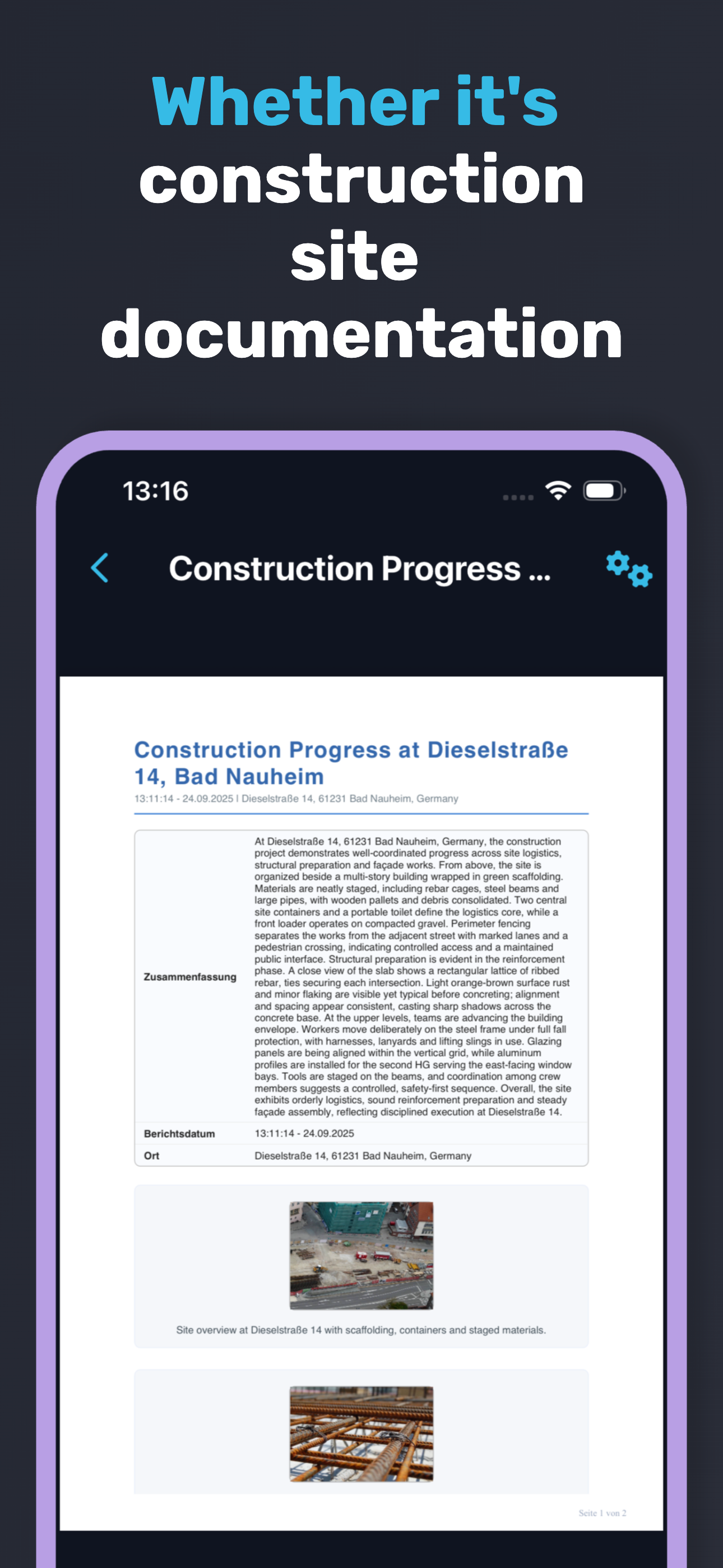
Generate structured construction reports with text, photos, timestamps, and locations.
-

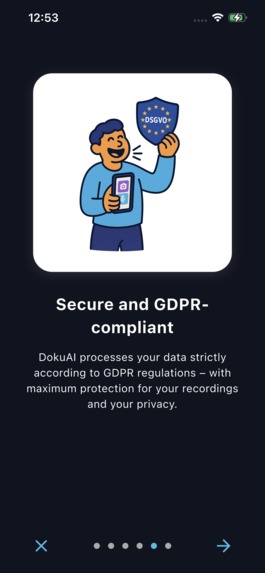
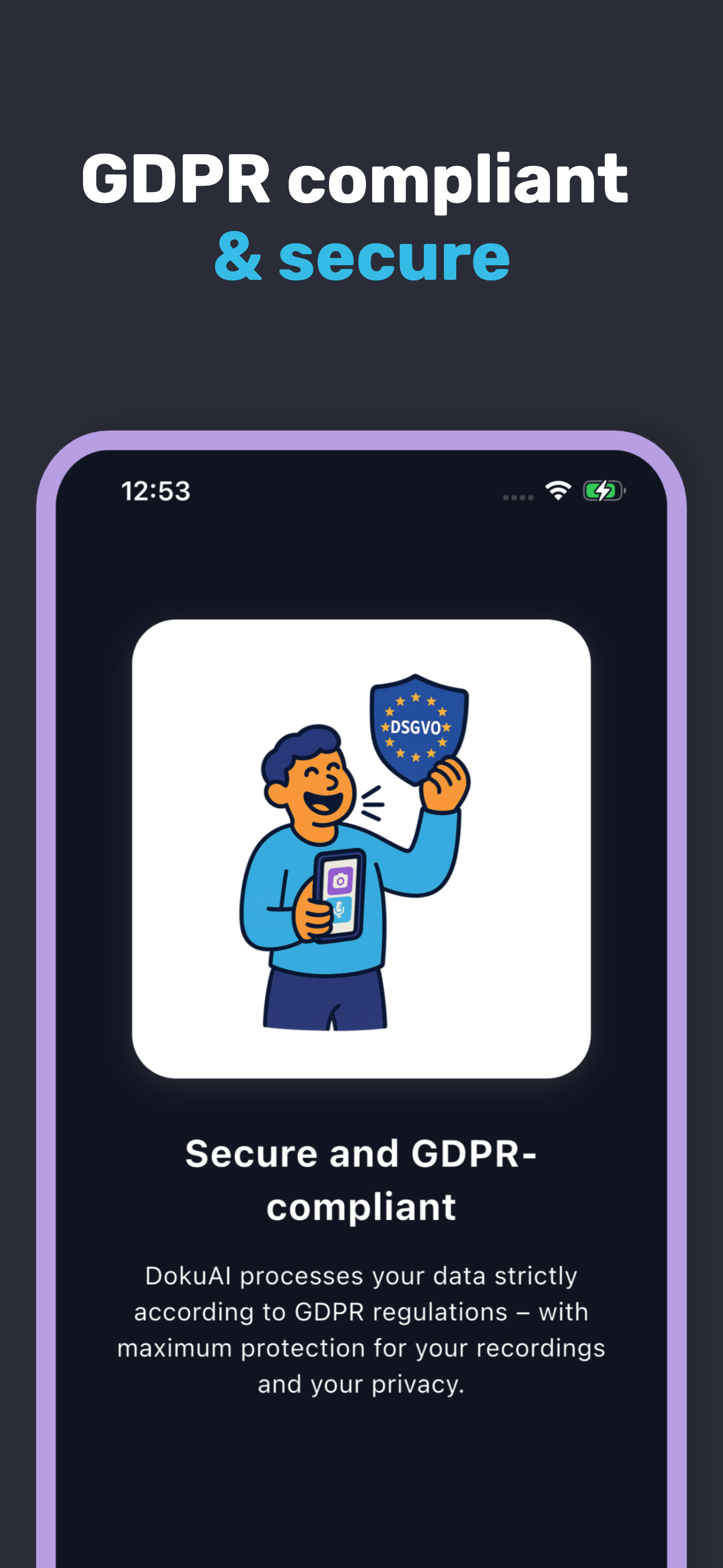
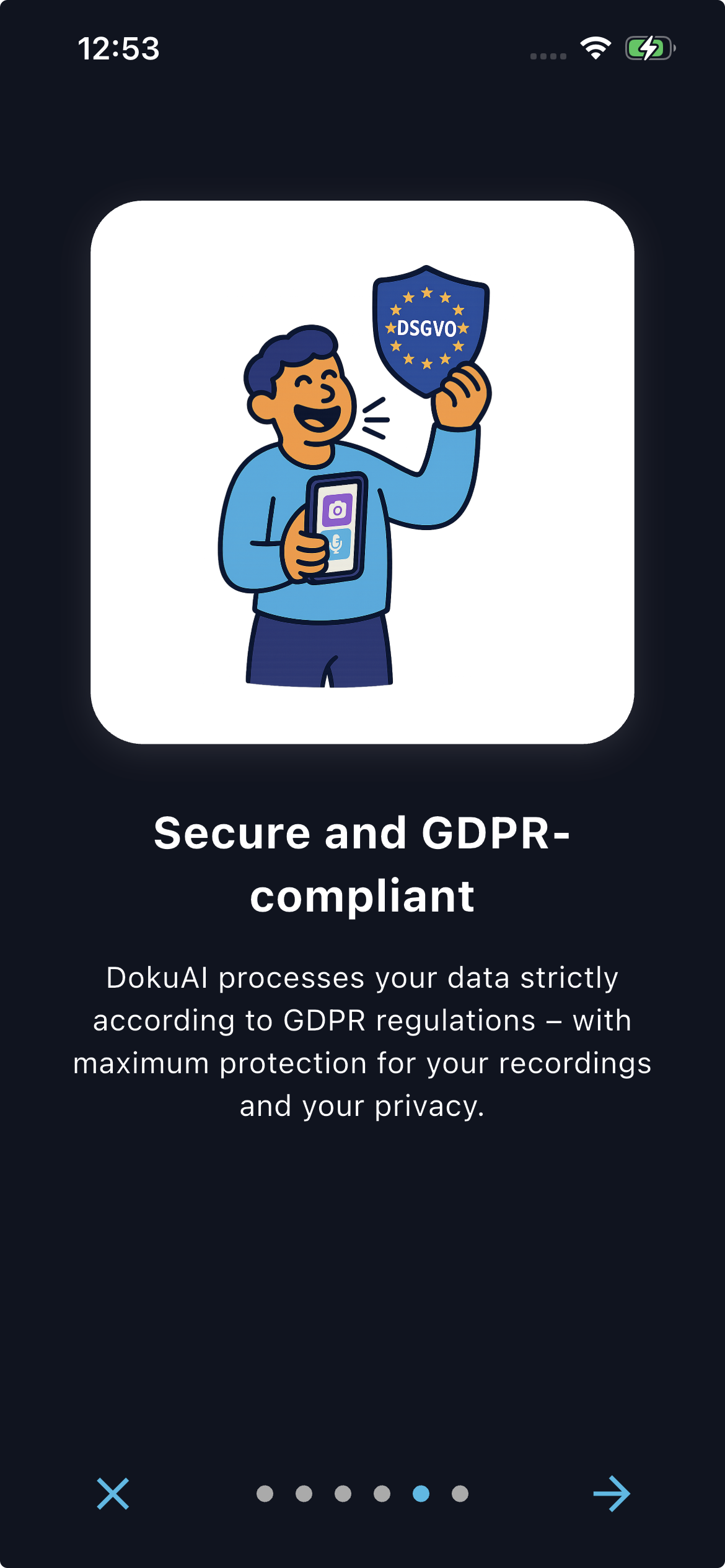
DokuAI protects your data with GDPR compliance, maximum privacy, and strong security.
-
-
-
-

-
-
-
-
-
-
-
-

DokuAI – Smart Documentation in Minutes
Inspiration
DokuAI was inspired by a close friend working in the fire safety industry. His daily routine involves capturing hundreds or even thousands of photos and writing notes while on-site. In the evenings, he then spends hours compiling all this material into detailed reports. This repetitive and exhausting process highlighted a clear problem: valuable time is being lost to paperwork rather than actual fieldwork.
The vision behind DokuAI is to eliminate these inefficiencies by automating the reporting process. With modern AI technology and scalable infrastructure, it is possible to transform raw data into professional reports in minutes instead of hours. The purpose of DokuAI is to give professionals more time to focus on the work that matters, while ensuring documentation is consistent, accurate, and delivered quickly.
What it does
DokuAI transforms images and audio recordings into structured reports with minimal effort:
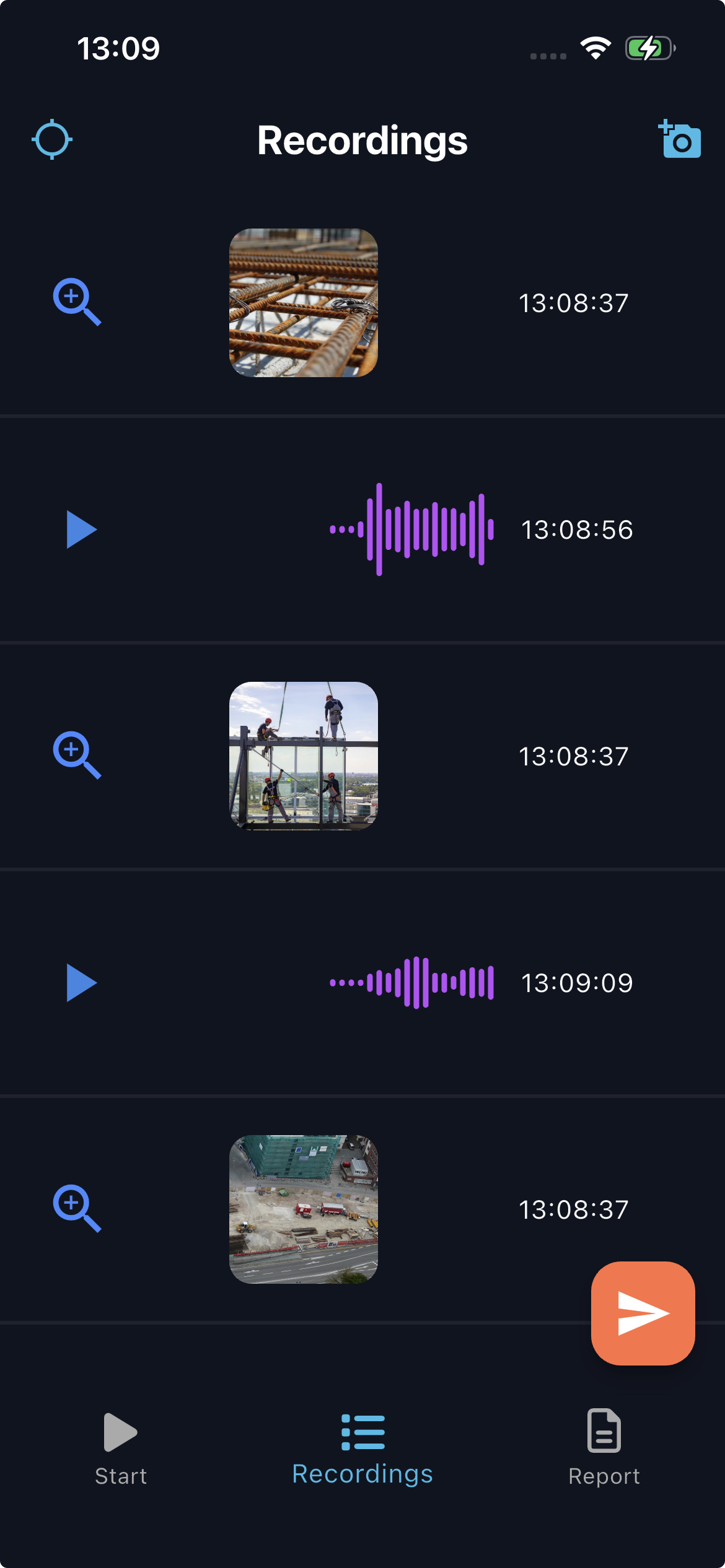
- Photos and audio can be captured directly in the app or uploaded from the device.
- Audio recordings are automatically transcribed, and images are analyzed with metadata extraction.
- Geodata is processed through Google Maps with both automatic and manual location detection options.
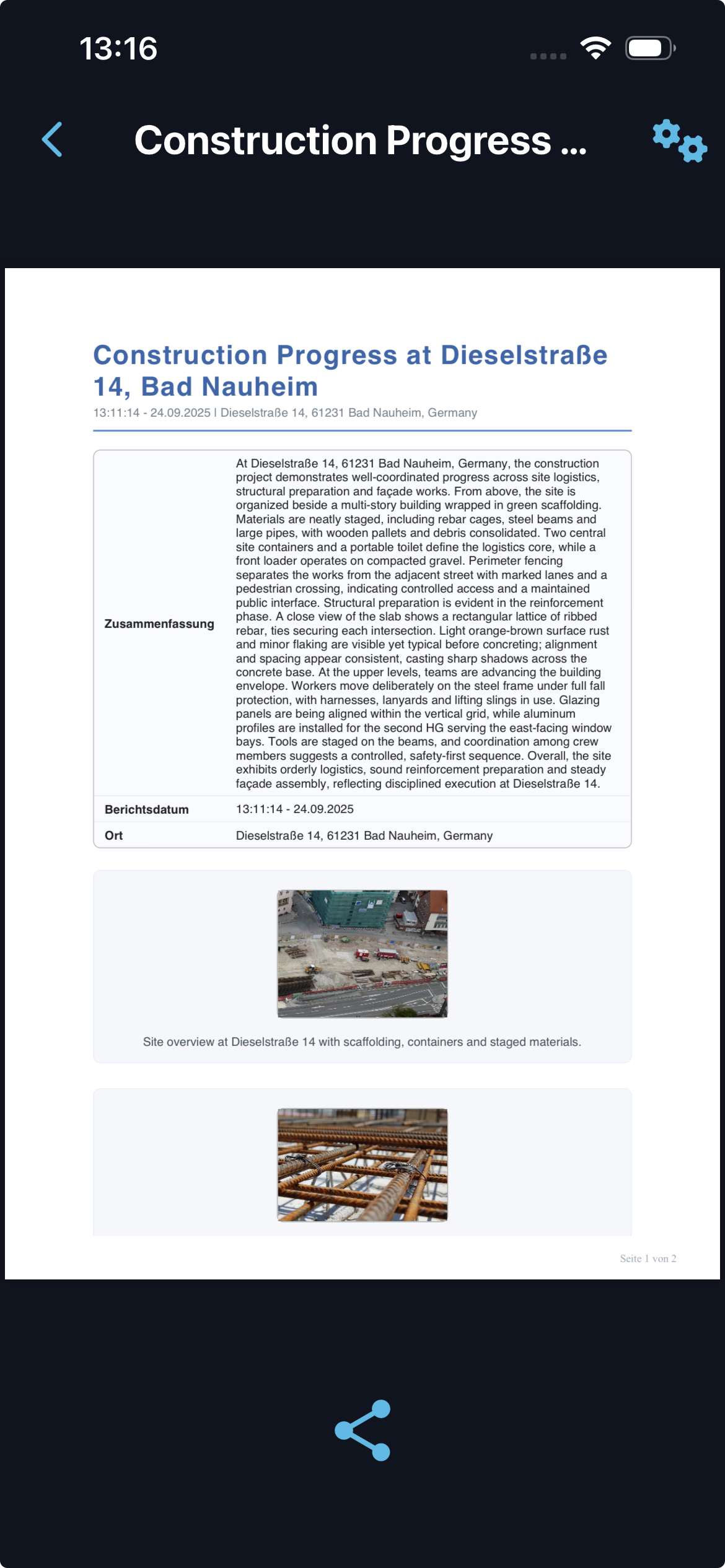
- Content is summarized, structured, and formatted into a professional report.
- Reports include images, transcribed text, timestamps, and location data.
- Reports can be generated in multiple languages with automatic translation into seven target languages.
- An optional feature allows new photos taken in the app to be automatically saved into the device photo library.
On average, the complete process from media upload to finished report takes less than five minutes.
How I built it
Backend
- Implemented using multiple Quarkus instances written in Java.
- PostgreSQL database for structured data management.
- Liquibase for database schema versioning and migrations.
- Google Maps API integrated for geodata processing, supporting both automatic and manual location handling.
AI Processing
- OpenAI API used for transcription, summarization, translation, and analysis.
- Prompt engineering for accuracy and consistency in industry-focused scenarios.
Architecture
- Asynchronous job handling designed with custom schedulers.
- UUIDs used for job tracking, ensuring security and traceability.
- Backend scaled horizontally with multiple Quarkus instances in production.
Frontend
- Built with Flutter, initially focused on iOS.
- Designed to provide a responsive and native user experience.
Deployment and CI/CD
- Source code hosted and maintained on GitHub.
- GitHub Actions pipelines automate build, test, and deployment processes.
- Backend deployed to Kubernetes using ArgoCD for GitOps workflows.
- Flutter app built automatically in GitHub Actions and deployed to App Store Connect for TestFlight and App Store distribution.
Security
- HTTPS-only communication.
- Token-based authentication.
- Detailed tracking through job IDs and database timestamps.
Challenges I ran into
Developing DokuAI alone required solving multiple technical and organizational challenges:
- Managing efficient and reliable uploads of large photo and audio files.
- Ensuring accurate and consistent AI outputs in specialized industries such as inspection, construction, and fire safety.
- Designing a user interface that is simple enough for non-technical users but robust enough for professionals.
- Balancing AI processing costs with performance and accuracy.
- Orchestrating a complex deployment setup, including multiple Quarkus services, PostgreSQL, Kubernetes clusters, ArgoCD, and CI/CD pipelines for both backend and frontend.
- Handling automatic versus manual geodata capture reliably while preserving user control and compliance.
- Supporting multilingual reporting and ensuring translations remain both accurate and context-aware.
Accomplishments that I am proud of
- Delivered a complete end-to-end process that automates reporting in less than five minutes.
- Achieved high accuracy in transcription, summarization, translation, and structured data extraction.
- Built a scalable backend with multiple Quarkus instances running in Kubernetes.
- Fully automated CI/CD pipelines: backend deployments via ArgoCD and Flutter app distribution directly to App Store Connect.
- Added multilingual reporting with automatic translation into seven target languages.
- Implemented both automatic and manual geodata detection to cover diverse field conditions.
- Recruited nearly 90 beta testers through X.com, who provided valuable feedback during early development.
- Achieved the number one ranking in the German App Store for the keyword “Dokumentation.”
What I learned
Building DokuAI alone provided direct experience across all aspects of modern software product development:
- Prompt engineering is essential for accurate and consistent AI-driven outputs.
- Asynchronous job handling is critical for responsive applications where heavy processing occurs in the background.
- A simple and intuitive interface is a major factor for adoption, especially in industries with low digital affinity.
- Building scalability early prevents costly redesigns in later stages.
- Early App Store release accelerated the feedback loop and provided insights beyond private testing.
- Direct engagement with users via X.com enabled fast recruitment of testers and established trust with the community.
What's next for DokuAI
The future development of DokuAI will focus on extending capabilities and deepening adoption:
- Release of the Android version to reach a wider user base.
- Industry-specific, customizable report templates (e.g., fire safety, construction, maintenance).
- Enhanced offline capture functionality with delayed upload for poor connectivity scenarios.
- Integrations with CRM systems and project management tools to align with enterprise workflows.
- Team-based features including roles, approvals, shared reports, and comments.
- Expanded quality assurance with validation rules, mandatory fields, and plausibility checks.
- Additional multilingual support beyond the seven existing target languages.
- Advanced cost optimization strategies including batch processing, caching, and dynamic model selection.
DokuAI continues to evolve as a comprehensive solution for structured documentation. It reduces the time required for reporting from hours to minutes, ensuring that professionals can focus on the tasks that matter most while producing consistent, reliable reports.
Built With
- argocd
- civo
- dio
- flutter
- github
- java
- kubernetes
- liquibase
- openai
- postgresql
- quarkus
- revenuecat

Log in or sign up for Devpost to join the conversation.