-
-

Landing page
-
Document Processing
-

Success


Inspiration
Manual data entry from handwritten documents is slow, error-prone, and incredibly painful—especially in sectors like logistics, finance, leasing, biotechnology, and retail. I experienced firsthand the frustration of dealing with messy handwriting and unstructured data, so I set out to create a solution that not only automates this cumbersome process but also guarantees data accuracy and scalability.
What it does
DocuSculpt transforms raw document scans (PDFs/images) into structured, validated data. It extracts, organizes, verifies, and stores human-readable versions of complex forms using Azure AI services—all in real time and entirely in the cloud. Of course, no technology is perfect. That’s why we built a Human in the Loop (HITL) model that lets users edit or update flagged fields when the AI can’t decipher them. The revised data then flows seamlessly back from systems like CRM (Customer Relationship Management like Salesforce), or LIMS (Laboratory Information Management System) into our database.
How I built it
- Storage: Azure Blob Storage holds raw input files and the structured results before human verification.
- Text Extraction: Azure Document Intelligence extracts text from handwritten or computer-typed forms, transfers, credit applications, receipts, and more.
- Data Structuring: Azure OpenAI (GPT-4o) converts raw, jumbled data into a structured format through intelligent prompting.
- Workflow Automation: Azure Logic Apps push the structured output from Blob Storage to Salesforce (for now). After user edits, the updated data is returned and stored in Azure Cosmos DB for further analysis and dashboard creation.
- Serverless Backend: Python and Azure Functions validate critical fields (email, phone, date of birth, address etc.) asynchronously using trusted third-party APIs, while Azure SignalR provides real-time status updates to keep users engaged.
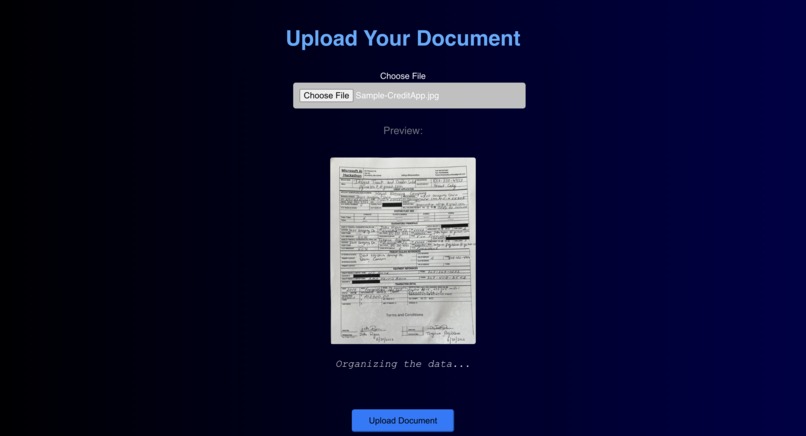
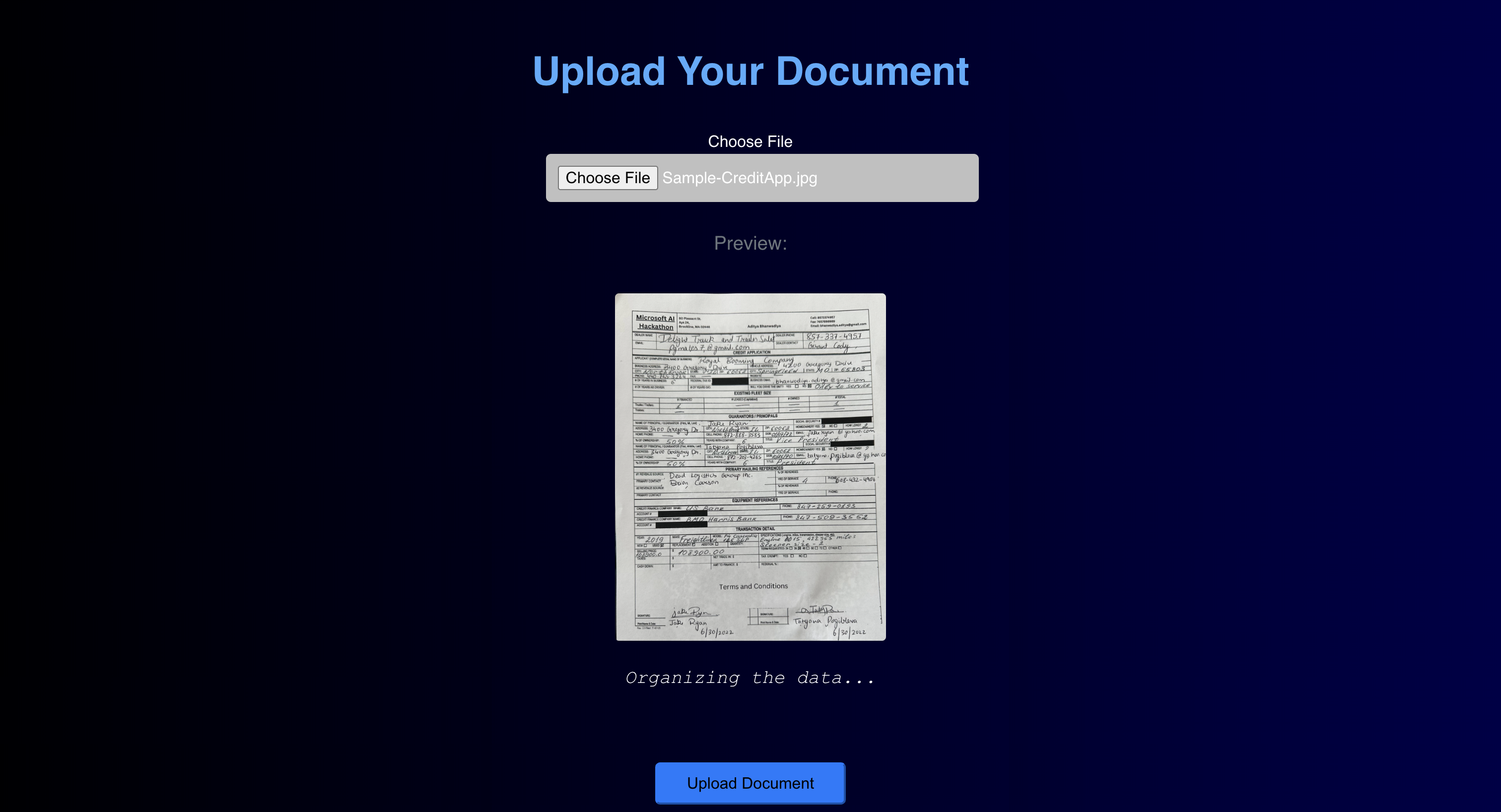
- User Interface: A basic UI built with HTML/CSS and React facilitates user uploads and live updates—GitHub Copilot was a great help here!
Challenges I ran into
- Ensuring Consistency: Getting valid output from GPT consistently required intensive prompt engineering and fallback cleaning.
- Initial Setbacks: Azure Functions, especially the Blob Function, struggled heavily at first.
- Debugging Nightmares: Debugging Azure Logic Apps was a true test of endurance—chaining inputs and outputs for testing cost us many sleepless nights.
Accomplishments that I'm proud of
- Built a fully serverless, cloud-native pipeline using 10+ Azure services, demonstrating deep integration with Azure’s AI ecosystem.
- Successfully validated numerous critical fields, including complex references and company details.
- Maintained real-time user feedback via SignalR during asynchronous processing.
- Refactored everything for clean architecture and production readiness.
What I learned
- How to harness Azure’s AI ecosystem to solve real-world automation challenges.
- The importance of writing resilient, scalable, and stateless cloud functions.
- How even small issues can break cloud deployments—and why a cloud-first approach is essential.
- The critical need for fault-tolerant data cleaning.
What's next for DOCU-SCULPT
- Develop an admin dashboard to review and override flagged values.
- Support multi-language document recognition.
- Integrate more deeply with CRMs and internal workflows.
- Package DocuSculpt as a SaaS API for streamlined onboarding and compliance automation.
Built With
- azure
- azure-blob-storage
- azure-cosmos-db
- azure-document-intelligence
- azure-functions
- azure-key-vault
- azure-logic-apps
- azure-openai
- azure-signalr
- crm
- python
- salesforce


Log in or sign up for Devpost to join the conversation.